Copy to Clipboard
101
Improve utility with SaaS 'Copy to Clipboard' patterns. These micro-interactions provide instant feedback, helping users quickly grab IDs, links, or code snippets with a single click.
.webp)
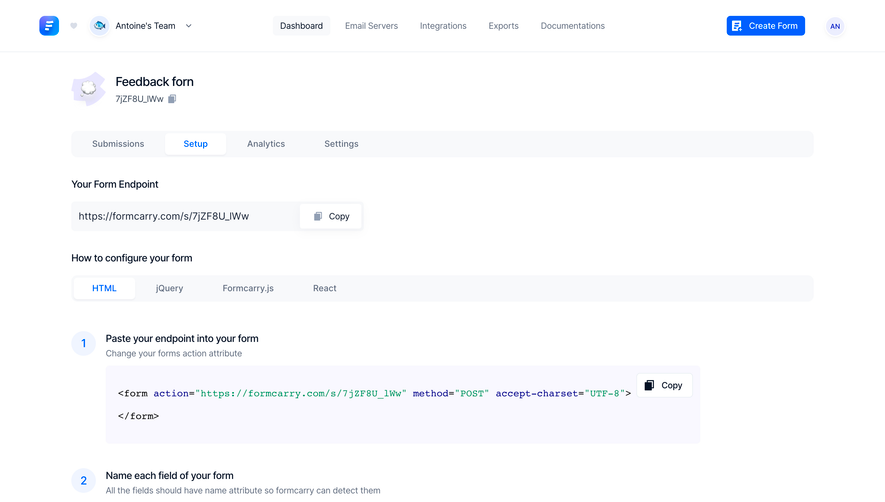
Copy to clipboard transfers a value from the interface so someone can use it elsewhere. In SaaS, the copied content may be an installation snippet, a referral link, a record identifier, or a generated token. The interaction succeeds when users know exactly what was copied and can continue the next task without reselecting or reconstructing the value.
The button removes the friction of manual selection, especially for long or structured content. It also introduces an invisible result: the destination is outside the page. A good design therefore makes the payload clear, confirms the actual outcome, and provides a recovery path when copying is unavailable.
A copy action needs an unambiguous target. If a card contains a title, URL, and description, “Copy” could refer to any of them. Use a label such as “Copy link” or “Copy identifier” where the context does not establish the answer.
For code, explain whether the action copies the whole block or only a selected portion. For rich content, decide whether the user needs plain text, formatted text, or an application-specific representation. A visible preview can differ from the transferred format, but that difference should be understandable.
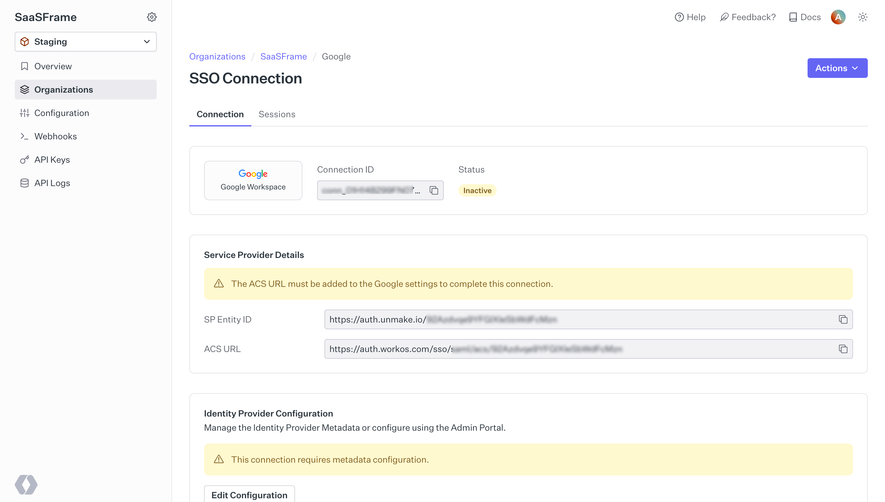
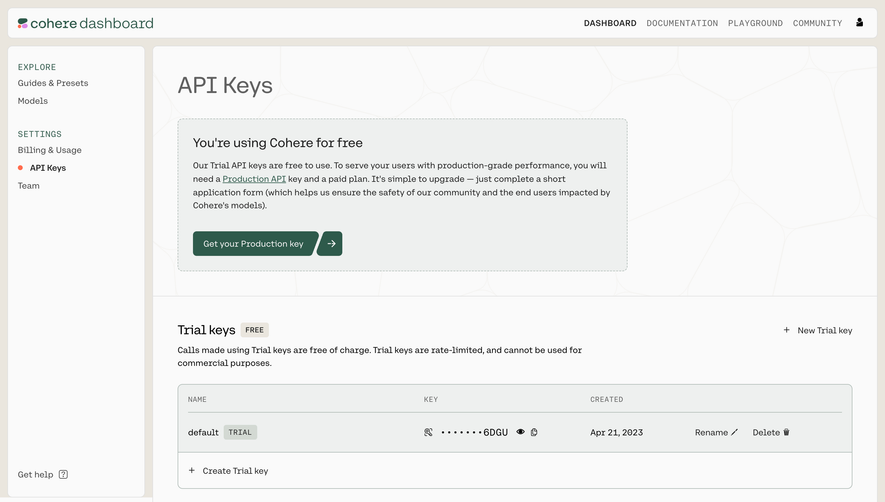
A shortened visible string should not accidentally become the copied value. A token may be truncated for layout while the button copies the full token. Conversely, a masked secret should not imply that the copied payload is also masked. The interface must communicate what the action does.
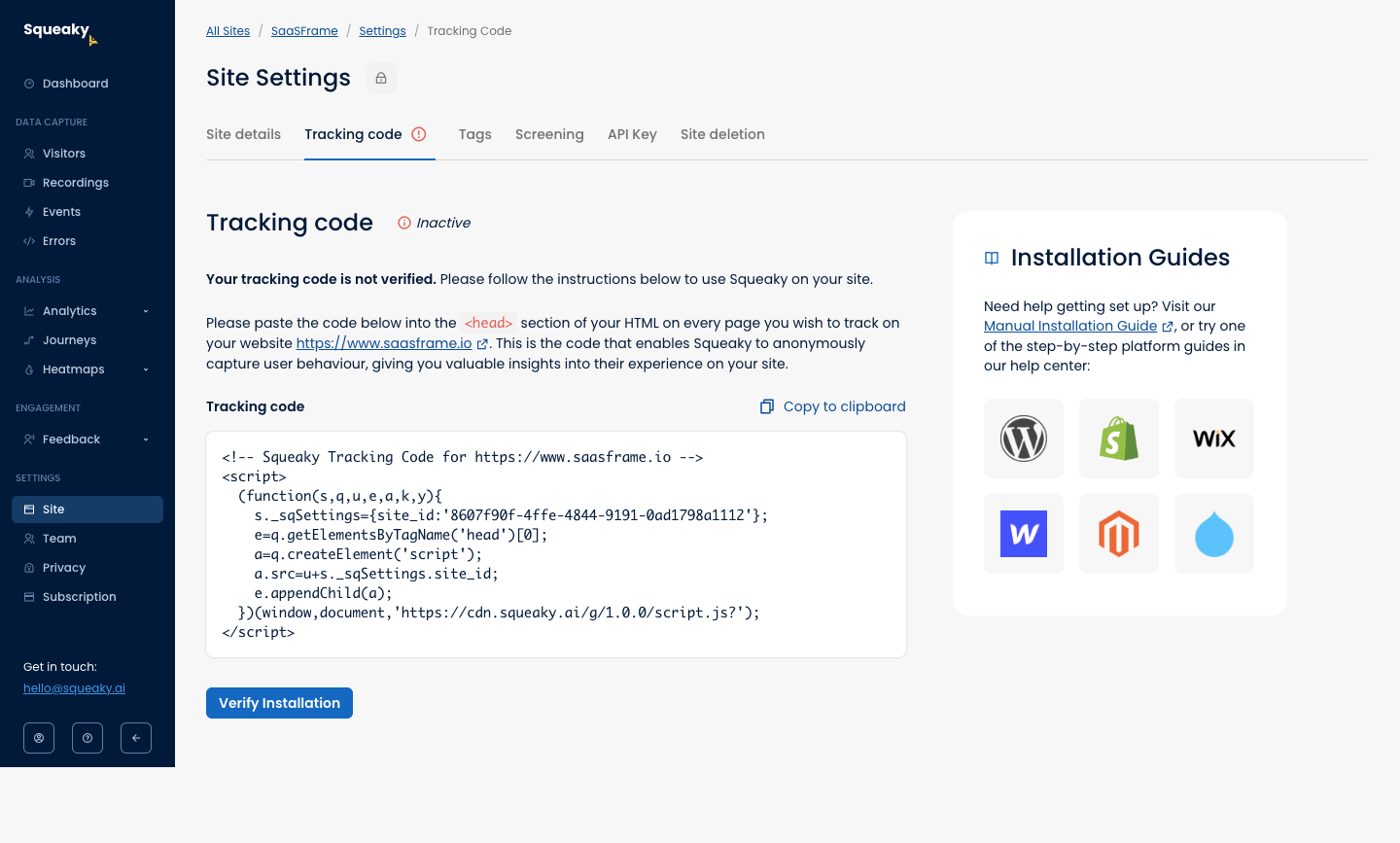
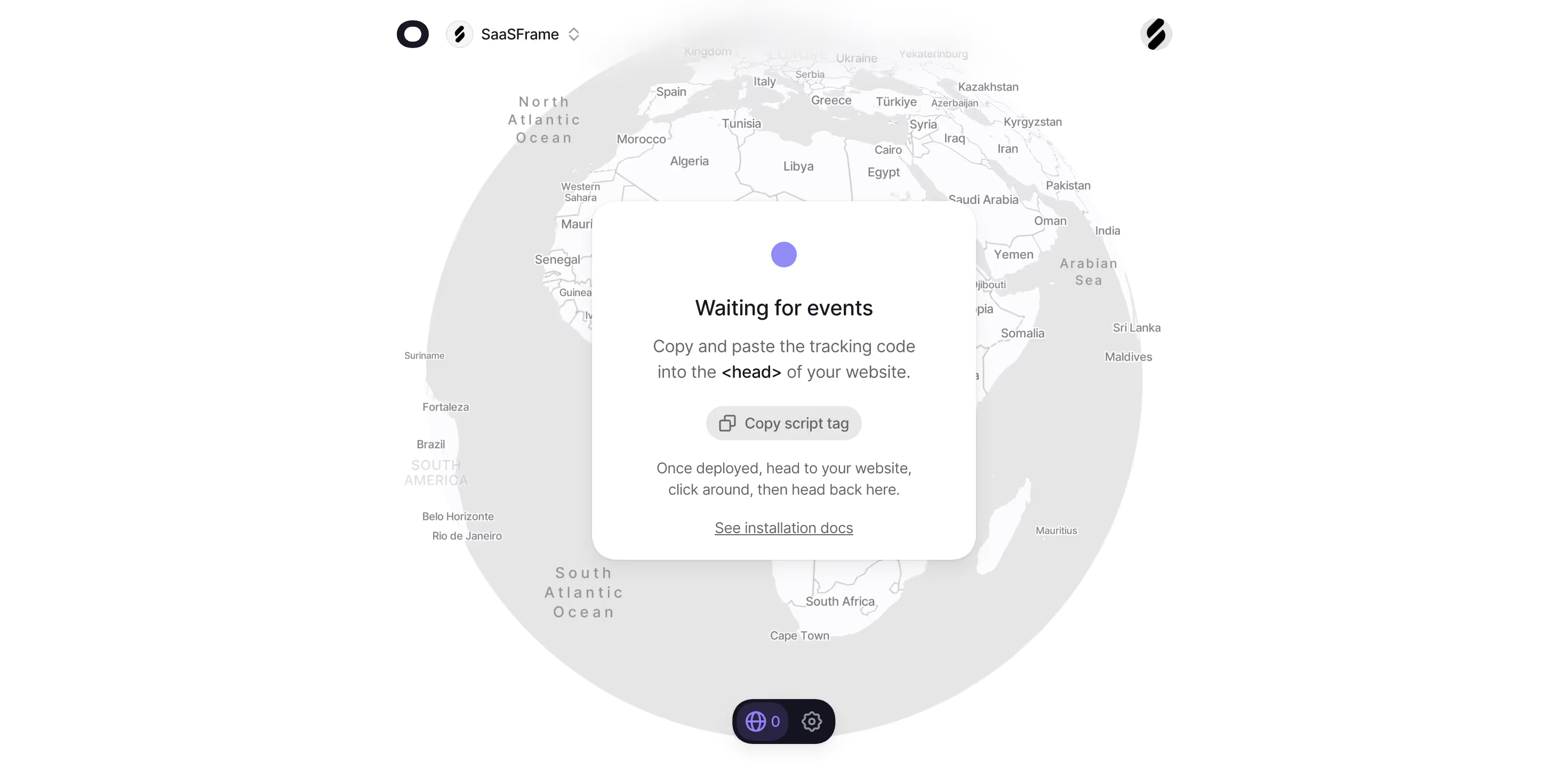
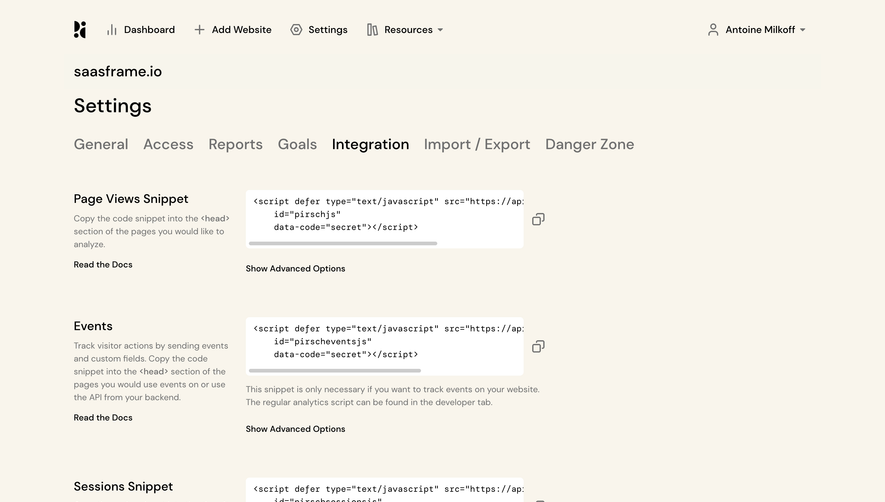
The Squeaky capture shows a tracking-code block under Site Settings. “Copy to clipboard” appears beside the block’s label. Above it, instructions explain where the code belongs; below it, “Verify Installation” provides a separate next action. A panel links to manual and platform-specific installation guides.
The separation is important. Copying does not mean the script has been installed, and installation does not necessarily mean it has been verified. The interface represents those as distinct steps instead of using a copy confirmation as evidence that the integration is active.
The visible tracking state is inactive and the page says that the code is not verified. That status provides context for why the user needs to copy the snippet. The copy action is not an isolated utility; it supports a clearly explained setup task.
The screenshot cannot establish what the browser transfers or how failure is handled. Review the working implementation to ensure that indentation, characters, and the complete snippet arrive as intended.
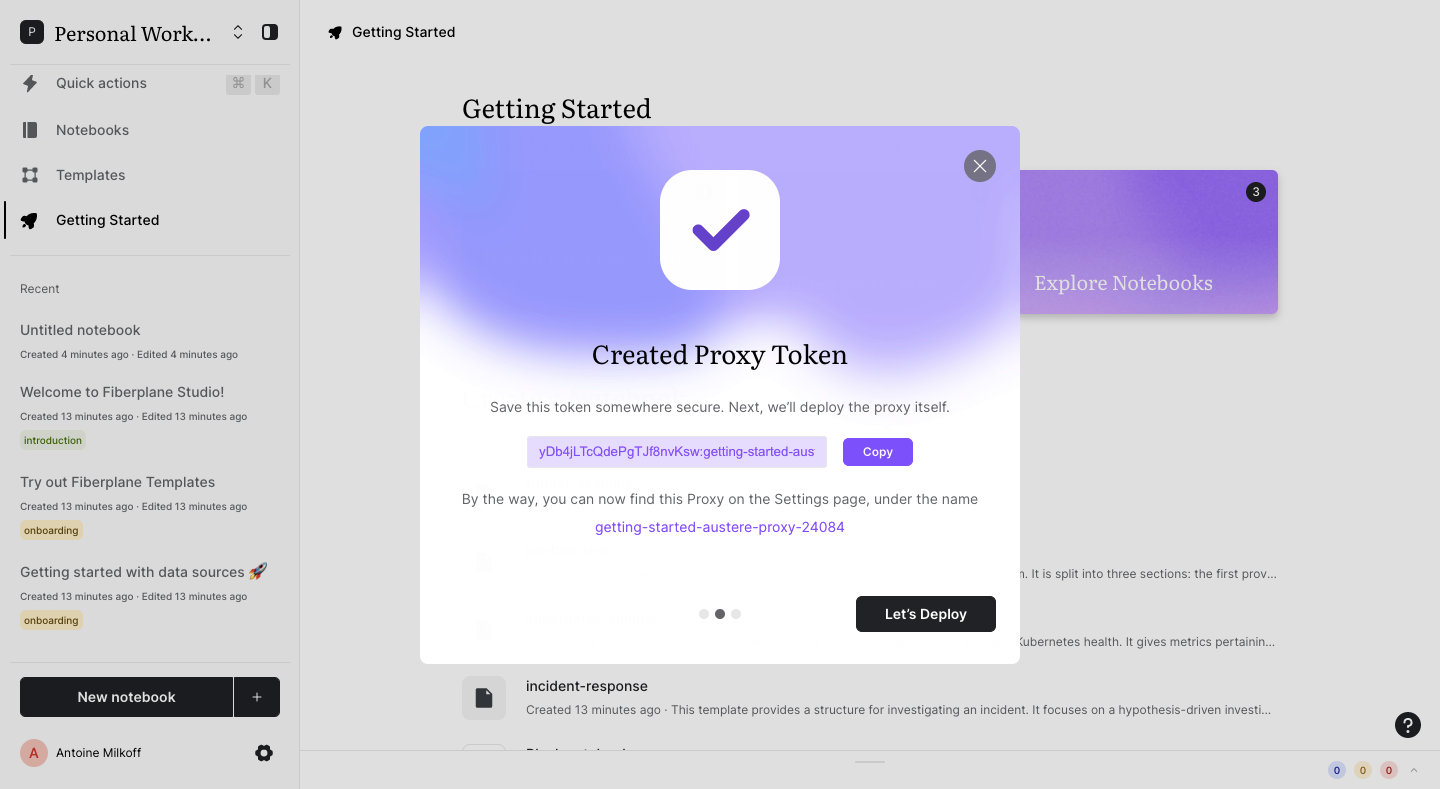
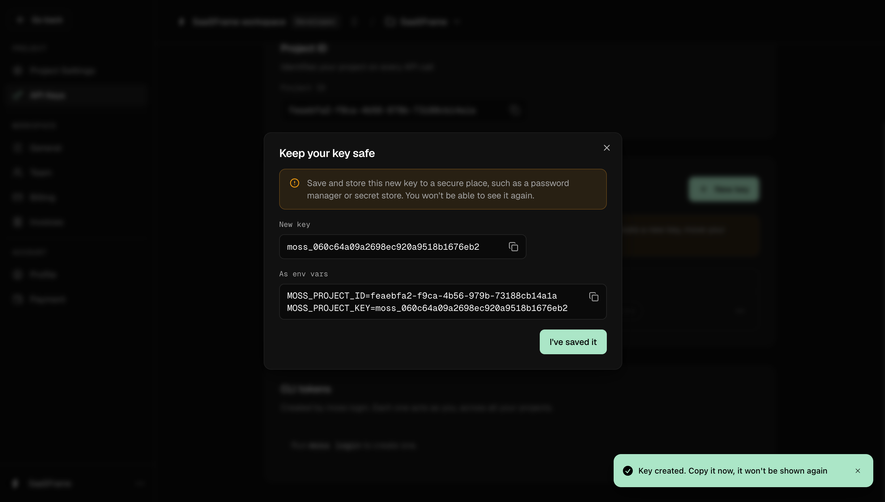
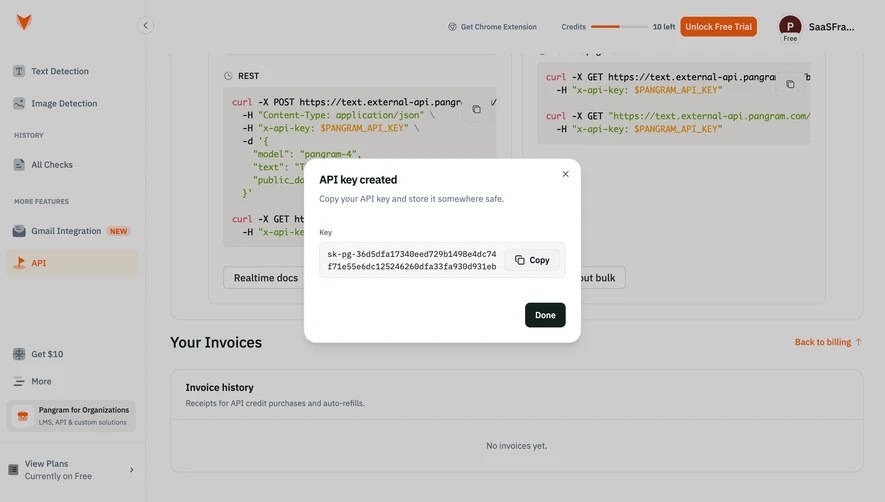
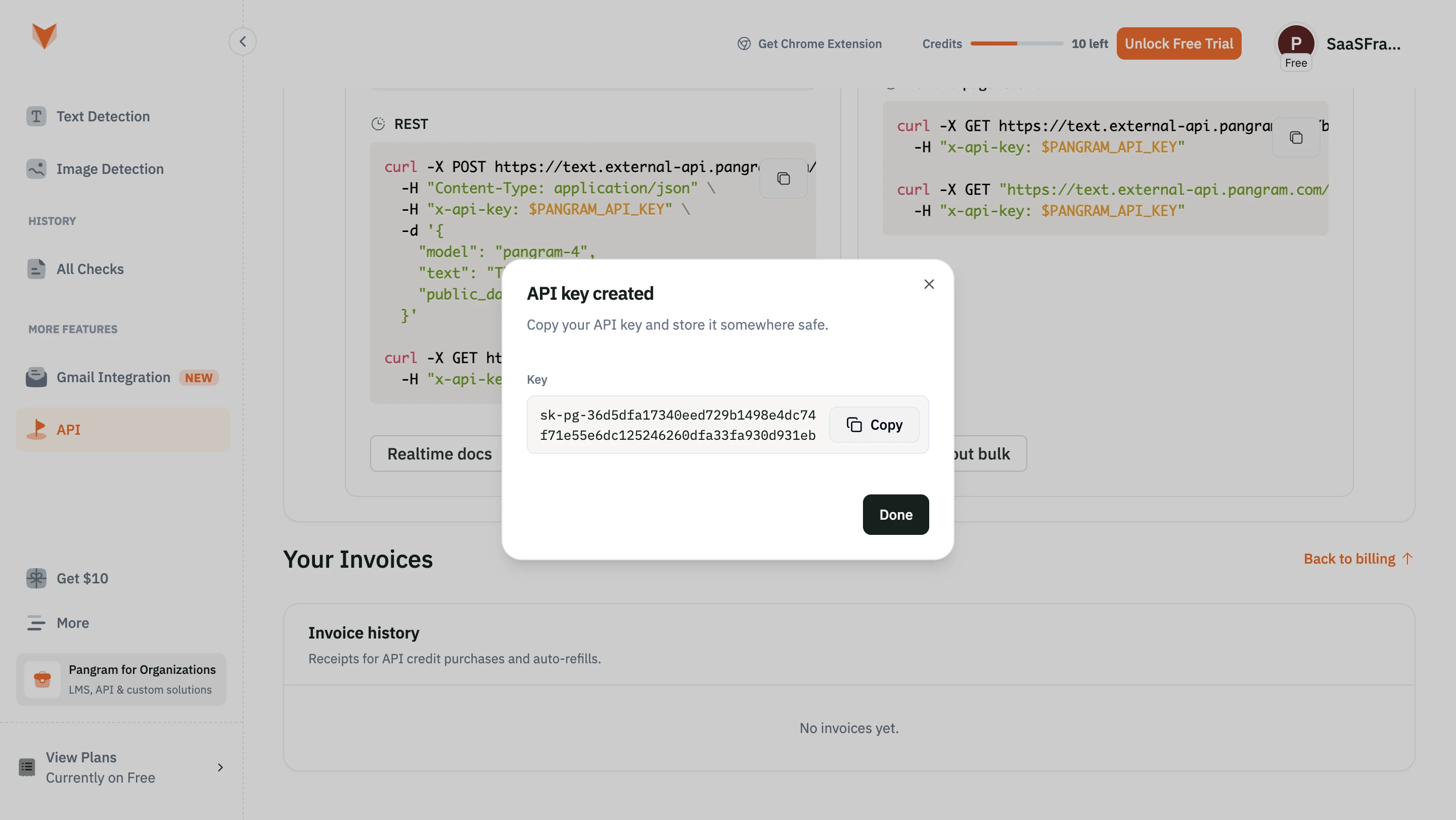
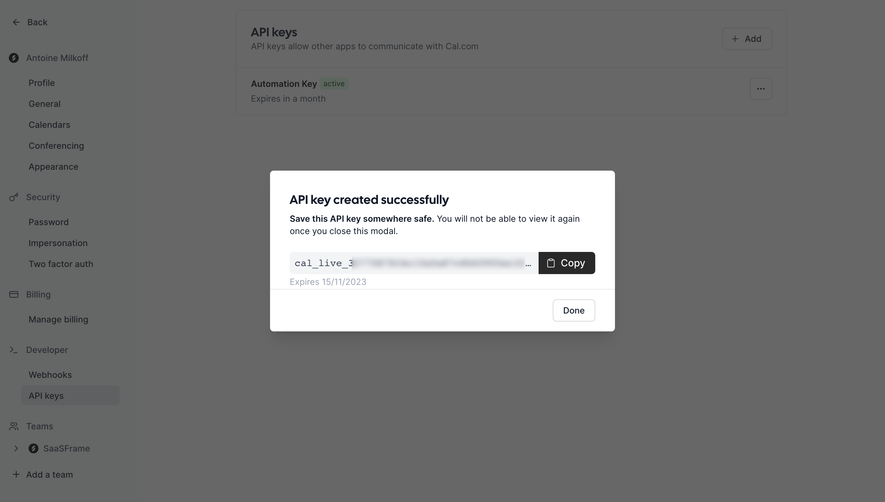
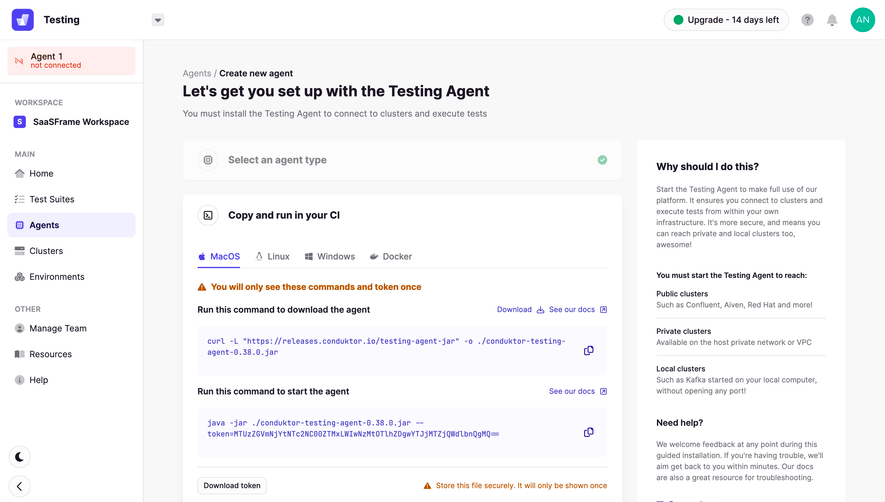
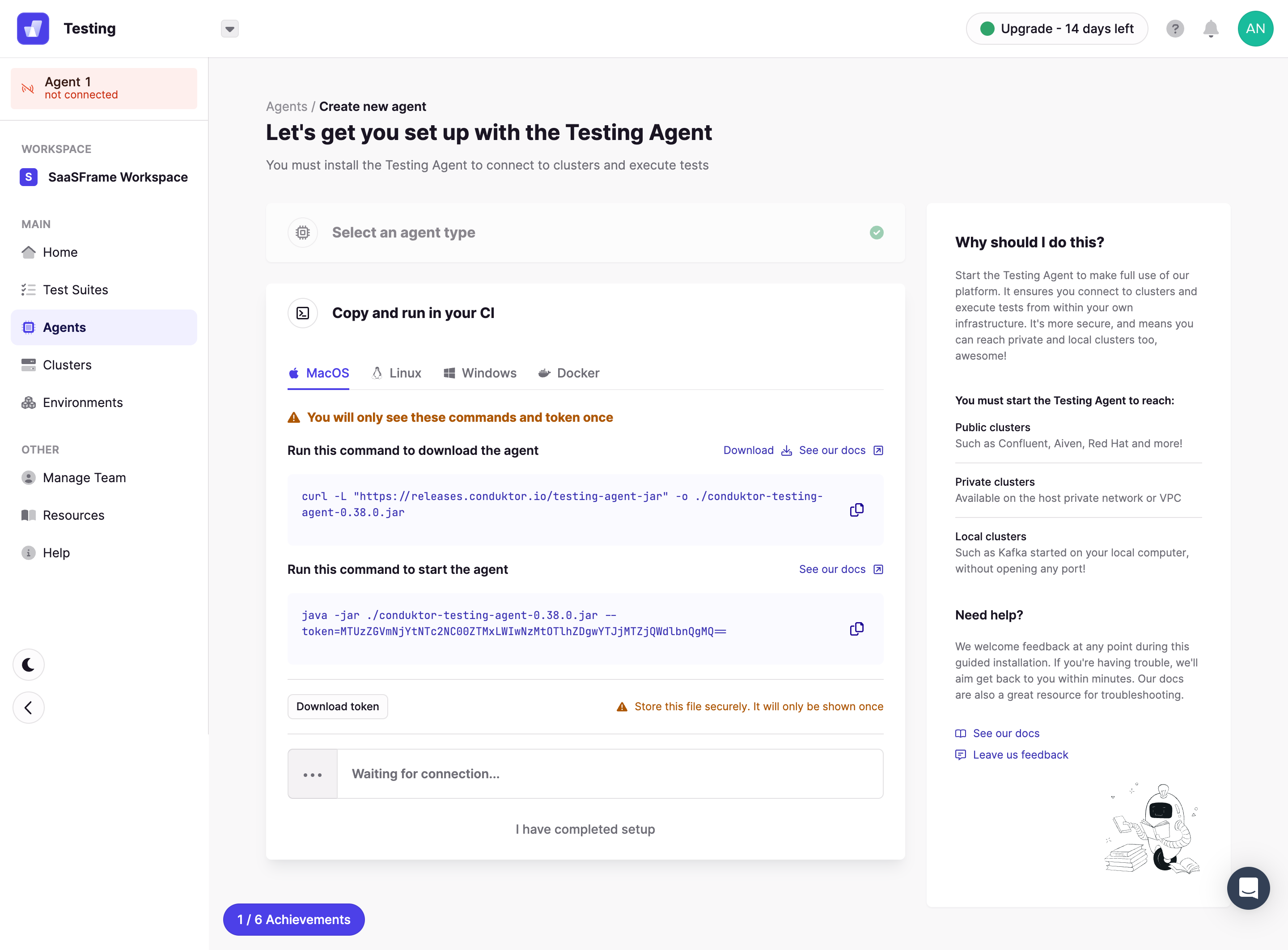
Fiberplane’s captured onboarding dialog shows a generated proxy token, a Copy button, and a “Let’s Deploy” action. The text asks the user to save the token and identifies where the proxy can be found later in settings.
This structure makes the handoff understandable. The user obtains a value in the SaaS interface, then needs it in a subsequent setup process. Locating Copy beside the value reduces uncertainty about the target, while the next-step action keeps the broader task visible.
A generated credential also needs clear lifecycle information in a production workflow. Can it be revealed again, regenerated, or revoked? Those questions cannot be answered from this screenshot, but they affect the guidance around copying. Avoid promising that a value is recoverable unless the system supports it.
The example illustrates interaction placement; the token’s content is not needed for design analysis. Treat generated values according to their actual sensitivity and do not make copied credentials part of unrelated analytics or notification text.
Feedback should appear near the action and describe the result. “Copied” or “Link copied” is usually more useful than a generic success toast far from the button. Keep the page stable so users can move directly to the destination application.
Do not show success merely because the button was clicked. The implementation must confirm the copy operation succeeded before presenting that state. If it fails, keep the value available and explain the manual route.
Feedback can be temporary, but it should remain visible long enough to notice. A subtle icon change alone may be hard to interpret. Use text or another understandable signal, and make the result available to assistive technology without moving focus unnecessarily.
Repeated activation should remain predictable. A user who clicks twice should receive the same payload unless the underlying value changed. Avoid regenerating a token or creating a new link as an undocumented side effect of Copy.
Structured text depends on details such as line breaks, punctuation, and whitespace. A code block may look correct while its copied representation is missing a newline or contains decorative line numbers. Check the transferred text separately from the visual rendering.
For URLs, copy the intended destination and any necessary parameters. If a shortened display URL omits referral or resource context, the action should still transfer the complete valid link. Do not add unrelated tracking information that changes the expected behavior.
For tables or multi-field records, state the format. A tab-separated representation may be useful for spreadsheets, while a prose summary may be better for a message. If users regularly need both, offer named alternatives rather than making one generic button produce a surprising result.
For editable content, copy the current confirmed value. If a user has unsaved changes, decide whether Copy includes them and make that behavior consistent. The payload should not lag behind the visible text.
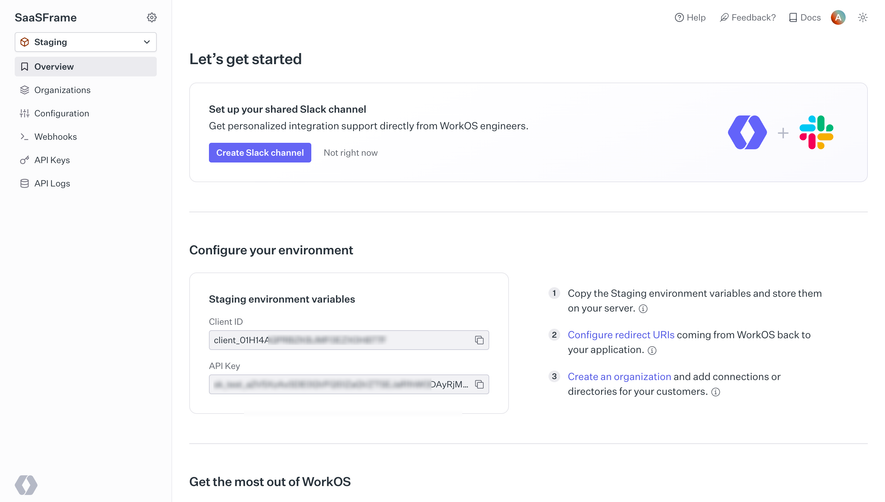
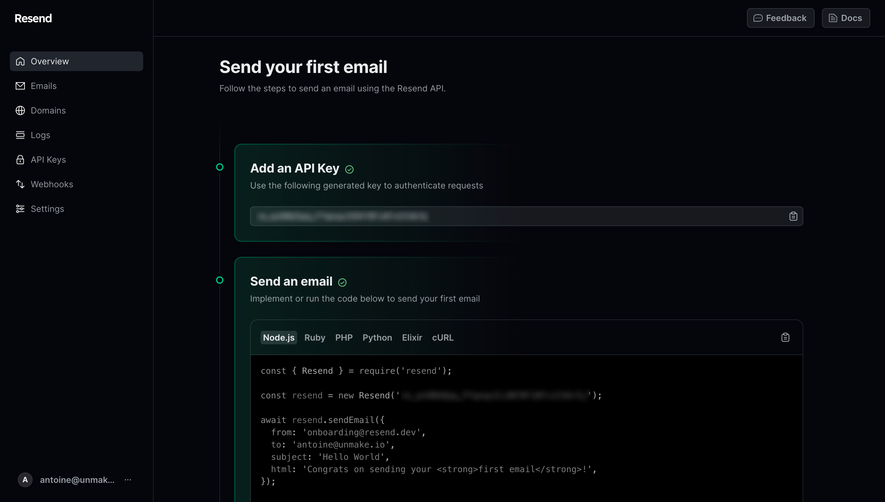
Long values may overflow a narrow card. Truncation can preserve layout, but users still need a route to inspect the full value when verification matters. The Copy action should not require selecting a string hidden beyond the viewport.
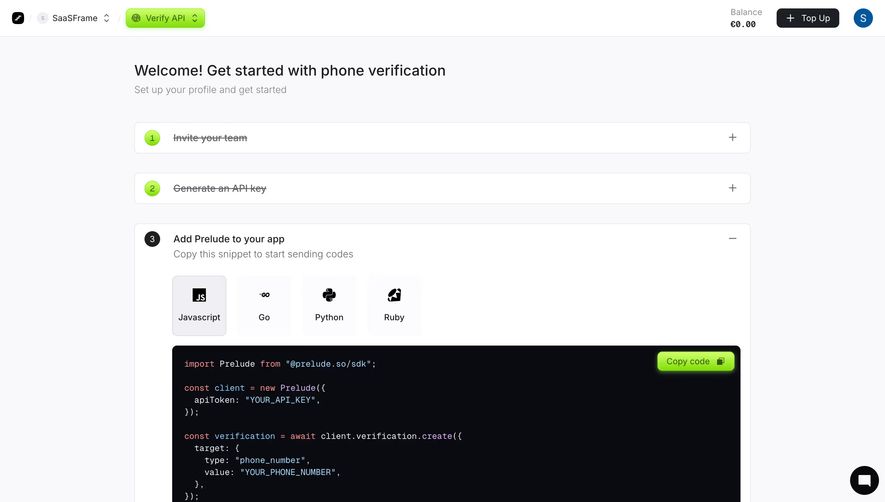
For code snippets, horizontal scrolling preserves meaningful line structure. Copying the full block can remain available above the scroll area. If line wrapping is used for readability, ensure that visual wrapping does not introduce new characters into the transferred content.
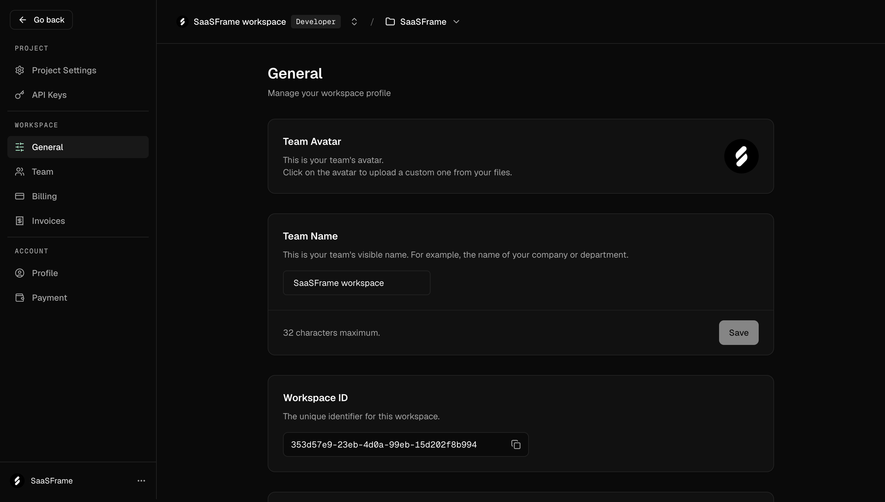
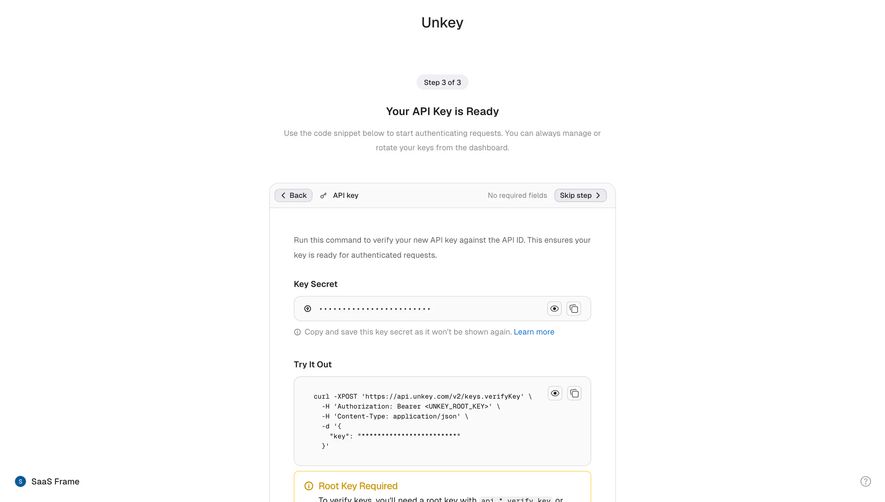
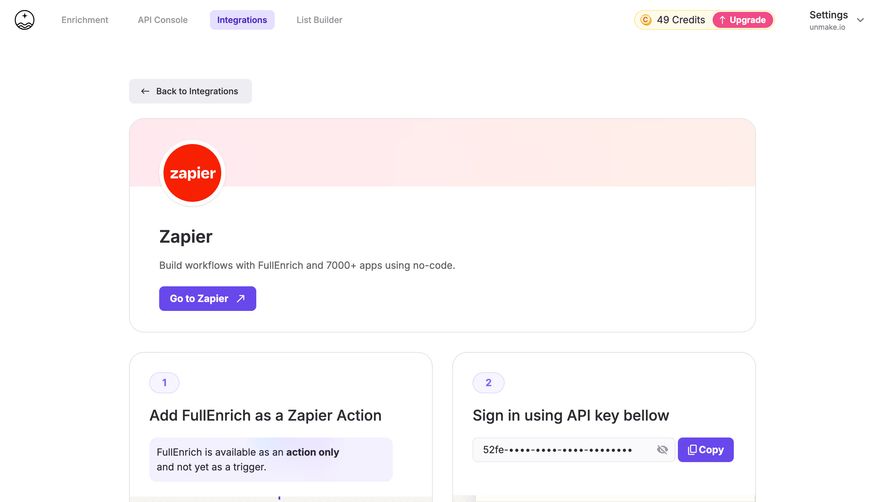
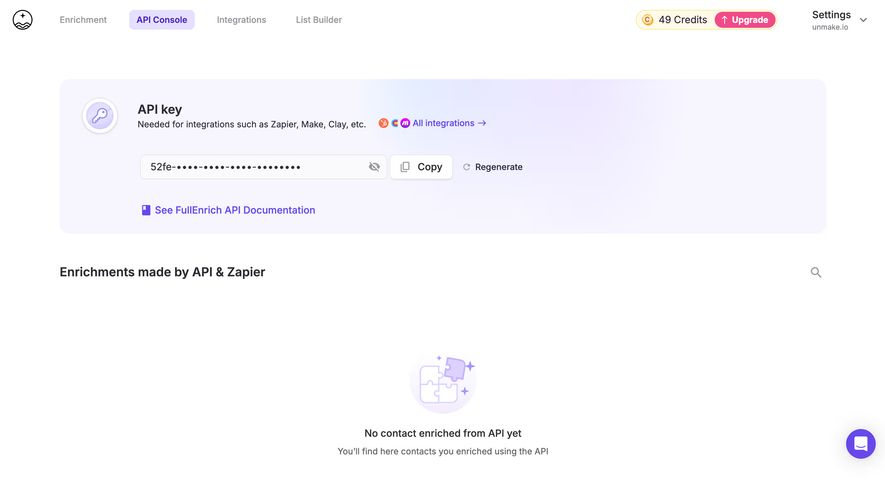
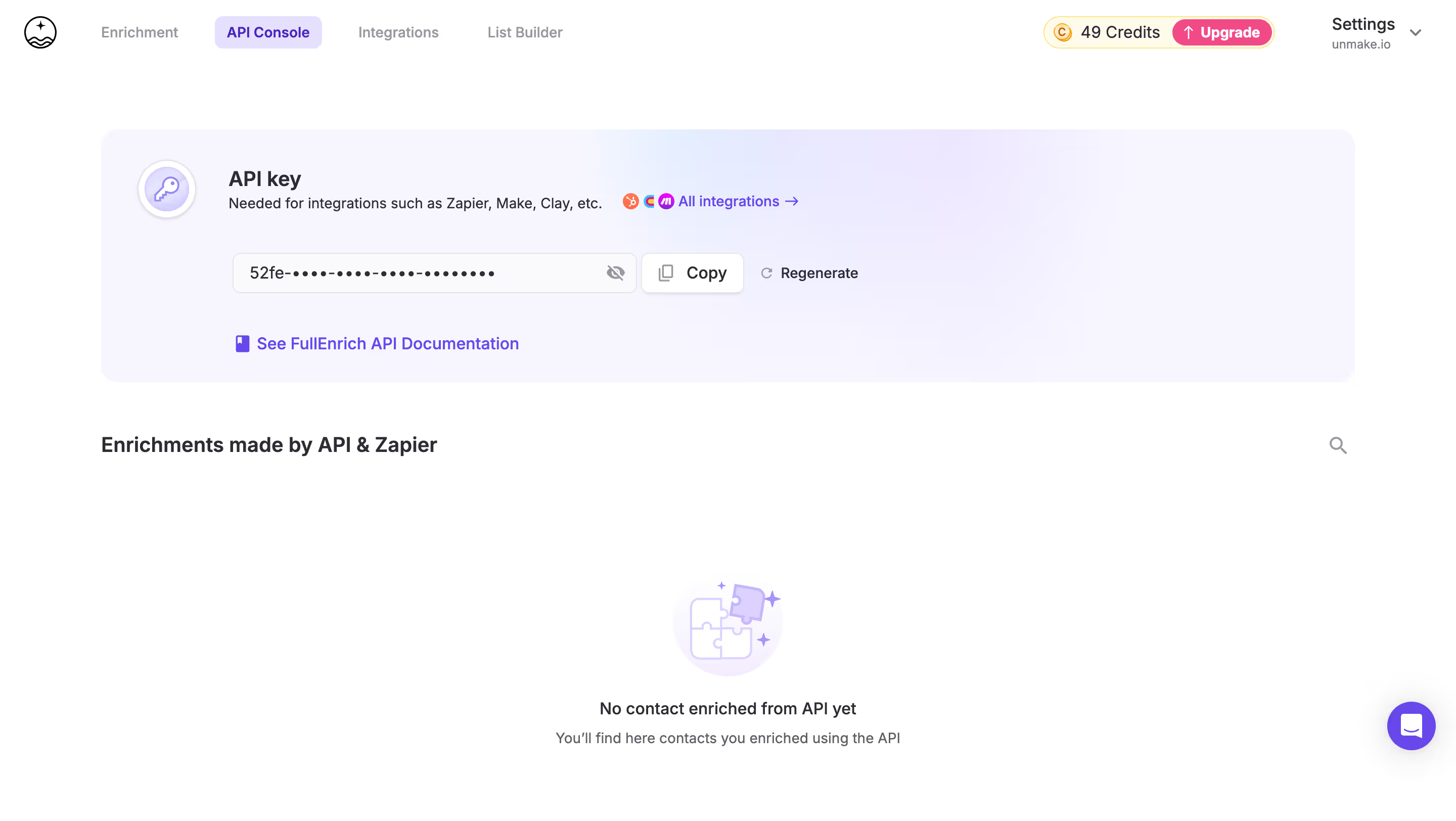
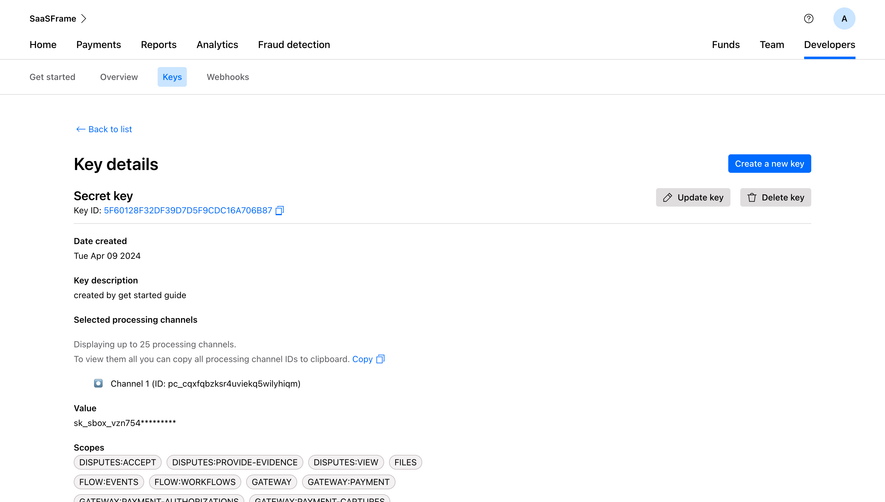
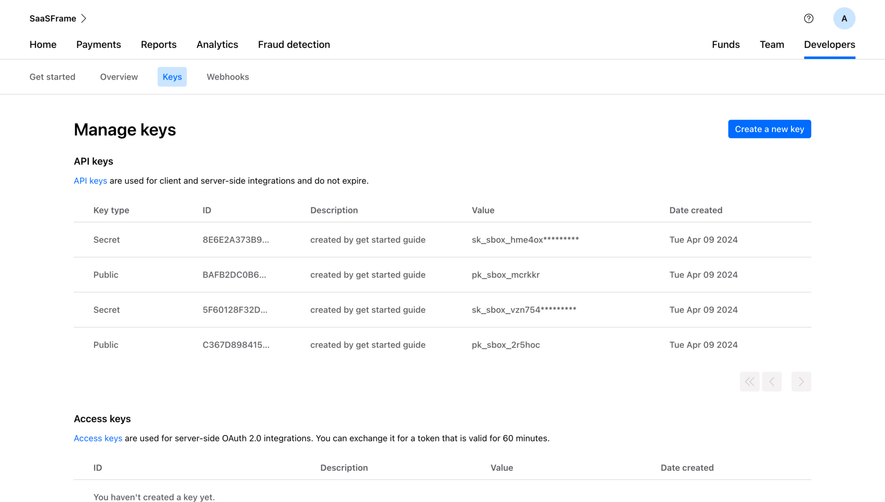
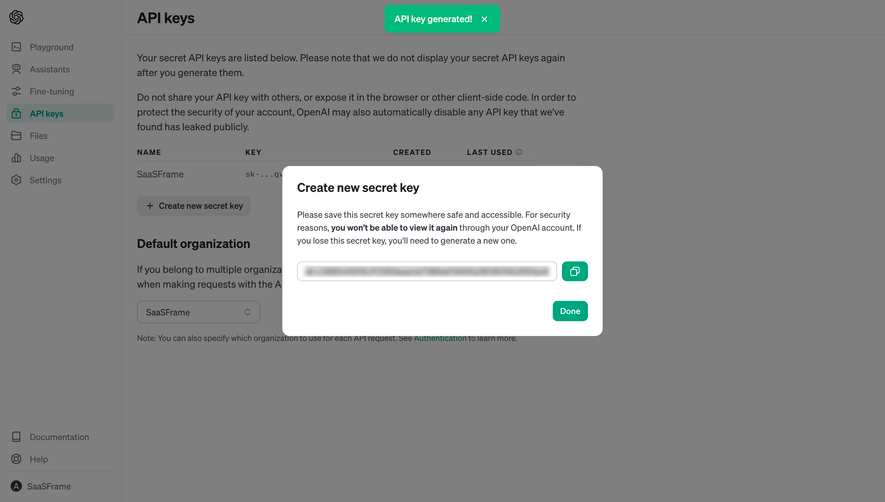
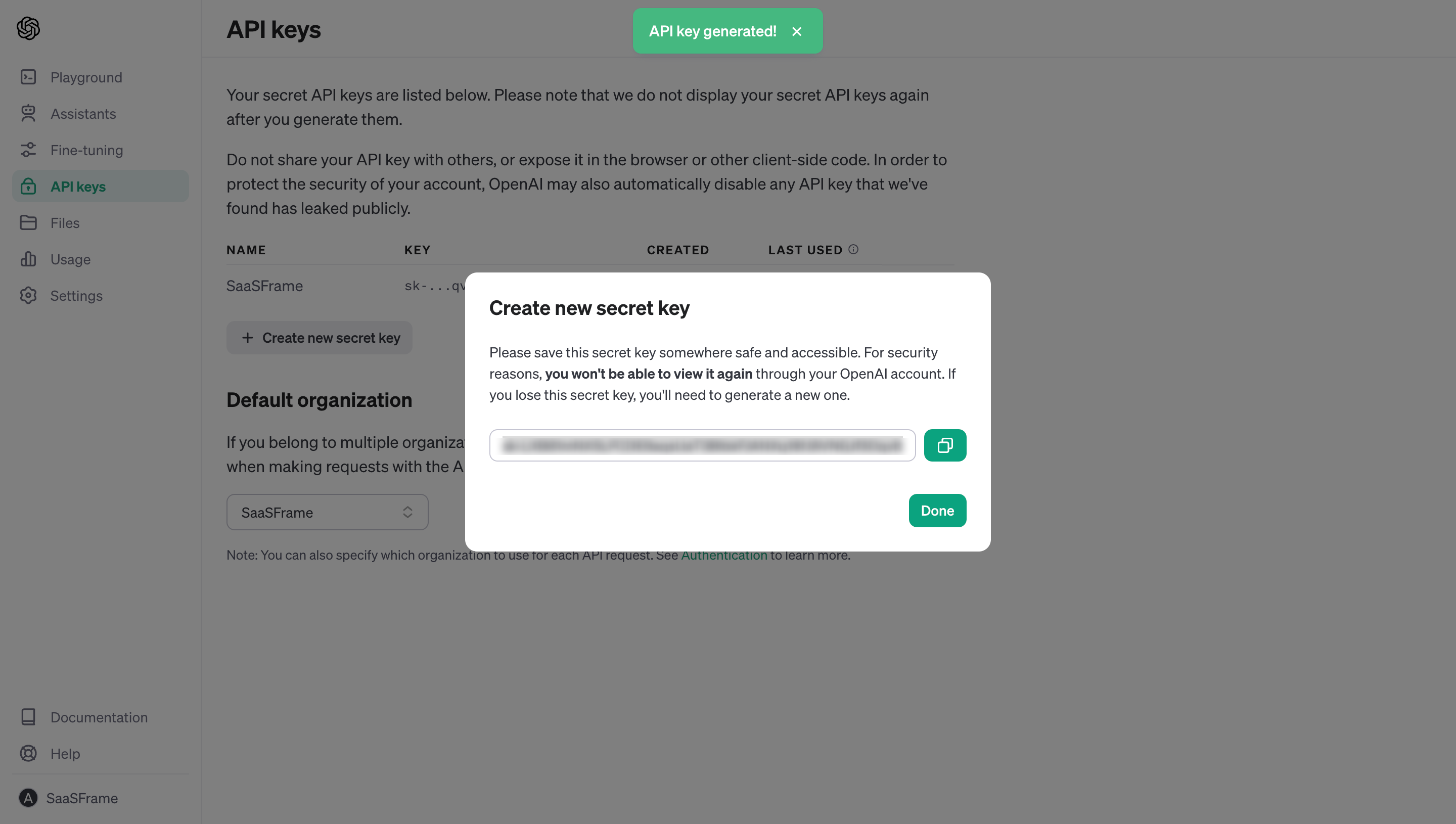
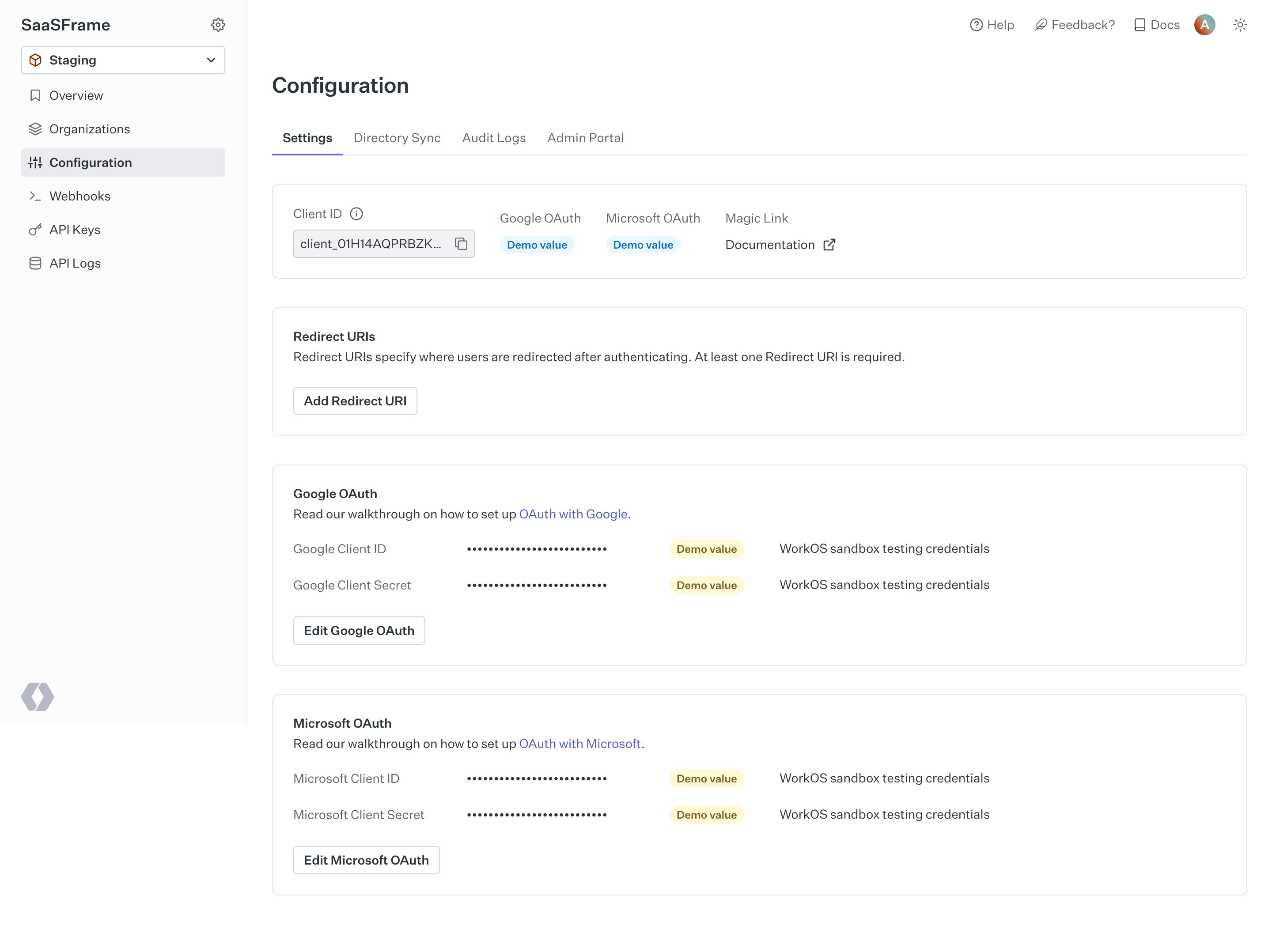
A masked value requires separate consideration. Showing a copy icon beside dots may be convenient, but it can be unclear whether the system copies the underlying secret or the masked display. Use a clear label and the appropriate access checks.
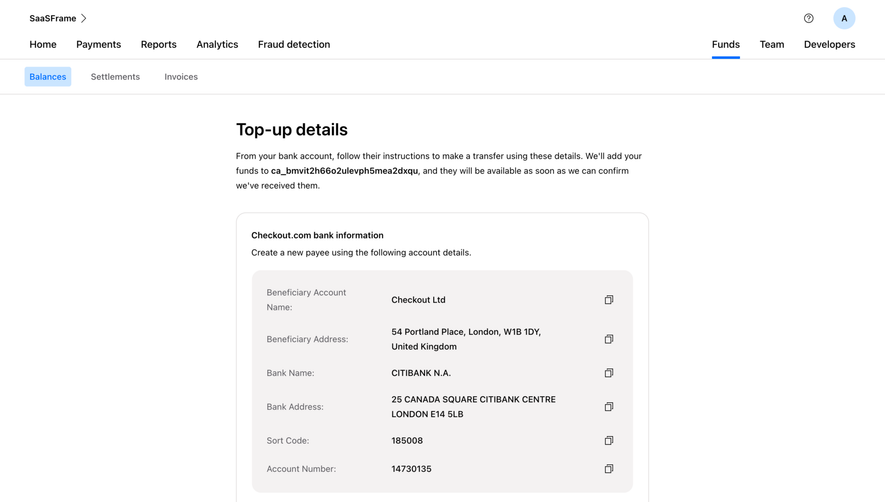
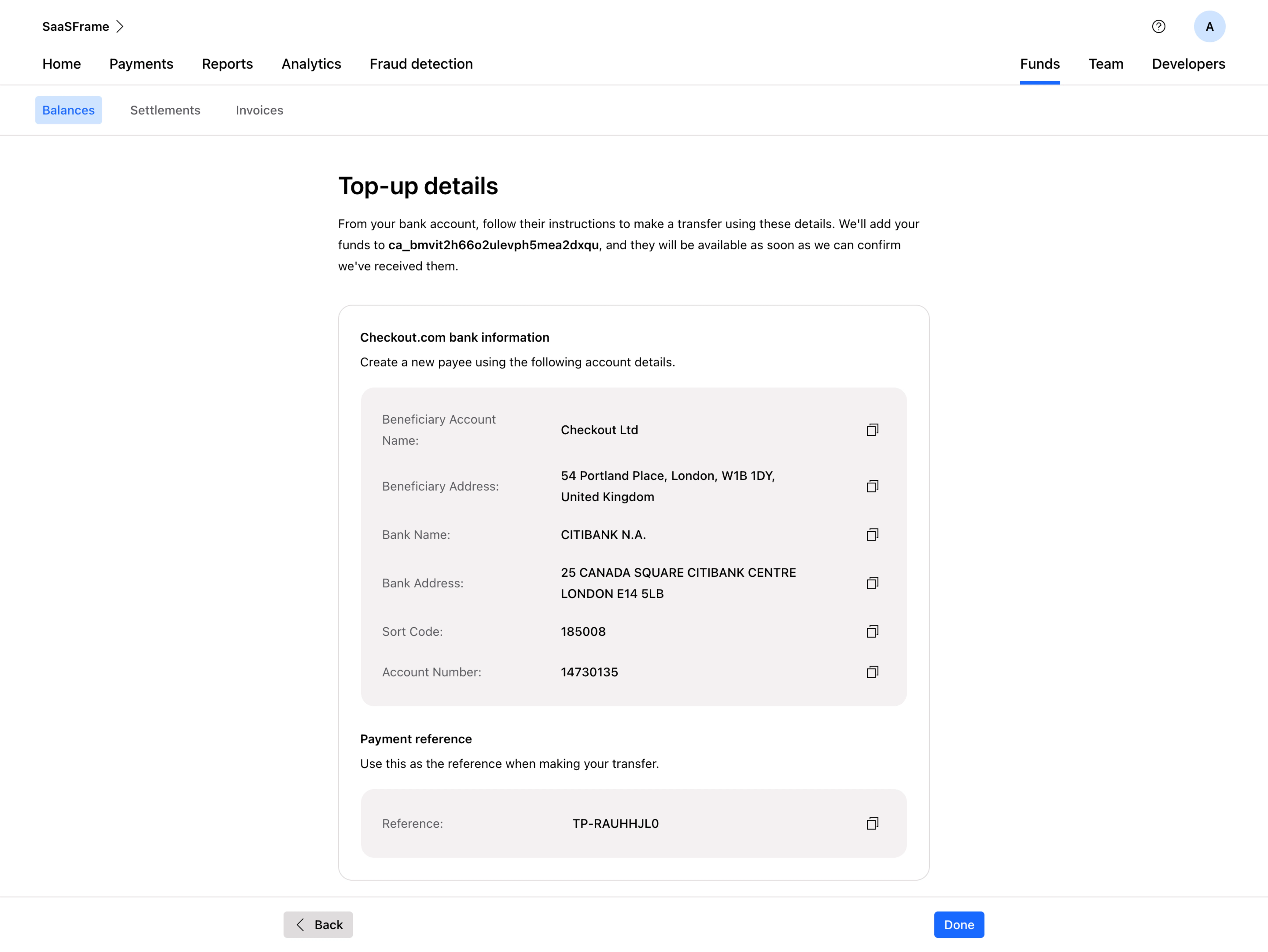
On mobile, position the action where a user can reach it without accidentally selecting adjacent controls. A tiny overlapping-squares icon inside a dense row is easy to miss and may be hard to activate precisely.
A copy operation can be unavailable or denied in a particular environment. The UX should handle that state without erasing the content. Provide a readable, selectable value or another appropriate export path.
The failure message should distinguish an unsuccessful copy from a missing value. “Couldn’t copy automatically. Select the link to copy it manually” gives a route forward when manual selection is possible. A vague “Something went wrong” leaves users unsure whether the payload itself is valid.
Keep failure feedback local when it does not block the overall task. A modal error can add more friction than the copy operation saves. If the payload must remain protected, provide a controlled alternative rather than revealing it solely to avoid an error.
Test the browsers and embedding contexts the product actually supports. A control that works on a standalone page may behave differently in an embedded interface. Avoid advertising broad compatibility without verifying those environments.
Copy is usually a transfer of existing content. Creating a new resource, saving a configuration, and sending a message are different operations. Label combined actions explicitly when the workflow intentionally connects them.
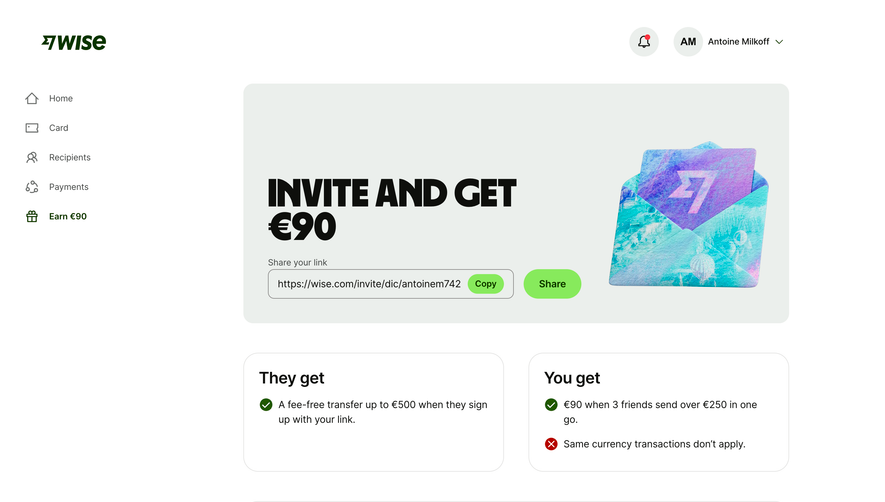
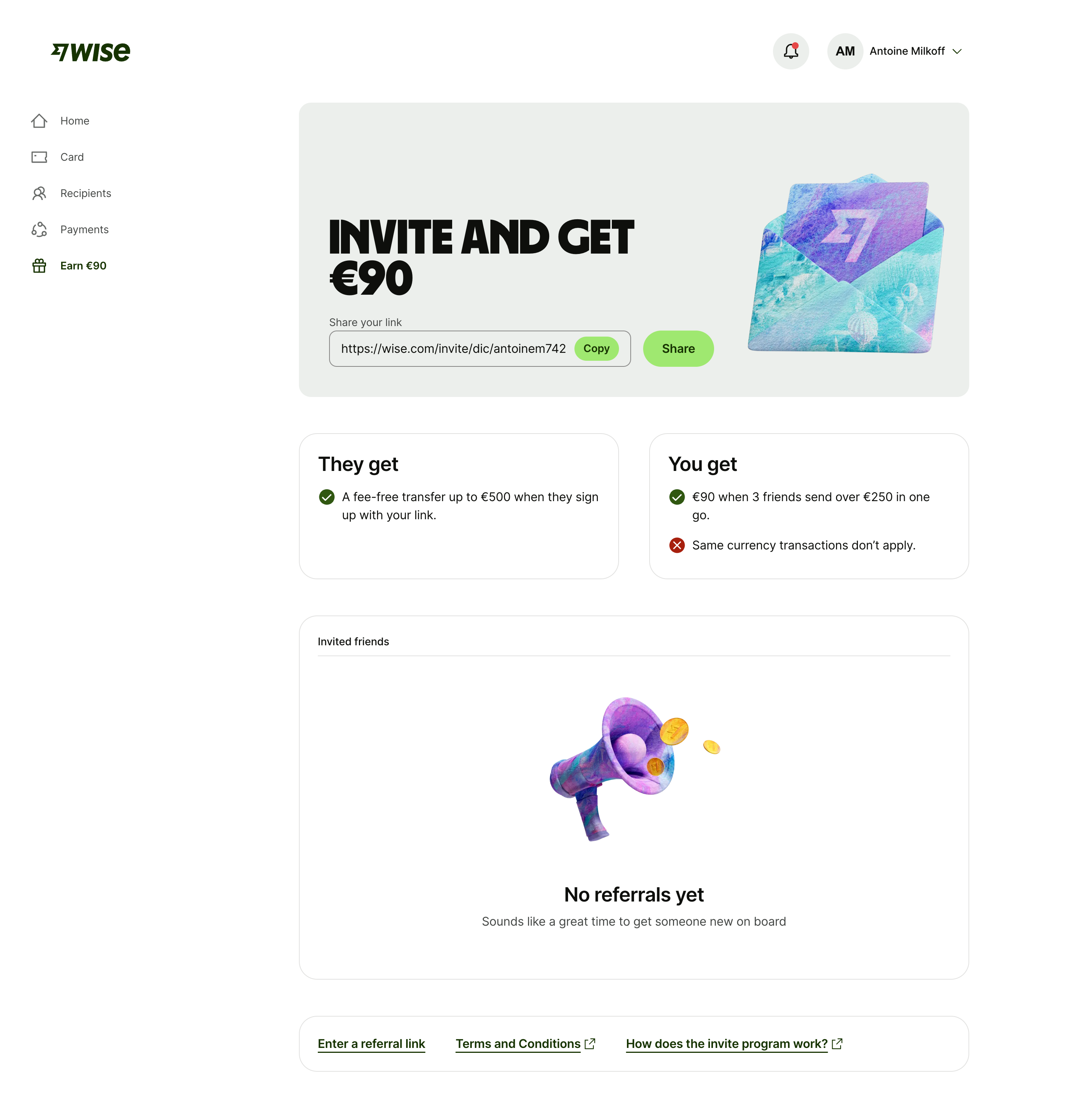
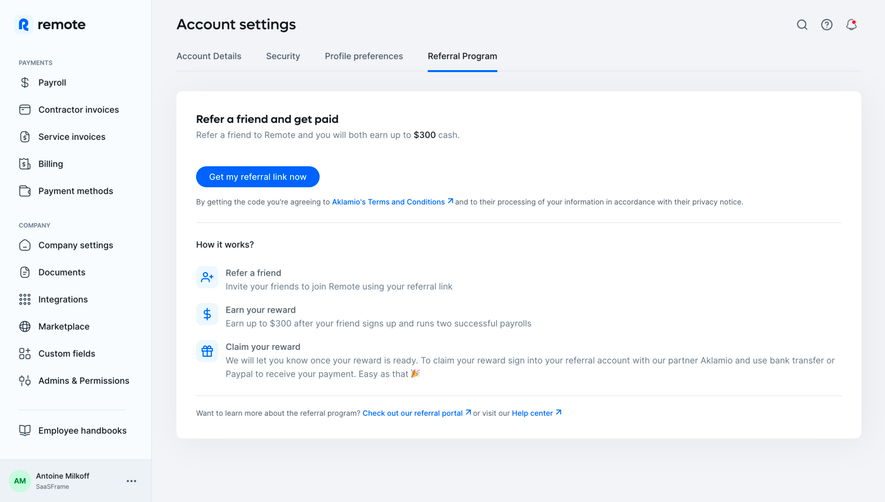
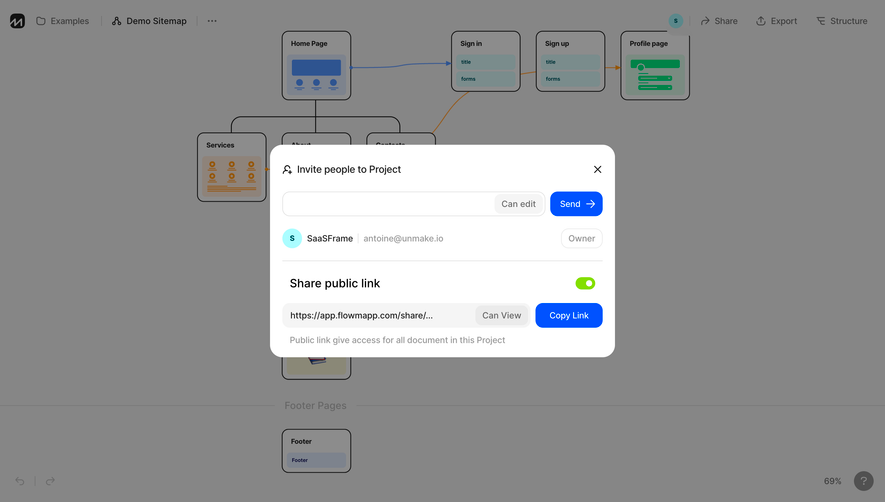
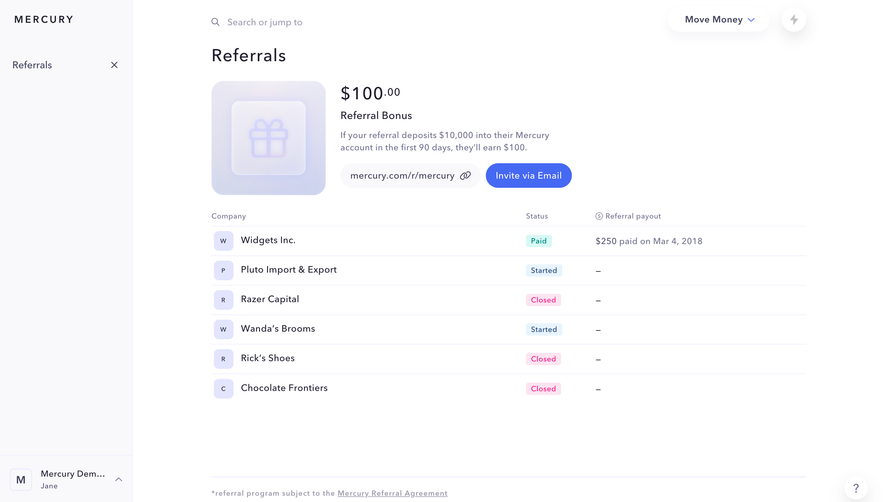
A referral link copied to the clipboard has not been shared with a recipient. A copied support draft has not been sent. A copied installation snippet has not been installed. Squeaky’s separate verification action is a useful example of preserving those distinctions.
If the user must save before copying, explain that condition. Otherwise the copied value may point to a resource that does not exist yet. For generated output, make sure the content has reached a stable state before enabling a whole-output copy action.
Consider whether copied content can become stale. A regenerated key or updated configuration may invalidate an earlier copy. The interface can make version or regeneration status visible without pretending to track what happens in every destination app.
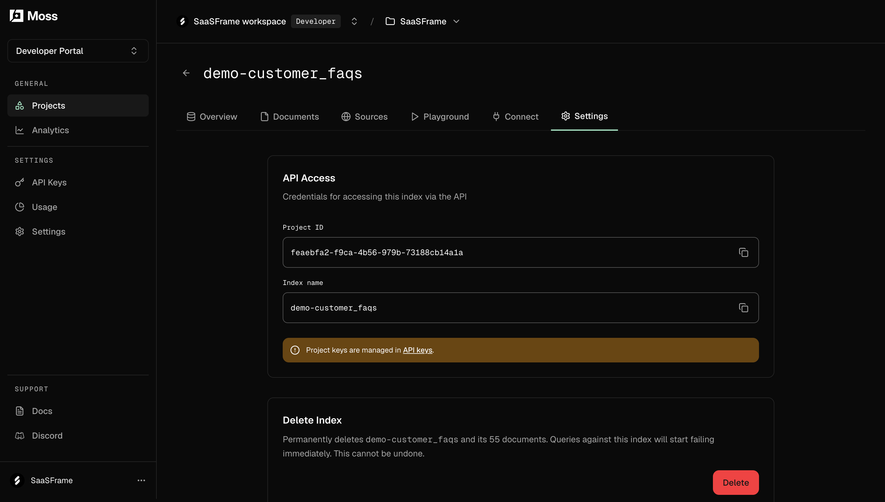
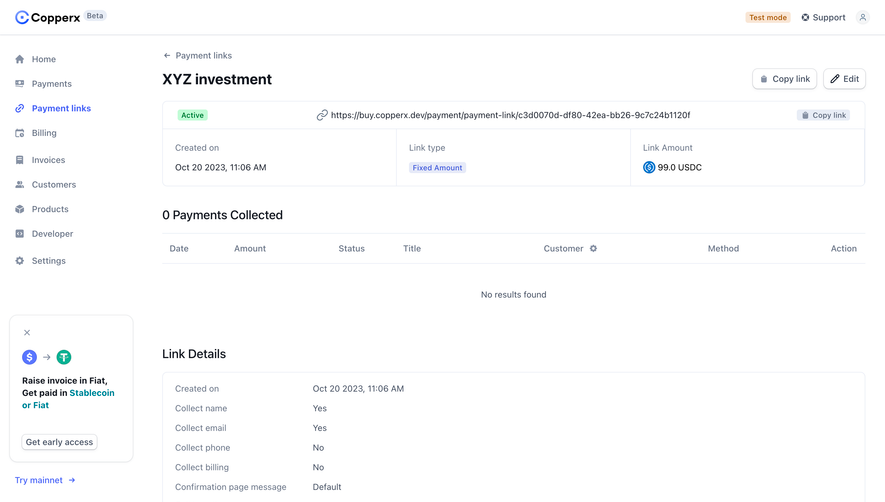
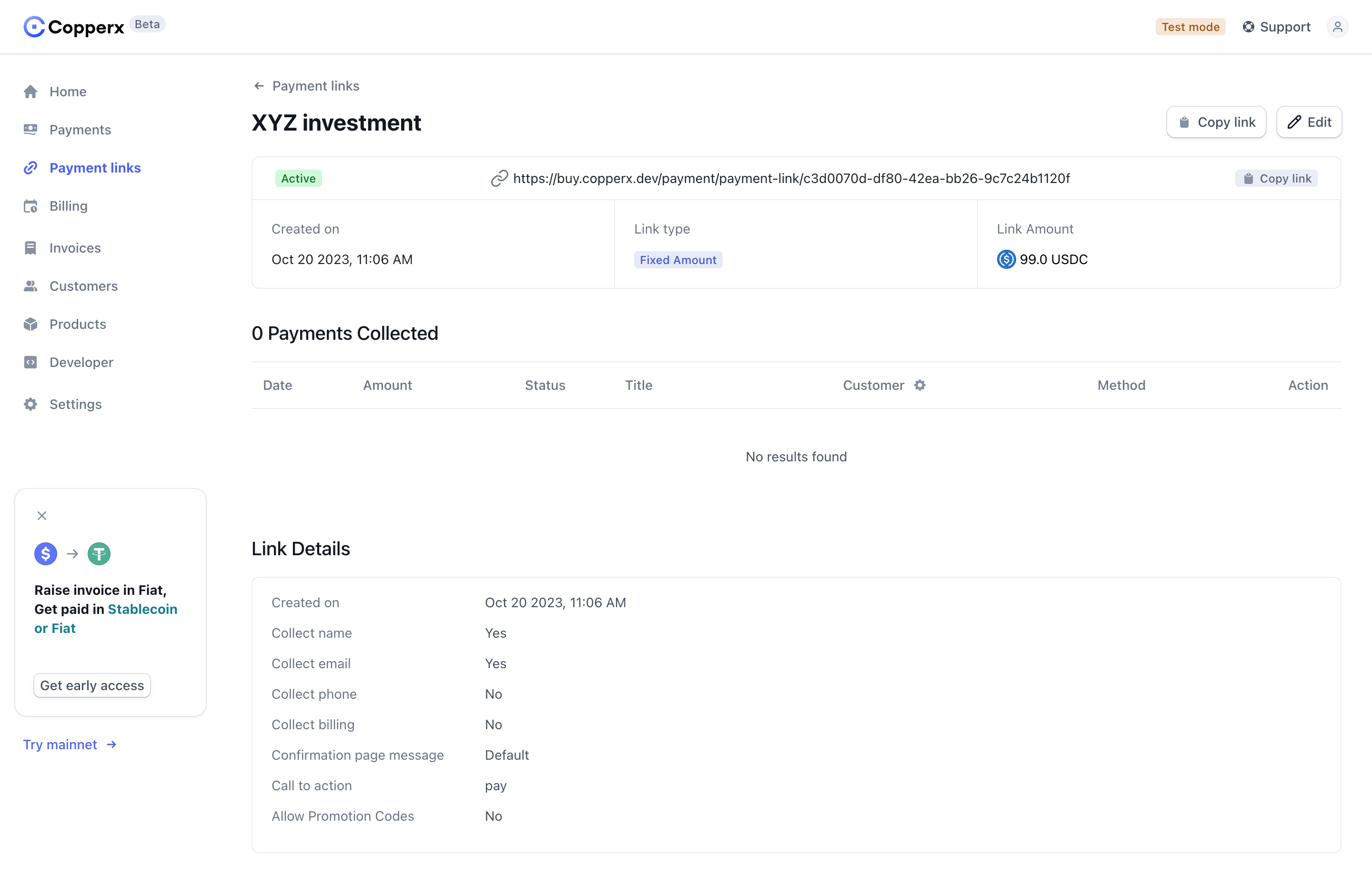
A copy control should behave as a button and have an understandable accessible name. If several copy buttons appear on the page, distinguish their targets. “Copy invoice ID” and “Copy payment link” are more useful than a series of identical unlabeled icons.
Keep a visible focus indicator and support keyboard activation. Confirmation should be perceivable without relying on a tooltip that disappears when focus moves. Do not replace the focused button with a different element and unexpectedly lose the user’s place.
Hover can supplement the label but should not carry the only explanation. Touch users and keyboard users need to understand the action before activating it. Screen-reader feedback should confirm the result concisely rather than reading the entire copied block.
Verification should include pasting into the tool or format users actually need. A plain-text editor can expose character errors; the destination application can reveal whether the transferred representation is appropriate.
Test a long value, a truncated display, structured text, repeated copying, a failed operation, and an updated value. Check that the successful state appears only after the content is transferred and that the manual route remains usable.
Only when the target is clear and the control has an understandable accessible name. Text labels are helpful where several values or formats could be copied.
Not as a hidden side effect. Creation and copying are different operations; if the workflow combines them, the label and feedback should explain that behavior.
Keep the value available, explain that copying did not succeed, and offer a manual or otherwise appropriate transfer route. Do not display a false success state.
Explore SaaSFrame’s clipboard examples alongside code snippets, API keys, and success notifications to study how products make cross-tool handoffs understandable.