 SaaSFrame
💌 Contact Page
Reduce friction and route leads effectively with these Contact Us page examples. From multi-step forms and department-specific routing to live chat integrations, see how top SaaS products manage inbound inquiries while maintaining a clean, accessible UI.



Index of all 48 Contact Page examples
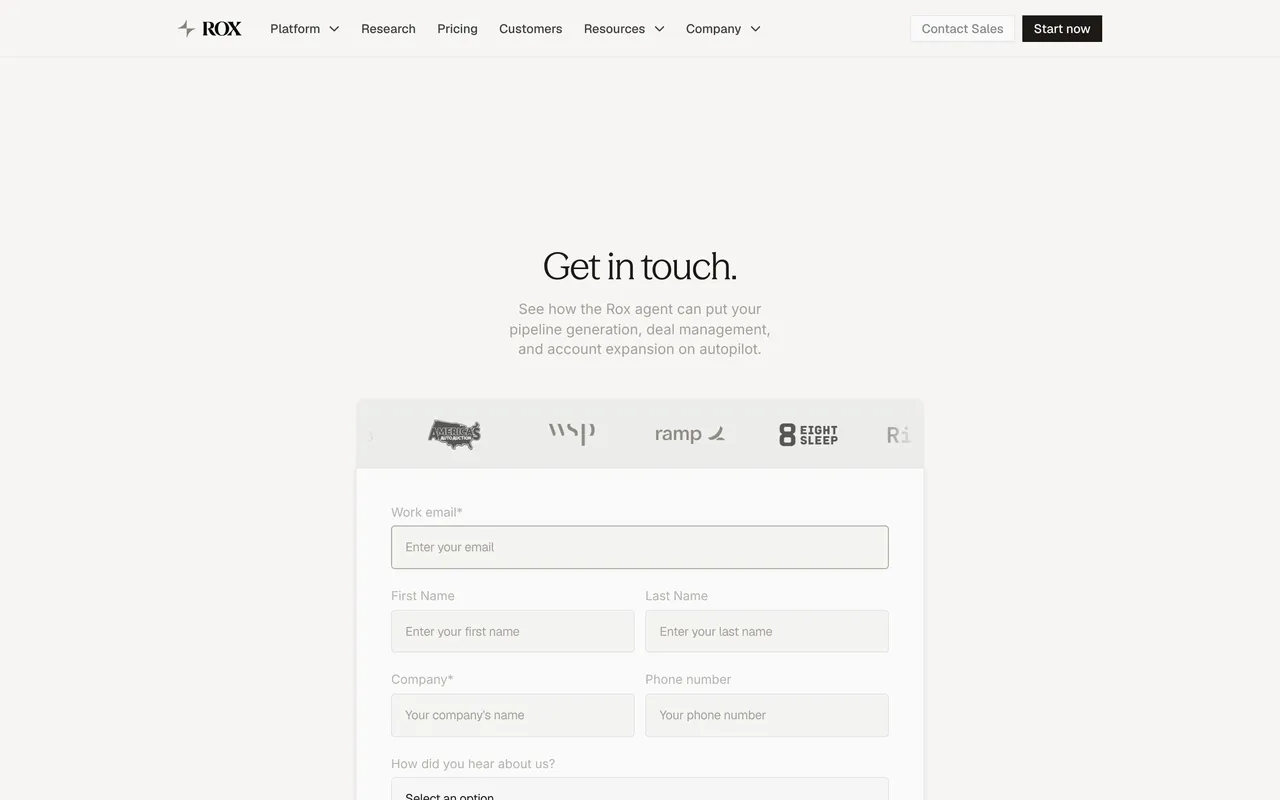
- Rox Contact Page
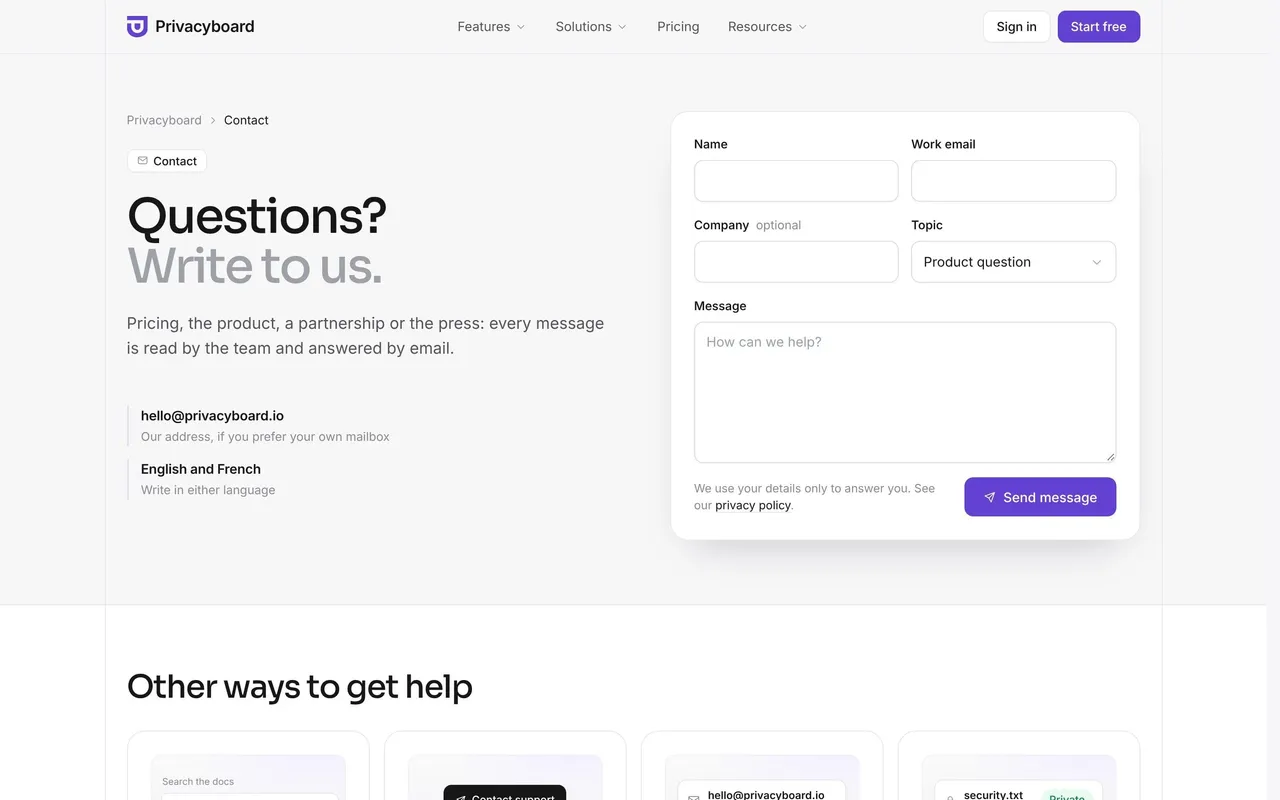
- Privacyboard Contact Page
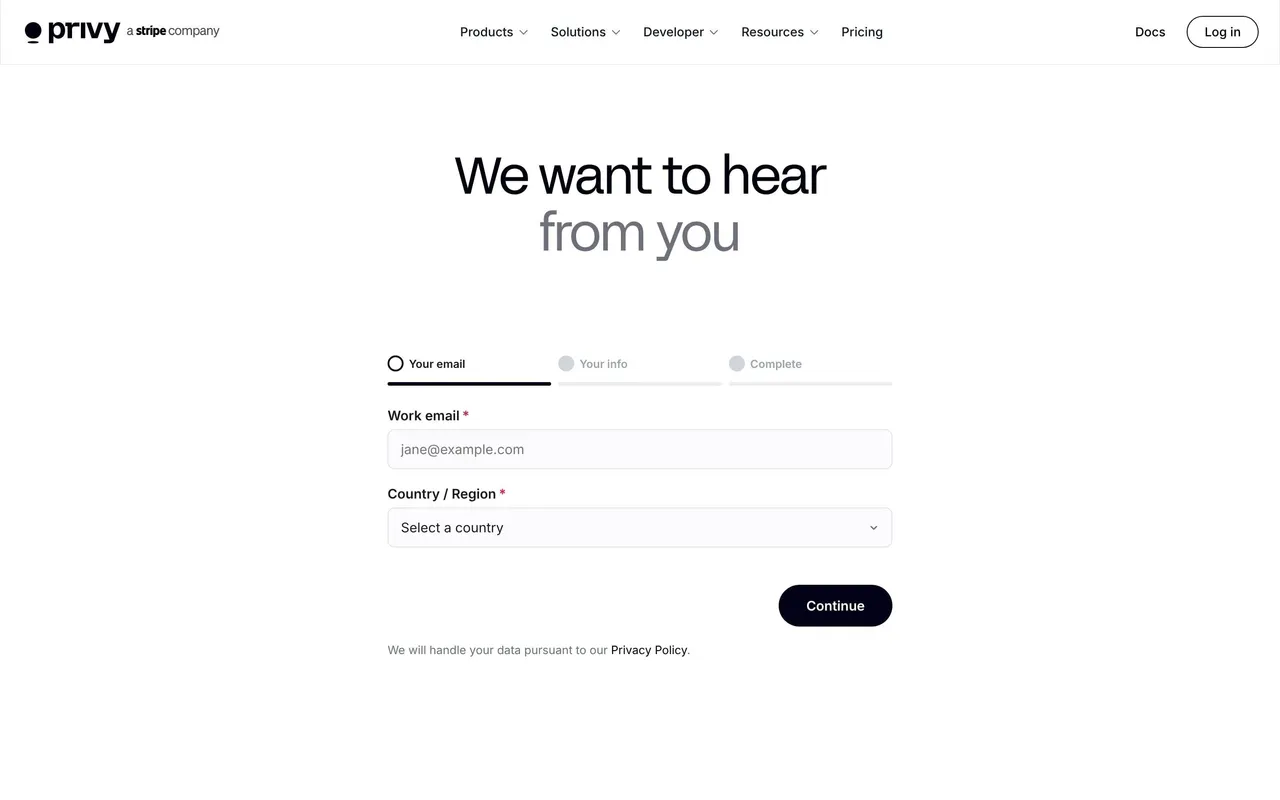
- Privy Contact Page
- Datashake Contact Page
- Respan Contact Page
- Pivot Contact Page
- Dub Contact Page
- Lightdash Contact Page
- Dust Contact Page
- Searchable Contact Page
- ParityDeals Contact Page
- FullEnrich Contact Page
- Visitors Contact Page
- Forest Admin Contact Page
- Hume AI Contact Page
- Speakeasy Contact Page
- Clutch Contact Page
- Payhawk Contact Page
- Checkout.com Contact Page
- GitBook Contact Page
- Remote Contact Page
- FlowMapp Contact Page
- Dock Contact Page
- Swan Contact Page
- Linear Contact Page
- Duffel Contact Page
- Stripe Contact Page
- MonSpark Contact Page
- Hopscotch Contact Page
- Conduktor Contact Page
- Bucket Contact Page
- Artboard Studio Contact Page
- Acquire Contact Page
- Ruul Contact Page
- Lettria Contact Page
- Surfe Contact Page
- Winden Contact Page
- Framer Contact Page
- Figma Contact Page
- Sketch Contact Page
- GitBook Contact Page
- Aircall Contact Page
- Highnote Contact Page
- Formcarry Contact Page
- Mine Contact Page
💌 Contact Page: design guide
Short answer
A SaaS contact page routes each visitor to the right team: sales, support or partnerships. State why to get in touch, ask only the fields that conversation needs, say when and how the team will reply, and send existing customers to support rather than a sales form.
In the libraryas of November 2026
- Screens
- 48
- SaaS products
- 47
- Last added
- Nov 2026
Common patternsContact Form 3FAQ 1
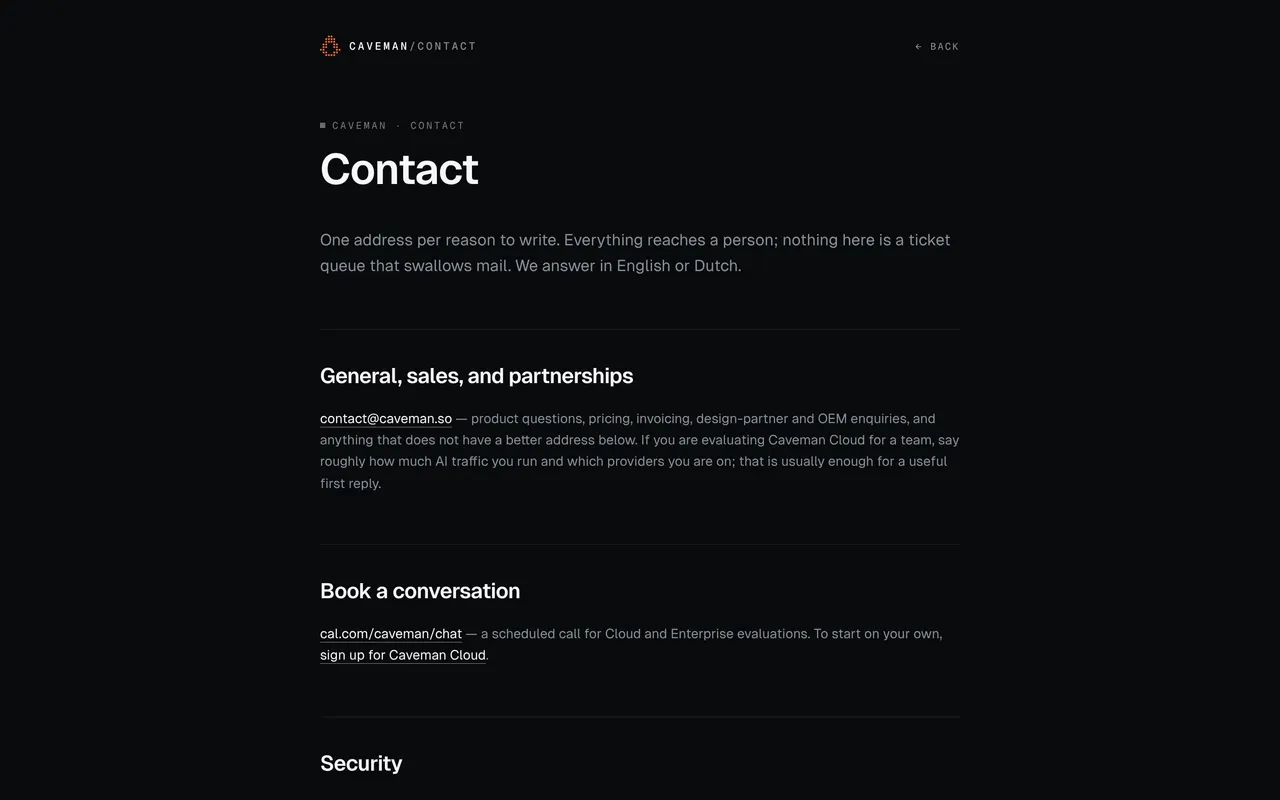
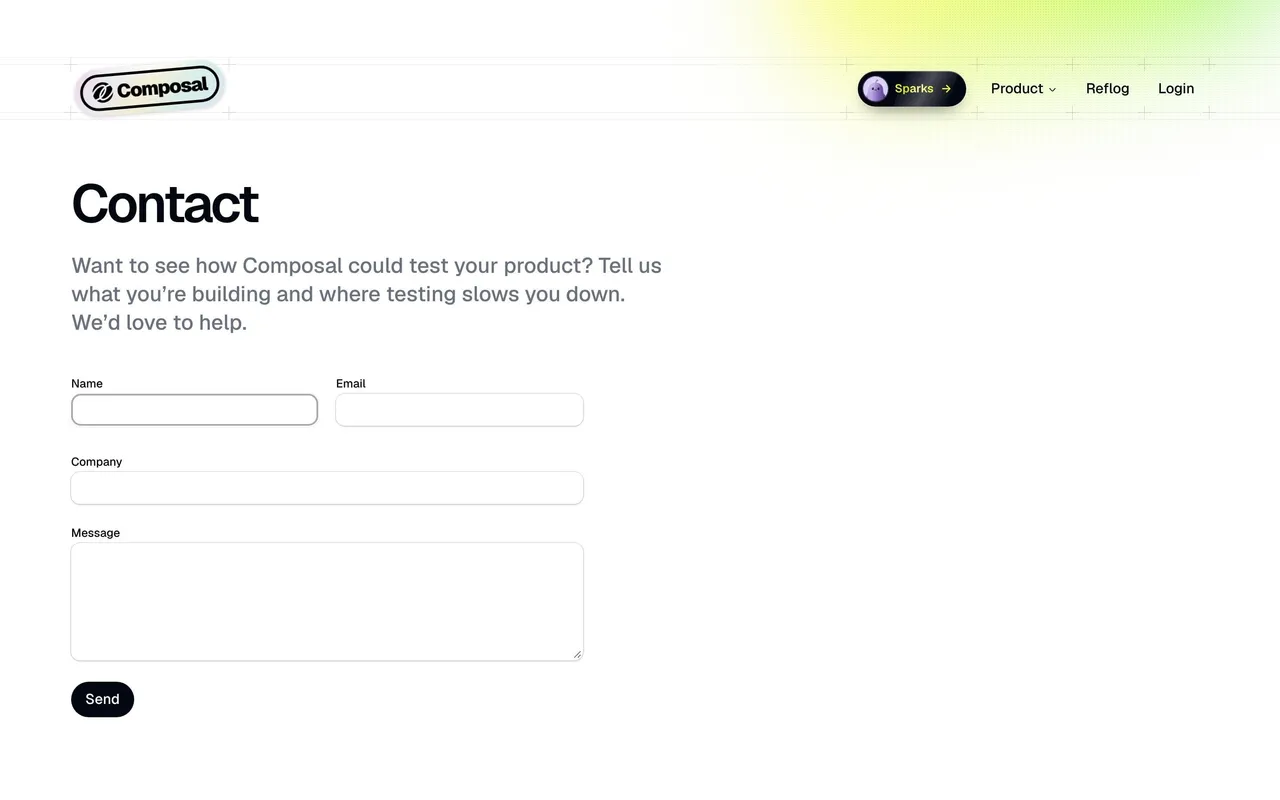
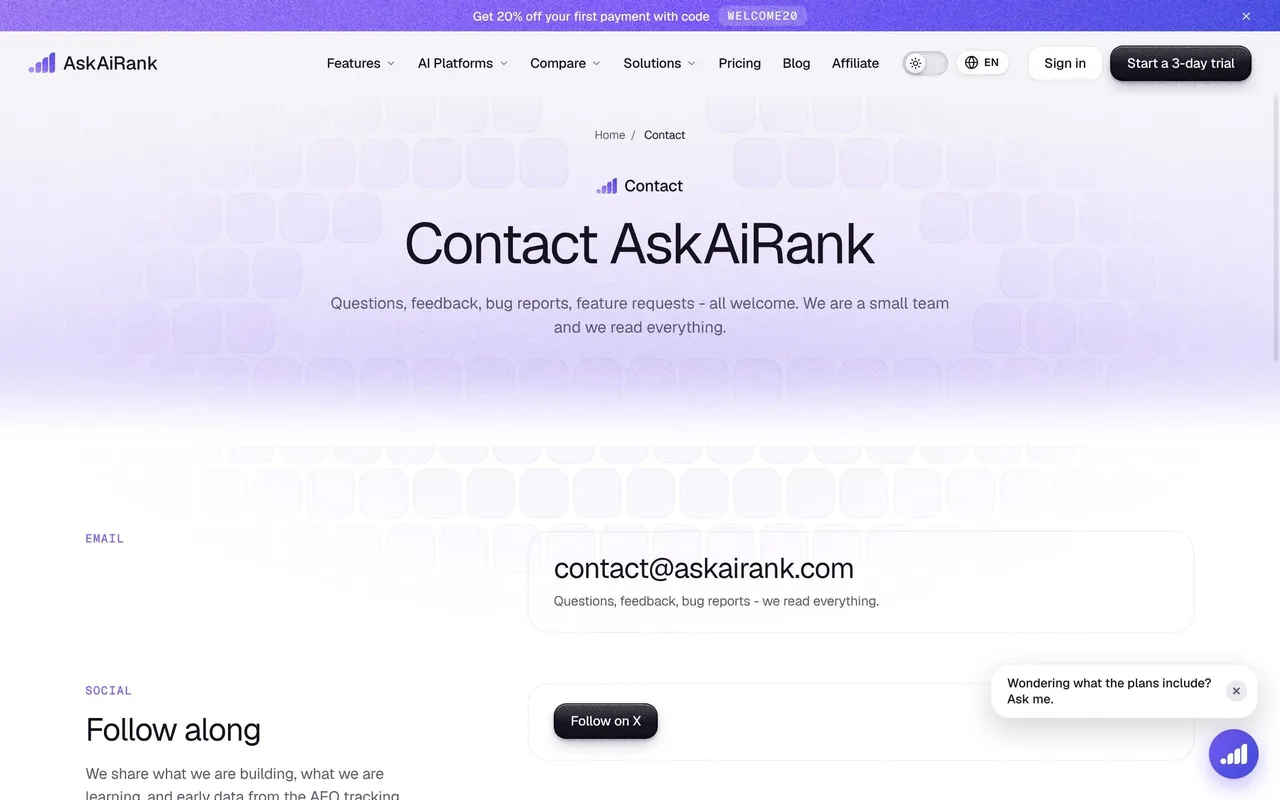
Recently addedCavemanComposalAskAiRankRoxPrivacyboard
A SaaS contact page routes visitors to the team or resource that can address their request. Prospective customers, current users, and partners should be able to identify the right destination without submitting the same generic form for every need.
Why would a visitor contact the team?
Give the page a clear purpose and distinguish common request types. A sales conversation and an account-support issue require different information and follow-up.
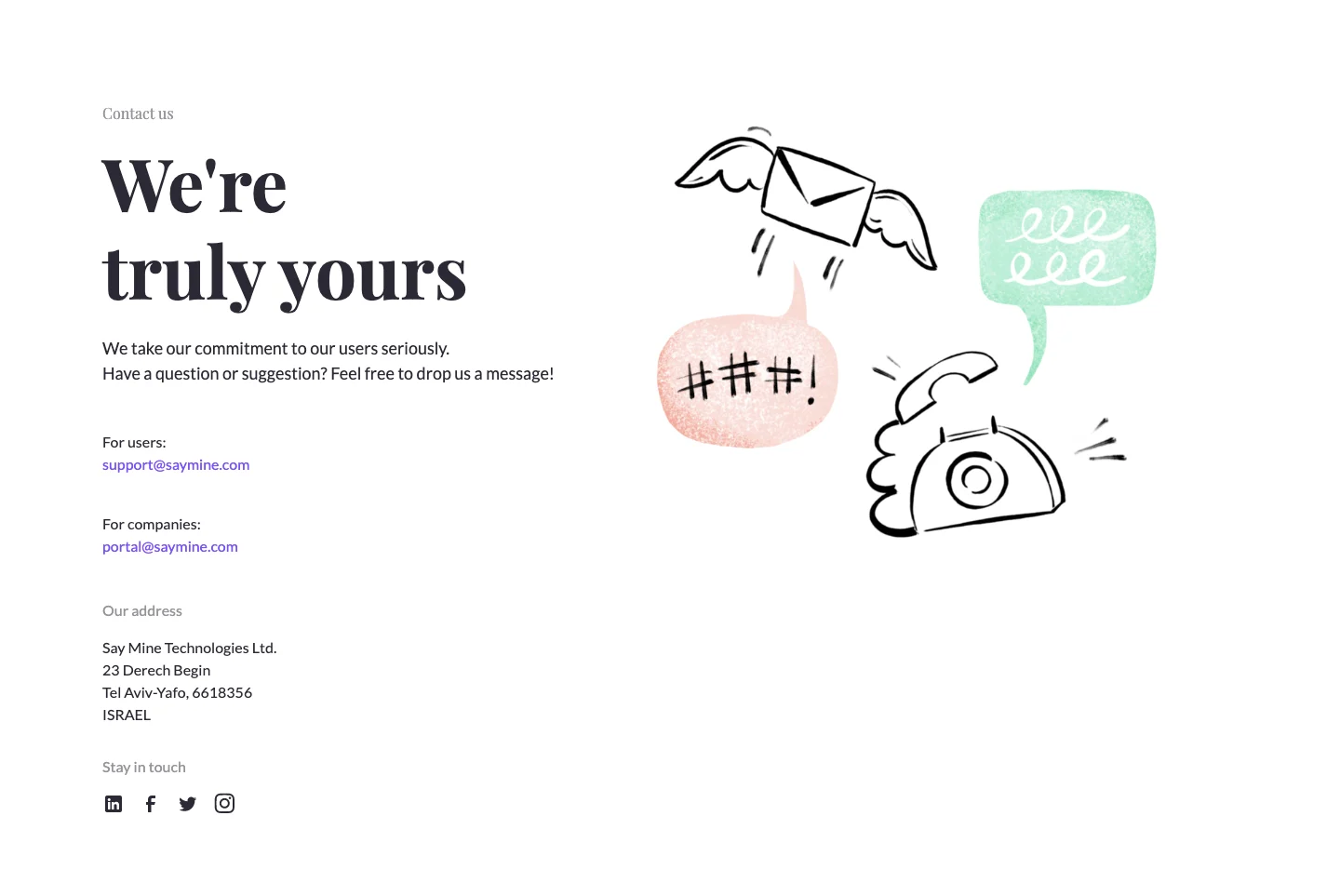
The Mine reference provides separate email routes for users and companies, alongside company contact information. The simple page relies on destination labels rather than an elaborate form.
This works when the routes are understandable and maintained. An address alone is less useful if visitors cannot tell which team receives it or what kind of request belongs there.
Match form fields to the conversation
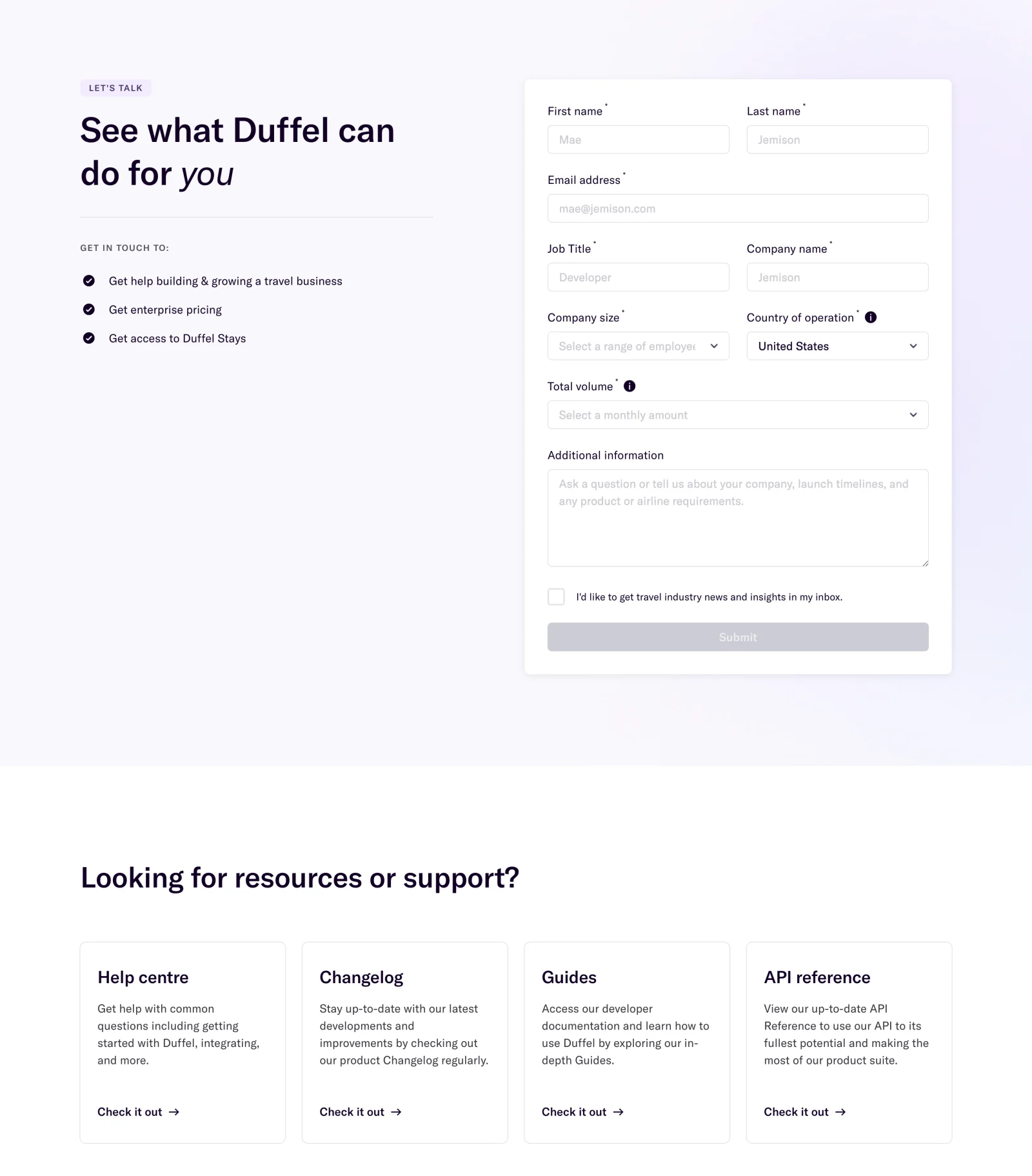
The Duffel capture pairs a business-oriented introduction with a form requesting identity and company information. A separate resources section links to a help centre, changelog, guides, and API reference.
That structure acknowledges that not every visitor needs to speak with sales. The self-service routes can resolve technical or support needs without requiring unrelated qualification fields.
Choose fields according to how the receiving team will use them. A required field adds effort and should support routing or a useful response. Explain unfamiliar business metrics beside the input.
Set an accurate follow-up expectation
Tell visitors what submitting the form establishes and what happens next. If the team must review the request, do not imply an appointment is already booked.
Use timing only when it is a real commitment. A vague promise of an immediate response can create disappointment when the request enters a normal queue.
After submission, preserve an appropriate confirmation and route back to the product or site. Validation and service failures need their own actionable states.
Separate support from commercial interest
Give existing users a support route they can recognize. A paid customer should not have to pose as a new prospect to report a problem.
Likewise, a developer looking for an API answer may benefit from documentation before a conversation. Offer useful alternatives near the contact task, not only in a large footer.
If forms change according to request type, keep the selected type visible and preserve appropriate input when users switch.
Keep communication choices distinct
An optional newsletter preference should remain separate from asking the team to respond. The form's main action should describe the request the visitor intends to send.
Use persistent labels, understandable errors, and a logical keyboard order. A compact contact form still needs predictable behavior on mobile and with assistive technology.
Company addresses and social routes can provide context, but do not imply they are interchangeable with an operational support channel.
Review routing from the visitor's perspective
Test a sales request, a support issue, a technical question, and a partner inquiry. Confirm that destinations and confirmation messages match the selected task.
Explore SaaSFrame's contact-page references to compare direct contact routes and structured forms. Choose the shortest path that gets each request to a useful response.
Contact page questions
Does every contact page need a form?
No. Clearly labeled direct routes can work when they match the receiving process and visitor's need.
Which fields should be required?
Require information needed to route or answer the request. Keep unrelated qualification out of support journeys.
What should follow submission?
Confirm the established state and explain the actual next step. A received request is different from a scheduled meeting.