Generate a new design based on this screen using your own content.
Thank you! Your submission has been received!
Oops! Something went wrong while submitting the form.
# Design from Reference: Prelude Add Prelude To App
Create an original, high-fidelity visual design inspired by the reference. Prioritize composition, typography, colors, spacing, and component styling over technical implementation.
## Reference
- **Product:** Prelude
- **Category:** Account Setup
- **Screenshot:** https://cdn.prod.website-files.com/5e9dc792e1210c5325f7ebbc/697b763abf1a30e1acbd91be_ZD4Oozdizl7brwVy2MCPs5BJX4bj-aos_l_jvBXDQSI.avif
Analyze the screenshot first. If inaccessible, request it rather than guessing.
## Content
{{content.instructions}}
{{content.data}}
Preserve essential messaging and factual accuracy. Adapt structure and copy length for visual balance; never invent product claims.
## Visual Design
Use this context to reproduce the reference's visual language: layout, typography, colors, spacing, borders, radii, and distinctive elements. The screenshot takes priority if descriptions conflict.
## Direction
{{preferences.fidelityInstructions}}
## Output
{{output.instructions}}
Deliver a polished, cohesive design with precise alignment, hierarchy, and spacing. Produce the requested visual artifact, not just a description. If unsupported, explain the limitation.
A Developer Onboarding Flow That Actually Feels Approachable
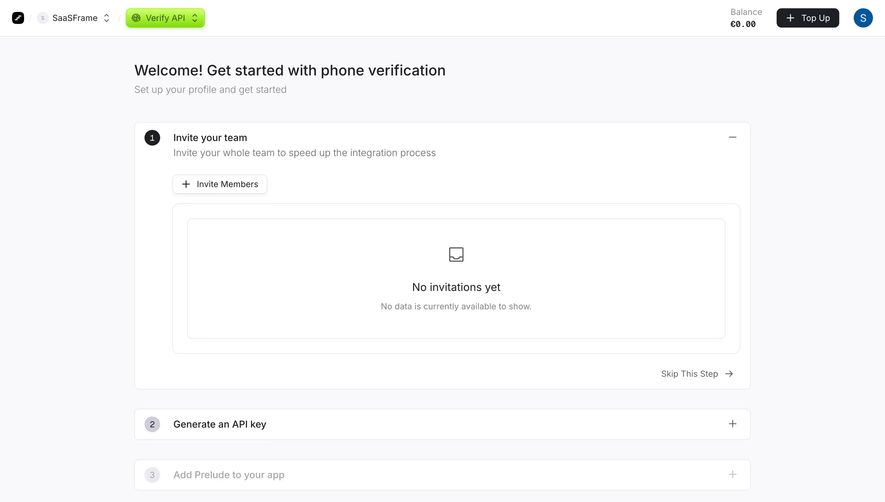
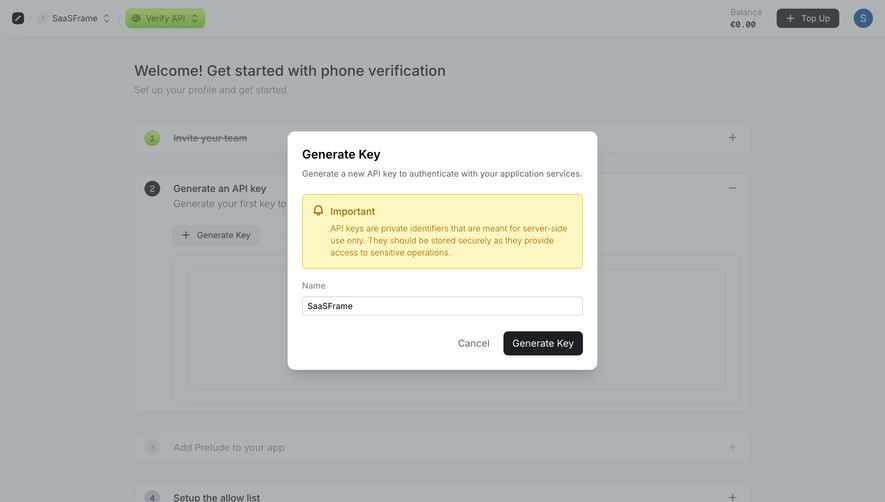
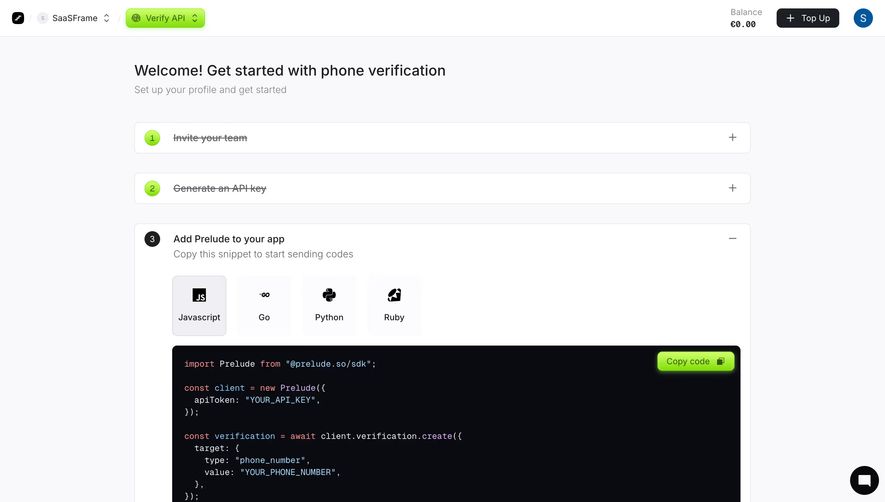
First thing you notice is the numbered step system. Green accent circles with clear labels guide you through setup without overwhelming. Step 3 is expanded, showing a code snippet on a dark background that pops hard against the white page. Smart contrast move.
Code Meets Product in a Clean Way
The language tabs (Javascript, Go, Python, Ruby) with minimal icons are a solid touch. They feel native, not bolted on. Below the code block, there's a phone number input with a "Send Test Code" button in that signature green. It lets devs actually test the integration right from the onboarding page. That's thoughtful. The collapsed steps above and below keep the page from feeling like a wall of content.
Details That Earn Trust
The balance display top-right (€0.00) immediately tells you this is a pay-as-you-go product. Resource cards at the bottom with distinct colored icons give three clear next steps. Typography is clean and readable throughout. Nothing fights for attention. The whole page feels like it respects your time.
.webp)




.avif)