 SaaSFrame
📺 Demo Request
Optimize your sales pipeline with high-intent SaaS Demo Request page examples. Explore friction-free form designs, calendar integrations, and value-driven copy that encourages prospects to book a meeting immediately.
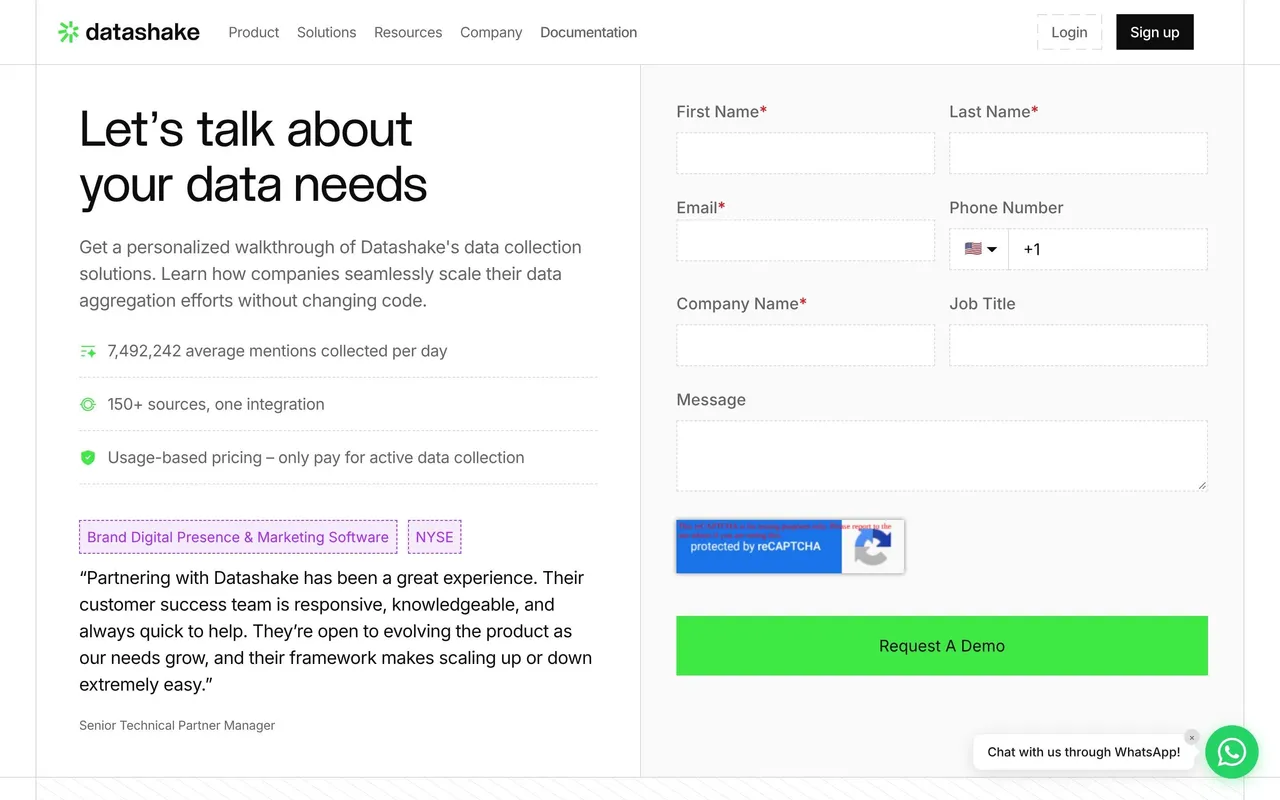

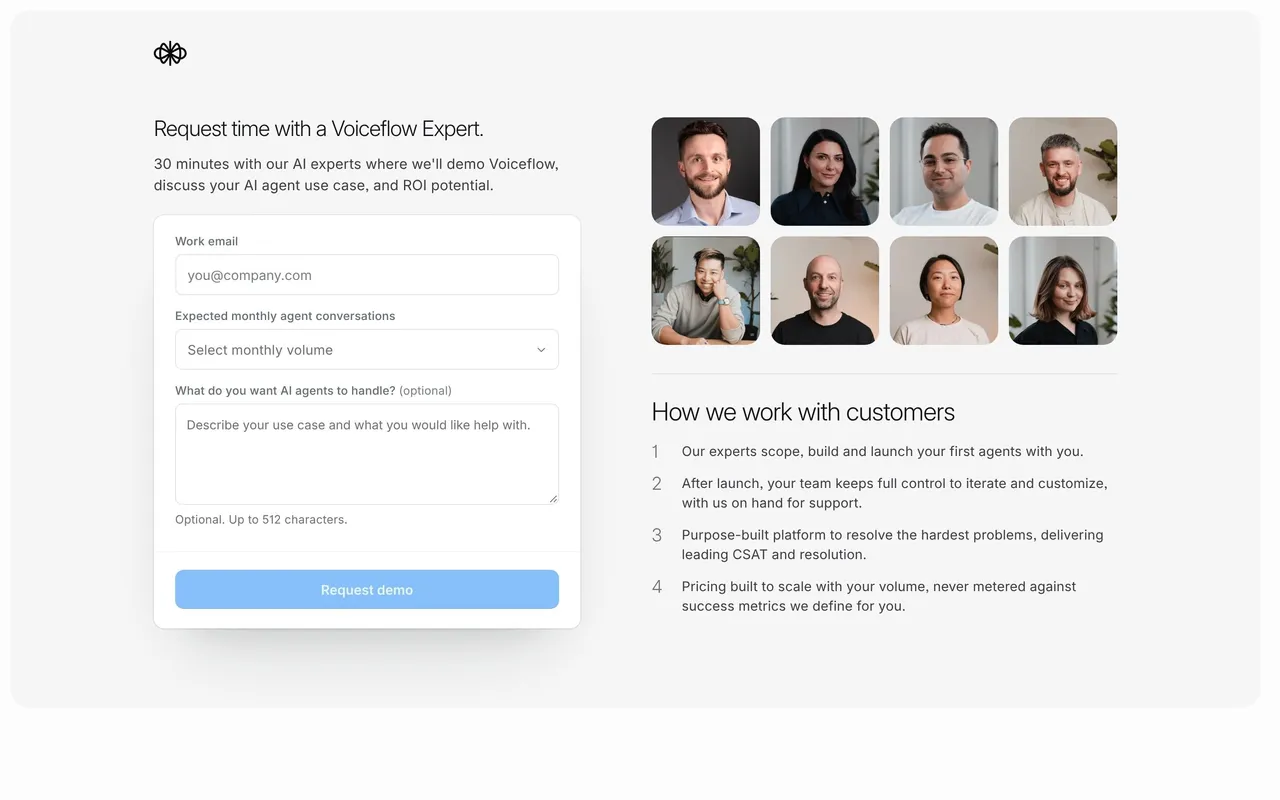

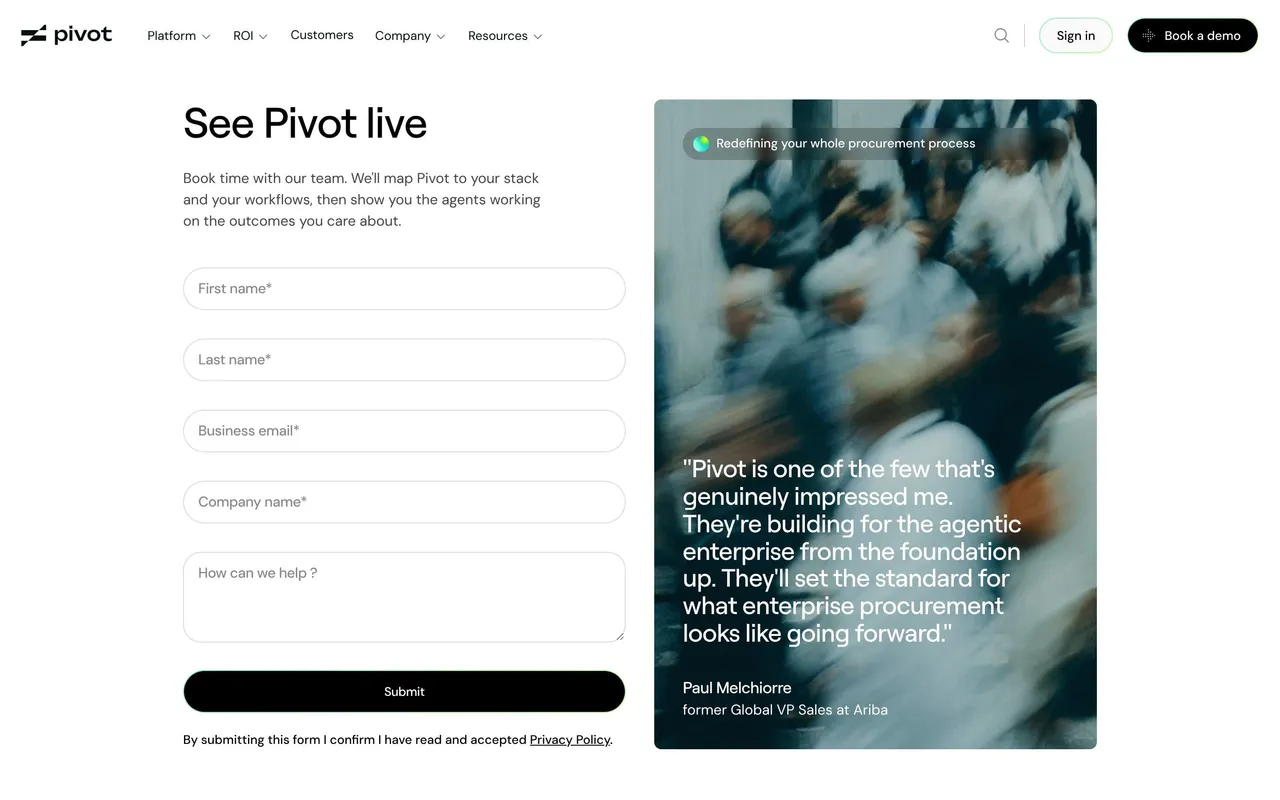

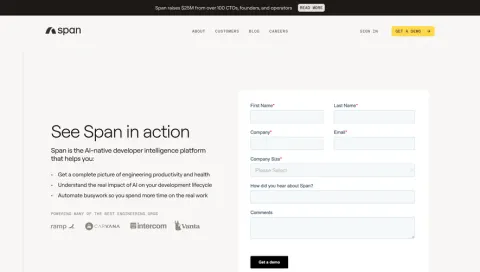
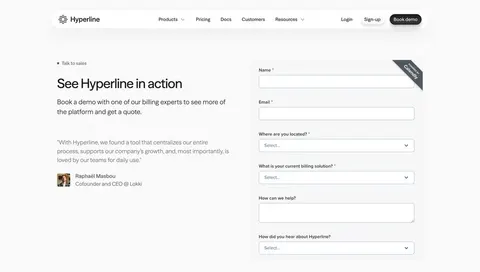
Index of all 51 Demo Request examples
- Searchable Demo Request
- Span Demo Request
- Hyperline Demo Request
- Prelude Demo Request
- Duna Demo Request
- Forest Admin Demo Request
- Swan Demo Request
- Alloy Demo Request
- Greenly Demo Request
- Deel Demo Request
- Rye Demo Request
- Acquire Demo Request
- Channeled Demo Request
- The.com Demo Request
- Makelog Demo Request
- Height Demo Request
- Twingate Demo Request
- Lattice Demo Request
- Channeled Demo Request
- Beau Demo Request
- Moderne Demo Request
- Specify Demo Request
- Reveal Demo Request
- Officevibe Demo Request
- Copy.ai Demo Request
- Mapbox Demo Request
- PlanetScale Demo Request
- MailerLite Demo Request
- Unbounce Demo Request
- Zendesk Demo Request
- Upflow Demo Request
- Workable Demo Request
- Numbro Demo Request
- UXCam Demo Request
- Deel Demo Request
- Help Scout Demo Request
- Acquire Demo Request
- Fullstory Demo Request
- Segment Demo Request
- Yotpo Demo Request
- Datananas Demo Request
- Mixpanel Demo Request
- Heap Demo Request
- Guru Demo Request
- Appcues Demo Request
- Payfit Demo Request
- Spendesk Demo Request
- Front Demo Request
📺 Demo Request: design guide
Short answer
A SaaS demo request page lets prospects ask for a product conversation. Explain what the demo covers and how long it takes, say whether submitting books a slot or requests a call back, ask only for information that prepares the call, and confirm the next step clearly.
In the libraryas of November 2026
- Screens
- 51
- SaaS products
- 48
- Last added
- Nov 2026
Common patternsContact Form 2
Recently addedDatashakeVoiceflowPivotSearchableSpan
A SaaS demo-request page helps a prospective customer ask for a relevant product conversation. Its design should explain what the session covers, what information prepares it, and whether submission requests outreach or confirms a scheduled appointment.
What will the demo cover?
Name the task or product area the visitor will explore. A generic get-a-demo headline is less useful when it does not explain what the conversation will help evaluate.
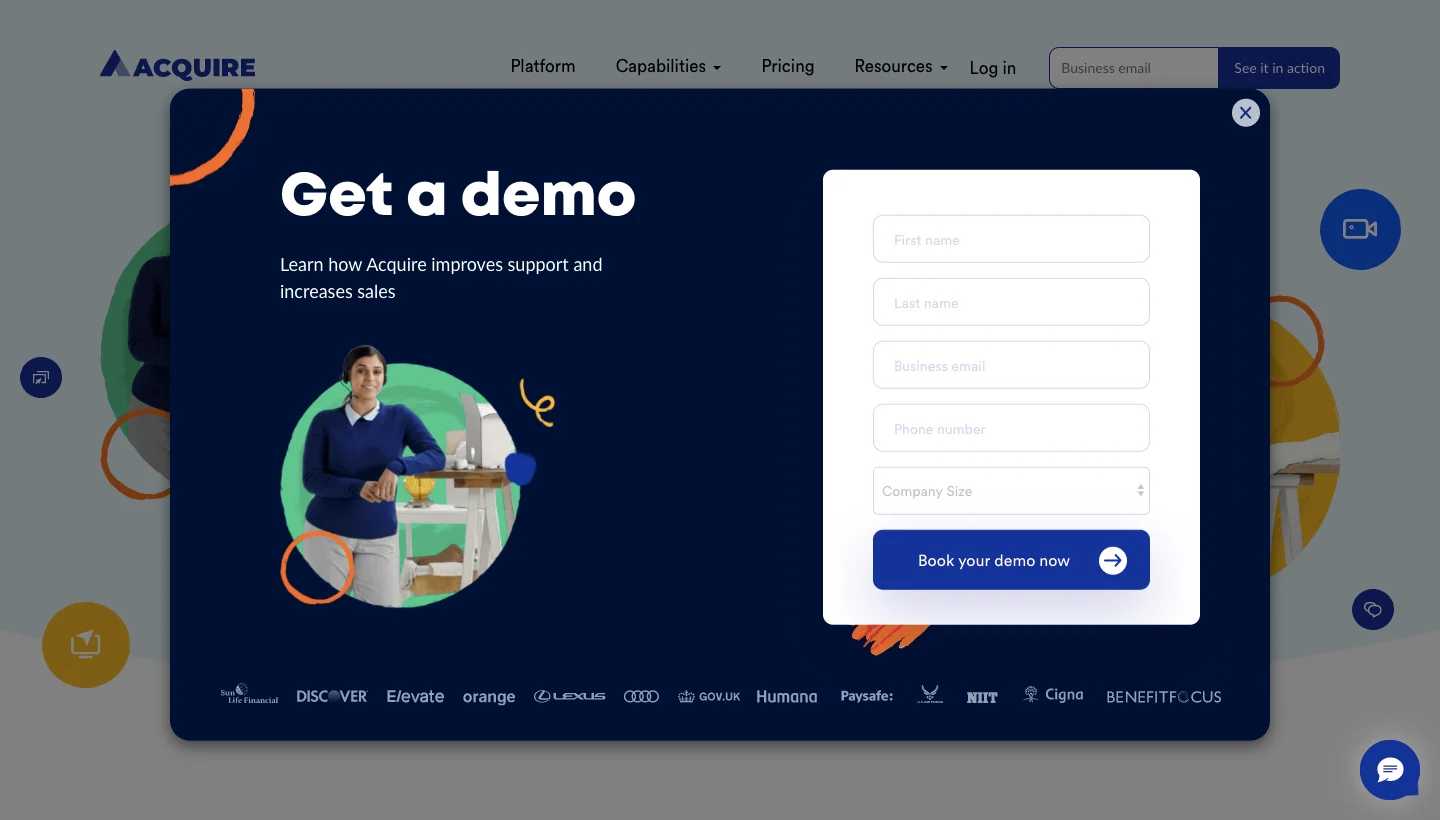
The Acquire reference presents a demo form in a modal over the marketing page. A short value statement and customer logos sit beside the fields and booking-oriented action.
The modal keeps context visible, but the full journey must establish what that action actually does. A static form cannot prove that submitting immediately books a meeting.
Match the action to the scheduling model
Requesting a conversation, choosing a time, and confirming a booking are different steps. Use accurate labels and transitions for each.
If the team must review or contact the visitor, explain that process. Do not promise a confirmed appointment until the scheduling system establishes one.
A calendar route should use the correct session details and timezone. Adding an event is not a substitute for explaining registration or booking state.
Ask for information that prepares a useful discussion
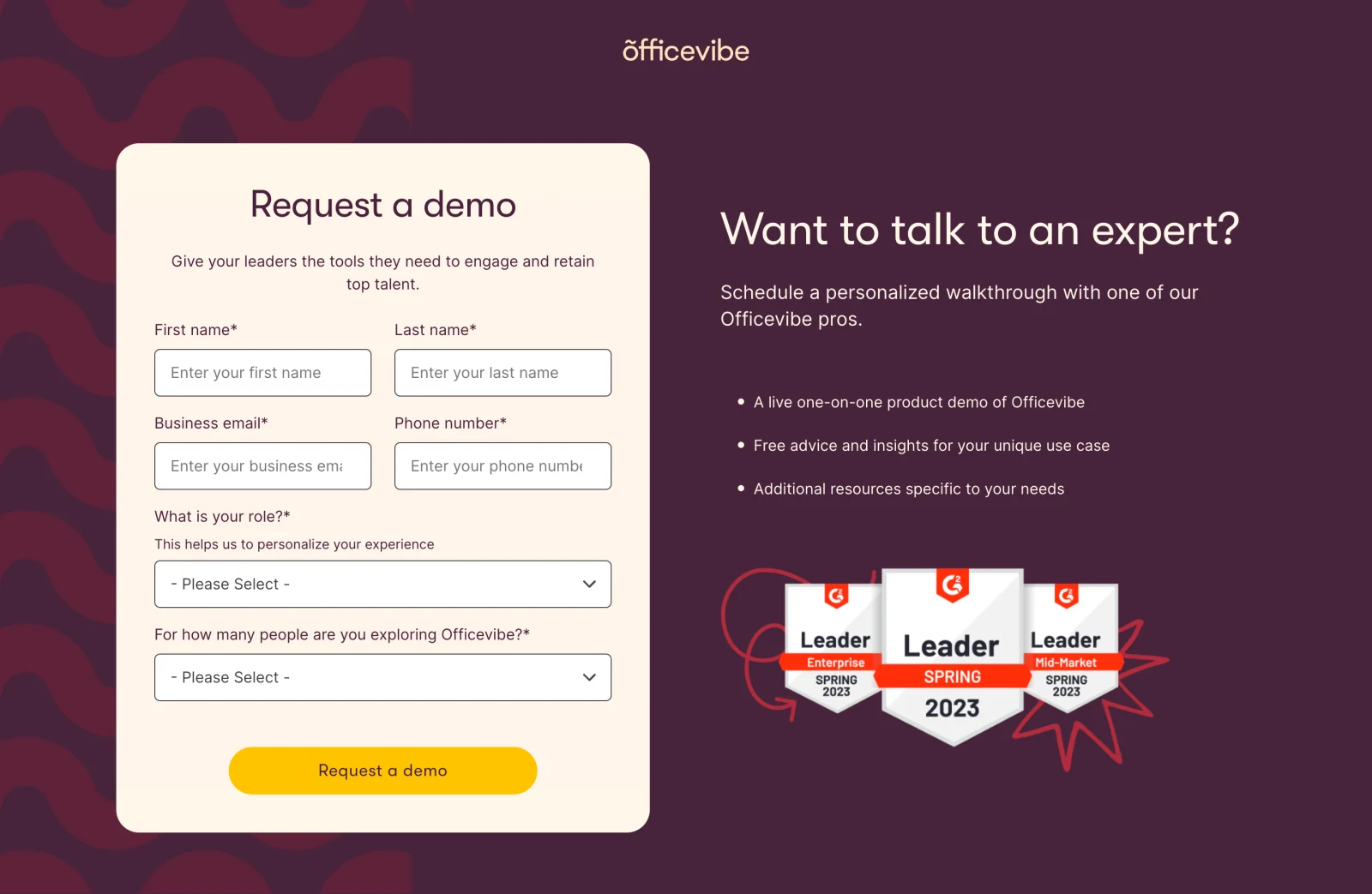
The Officevibe reference combines identity and contact fields with role and team-size questions. Beside the form, it explains the personalized walkthrough and relevant session expectations.
Those fields can help prepare a focused discussion when the receiving team uses them. Explain unfamiliar questions and avoid requiring details unrelated to fit or preparation.
Keep optional fields distinguishable. A visitor should not guess which unanswered input is preventing submission.
Make proof support evaluation
Customer logos or review badges can provide adoption context, but they do not explain what the visitor will learn during the session. Pair them with a concrete agenda or scope.
Avoid presenting the demo as a guaranteed route to a specific business result. Its purpose is to help the visitor assess the product.
If self-service exploration is also available, offer it as an appropriate alternative without making the primary conversation confusing.
Keep the form usable under interruption
Use persistent labels, clear validation, and a predictable focus order. Preserve relevant information after a temporary failure.
For modal forms, make opening, closing, and returning to the page coherent. The surrounding page should not steal focus or make controls inaccessible.
Check mobile layout with the keyboard open. Promotional content should not push essential fields and submission feedback into an awkward sequence.
Confirm the established outcome
A success screen should explain what was received and the next step. If follow-up arrives by email, identify that route appropriately and provide recovery when useful.
Handle already-booked, invalid-input, and uncertain network results distinctly. Do not send visitors to a generic thank-you page that claims success for every state.
Review the page, scheduler, confirmation, and follow-up message together.
Study request and scheduling as one journey
Explore SaaSFrame's demo-request references to compare page and modal forms. Choose a design that prepares a useful conversation and accurately describes the commitment.
Demo request questions
Does submission always book a meeting?
No. Match feedback to whether the system records a request or confirms an actual appointment.
Which qualification fields belong on the form?
Ask for information that helps assess fit or prepare the session, and explain unfamiliar inputs.
Can the form be a modal?
Yes, when focus, closing, validation, and mobile use are handled coherently while preserving context.