 SaaSFrame
📝 Templates Library
Scale your user success with a searchable SaaS Template Library. These designs focus on "Use This Template" buttons, category tags, and preview modes that help users get started with your product in seconds.
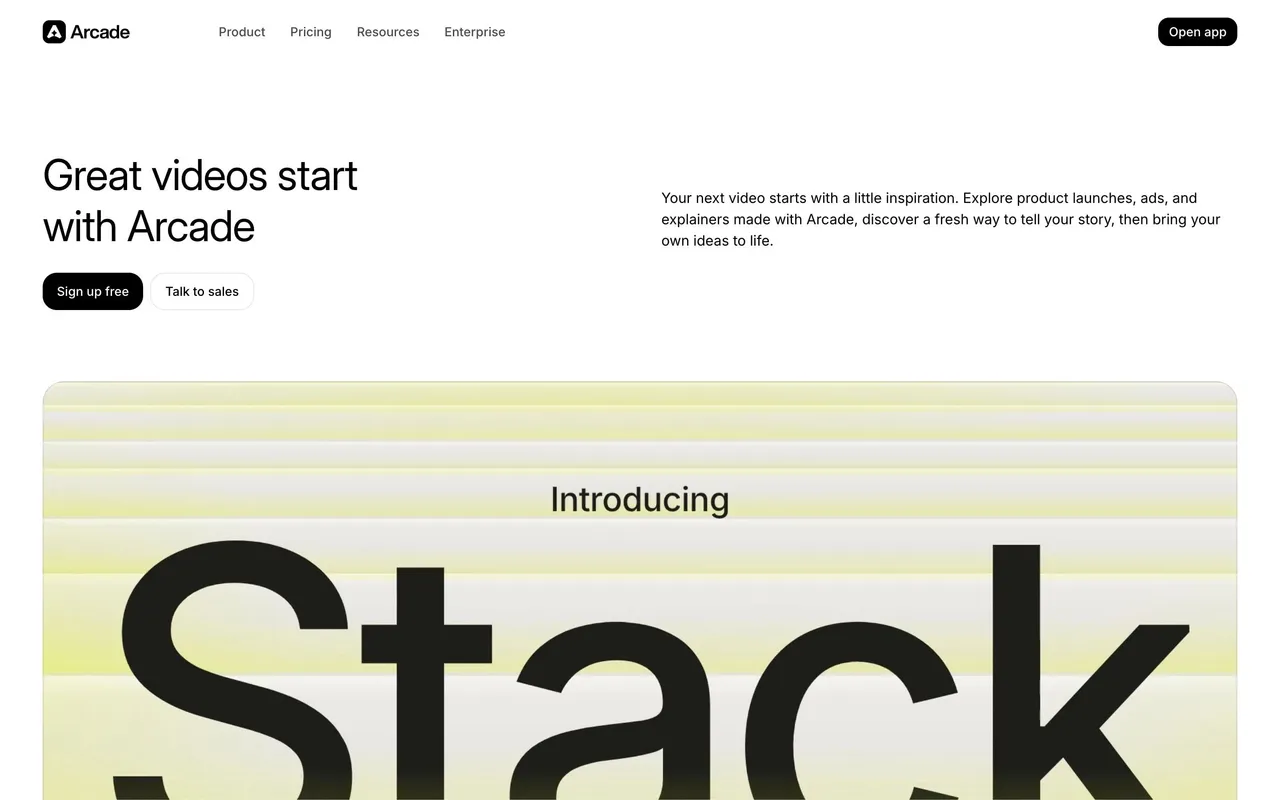

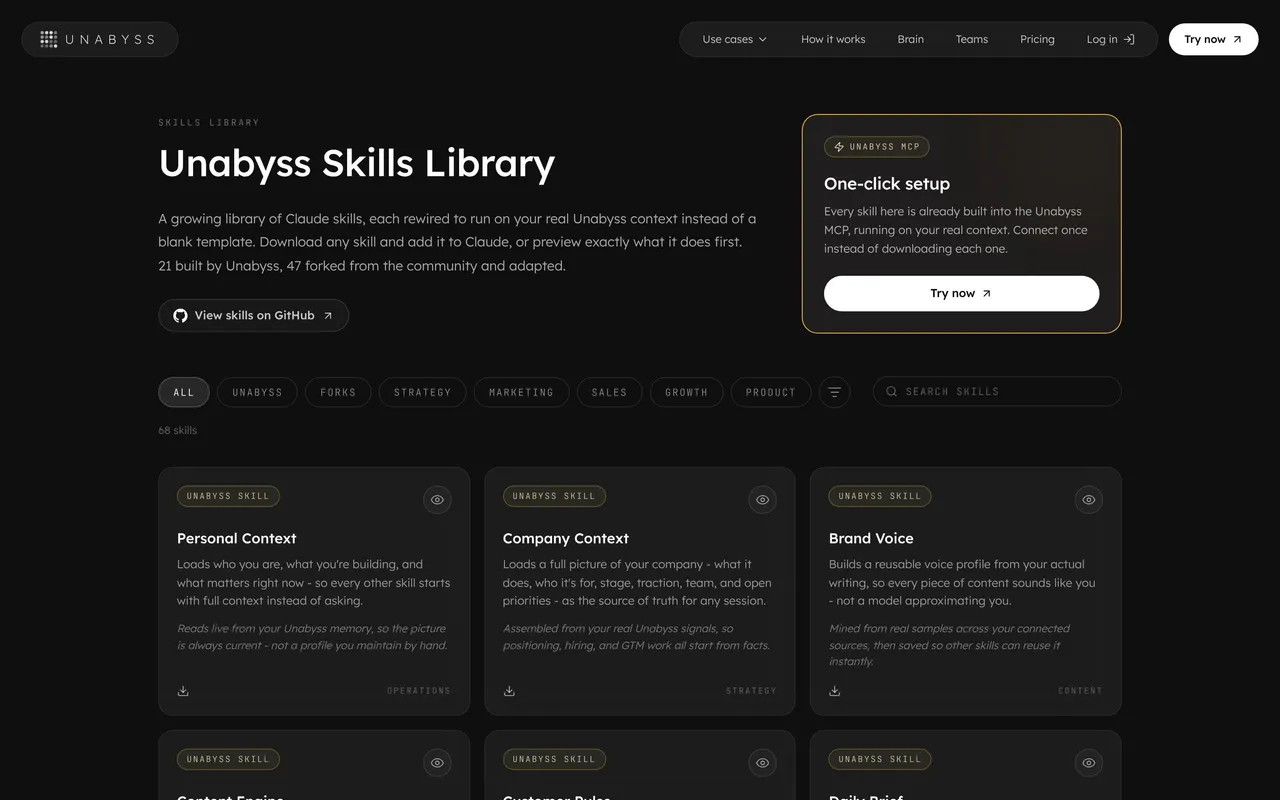

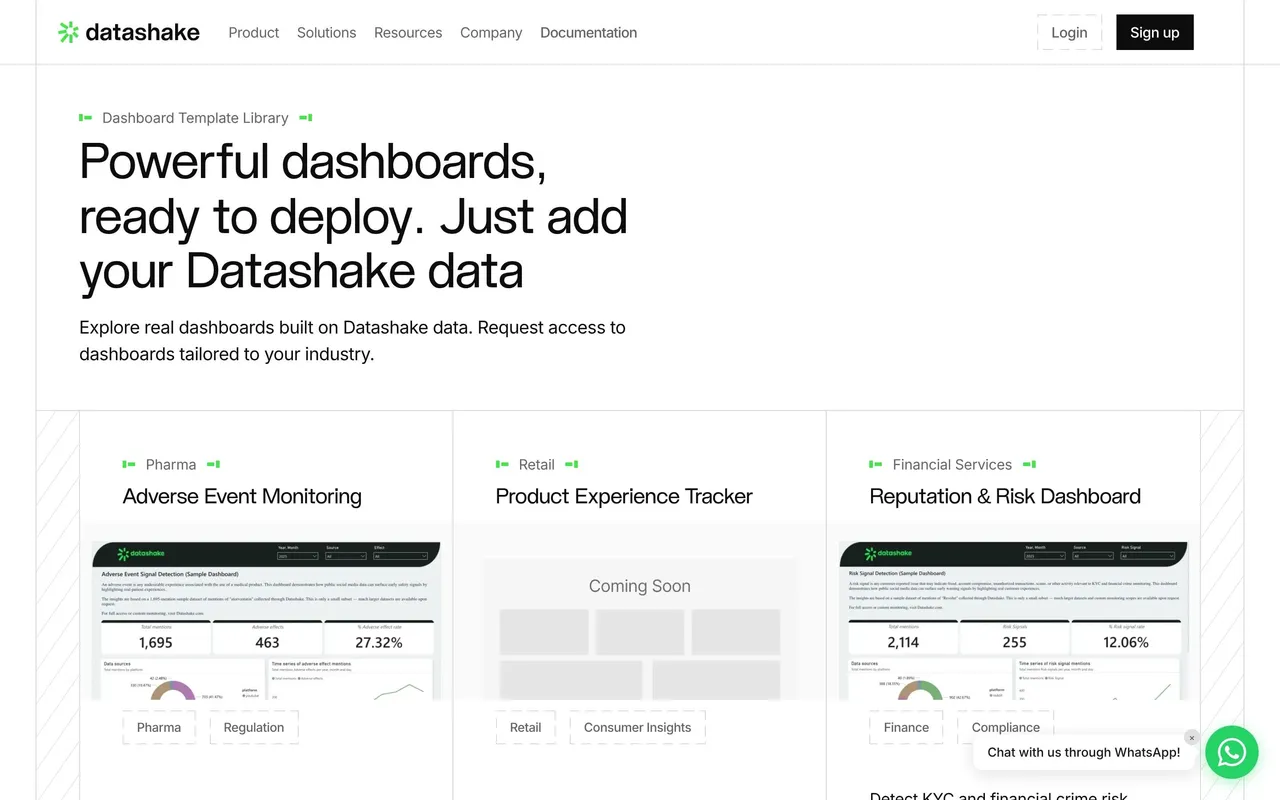

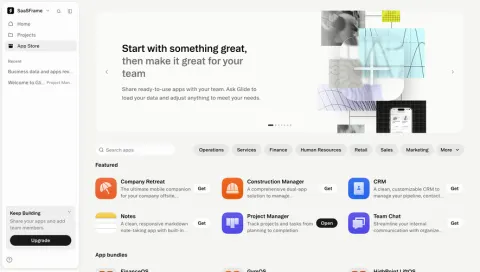
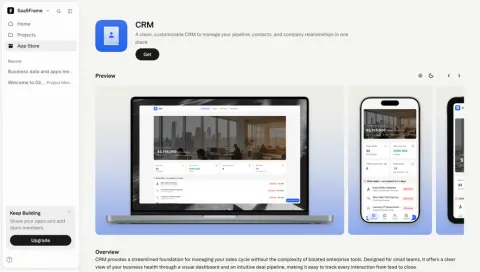
Index of all 35 Templates Library examples
- Tines Templates Library
- Glide Browse the app store
- Glide CRM app store listing
- Unkey Templates Library
- Atlas Templates Library
- Latitude Templates Library
- Linktree Templates Library
- Lattice Templates Library
- Beau Templates Gallery
- Beau Template Item
- Qatalog Templates Library
- Qatalog Template Item
- Specify Templates Library
- Specify Template Item
- Senja Templates Library
- Folk Templates Library
- Officevibe Templates Library
- Flowrite Templates Library
- AhoyConnect Templates Library
- Contractbook Templates Library
- Airtable Templates Library
- PandaDoc Template Library
- Figma Templates Library
- Hypercontext oapbox Template Library
- Pipefy Templates Library
- Hugo Meeting Agenda Templates
- Phantombuster Template Library
- Miro Template Library
- Slite Templates
- Segment Templates
- Asana Templates
- Proof Templates
📝 Templates Library: design guide
Short answer
A SaaS templates library helps visitors find a starting point and judge how much they will need to adapt it. Organise templates around the work users want to start, give previews with enough context, support search and browsing, say what happens after choosing one and show how it can be customised.
In the libraryas of November 2026
- Screens
- 35
- SaaS products
- 31
- Last added
- Nov 2026
Common patternsGallery 1Theme Mode 1Video Player 1
A SaaS templates library helps visitors find a useful starting point and judge how much adaptation it will require. Its design should explain the template's purpose, contents, and use route rather than relying on an attractive preview alone.
How should a templates library be organised?
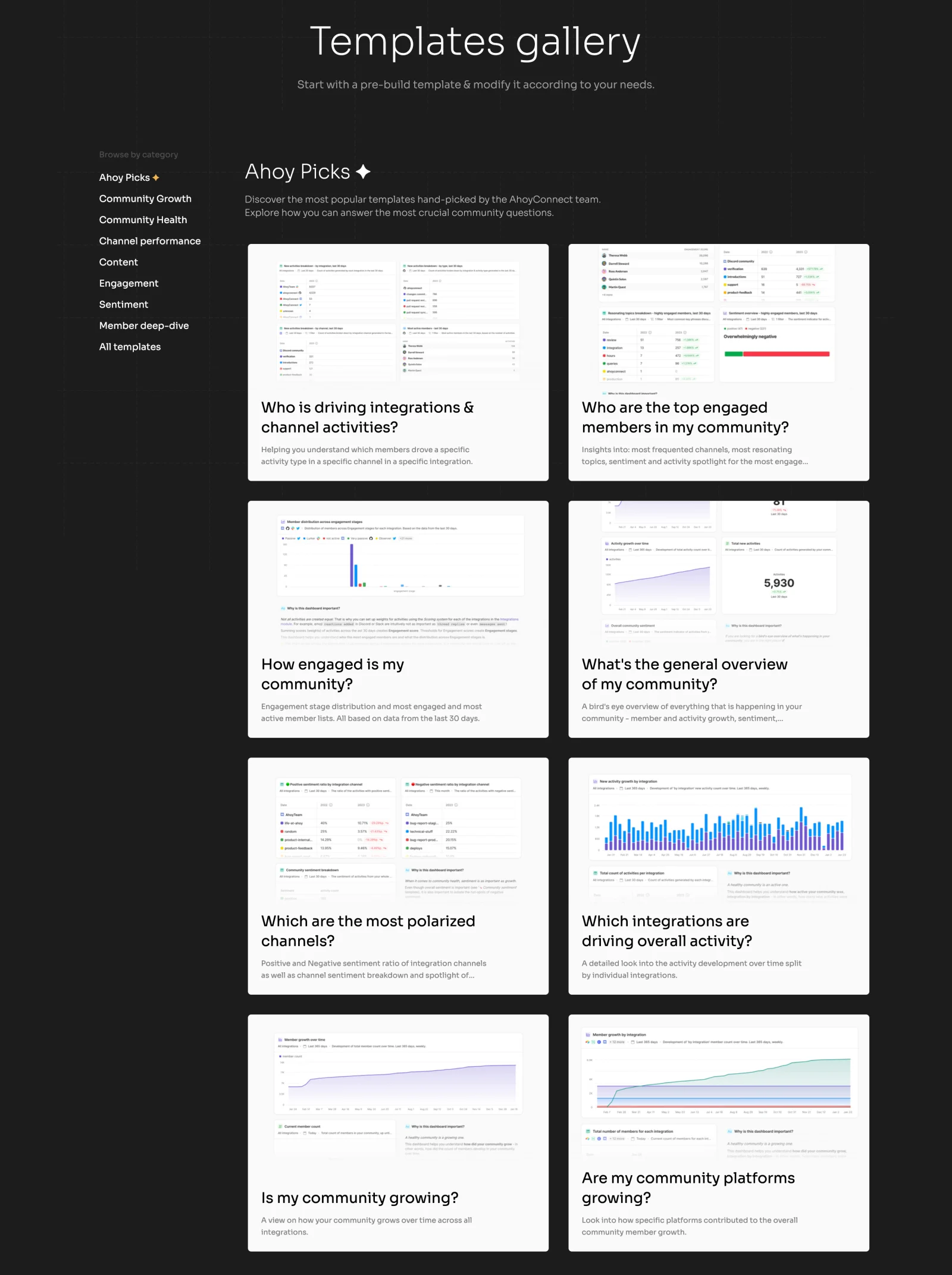
The AhoyConnect gallery groups templates by community-related topics. Cards combine report previews with task-oriented questions, such as understanding engagement or activity.
This connects a template to a recognizable need. A descriptive question or outcome can be more useful than an internal template name unfamiliar to new visitors.
Keep category labels relevant to discovery. The goal is to locate a starting point, not learn how the company internally organizes content.
Give previews enough context
An image can show the shape of a report, layout, or workflow. Explain what it contains and what the visitor would need to supply after selection.
Do not imply that example data becomes the user's own result automatically. Distinguish a demonstration from a populated working template.
A preview should remain understandable on smaller screens, with text preserving meaning when details are too small to inspect.
Support both known and exploratory searches
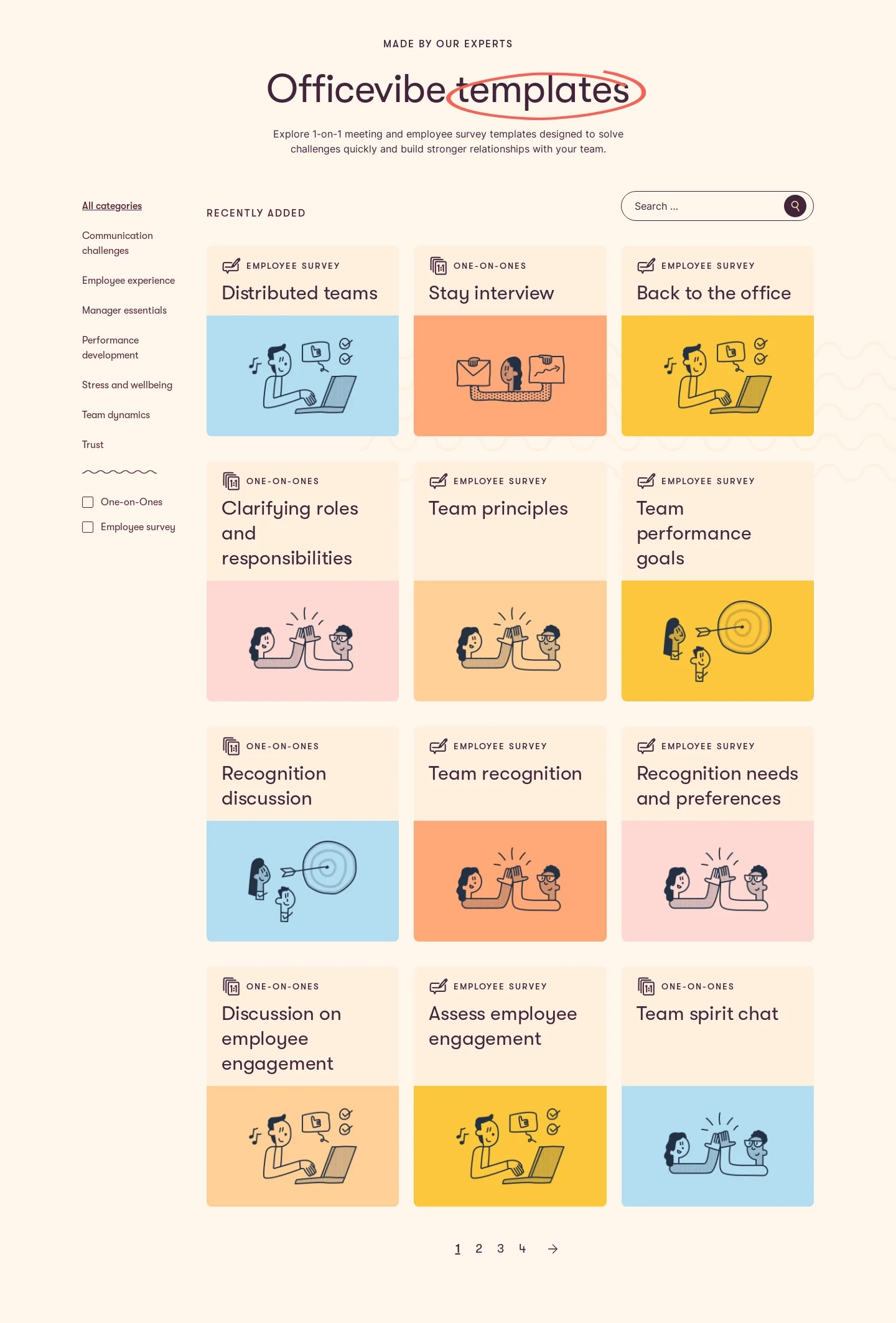
The Officevibe reference combines a category sidebar, search, template-type choices, and cards for employee surveys or one-on-ones. Pagination supports a larger collection.
These routes address different intentions: a visitor may know a topic, a format, or only the workplace situation. Keep the selected scope visible as those choices combine.
A no-result state should allow visitors to broaden the query. It should not erase the context or make the catalog look unavailable.
Explain the action after selection
Previewing, duplicating, downloading, and starting an application are different outcomes. Use a CTA that describes the actual next step.
If an account, plan, or integration is required, explain that requirement where it affects the decision. A template should not appear immediately usable when the next page introduces an unexpected gate.
Preserve the chosen template through signup where the product supports that journey. A generic dashboard destination can make visitors lose the starting point they selected.
Make customization part of the offer
Templates reduce some setup work but may not fit every context. Describe which parts users can adapt and what remains required.
Avoid presenting a template as a guaranteed process improvement. Its usefulness depends on the task, data, and decisions around it.
Where examples teach a method, include a short explanation or guide. A prefilled structure alone may not explain how to use it well.
Maintain useful discovery over time
Featured and recently added collections can help orientation, but they should not prevent access to the full inventory. Use editorial selection with a clear purpose.
Check outdated templates, broken use routes, long titles, and return navigation from detail. Preserve search state and position where possible.
Explore SaaSFrame's template-library references to compare categories, previews, and use actions. Design around choosing an appropriate starting point and beginning the real task.
Templates library questions
Is a preview image enough?
No. Explain the template's purpose, contents, and relevant setup requirements.
Should every card have a use-now action?
Only when that accurately describes the next step. Preview, signup, and duplication need distinct labels.
What should filters describe?
Use recognizable topics, task situations, or formats that help visitors choose a relevant template.