 SaaSFrame
💼 Careers Page
Attract top talent with engaging SaaS Careers and Jobs page designs. Learn how to showcase company culture, employee benefits, and open roles using mission-driven visuals and transparent "life at the company" sections that resonate with 2026's workforce.
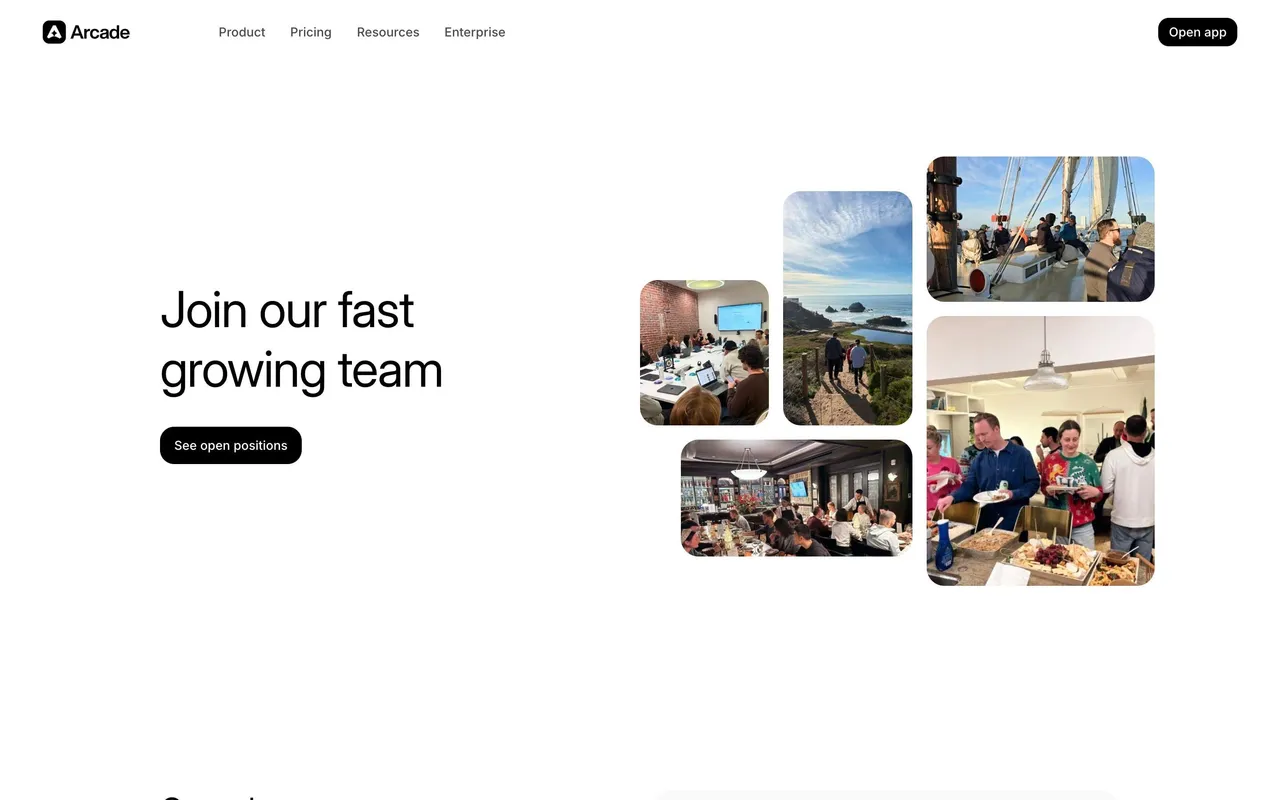

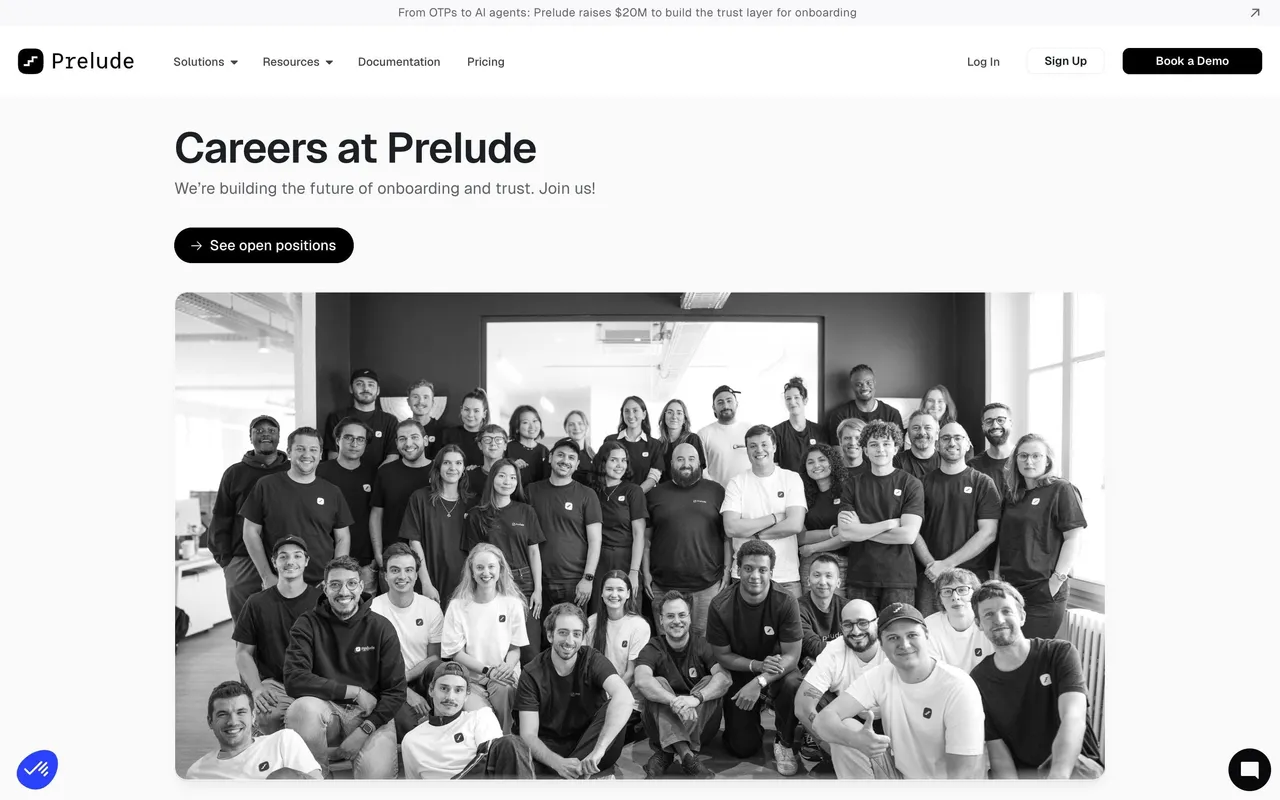

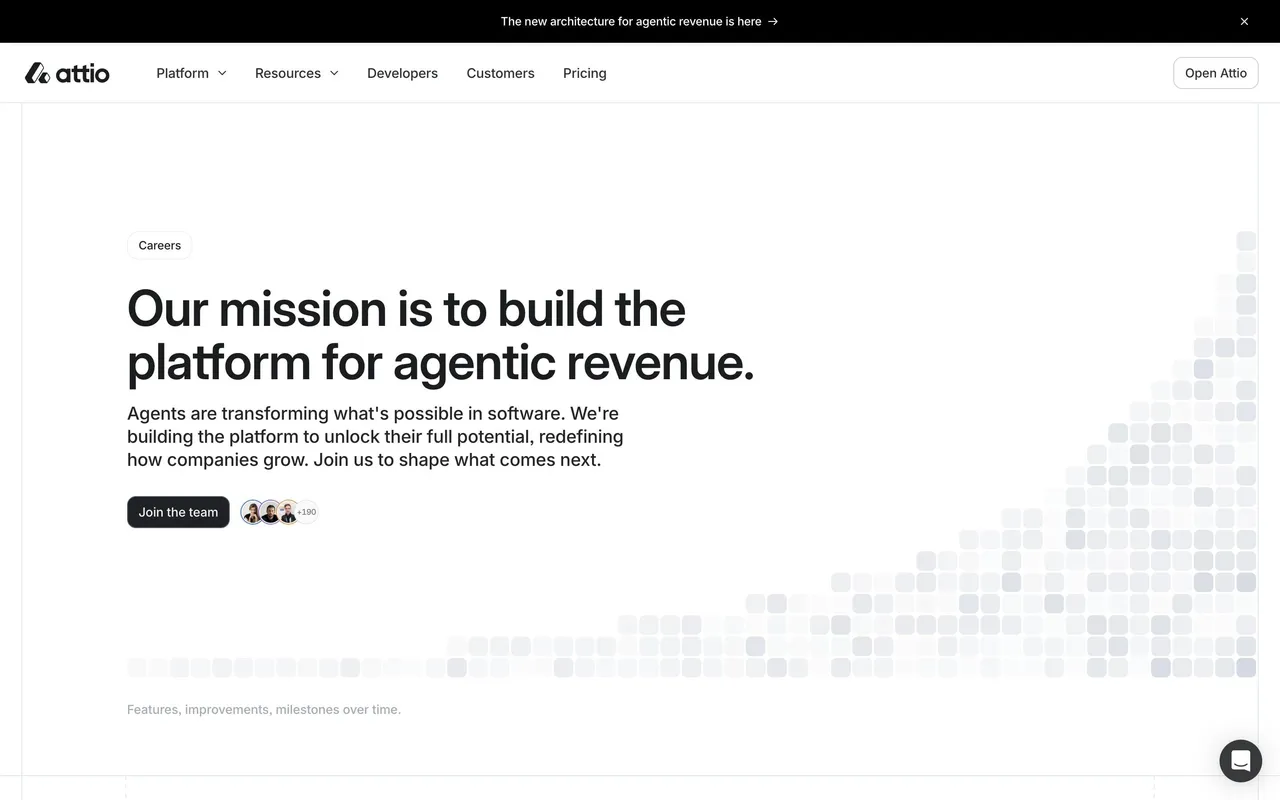

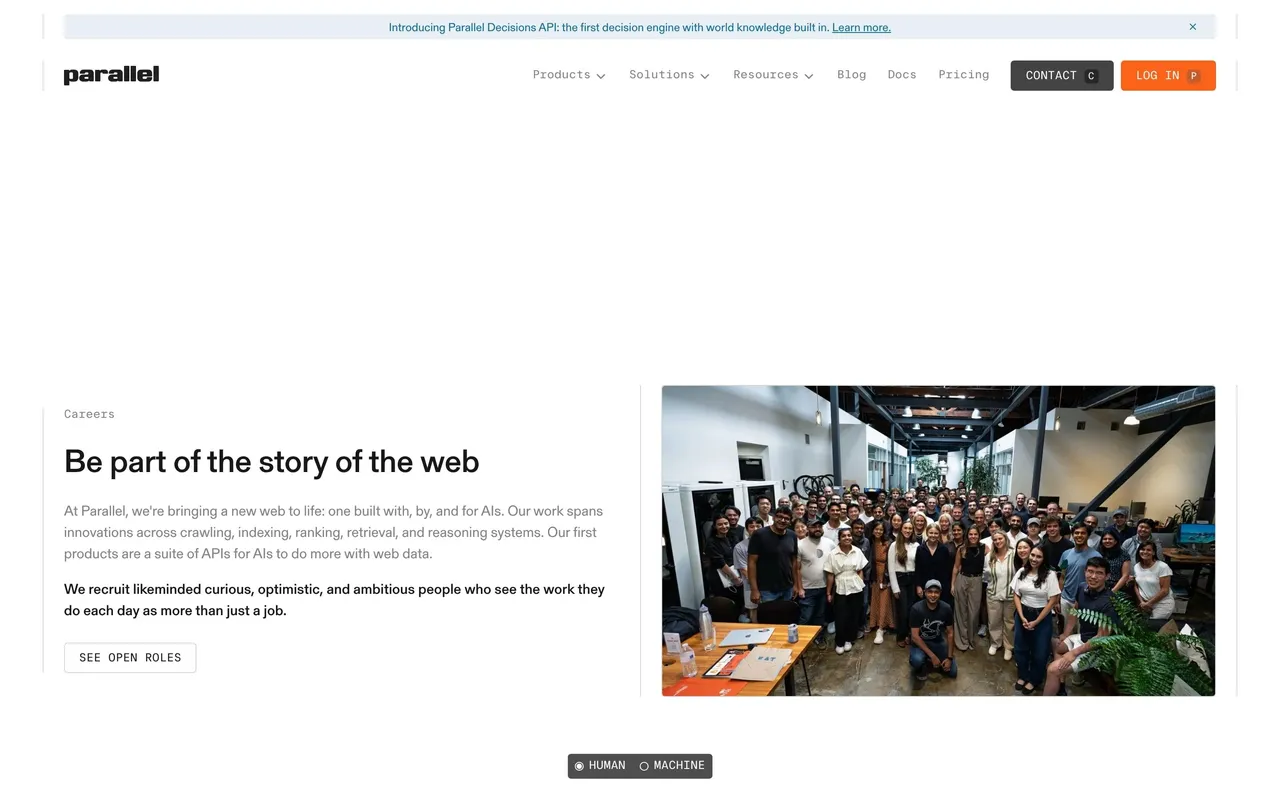
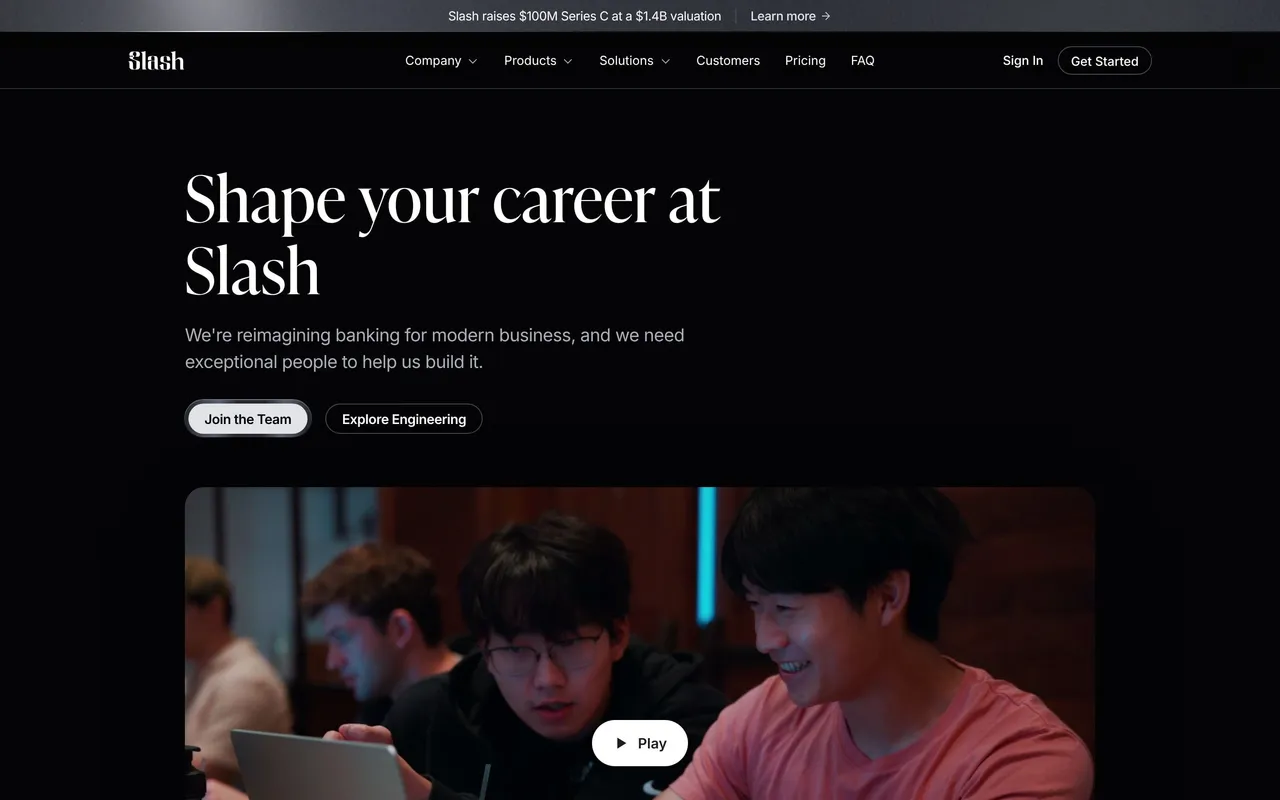
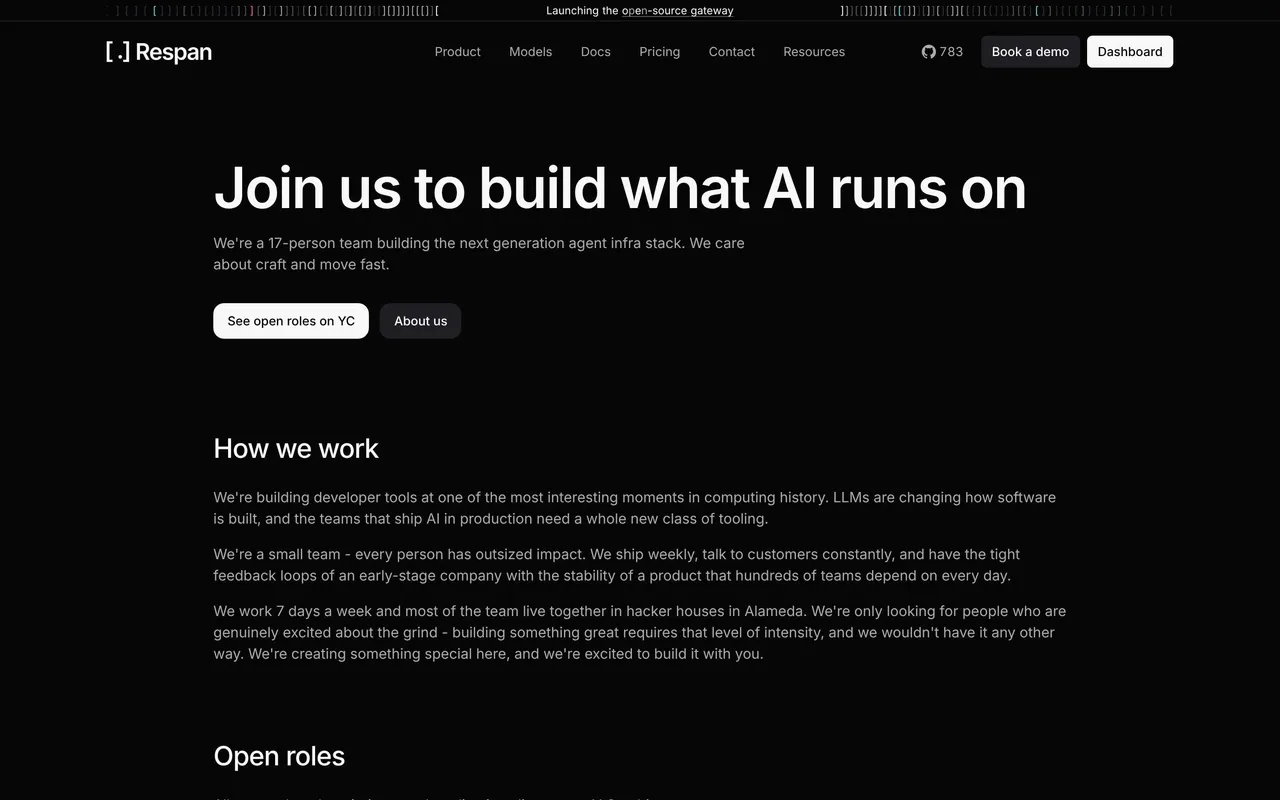
Index of all 102 Careers Page examples
- Parallel Careers Page
- Slash Careers Page
- Respan Careers Page
- Privy Careers Page
- Pivot Careers Page
- Dub Careers Page
- Lightspark Careers Page
- Cloudflare Careers Page
- Koyeb Careers Page
- Profound Careers Page
- Span Careers Page
- Searchable Careers Page
- Solidroad Careers Page
- Paddle Careers Page
- Duna Careers Page
- Hume AI Careers Page
- Peec AI Careers Page
- Reducto Careers Page
- Speakeasy Careers Page
- Clutch Careers Page
- Cluely Careers Page
- Payhawk Careers Page
- Checkout.com Careers Page
- Tailscale Careers Page
- Superlist Careers Page
- GoFundMe Careers Page
- OpenAI Careers Page
- Remote Careers Page
- Dimension Careers Page
- Winden Careers Page
- Linear Careers Page
- Duffel Careers Page
- Deel Careers Page
- Supabase Careers Page
- Linktree Careers Page
- Blobr Careers Page
- Hopscotch Careers Page
- Brevo Careers Page
- Conduktor Careers Page
- Clay Careers Page
- Ruul Careers Page
- Better Stack Careers Page
- Nord VPN Careers Page
- Lattice Careers Page
- Hotjar Careers Page
- Wistia Careers Page
- Webflow Careers Page
- Bento Careers Page
- Aircall Careers Page
- Pipe Careers Page
- Evervault Careers Page
- Highnote Careers Page
- Vercel Careers Page
- Fiberplane Careers Page
- Narrative BI Team Page
- Raycast Careers Page
- Equals Careers Page
- Dynaboard Careers Page
- PlanetScale Careers Page
- Flowrite Careers Page
- Veed Careers Page
- Teta Careers Page
- GitHub Careers Page
- Vowel Careers Page
- Shogun Careers Page
- Kinsta Careers Page
- Contractbook Careers Page
- Shortcut lubhouse Careers Page
- Unbounce Careers Page
- Zendesk Careers Page
- Workable Careers Page
- GraphCMS Careers Page
- Sendinblue Careers Page
- Buffer Careers Page
- Figma Careers Page
- Hypercontext oapbox Careers Page
- Pipefy Careers Page
- ConvertKit Careers Page
- PlayPlay Careers Page
- Weglot Careers Page
- Mixpanel Careers Page
- ProductBoard roductboard Careers Page
- Reply Careers Page
- Help Scout Careers Page
- Miro Careers Page
- Heap Careers Page
- Abstract Careers Page
- Hiver Careers Page
- Segment Careers Page
- Fullstory Careers Page
- Payfit Careers Page
- Proof Careers Page
- Stripe Careers Page
- Slack Careers Page
- Livestorm Careers Page
- Spendesk Career Page
- Slite Career Page
- Aircall Careers Page
- Front Career Page
💼 Careers Page: design guide
Short answer
A SaaS careers page helps candidates judge the company and find a relevant role. Give concrete reasons to join, back culture claims with evidence, keep open roles easy to filter, link role summaries to real requirements and explain the hiring steps after applying.
In the libraryas of November 2026
- Screens
- 104
- SaaS products
- 101
- Last added
- Nov 2026
Common patternsTeam 7Hero Section 4Gallery 2Statistics 2Steps 2
A SaaS careers page helps candidates understand the work environment and find a relevant role. Its design should connect the company story to practical employment information and a reliable application route.
The SaaSFrame captures show historical page structures. Their benefits and open roles should not be described as current employment offers.
Why should a candidate consider the company?
Explain the mission and kind of work in concrete terms. Candidates need more than an inspirational headline to understand where their contribution fits.
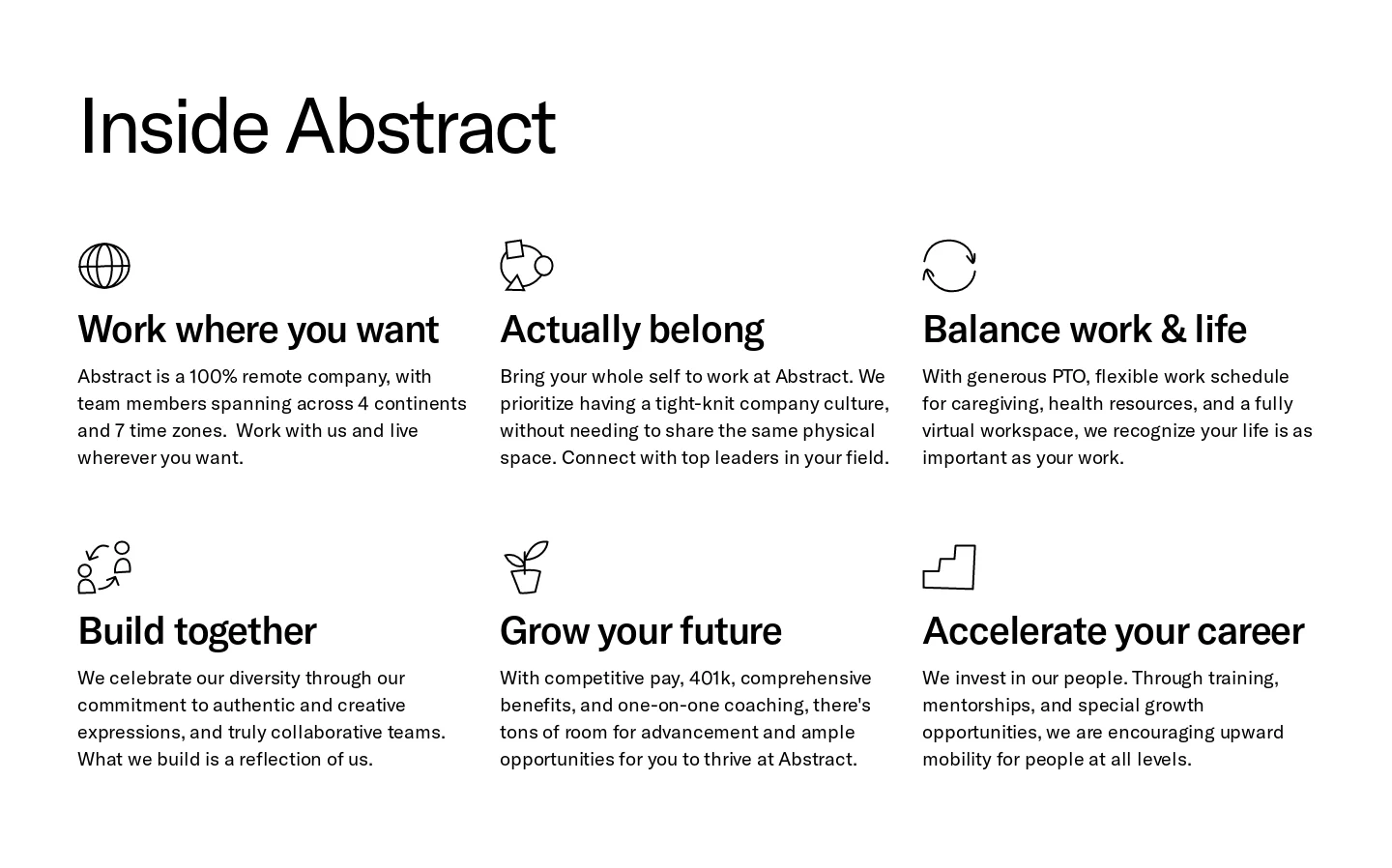
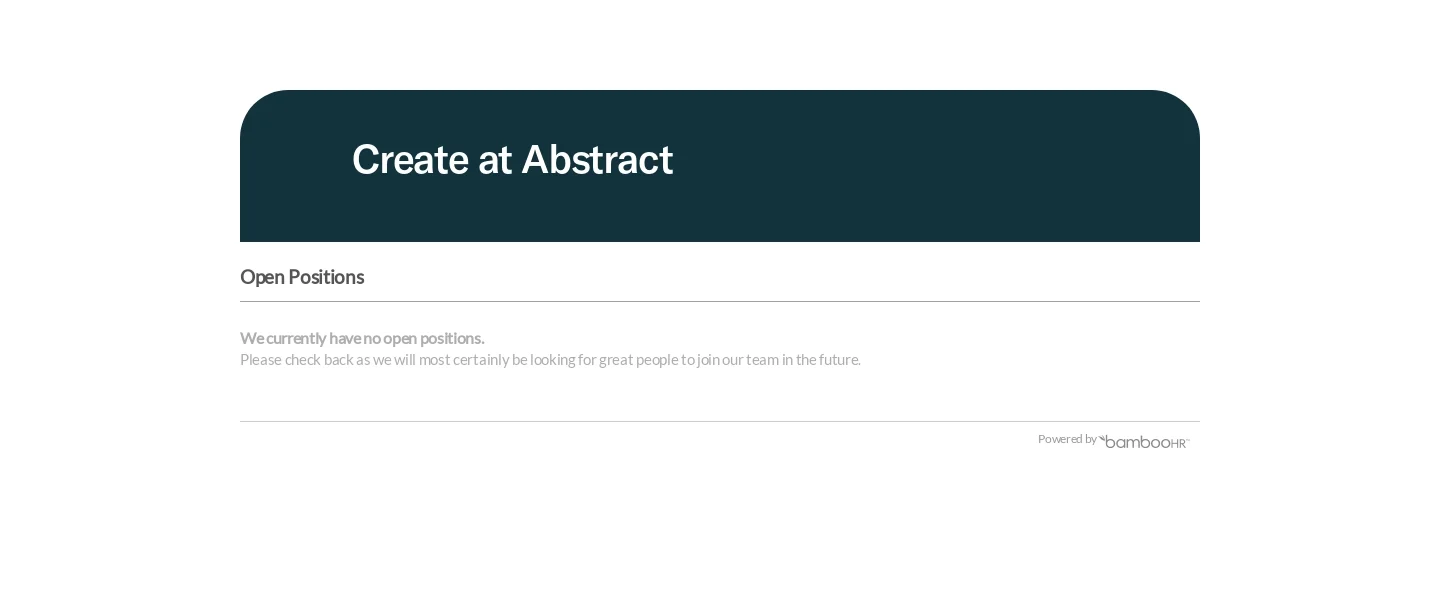
The Abstract reference introduces its design-oriented mission, then describes working arrangements, belonging, development, values, and an open-position area. The captured role section shows an empty state rather than a populated list.
That state is part of the page's usefulness. When no roles are listed, say so accurately and provide only the follow-up routes the company actually supports.
Make culture claims assessable
Describe working practices rather than relying exclusively on abstract values. Remote work, learning support, or team collaboration need enough context to help a candidate understand the experience.
Keep benefits aligned with the actual role and location. A global headline should not imply identical conditions where arrangements differ.
Images and employee accounts can provide perspective, but they should remain contextual rather than guaranteeing every person's experience.
Keep open roles easy to find
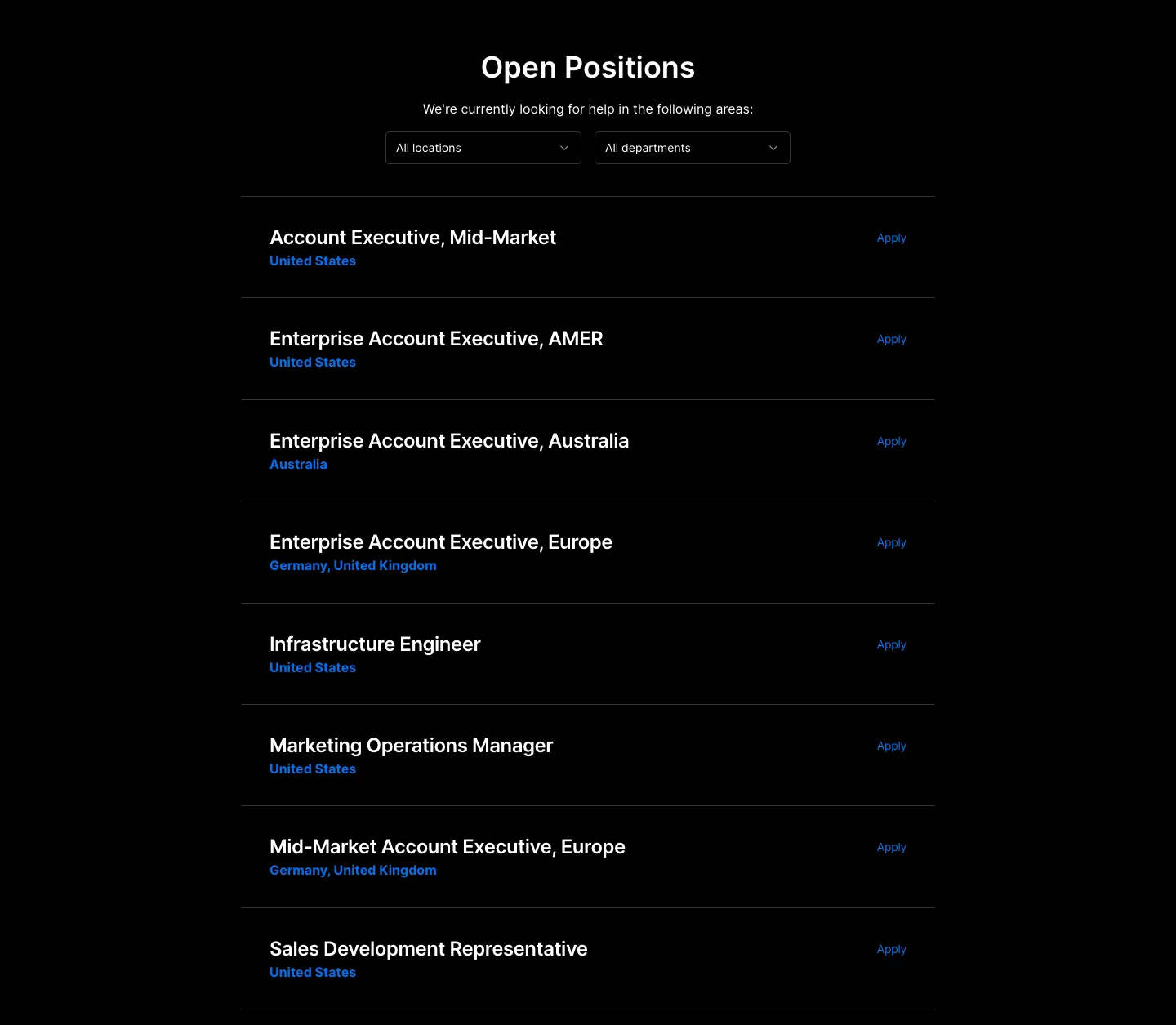
The Vercel capture pairs a company introduction and global visual with benefits and a substantial role list. Location and department filters appear above the openings.
This supports candidates with specific constraints. Keep role title, location, and work arrangement visible enough to judge whether opening the detail page is worthwhile.
Filters should preserve active scope and produce an understandable no-result state. An empty filtered list differs from no vacancies across the company.
Connect the role summary to actual requirements
A role detail page should explain responsibilities, relevant requirements, location context, and the application process. Keep the careers summary consistent with it.
Avoid a title that leads to a removed or unrelated vacancy. Update status when recruitment changes and give a sensible return route.
A general application route, if offered, should be labeled as such. It should not look like a specific available job.
Explain the next commitment
Applying, joining an update list, and contacting recruiting are different actions. Use labels and confirmation that reflect the actual process.
If the application opens another system, make the handoff recognizable and preserve the role identity. Candidates should know they reached the intended destination.
Do not promise a response time or interview sequence that the receiving team cannot support.
Review accessibility and maintenance
Test finding a role by department and location, opening its details, and reaching the application. Include no openings and removed-role states.
Keep practical information readable on smaller screens. A long culture section should not prevent candidates from reaching vacancies promptly.
Use SaaSFrame's careers-page references to compare company narratives and role discovery. Build around a candidate's informed decision about work and fit.
Careers page questions
Should culture content come before job listings?
It can, but keep a direct route to openings so candidates with a specific role in mind can act.
What should happen when no roles are open?
Show an accurate empty state and any real follow-up route. Do not leave an outdated opening visible.
Which filters are useful?
Use constraints that materially affect fit, such as department and location, with clear active states and reset behavior.