Found in 0 flow
No items found.

Upgrade to SaaSFrame Pro now to see similar examples.

Monthly

$14 /month

Billed $14 monthly
Browse all screens & flows
Filter and search screens & flows
Bookmark items
Access Figma files
Access mobile versions
Join now

Quarterly

$12 /month

Billed $36 quarterly
Browse all screens & flows
Filter and search screens & flows
Bookmark items
Access Figma files
Access mobile versions
Join now

Yearly

$10 /month

Billed $120 yearly
Browse all screens & flows
Filter and search screens & flows
Bookmark items
Access Figma files
Access mobile versions
Join now

Biggest SaaS library.

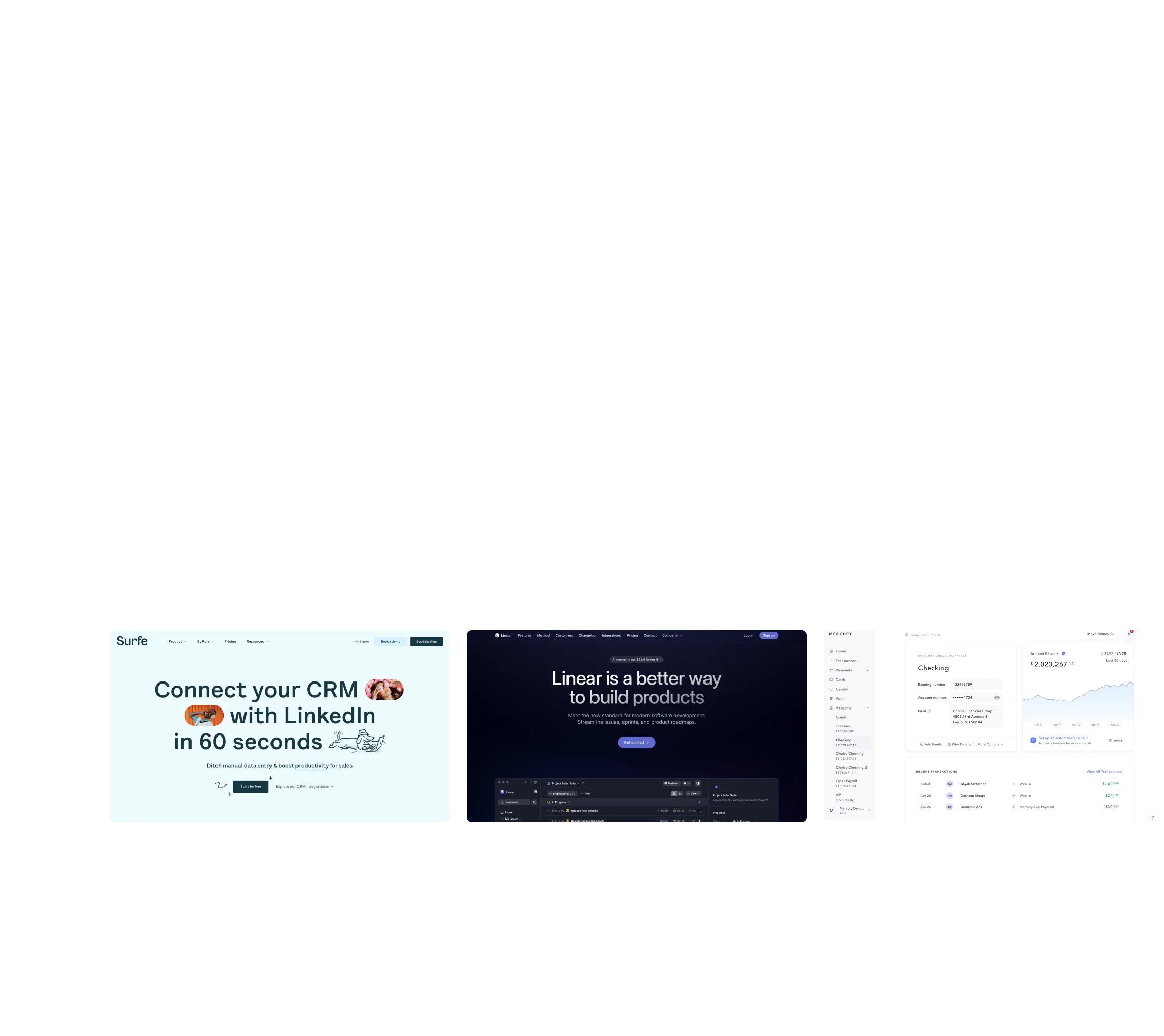
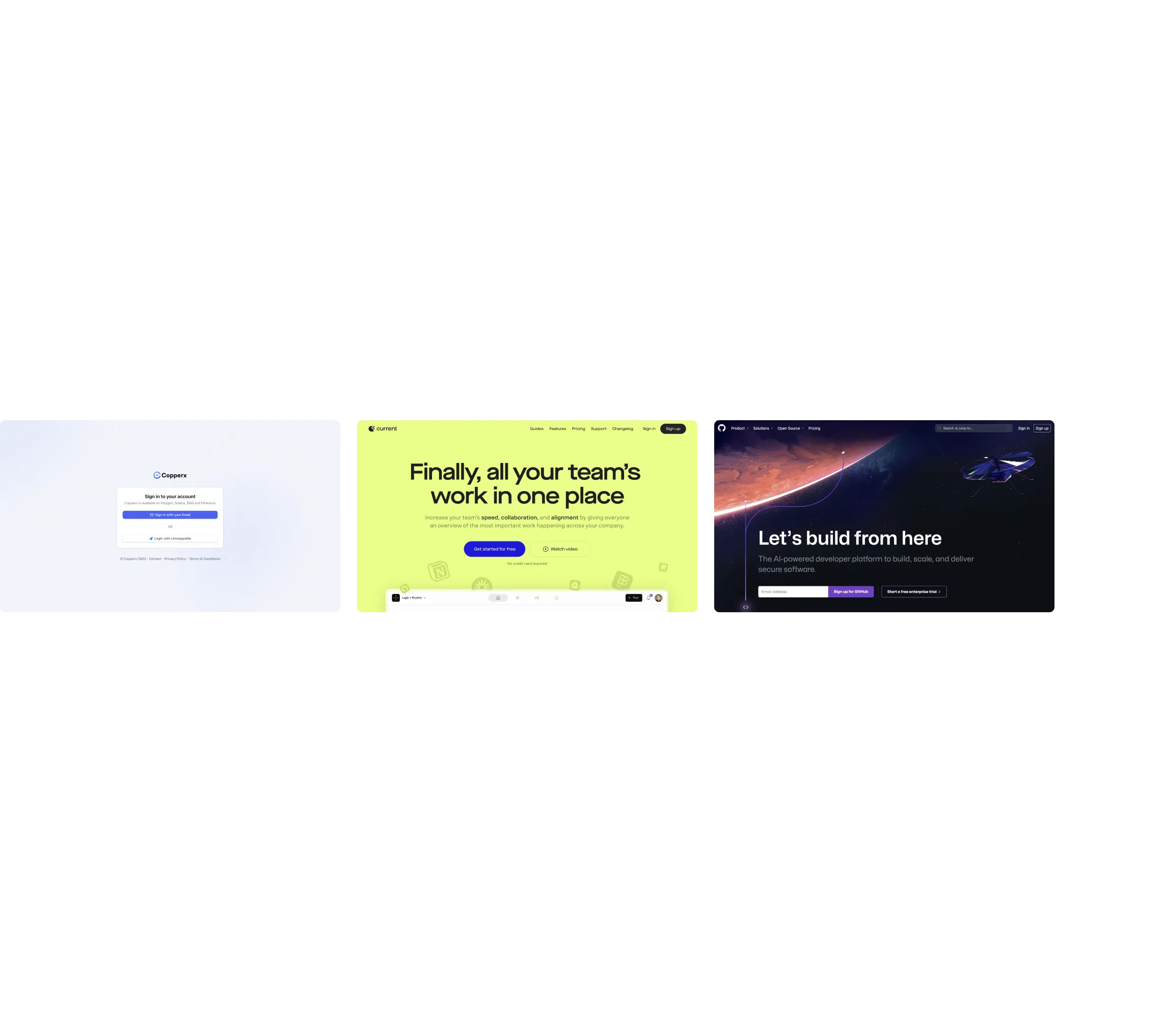
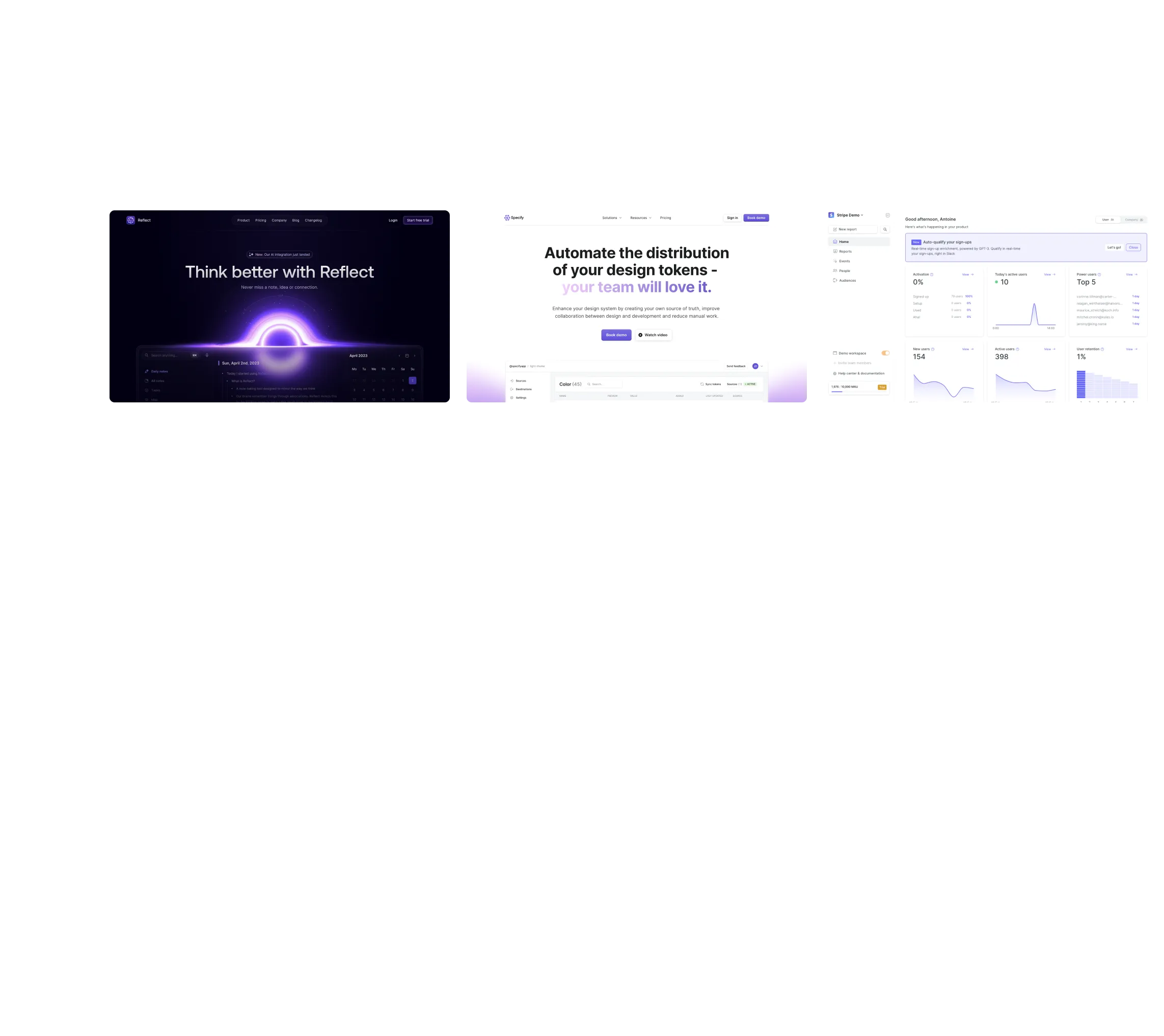
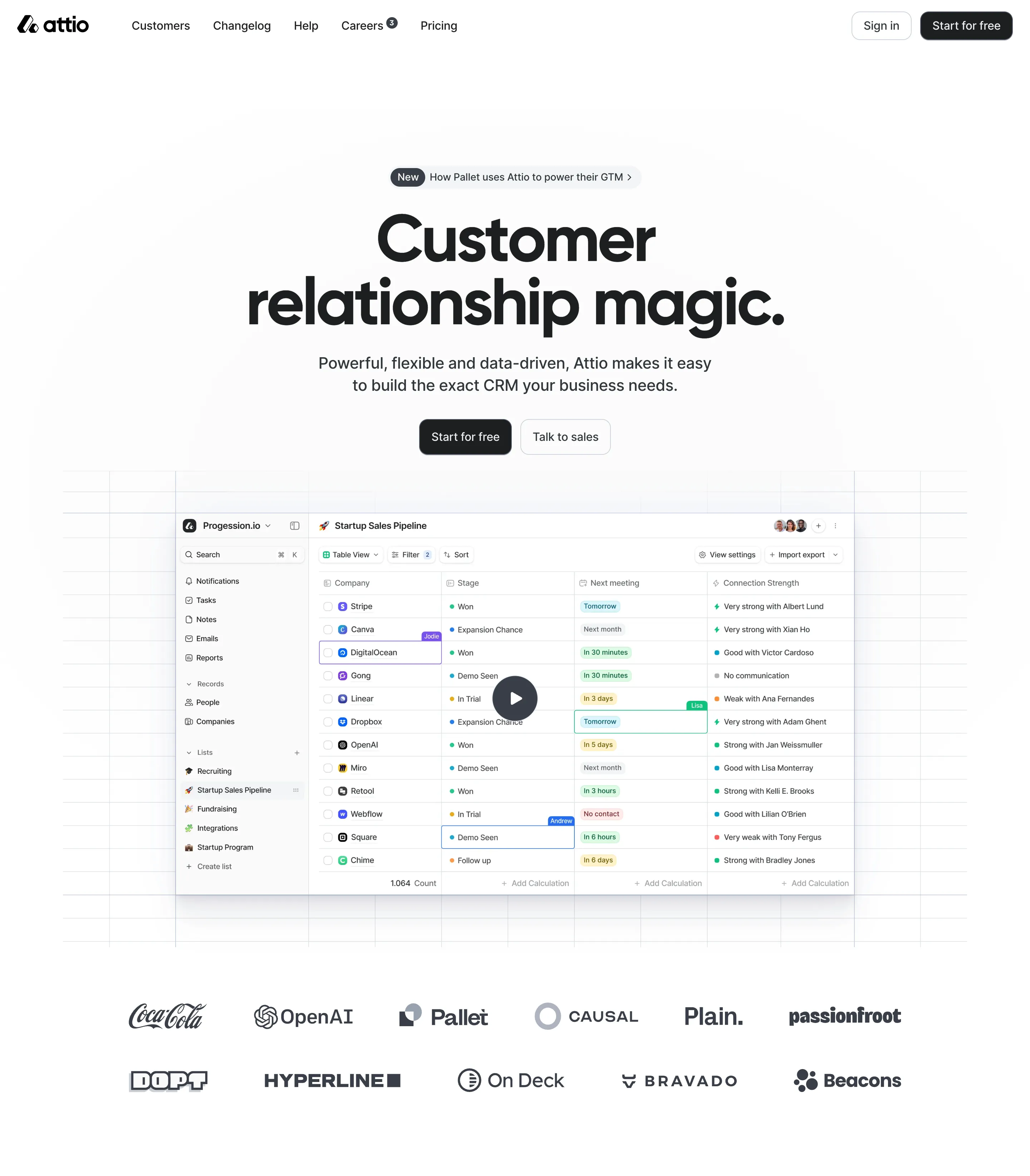
Browse website pages, product interfaces and emails from a growing library of hundreds of SaaS.

Desktop & mobile versions.

Switch from desktop to mobile versions to see how the best designers make websites responsive.
Access the Figma files.

You like a design? Download the Figma file of any website page you see on SaaSFrame.

Advanced filtering.

Use filters to find the design or copywriting inspiration that you need in seconds.
Thank you! Your submission has been received!
Oops! Something went wrong while submitting the form.

Let it flow.

Discover the user journey of the best SaaS with interfaces organized in flows.
Save design inspirations.

Bookmark screens and flows so you can find them any time you need it.
โŒ˜
B
BOOKMARK DESIGN
Start your design
research
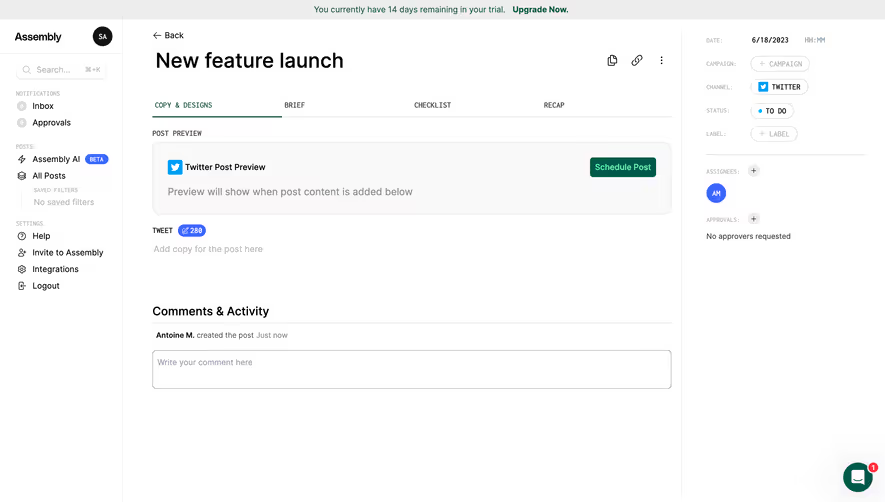
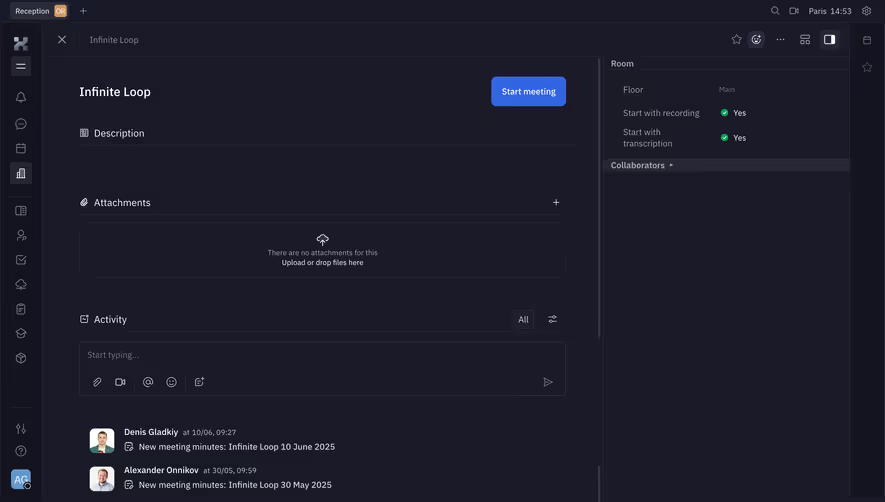
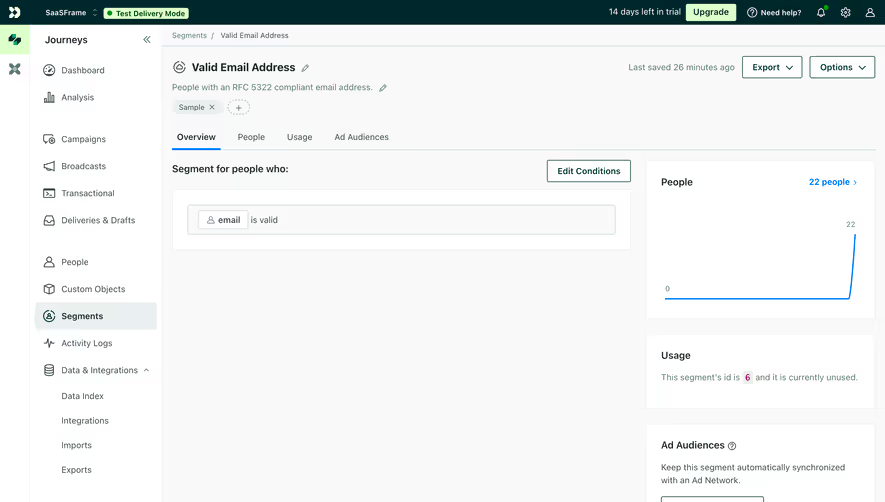
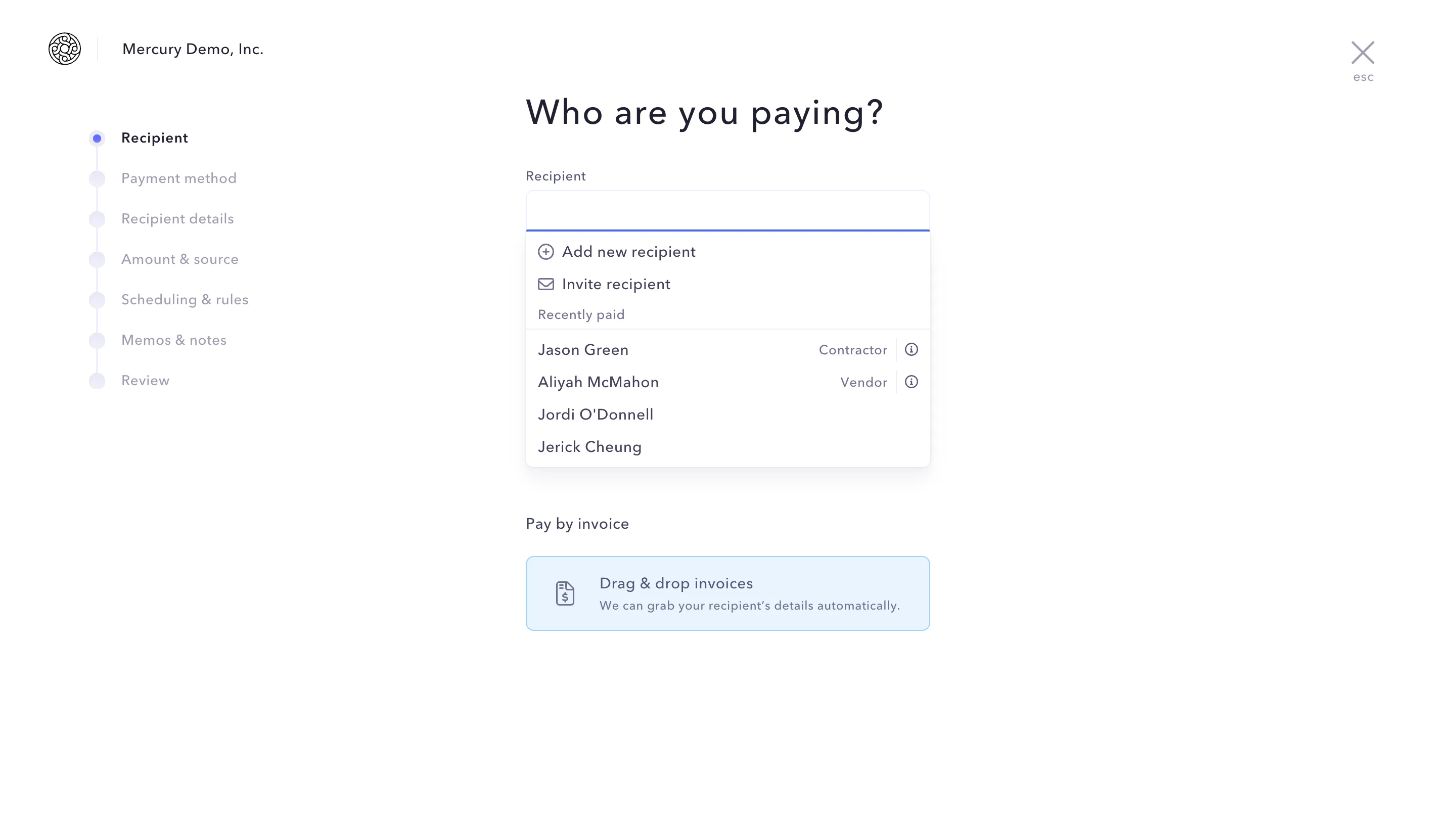
Three website screenshots showing a design tool and distribution dashboard for design tokens, promoting ease and automation.

How do you process payment?

SaaSFrame subscriptions are sold on Lemon Squeezy, a secured online selling platform for creators.

What about future updates and versions?

SaaSFrame gets updated all the time! Every new update and version will immediately be made available to all SaaSFrame users.

Can you send me an invoice?

You can generate an invoice on your Lemon Squeezy portal once you purchased SaaSFrame. You will find the link in the order confirmation email.

How can I cancel my membership subscription?

You can cancel your membership subscription at any moment on your profile page.โ€

Can I get a refund?

If you're not satisfied, you can ask for a refund within 7 days. Just send me an email at antoine[at]unmake[dot]io

I have another question.

You can send me an email at antoine[at]unmake[dot]io, I'll be happy to help with any questions.

No items found.

Checkout.com Payment Details Structure

Overall Style and Aesthetic

The page exudes a sleek, minimalist aesthetic thatโ€™s resolutely modern and professional. Crisp lines, generous use of whitespace, and subtle shadows create a sense of structure and clarity, while muted tones and refined accents evoke trust and reliability. This design positions the SaaS product as both cutting-edge and approachable, with a no-frills elegance that appeals to fintech users.

Layout and Structure

Content is meticulously segmented: the sticky sidebar navigation offers effortless access to core sections, while the right-hand workspace presents details in organized primary and secondary panels. Information follows a logical top-down flow โ€“ headline payment details upfront, actionable items (refund, receipt) in context-following positions, and granular metadata, logs, and timeline events tucked into collapsible modular tabs. The layoutโ€™s hierarchy guides the user seamlessly from high-level status to investigative details.

Visual Elements

Iconography is purposeful and restrained, channeling utility over ornamentation. Status badges use color to telegraph payment outcomes at a glance. Clear, systematic use of spacing helps each data block breathe, erasing visual noise. Interactive elementsโ€”hover states, dropdowns, and tooltipsโ€”are distinctly outlined, subtly animated for responsiveness, and always accessible without crowding.

Color Palette and Typography

A palette dominated by midnight blue, slate gray, and soft white fosters focus and professionalism. Accent colorsโ€”such as green for success, red for failureโ€”appear sparingly, reserved for notifications and statuses. Typography relies on a modern, sans-serif font, with bold weights for titles, medium for section headers, and regular for details, establishing crisp, at-a-glance information hierarchy.

User Experience Patterns

Navigation is persistent yet unobtrusive, allowing rapid context switching. Primary CTAs (refund, receipt) stand out without visual aggression. Forms and modals appear inline or as overlays, minimizing navigation away from core tasks. Contextual infoโ€”like payment source or logsโ€”expands on demand, letting users reveal complexity only as needed.

Unique or Notable Design Choices

The audit trail โ€œtimelineโ€ elegantly visualizes payment events for at-a-glance troubleshooting, while adaptive panels self-organize for mobile or desktop screens. A clear focus on discoverability and transparency pervades every interaction, enhancing both user confidence and efficiency.

Tone and Feel

With its balanced understatement and precision, the page feels trustworthy, analytical, and quietly innovativeโ€”an exemplar of how data-dense SaaS interfaces can be both beautiful and frictionless.