 SaaSFrame
💌 Newsletter Page
Grow your list with dedicated SaaS Newsletter signup pages. Discover how to use "Past Issue" archives, subscriber counts, and clear value propositions to convert casual visitors into long-term subscribers.
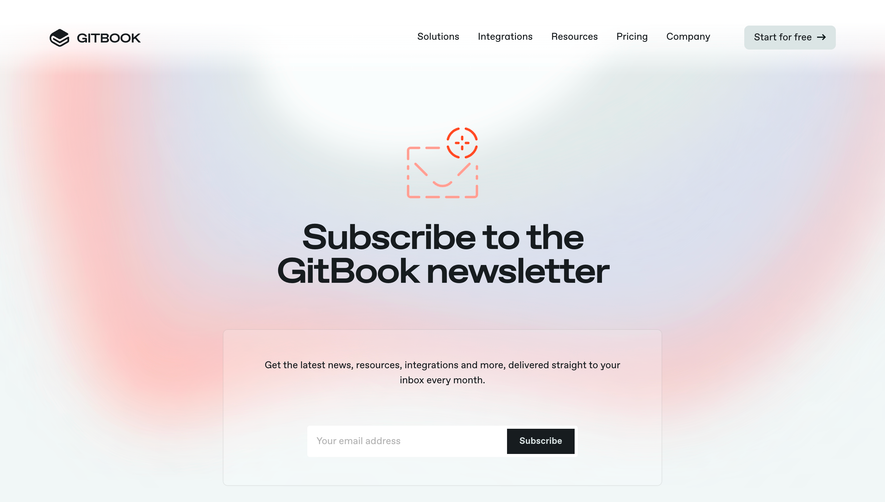

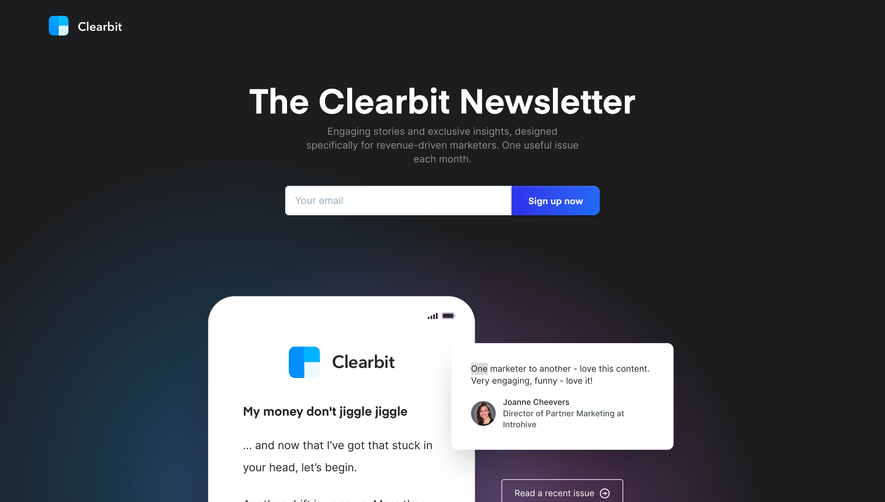

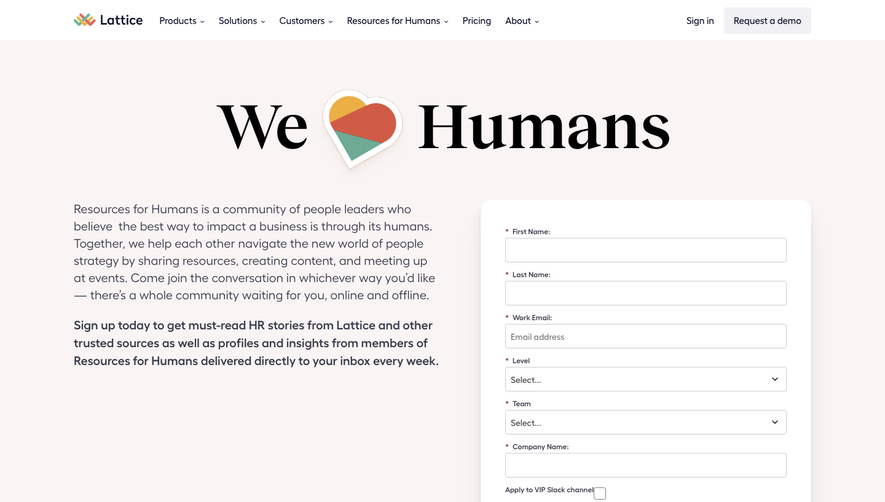

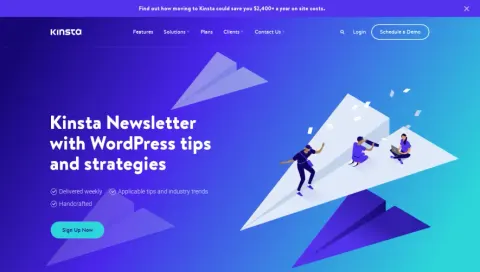
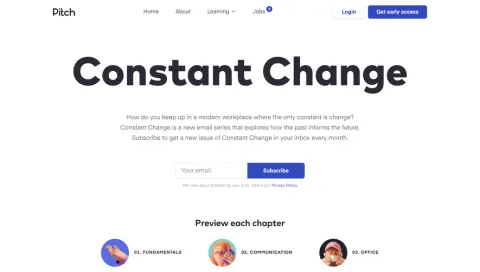
Index of all 8 Newsletter Page examples
💌 Newsletter Page: design guide
Short answer
A SaaS newsletter page helps visitors decide whether a recurring email is worth subscribing to. State the subject, audience and frequency, show past issues as samples, keep signup to one field and make clear that subscribing is separate from creating a product account.
A SaaS newsletter page helps visitors judge whether an ongoing editorial relationship is useful. It should explain the subject, audience, cadence, and kind of material subscribers will receive before asking for an email address.
What does the newsletter offer?
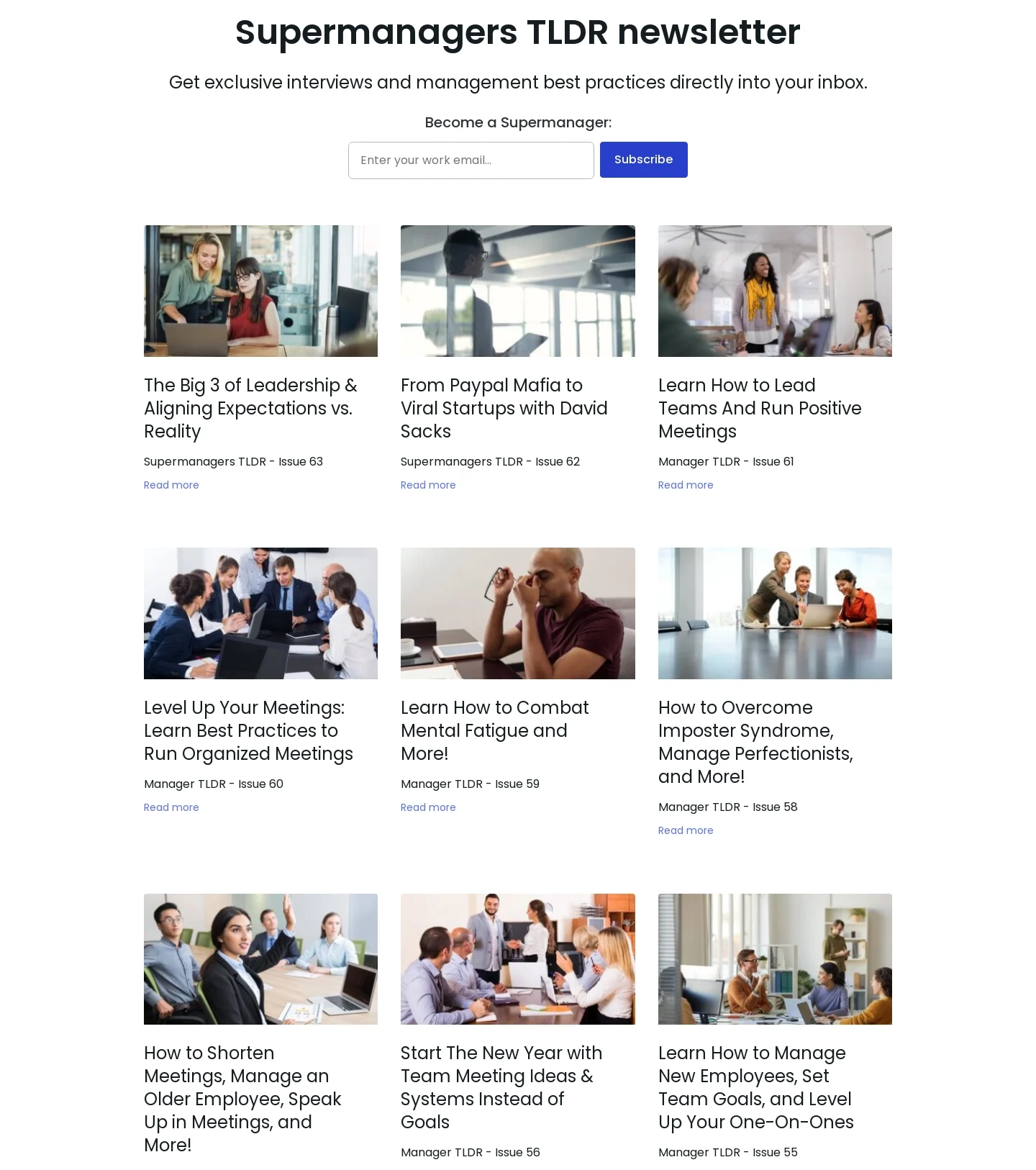
The Fellow reference introduces a management-oriented newsletter with a concise signup area and a grid of previous issues. Titles and images give visitors examples of the publication's topics.
An archive substantiates the promise through actual material. Visitors can assess relevance rather than rely on a broad claim that the newsletter provides valuable insights.
Use a name and description that distinguish the newsletter from ordinary product announcements when that distinction is real.
Explain frequency and content types
Subscribers should understand whether they receive a regular digest, interviews, product news, or another format. State the actual cadence the editorial team can support.
Avoid promising a fixed schedule if the publication does not follow one. A flexible cadence can still be clear when described accurately.
Keep optional marketing preferences distinct where they represent a different communication stream.
Make samples easy to inspect
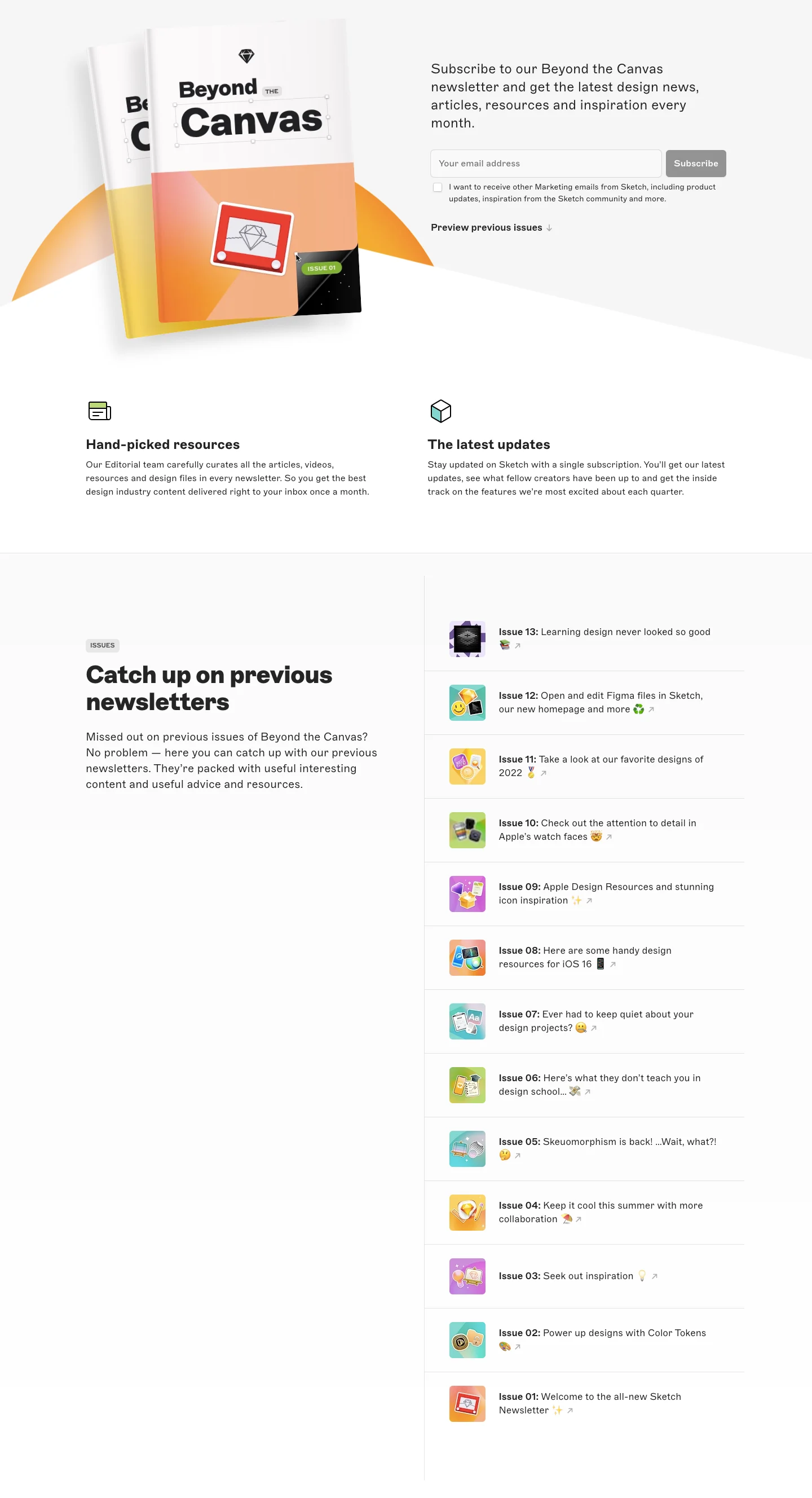
The Sketch reference pairs a newsletter introduction and signup form with explanations of curated resources and updates, followed by previous issues.
This supports an informed subscription decision. Label archive entries clearly and make a preview route lead to the relevant issue rather than a generic blog homepage.
Historical issues may remain useful, but their dates and product context should not be confused with current guidance.
Keep signup proportionate
A newsletter subscription usually needs a concise form. Use persistent labels, specific validation, and an action that describes joining the publication.
Explain any confirmation step. Recording an address and confirming a subscription can be separate states, so feedback should match the actual process.
Handle repeat subscriptions and service failures coherently. Users should not have to infer whether they are already subscribed or whether the request failed.
Separate subscription from product access
Joining a newsletter does not necessarily create a product account. Avoid copy that conflates the two relationships.
A relevant product route can remain available, but it should not be a hidden requirement for reading a sample or receiving the publication.
Keep the subscription offer understandable at every entry point, including forms embedded in the blog or footer.
Review the promise against delivered issues
Check recent content, cadence, sample destinations, confirmation, and subscription-management routes. The landing page should describe the publication visitors actually receive.
Use SaaSFrame's newsletter-page references to compare editorial previews and signup hierarchy. Build around a reader deciding whether to invite the publication into their inbox.
Newsletter page questions
Is a signup box enough?
No. Explain the subject and format, and show representative material where available.
Should previous issues be available?
They can help visitors assess relevance and style before making an ongoing commitment.
Does submission mean subscription is confirmed?
Only when the actual process establishes that state. Explain any email confirmation step separately.