 SaaSFrame
✍️ Blog Feed
Your blog feed is the main door to your content. Make it attractive so that your visitors will want to spend hours on your blog.
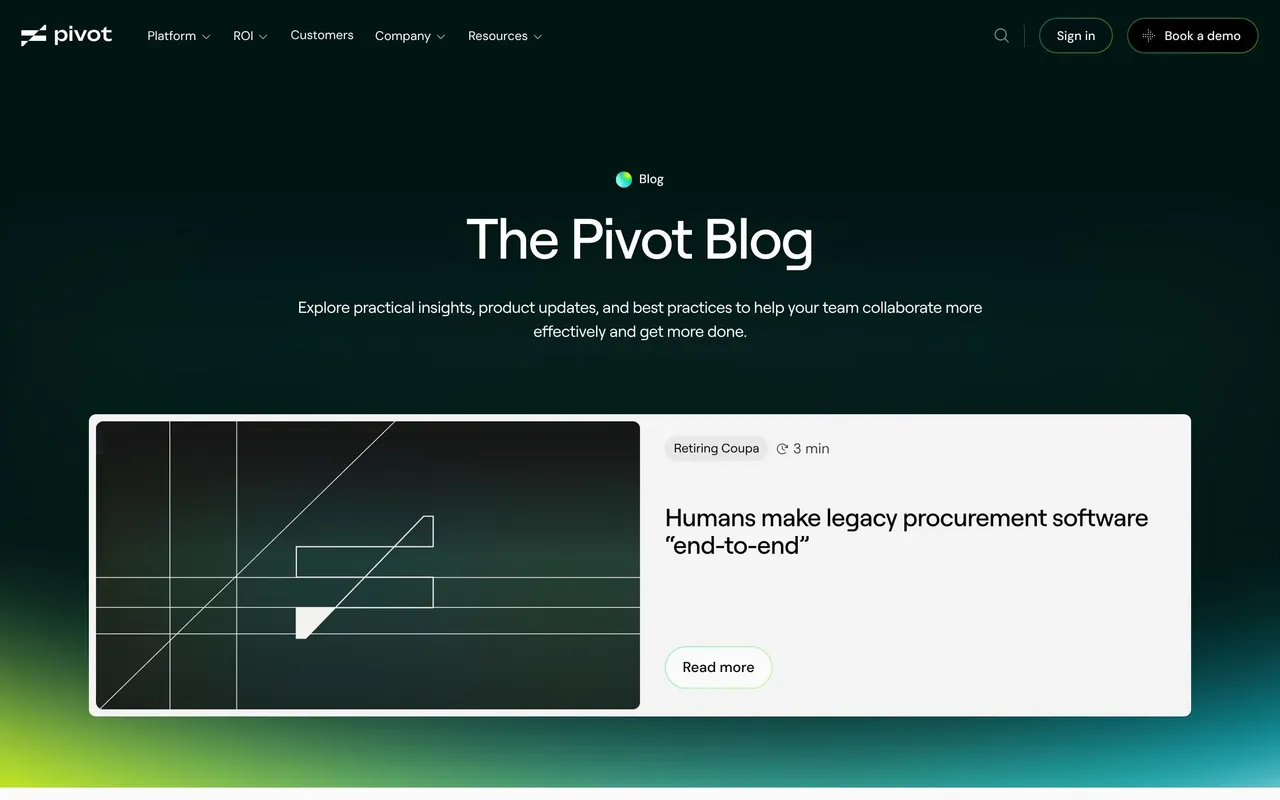

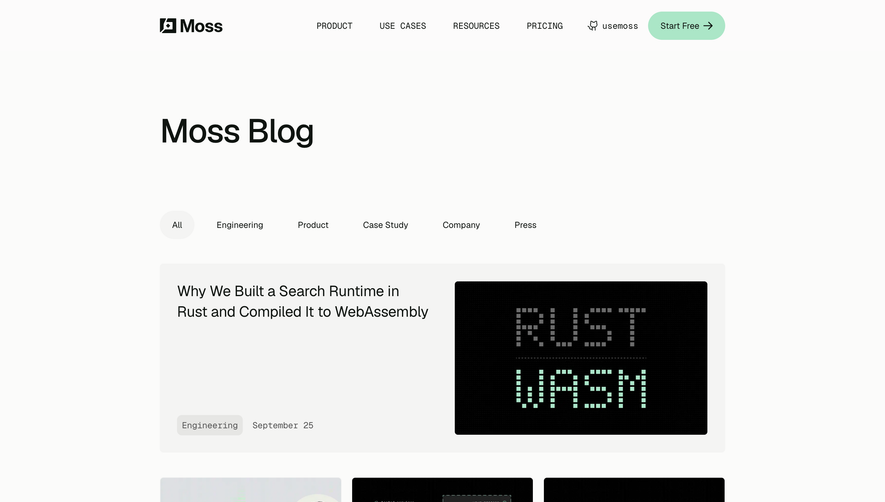

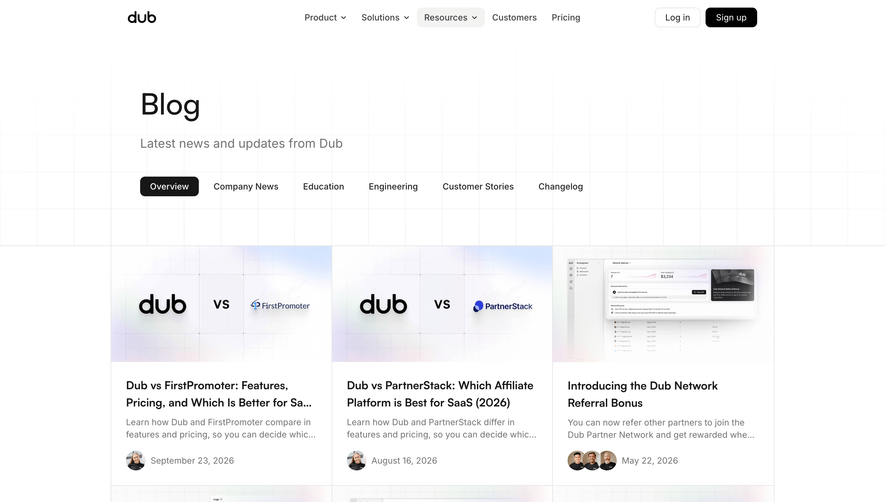

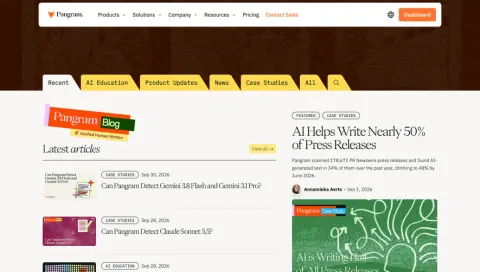
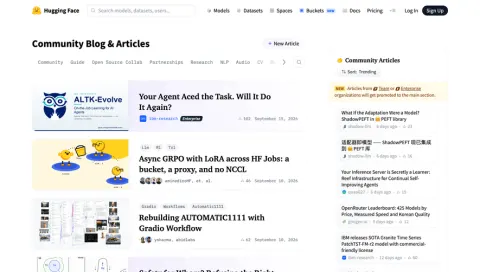

Index of all 123 Blog Feed examples
- Pangram Blog Feed
- Hugging Face Blog Feed
- NewsCatcher Blog Feed
- Koyeb Blog Feed
- Lightdash Blog Feed
- Profound Blog Feed
- Dust Blog Feed
- Searchable Blog Feed
- Span Blog Feed
- Hyperline Blog Feed
- Solidroad Blog Feed
- ParityDeals Blog Feed
- Composer Blog Feed
- FullEnrich Blog Feed
- Prelude Blog Feed
- Unkey Blog Feed
- Visitors Blog Feed
- Duna Blog Feed
- Paddle Blog Feed
- Forest Admin Blog Feed
- Reducto Blog Feed
- Speakeasy Blog Feed
- Clutch Blog Feed
- Payhawk Blog Feed
- Wise Blog Feed
- Checkout.com Blog Feed
- Tailscale Blog Feed
- Anchor Blog Feed
- Steep Blog Feed
- GitBook Blog Feed
- OpenAI Blog Feed
- Mintlify Blog Feed
- Oku Blog Feed
- Hyperline Blog Feed
- Plain Blog Feed
- Makelog Blog Feed
- Copperx Blog Feed
- Copperx Blog Feed
- Dimension Blog Feed
- Asana Blog Feed
- Webflow Blog Feed
- Swan Blog Feed
- Duffel Blog Feed
- Alloy Blog Feed
- Deel Blog Feed
- Supabase Blog Feed
- Stripe Blog Feed
- Linktree Blog Feed
- Arc Blog Feed
- Resend Blog Feed
- Bucket Blog Feed
- Dokably Blog Feed
- Reflect Blog Feed
- Cohere Blog Feed
- Surfe Blog Feed
- Decipad Blog Feed
- Nord VPN Blog Feed
- Hotjar Blog Feed
- Lemon Squeezy Blog Feed
- Wistia Blog Feed
- Sketch Blog Feed
- Qatalog Blog Feed
- Café Blog Feed
- Libeo Blog Feed
- Specify Blog Feed
- Skiff Blog Feed
- Help Kit Blog Feed
- Highnote Blog Feed
- Junip Blog Feed
- Reveal Blog Feed
- Logsnag Blog Feed
- Vercel Blog Feed
- Narrative BI Blog Feed
- Fiberplane Blog Feed
- Folk Blog Feed
- Arcade Blog Feed
- Officevibe Blog Feed
- Raycast Blog Feed
- Rally Blog Feed
- Copy.ai Blog Feed
- Equals Blog Feed
- Unflow Blog Feed
- Payload Blog Feed
- Veed Blog Feed
- Burb Blog Feed
- Producter Blog Feed
- Mapbox Blog Feed
- Flowrite Blog Feed
- June Blog Feed
- Qovery Blog Feed
- GitHub Blog Feed
- Shogun Blog Feed
- Supernotes Blog Feed
- Contractbook Blog Feed
- Intercom Blog Feed
- Shortcut lubhouse Blog Feed
- Airtable Blog Feed
- Webflow Blog Feed
- Figma Blog Feed
- Deel Blog Feed
- Mangools Blog Feed
- Acquire Blog Feed
- Mixpanel Blog Feed
- Weglot Blog Feed
- Reply Blog Feed
- Maze Blog Feed
- Miro Blog Feed
- Abstract Blog Feed
- Hiver Blog Feed
- Fellow Blog Feed
- Close Blog Feed
- Avocode Blog Feed
- Segment Blog Feed
- Phantombuster Blog Feed
- Appcues Blog Feed
- Pitch Blog Feed
- Slack Blog
- Spendesk Blog Feed
- Aircall Blog
- Slite Blog
✍️ Blog Feed: design guide
A SaaS blog feed helps readers find an article worth opening. Its design should make topics, article identity, and editorial selection understandable while supporting both browsing and specific lookup.
Give the feed a clear editorial identity
Visitors need to understand what the publication covers and who it serves. A featured article can demonstrate that focus, but it should not be the only way to access the archive.
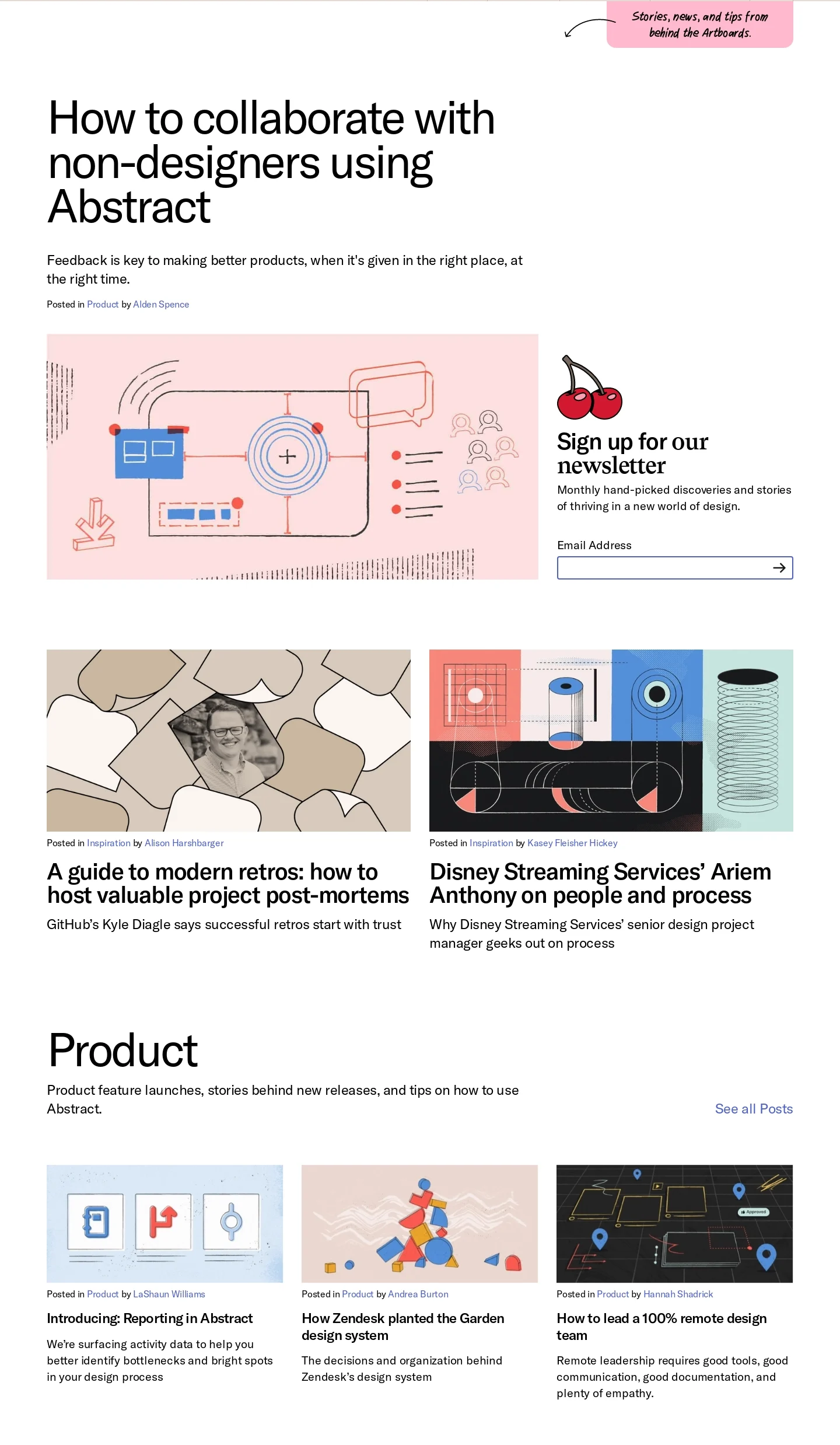
The Abstract reference presents a large featured story, smaller article cards, product and inspiration sections, newsletter signup, and an all-articles route.
This creates an editorial hierarchy rather than a purely chronological list. Category summaries can explain why a collection is relevant, while the complete archive serves readers with another interest.
Make article cards specific
A title should describe the article's question or argument. Useful supporting context may include a short summary, topic, author, or date according to the publication's needs.
Images should help recognition without carrying the only description. A visual grid becomes difficult to browse when every card uses a decorative illustration and an ambiguous headline.
Keep card actions consistent. Readers should understand which area opens the article and avoid confusing a category label with the main destination.
Balance featured content with regular discovery
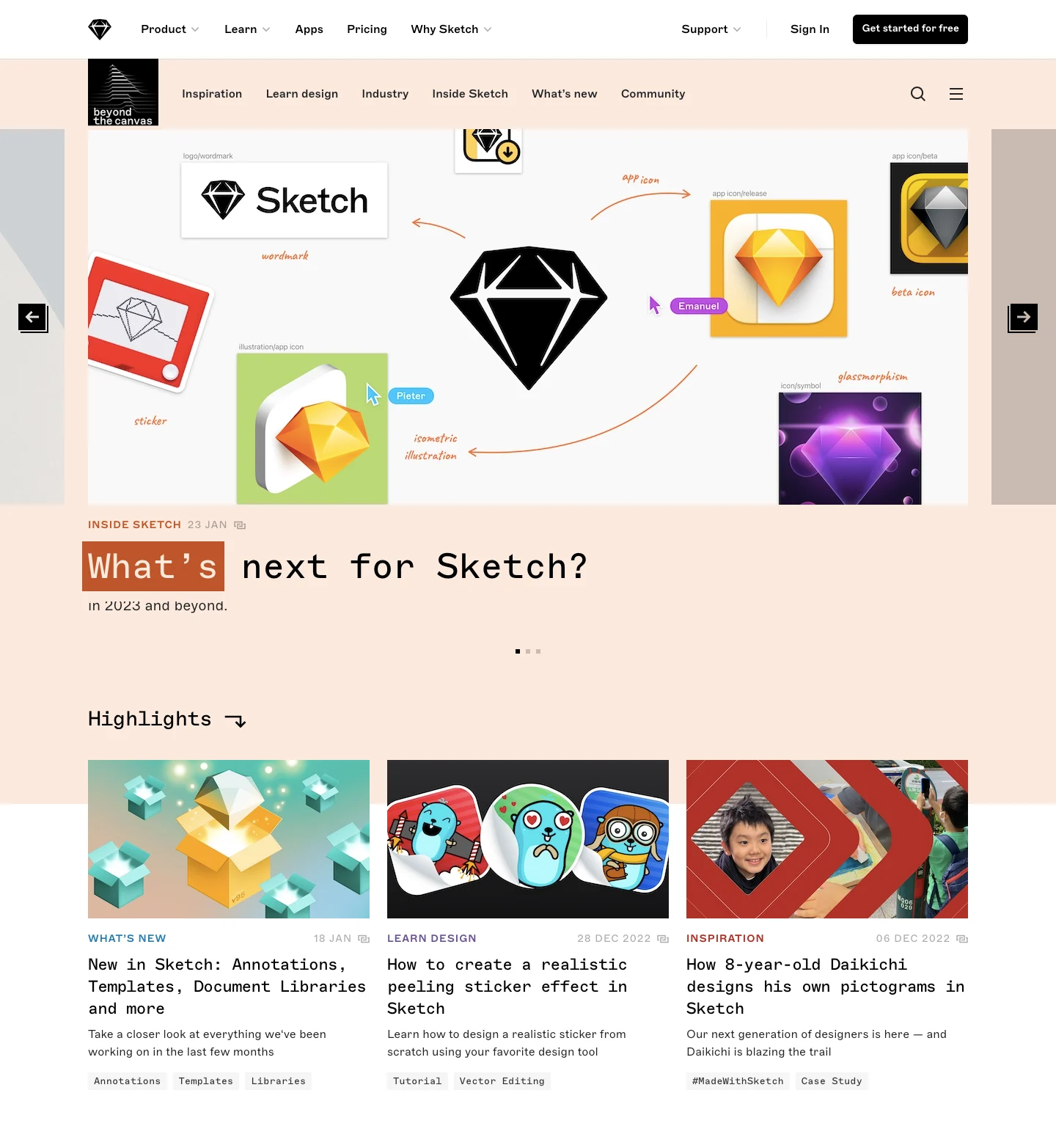
The Sketch reference combines a featured area, highlights, a longer article list, and a secondary featured column. Topic navigation and search-related controls appear near the top.
Several discovery layers can work when their purposes are distinct. Avoid showing the same article in so many places that the page appears to offer more variety than it does.
A chronological route remains useful even when editorial selections lead. Returning readers may want to see what is new without interpreting a changing feature layout.
Use categories that reflect reading interests
Choose labels readers recognize and maintain consistent assignment. Internal campaign names rarely help someone find an article about a practical problem.
If search and filters combine, keep active scope visible and offer a reset. No results should not make the entire publication seem empty.
Preserve state and position when readers return from an article, especially in long feeds or paginated archives.
Keep newsletter signup secondary to reading
A subscription offer can explain the kind of content and delivery cadence. It should not block browsing or obscure the first article.
Distinguish editorial updates from unrelated marketing preferences where the subscription model requires it. A signup confirmation should describe the actual state and next step.
Use a relevant preview or archive to substantiate the offer. The feed itself can demonstrate the publication's value before asking for an ongoing commitment.
Plan for different article formats
Tutorials, essays, interviews, and announcements may need different metadata, but they should remain recognizable within a coherent card system.
Review long titles, missing images, dated material, and smaller screens. A template that only works for short promotional headlines will constrain the editorial program.
Keep date-sensitive context appropriate. An old article may remain valuable, but the feed should not imply current guidance through misleading labels.
Review discovery through realistic reading tasks
Test finding a known topic, checking recent posts, opening a featured article, and returning to the feed. Verify destinations and active states.
Explore SaaSFrame's blog-feed references to compare editorial collections and archive access. Choose a structure that helps readers identify relevant substance.
Blog feed questions
Should the feed be strictly chronological?
Not necessarily. Editorial selections can help discovery when a complete or recent-post route remains clear.
What matters most on a card?
A specific title and enough context to judge relevance. An attractive image alone is insufficient.
Where should signup appear?
Place it as a relevant secondary offer that preserves the reading task and explains the subscription.