 SaaSFrame
🚶♀️ Product Video
Engage users instantly with dedicated SaaS Product Video landing pages. Learn how to frame video demos with "What's New" text, CTA buttons, and secondary navigation to keep users in the conversion funnel.
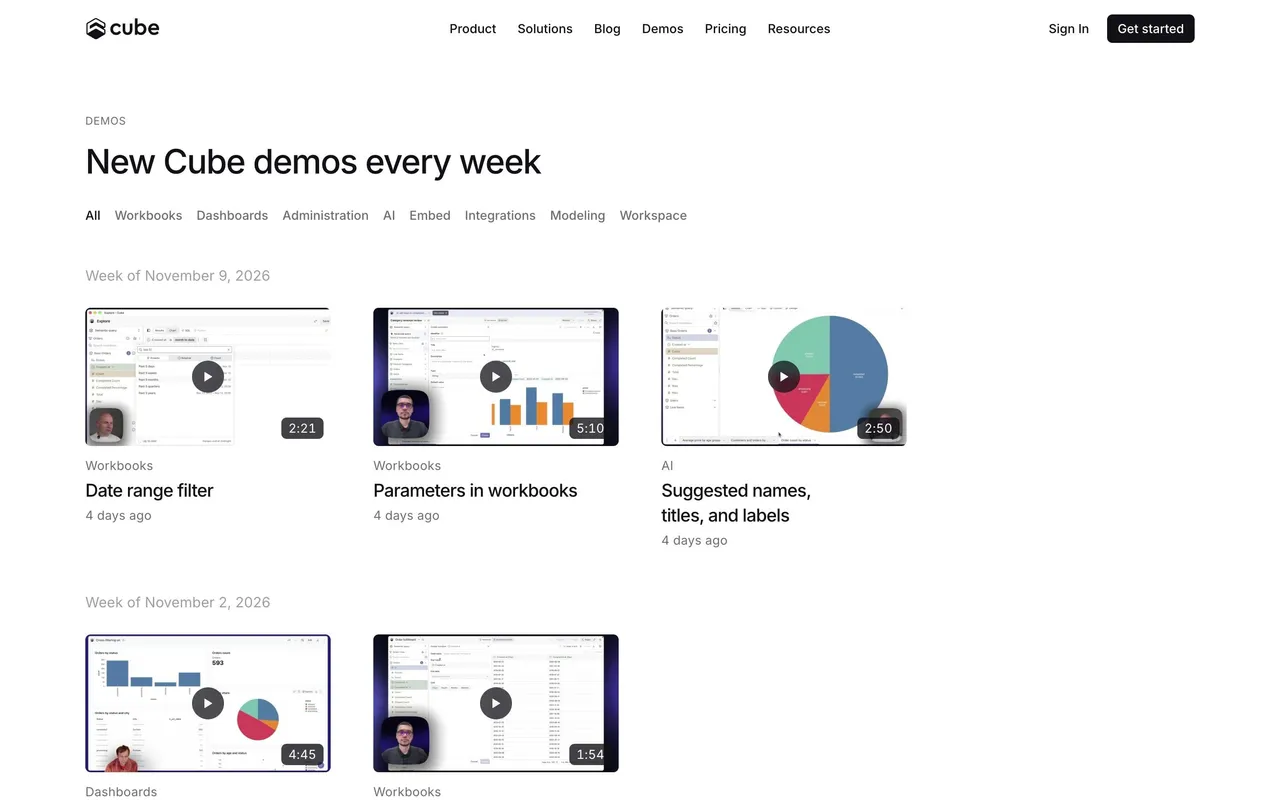

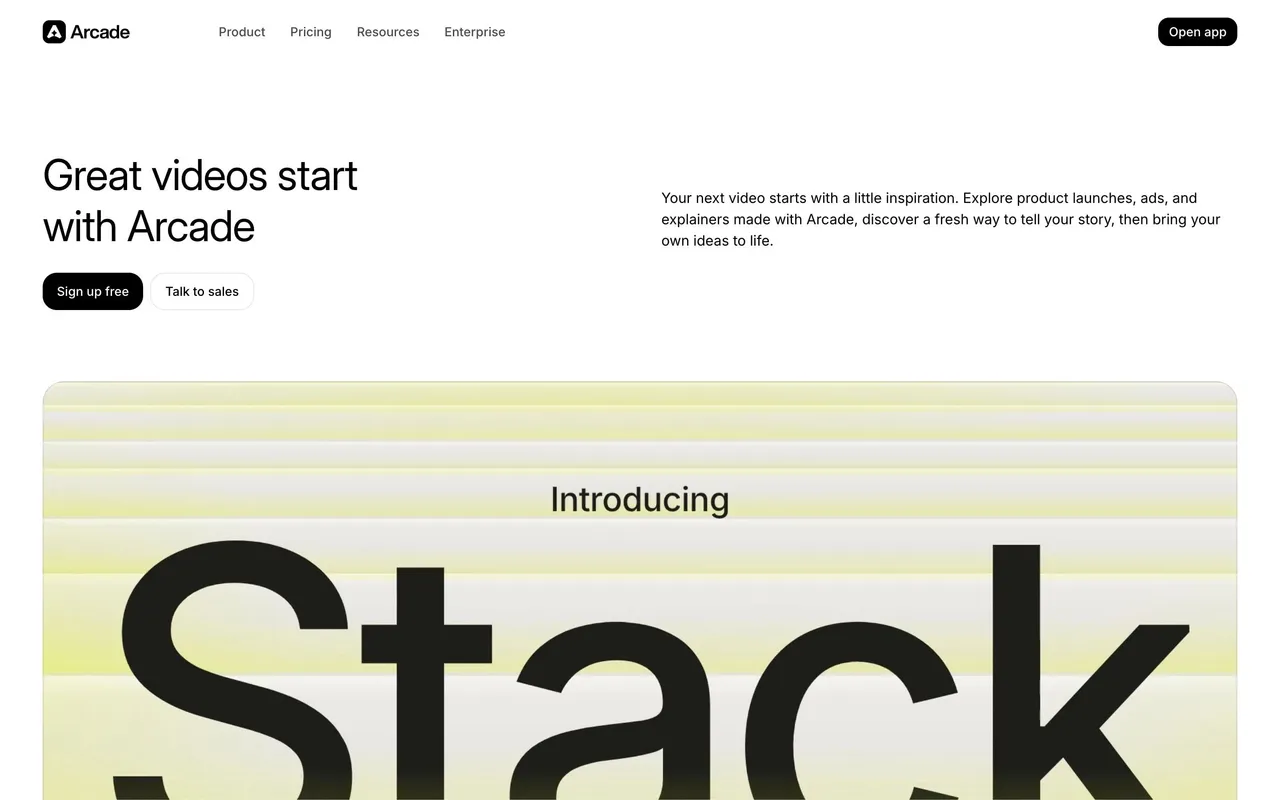

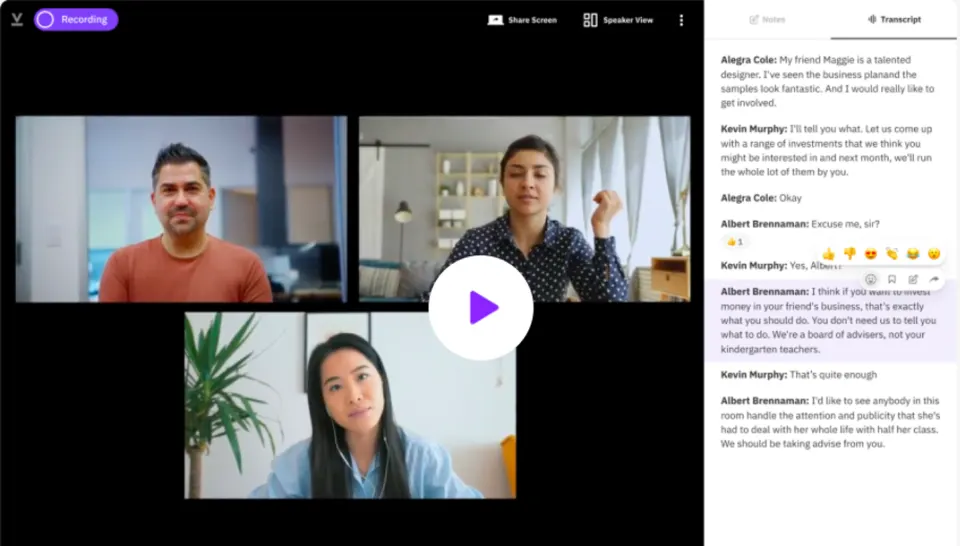

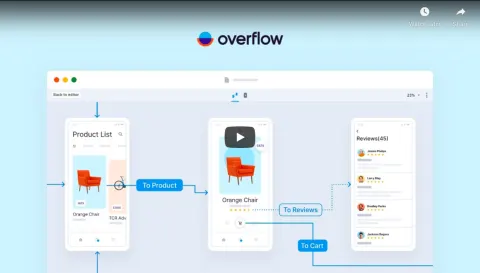
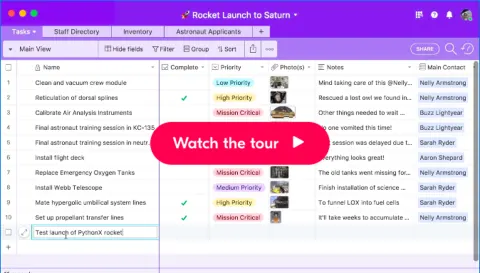
Index of all 18 Product Video examples
🚶♀️ Product Video: design guide
Short answer
A SaaS product video shows the product through motion and narration. Give the video one purpose, show its length and subject before playback, make on-screen UI readable, let visitors control playback and captions, keep claims aligned with what is shown and follow it with a relevant next step.
A SaaS product video introduces an experience through motion, sequence, and explanation. The page or player around it should help visitors decide whether to watch and understand what the demonstration is intended to show.
The SaaSFrame references in this category are static captures of video surfaces. They support analysis of framing and player presentation, not claims about the complete video's content or pacing.
What is the video meant to show?
An overview, task demonstration, launch film, and customer story answer different questions. Explain the format and subject before asking visitors to press play.
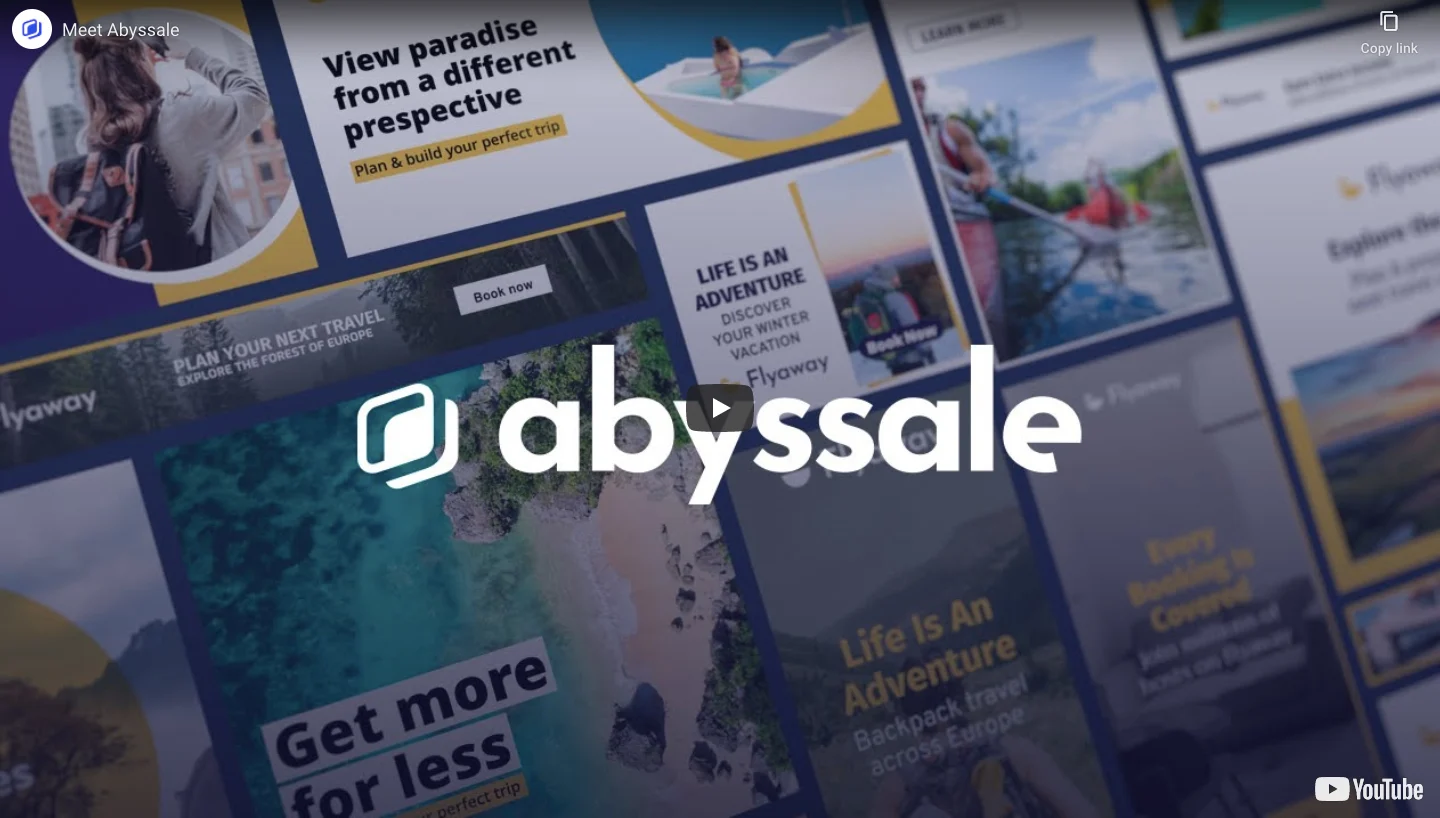
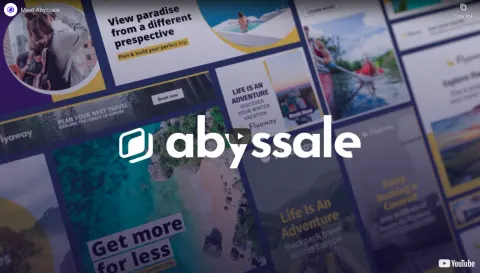
The Abyssale reference shows a branded video entry with a montage-like thumbnail and an embedded-player surface. The image communicates the product's visual context but cannot establish the full explanation inside the recording.
Choose a thumbnail that represents the actual video rather than an unrelated promotional image. Supporting text should identify the topic and useful next step.
Show enough context to judge relevance
A short description and accurate duration help visitors assess the time commitment. Identify the intended audience when the demonstration assumes prior knowledge.
Do not make the video the sole source of an essential product explanation. Written context supports visitors who cannot play audio, do not want to watch, or encounter an unavailable player.
Keep a product action nearby when it follows naturally from the demonstration, with a label that describes what will happen.
Make the visible demonstration readable
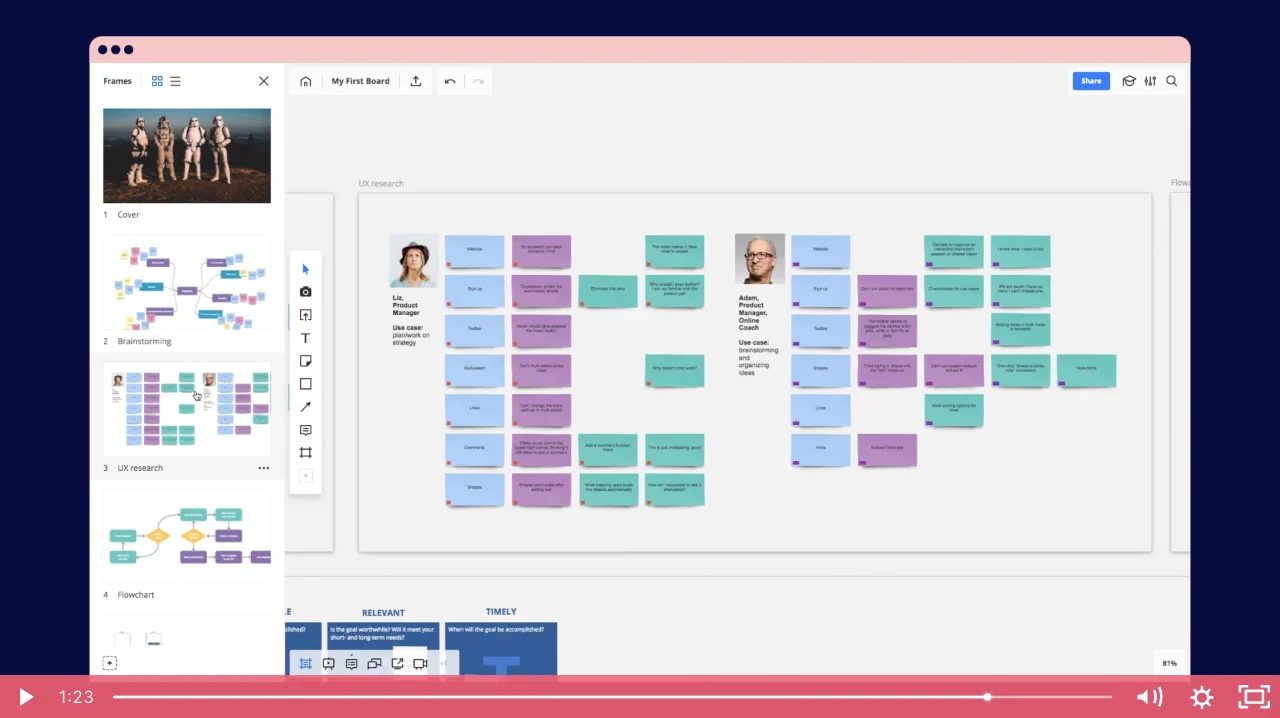
The Miro reference captures a player showing a collaborative board with timeline and playback controls. The product interface occupies the main frame.
For interface demonstrations, the recording should make the relevant controls legible at the intended player size. A full-desktop recording can become difficult to follow when reduced on mobile.
A static frame does not prove collaborative behavior or a completed workflow. Use the full recording and actual product state when reviewing those claims.
Respect the visitor's control over playback
Provide recognizable play, pause, volume, and seek controls through the actual player. Avoid surprising audio or obscuring the page's main task with an automatic overlay.
Captions and transcripts can preserve access to the explanation. They should match the recording and remain findable.
If an external platform receives the visitor, label the route appropriately. An embedded player and an outbound watch action create different experiences.
Keep claims aligned with the demonstrated state
A demonstration may use example data or a prepared scenario. Explain that context when it affects interpretation.
Do not treat an edited sequence as evidence that every user completes the task in the displayed time. Performance or outcome claims require their own appropriately scoped support.
Where the interface has changed, update the recording or provide context rather than presenting obsolete steps as current guidance.
Connect viewing to a useful next action
After a demonstration, visitors may want to try the task, read documentation, or evaluate access. Choose a route that matches the video's purpose.
Keep the page useful when playback fails by preserving its subject and alternative route. A blank player should not become the end of discovery.
Review player access, mobile readability, captions, written framing, and destination links together.
Study the video surface before borrowing its style
Explore SaaSFrame's product-video references to compare thumbnails and player framing. Evaluate the actual recording before making claims about its narrative or demonstrated behavior.
Product video questions
Can a screenshot establish what the whole video teaches?
No. It shows a frame or player state. Review the recording itself for content and sequence.
Should a video replace written product explanation?
No. Give visitors enough text to understand the subject and continue when playback is unavailable.
What matters for interface demonstrations?
Keep the relevant task legible, explain example context, and align the recording with the product's actual state.