Make a splash with professional SaaS Announcement Email designs. Whether you are launching a new feature or a major brand update, learn how to use bold headers, concise copy, and strategic links to drive traffic back to your product.
Browse 6 real SaaS Announcement Emails with modern UI patterns and conversion strategies.
We sell SaaSFrame licenses on Gumroad, a secured online selling platform for creators.
What about future updates and versions?
SaaSFrame gets updated all the time! Every new update and version will immediately be made available to all SaaSFrame users.
I didn't receive my licence key, what should I do?
The licence key required to create your SaaSFrame account is send by Gumroad once you made your purchase. If this email is blocked by your email client, send me an email at antoine[at]unmake[dot]io so I can resend the licence key.
Can you send me an invoice?
You can generate an invoice on Gumroad once you purchased SaaSFrame. You will find the link in the order confirmation email.
Can I get a refund?
If you're not satisfied, you can ask for a refund within 7 days. Just send me an email at antoine[at]unmake[dot]io
Announcement Emails Design Guide
A SaaS announcement email introduces a meaningful change or offering and explains why the recipient should care. Its design should establish the subject, relevant audience, and next step before presenting several competing actions.
Give the announcement a concrete focus
A new capability, product offering, and company update require different explanations. Name the actual subject and connect it to a task the recipient recognizes.
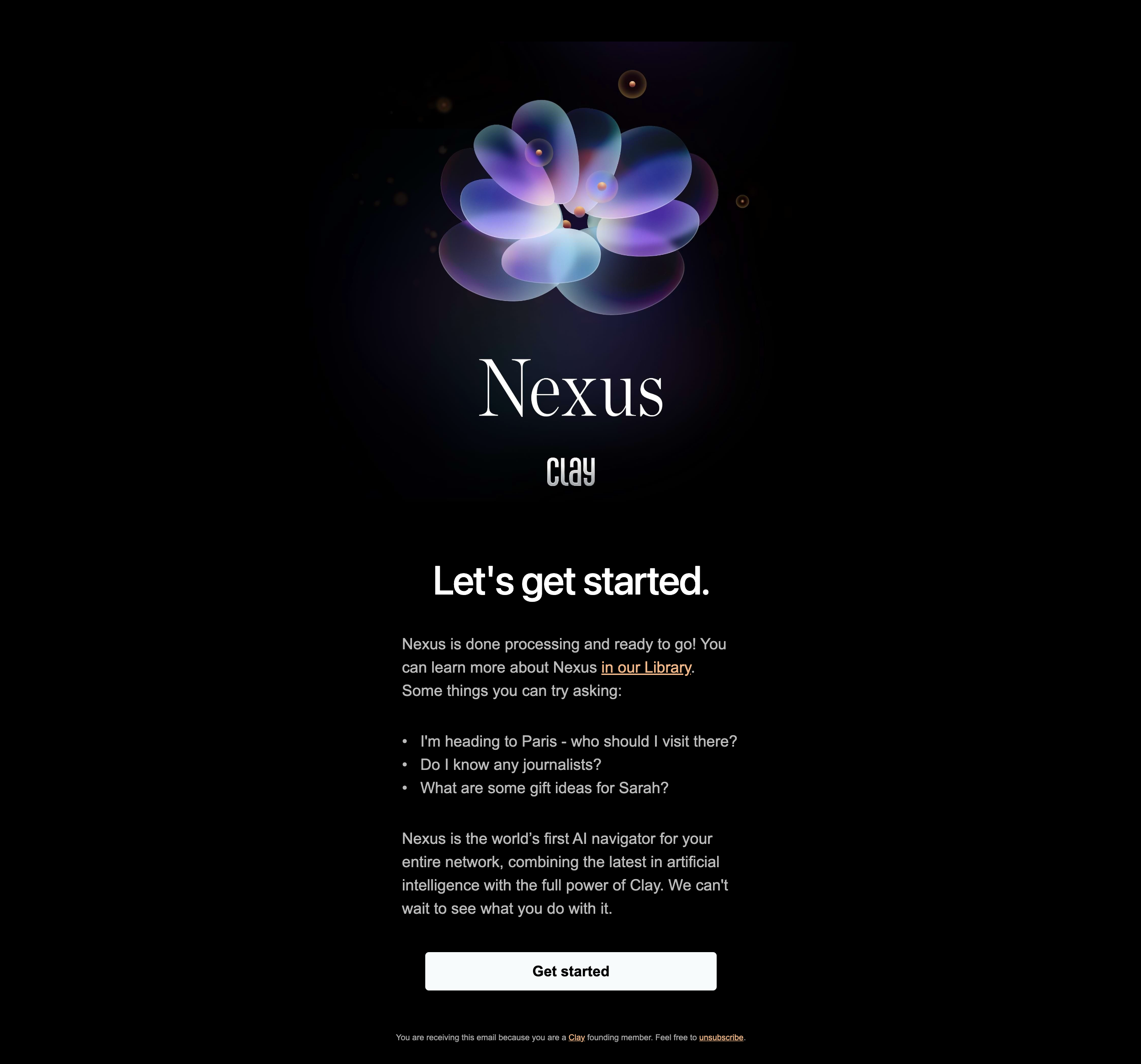
The Clay reference introduces Nexus through a branded visual, example questions, a short product explanation, and a single get-started action.
The examples make an abstract offering more tangible. They illustrate the intended use rather than independently proving the capability's performance or current availability.
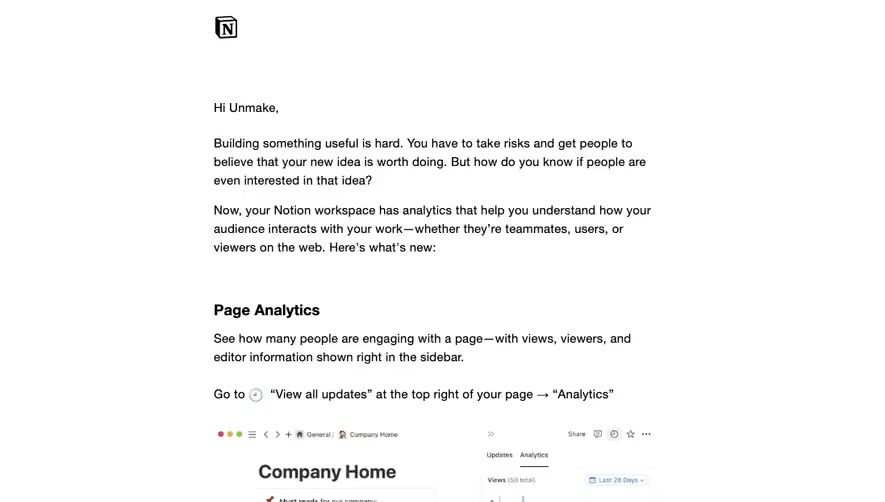
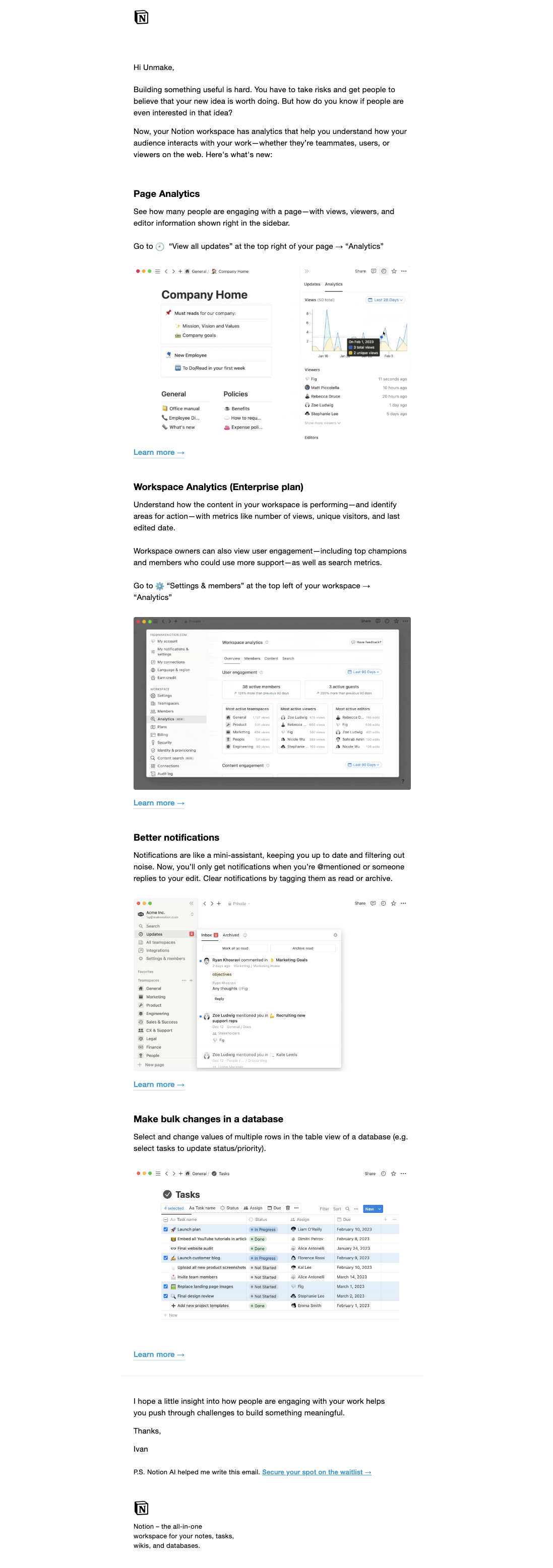
The Notion reference contains several product-related announcements, each with a heading, explanation, interface view, and further-information route.
A grouped message can work when recipients need to scan several changes. Keep each item distinct and avoid making every section equally urgent.
If one launch is the main subject, give it a clear primary action and move unrelated updates to another message or a secondary area.
Explain relevance rather than repeating novelty
Newness alone does not tell users whether to act. Describe the changed task, available output, or useful opportunity.
State access conditions and rollout context where they affect the recipient. Do not imply every account can use a capability merely because the announcement reaches a broad list.
Product images should support specific visible details. Keep essential meaning in text so the message works with images blocked.
Match the CTA to the commitment
Try a capability, read a release, request access, and join a conversation lead to different destinations. Label the actual next step.
Preserve context through authentication where appropriate. A generic dashboard destination can make the announced capability difficult to find.
If the offering is not generally available, explain its pending state rather than using an immediate-use promise.
Keep proof appropriately scoped
A prepared example or testimonial can help explain perspective. It does not establish a universal outcome for recipients.
Avoid unsupported performance or business-result claims. Use maintained evidence and clear context when a measured statement is important.
Historical announcements should remain distinguishable from current specifications. A screenshot's plan details or offer may no longer apply.
Review the message as a route to understanding
Check whether the recipient can identify the subject, relevant task, availability, and action. Verify each destination and the message's subscription context.
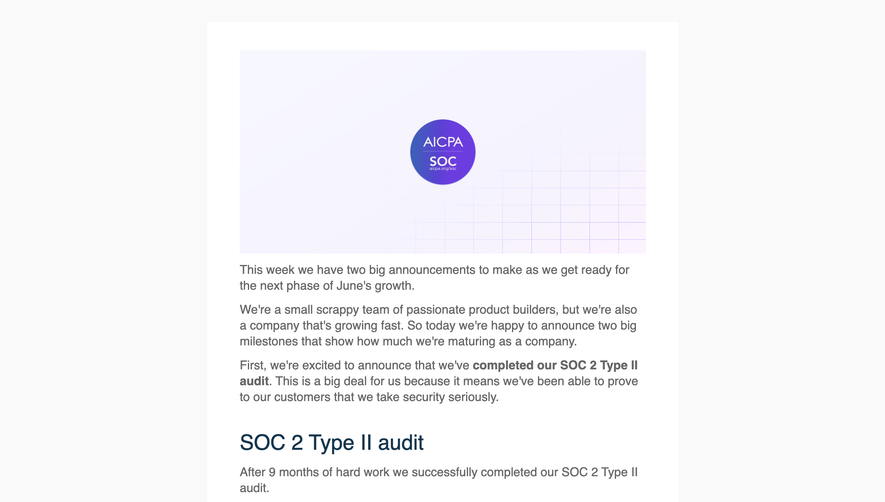
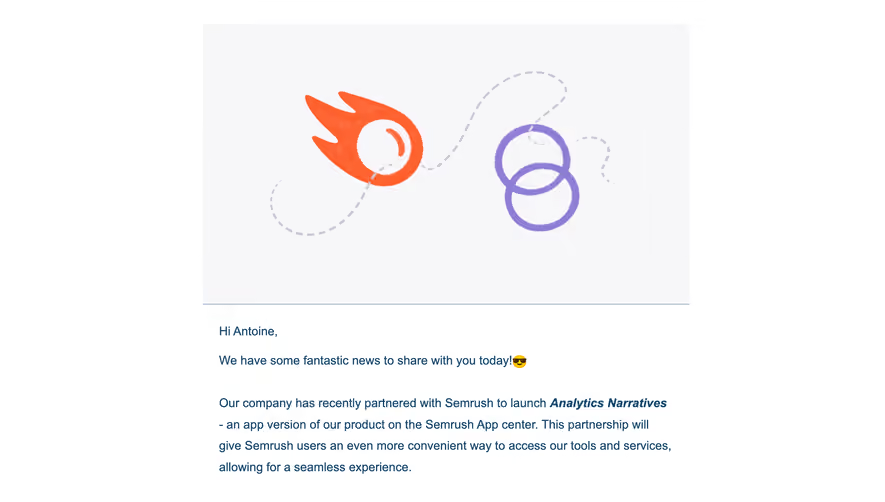
Use SaaSFrame's announcement-email references to compare focused launches and grouped updates. Choose the structure around the amount of change the recipient needs to understand.
Announcement email questions
Should every announcement have one CTA?
A focused launch benefits from one primary route; a grouped update can have distinct secondary routes when hierarchy remains clear.
Does newness explain value?
No. Connect the announcement to a recognizable task or decision.
What should screenshots support?
Use them to illustrate specific visible aspects, with essential context preserved in text.