 SaaSFrame
💳 Billing
Reduce churn and billing inquiries with clear SaaS Billing and Subscription management UIs. These examples feature payment method updates, invoice history tables, and plan management interfaces designed for transparency and ease of use.
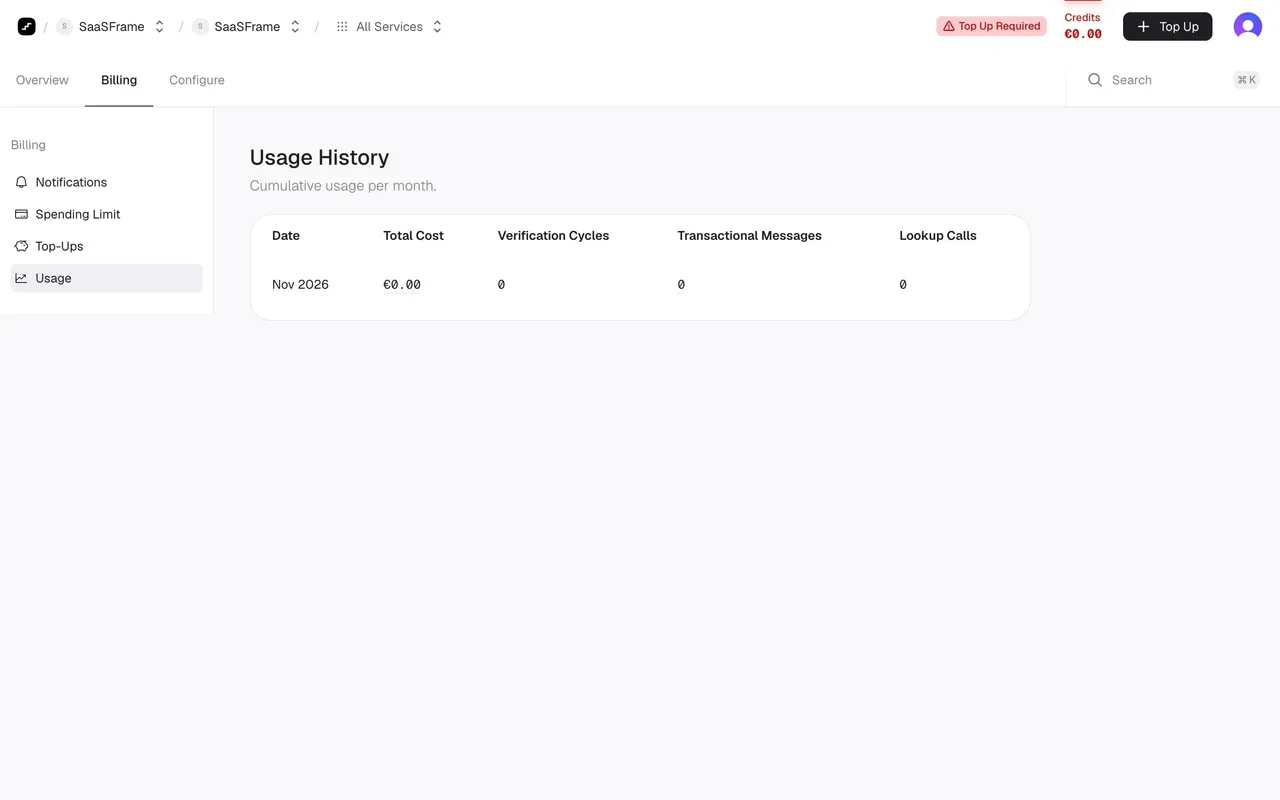

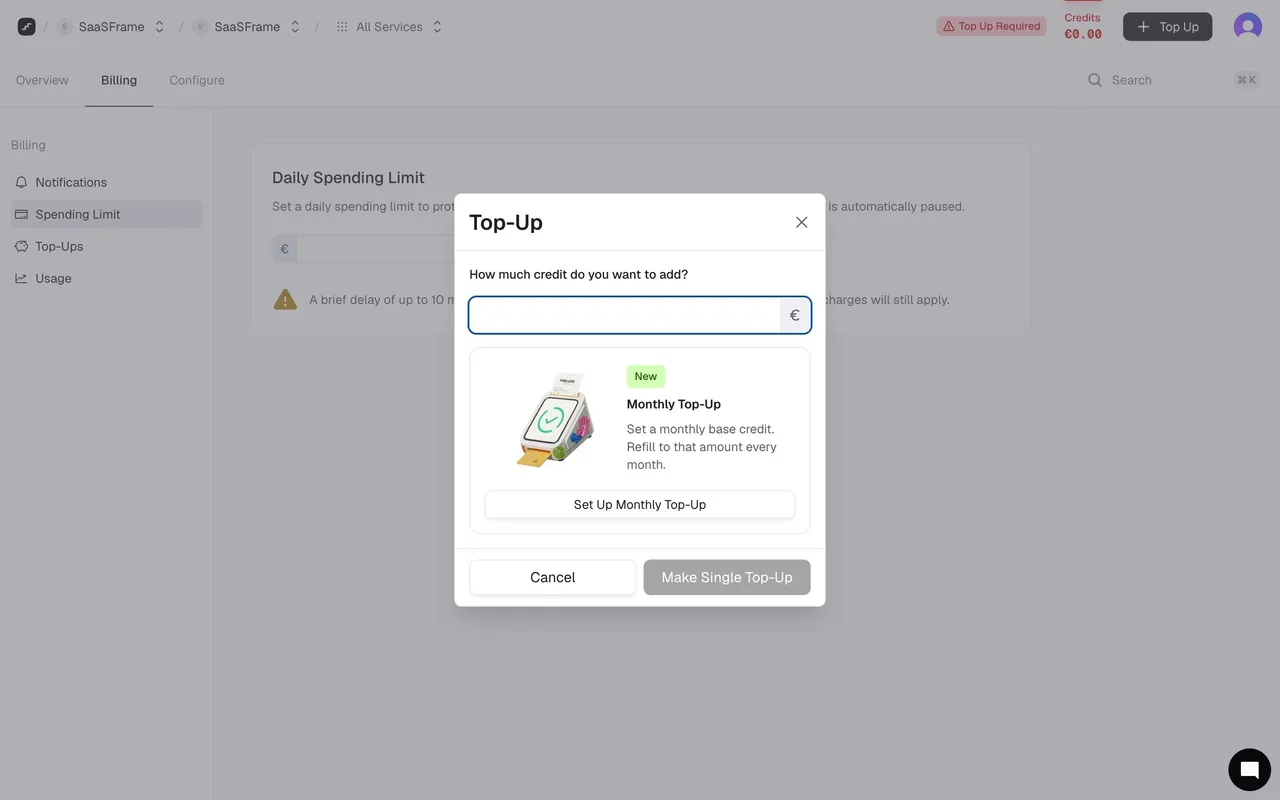
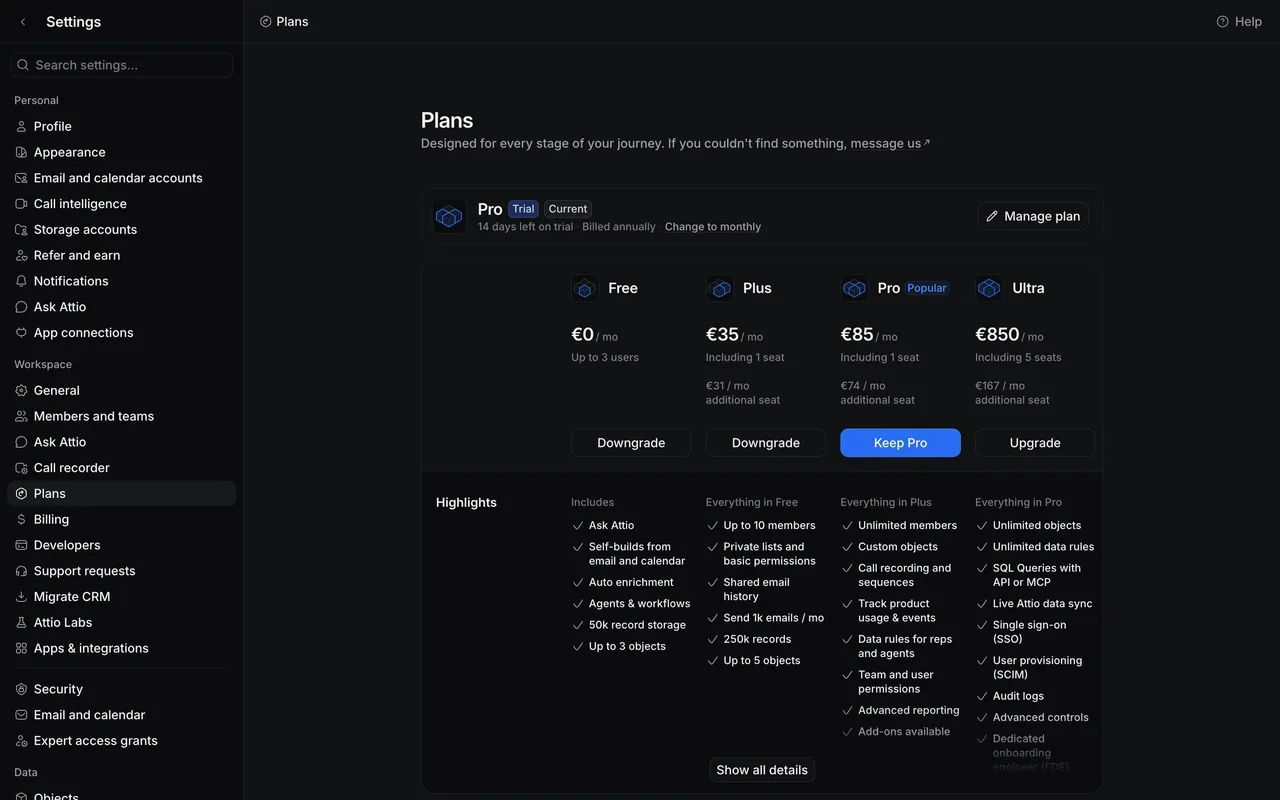

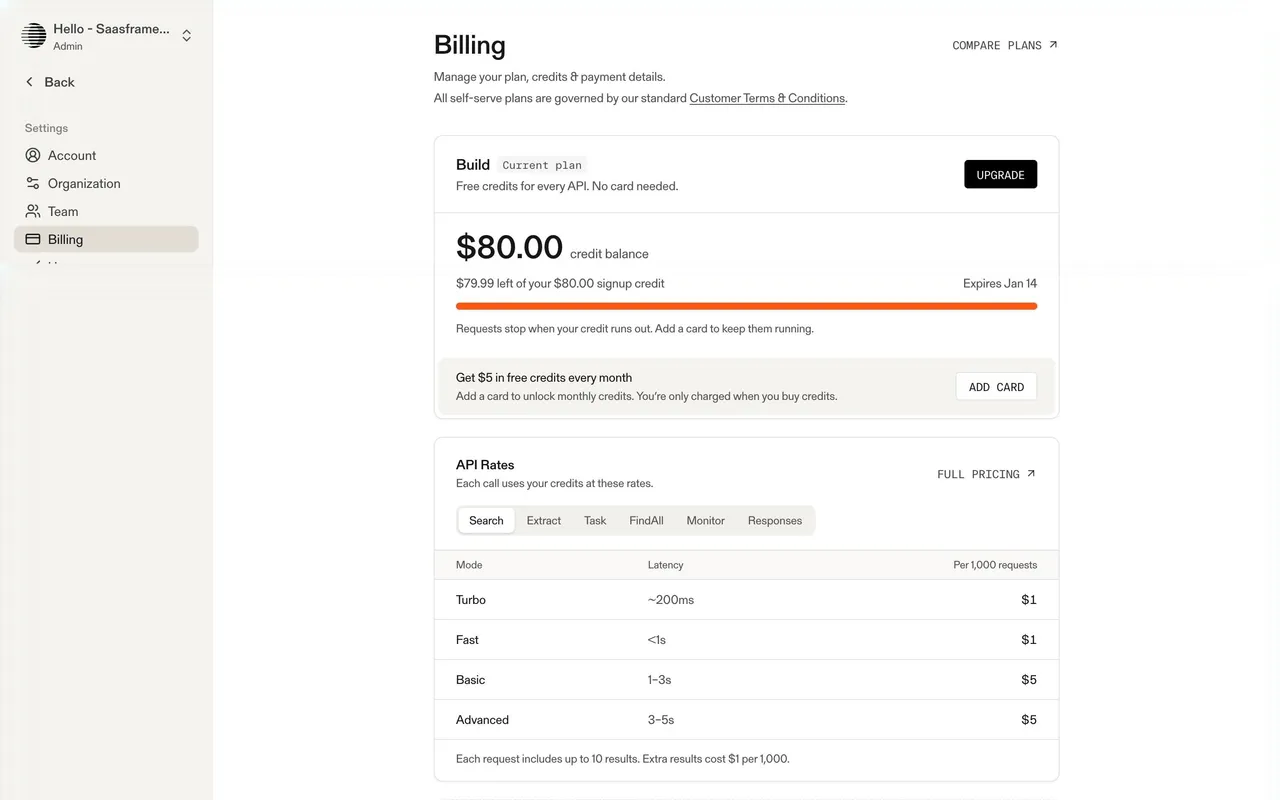
Index of all 60 Billing examples
- Parallel Billing and Credits
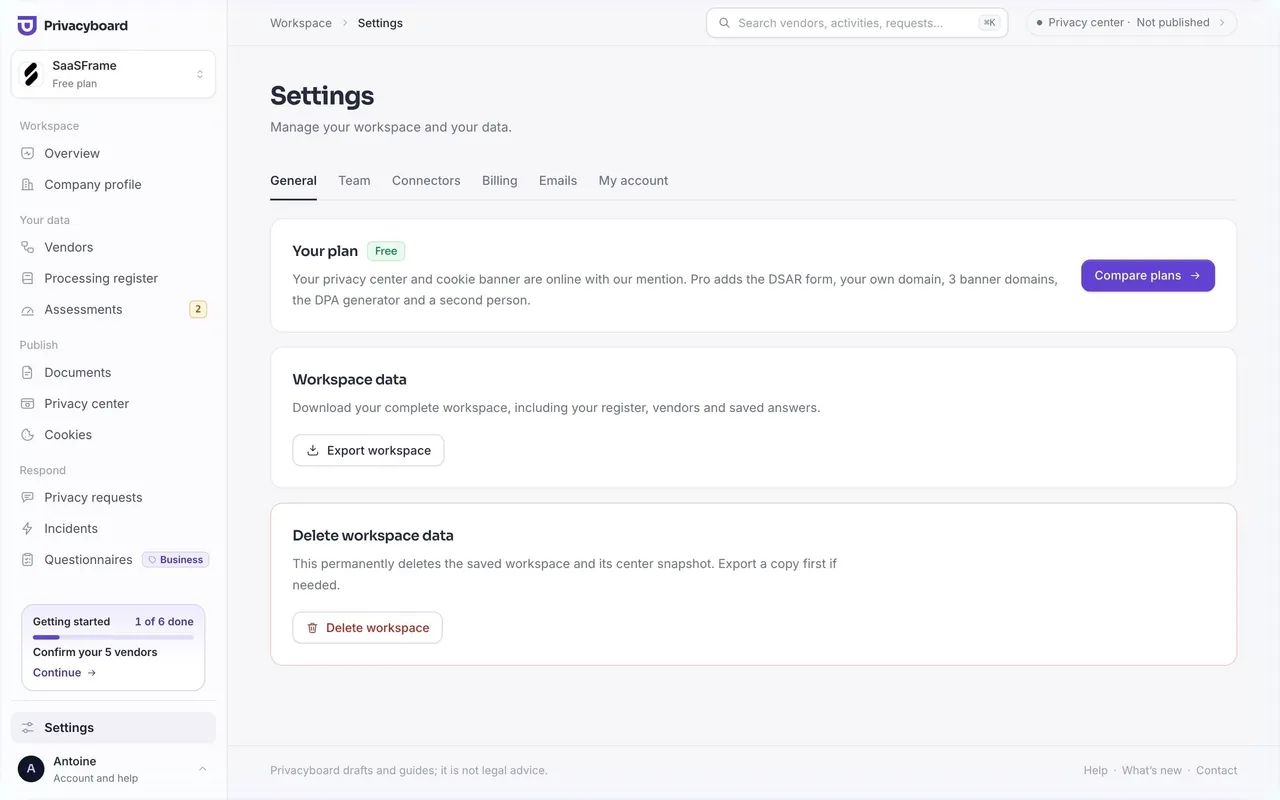
- Privacyboard Settings
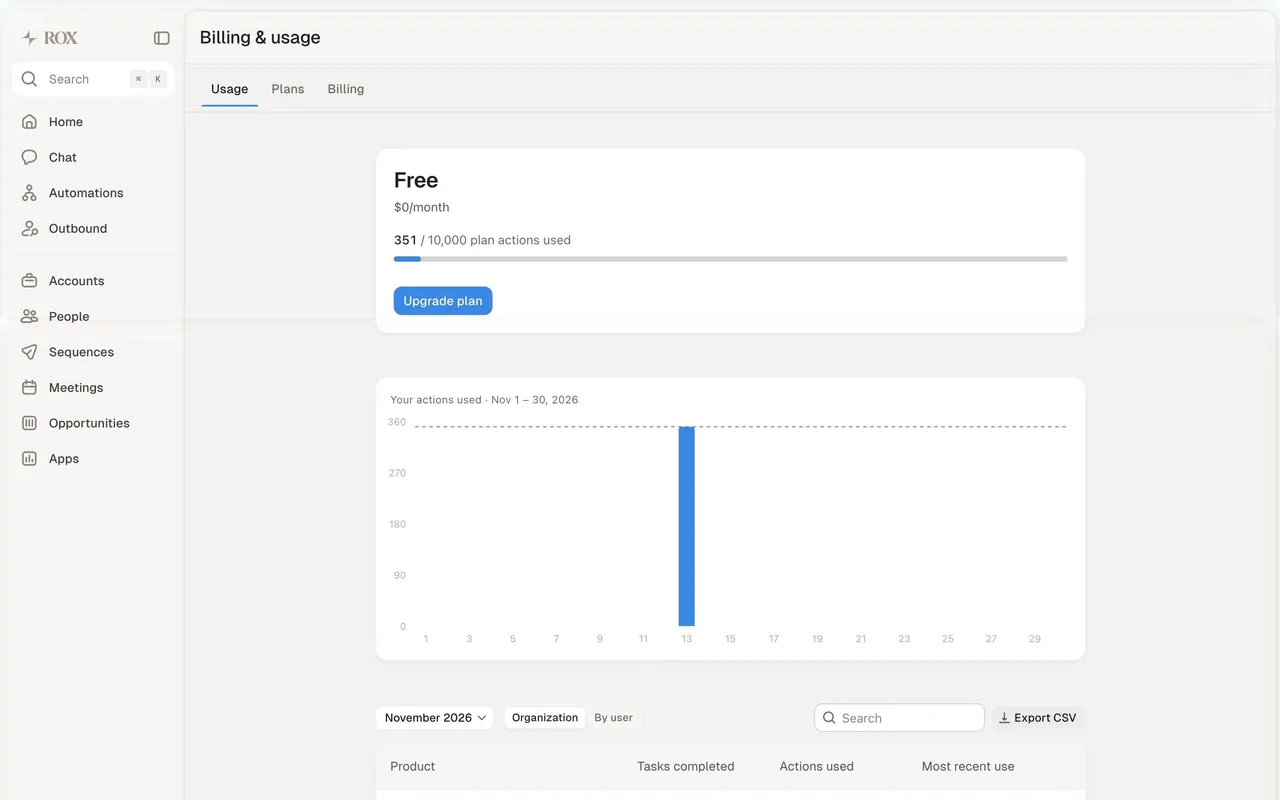
- Rox Usage
- AskAiRank Billing Plan Usage
- Unabyss Plans
- Respan Billing
- Datashake Plans & Upgrade
- Moss Billing and spend limits
- Moss Set a monthly spend limit
- Moss Add a payment card
- Moss Choose a payment method
- Dub Billing and usage overview
- Hugging Face Billing overview
- Claude Billing
- Dust Subscription
- Unkey Billing Settings
- Prelude Billing
- FullEnrich Billing
- Hume AI Text to Speech Billing
- Hume AI Expression Measurement Billing
- Wiza Billing Settings
- OpenAI Billing Page
- Uvodo Billing
- FlowMapp Billing Page
- Vidzflow Billing
- Audienceful Plan & Billing
- Supabase Billing Settings
- Supabase Invoices Settings
- Conduktor Billing
- Slack Billing Overview
- Slack Billing History
- Slack Payment Methods
- Slack Change Plan Details
- Slack Downgrade Plan
- Slack Downgrade Confirmation
- WorkOS Billing
- Cohere Billing
- Pirsch Analytics Billing
- Better Stack etter Uptime Billing Page
- Nord VPN Billing History
- Nord VPN Subscriptions
- Folk Upgrading
- Reply Upgrading Flow
- Reply Upgrading Flow
- EmailOctopus Sign Up Flow
- Mangools Upgrading
- Numbro Upgrading Flow
- Whimsical Upgrading
- Mangools Sign Up Flow
- Monday Upgrading
- Maze Sign Up Flow
- Baremetrics Upgrading Flow
- Baremetrics Upgrading Flow
- Hey Upgrading
- Mangools Upgrading
- Confetti Upgrading
- Baremetrics Upgrading Flow
💳 Billing: design guide
Short answer
A SaaS billing screen shows the customer's financial relationship with the product: subscription, payment method, usage, renewal and invoices. Separate billing management from buying a plan, make missing payment details actionable, distinguish estimated from final amounts, state renewal dates and make invoices easy to find.
In the libraryas of November 2026
- Screens
- 60
- SaaS products
- 42
- Last added
- Nov 2026
Common patternsBilling & Subscription 27Usage Indicator 19Sidebar Navigation 14Invoice 12Status Indicator 12
A SaaS billing interface helps customers understand their financial relationship with the product: the active subscription, payment method, usage, renewal context, and invoice history. It should connect amounts to their meaning rather than displaying a collection of unrelated numbers.
The guide focuses on billing management rather than contextual upgrade prompts. The SaaSFrame captures are historical design references, not current pricing statements.
How is managing billing different from buying a plan?
A pricing page supports comparison before purchase. A billing page supports an existing customer's account, including payment information, invoices, current commitments, and changes.
Keep the current state identifiable before presenting new offers. Users investigating a charge should not need to navigate an upgrade campaign to find their subscription.
Plan changes can belong in billing, but label them as changes to the existing relationship. Explain their actual effective date and charge implications where they affect the decision.
Connect the subscription to payment and invoices
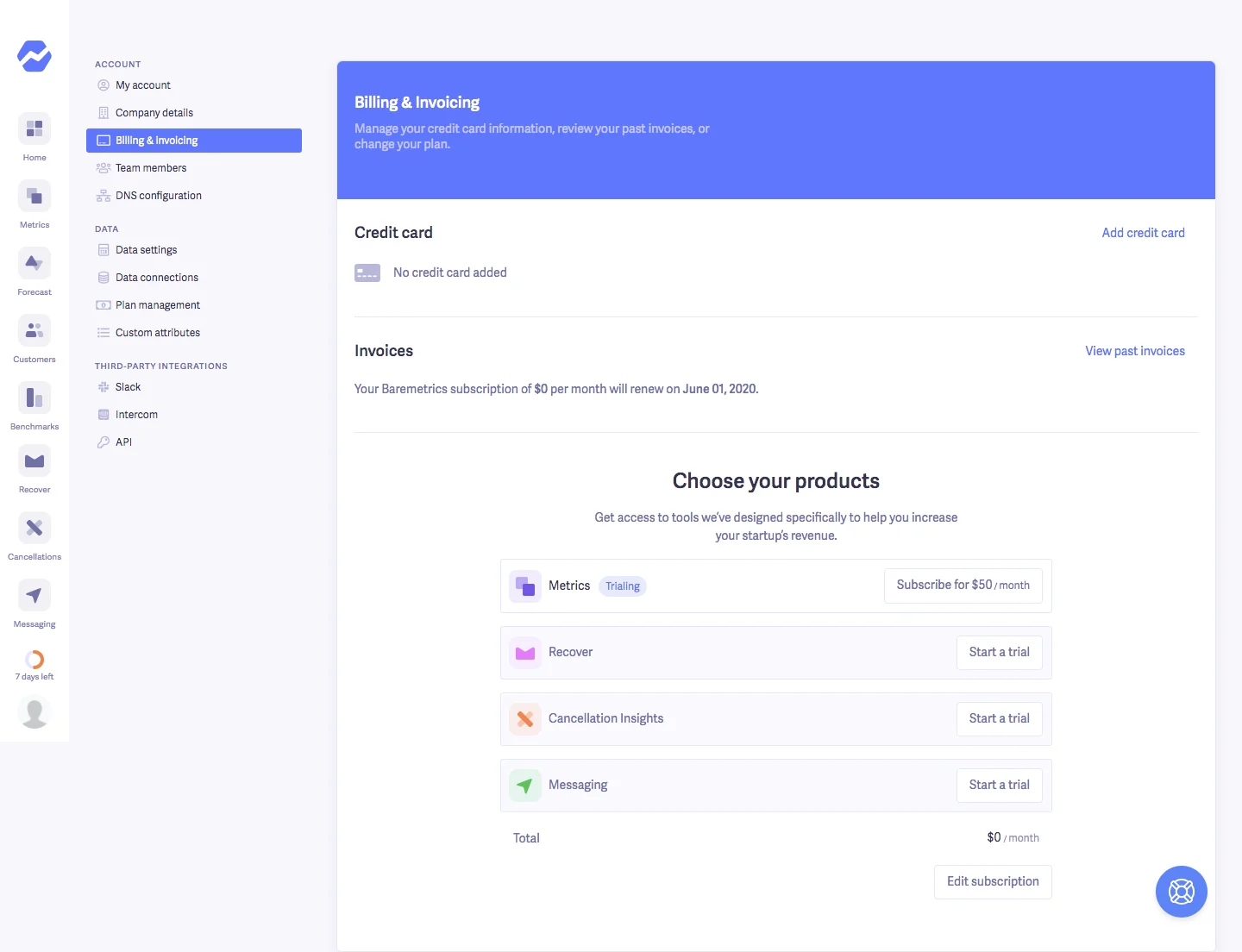
The Baremetrics capture places payment-card information, renewal context, and a past-invoice route above a product-selection area. A total sits beneath the selected products.
This gives the page several related responsibilities. The hierarchy is useful when it first establishes the account's current financial state, then makes available changes understandable.
The amounts and renewal date shown in the capture are historical. Study the relationship between sections rather than treating those values as a current Baremetrics offer.
Make missing payment information actionable
A missing payment method needs an explicit state and a route to add one. Distinguish no method on file from an expired method, a failed payment, or a method being verified.
Explain the consequence where relevant. A trial account without a card and a paid account with a failed renewal require different urgency and next actions.
After a payment-method change, report the state the system has established. Successfully saving details is not proof that an unrelated invoice has been paid.
Explain usage-based billing in context
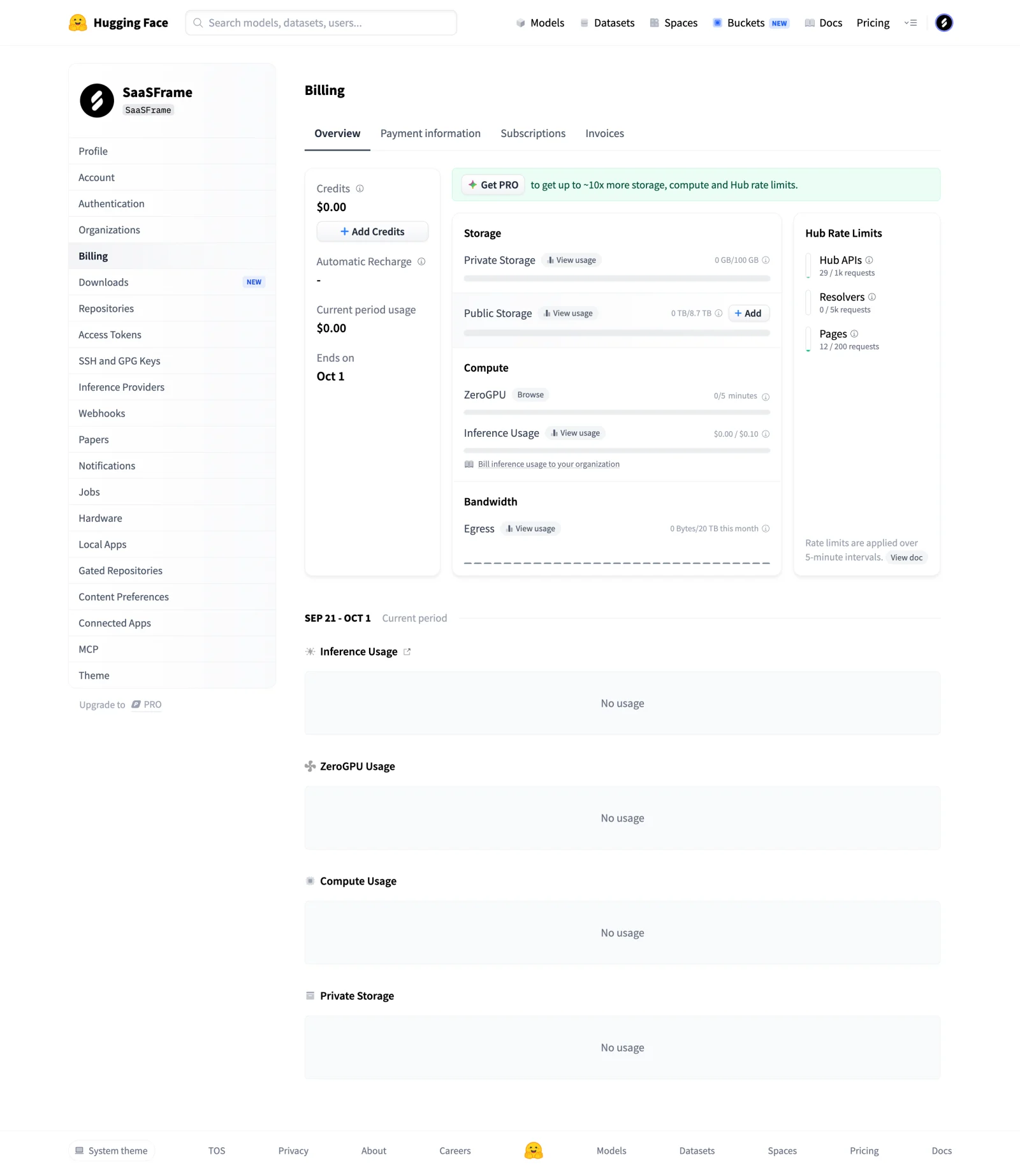
The Hugging Face billing overview separates credits, current-period usage, resource categories, and tabs for payment information, subscriptions, and invoices. The capture also shows recharge-related controls and a period boundary.
This structure makes different financial concepts visible together without presenting them as one interchangeable balance. Available credit, accrued usage, and an issued invoice can refer to different stages of billing.
Keep resource units and period definitions near their values. A user should be able to understand which activity contributes to a total and when that total becomes a charge under the actual product model.
Distinguish estimated, accrued, and finalized amounts
A current-period total may still change. An estimate may use incomplete activity, while an invoice represents a finalized billing document under the system's rules.
Name those states accurately and provide calculation context where useful. Avoid styling a provisional value as a settled amount simply because both use a currency format.
For products with several resource categories, connect the overview to a detailed breakdown. Users should be able to investigate a surprising amount without reconstructing it from disconnected usage pages.
Keep renewal and change timing explicit
Show the relevant billing period and renewal context. If a change takes effect immediately, at renewal, or after another step, describe that timing before confirmation.
Monthly and annual billing choices need clear units and totals. A per-month equivalent should not obscure an annual payment commitment.
Do not infer cancellation, refund, or proration rules from a static screenshot. Those are product-specific conditions that must match the actual billing implementation and applicable terms.
Make invoices easy to identify
An invoice list should help users distinguish period, amount, status, and the relevant document. Use clear labels for issued, paid, unpaid, or other states supported by the system.
Separate opening an invoice from downloading a receipt or editing billing details. These tasks are related but have different outcomes.
If access depends on an administrative role, explain how a user can reach the responsible person. A hidden billing route should not make charge investigation impossible for legitimate account stakeholders.
Explain recharge and credit controls
Credits and automatic recharge add another layer to the account model. State what triggers recharge, how the amount is determined, and which balance the control affects using the actual product rules.
Keep configuration separate from a one-time credit purchase. A user changing a threshold should understand whether that action immediately charges a payment method.
Show failure and pending states clearly. If a recharge request is still processing, do not present the resulting balance as finalized.
Review billing through concrete questions
Test whether a customer can identify the active subscription, find a charge's period, inspect supporting usage, update payment details, and obtain the appropriate invoice.
Include no payment method, zero usage, multiple subscriptions, and an unsuccessful payment in the review. Check consistency between the overview and detailed records.
Explore SaaSFrame's billing references to compare subscription and usage hierarchy. A useful billing page makes an existing financial relationship understandable before inviting the next purchase.
Billing interface questions
Is a billing overview the same as an upgrade screen?
No. Billing explains the current account and financial records; upgrading changes entitlement or subscription. They can connect while preserving distinct tasks.
Should usage and invoices appear together?
They can share an area when their periods and states are clear. Accrued usage and a finalized invoice should remain distinguishable.
What makes payment errors actionable?
Identify the affected payment or method, its established state, and the available next step. Do not imply that saving a card resolves every outstanding charge.