 SaaSFrame
📺 Webinars Page
Boost your attendance rates with high-converting SaaS Webinar registration pages. This library includes designs for upcoming live events, on-demand archives, and speaker profiles that drive high-intent lead generation.
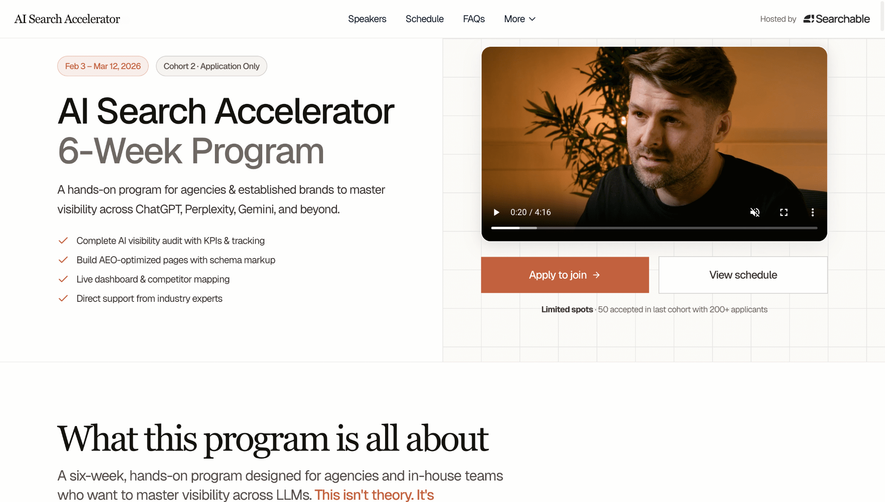

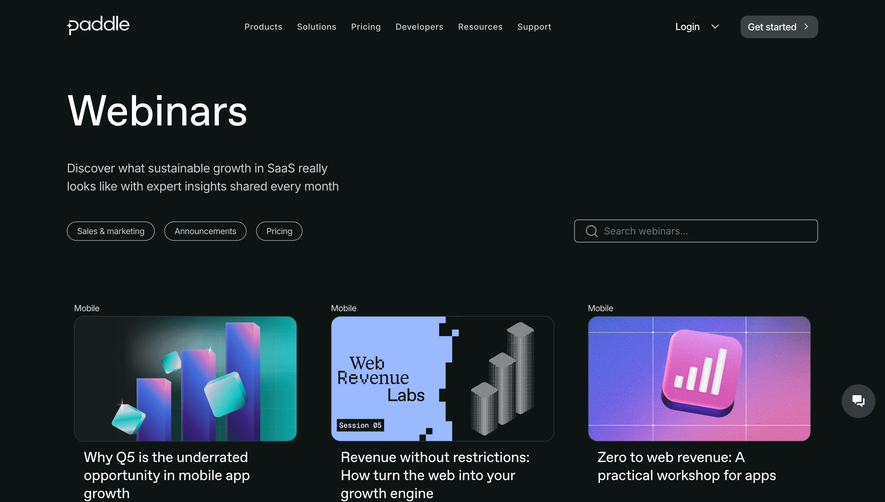

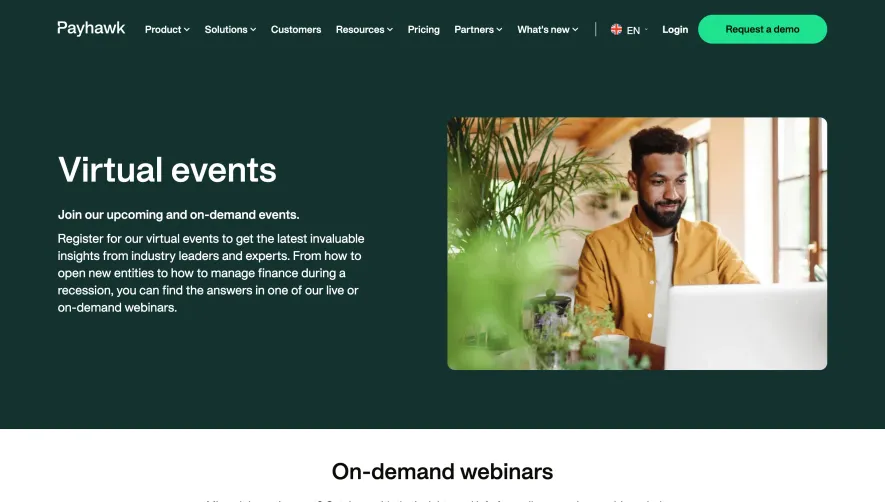

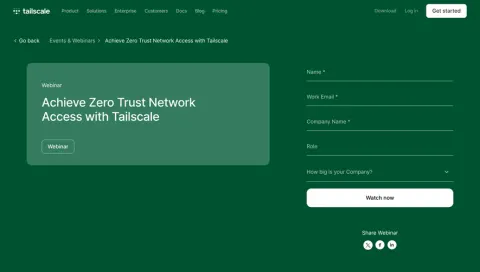
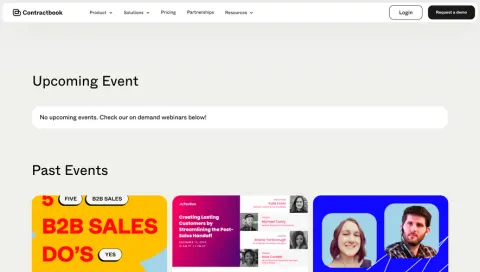
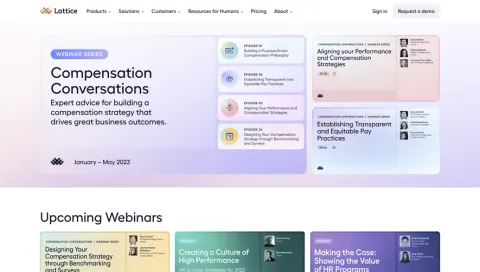
Index of all 22 Webinars Page examples
- Tailscale Webinars Page
- Contractbook Webinars Page
- Lattice Webinars Page
- Heap Webinars
- Pipefy Webinars
- Mapbox Webinars Page
- Kinsta Webinars Page
- Shogun Webinars Page
- MailerLite Webinars Page
- Intercom Webinars Page
- Shortcut lubhouse Webinars Page
- Zendesk Webinars Page
- Workable Webinars Page
- Buffer Webinars Page
- Pipefy Webinars
- Monday Webinars Page
- Help Scout Webinars Page
- Heap Webinars
- Abstract Webinars Page
📺 Webinars Page: design guide
A SaaS webinars page helps visitors choose a relevant session and understand whether they are registering for a live event or watching a recording. Topic, timing, audience, and availability should be clear before the action.
Distinguish upcoming sessions from recordings
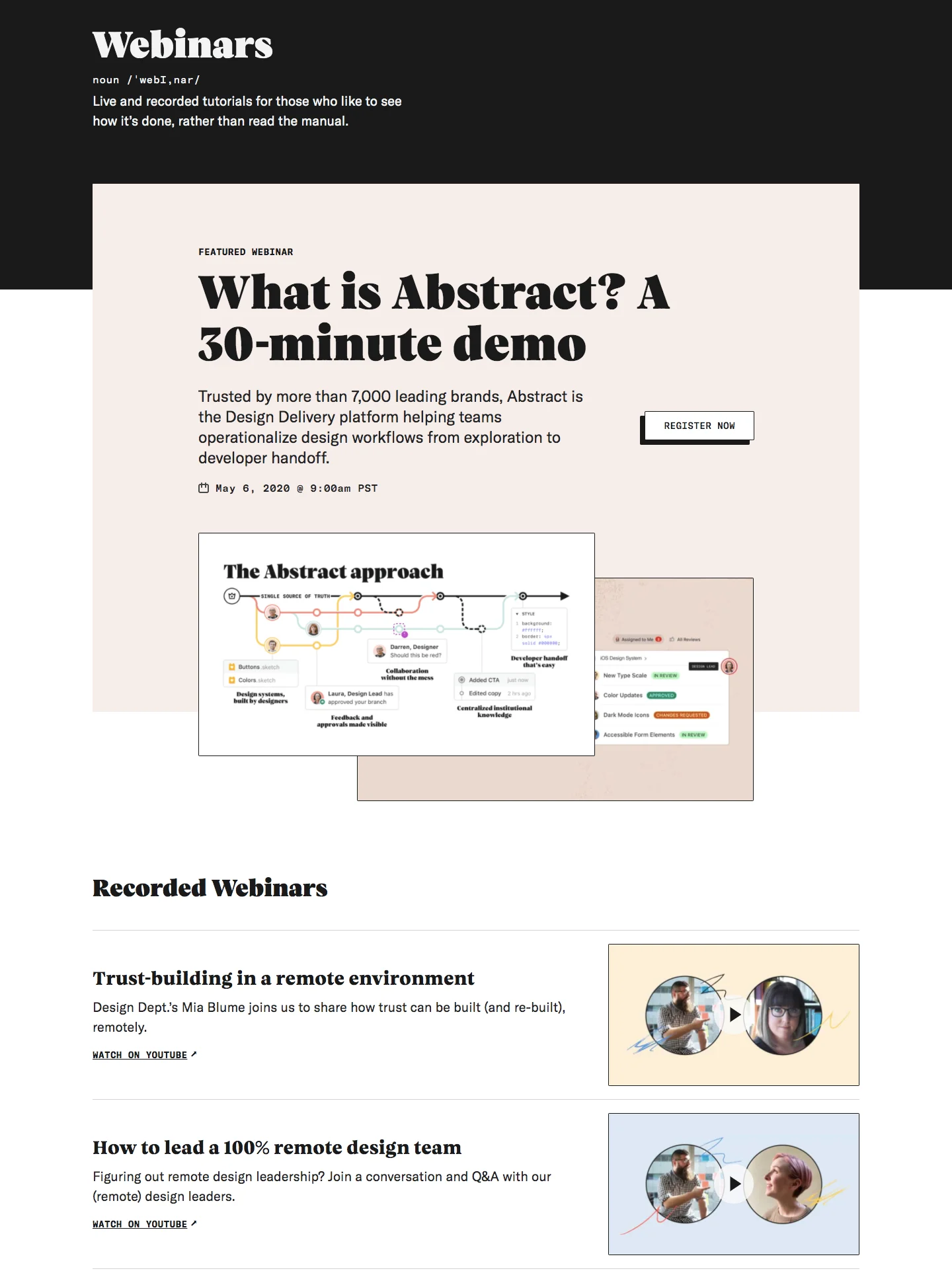
The Abstract reference separates a featured webinar from a recorded-webinars collection. The recorded rows pair a title and summary with media previews and watch routes.
That distinction prevents visitors from treating a past event as an upcoming registration opportunity. Use explicit availability states and action labels throughout the catalog.
A recording can remain useful after the original date, but its content may be time-sensitive. Preserve appropriate date or version context rather than implying every archived session is current.
Explain the session's value before registration
A title should identify the question or task being discussed. A short summary can name the intended audience, format, and useful takeaway.
Speaker context matters when it explains perspective or expertise. Keep it relevant to the session rather than relying on a long list of impressive roles.
Do not promise that attending guarantees a business outcome. Explain what the session covers and what preparation, if any, is needed.
Support discovery across a larger program
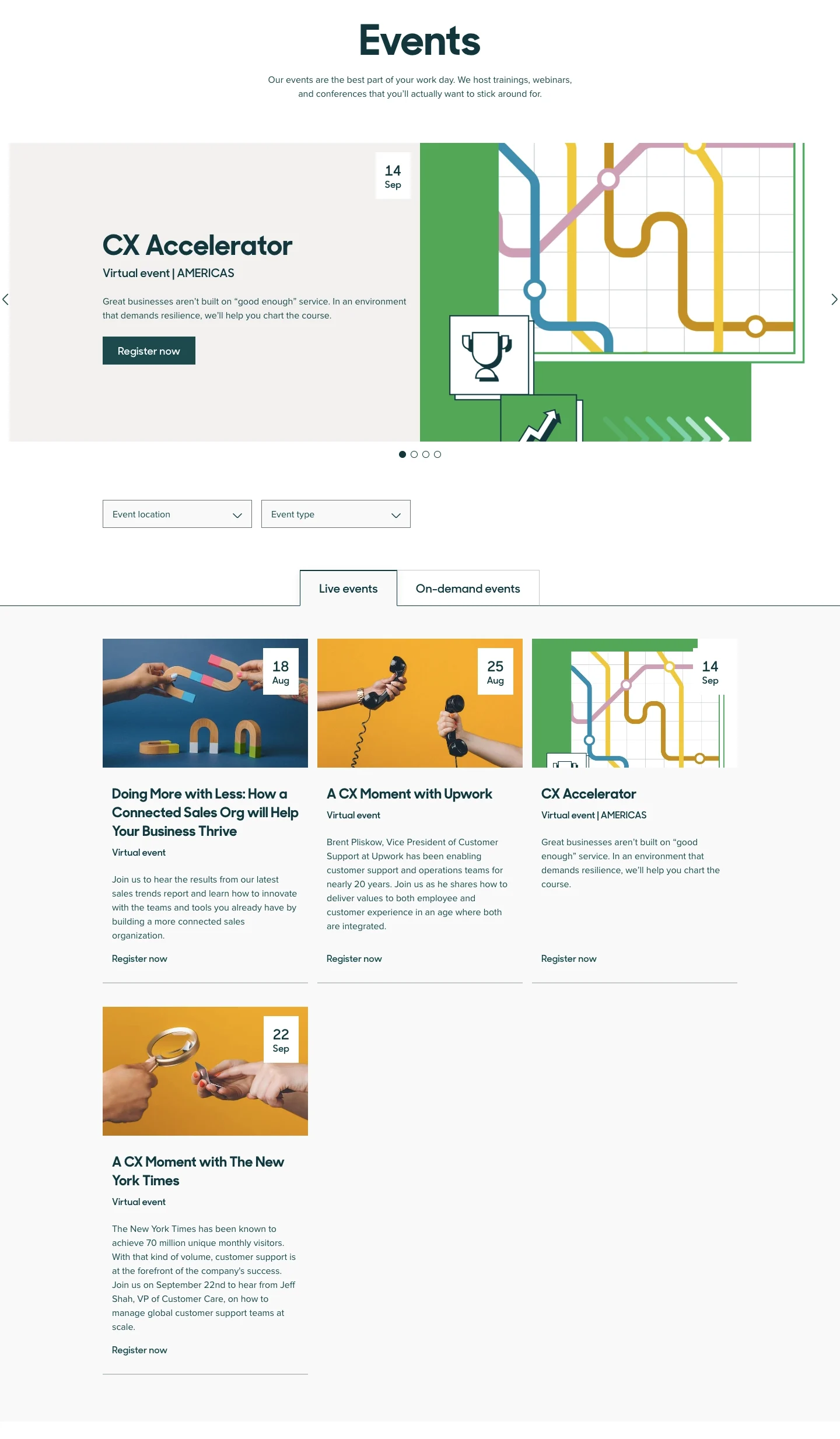
The Zendesk reference uses an events surface with location and type filters, live and on-demand tabs, and cards carrying date and format context. Webinars sit within a broader event model.
A shared catalog can work when visitors can isolate the relevant format and availability. Keep filters visible and explain an empty result in relation to the current scope.
Featured sessions should remain identifiable as a selection rather than the entire program. Avoid making carousel interaction the only route to available sessions.
Make timing unambiguous
For live sessions, provide the actual date, time, timezone, and relevant duration. Visitors in different regions should not have to infer which local time the page means.
If a session has ended, update its status and route appropriately. A stale register button can undermine confidence in the whole catalog.
A calendar action should follow a confirmed registration or explain its role clearly. Adding an event to a calendar does not necessarily establish attendance registration.
Match forms and confirmation to the event
Explain what registration produces and how access instructions will arrive. Keep required information proportionate to the event's process.
Separate a received request, confirmed registration, and waitlist state. Each has a different next step and should have distinct feedback.
For recordings, explain whether access is immediate or requires a form. Avoid a watch-now promise that leads to an unexplained sales conversation.
Keep recorded learning useful
Provide enough context for visitors to decide whether to watch. Duration, topic, and a summary help evaluate the time commitment.
Support captions or transcripts where available and give written context around media. A unavailable player should not leave the page with no meaningful information.
Connect related sessions by topic or progression rather than simply showing the newest items everywhere.
Review catalog and session routes together
Test filters, an upcoming session, a completed event, an unavailable recording, and registration confirmation. Verify that dates and actions agree across the catalog and detail page.
Explore SaaSFrame's webinar-page references to compare live and recorded discovery. Design around a visitor choosing both a topic and a time commitment.
Webinar page questions
Should live and recorded sessions share a page?
They can, when availability states and actions are clearly separated and filterable.
What should a webinar card include?
Identify the topic, relevant audience, availability, and timing or duration needed to judge the next step.
Is adding to a calendar the same as registering?
Not necessarily. Explain the actual registration state and the role of any calendar action.