 SaaSFrame






📊 Calculator: design guide
Short answer
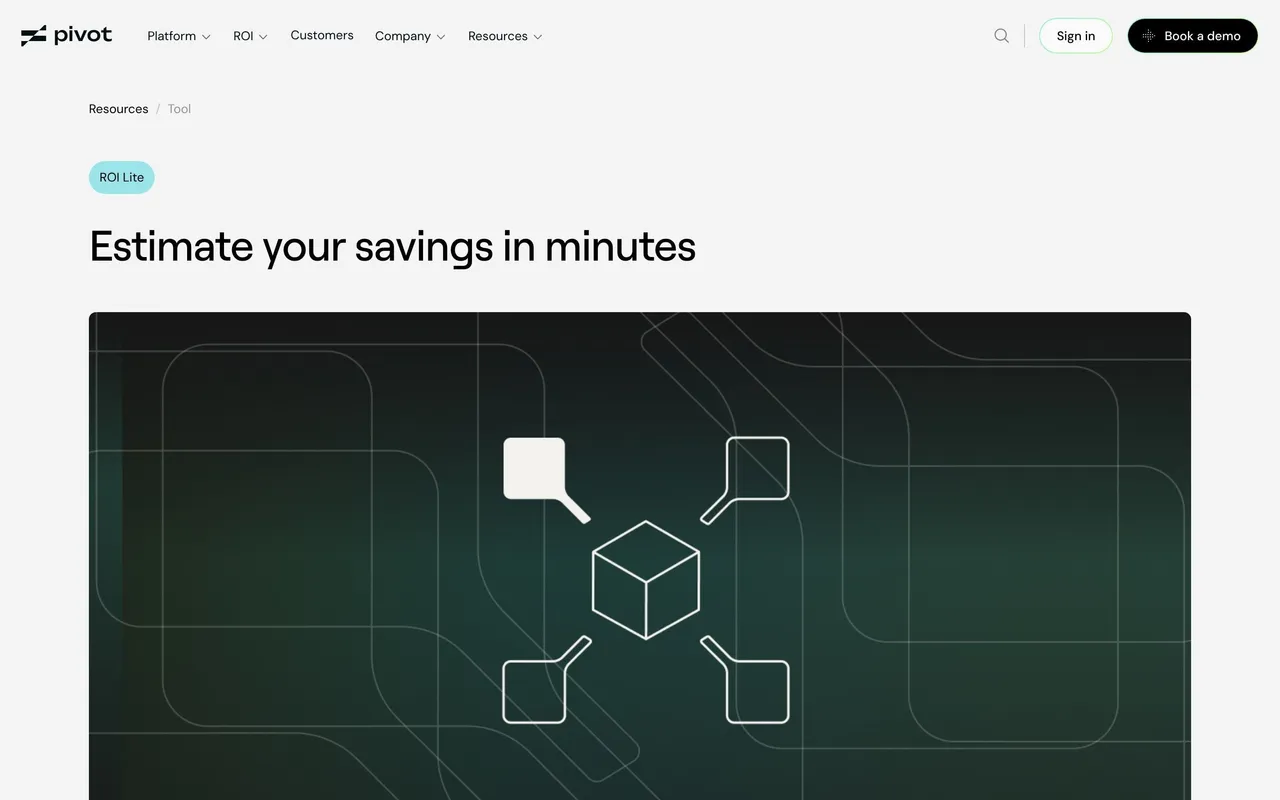
A SaaS calculator page lets visitors estimate savings, costs or return on investment with their own numbers before talking to sales. Ask for a few inputs visitors know, show the result next to them as they change, expose the assumptions and breakdown behind the total, and offer a next step that uses the result.
A SaaS calculator page turns a claim such as "save time" or "cut costs" into a figure visitors can test with their own numbers. It works when the inputs are things visitors already know, the result updates as they type, and the method behind the number is visible enough to trust.
What should a SaaS calculator page help visitors decide?
Start from the decision the number supports: whether the product pays for itself, how much a process costs today, or which plan fits. That decision sets the inputs, the output and the call to action. A savings calculator for a sales team asks about team size and deal value; a cost calculator for an internal build asks about salaries and time spent.

Which inputs should the calculator ask for?
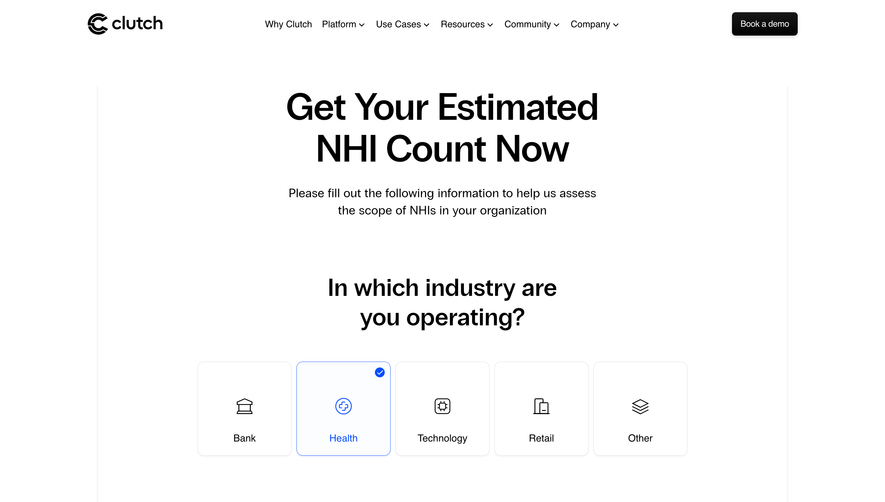
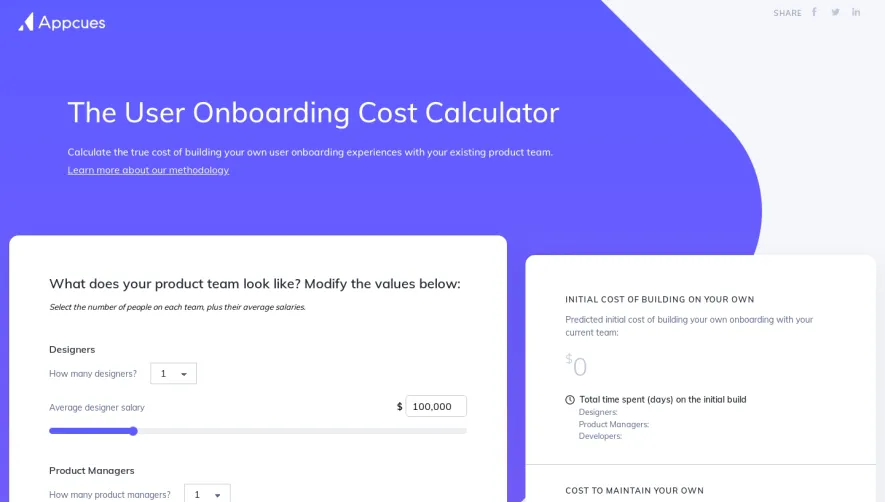
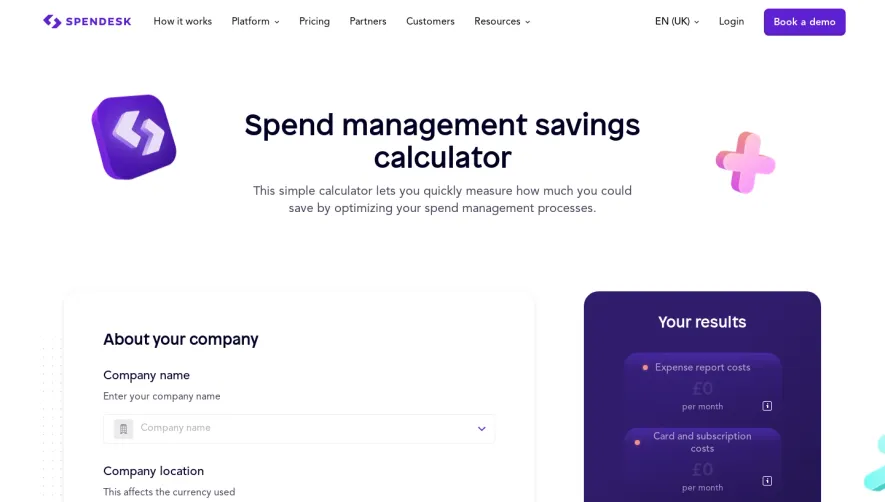
Only the inputs that change the result and that visitors can answer without research. Pre-fill each one with a realistic default so the first result appears immediately, state units next to the field, and use sliders only where approximate values are fine.
How should the result be presented?
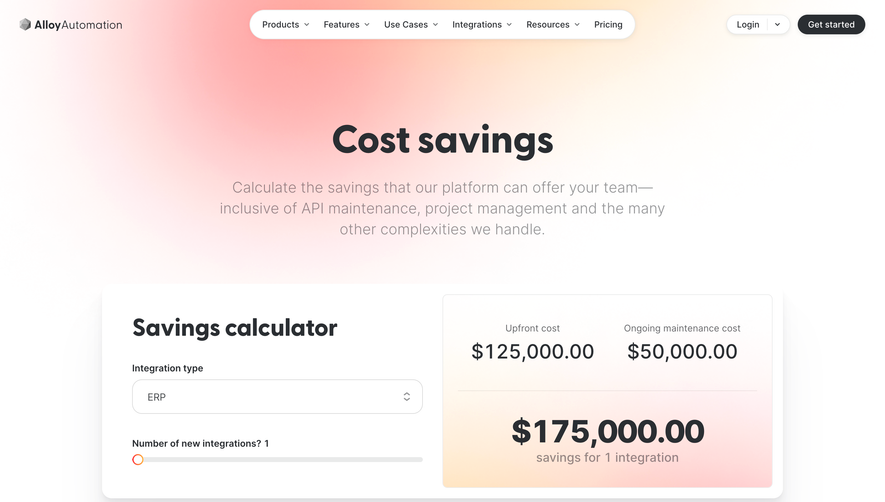
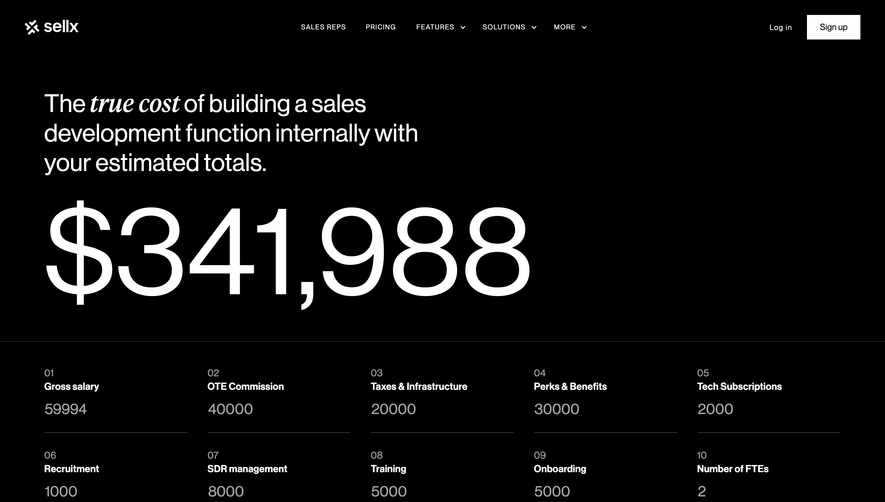
Next to the inputs, updated live, with the total first and its components below. A breakdown lets visitors check the logic and adjust the line they disagree with, which makes the total more credible than a single large number.
How do you make the number trustworthy?
Show the assumptions. State the time period, the rates used and where they come from, and avoid presenting an estimate as a guarantee. A short methodology note or link, as Appcues provides, answers the question a sceptical buyer will ask first.
What should happen after the result?
Offer a next step that carries the result forward: book a demo with the figures attached, email the report, or start a trial. Gating the result behind a form reduces trust; asking for an email to send a detailed version after showing the headline number works better.
Calculator page questions
Should an ROI calculator require an email?
Show the main result without one. Visitors who see their number first are more willing to leave an email for a detailed report or a follow-up call than visitors asked to pay before seeing anything.
How many inputs should a calculator have?
As few as the result needs, often three to six. Pre-filled defaults let visitors see a result immediately and change only what differs for them.
Where should calculators live on a SaaS website?
Usually as a dedicated page linked from pricing, a resources menu or a use case page, and as a compact section on the pricing page when cost depends on usage.