 SaaSFrame
👩💻 Developers Page
Win over technical stakeholders with functional SaaS Developer Portals. These examples focus on API documentation shortcuts, "Copy to Clipboard" code snippets, and sandbox environment CTAs that provide a world-class developer experience (DX).



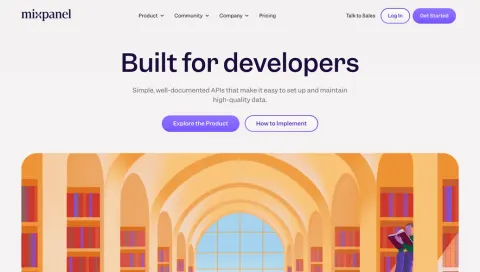
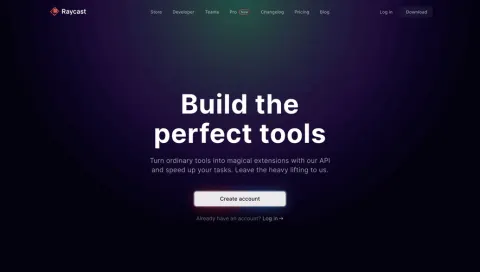
Index of all 7 Developers Page examples
👩💻 Developers Page: design guide
A SaaS developers page helps technical visitors decide whether they can build the integration or extension they need. It connects product capabilities to practical entry points such as documentation, a sandbox, an API reference, and relevant examples.
It is not a substitute for technical documentation. Its job is to establish what can be built and help the right visitor begin evaluation.
Describe what developers can extend
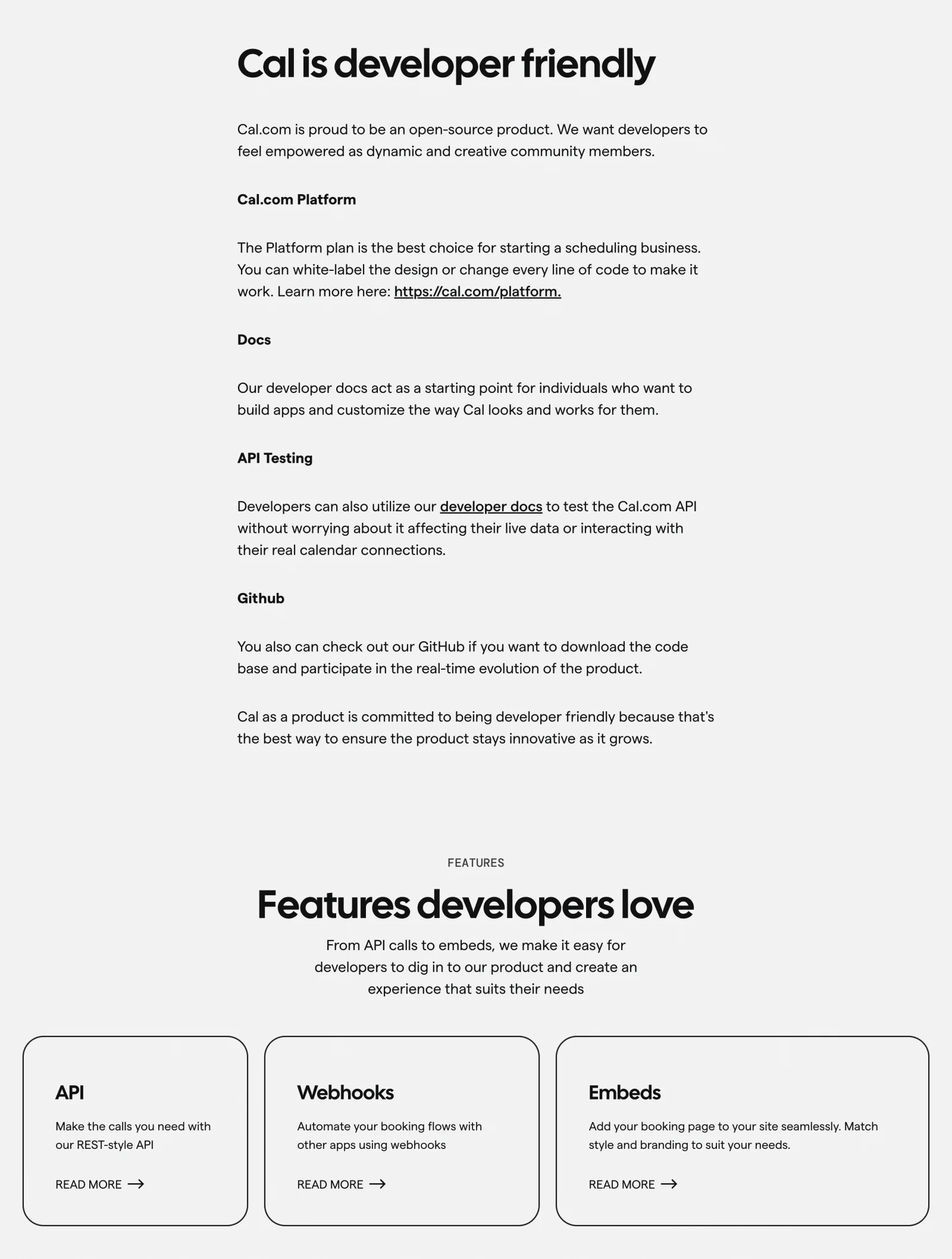
The Cal.com reference introduces a developer-focused offering and distinguishes platform, documentation, API testing, and source-code routes. Feature cards separate API, webhooks, and embeds.
This gives technical visitors several concrete evaluation paths. Explain the difference between using an API, embedding an interface, and extending source code instead of grouping everything under a broad integration promise.
Keep availability and requirements accurate. A marketing screenshot does not establish which endpoints or licenses are currently supported.
Put the first useful action near the promise
A documentation route should be easy to identify from the hero. If visitors need an account or test environment, explain that requirement before they follow the CTA.
Separate reading about the product from requesting credentials. Developers may need to assess feasibility before creating an account or speaking to sales.
Use labels that describe destinations. A vague start-building button becomes more useful when visitors know whether it opens a quickstart, account form, or sandbox.
Make the evaluation environment visible
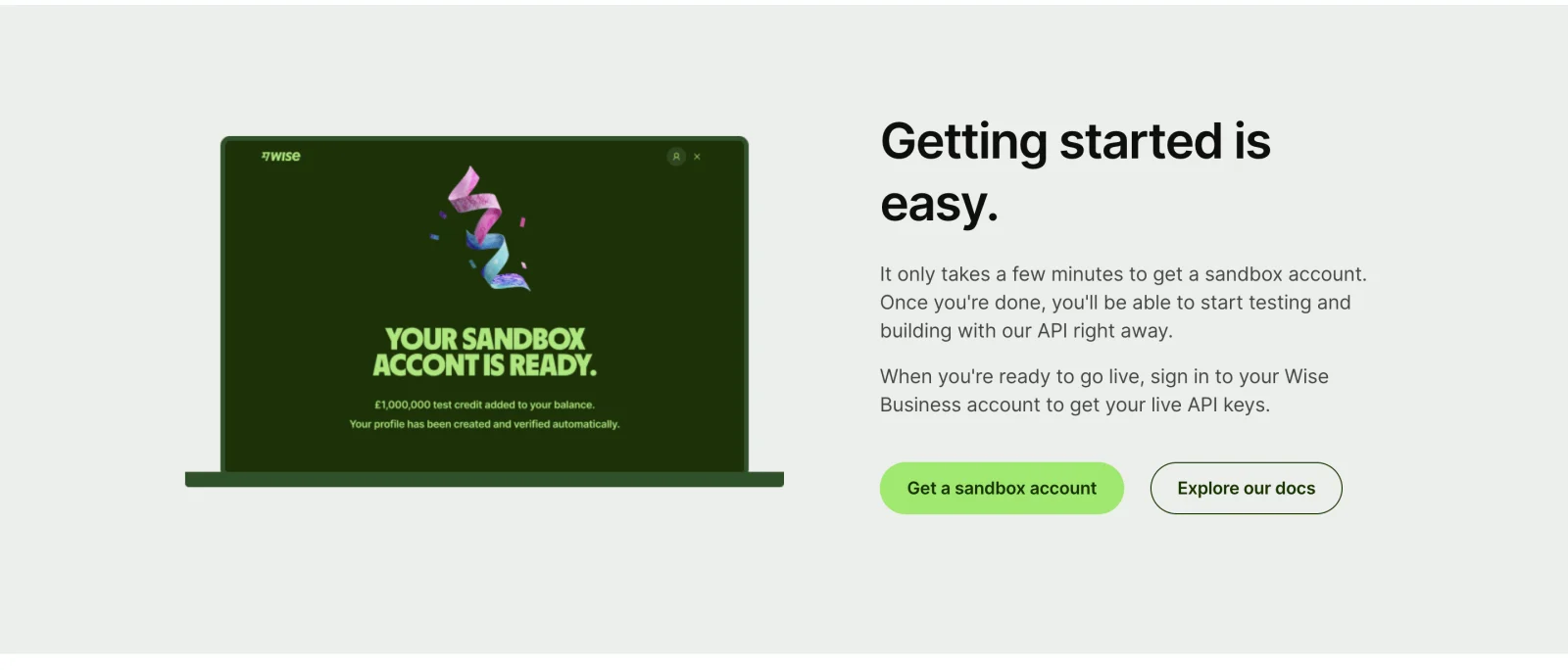
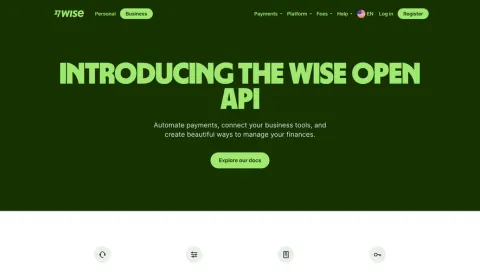
The Wise developers reference combines an API introduction with routes to documentation and a sandbox account. A getting-started section presents those routes together, while later questions address API concepts.
This connects the product promise to a testing path. Explain the difference between test and production environments, the setup needed, and where users can find implementation details.
Avoid implying that a sandbox result authorizes production use. Evaluation, production credentials, and a commercial relationship may be separate stages.
Organize capabilities around building tasks
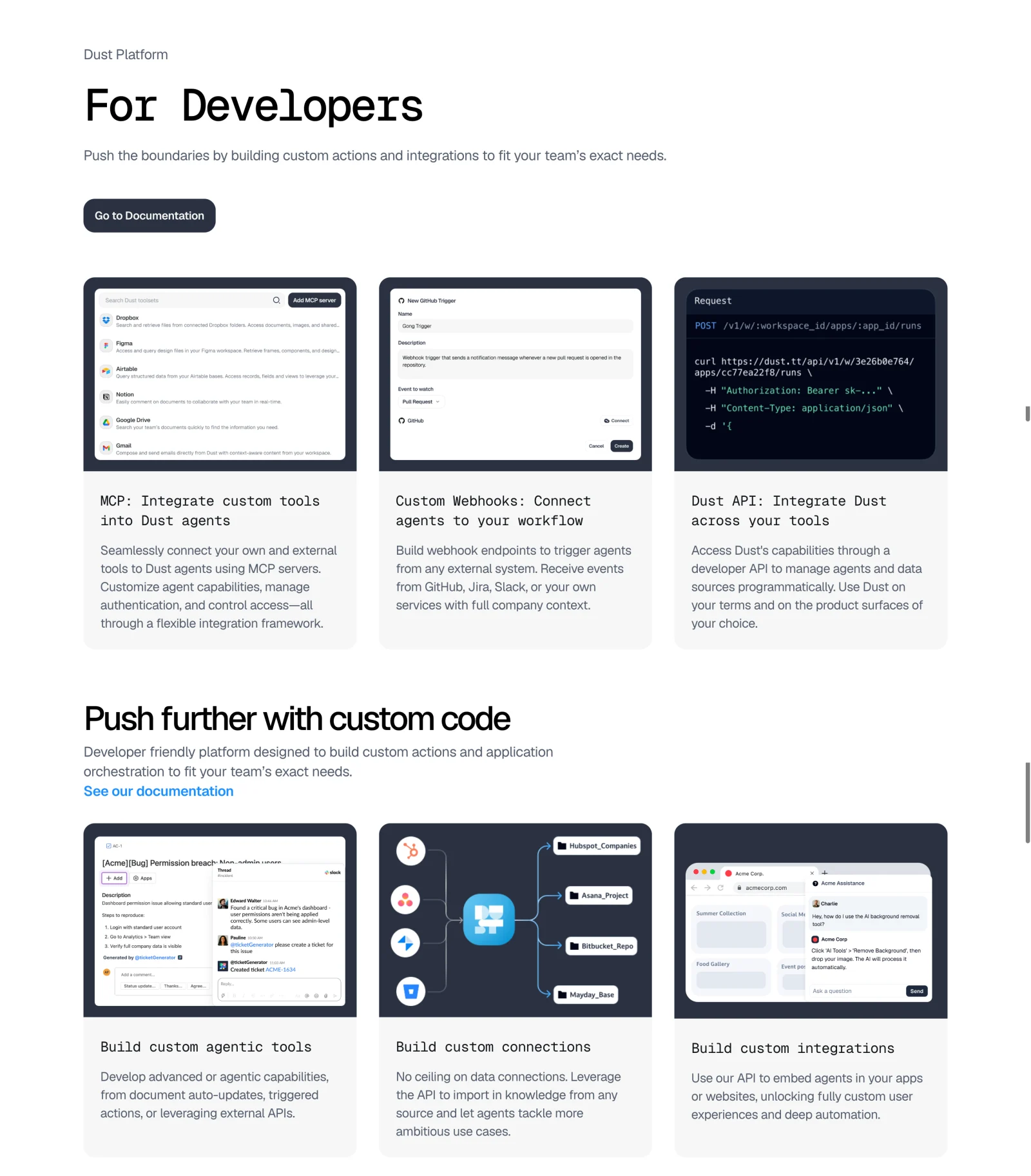
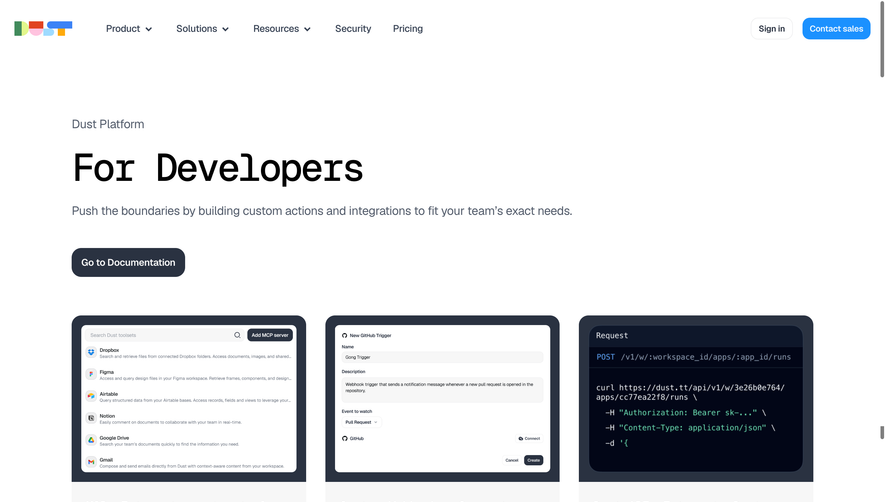
The Dust developers capture presents separate areas for custom tools, webhooks, and API access, then shows custom-code and integration examples. Documentation links remain available alongside the capability story.
Task-based grouping helps visitors match a requirement to the right mechanism. A developer automating an event needs a different entry point from one embedding an assistant in an application.
Examples should be technically representative without exposing credentials or implying undocumented behavior. Use maintained documentation as the authoritative route for exact implementation requirements.
Show enough detail to assess fit
Explain relevant integration boundaries: what can be read, created, updated, or triggered, and what requires another product component. The page should reduce uncertainty without duplicating every reference entry.
A short code example can be useful when it represents a real supported operation. Keep secrets as unmistakable placeholders and link to the complete setup context.
Do not present a long block of code merely as a visual sign of technical credibility. Its purpose should be understandable to the visitor.
Address support and ongoing maintenance
Developers need to know where to find errors, changes, support, and operational information. Link to the appropriate maintained resources where they exist.
Explain versioning or compatibility through current documentation rather than making permanent marketing promises about stability.
If access depends on a plan or approval, disclose that early. A visitor should not finish an implementation tutorial before discovering that the required capability is unavailable to their account.
Review the route from promise to working test
Ask whether a visitor can identify the relevant mechanism, find prerequisites, open the correct guide, and reach a first test. Verify each destination rather than checking only that links exist.
Use SaaSFrame's developers-page references to compare capability hierarchy and evaluation routes. Build a page that helps developers judge feasibility and then reach the right technical source.
Developers page questions
Is this page the same as documentation?
No. It explains the building opportunity and directs visitors to technical material for implementation.
Should signup be the only CTA?
Not necessarily. Documentation and test-environment routes support evaluation before a developer commits to an account or sales conversation.
What should a code sample demonstrate?
Show a supported operation with enough context to understand its purpose. Keep exact setup and evolving requirements in maintained documentation.