 SaaSFrame
🆕 Changelog
Keep your users informed and excited about product updates with clean SaaS Changelog designs. See how industry leaders organize release notes, feature tags, and version history to demonstrate continuous product momentum and build user trust.



🆕 Changelog: design guide
A SaaS changelog explains what changed in the product and what that change means for users. Its design should make releases findable, distinguish availability from announcement, and connect consequential changes to practical guidance.
State the change before its promotion
Use a specific title and concise explanation of the resulting capability or corrected behavior. Users need to understand what is different, not only that the team is excited.
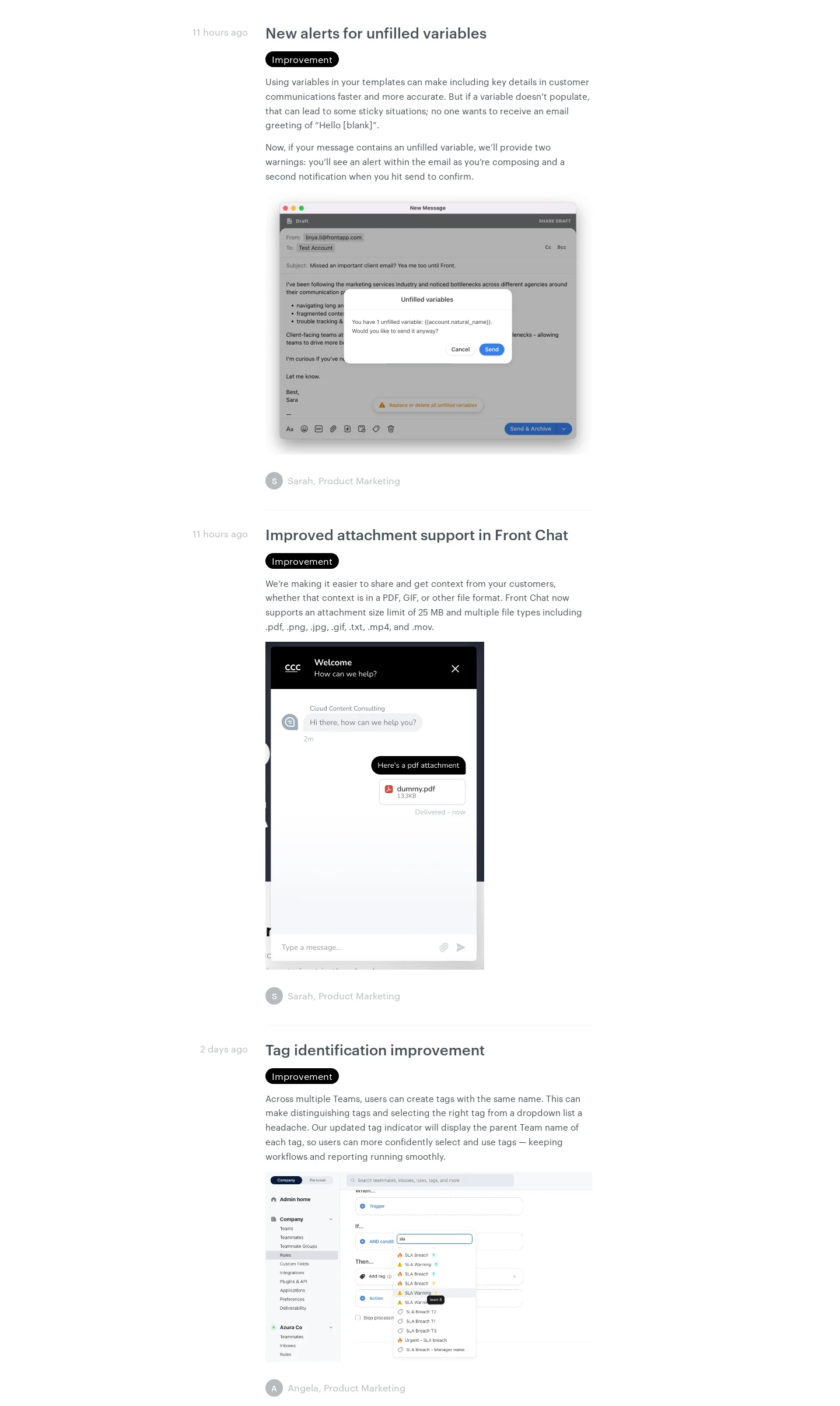
The Front reference presents a long chronological stream of changes with topic headings, explanatory text, product images, and occasional further actions.
The repeated structure supports scanning across many releases. Each item should still explain its own task and scope rather than relying on an image to communicate the entire change.
The historical stream does not establish which features are available to every current account.
Make dates and availability meaningful
A publication date, release date, and staged rollout date may differ. Identify the relevant timing and access conditions where they affect the reader.
Do not present a preview as generally available or a planned change as already released. Keep those states distinct in labels and copy.
For a change affecting setup or compatibility, provide a maintained route to the necessary details.
Keep small releases useful
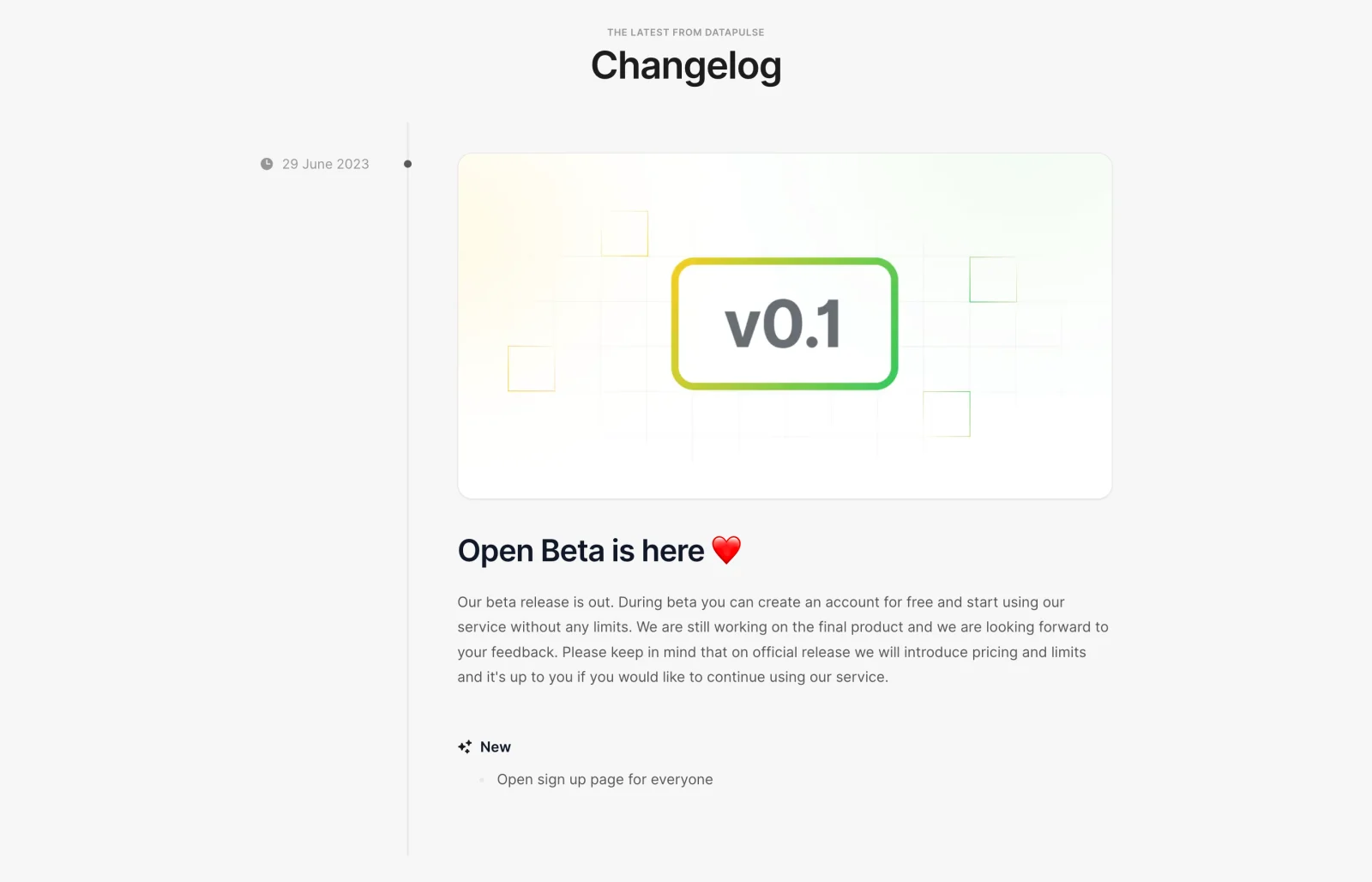
The DataPulse reference shows a compact initial release entry with a date, version-oriented image, beta announcement, and a short new-item description.
A changelog does not need a large archive to be useful. Its first entry should still explain what users can do and the boundaries of availability.
As the archive grows, preserve the same clarity rather than expanding every minor update into a promotional article.
Distinguish improvements, fixes, and actions required
Categories can help users scan, but the explanation should identify the practical effect. A fix needs enough context to recognize the affected situation.
When users must change configuration or migrate, make that requirement prominent and actionable. Do not bury it after unrelated celebratory copy.
Avoid implying that every change requires user action. Some releases simply update behavior or add an optional capability.
Use images as evidence of the visible change
Place a product image near the explanation it supports. Identify the relevant control, state, or output so readers know what to notice.
Keep example data and availability context clear. A prepared image does not prove a feature is enabled on the reader's account.
For complex changes, connect a concise entry to documentation rather than duplicating an entire implementation guide.
Support lookup and return visits
Chronology is useful for recent changes; search or categories can help locate a known feature in a large archive. Keep dates and titles consistent.
Provide stable entry destinations where possible. A user sharing one release should not have to send colleagues to the top of a long stream and explain how far to scroll.
Review old links and release context as documentation changes. Historical entries should remain understandable without pretending their instructions are always current.
Review the release message against behavior
Check the trigger, changed behavior, availability, supporting media, and any required action. A clear changelog is a practical product communication surface.
Use SaaSFrame's changelog references to compare long streams and compact entries. Choose a structure that helps users identify relevant change and respond appropriately.
Changelog questions
Should every entry be a long article?
No. Scale detail to the change while keeping behavior, scope, and action requirements clear.
Is an announcement date the same as availability?
Not always. Explain previews and staged rollouts according to the actual release model.
Where should migration instructions appear?
Make required action prominent in the entry and link to maintained detail where the process is complex.