 SaaSFrame
🎮 Playground
Encourage experimentation with SaaS Product Playground and Sandbox UI designs. These interactive environments allow users to test APIs, code snippets, or features in a safe space, perfect for developer-centric or complex software.


🎮 Playground: design guide
Short answer
A SaaS playground lets users try a capability, often an API or AI model, through inputs, settings and visible output without a full integration. Separate input, configuration and output, offer examples that keep the user in control, show prerequisites, keep run states honest and offer the equivalent code.
In the libraryas of November 2026
- Screens
- 11
- SaaS products
- 7
- Last added
- Oct 2026
Common patternsCode Snippet 7Prompt Input 6Text Input 5Add Item 3Toggle 3
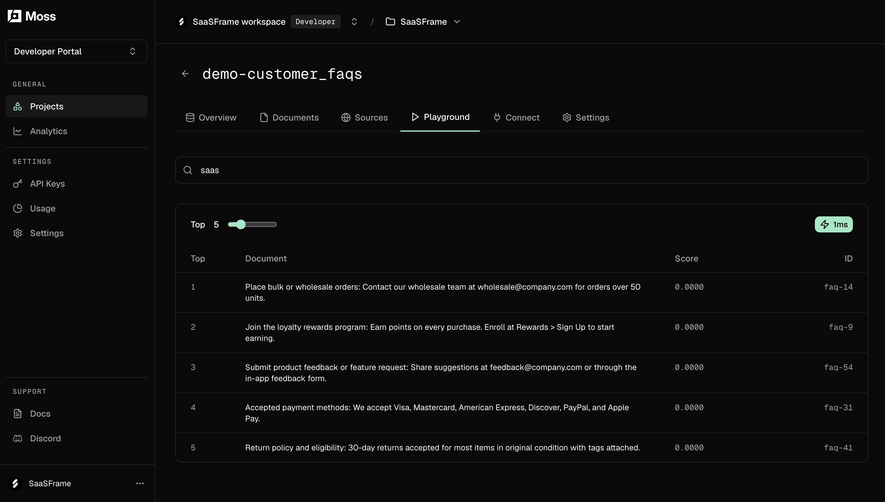
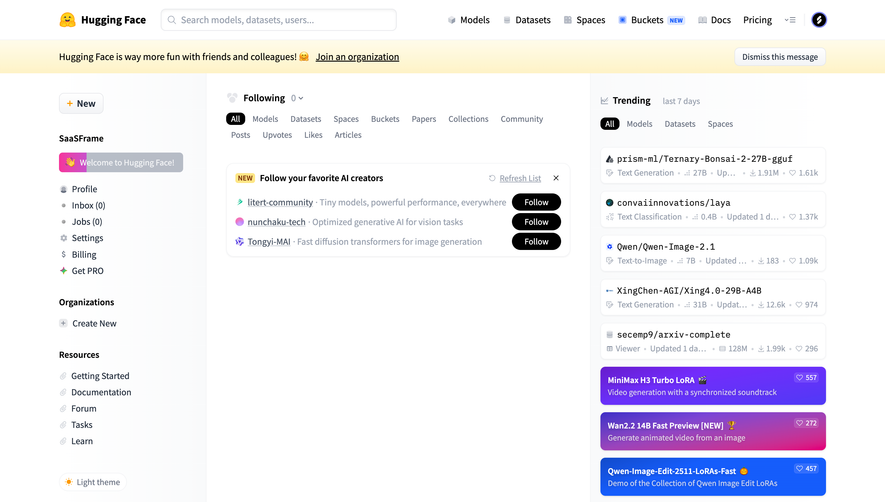
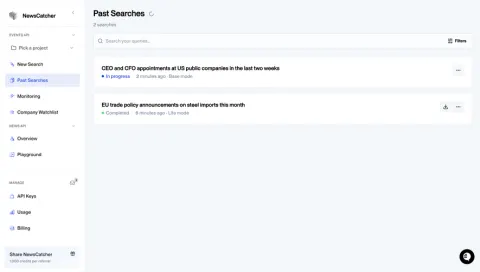
Recently addedMossHugging FaceNewsCatcherHume AIOpenAI
A SaaS playground lets users explore a capability through controlled inputs, configuration, and visible output. It can make an API or model easier to evaluate without requiring a full integration first. Its usefulness depends on whether people can understand what they ran, interpret the result, and carry the learning into real work.
The SaaSFrame references show text-generation, speech-generation, assistant setup, and an interactive AI workspace. These are captured interfaces, not proof of model quality or current API behavior. The design lessons concern experimentation, state, and the relationship between a demonstration and a usable implementation.
What should the experiment teach?
A playground should answer a concrete evaluation question. A user might want to inspect an output format, compare configurations, or see whether a task fits the service. Decide which learning the interface supports before adding every available parameter.
Choose a sensible starting state for the audience. A developer may value a reproducible configuration and code export; a first-time evaluator may need an example and an explanation of the output. Both need a clear understanding of the action they are taking.
Avoid presenting the playground as a production guarantee. A sample result can demonstrate a capability while leaving open questions about scale, reliability, permissions, or downstream integration. Provide a route to the relevant product detail when those questions matter.
Separate input, configuration, and output
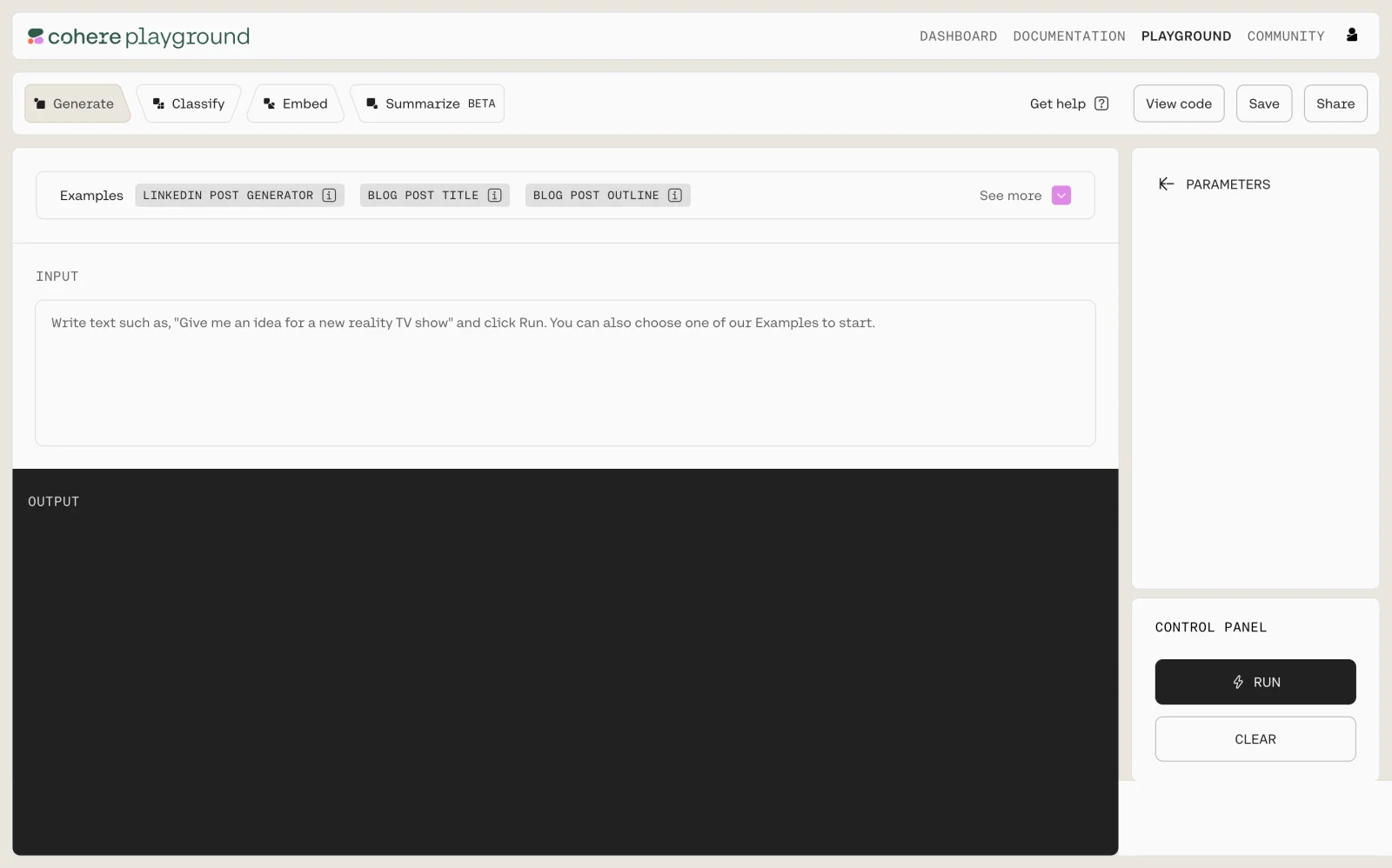
The Cohere capture divides the screen into an input area, an output area, a parameter region, and run controls. Task choices and examples appear near the top, along with a view-code action.
This makes the experiment's parts inspectable. Users can distinguish the text they provide from the settings applied to it and the result returned. A code route can connect exploration with implementation, provided it represents the selected configuration accurately.
When adapting the structure, keep the run scope clear. Changing an example or task should not leave an old output looking like the result of the new selection. Identify which input and settings produced the visible result.
Make examples useful without hiding user control
Examples reduce the effort of starting with an unfamiliar service. Their labels should describe the task or output rather than act as unexplained marketing suggestions. Show what selecting an example changes.
Let people edit the example before running when the task allows it. A useful preset teaches the input structure while still letting users test their own question. Do not overwrite a user's custom input without a clear transition.
Distinguish examples from saved experiments. A product-provided template and a user's previous configuration have different ownership and expectations. If the interface offers both, label the source and preserve the user's work.
Connect modality-specific settings to the result
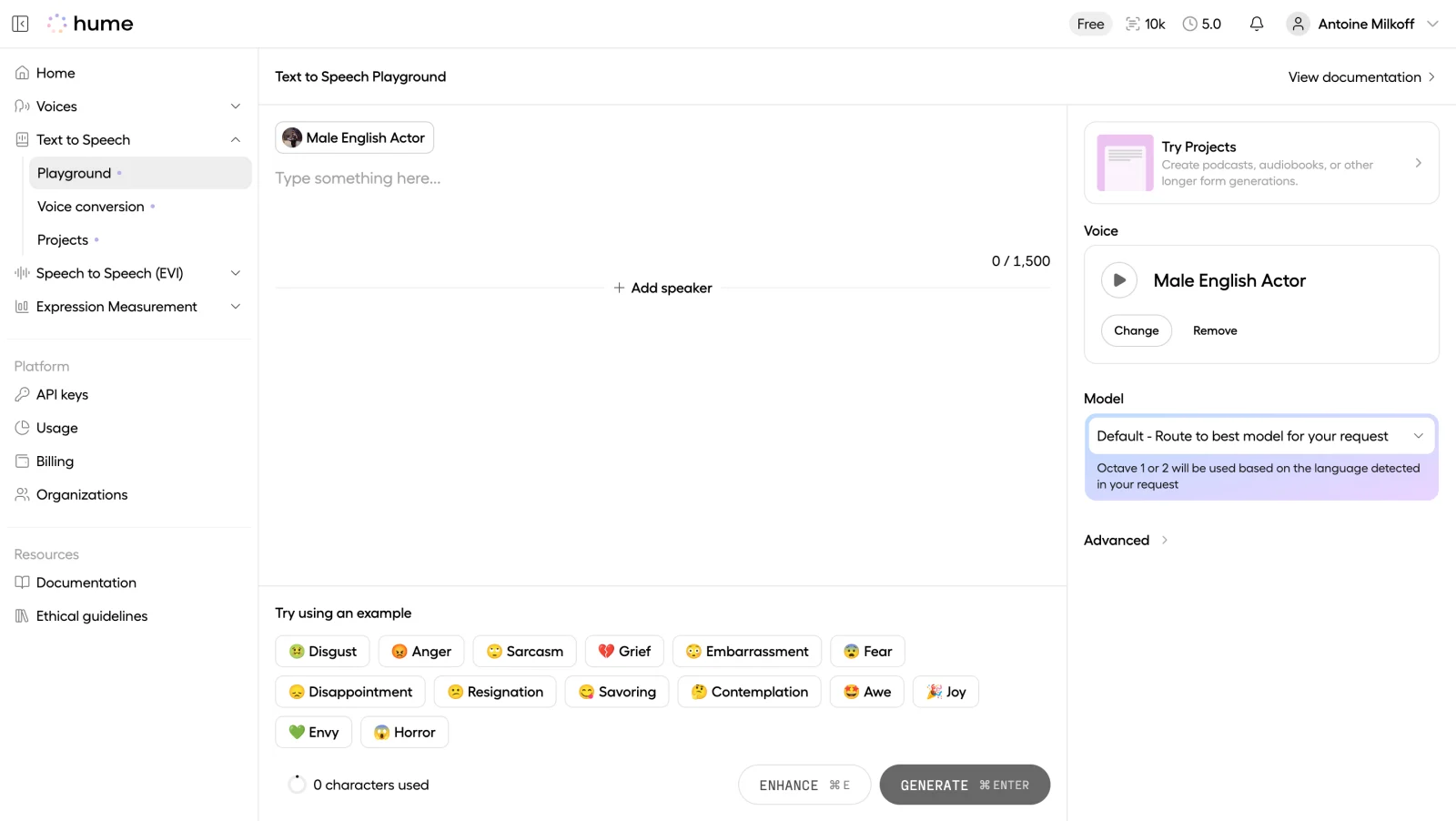
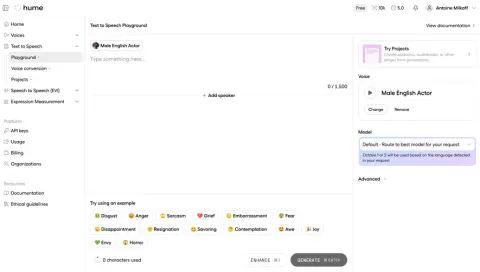
The Hume AI text-to-speech capture places text input beside voice and model controls. It also presents an add-speaker route, examples, a character count, and a generate action.
A speech playground needs to explain more than a generic prompt field. Voice selection and model choice influence the kind of experiment the user is making. The interface should connect those settings to the resulting audio and keep their selected state visible.
Controls labeled enhance and generate also raise a useful distinction: changing the input is different from creating the output. If one action modifies text and another produces speech, communicate that relationship before users commit resources.
Explain prerequisites in an empty state
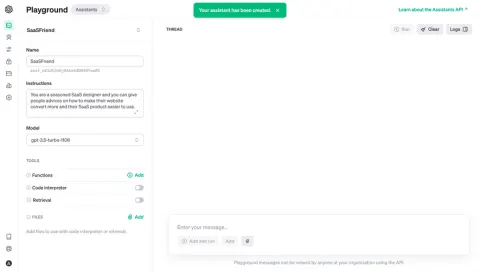
The OpenAI empty-playground capture shows a thread area and a message composer, but the main invitation is to create an assistant first. This is a prerequisite state rather than a failure to produce output.
Make prerequisites explicit and provide the relevant next action. A disabled run control should not leave users guessing whether they need an object, a credential, a balance, or simply an input. The reason matters to how they proceed.
Use historical examples carefully. A captured assistant interface does not establish the current API surface. For your own product, keep the playground aligned with the supported capabilities and documentation rather than preserving an obsolete demonstration indefinitely.
Keep execution states honest
Idle, loading, queued, running, completed, and failed are different states. Show the stage the system can confirm. A spinner alone may not explain whether a model is loading or a request has already begun.
For longer operations, offer a meaningful status and a safe way to leave or cancel where supported. Explain whether cancellation stops work or only stops displaying the result. Preserve inputs and settings after failure.
When output streams, make it clear that the result is still in progress. Users should not confuse an incomplete response with a final artifact. A completed state needs a confirmed result, not merely the disappearance of a loading indicator.
Show constraints where they affect exploration
Input length, context capacity, account allowance, and resource availability can limit an experiment. Display the relevant constraint close to the action or field. A hidden limit discovered only after submission interrupts learning.
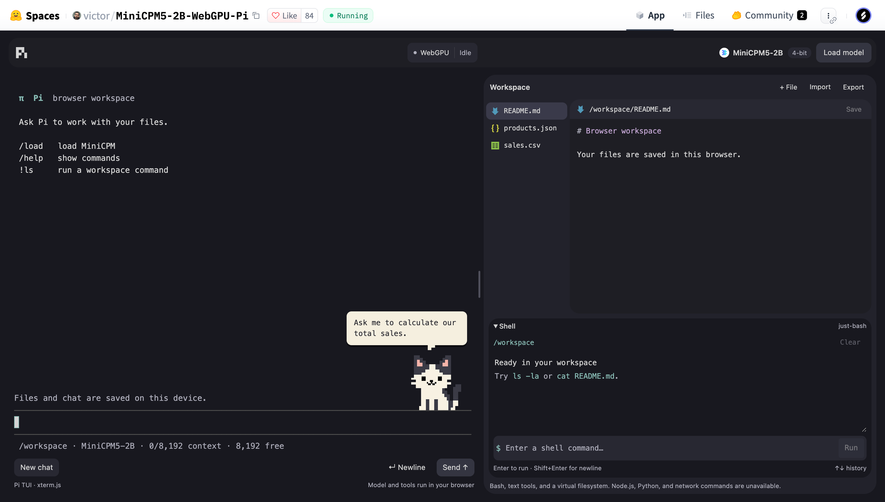
The Hugging Face interactive-space capture shows a model-loading control, chat, workspace files, and a shell area. It also communicates browser-based workspace context and visible context capacity. This demonstrates a richer experiment environment than a single prompt form.
Such an environment needs clear boundaries. Distinguish where files are stored, what tools can do, and whether operations affect a local demonstration or another system. A captured message about browser storage is interface evidence, not an independent persistence guarantee.
Preserve reproducibility
An experiment becomes more useful when users can identify the settings that produced it. Keep the model, parameters, relevant input, and result associated where practical. A changed setting should not silently relabel an old output.
Save, share, and code-export actions should describe what they include. A shared result alone may not be reproducible if the configuration is missing. Conversely, a shared configuration may need access or resources the recipient does not have.
If behavior is probabilistic, distinguish a rerun from editing the existing result. Do not imply that repeated execution will produce the same output unless the service actually provides that guarantee.
Help users evaluate output rather than merely receive it
Provide output in a form appropriate to the task. Structured responses may need readable formatting and a raw-data route. Audio needs accessible playback controls and relevant text context. Generated files need an identifiable artifact and format.
Where errors or limitations matter, make them inspectable. A polished result card should not hide a partial response or an unsupported operation. Provide useful diagnostic information without exposing secrets.
A comparison mode can help when users deliberately test configurations. Keep comparison inputs aligned and identify the settings for each result. Side-by-side output is less useful if the experiments differ in hidden ways.
Connect exploration to implementation
A useful next step might be copying a request, opening documentation, saving a configuration, or creating a production object. Label that transition and explain what remains to be configured.
Do not let a successful playground request imply that a full application integration is complete. Authentication, deployment, permissions, and monitoring may remain separate responsibilities. The interface can make the handoff clearer without turning the playground into an entire setup flow.
Preserve the experiment when users navigate to documentation. They often need to alternate between learning and testing. Returning to an empty screen makes that cycle unnecessarily expensive.
Test first-run and repeated experimentation
Ask users to run an example, change one setting, explain the difference, and find a route to reproduce the request. These tasks reveal whether the interface teaches the service coherently.
Include missing prerequisites, exceeded limits, loading models, failed requests, interrupted output, and unavailable resources. Test keyboard access to the input, settings, and result controls.
Measure useful evaluation and successful handoff, not only run counts. Repeated requests can reflect learning, but they can also reflect uncertainty about what the system did.
Frequently asked questions about SaaS playgrounds
Is a playground the same as a demo?
It can serve a demo purpose, but it usually lets users control inputs or settings and inspect results. Its design should support an understandable experiment.
Should all technical parameters be visible immediately?
Show the settings needed for the initial task and make advanced controls discoverable. Keep applied configuration inspectable even when some controls are collapsed.
What should appear before prerequisites are complete?
Explain the missing dependency and offer the relevant next action. Distinguish that setup state from an execution error or a confirmed empty result.