Single Sign-On
144
Simplify enterprise access with SaaS SSO patterns. See how to prominently feature Google, Microsoft, and Okta login buttons to reduce authentication friction for corporate teams.

Enterprise single sign-on lets people authenticate to a SaaS product through their organization’s identity provider. Designing it involves two journeys: administrators configure the organization connection, and members use that connection to sign in. A clear SSO experience connects those journeys without making members understand the technical setup.
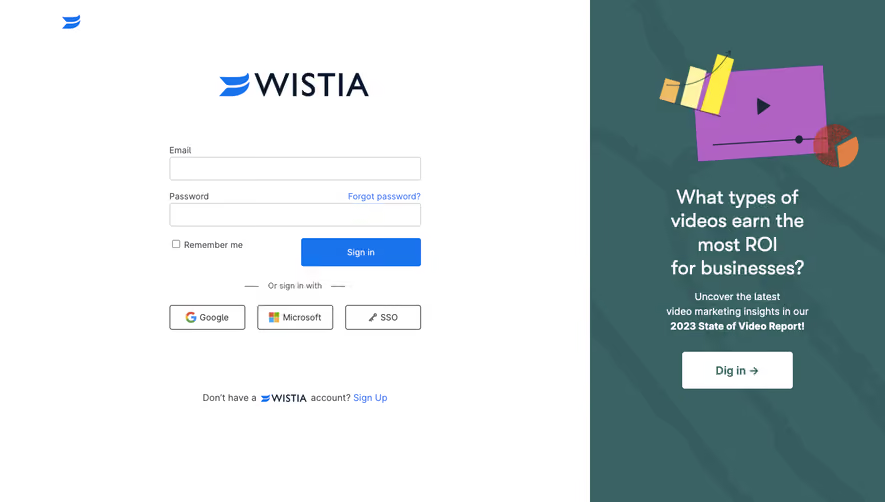
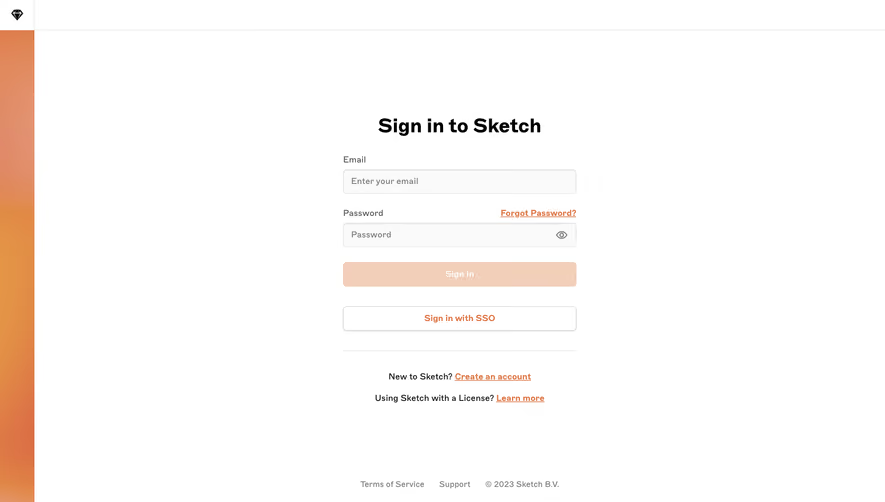
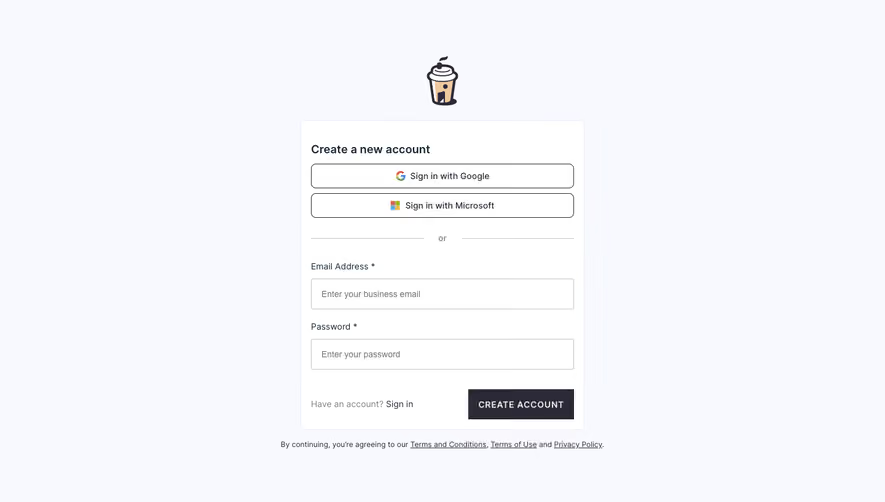
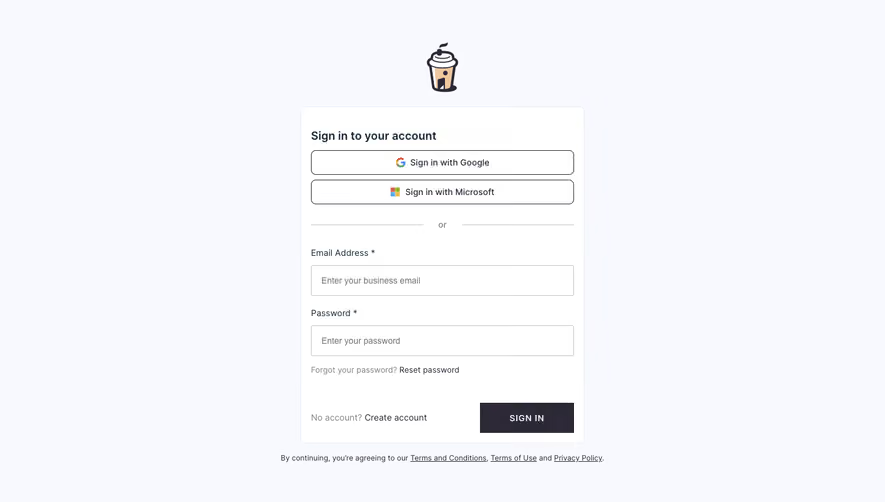
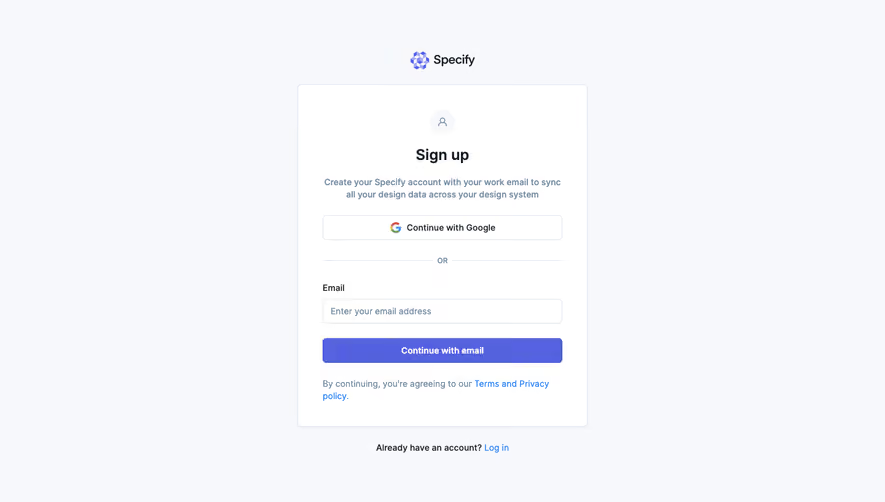
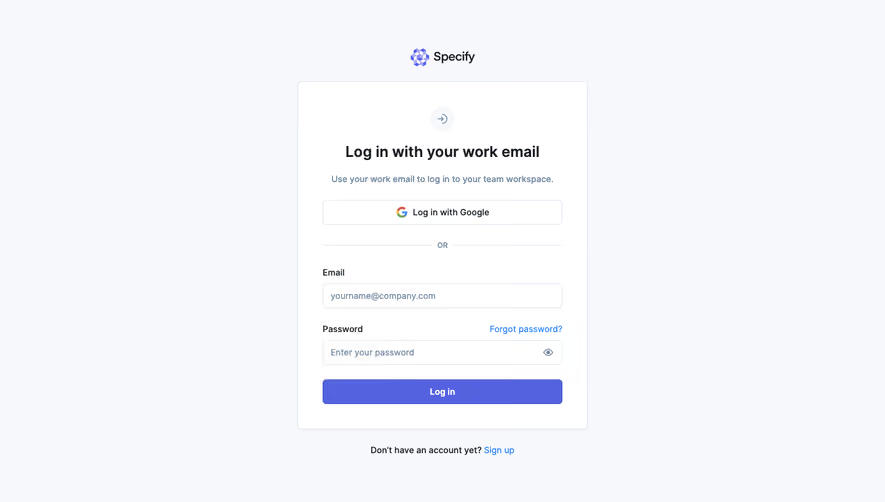
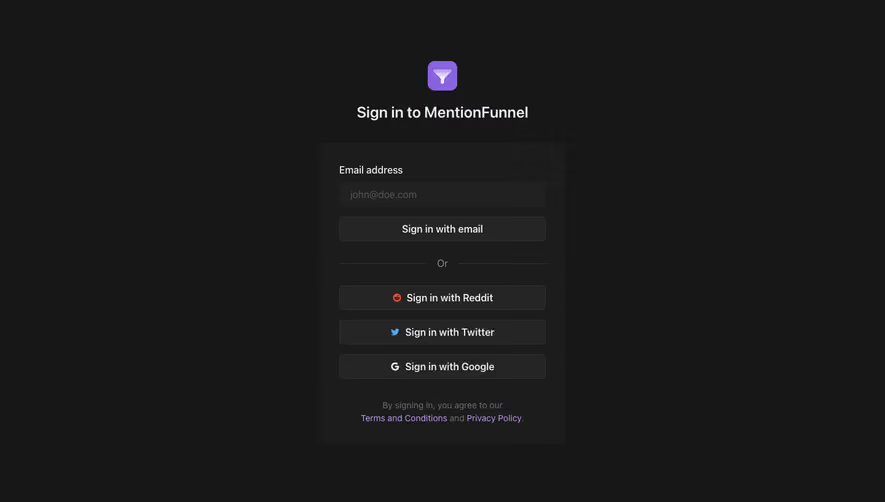
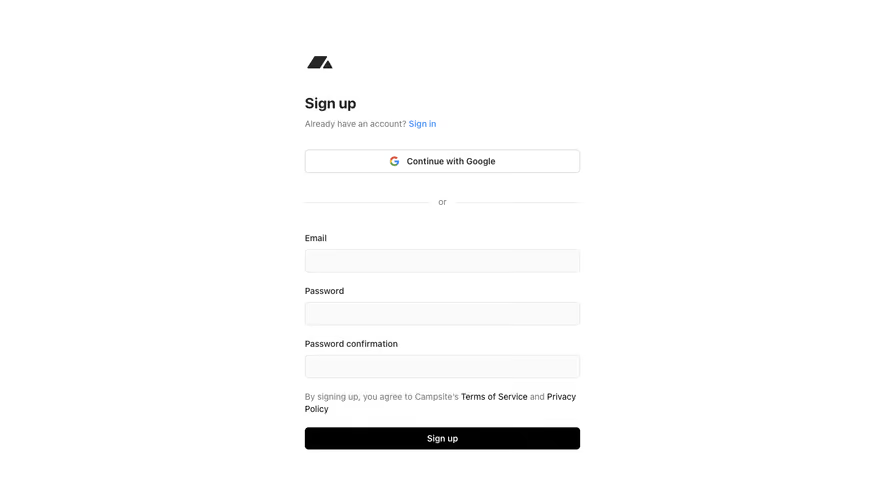
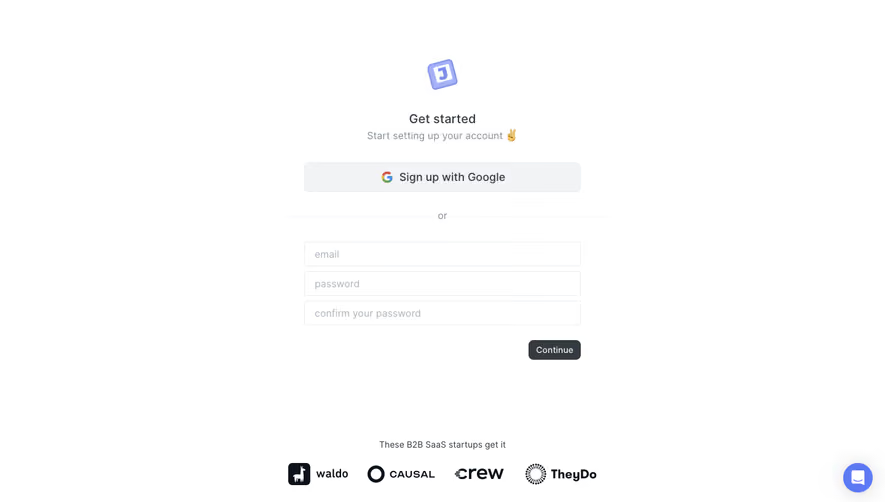
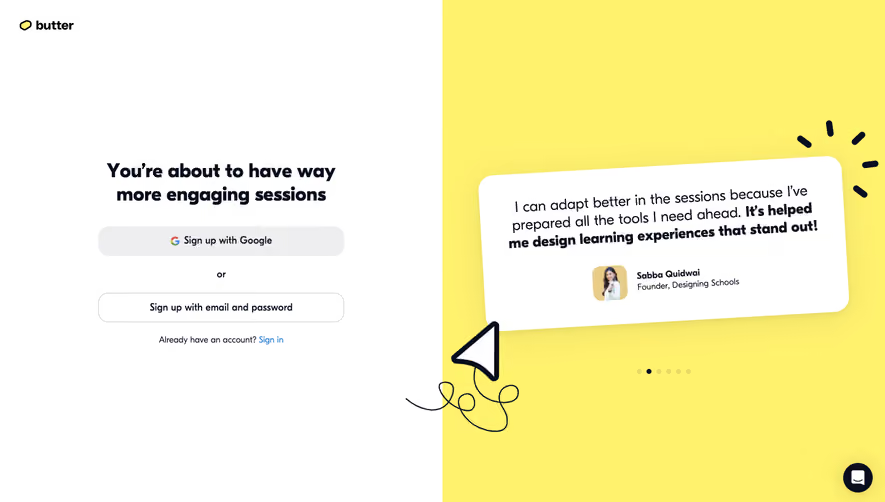
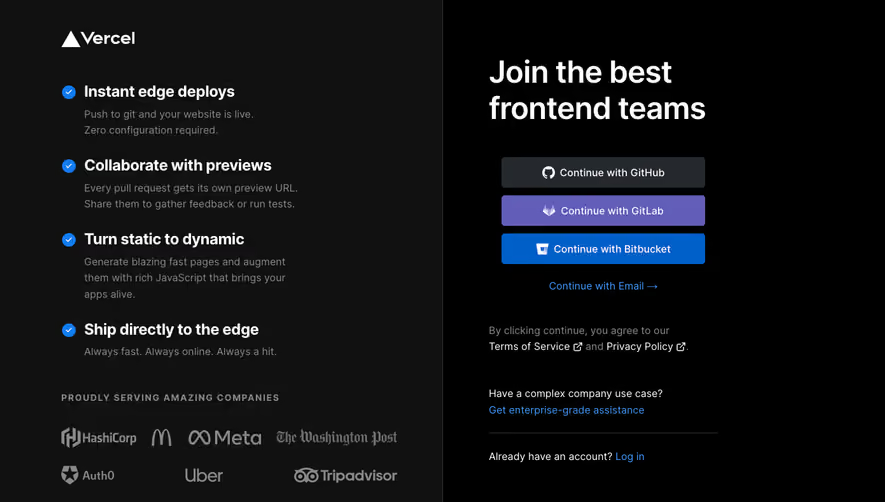
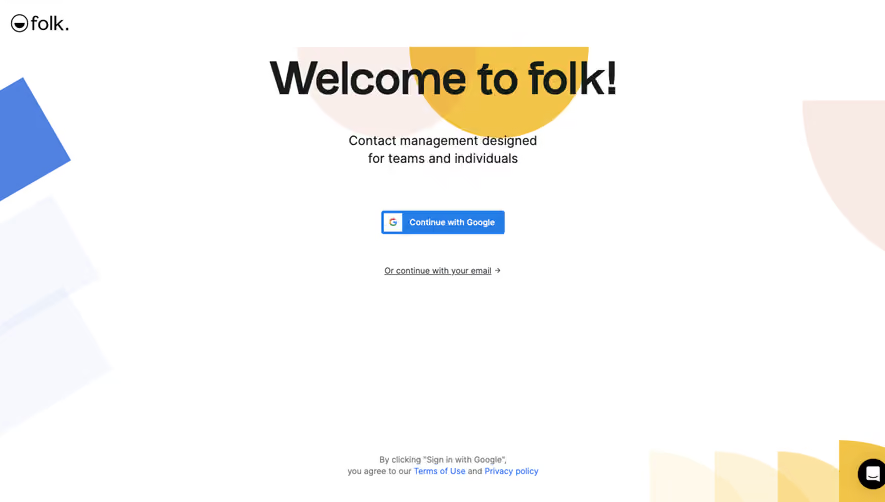
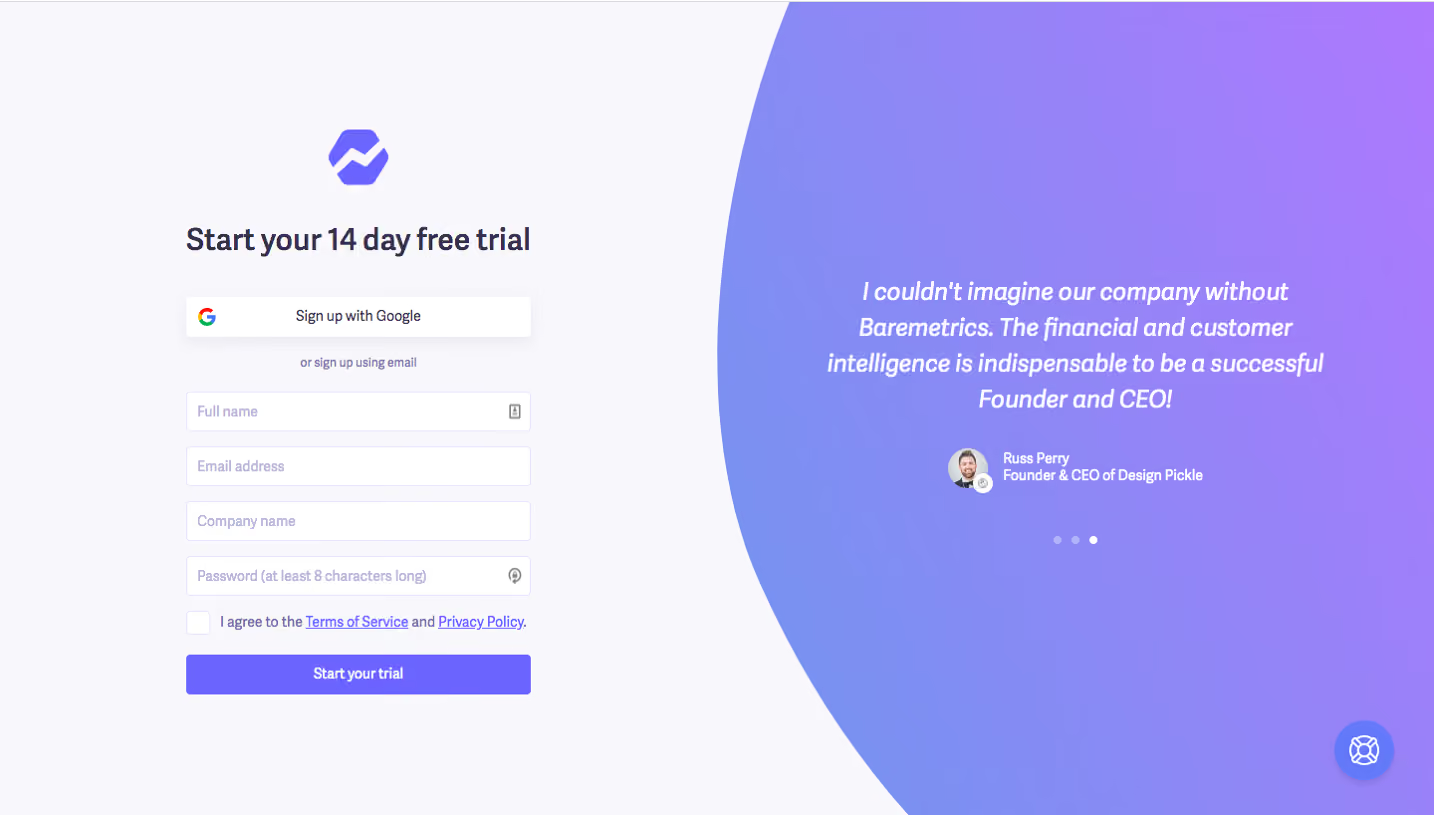
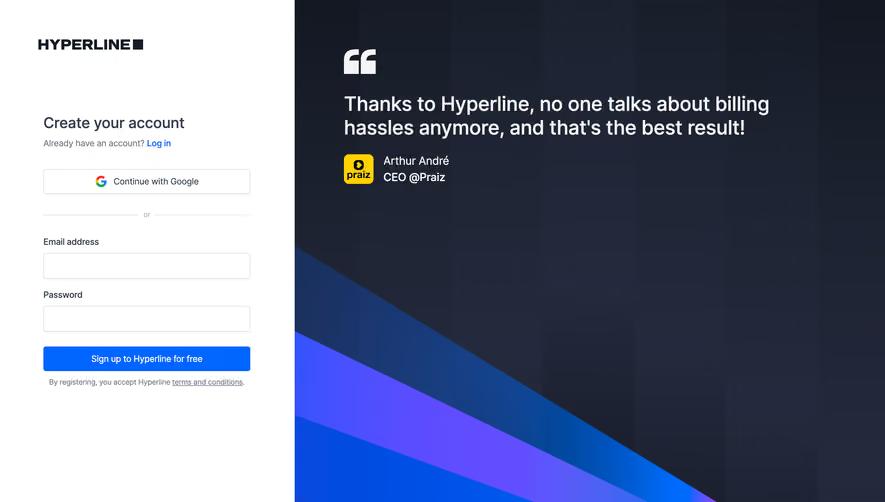
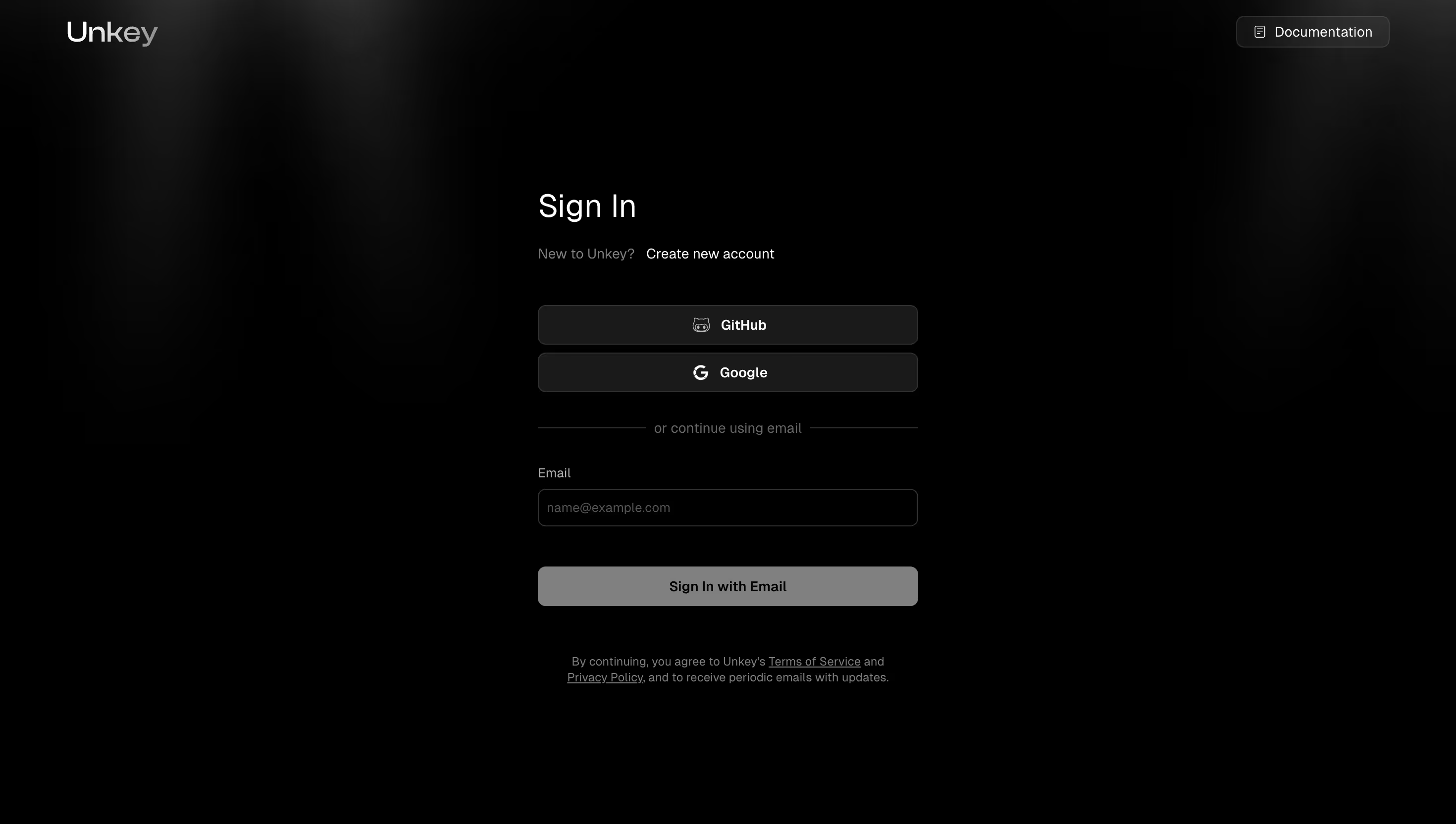
This gallery also includes social-provider login interfaces. Those are useful for studying provider choice, but a Google or GitHub button alone does not demonstrate organization-managed SSO. The WorkOS setup captures below show the administrative connection more directly, while Unkey illustrates why provider sign-in should be distinguished from enterprise policy.
Social sign-in typically offers an identity such as a personal Google or GitHub account. Enterprise SSO connects authentication to an organization’s identity provider and its configuration. The same provider brand can appear in both settings, so the logo does not establish which model is in use.
Unkey’s capture offers GitHub, Google, and email routes on its sign-in screen. It demonstrates provider choice, but does not show a required company identity provider, an organization connection, or administrative enforcement. Use such a screen as a reference for route hierarchy rather than proof of an enterprise SSO flow.
WorkOS’s SSO documentation describes authentication through an organization identity provider, with SAML and OIDC support. It also separates authentication middleware from application user management. That distinction matters to UX: successful identity-provider authentication is not the same as assigning workspace membership or a role.
An administrator may need to select a provider, exchange configuration information, map attributes, test the connection, and decide when to require it. A member usually needs to enter an identifier, follow the organization’s route, and return to the intended workspace. Do not expose the full administrative complexity to every person signing in.
Identify who has permission to configure the connection and who will maintain it. The SaaS administrator and the identity-provider administrator may be different people. A useful setup flow should support that handoff with instructions and clear progress, rather than assuming one person controls both systems.
The member flow should explain organization requirements in familiar language. If a company requires SSO, state that the person must use the organization’s sign-in method. An unexplained disabled password field or a generic credential error leaves them solving the wrong problem.
WorkOS’s connection-creation capture shows an identity-provider selector inside a modal. The surrounding page identifies an organization and a staging environment, with a separate SSO setup area. Those context cues help establish where the new connection belongs before configuration begins.
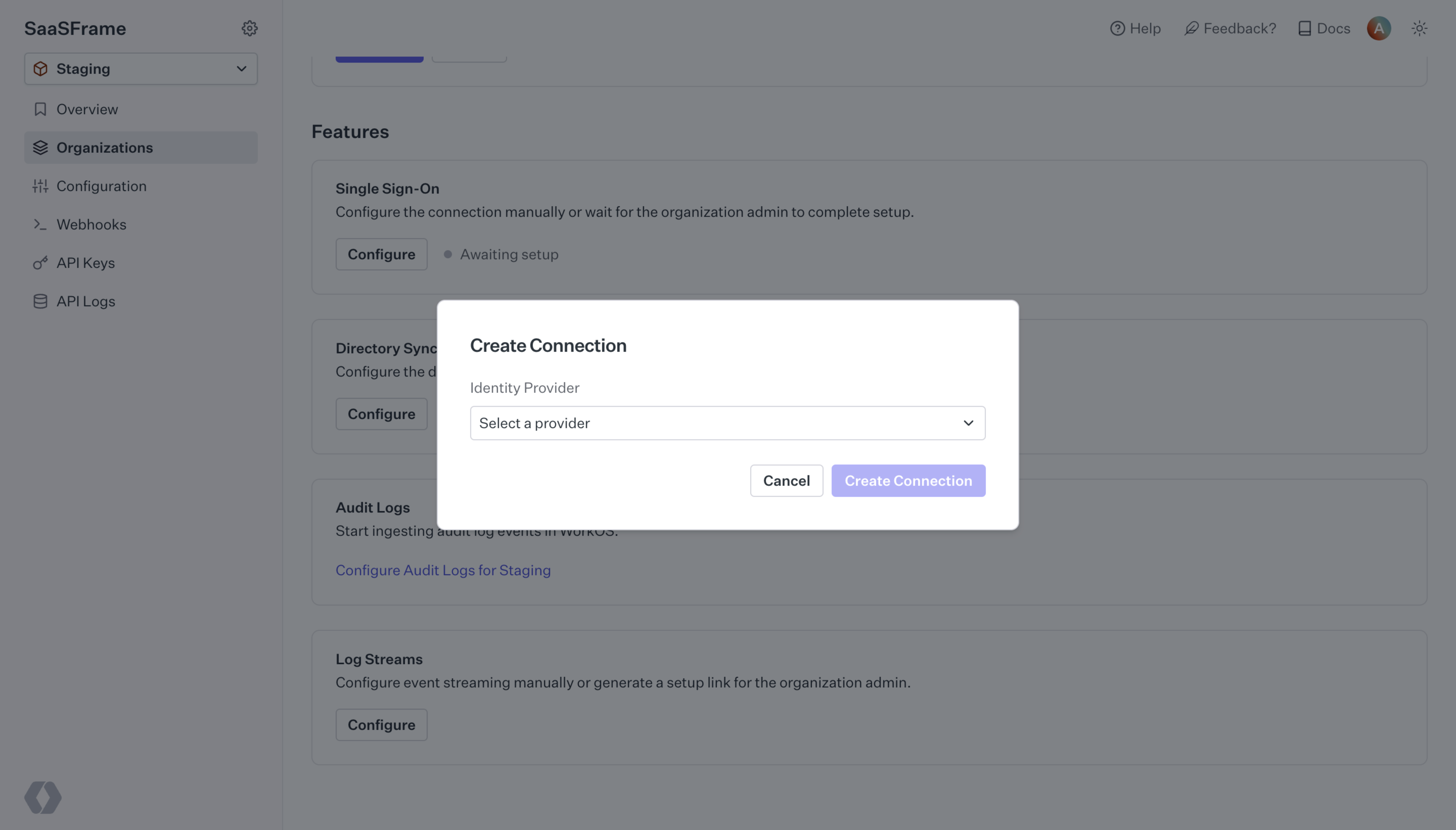
Keep that context visible through setup. A connection configured in the wrong organization may look valid while routing the wrong users. A staging connection should not be mistaken for the production connection that members depend on.
Choose provider-selection labels that administrators can recognize. If the product supports a generic SAML or OIDC configuration, distinguish it from provider-specific instructions. Explain which information will be needed next before sending the administrator into another system.
The second WorkOS capture separates service-provider details from identity-provider configuration. It displays fields such as the entity identifier and callback endpoint with copy controls. A message explains that a value must be added in the provider’s settings, and another indicates that metadata configuration is still required.
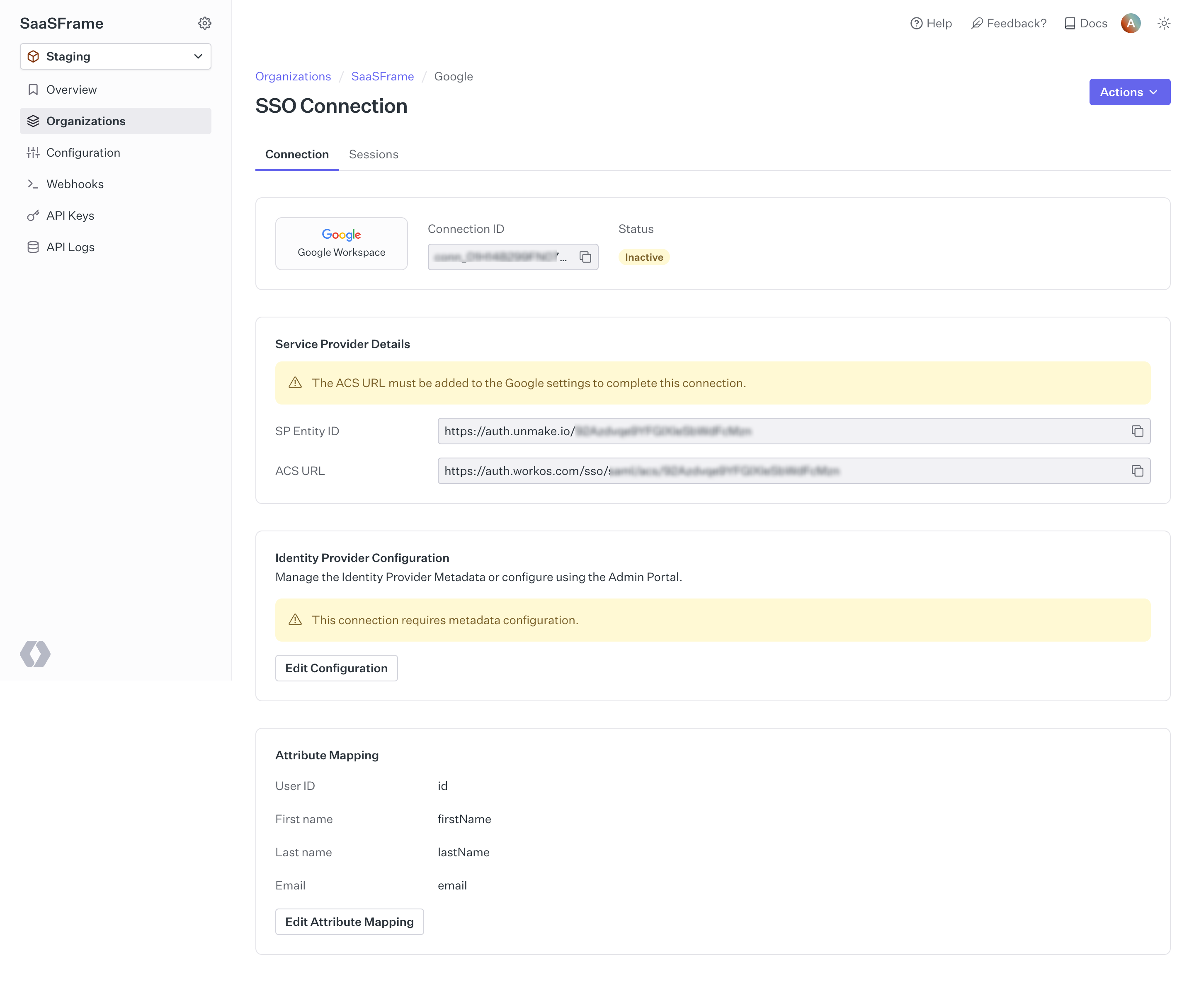
The useful design principle is directional clarity. Administrators should know which values come from the SaaS product, which values come from the identity provider, and where each one must be pasted. Technical names may be necessary, but accompany them with enough task-oriented explanation to prevent reversed configuration.
Copy controls should identify their field, provide perceivable feedback, and avoid accidentally copying a truncated display value. If a certificate or metadata file is uploaded, explain supported formats and validation failures. Do not declare setup complete merely because a file was accepted.
The WorkOS capture labels the connection inactive while showing outstanding configuration warnings. That combination prevents the existence of a connection record from being mistaken for working sign-in. Your product should similarly distinguish created, awaiting configuration, ready to test, active, and failing states where they apply.
A status badge should lead to an understandable action. “Inactive” without a reason can mean intentionally disabled, incompletely configured, or broken. Pair the state with the relevant explanation, while avoiding disclosure of sensitive diagnostic details to unauthorized users.
Show what has been completed and what remains on each side of the handoff. If an administrator is waiting for someone in IT, explain that dependency. If the connection is ready for a test, provide a clear test route and describe the expected result.
Configuration success and member access are separate checks. A test should verify that an appropriate identity can authenticate and reach the intended organization, with the expected account mapping. A redirect that returns to the product is not sufficient if it creates the wrong user or fails membership checks.
Before requiring the new route for everyone, define the migration and recovery policy. Existing users may have local credentials, provider identities, or different email aliases. Explain how those identities will be associated, and avoid silent account merging based on assumptions that the authentication implementation does not validate.
Provide an approved administrative recovery route if configuration fails after enforcement. Its existence and permissions belong to the security design. The UX should make the authorized route available to the right people without presenting an unrestricted bypass to ordinary members.
A member may start from an email-first form, an organization-specific URL, or a company application portal. Each entry route should preserve the target organization and destination where supported. If an email determines the organization route, explain the resulting step clearly.
Some people belong to several organizations or use both personal and company accounts. Show enough context to help them select the intended identity. Provide a correction route when they enter an address that leads to the wrong provider or workspace.
Do not assume that returning from the identity provider guarantees application access. A person may be authenticated but not assigned to the application or workspace. Explain the access problem and the appropriate administrator route rather than asking them to reset an unrelated local password.
SSO determines how identity is authenticated. Provisioning determines how accounts and memberships are created or maintained. Roles determine what an established member can do. These processes may be integrated, but they should not be described as automatically equivalent.
WorkOS documents directory synchronization separately from SSO. That separation is a useful implementation reference when reviewing onboarding and offboarding expectations. A company administrator should know whether enabling SSO also changes membership, or whether a separate provisioning process controls it.
The WorkOS capture includes an attribute-mapping section. In your own setup, explain which attributes are required and what they influence. A missing email or mismatched identifier can prevent the member journey from completing even when the identity-provider connection itself is reachable. Changes to role mapping deserve their own consequences and review.
A member-facing failure should explain the next available step: retry, use the correct organization account, return to the initiating route, or contact the organization administrator. Avoid exposing a raw assertion, internal identifier, or protocol error as the only message.
Administrators may need more diagnostic information, including connection state and the failed setup step. Keep the diagnostic view distinct from the member message, and provide a safe reference that support can use without asking for secret material.
Test cancellation, an unavailable provider, a denied application assignment, an expired connection certificate where relevant, and a return to an invalid destination. The screenshot does not establish how WorkOS handles those cases; they are scenarios to review in your own implementation.
Signing out of a SaaS product may end its local session while leaving the person signed in at the identity provider. Global provider sign-out can have wider consequences. Use labels that match the scope your implementation controls rather than promising that one product’s logout ends every company session.
Reauthentication can also occur without asking for a local password. If the identity provider requires another step, the product should preserve orientation and return the person to the intended authorized task. Members should not be left uncertain whether they signed in, changed accounts, or lost access.
Review the full route with keyboard navigation and assistive technology, including the initial form, redirects, additional challenges, and return state. W3C’s accessible-authentication guidance provides a useful reference for reviewing required authentication steps.
No. The button may use a social identity. Organization-managed SSO requires an established organization connection and the associated account policy.
Do not assume so. Authentication and provisioning are separate processes, even when a product integrates them. Explain the configured membership behavior.
Give members an understandable next step. Put deeper connection diagnostics in an authorized administrator or support view.
Explore Log In for the entry interface, Roles & Permissions for application authorization, Workspace Switcher for organization context, and Session Management for access after authentication.
For implementation review, see WorkOS’s SSO documentation, WorkOS’s directory-sync documentation, and W3C’s accessible-authentication guidance. Compare the gallery by journey: provider choice, administrator setup, and member access answer different design questions.