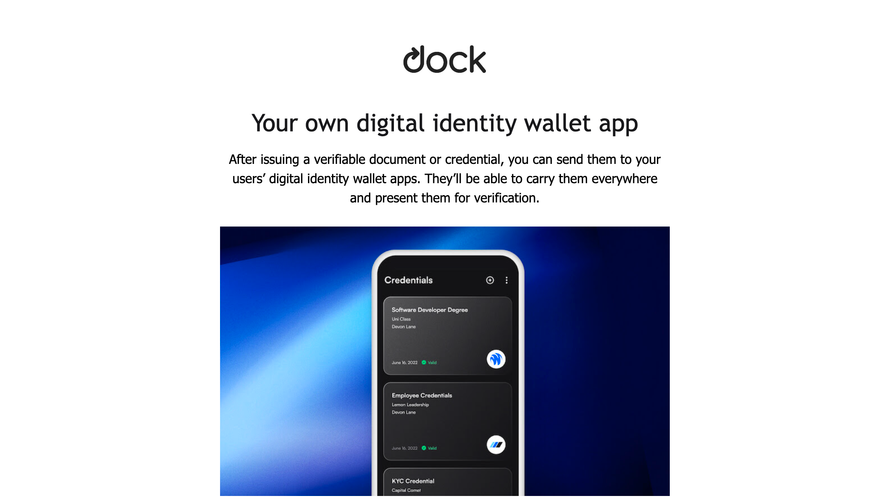
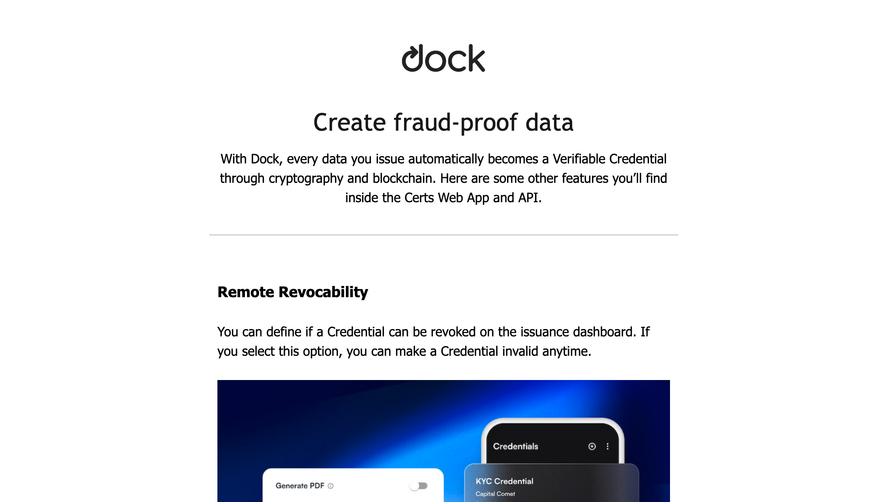
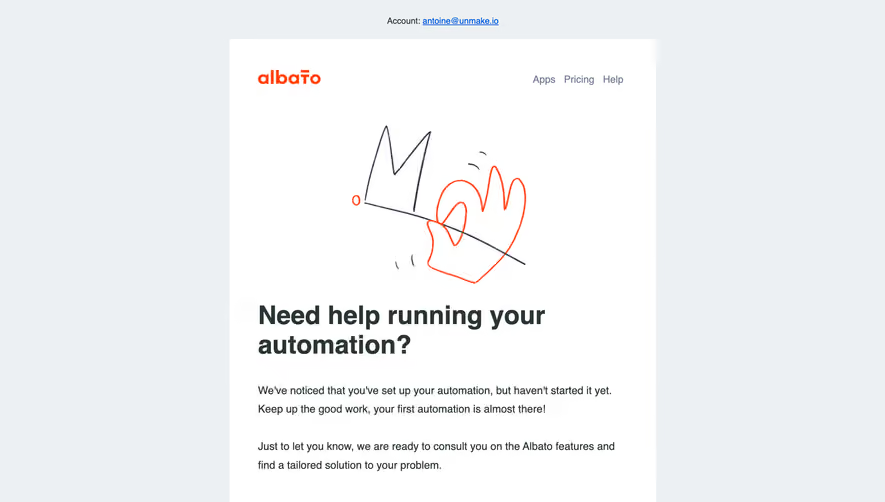
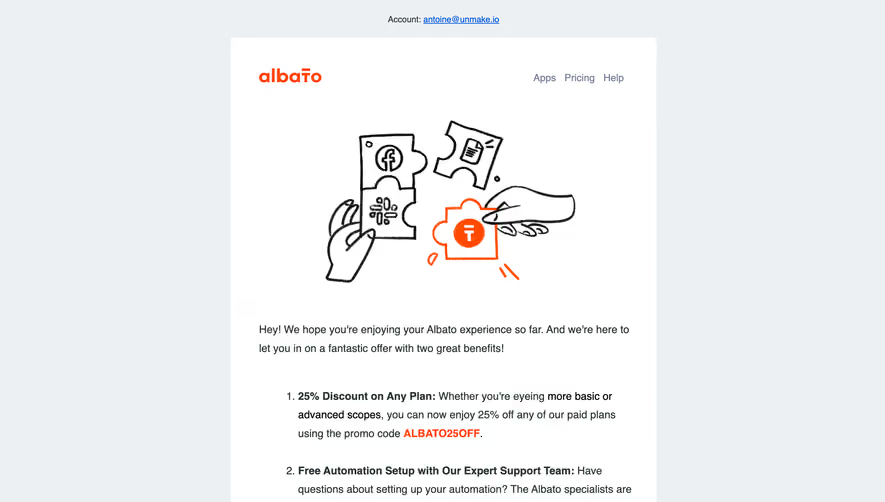
Master the first 30 days with a library of SaaS Onboarding Email sequences. See how industry leaders use automated drip campaigns to educate users, showcase key features, and provide the right support at the right time in the user journey.
Browse 246 real SaaS Onboarding Email with modern UI patterns and conversion strategies.
We sell SaaSFrame licenses on Gumroad, a secured online selling platform for creators.
What about future updates and versions?
SaaSFrame gets updated all the time! Every new update and version will immediately be made available to all SaaSFrame users.
I didn't receive my licence key, what should I do?
The licence key required to create your SaaSFrame account is send by Gumroad once you made your purchase. If this email is blocked by your email client, send me an email at antoine[at]unmake[dot]io so I can resend the licence key.
Can you send me an invoice?
You can generate an invoice on Gumroad once you purchased SaaSFrame. You will find the link in the order confirmation email.
Can I get a refund?
If you're not satisfied, you can ask for a refund within 7 days. Just send me an email at antoine[at]unmake[dot]io
Onboarding Email Design Guide
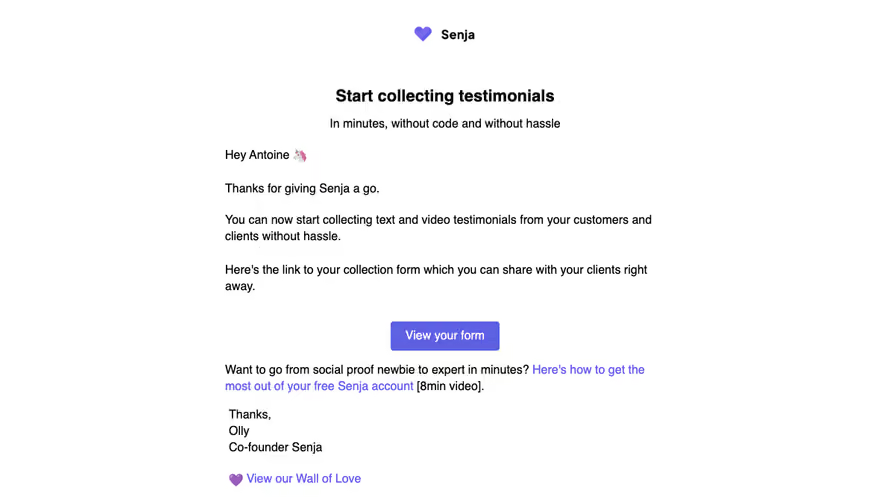
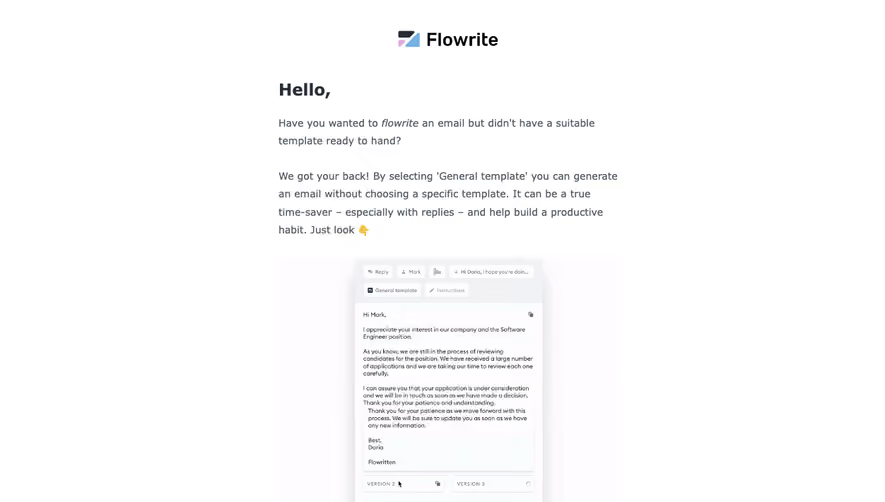
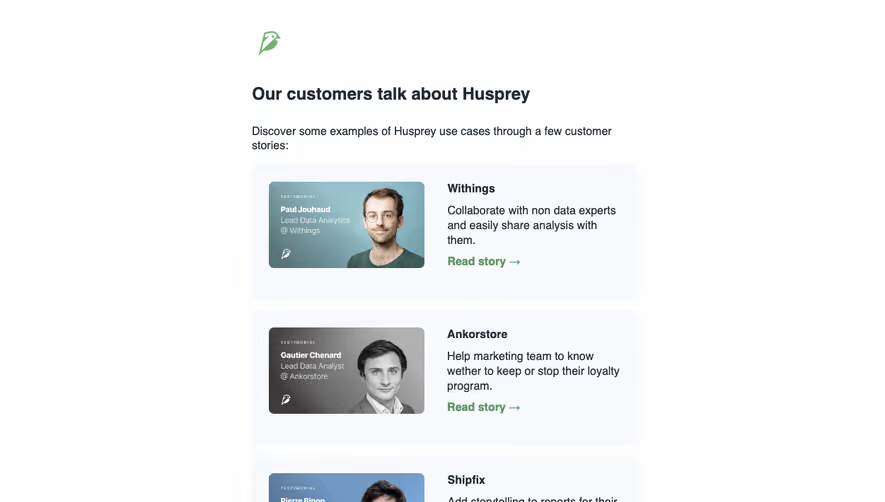
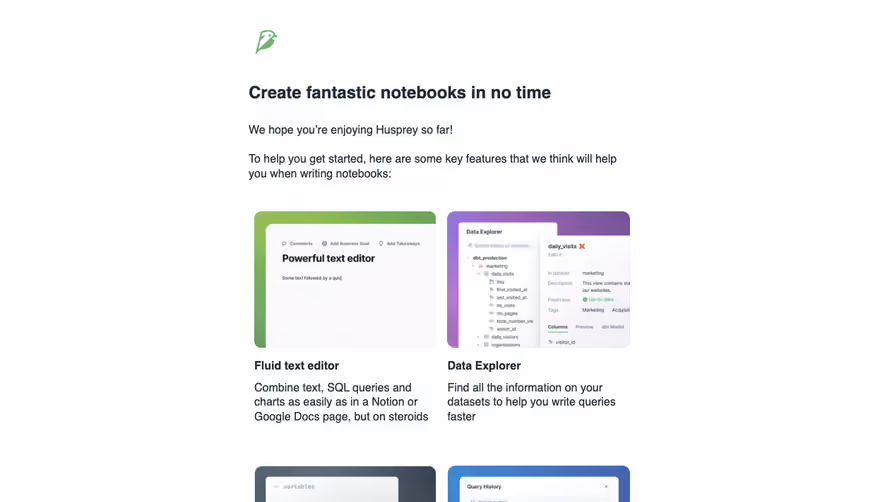
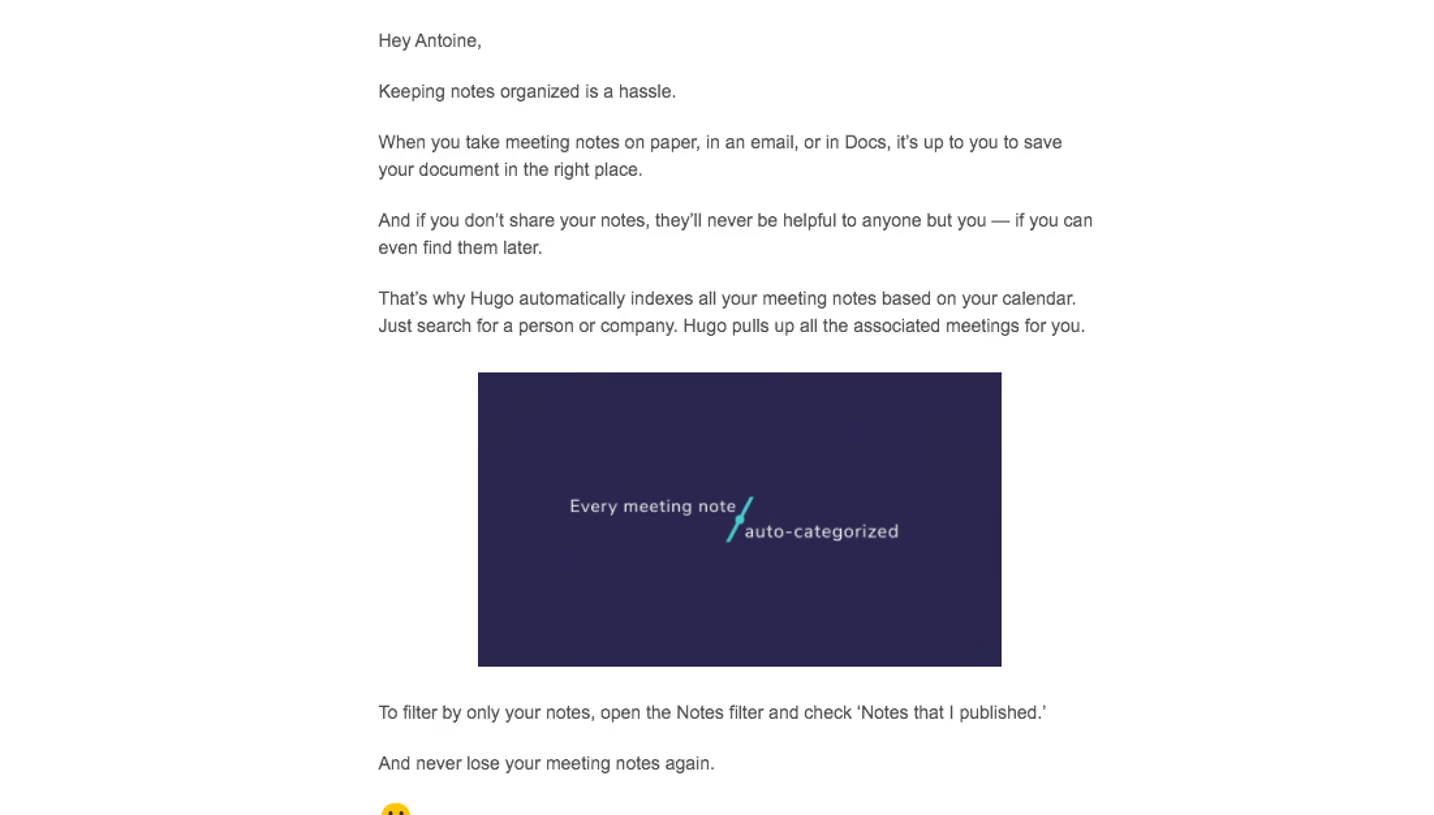
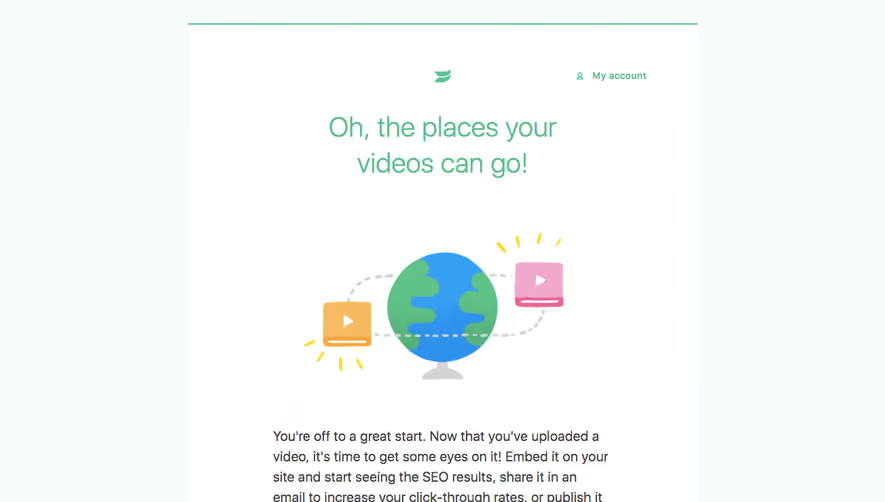
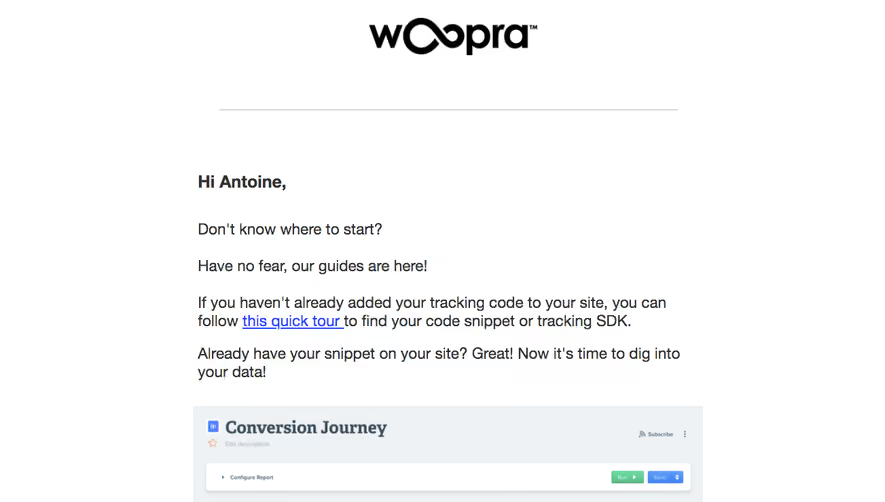
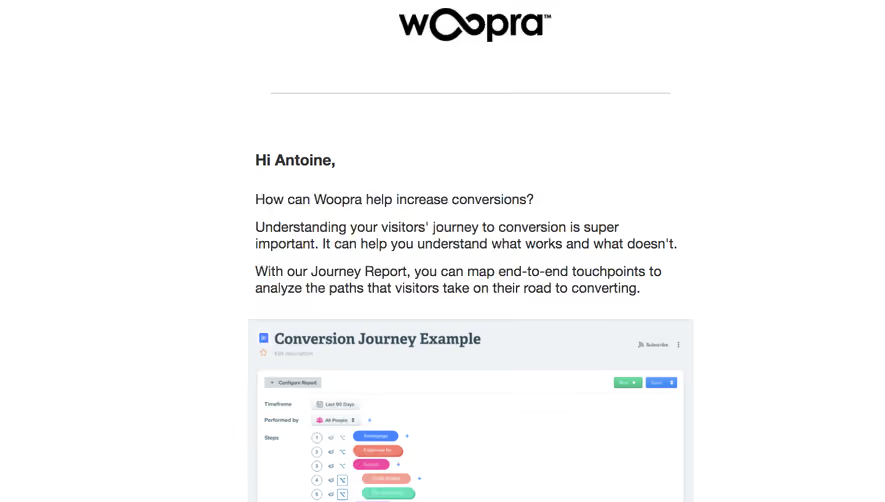
A SaaS onboarding email flow guides users through relevant setup and early work over several messages. Its design should respond to completed and missing tasks rather than treating every signup as an identical calendar sequence.
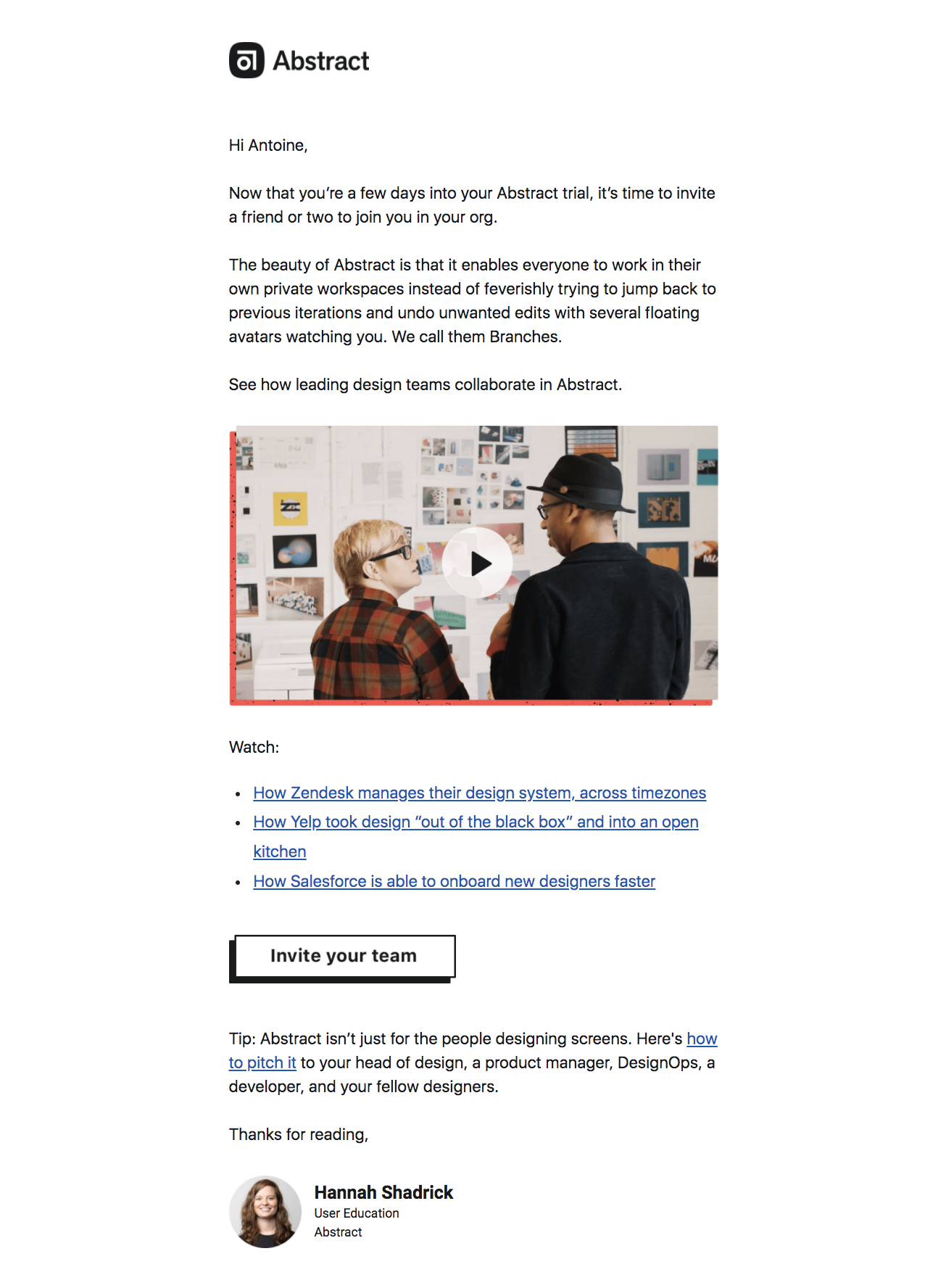
The Abstract reference focuses on inviting colleagues during a trial, with collaboration context, supporting learning material, and an invite action.
This is a specific step within onboarding, not a complete flow by itself. A series needs a progression of distinct tasks rather than repeated broad requests to use the product.
Choose the next step based on what enables meaningful work for the user's role.
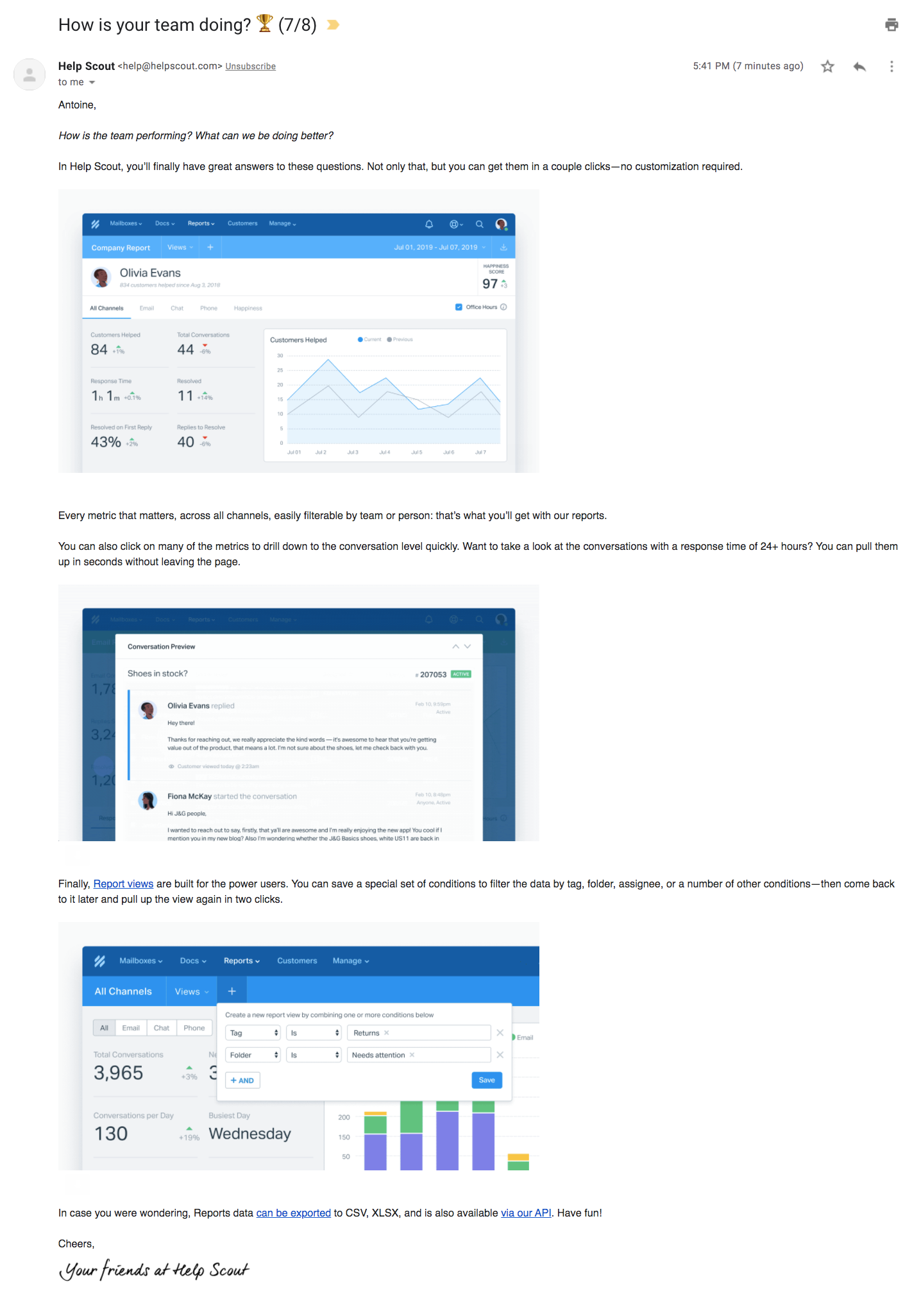
The Help Scout reference explains reporting through several interface images, metric context, saved-view discussion, and export-related guidance. The capture identifies a later message in a sequence.
Its depth fits a focused lesson better than an initial welcome. Users need the preceding context and product activity that make reporting useful.
A screenshot of one message does not establish the entire sequence's trigger logic or effectiveness.
Use product state to keep the sequence accurate
Completion of a task should change or stop reminders for that task. An administrator with connected data needs different guidance from one still blocked at setup.
Distinguish role, workspace, and access state where they affect the next action. Avoid sending member-management prompts to users who cannot perform them.
Time-based messages can support pacing, but they should not contradict known product activity.
Connect instruction to an observable result
Explain what users will accomplish and how to recognize completion. Clicking a setup link is not the same as finishing the operation.
Preserve the relevant task through authentication and provide recovery for known blockers. A generic dashboard destination weakens a focused lesson.
Keep prerequisites and availability accurate. Historical trial or feature conditions should not be treated as current product rules.
Balance education and effort
Short task prompts and deeper lessons serve different moments. Scale detail to the decision rather than making every message the same length.
Use screenshots near the instruction they support, with essential context retained in text. Avoid requiring a video to understand the main action.
Provide a help route and appropriate communication preferences for the sequence's actual relationship.
Review the sequence through several user paths
Test fast completion, incomplete setup, invited members, unavailable features, and returning users. Check that subsequent messages remain relevant after each transition.
Explore SaaSFrame's onboarding-email references to compare individual lessons and step prompts. Build a flow whose next message follows the user's actual work.
Onboarding flow questions
Is a fixed sequence enough?
It may support pacing, but account and task state should prevent inaccurate or irrelevant prompts.
Should every email be short?
No. A focused advanced lesson can need depth, while a missing-step prompt may need only concise guidance.
What should determine the next task?
Choose the action that advances useful work for the user's role and completed setup.