.webp)
Thank you! Your submission has been received!
Oops! Something went wrong while submitting the form.
Get SaaSFrame Pro
Monthly
$18
Quarterly
$48
Yearly
$180
Upgrade to access this feature
Browse all screens & flows
Filter and search screens & flows
Access Figma files
Access mobile versions
Bookmark screens & flows
Join now
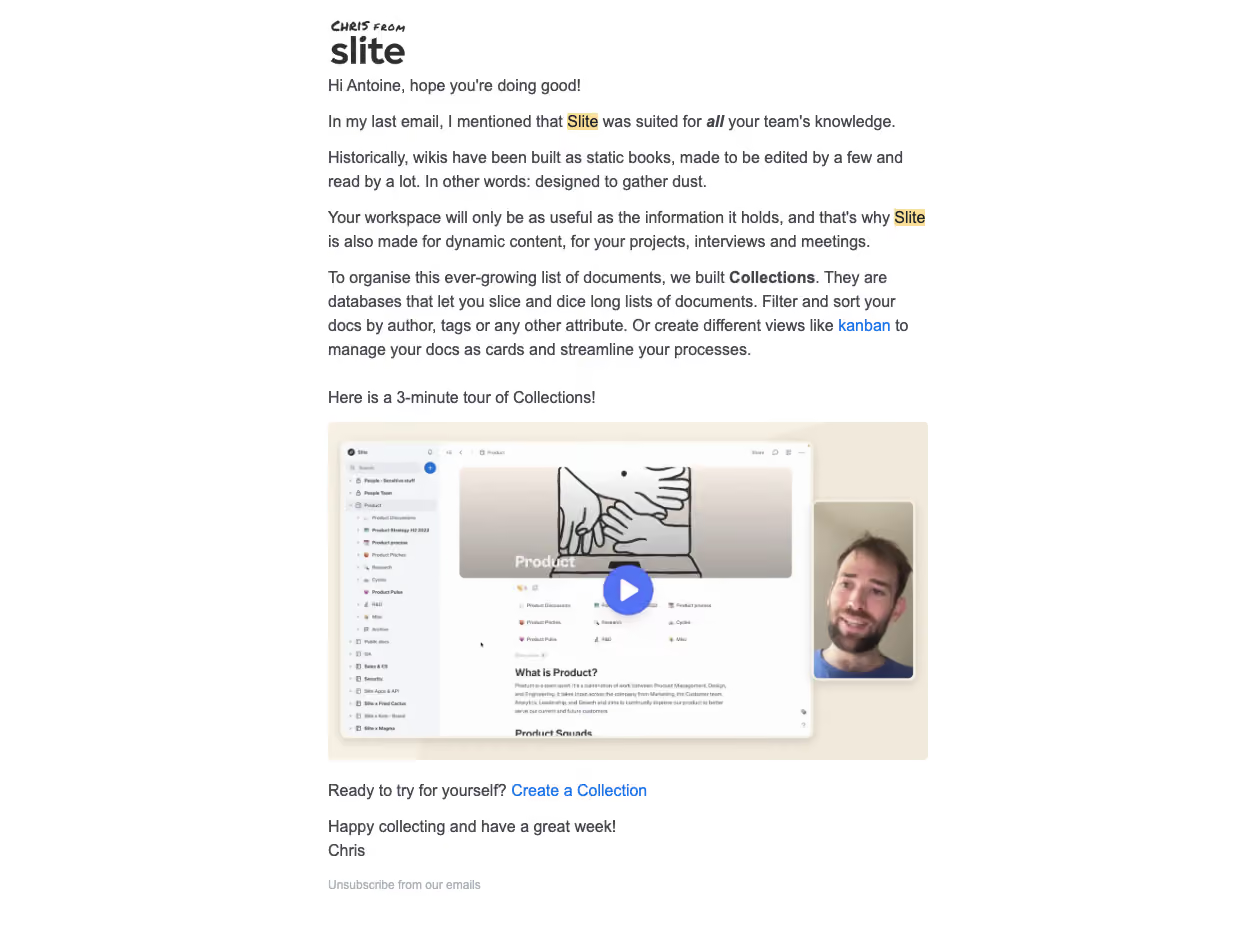
Slite Onboarding Email Flow

Slite
Note tool
Designed by
No items found.

Bookmark
Bookmark

Design with AI
Thank you! Your submission has been received!
Oops! Something went wrong while submitting the form.
# Design from Reference: Slite Onboarding Email Flow
Create an original, high-fidelity visual design inspired by the reference. Prioritize composition, typography, colors, spacing, and component styling over technical implementation.
## Reference
- **Product:** Slite
- **Category:** Onboarding Email
- **Screenshot:** https://cdn.prod.website-files.com/5e9dc792e1210c5325f7ebbc/6acbbbe4f023ce865170e074_6acbbb25e06b8c879352c4e3_cms-73e1a3051113aa288d717ef6.webp
Analyze the screenshot first. If inaccessible, request it rather than guessing.
## Content
{{content.instructions}}
{{content.data}}
Preserve essential messaging and factual accuracy. Adapt structure and copy length for visual balance; never invent product claims.
## Visual Design
### Overall aesthetic
- **Character:** A plain, personal onboarding email uses a narrow white text column, small handwritten-style sender branding, blue inline links, and one large video preview.
- **Tone:** The message reads like a helpful letter, with short paragraphs and selective bold/italic emphasis rather than a promotional card grid.
- **Observed scale:** The source measures 1243 × 937 pixels. Dimensions below refer to image pixels; email CSS width and capture ratio are unverified.
### Page composition
- **Reading column:** A roughly 600-pixel-wide column is centered within a white canvas.
- **Sender branding:** A small “Chris from” handwritten treatment appears above the Slite wordmark at the top-left of the column.
- **Text introduction:** A personalized greeting and several paragraphs introduce the knowledge-workspace/collections concept.
- **Media:** A short tour introduction precedes a landscape video thumbnail spanning the column.
- **Closing:** A sentence with a blue Create a Collection link follows the video, then a short sign-off and small unsubscribe link.
- **Scope:** Only this email is visible; previous emails mentioned in its text are not shown.
### Information hierarchy
- **Letter opening:** Greeting and conversational paragraphs establish context before the media.
- **Selective emphasis:** Bold Collections and occasional italic/bold phrases distinguish the main concept.
- **Video priority:** The large preview and central play symbol form the strongest visual action.
- **Follow-through:** The inline collection-creation link offers a concrete next step below the demonstration.
- **Historical content:** Product capabilities and tour duration are captured email copy, not verified current specifications.
### Typography
- **Typeface appearance:** A neutral sans-serif is used for body copy, with a custom/handwritten sender treatment. Exact fonts are unverified.
- **Body:** Approximately 16–17 image pixels with 24-pixel line-height, dark gray, regular weight.
- **Emphasis:** Bold and italic styling appear within paragraphs without changing the overall text scale.
- **Links:** Blue phrases remain the same size as body copy. Some brand mentions have pale yellow marker-like highlighting.
- **Footer:** Unsubscribe is smaller, around 12–13 pixels, and muted.
- **Alignment:** All live text is left aligned.
### Colors & surfaces
- **Measured base:** #FFFFFF dominates the canvas; #FDFDFD appears in nearby neutral areas.
- **Measured text:** #464850 contributes to the dark gray body family.
- **Measured media neutrals:** #F1E9DB and #F6EFE3 supply the warm beige video background; #F4F5F9 contributes to pale interface detail.
- **Accent:** Saturated blue marks inline links and the play button. Pale yellow highlights selected brand mentions.
- **Flat email:** There is no enclosing card or prominent shadow around the text. The video artwork contains its own soft interface shadows.
### Components
- **Sender lockup:** A small handwritten phrase sits above a bold Slite wordmark.
- **Paragraph stack:** Short left-aligned paragraphs use regular spacing, with one concept label and a blue kanban link embedded.
- **Video thumbnail:** A roughly 600 × 338-pixel landscape image shows a documentation workspace, illustrated banner, and a portrait inset at right.
- **Play control:** A blue circular overlay with white triangle sits over the main screenshot.
- **Creation link:** Create a Collection appears as a blue inline action beneath the media.
- **Unsubscribe:** A small muted text link follows the sign-off.
- **Unshown states:** Playback, collection creation, hover/focus, and unsubscribe confirmation are not visible.
### Visual rhythm
- **Compact letter flow:** Paragraphs follow a regular line rhythm with modest gaps.
- **Media interruption:** The large preview breaks the text sequence without changing the reading-column width.
- **Shared edges:** Branding, paragraphs, video, creation link, and sign-off align left.
- **Quiet ending:** Small footer text reduces emphasis after the action and personal close.
### Responsive
- **Evidence limit:** One email width is captured. Mobile/client behavior is unverified.
- **Recommended column:** Use fluid width with 20–24-pixel side padding and readable live text.
- **Recommended media:** Scale the preview proportionally and provide descriptive alternative text plus an accessible video destination.
- **Recommended links:** Preserve visible focus and adequate separation for the creation/unsubscribe actions.
- **Recommended delivery:** Check image blocking, dark mode, and line wrapping in representative clients.
### Adaptation guidance
- **Preserve the teaching sequence:** Explain the concept, show a brief demonstration, and offer one practical next step.
- **Keep the personal voice:** Use approved sender identity and safe personalization with a fallback.
- **Use live text:** Keep paragraphs and links selectable and accessible; reserve the image for the video poster.
- **Validate current copy:** Confirm feature descriptions, video duration, and destination links before reuse.
- **Avoid inferred flow:** Do not fabricate earlier/later emails from references in this single message.
Use this context to reproduce the reference's visual language: layout, typography, colors, spacing, borders, radii, and distinctive elements. The screenshot takes priority if descriptions conflict.
## Direction
{{preferences.fidelityInstructions}}
## Output
{{output.instructions}}
Deliver a polished, cohesive design with precise alignment, hierarchy, and spacing. Produce the requested visual artifact, not just a description. If unsupported, explain the limitation.

.avif)
Category
Patterns
No items found.
Tech Stack

Added on
February 26, 2023
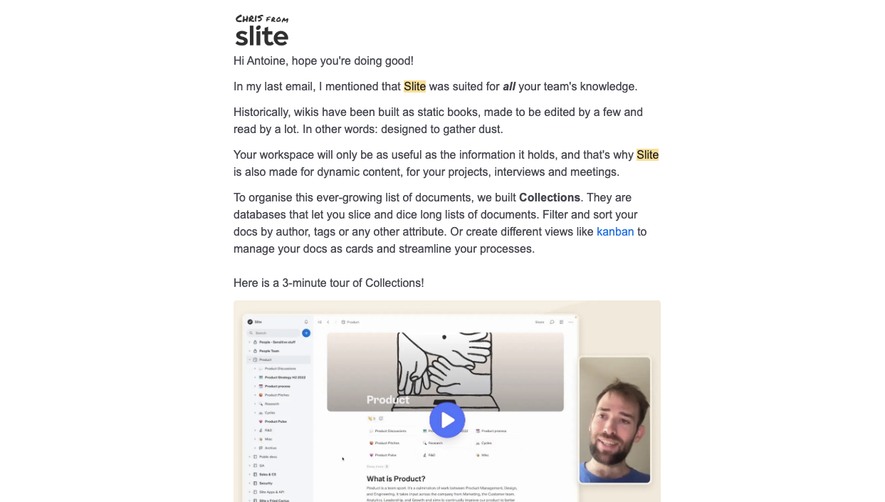
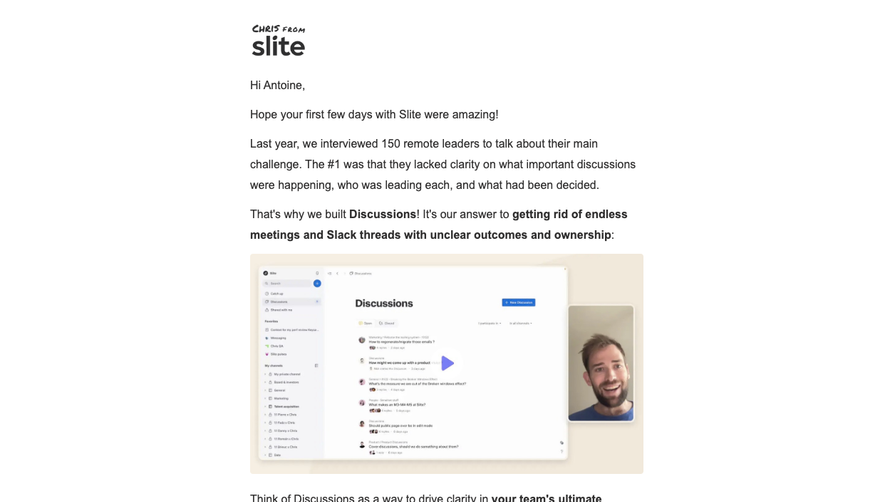


Similar screens





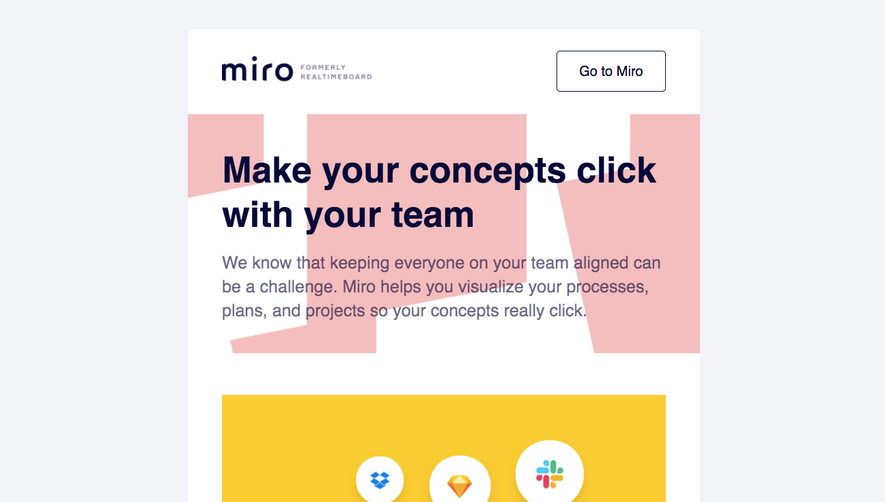

Upgrade to SaaSFrame Pro now to see similar examples.
Monthly
$18 /month
Billed $18 monthly
Browse all screens & flows
Filter and search screens & flows
Search text in screenshots
Access Figma files
Access mobile versions
Join now
Quarterly
$16 /month
Billed $48 quarterly
Browse all screens & flows
Filter and search screens & flows
Search text in screenshots
Access Figma files
Access mobile versions
Join now
Yearly
$15 /month
Billed $180 yearly
Browse all screens & flows
Filter and search screens & flows
Search text in screenshots
Access Figma files
Access mobile versions
Join now