1 more step in this flow
Free accounts see the first 3 steps of each flow. Pro unlocks every step of every flow, every screen and section, plus the MCP for your AI tools and the Chrome extension.
Dock Onboarding Emails
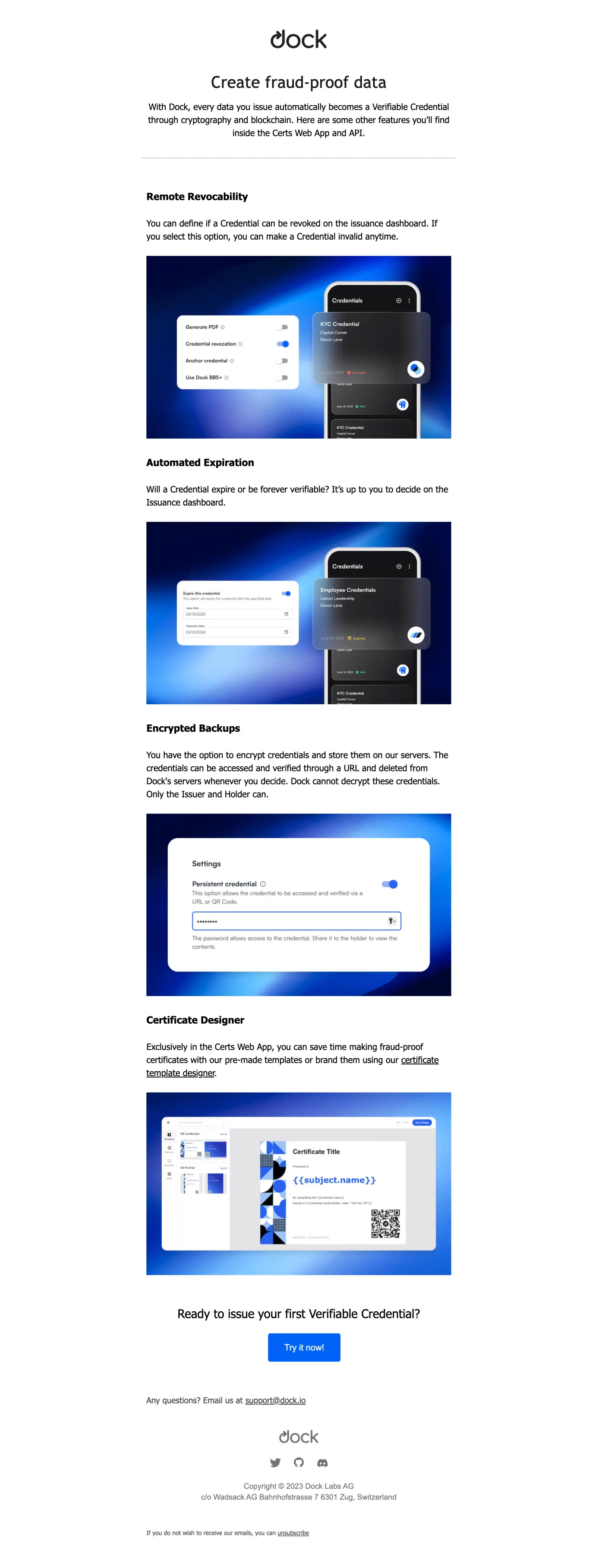
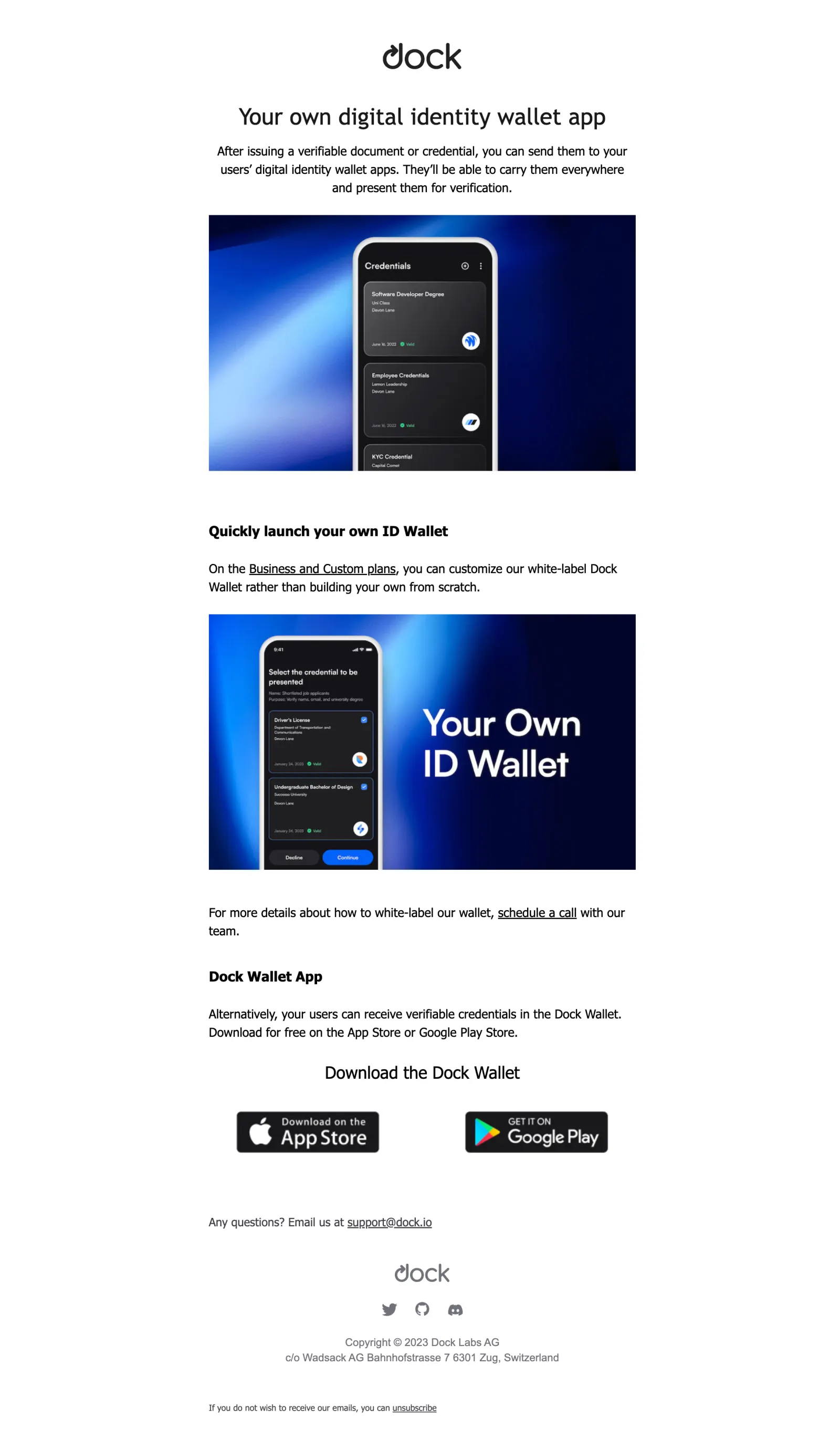
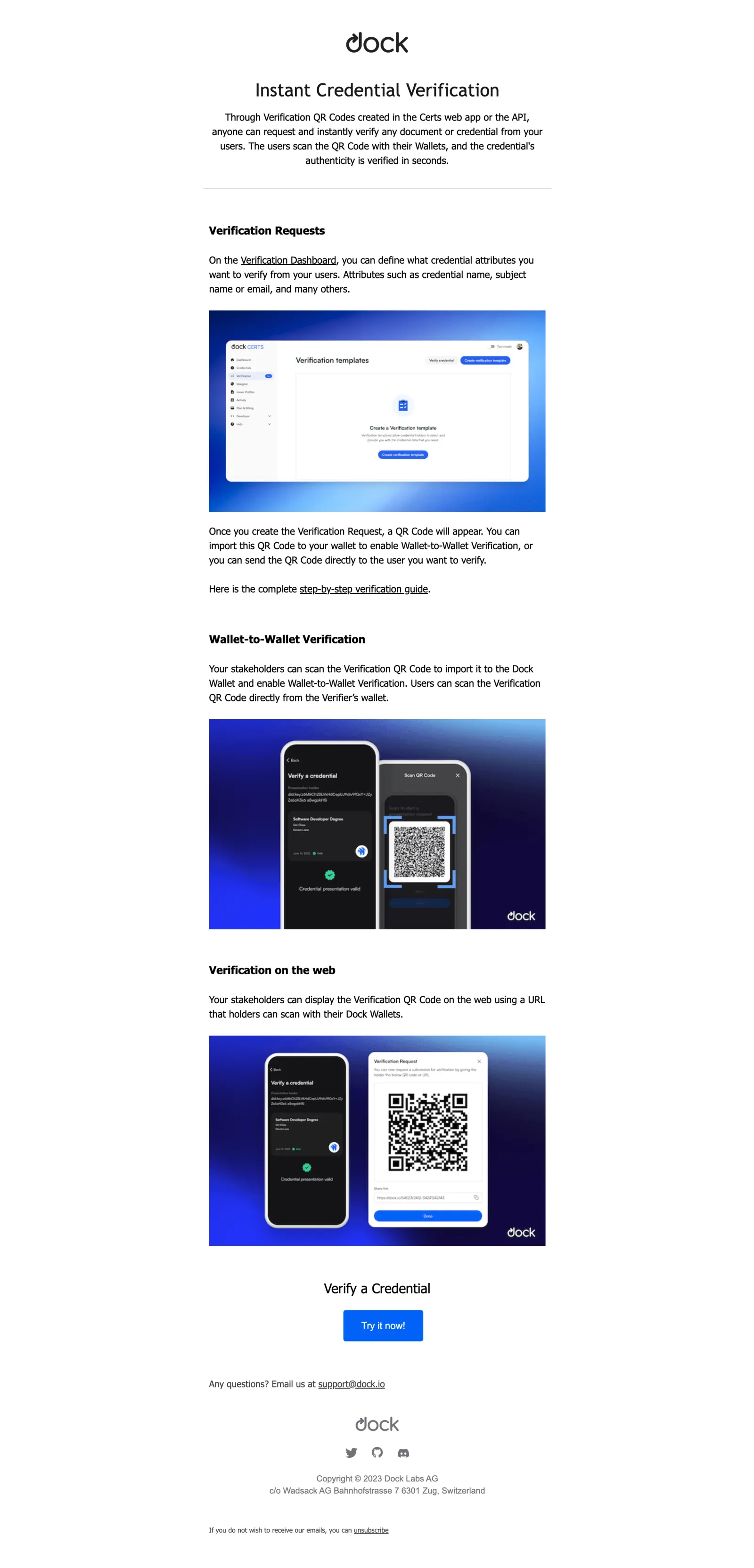
Dock's onboarding emails are four centred, feature-led messages that each explain one capability of verifiable credentials. Every email opens with the logo, a centred headline and a short paragraph, followed by a section heading and a large product visual. Phone mockups and dashboard crops sit on a deep blue gradient background, giving the series a consistent look.
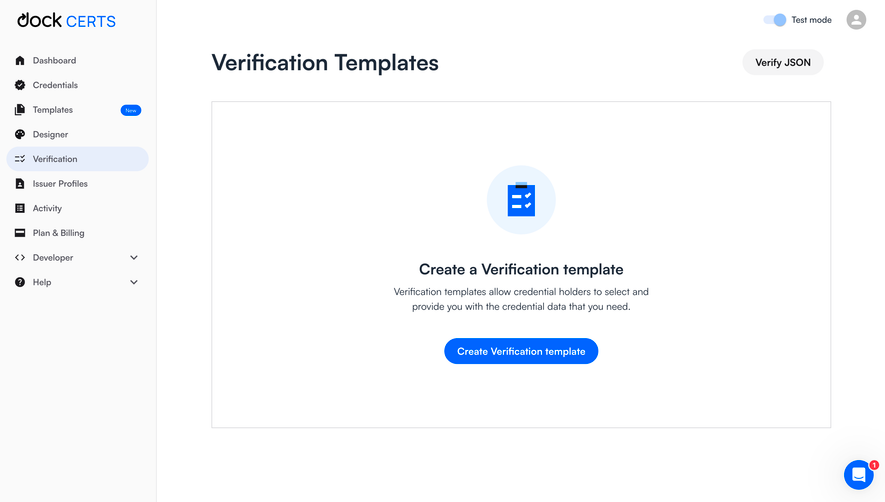
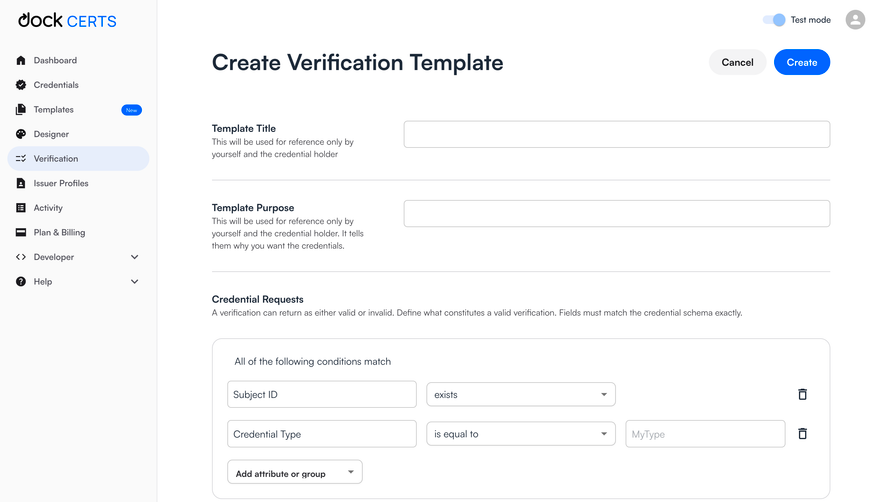
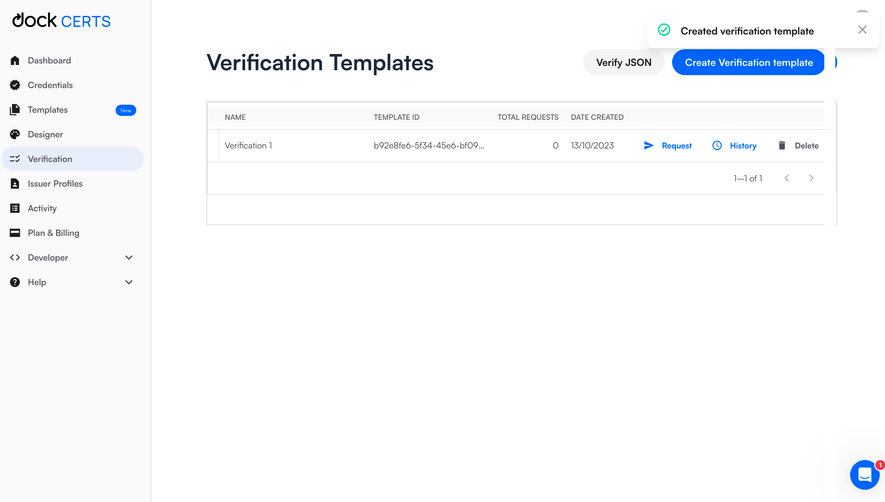
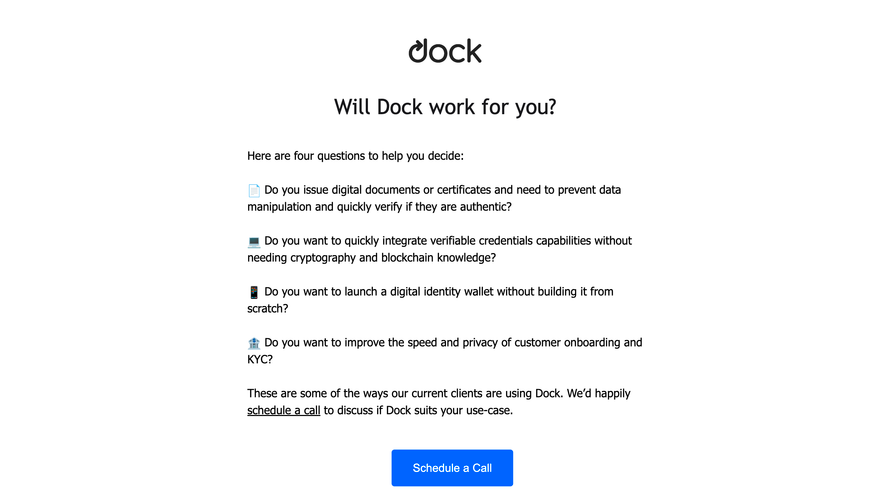
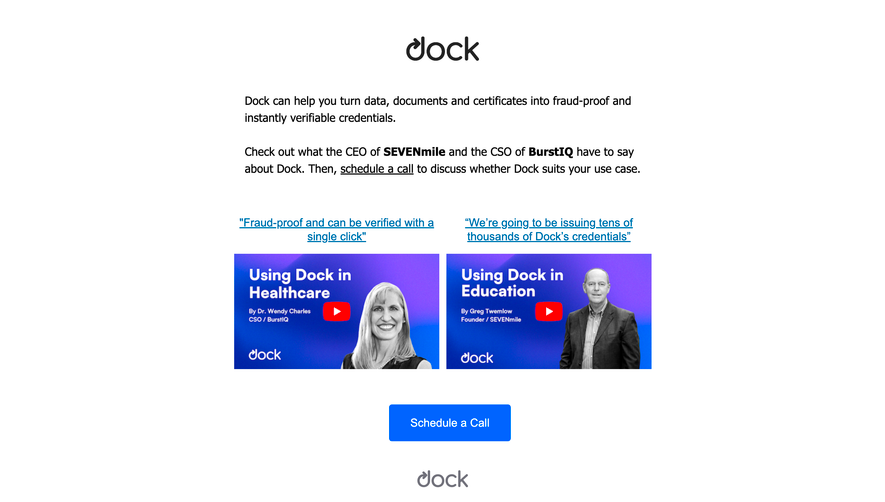
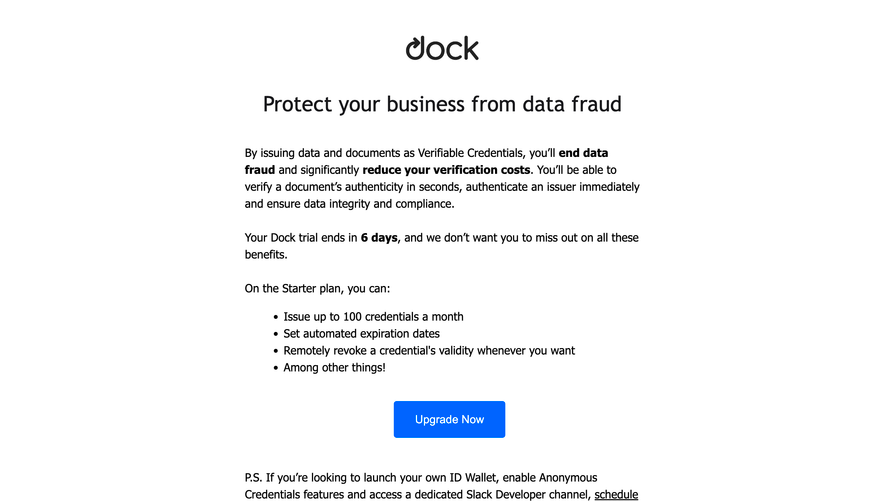
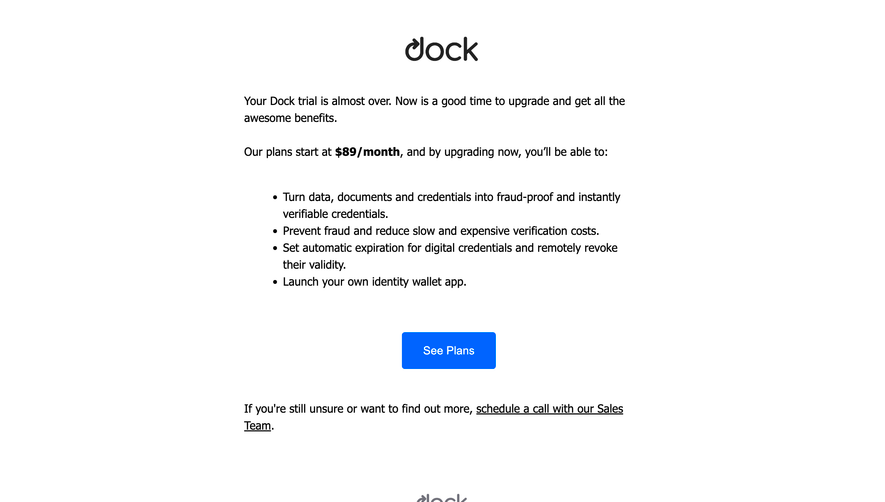
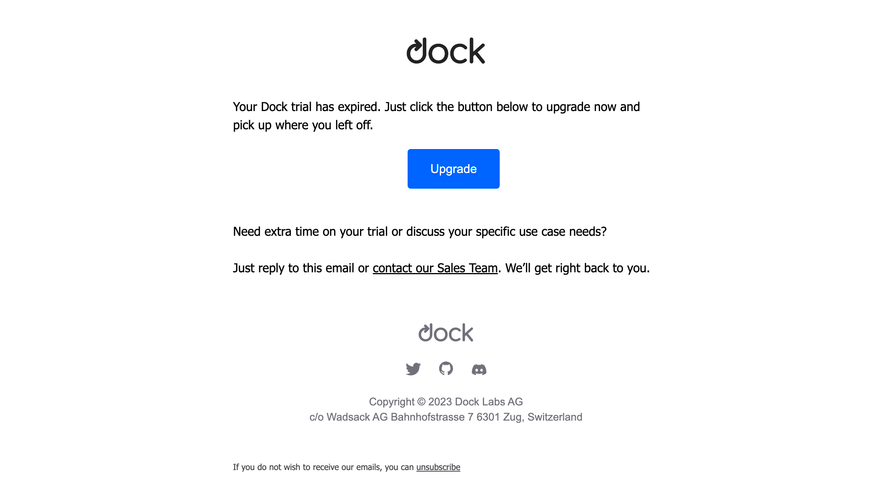
Follow Dock’s onboarding emails flow step by step: 4 real screens captured from the live product, from onboarding email to onboarding email. Use ← → to move between steps, and open any screen to see it in full.
Steps in this flow
More flows from Dock
All Dock Dock Activation Emails
2 screens
Dock Free Trial Emails
3 screens
Dock Create Verification Templates
3 screens