Design with AI
Generate a new design based on this screen using your own content.
# Design from Reference: Hugo Onboarding Emails
Create an original, high-fidelity visual design inspired by the reference. Prioritize composition, typography, colors, spacing, and component styling over technical implementation.
## Reference
- **Product:** Hugo
- **Category:** Onboarding Email
- **Screenshot:** https://cdn.prod.website-files.com/5e9dc792e1210c5325f7ebbc/6acbbf6d4d71070f5fd41372_6acbbe91aa23dc1cf5a96c99_cms-ec8cf03458cb3b8a039ed7c0.webp
Analyze the screenshot first. If inaccessible, request it rather than guessing.
## Content
{{content.instructions}}
{{content.data}}
Preserve essential messaging and factual accuracy. Adapt structure and copy length for visual balance; never invent product claims.
## Visual Design
### Overall aesthetic
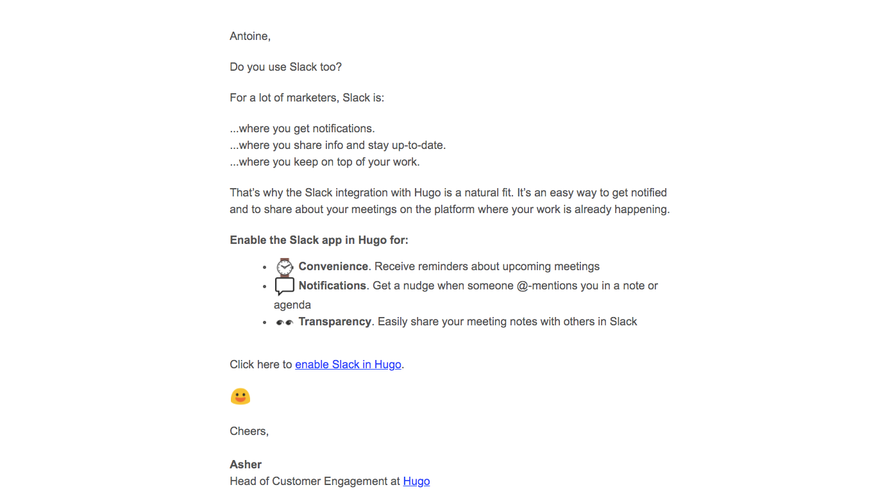
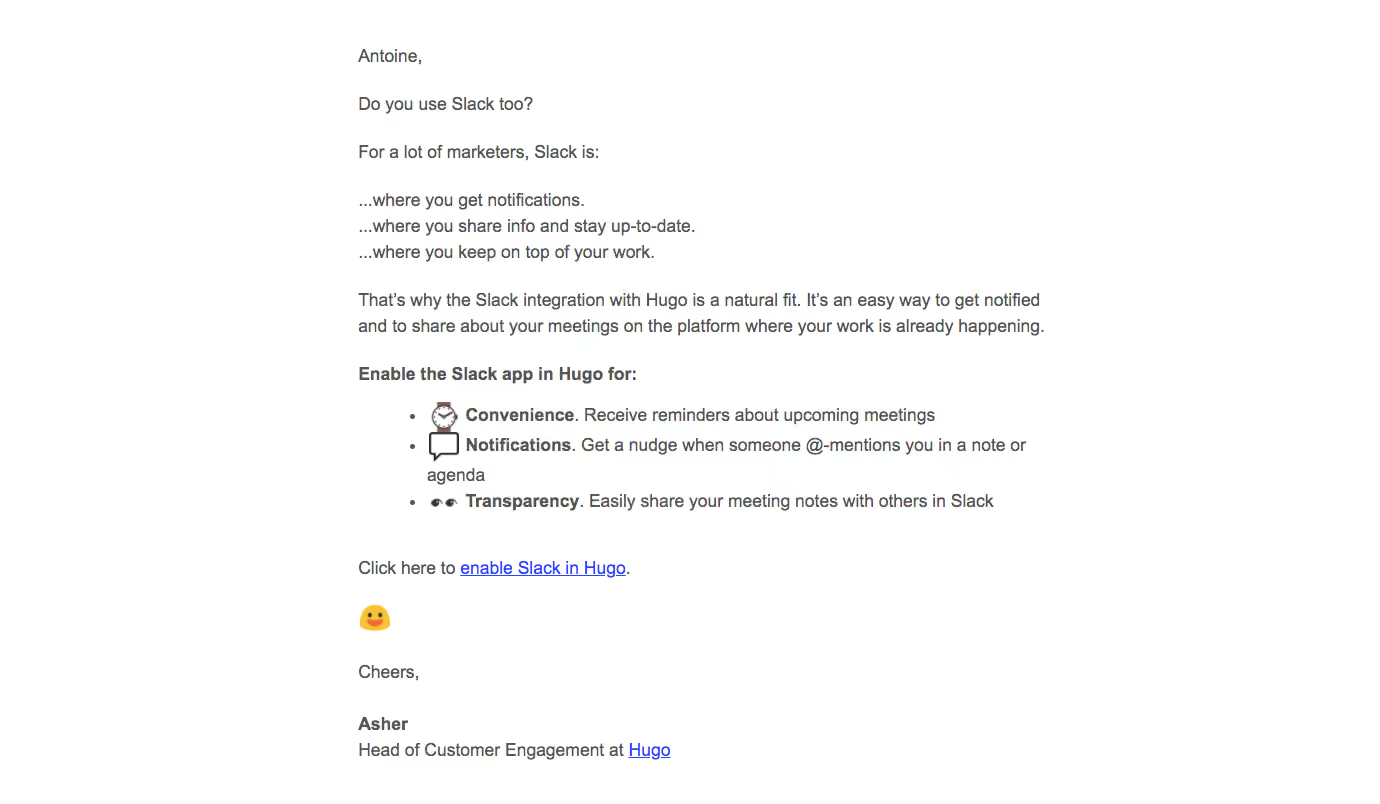
- **Character:** Personal plain-text-style onboarding email, with conversational instruction and almost no branded decoration.
### Page composition
- **Canvas:** 1380 × 804 screenshot pixels; rendered CSS scale is unverified.
- **Structure:** Single left-aligned reading column centered horizontally on a white canvas; greeting, short paragraphs, benefits list, inline action and sender signoff.
### Information hierarchy
- **Priority:** Short integration question leads to three benefits with bold lead words and an underlined enable link.
- **Support:** Small emoji and bold sender name reinforce a human correspondence style.
### Typography
- **Family:** Conventional sans-serif; exact font is unverified.
- **Scale:** Estimated rendered body 16–18px with 24–26px leading; bold emphasis uses the same size.
### Colors & surfaces
- **Sampled palette:** White #FFFFFF and gray body #555555; blue underlined links supply the functional accent.
- **Details:** Small multicolor emoji introduce the only illustrative color.
### Components
- **Content:** Three bullet benefits use emoji-like icons and bold labels; no card, filled button or hero graphic.
- **Geometry:** Approximately 700 screenshot-pixel reading width with plain paragraph blocks.
### Visual rhythm
- **Spacing:** About 24–32 screenshot pixels between paragraphs and larger pauses around the action/signoff.
### Responsive
- **Guidance:** Mobile is not shown. Keep a fluid text column, natural wrapping and clearly underlined links.
### Adaptation guidance
- **Transfer:** Preserve personal instruction and a single inline action. Adapt benefits and sender identity to the target integration.
Use this context to reproduce the reference's visual language: layout, typography, colors, spacing, borders, radii, and distinctive elements. The screenshot takes priority if descriptions conflict.
## Direction
{{preferences.fidelityInstructions}}
## Output
{{output.instructions}}
Deliver a polished, cohesive design with precise alignment, hierarchy, and spacing. Produce the requested visual artifact, not just a description. If unsupported, explain the limitation.
.webp)



.avif)