Tags
75
Categorize content with SaaS Tag and 'Pill' patterns. Learn how to design removable, color-coded tags for organization, filtering, and metadata display.

Tags attach compact labels to objects so users can organize, describe, and retrieve them across a collection. In SaaS products, they can classify feedback, identify topics, group contacts, or describe the state of shared work. Unlike a single folder location, several tags can represent several useful relationships at once.
The pattern succeeds when those labels have a clear purpose. A tag system that accumulates synonyms, mixes operational states with topics, or makes creation ambiguous can become difficult to search. Design the vocabulary, assignment flow, and retrieval behavior together rather than treating colored pills as the whole feature.
Ask whether the labels represent topics, attributes, workflow states, or personal organization. These purposes have different rules. A topic can coexist with several other topics, while a mutually exclusive workflow state may belong in a dedicated status field.
Decide whether tags are shared or personal. A shared vocabulary can support team retrieval, but it needs consistent naming and appropriate management. Personal labels can support individual habits, but other users should not mistake them for an authoritative classification.
Use tags when flexible, overlapping associations are useful. Use a structured field when the value needs a controlled type, validation, or a single defined meaning. A tag called “urgent” may be convenient, but a product that needs predictable prioritization may require a proper priority field.

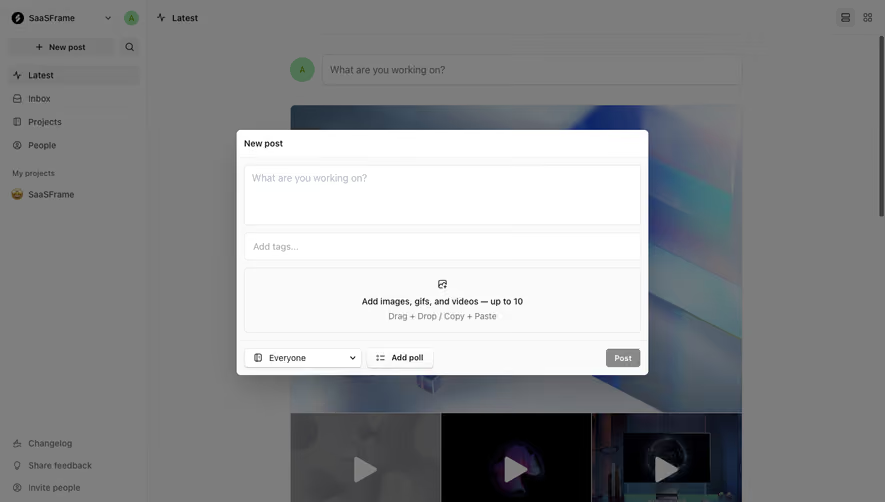
The initial Campsite screenshot shows a New post dialog. A text area appears first, followed by an Add tags field, then an attachment area. Audience selection and posting controls sit at the bottom. Tags are part of composing the object rather than a separate management task after creation.
This placement can encourage useful classification at the moment the author knows the post's subject. It also keeps tags visually distinct from the post body. Users should not have to add syntax inside ordinary prose merely to associate a label unless that is an intentional product convention.
The screenshot shows the entry field before a tag is selected. It does not establish whether the control searches existing labels, creates new ones, or supports suggestions. Those rules need to be designed explicitly. A placeholder alone cannot tell users whether typing an unfamiliar word will add it to a shared vocabulary.
Keep tagging proportional to the creation task. Optional tags can help organization without blocking a quick post. If classification is required, explain the reason and identify what the user must choose rather than leaving an unlabeled field to enforce the requirement.
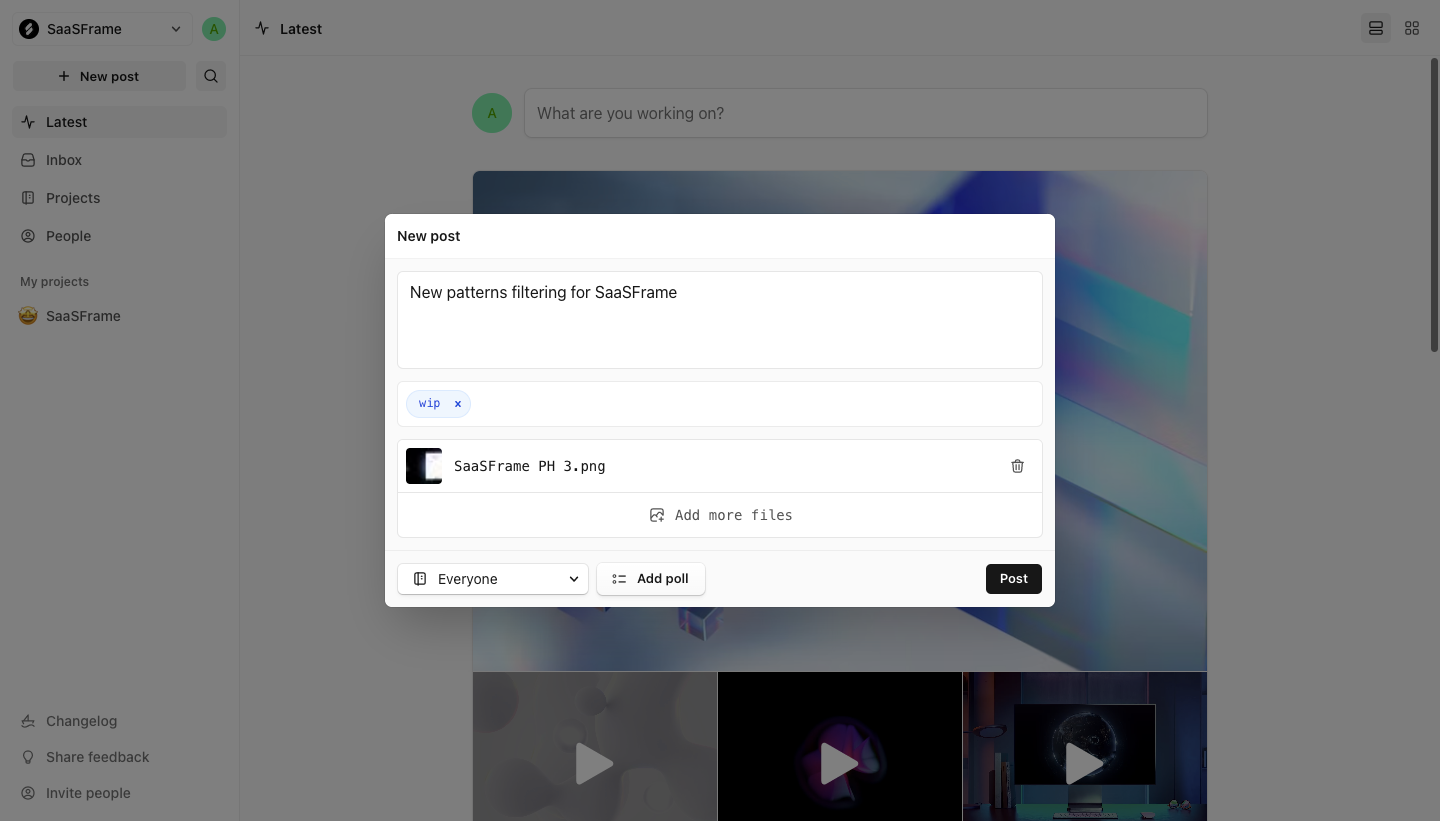
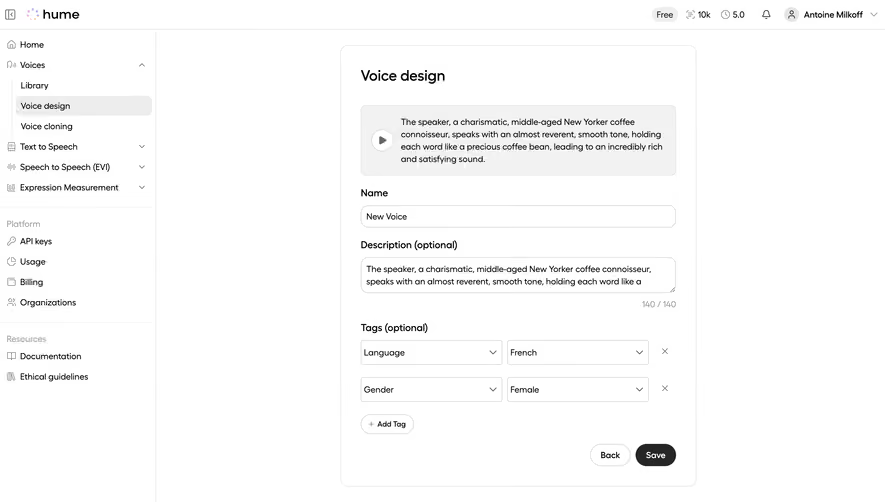
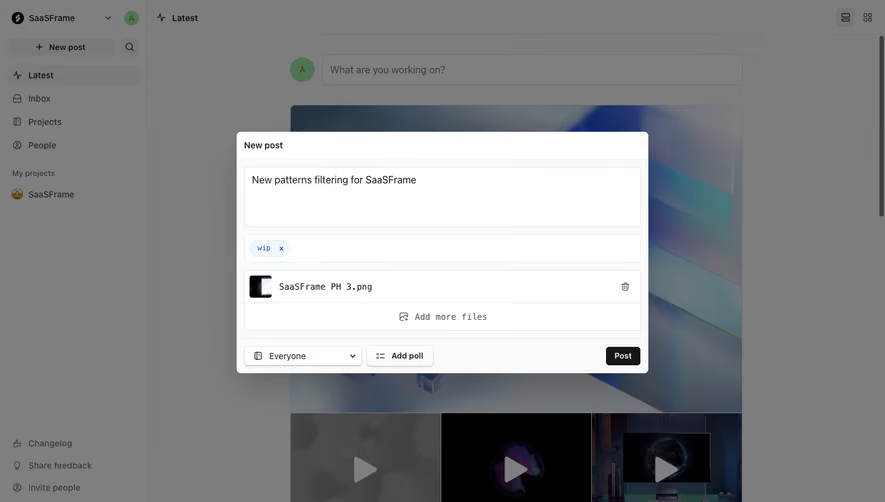
The filled Campsite capture shows a wip tag in a pill beneath the post text. A small removal control is part of that pill. The dialog also contains an attached image and a Post action, making the tag one part of a larger publication task.
The pill communicates that the value has been assigned, rather than merely typed into a search field. That distinction matters in multi-value controls, where text awaiting confirmation can look similar to a completed selection. Make the committed state obvious.
The wip label also raises a vocabulary question. It can describe work in progress, which may overlap with a workflow status. In a lightweight collaboration tool, that flexibility may be useful. In a process requiring one authoritative state, a dedicated status control may be clearer.
The removal control should remove the association from this post, not delete the tag everywhere. If global deletion is available, give it a separate management route and explain its scope. Compact local controls are a poor place to hide collection-wide consequences.
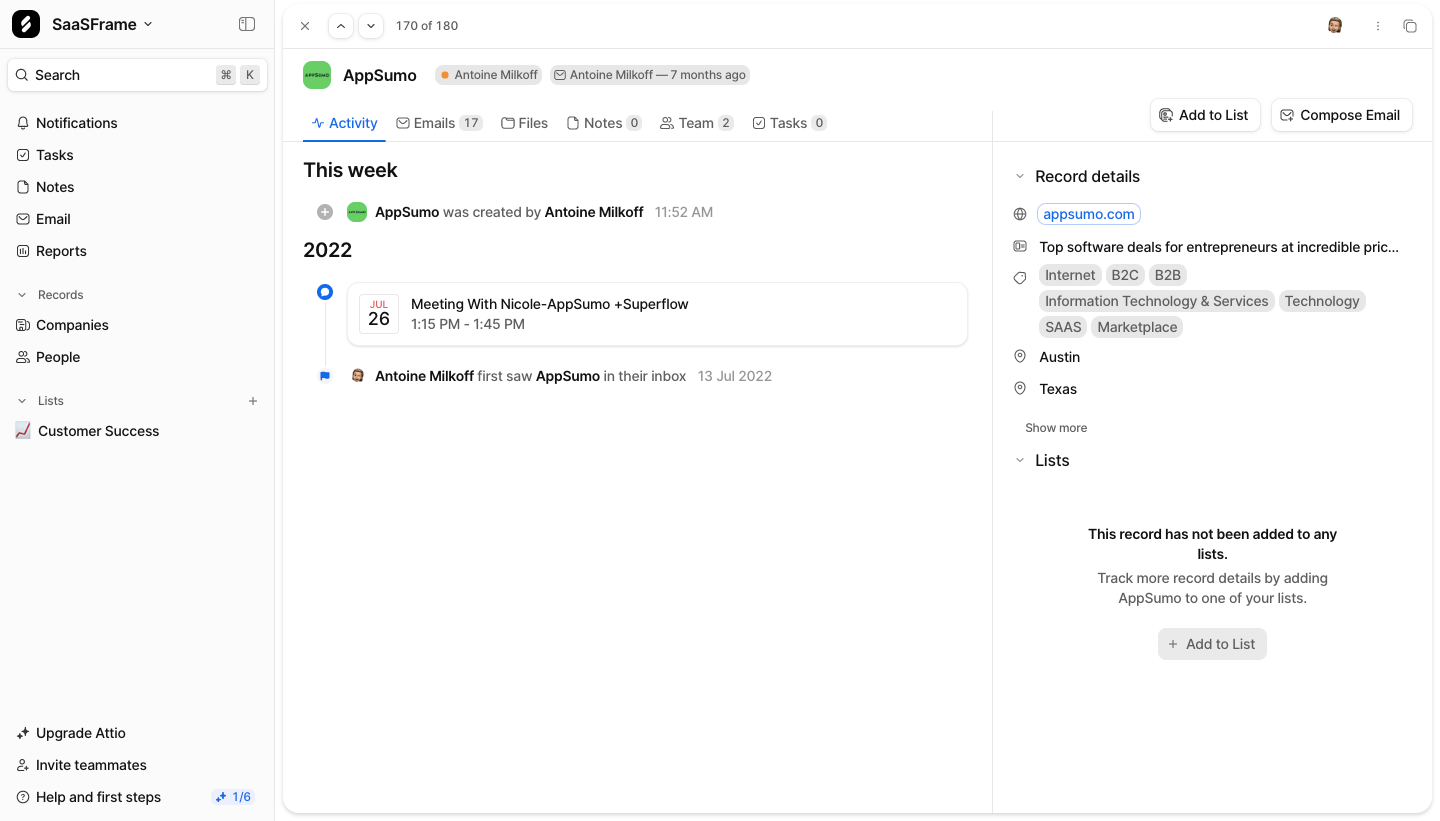
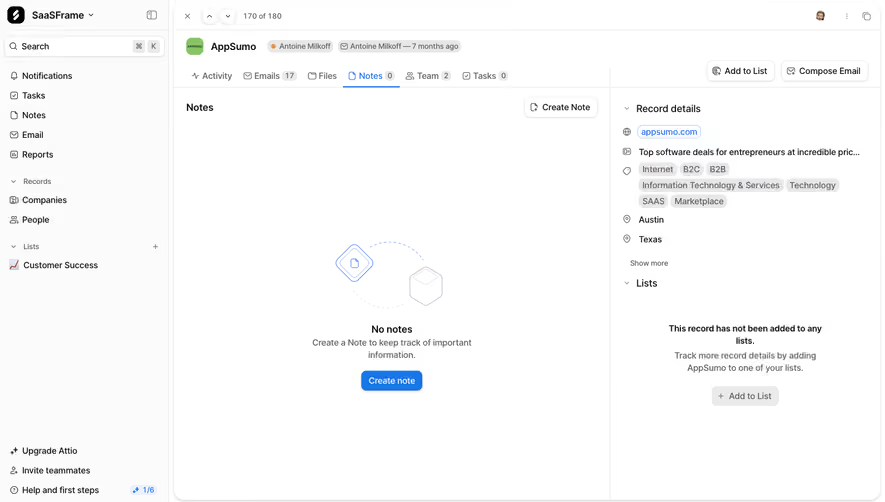
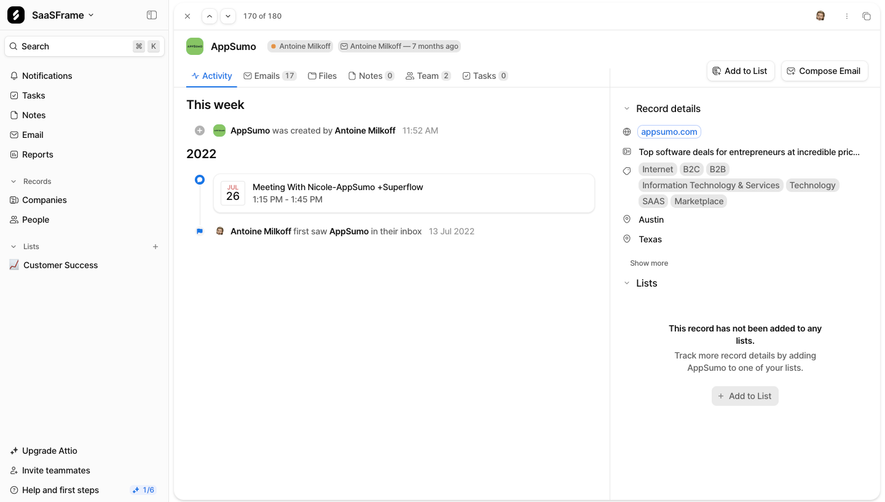
The Attio screenshot displays a company record with an activity timeline and a Record details area. Several compact labels describe industry or business type, including technology-related and business-model terms. They occupy a small area while conveying more than one attribute.
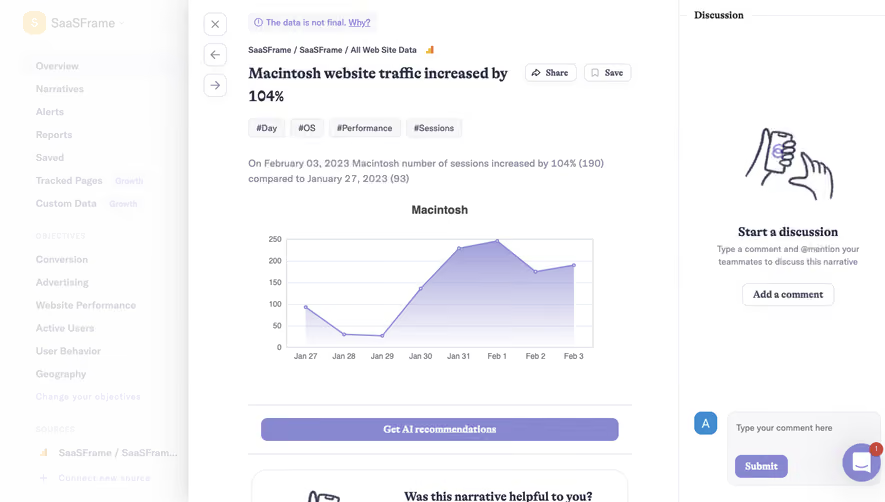
This is a useful visual comparison, with an important limit: a pill-shaped value is not automatically a user-created tag. The image does not reveal whether these values are controlled fields, enriched attributes, or free-form labels. Your design should preserve those semantic distinctions even if several components share a similar shape.
Compact labels can support scanning when their meaning is already understood. If a label carries a complex classification, provide a route to inspect or edit that meaning. Visual brevity should not make an important business attribute impossible to interpret.
When users type in a tag control, prioritize relevant existing values. Show a clear result for creating a new tag if creation is allowed. The user should understand whether they are reusing a shared label or extending the vocabulary.
Normalize names deliberately. Leading spaces, capitalization differences, and near-duplicate wording can create several labels for the same concept. Define the matching and naming rules, then communicate the result rather than silently surprising users after submission.
For teams with an established taxonomy, unrestricted creation may produce more noise than flexibility. A controlled vocabulary or permission-based creation route may be appropriate. If users cannot find a relevant label, give them a practical path to request one instead of forcing an inaccurate assignment.
Suggestions should help rather than dictate. If the product proposes labels from content, let users review what will be attached. Do not present an inferred tag as a deliberate user classification without making the distinction clear.
A small palette can work for a handful of tags. A large vocabulary needs search, useful ordering, and enough context to distinguish similar values. Consider whether descriptions or grouping help people choose accurately.
Multi-value entry should make its boundaries clear. Users need to know when a value is confirmed, how to add another, and how to remove one. Support keyboard use and a sensible focus order across the input and selected values.
Long names and many selected tags can overwhelm a narrow field. Decide how wrapping, expansion, or a summary behaves. An “and more” indicator should provide access to the hidden values, not simply conceal them.
Do not silently omit assigned tags when the layout is crowded. If only some are shown in a collection row, make the truncation understandable and preserve a way to inspect the complete set.
A tag becomes more valuable when it helps retrieve objects. Clicking a displayed tag may open a filtered collection, while a filter control may combine several tags. Define whether multiple selected tags mean any match or all matches.
Those rules can change the result set dramatically. Objects with either of two topics are different from objects containing both. Use labels, summaries, or explicit controls where users need to understand the combination.
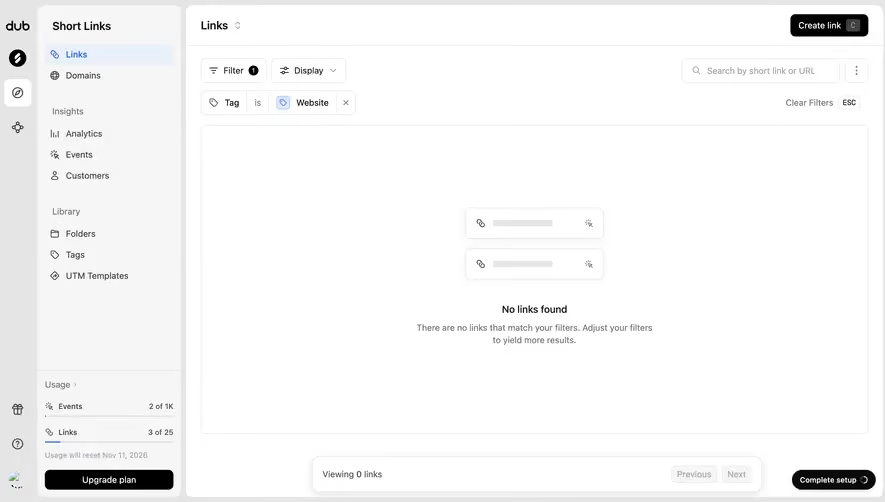
Show active constraints and provide a route to clear them. A no-match state should explain how to revise the tag selection rather than suggesting that the entire collection is empty. Preserve other useful context, such as search and sorting, according to a coherent rule.
Counts can help users judge available categories, but define what they represent. A total count for each tag and a count within the current filtered set are different measures. Use one convention consistently and avoid making approximate or stale values look exact.
A shared tag's name may change while its associations remain useful. Renaming should preserve those associations where that is the intended action. Merging two duplicates should have a clear policy for combined membership and any references to the old values.
Deletion needs an explicit scope. Removing a tag from one object is different from deleting the label from the vocabulary and every associated object. Confirm consequential shared changes and identify the affected set where appropriate.
Provide management authority suited to the product. Everyone may be able to assign labels while only some users can rename or merge them. The assignment interface should not expose actions a user cannot meaningfully complete without explanation.
Review vocabulary health over time. Unused values, synonyms, and overloaded labels can make retrieval less effective. Governance can be lightweight, but it should serve the way teams actually organize work rather than become an administrative burden.
Color can help people recognize familiar categories, but the text should remain the primary identifier. A change in hue must not turn an otherwise identical label into an unexplained new meaning. Keep names readable across light, dark, selected, and disabled states.
If users choose tag colors, clarify whether the choice is shared and where it appears. A personal color preference should not unexpectedly change a team's classification display. If colors are assigned automatically, keep the assignment stable enough to support recognition.
Do not make users distinguish values solely through subtle color differences. Selection markers, text, and meaningful grouping can preserve understanding when colors are similar or difficult to perceive. Test the actual palette on the surfaces where pills appear.
Ask users to assign an existing tag, create a new one where allowed, remove an association, and later find the tagged object. A control that makes assignment easy but retrieval confusing has solved only half the problem.
Review duplicate creation, rarely used labels, and repeated failed searches. These signals may indicate vocabulary problems rather than component problems. Observe whether users understand the difference between descriptive labels and authoritative fields such as status or priority.
Allow flexible creation when it serves the task and the vocabulary can remain useful. Shared operational systems may benefit from controlled creation or lightweight governance. Provide a route for missing concepts.
No. They can share a visual treatment, but a status often represents one structured workflow value. Tags commonly describe overlapping associations. Decide the meaning before choosing the pill style.
It can be a useful retrieval shortcut. Make the destination and active constraint clear, and provide a way to return to the broader collection.
Browse tag examples on SaaSFrame to compare entry controls, assigned-value treatments, and compact classification in real SaaS workflows.