Design with AI
Generate a new design based on this screen using your own content.
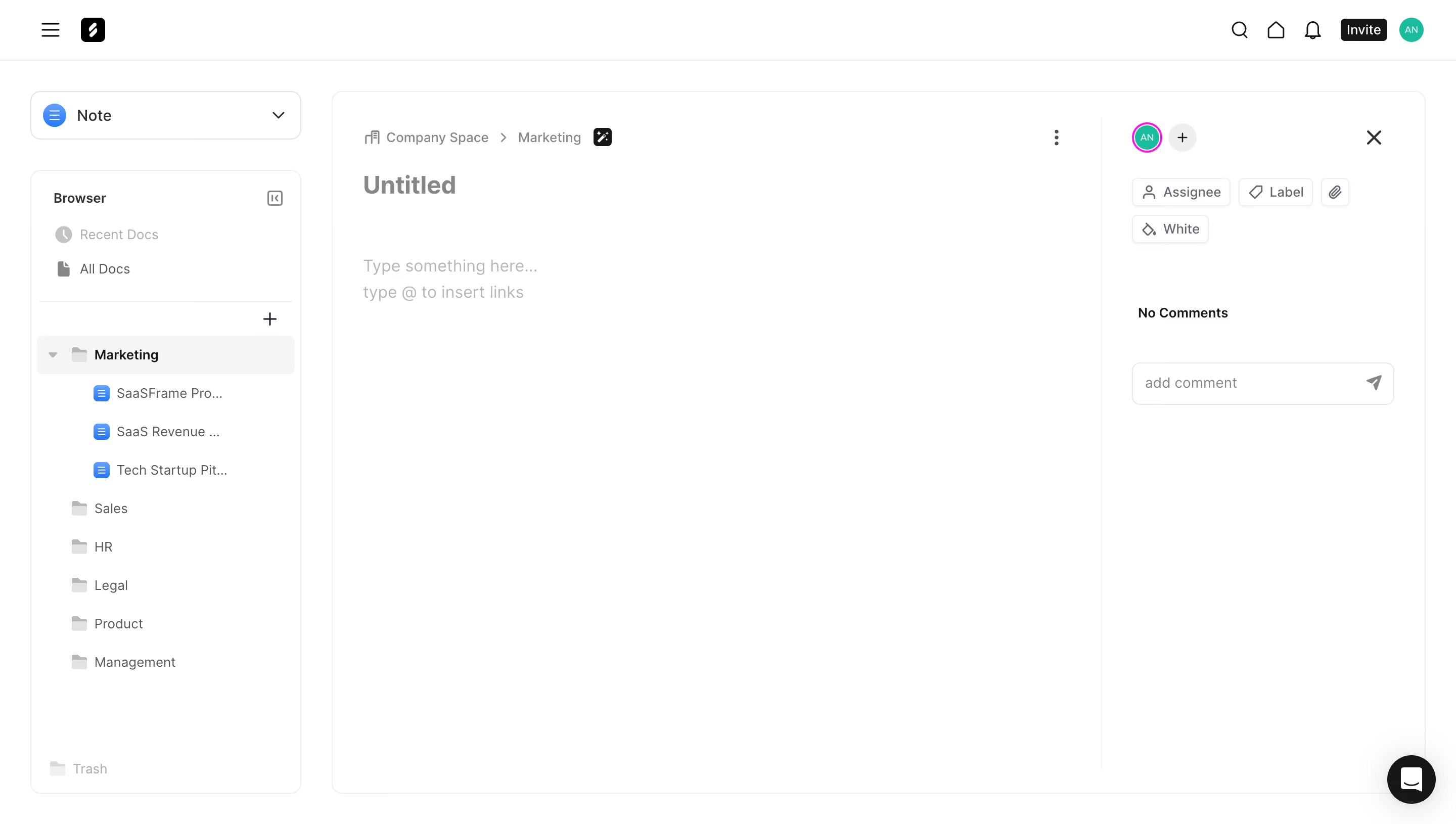
# Design from Reference: Frame New Note Text Editor
Create an original, high-fidelity visual design inspired by the reference. Prioritize composition, typography, colors, spacing, and component styling over technical implementation.
## Reference
- **Product:** Frame
- **Category:** Text Editor
- **Screenshot:** https://cdn.prod.website-files.com/5e9dc792e1210c5325f7ebbc/6acad9c4a43009b06fe6bfc5_6acad94d6cd44b3ad4d883a3_cms-5cbdb96d2d842f81fcd770ee.webp
Analyze the screenshot first. If inaccessible, request it rather than guessing.
## Content
{{content.instructions}}
{{content.data}}
Preserve essential messaging and factual accuracy. Adapt structure and copy length for visual balance; never invent product claims.
## Visual Design
### Overall aesthetic
- **Character:** Minimal collaborative note editor with white panes, faint borders and restrained utility icons.
### Page composition
- **Capture:** 2880 × 1630 screenshot pixels; estimated 2× CSS scale.
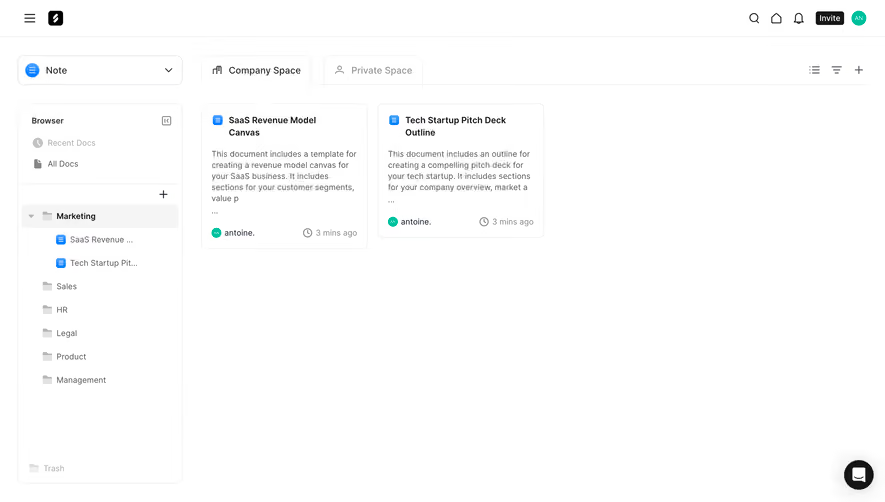
- **Structure:** Global utility bar, left document-browser pane, large central blank note and right comments/properties area within one outlined workspace.
### Information hierarchy
- **Priority:** Breadcrumb and Untitled heading establish document context; pale writing prompt invites content, while properties/comments stay secondary.
### Typography
- **Family:** Sans serif; exact family unverified.
- **Estimated CSS sizes:** Note title 24px, writing prompt 16px, sidebar/body 14px and metadata 12px.
### Colors & surfaces
- **Measured palette:** White #FFFFFF, selected folder #F5F5F5, rules #EEEEEE, dark #171717, muted #878787 and near-white #FEFEFE.
- **Accents:** Blue document icons and mint profile avatar.
### Components
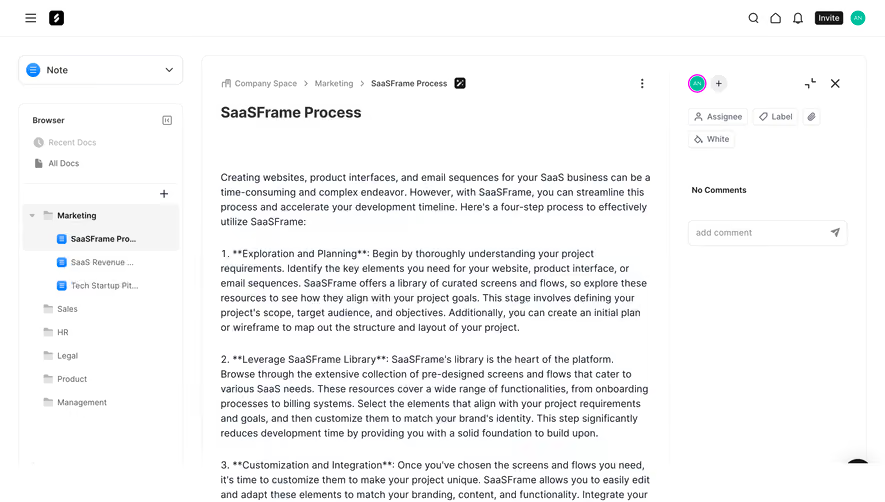
- **Elements:** Note-type dropdown, nested folder tree, add control, breadcrumb, overflow, participant/add icons, assignee/label/attachment chips and comment input.
- **Estimated geometry:** Browser 268px wide, right pane 290px, 12px outer radii, 32–40px controls and 30px editor padding.
### Visual rhythm
- **Spacing:** Sparse editor canvas dominates; compact browser rows and property chips remain close to their pane edges.
### Responsive
- **Suggested adaptation:** Hide browser/comments behind toggles and prioritize full-width writing area. Mobile behavior is unverified.
### Adaptation guidance
- **Transfer:** Preserve a quiet writing surface and distinct navigation/comment regions without overfilling the empty note.
Use this context to reproduce the reference's visual language: layout, typography, colors, spacing, borders, radii, and distinctive elements. The screenshot takes priority if descriptions conflict.
## Direction
{{preferences.fidelityInstructions}}
## Output
{{output.instructions}}
Deliver a polished, cohesive design with precise alignment, hierarchy, and spacing. Produce the requested visual artifact, not just a description. If unsupported, explain the limitation.
.webp)



.avif)