.webp)
Thank you! Your submission has been received!
Oops! Something went wrong while submitting the form.
Get SaaSFrame Pro
Monthly
$18
Quarterly
$48
Yearly
$180
Upgrade to access this feature
Browse all screens & flows
Filter and search screens & flows
Access Figma files
Access mobile versions
Bookmark screens & flows
Join now
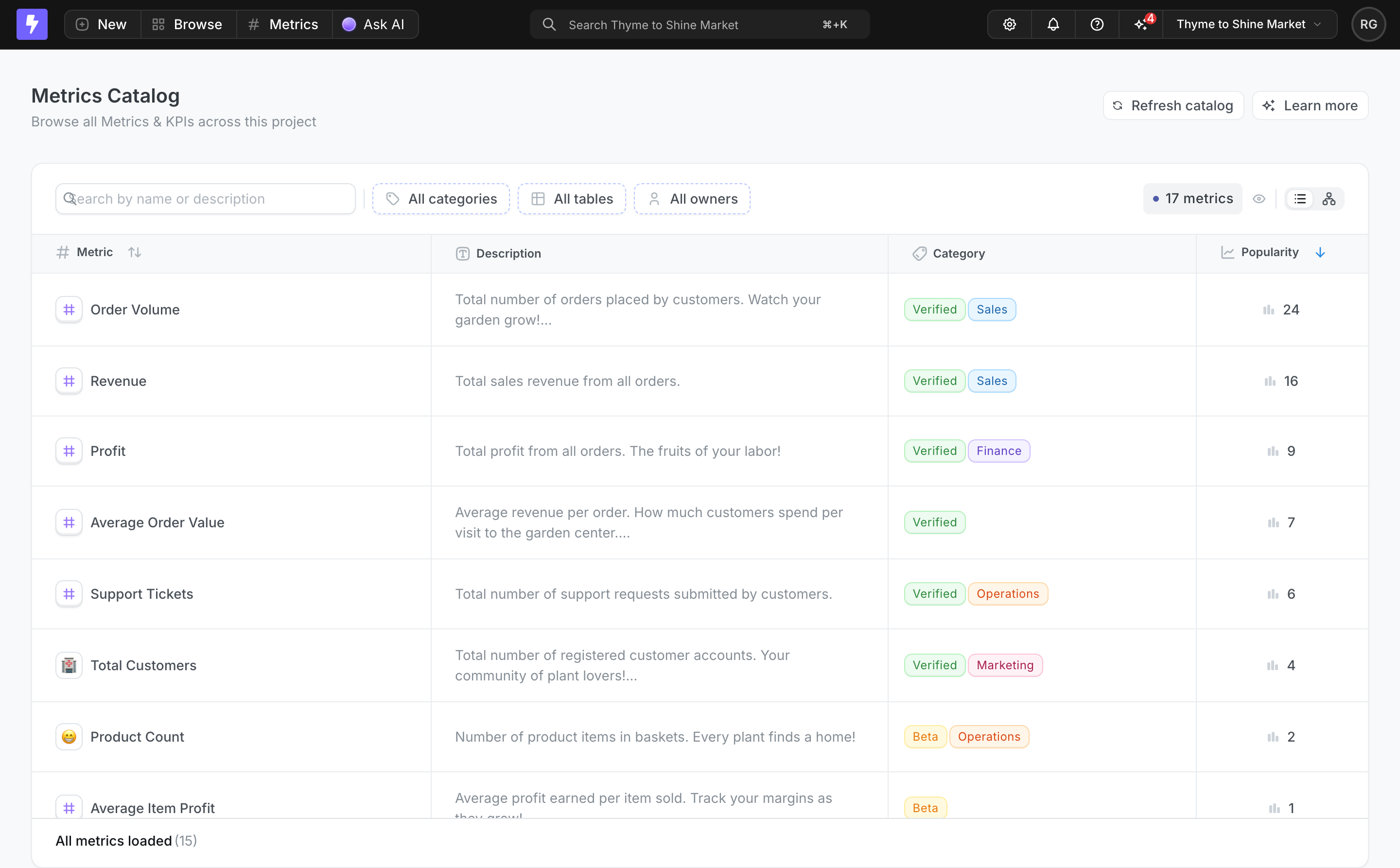
Lightdash Metrics Catalog

Lightdash
The open-source AI native BI platform
Designed by


Bookmark
Bookmark

Design with AI
Thank you! Your submission has been received!
Oops! Something went wrong while submitting the form.
# Design from Reference: Lightdash Metrics Catalog
Create an original, high-fidelity visual design inspired by the reference. Prioritize composition, typography, colors, spacing, and component styling over technical implementation.
## Reference
- **Product:** Lightdash
- **Category:** Table
- **Screenshot:** https://cdn.prod.website-files.com/5e9dc792e1210c5325f7ebbc/6acad12cb2165b6c7fffad14_6ac57411f1a39fc367b9ade7_richtext-e4278c90f6f6f05eb776.webp
Analyze the screenshot first. If inaccessible, request it rather than guessing.
## Content
{{content.instructions}}
{{content.data}}
Preserve essential messaging and factual accuracy. Adapt structure and copy length for visual balance; never invent product claims.
## Visual Design
### Overall aesthetic
- **Style:** A compact analytics catalog with a dark application toolbar and a light, table-led workspace.
- **Character:** Dense but orderly: thin dividers, muted descriptions, small icons, and colored status/category chips support quick comparison.
### Page composition
- **Capture and scale:** The screenshot is 2880 × 1786 pixels, consistent with an estimated 2× capture. Following dimensions are estimated CSS pixels under that assumption.
- **Global toolbar:** A roughly 50 px-high dark bar contains the brand icon, New/Browse/Metrics/AI controls, a central project search, utility icons, project selector, and avatar.
- **Page header:** The light workspace begins with Metrics Catalog and a short subtitle left, plus Refresh catalog and Learn more actions right.
- **Catalog panel:** A large white rounded table panel spans almost the full workspace with about 32 px side margins. A filter toolbar precedes four columns: Metric, Description, Category, and Popularity. A small loaded-status strip occupies the bottom.
### Information hierarchy
- **Primary content:** Metric names and their icons form the left scanning anchor. Descriptions explain each metric without overpowering names.
- **Classification:** Verified/Beta chips and category chips sit together in the third column, enabling status and subject to be read at a glance.
- **Sorting and controls:** A descending blue arrow emphasizes Popularity sorting. Search and category/table/owner filters appear before the rows; view toggles and a metric-count chip sit at the toolbar's right.
### Typography
- **Family:** A compact neutral sans serif is visible; exact identity is unverified.
- **Page heading:** Approximately 20–22 px CSS semibold, with a smaller 14 px subtitle.
- **Table text:** Names and descriptions are around 14 px with 20–21 px line-height. Column headers and chip labels are approximately 12–13 px.
- **Toolbar:** Global navigation uses compact 14 px text; labels and numeric popularity values align consistently with adjacent icons.
### Colors & surfaces
- **Foundation:** Sampled sRGB #FFFFFF defines the panel and rows; #F8F9FA defines the workspace and header areas. #E9ECEF provides divider/border tones.
- **Dark toolbar:** Sampled near-black #141414, #202020, and #212121 support the global bar and inset controls.
- **Muted copy:** Sampled gray #868E96 is a reference for secondary descriptions and utility icons.
- **Status:** Sampled pale green #EDFBF0 supports Verified chips. Violet, blue, orange, pink, and yellow differentiate category/status accents; exact remaining chip values are unverified.
### Components
- **Filter toolbar:** A narrow search input is followed by compact category, table, and owner buttons with icons and fine dashed violet outlines. Right-side utilities include a count pill and adjacent view controls.
- **Table geometry:** Approximate column shares are 30% Metric, 35% Description, 23% Category, and 12% Popularity. Rows are around 72 px high, with thin horizontal and vertical separators.
- **Metric icons:** Small rounded square icon containers precede names; most contain a violet hash, while some use emoji.
- **Chips:** Small lightly filled outlined chips have roughly 5–6 px radii and tight horizontal padding. Multiple chips remain on one baseline.
- **Footer status:** A compact lower strip reports loaded metrics. The screenshot shows both a toolbar count and a loaded count; treat them as visible UI labels rather than reconciling them through assumptions.
### Visual rhythm
- **Spacing:** Use approximately 32 px workspace margins, 24 px panel-toolbar padding, and 24–26 px row-side padding.
- **Scanning rhythm:** Keep metric icons/names aligned, descriptions in a stable column, and popularity icons/numbers consistently rightward.
- **Density:** Avoid adding shadows or separate cards per row; the grid and subtle surface changes already establish structure.
### Responsive
- **Observed state:** Only a desktop table is visible.
- **Recommended reflow:** Wrap the filter toolbar and allow deliberate horizontal table scrolling, or use metric cards with clearly labeled description/category/popularity fields.
- **Priority:** Keep metric name and status visible first, preserve sorting access, and avoid truncating every description beyond usefulness.
### Adaptation guidance
- **Preserve:** Retain the dark global bar, light catalog panel, filter-first structure, semantic chips, and clear popularity column.
- **Adapt:** Populate the catalog with real metrics, owners, categories, descriptions, and usage values. Reflect actual counts and loaded states.
- **Avoid:** Do not invent metric definitions or interactions for unseen graph/view modes.
Use this context to reproduce the reference's visual language: layout, typography, colors, spacing, borders, radii, and distinctive elements. The screenshot takes priority if descriptions conflict.
## Direction
{{preferences.fidelityInstructions}}
## Output
{{output.instructions}}
Deliver a polished, cohesive design with precise alignment, hierarchy, and spacing. Produce the requested visual artifact, not just a description. If unsupported, explain the limitation.

.avif)
Category
Tech Stack

Added on
July 15, 2026
Similar screens
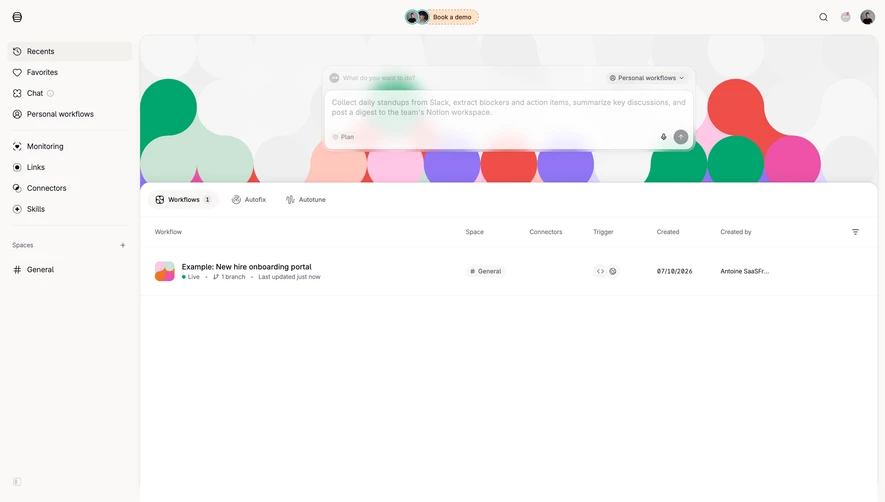


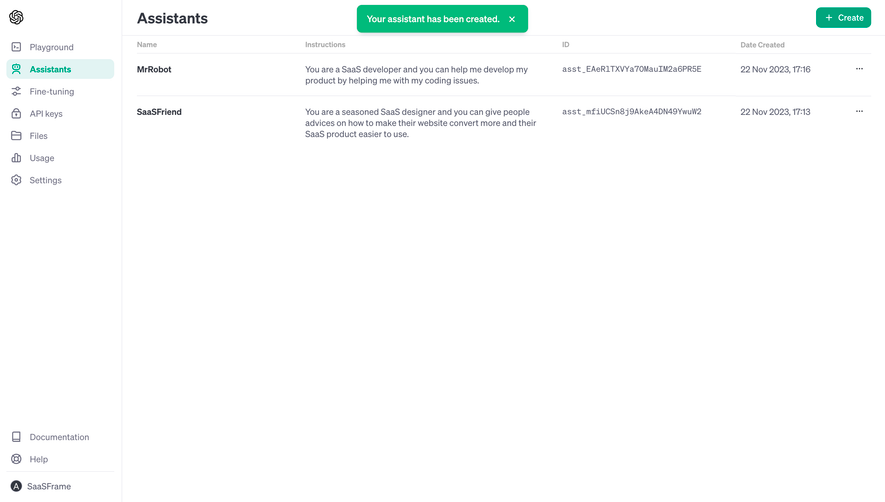



Upgrade to SaaSFrame Pro now to see similar examples.
Monthly
$18 /month
Billed $18 monthly
Browse all screens & flows
Filter and search screens & flows
Search text in screenshots
Access Figma files
Access mobile versions
Join now
Quarterly
$16 /month
Billed $48 quarterly
Browse all screens & flows
Filter and search screens & flows
Search text in screenshots
Access Figma files
Access mobile versions
Join now
Yearly
$15 /month
Billed $180 yearly
Browse all screens & flows
Filter and search screens & flows
Search text in screenshots
Access Figma files
Access mobile versions
Join now