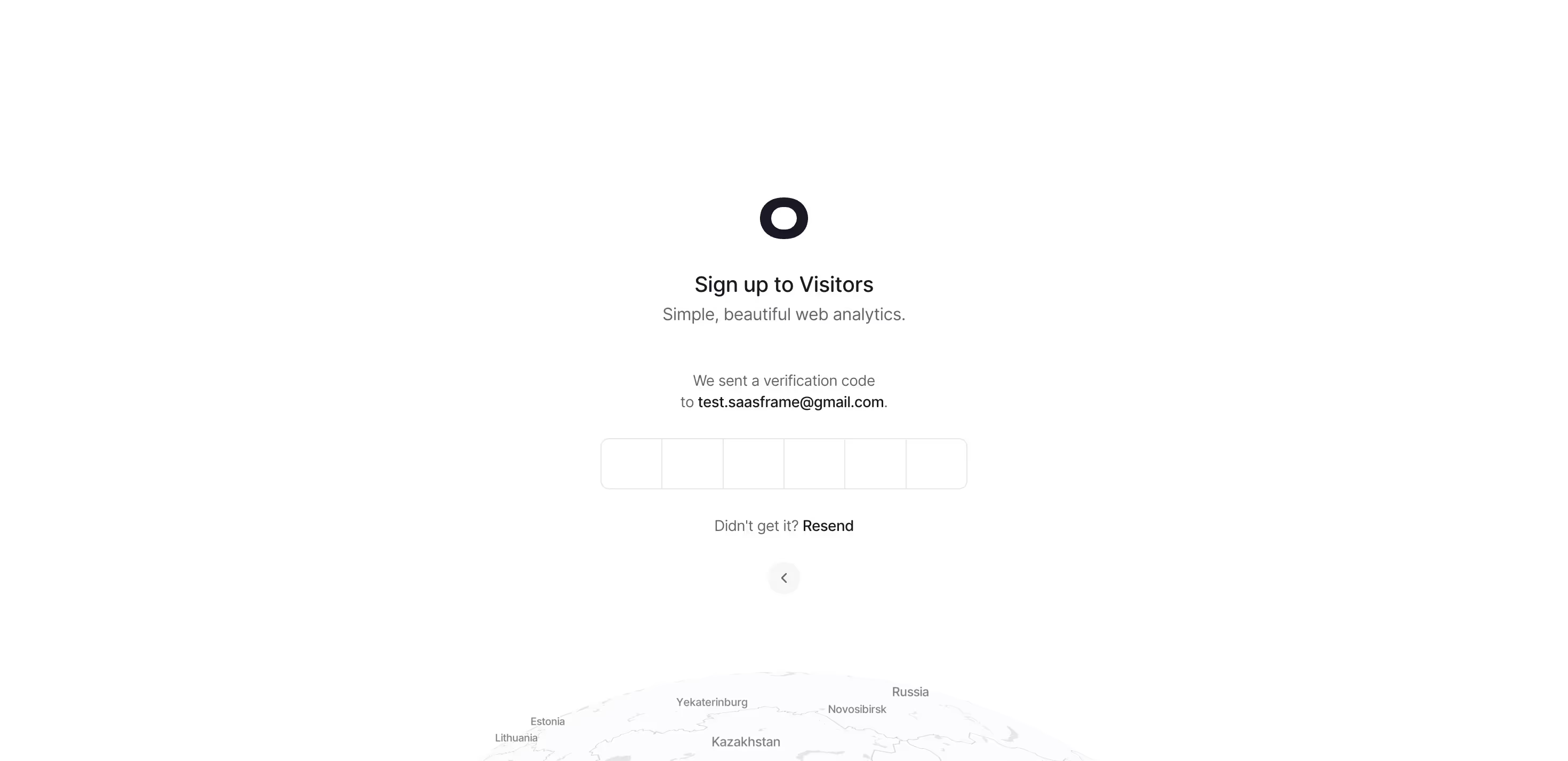
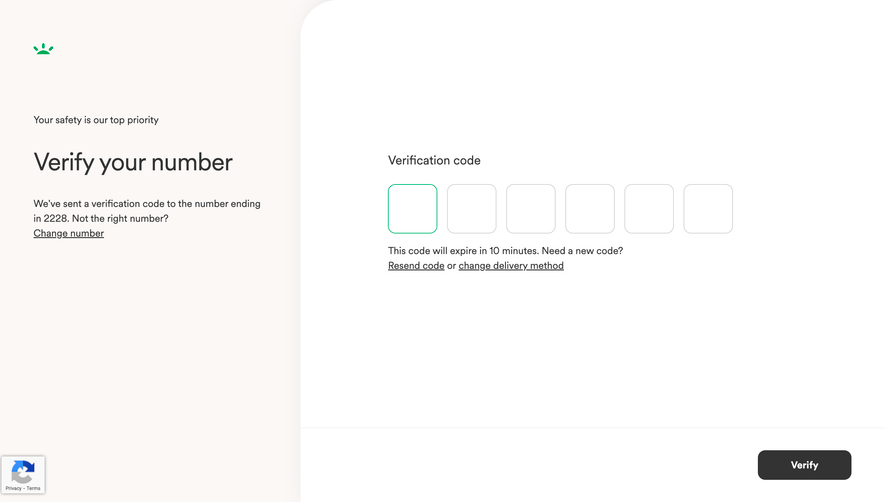
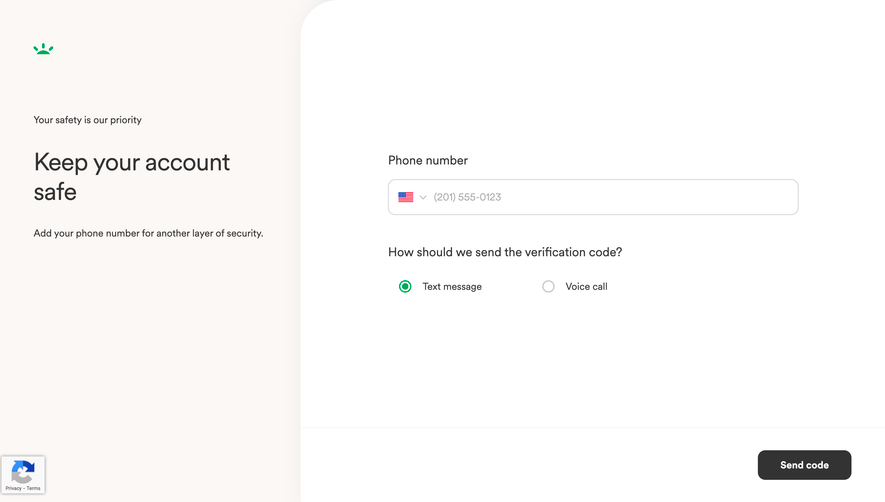
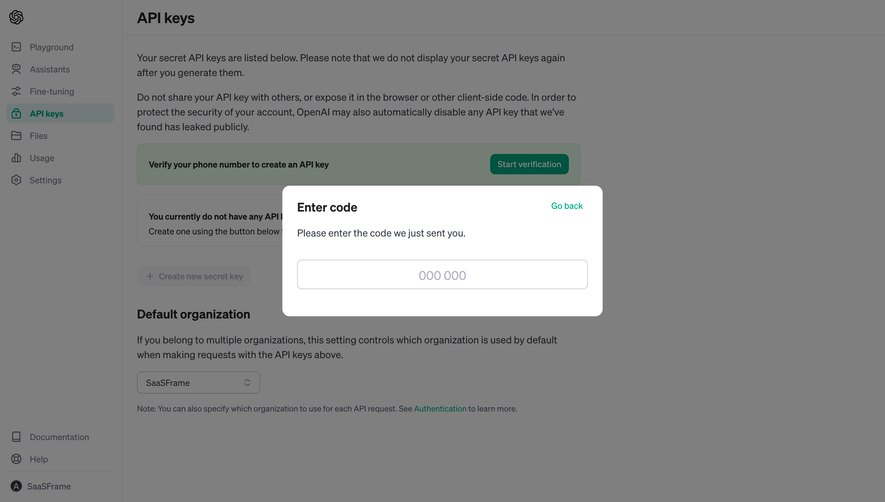
Secure your platform with frictionless SaaS Verification and OTP (One-Time Password) UI. See how to design email verification prompts and two-factor authentication (2FA) screens that prioritize security without hurting the UX.
Browse 76 real SaaS Verification with modern UI patterns and conversion strategies.
We sell SaaSFrame licenses on Gumroad, a secured online selling platform for creators.
What about future updates and versions?
SaaSFrame gets updated all the time! Every new update and version will immediately be made available to all SaaSFrame users.
I didn't receive my licence key, what should I do?
The licence key required to create your SaaSFrame account is send by Gumroad once you made your purchase. If this email is blocked by your email client, send me an email at antoine[at]unmake[dot]io so I can resend the licence key.
Can you send me an invoice?
You can generate an invoice on Gumroad once you purchased SaaSFrame. You will find the link in the order confirmation email.
Can I get a refund?
If you're not satisfied, you can ask for a refund within 7 days. Just send me an email at antoine[at]unmake[dot]io
Verification Design Guide
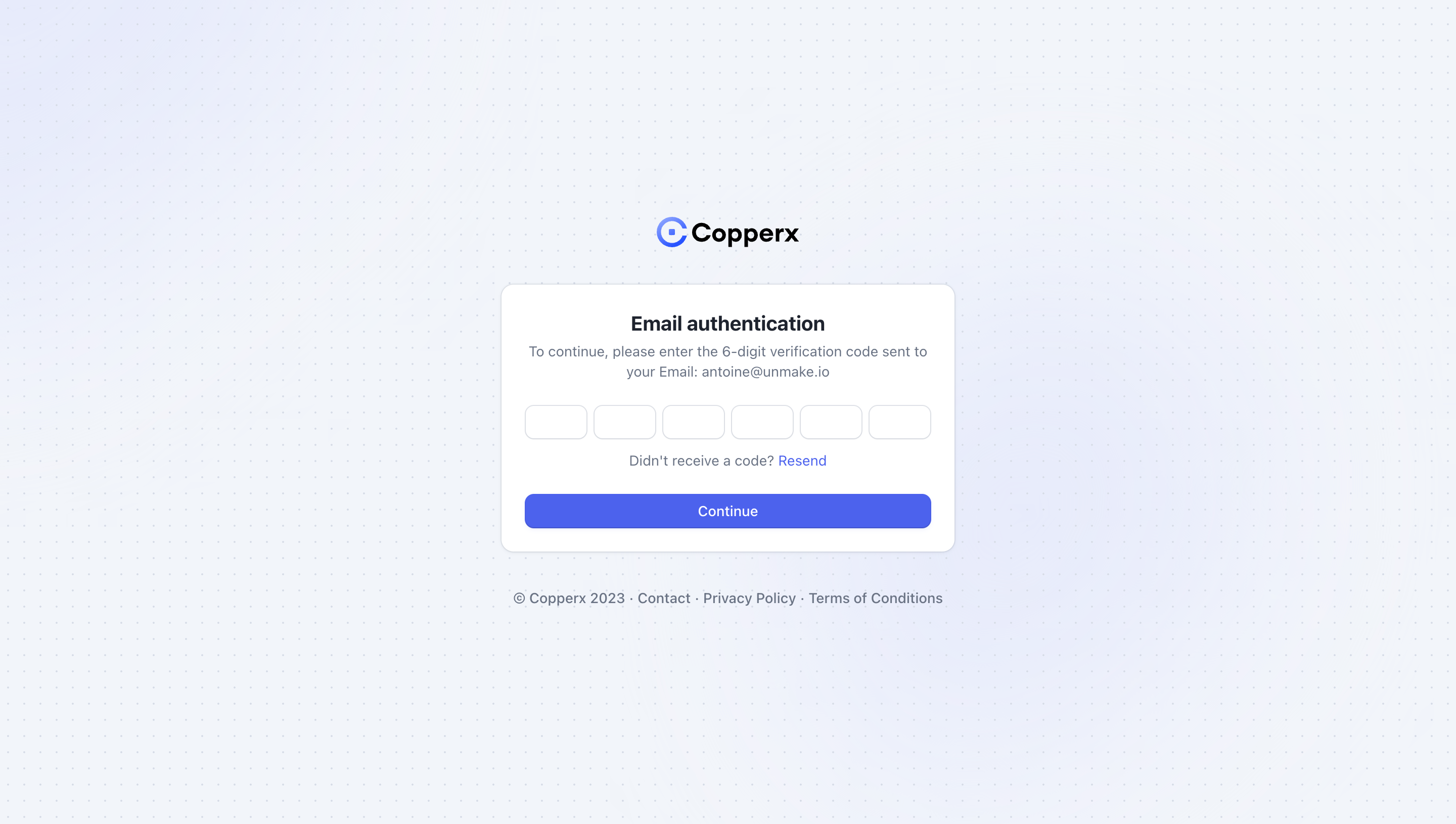
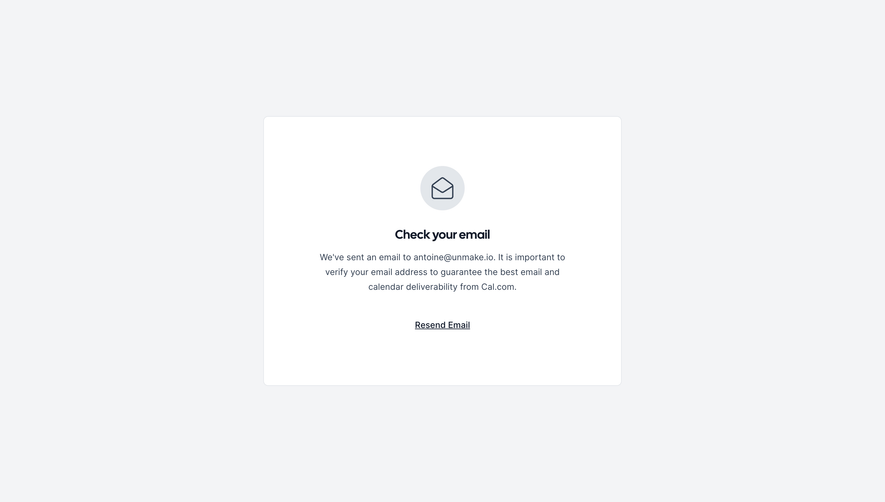
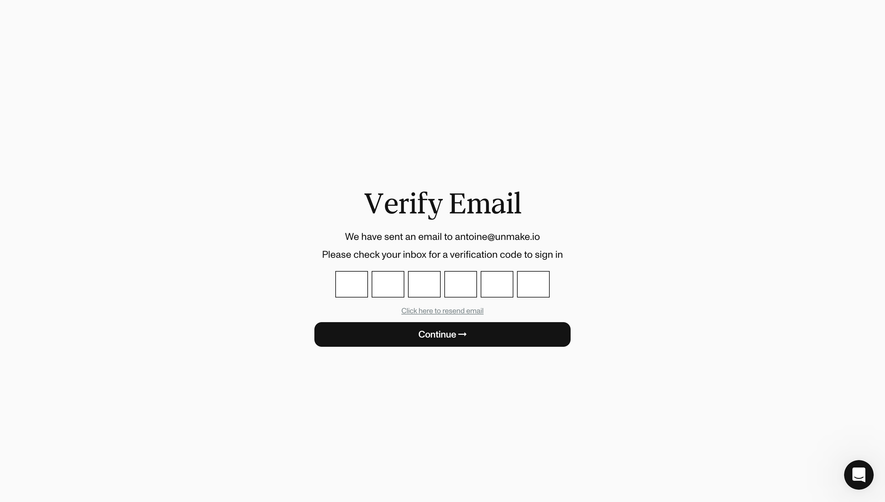
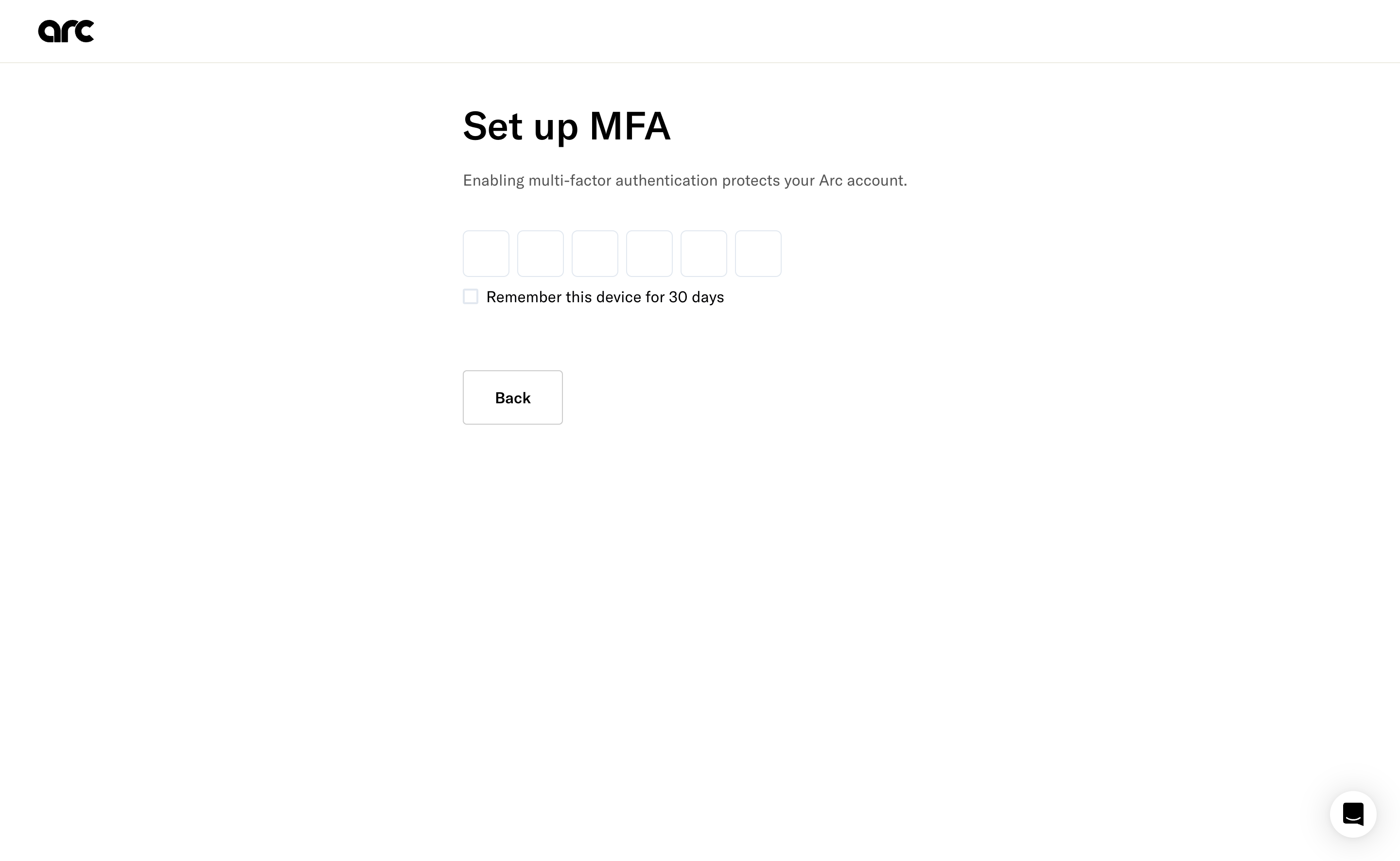
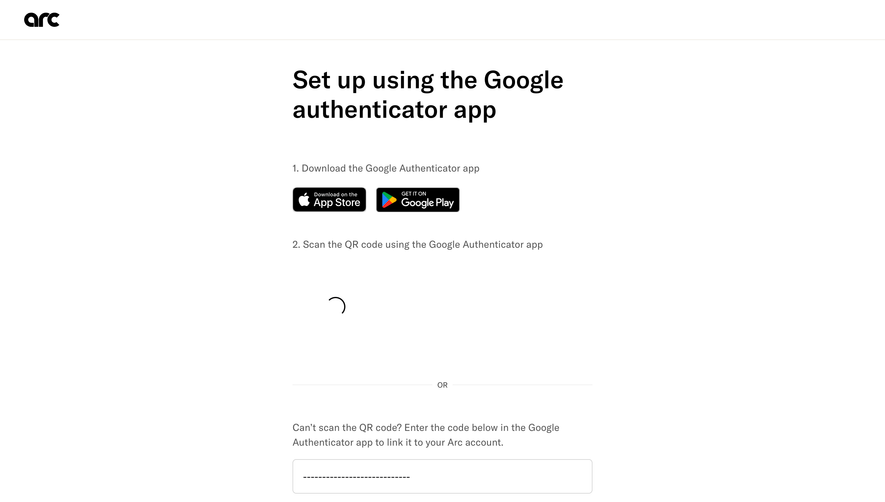
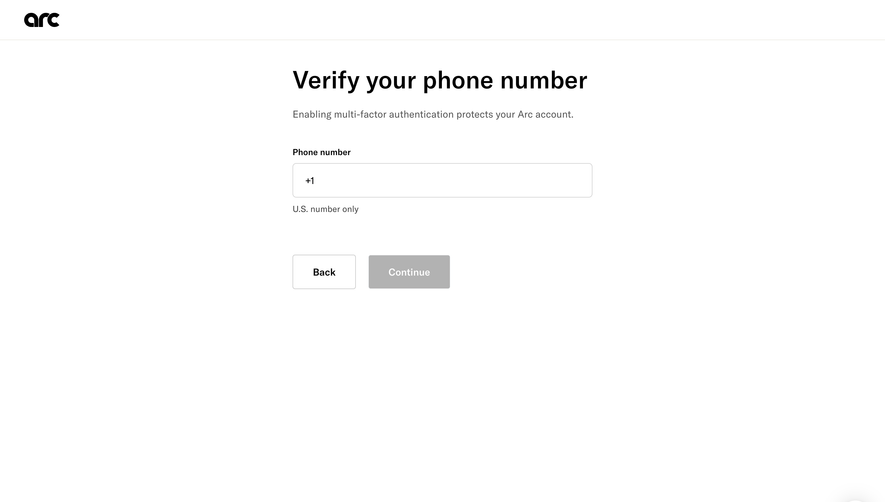
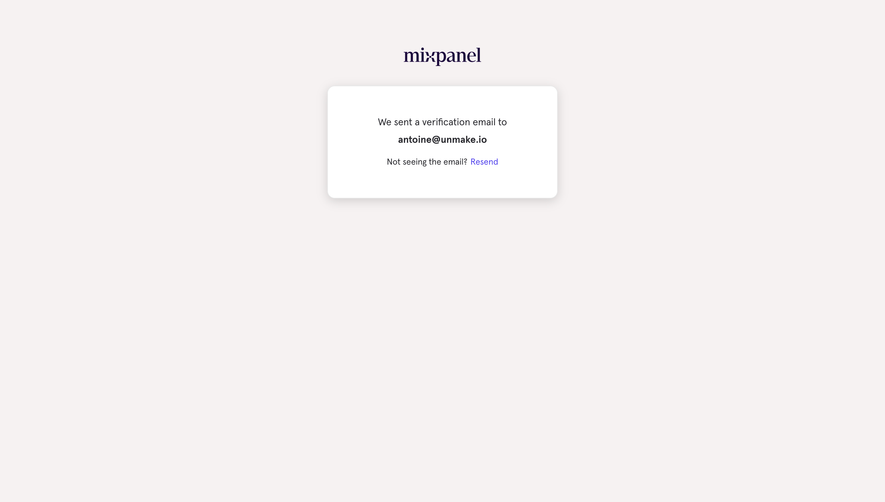
A SaaS verification screen helps users complete a proof step, such as confirming control of an email address. Its interface should explain what was sent, where it was sent, what action is required, and how to recover when the message or code does not arrive. Clear feedback is essential because part of the task happens outside the product.
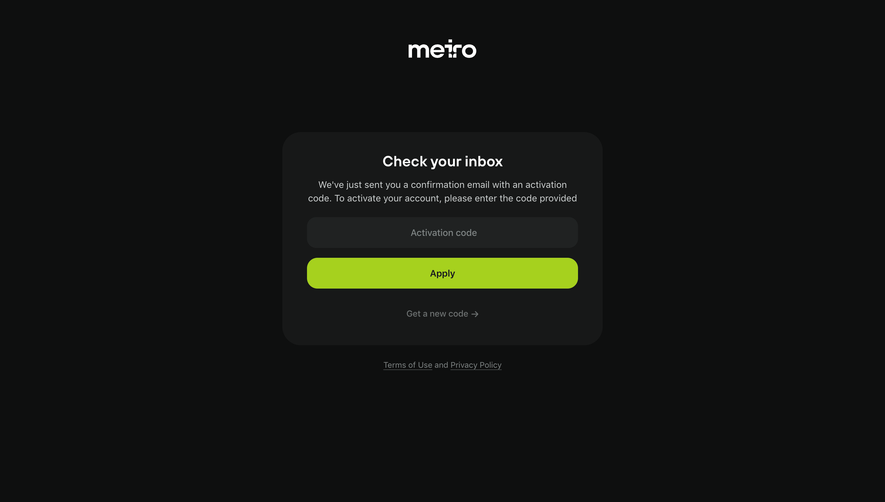
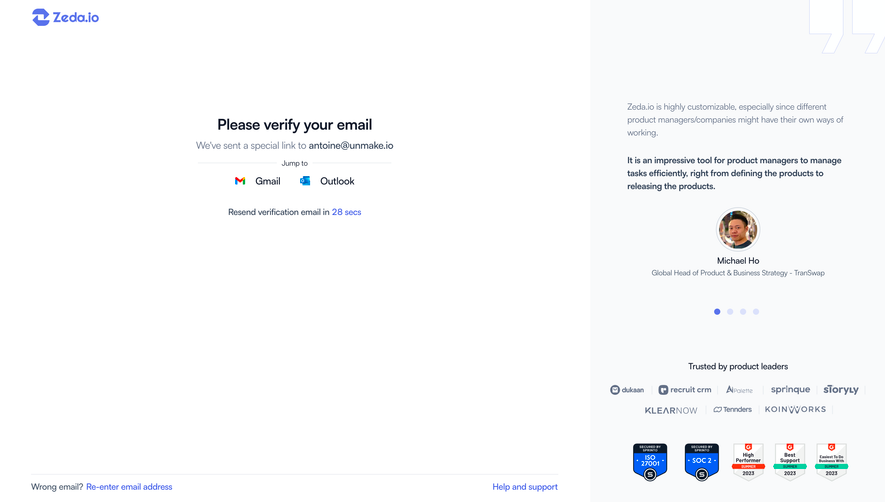
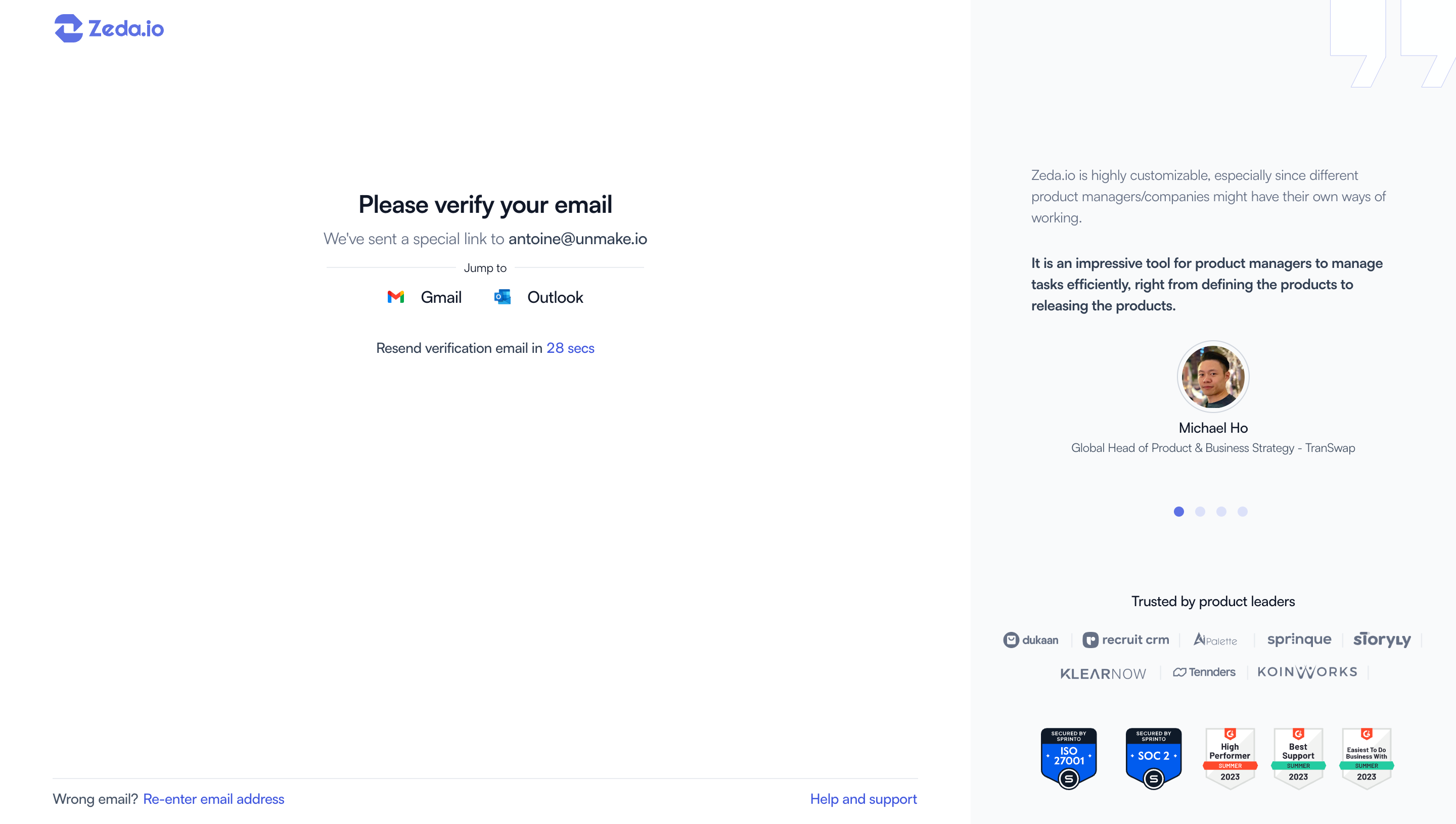
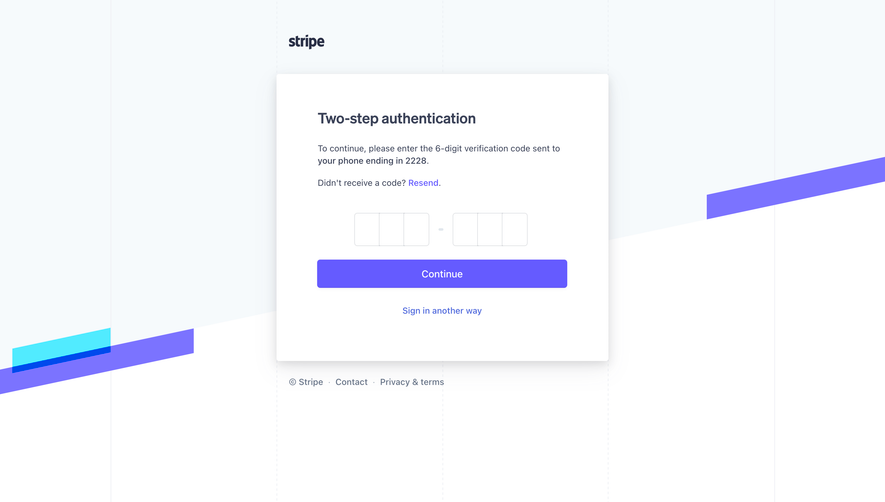
The SaaSFrame examples show code-entry and email-link routes. They are design references rather than a review of the products' authentication security. This guide focuses on the visible journey and the relationship between pending proof and confirmed account state.
Explain what is being verified
Identify the subject of the proof step. Confirming an email address is different from proving a business identity or completing an additional sign-in factor. Do not use a broad verified label that implies more than the operation establishes.
State the relevant destination so users can detect a typo. Display it in a form appropriate to the context and privacy expectations. A person needs enough information to know which inbox to open.
Keep the preceding task visible through the explanation. Users should understand whether this step completes signup, enables a feature, or resumes access to an existing account.
Distinguish code and link routes
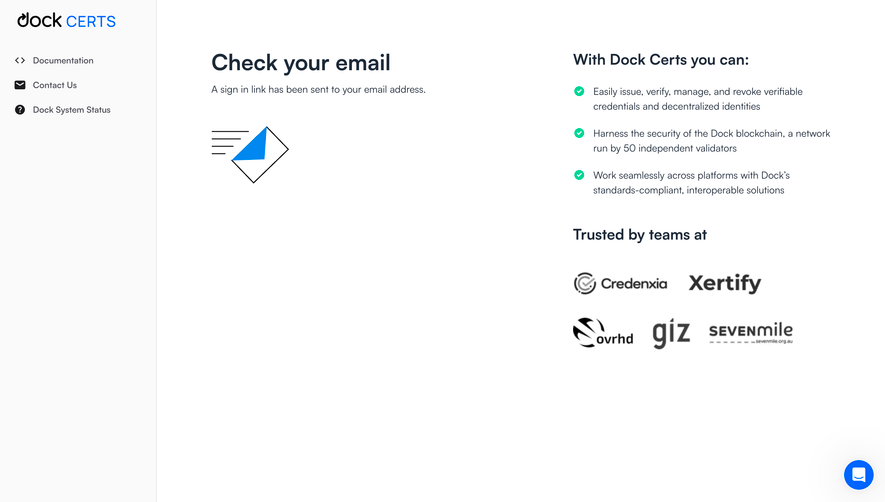
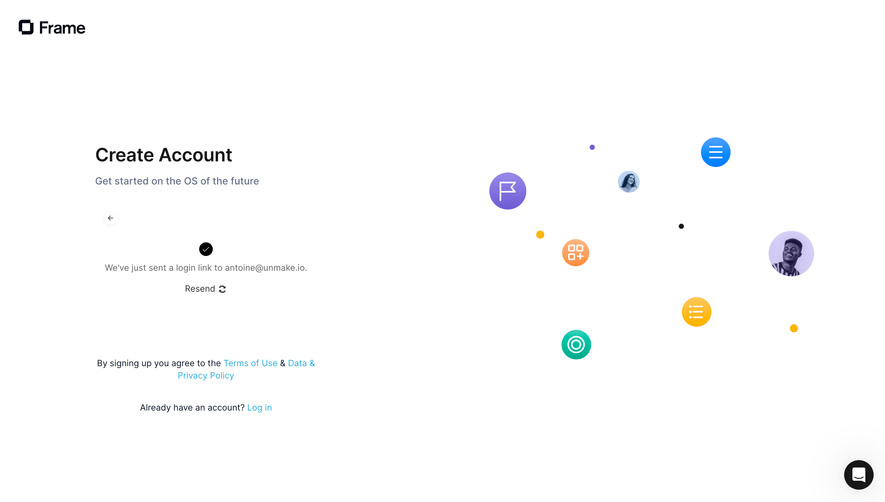
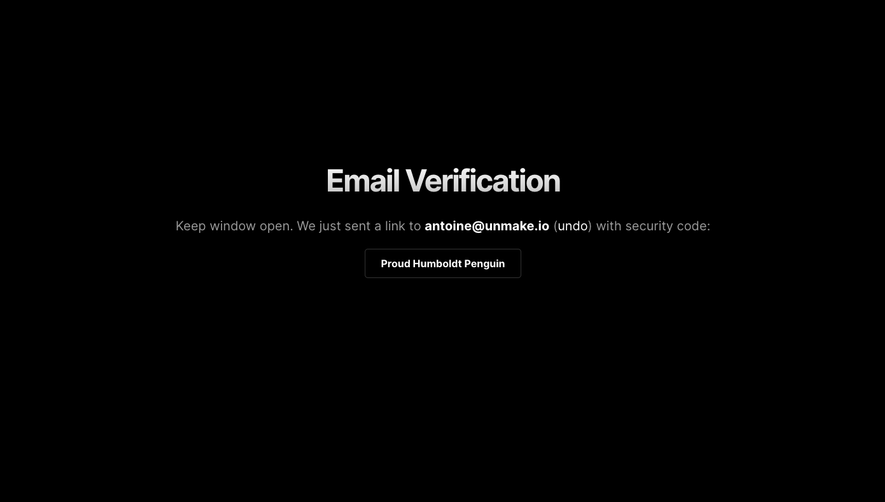
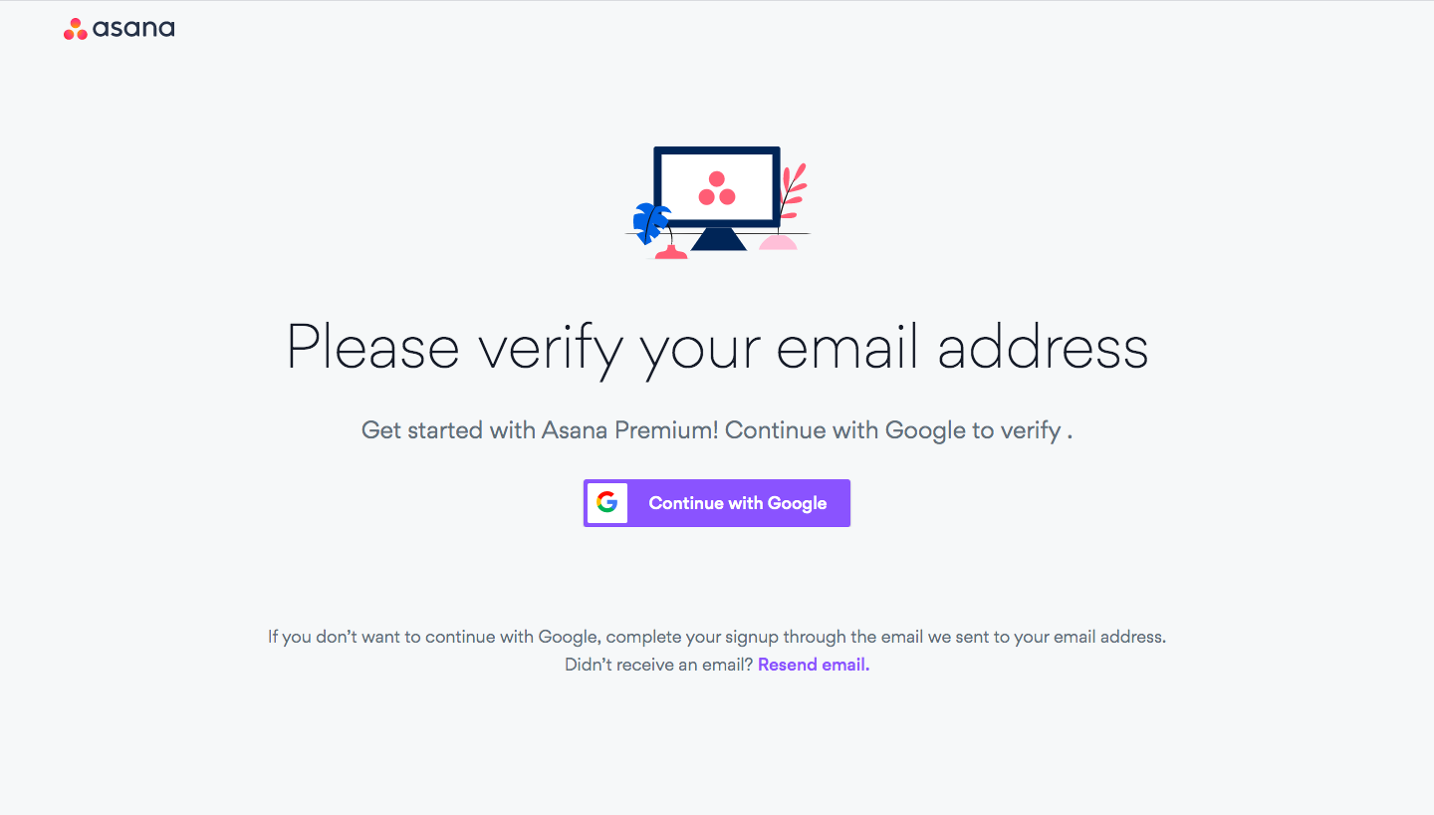
A code route asks users to copy a value back into the product. A link route takes them through an external inbox and a browser handoff. The instructions and recovery controls should reflect the actual model.
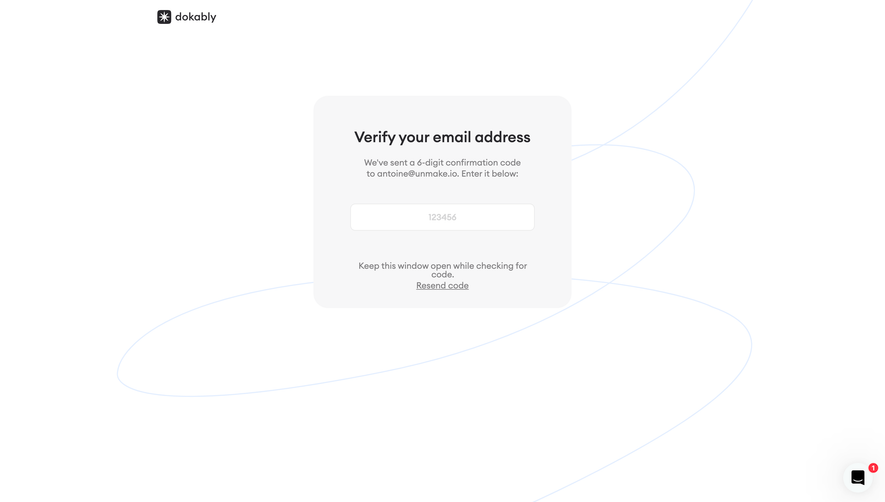
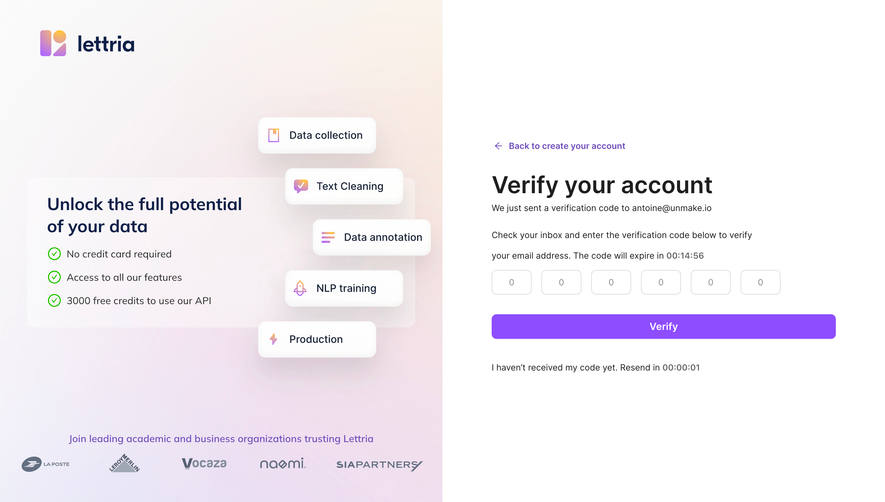
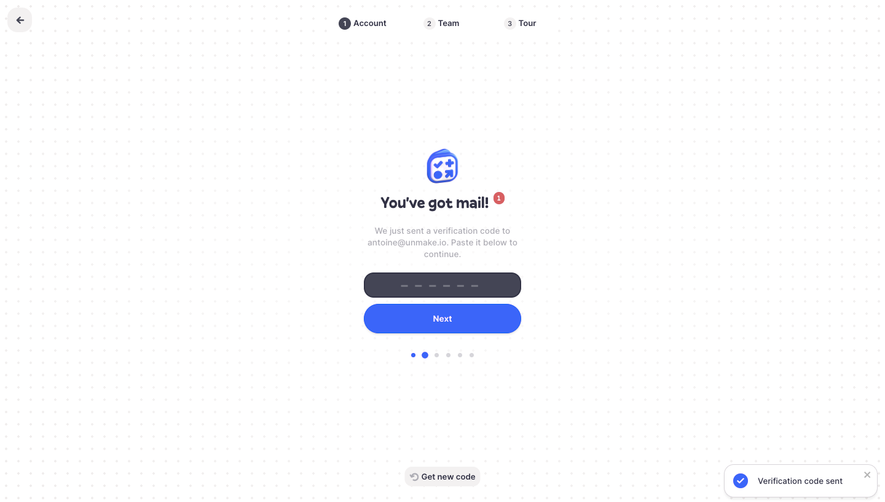
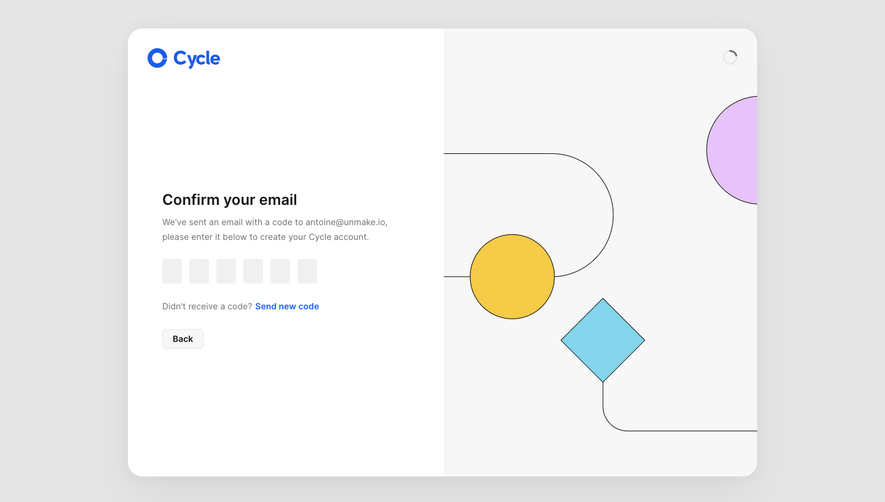
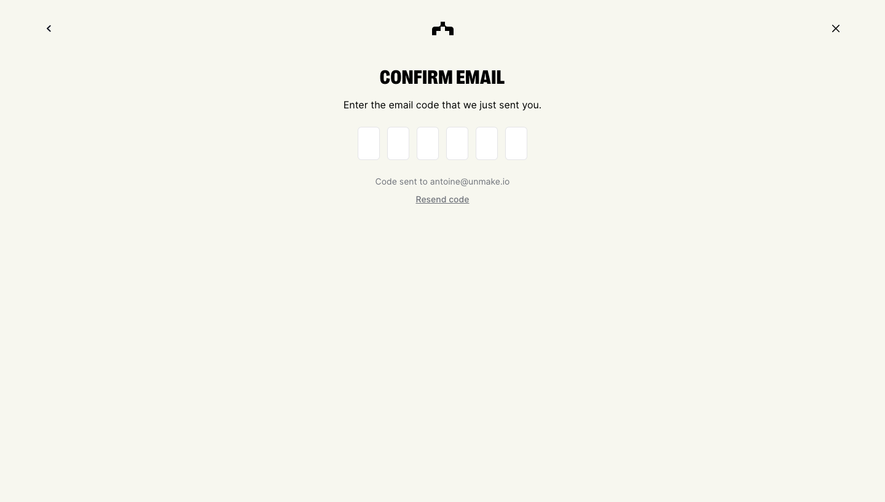
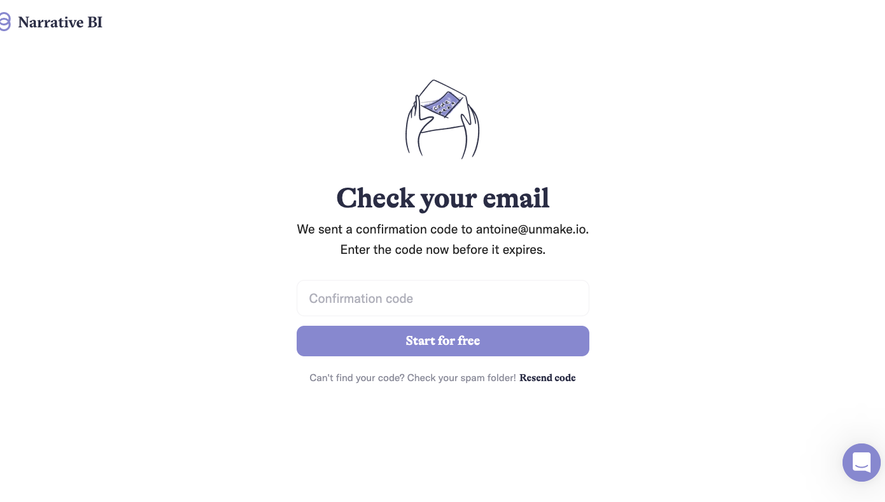
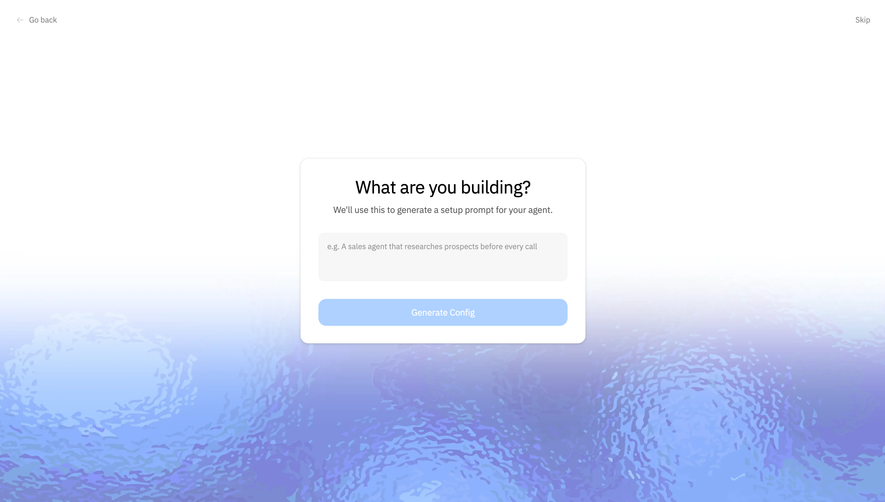
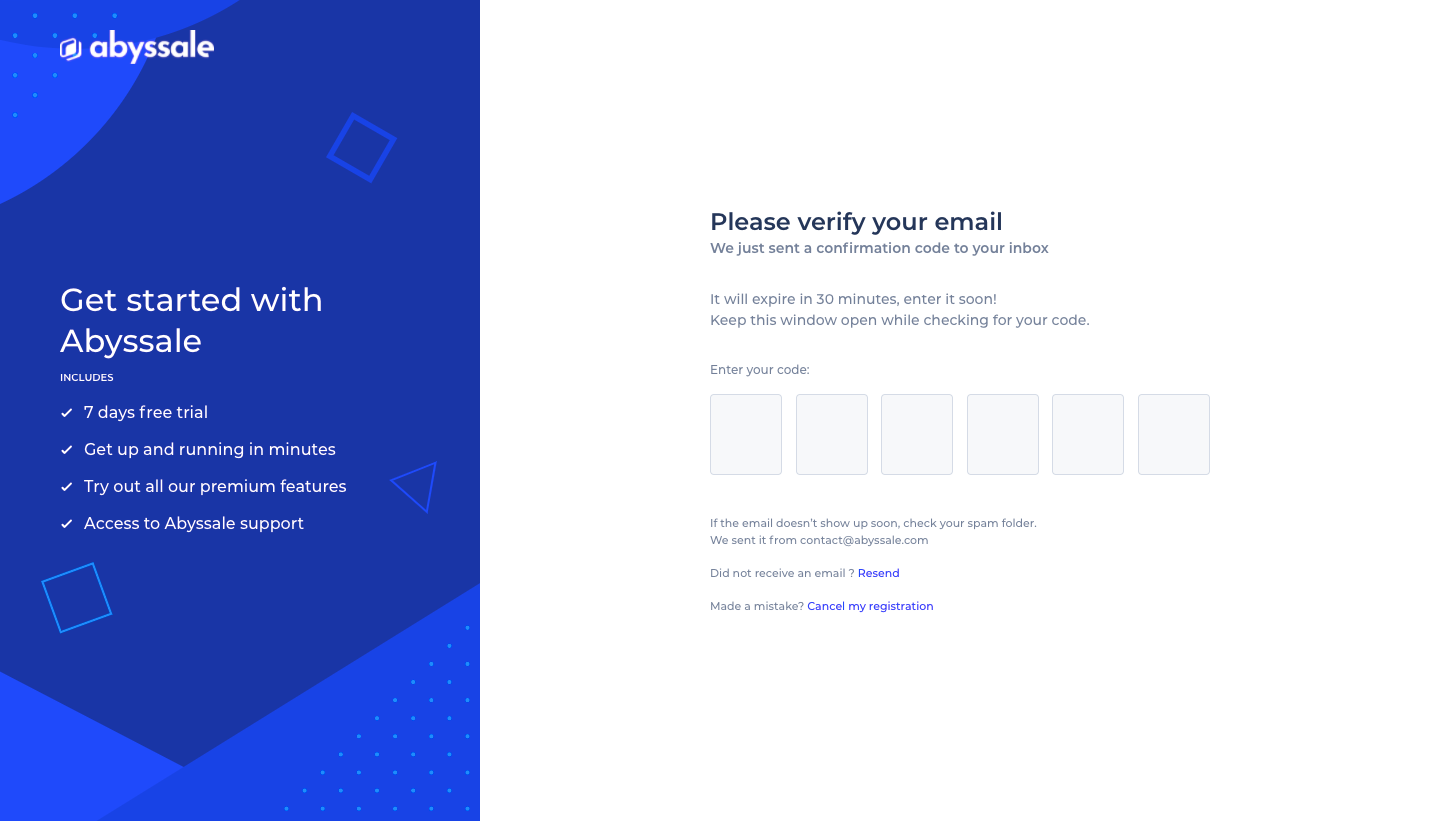
The Abyssale capture asks users to verify an email by entering a confirmation code. It displays a code-entry area, an expiry statement, resend guidance, and a route to correct registration.
This communicates the required action and some recovery options in one place. The expiry value belongs to the captured flow; it is not a universal recommendation. For your product, display the actual validity rule and respond honestly when it is exceeded.
Keep code entry usable
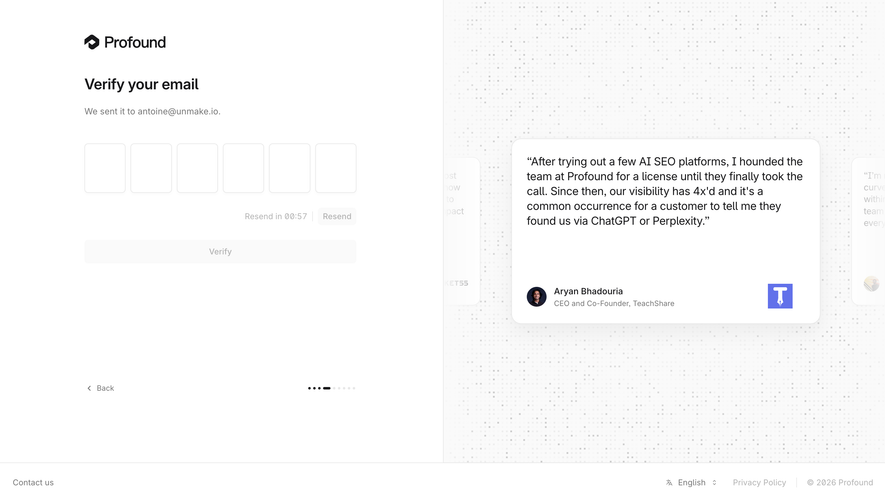
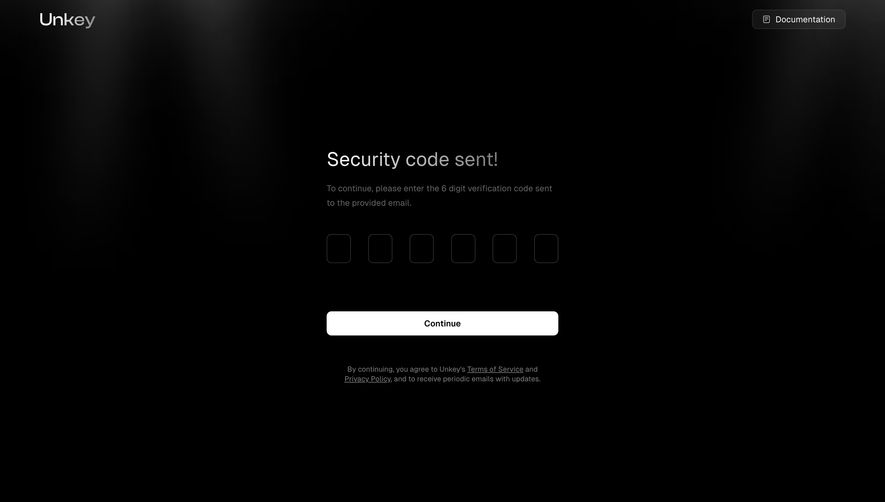
A segmented input can visually communicate code length, but it should behave like one coherent task. Support appropriate pasting and keyboard movement so users do not need to type each character through an awkward sequence.
Use persistent labeling and meaningful error feedback. A wrong code, expired code, and unavailable verification service need different explanations. Avoid clearing a value before the user can understand the error.
If resending invalidates an earlier code, make that relationship understandable. Users may receive messages out of order and attempt an older value. The interface should help them identify the relevant next action.
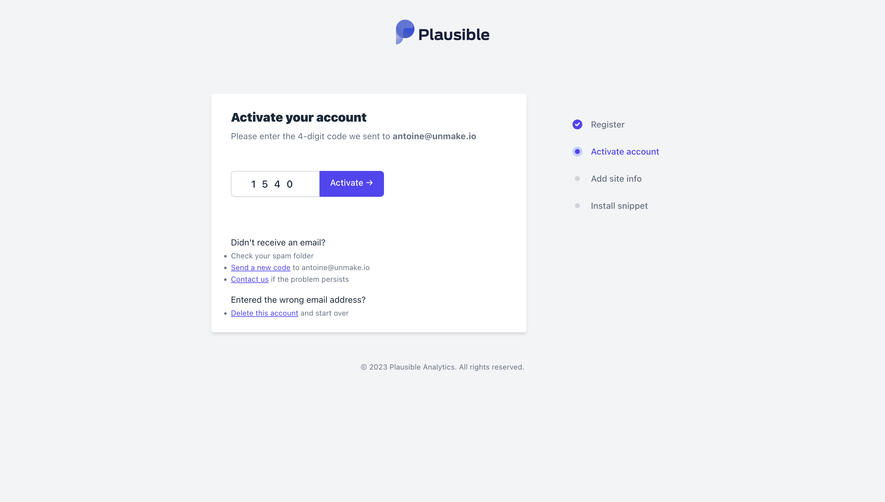
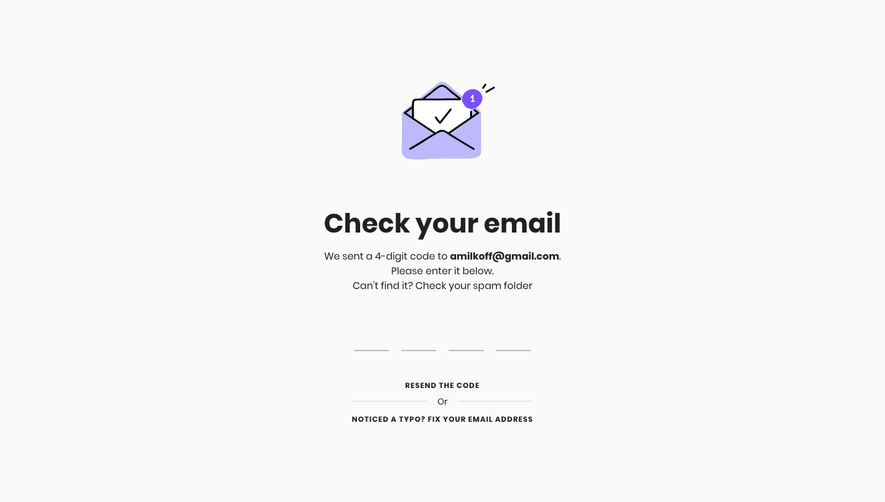
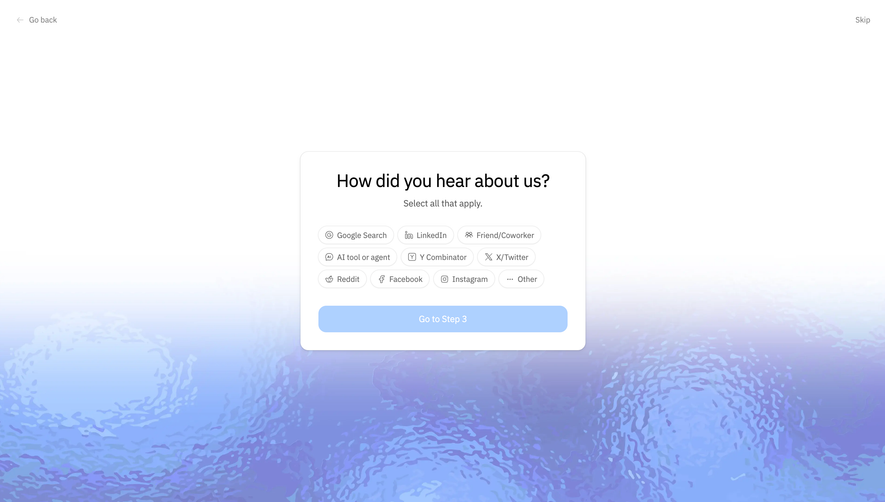
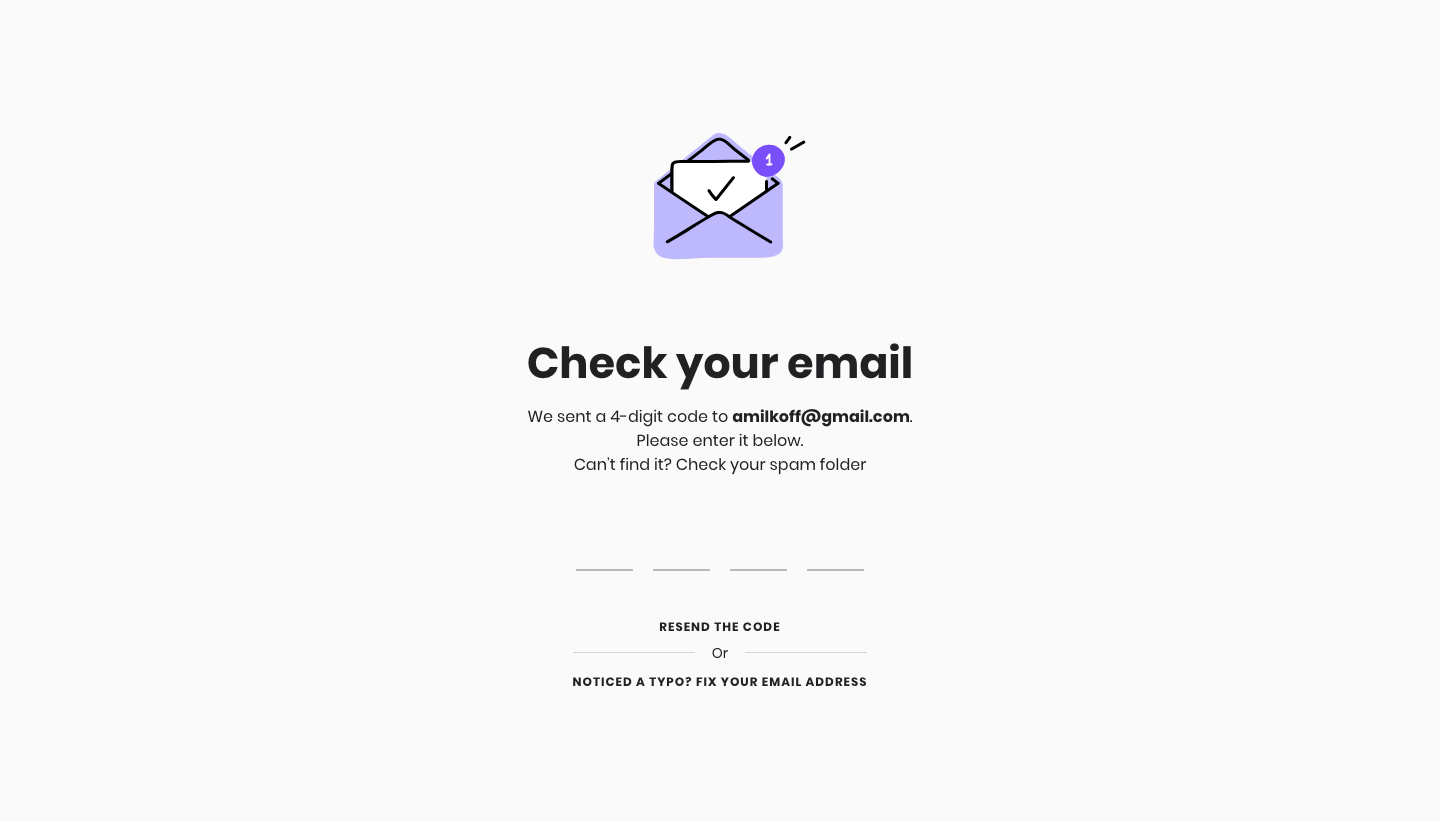
The Melio capture presents the destination email, a four-digit code-entry area, a resend route, and an explicit way to fix the email address if it contains a typo.
Address correction is part of recovery, not a marginal setting. A person who entered the wrong address cannot solve the problem by repeatedly resending. Keeping the correction route nearby makes the flow more complete.
Preserve valid signup information when correction is possible. Do not require a full restart merely to repair one address unless the system has a concrete reason. Explain the resulting verification state after the change.
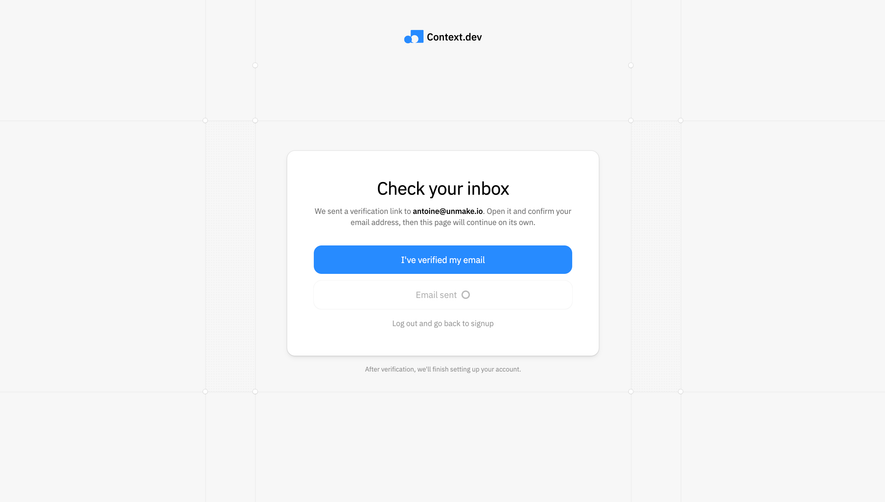
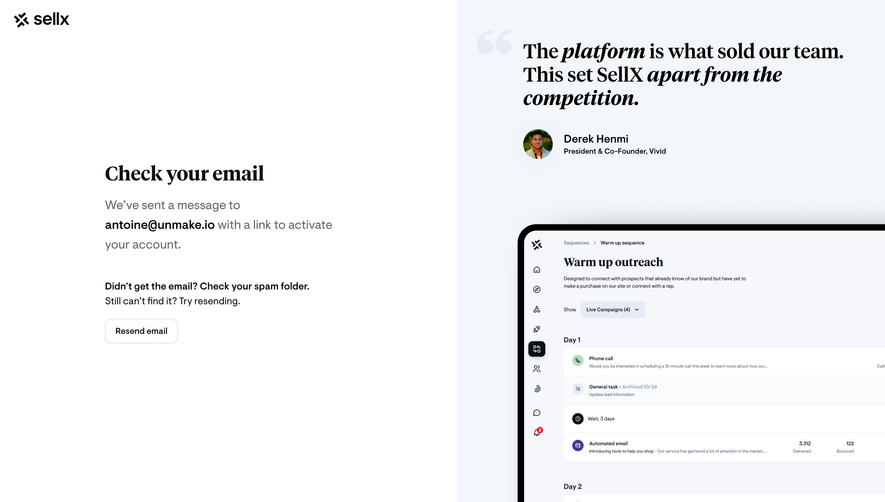
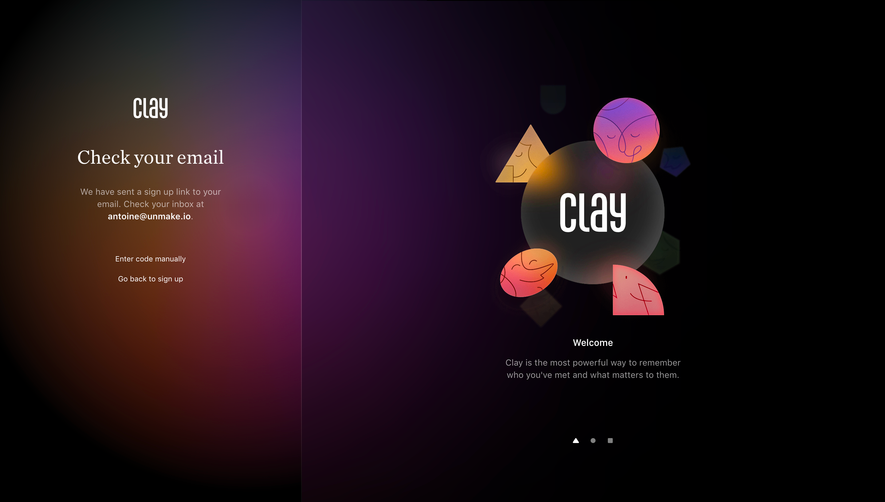
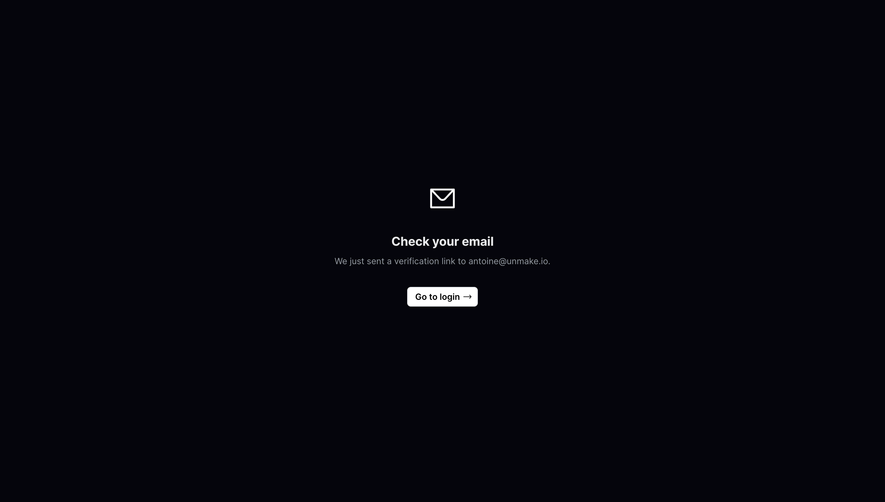
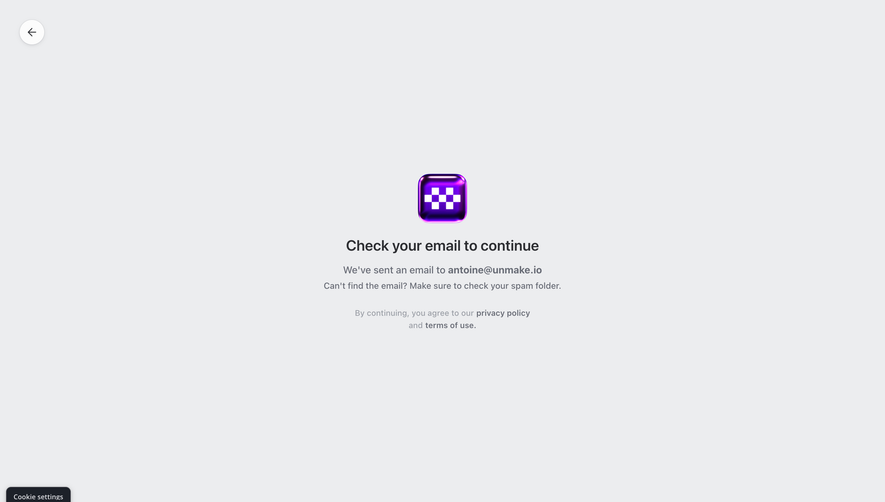
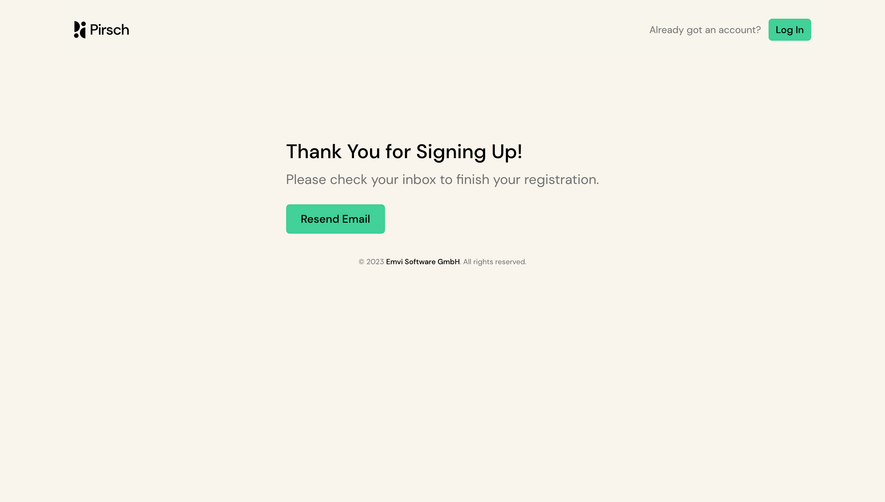
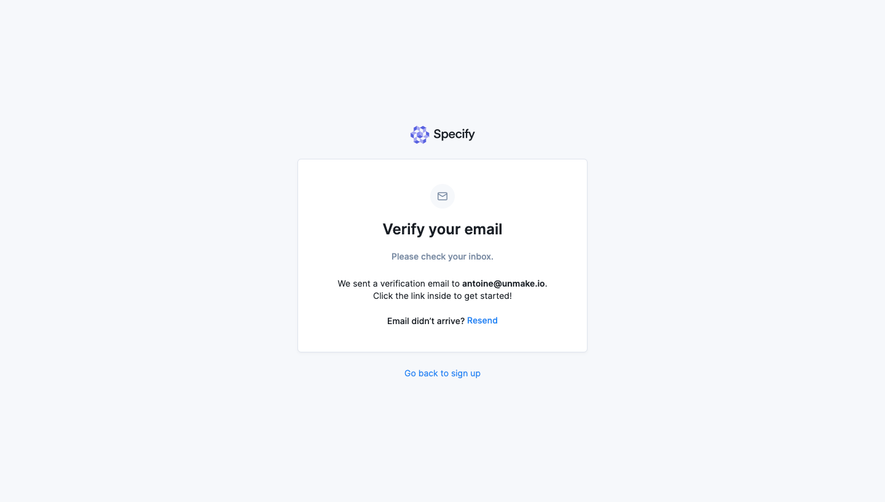
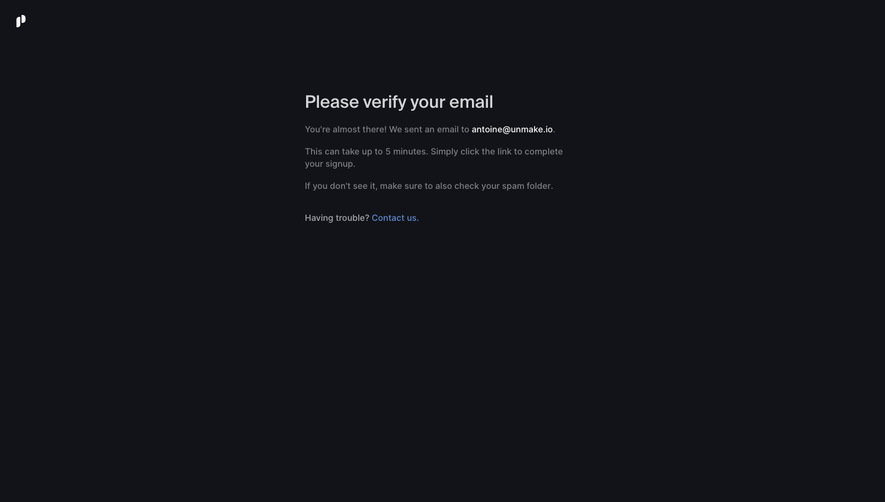
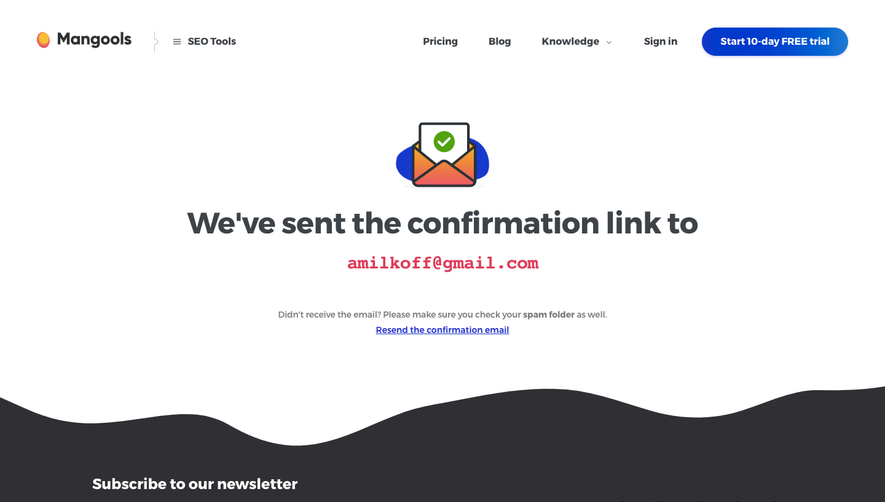
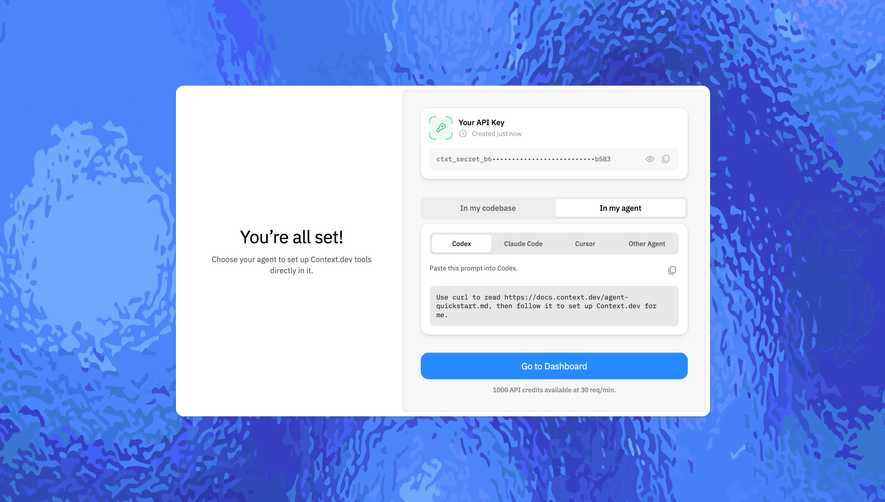
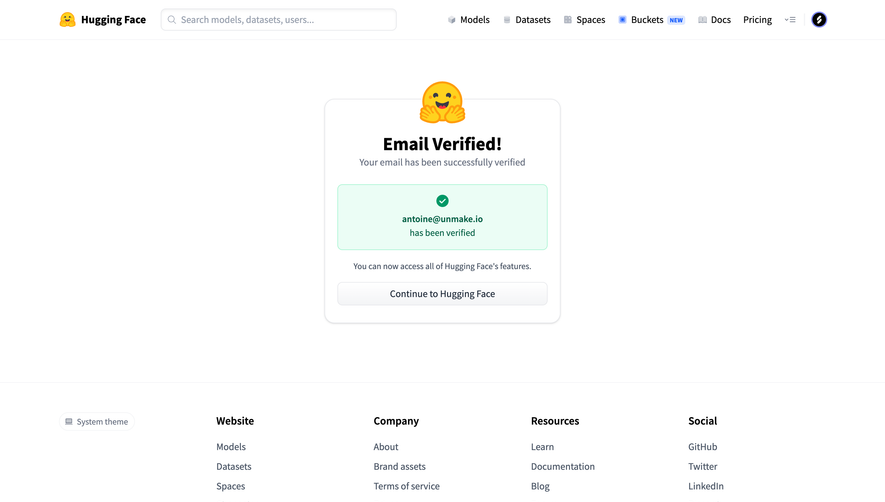
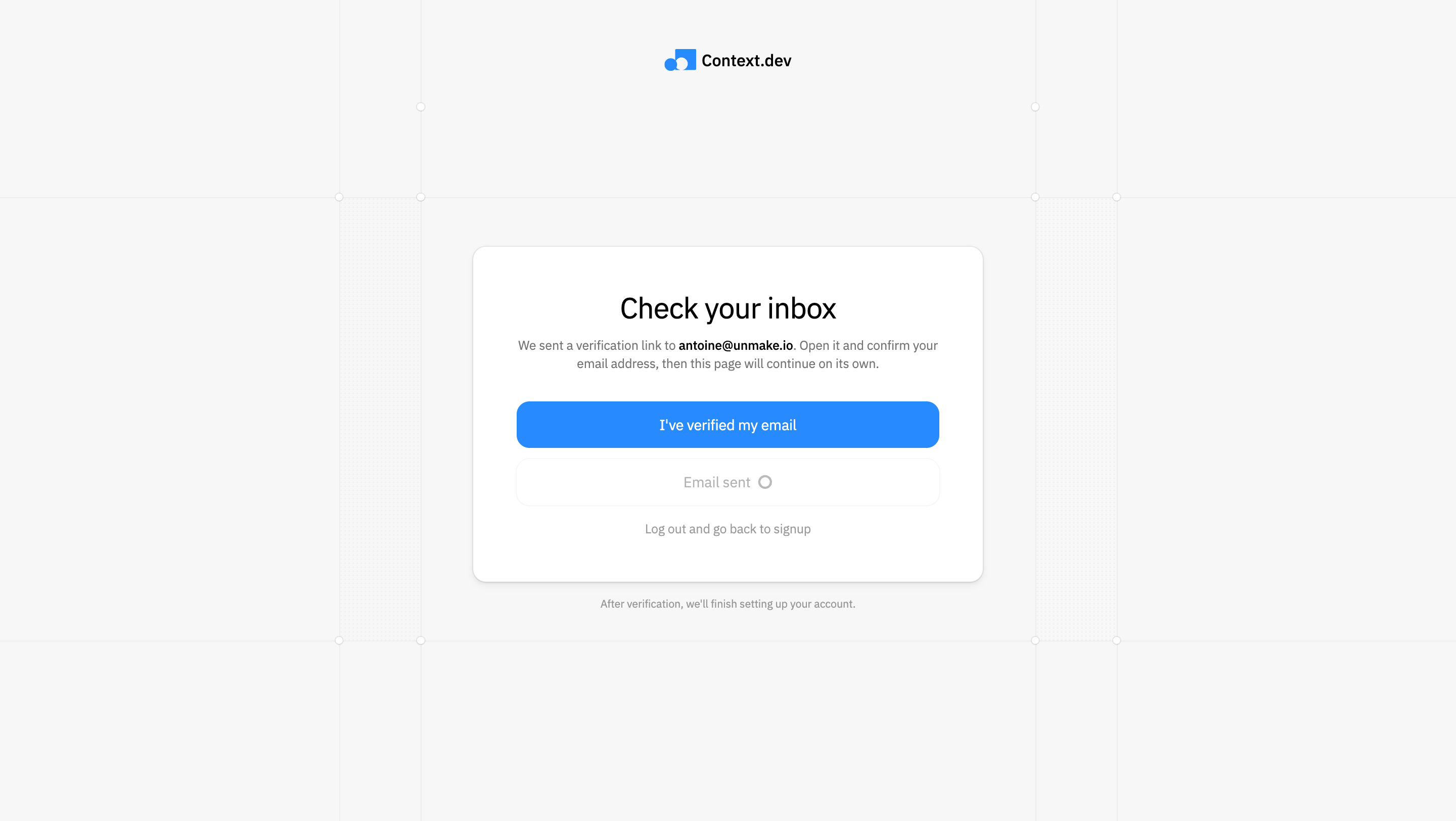
The Context.dev capture says a verification link was sent and asks the user to open it. It explains that the page can continue after confirmation and also provides an I've-verified-my-email action and a return-to-signup route.
This acknowledges a cross-window task. Users may verify in another tab or device and return to the waiting page. The interface needs to distinguish their assertion from the server's confirmed proof state.
A manual recheck can help when an automatic update is delayed, but it should check actual state. Clicking the button should not itself mark the email verified without the required proof.
Describe resend and delivery recovery accurately
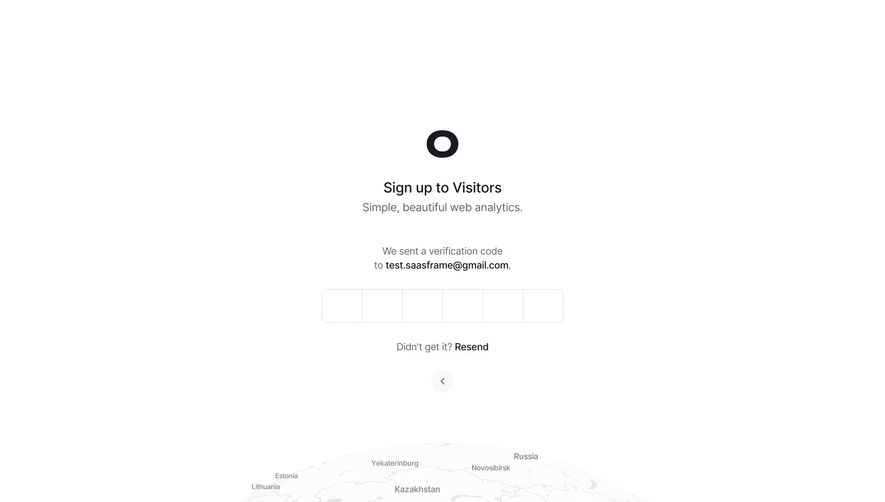
Resend should identify what it does and provide confirmed feedback. If a cooldown applies, show a useful state rather than an unexplained disabled button. A request to resend is not proof that the message reached the inbox.
Offer relevant guidance without blaming the user. Checking the intended inbox or spam folder can help, but a service-side delivery problem requires another recovery route. Preserve the destination and original task context.
Avoid indefinite loops. If repeated attempts fail, provide a usable support or alternative path appropriate to the product. A verification flow should not become a dead end with only one ineffective control.
Keep expiry and pending states separate
A pending proof can remain valid; an expired proof needs a new route. Explain which state applies before asking the user to try again. Do not present an expired link as an ordinary loading problem.
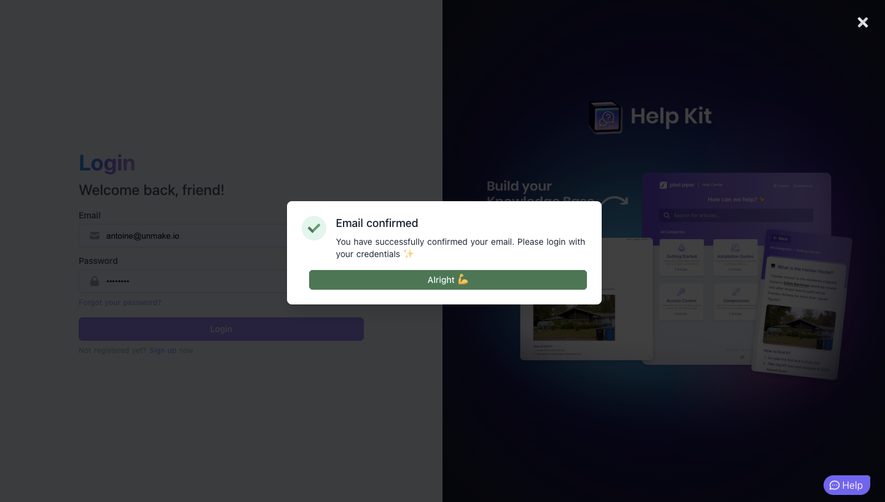
After successful proof, confirm the account state and continue to the intended destination. A verified address does not necessarily mean every setup requirement is complete. The handoff should identify remaining work where relevant.
Handle already-used links coherently. A user may reopen a message after completing verification. Explain the confirmed state rather than producing an alarming generic error.
Preserve the original access path
The verification step may follow an invitation, signup, or restricted action. Resume that path where practical instead of sending every user to the same generic home page.
If the target becomes unavailable, explain it after proof succeeds. Do not imply that the verification itself failed because a separate invitation or object has changed.
Keep account identity consistent across tabs. Users with several signed-in accounts should not inadvertently verify one address while continuing setup for another workspace without a clear indication.
Provide accessible feedback and controls
Code inputs, resend actions, and error messages need usable keyboard behavior and meaningful names. Focus should move predictably after submission or failure rather than disappear into an unrelated part of the page.
Important instructions should be text, not only an envelope illustration or color. On small screens, preserve the destination, input, and recovery routes above secondary promotional content.
Automatic continuation should be communicated clearly. A person returning from their inbox needs to understand whether the page is checking, waiting, or already ready to proceed.
Test the cross-system journey
Test valid codes, incorrect codes, expiry, delayed messages, resend, typo correction, multiple tabs, and verification on another device. Include return navigation after a completed proof.
Ask users to explain which address is being confirmed and what remains to do. Observe whether they distinguish a message request from delivered proof and a pending check from success.
Measure completed verification and recovery, not only resend clicks. Repeated requests may indicate a delivery problem, unclear timing, or a missing correction route.
Frequently asked questions about verification screens
Should verification use a code or a link?
Both can support a clear journey. Design the instructions, handoff, and recovery around the chosen method rather than treating their interfaces as interchangeable.
Does clicking I've verified confirm the account?
It should trigger a check of the real proof state. A user assertion alone is different from the verification result.
Where should users go after verification?
Return to the intended signup, invitation, or task path where practical. Explain any separate setup requirements that remain.
.webp)