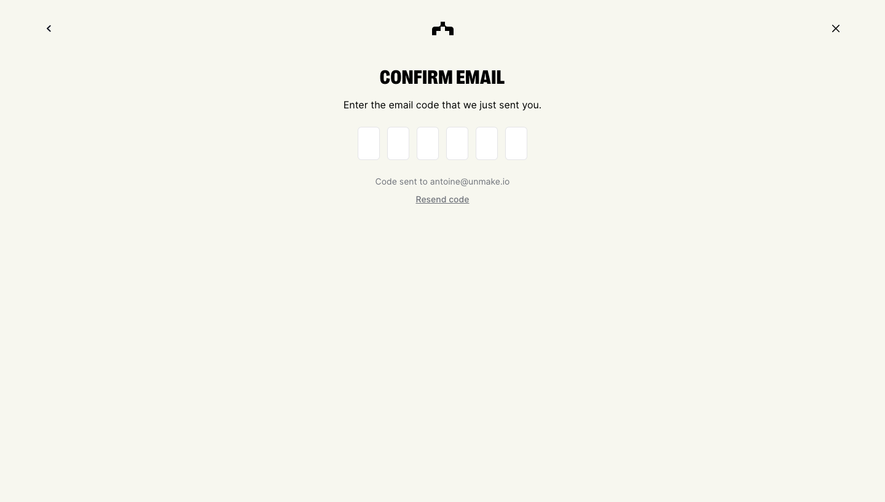
Design with AI
Generate a new design based on this screen using your own content.
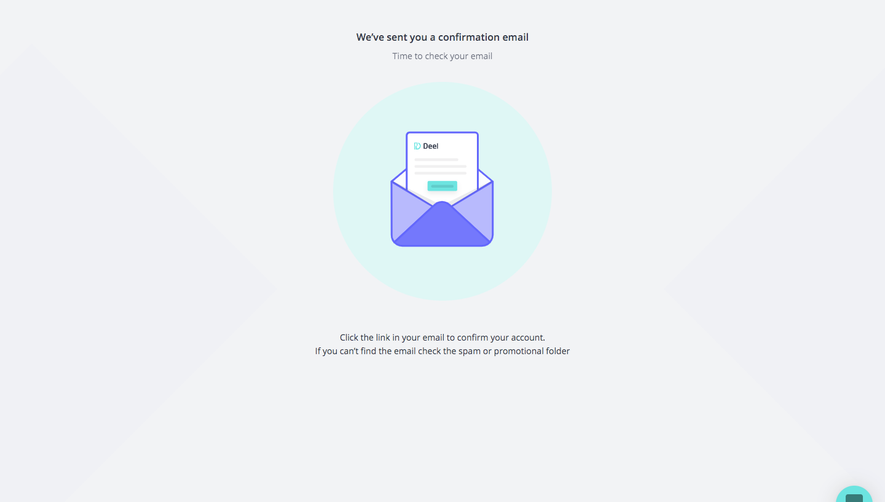
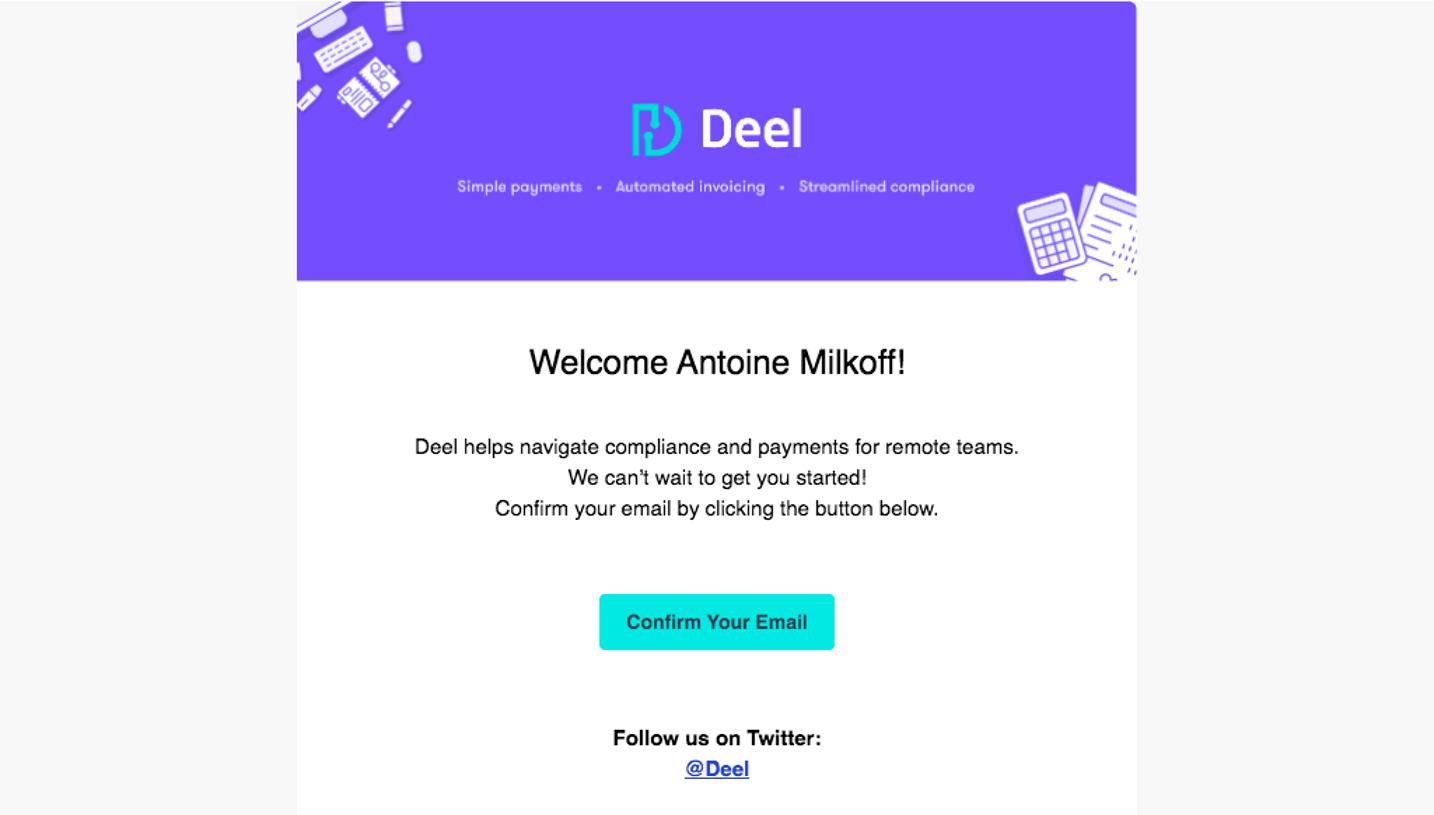
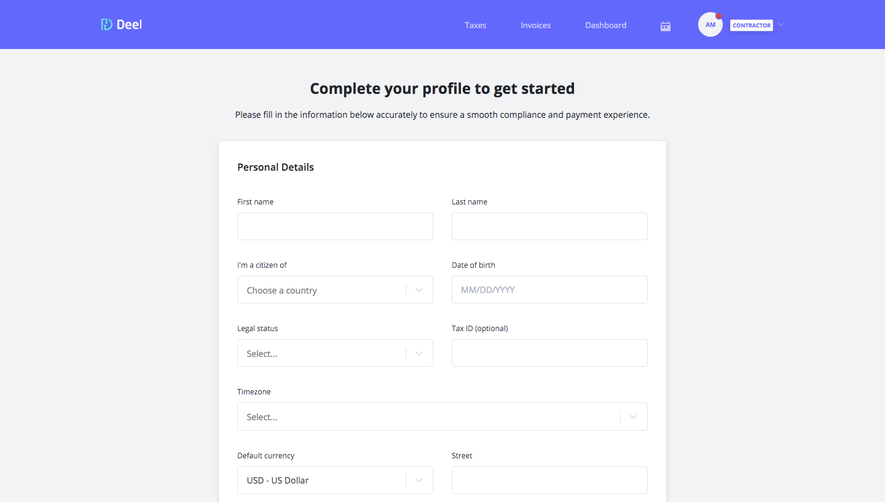
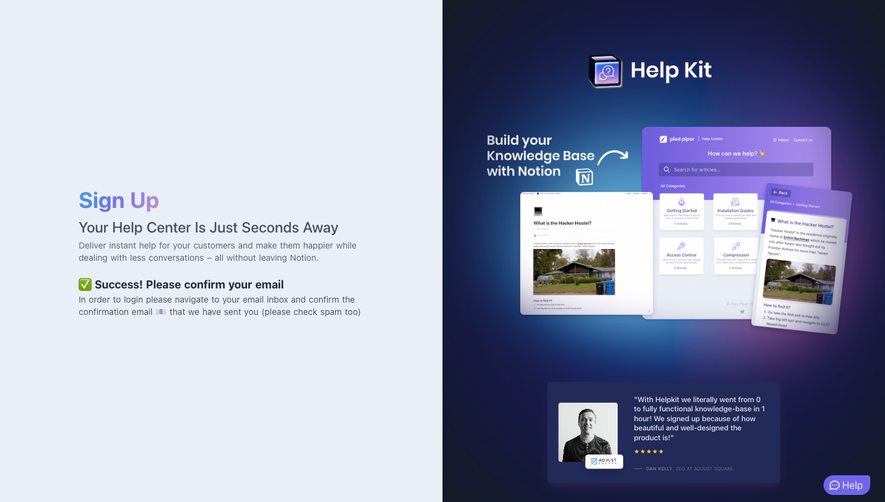
# Design from Reference: Deel Email Verification
Create an original, high-fidelity visual design inspired by the reference. Prioritize composition, typography, colors, spacing, and component styling over technical implementation.
## Reference
- **Product:** Deel
- **Category:** Verification
- **Screenshot:** https://cdn.prod.website-files.com/5e9dc792e1210c5325f7ebbc/6acbc86a6b0a1061299bac50_6acbc60d681d3a08a1ee3455_cms-29a5aac8419eda697d375736.webp
Analyze the screenshot first. If inaccessible, request it rather than guessing.
## Content
{{content.instructions}}
{{content.data}}
Preserve essential messaging and factual accuracy. Adapt structure and copy length for visual balance; never invent product claims.
## Visual Design
### Overall aesthetic
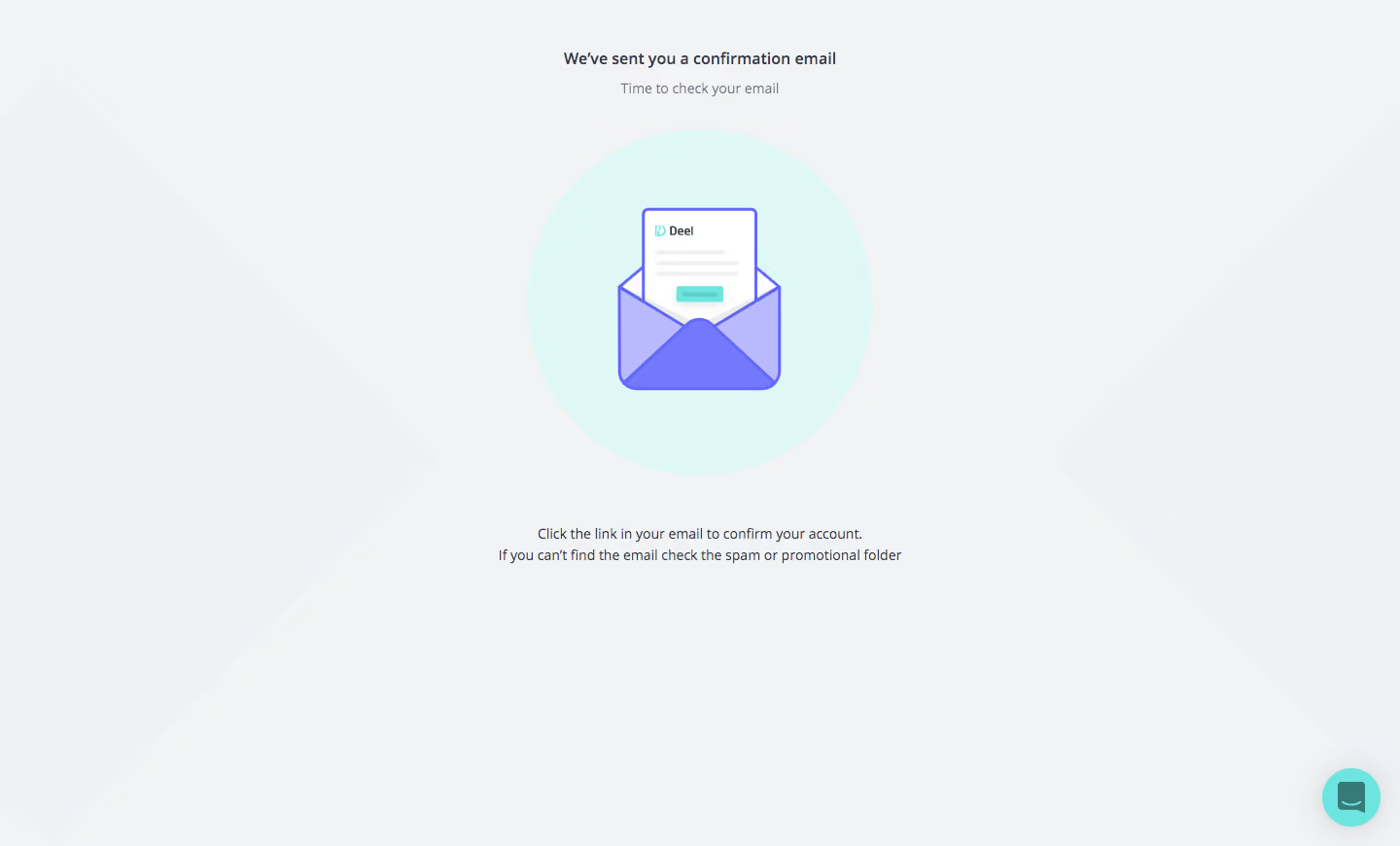
- **Character:** Calm confirmation state with a large envelope illustration and sparse centered instructions.
### Page composition
- **Canvas:** 1440 × 870 screenshot px.
- **Structure:** Small top heading/subtitle; central mint circle containing envelope and letter; two-line confirmation instructions beneath; floating teal support button lower right.
### Information hierarchy
- **Priority:** Illustration conveys email delivery; short heading and bottom instruction explain the next step without additional form fields.
### Typography
- **Family:** Humanist interface sans serif, exact font unverified.
- **Scale:** Estimated screenshot heading 16–18 px, supporting text 14–16 px; medium-weight heading and regular instructions.
### Colors & surfaces
- **Sampled palette:** Background #F2F3F5/#F0F1F5, mint circle #DFF7F5, white letter #FFFFFF, lavender #B8BAFD and violet #7478FC.
### Components
- **Illustration:** Large violet-outlined envelope with layered purple folds, white letter and small teal brand/button details.
- **Backdrop:** Extremely faint oversized diagonal geometric shapes sit at both sides; no enclosing card.
- **Support:** Circular mint help/chat control with soft shadow.
### Visual rhythm
- **Spacing:** Wide empty margins; approximately 45–60 screenshot px between illustration and bottom instruction; all primary content is centered.
### Responsive
- **Observed:** Desktop only.
- **Adaptation:** Scale illustration to available width, keep instructions within a readable column and place any required resend action near the message.
### Adaptation guidance
- **Preserve:** Single-purpose confirmation, soft mint/violet imagery and minimal text.
- **Replace:** Use accurate confirmation instructions and current support behavior; do not invent a resend control absent from the screenshot.
Use this context to reproduce the reference's visual language: layout, typography, colors, spacing, borders, radii, and distinctive elements. The screenshot takes priority if descriptions conflict.
## Direction
{{preferences.fidelityInstructions}}
## Output
{{output.instructions}}
Deliver a polished, cohesive design with precise alignment, hierarchy, and spacing. Produce the requested visual artifact, not just a description. If unsupported, explain the limitation.
.webp)



.avif)