Avatar Group
14
A compact overlapping or grouped display representing multiple people or collaborators.
.webp)
An avatar group compresses several identities into a small visual unit. It can communicate participation, ownership, collaboration, or social context without listing every person in full. The pattern is useful when the group has a clear relationship to the nearby object or message.
Overlapping portraits are not enough to explain that relationship. Visitors need to know whether the people are assignees, attendees, contributors, or something else. Design the group as a summary with an understandable route to detail, rather than a decorative collection of faces.
Choose a meaning for the group in the current context. On a task, it might identify owners or collaborators. On an event, it might introduce participants. On a promotional page, it might suggest community involvement. These uses should not share ambiguous wording if their consequences differ.
Keep the group tied to the relevant object. A row of faces between two cards can become difficult to attribute. A nearby label, heading, or clear grouping can establish which task, event, or resource the identities belong to.
Avoid treating every visible person as an endorser. Participation, membership, and recommendation are different relationships. The presentation should not create a stronger claim than the underlying information supports.
The Cloudflare account-home capture includes a promotional event band with a small cluster of overlapping portraits near the event heading. The surrounding text describes the community context, and separate actions offer more information and tickets. The avatars support the invitation without replacing its explanation.
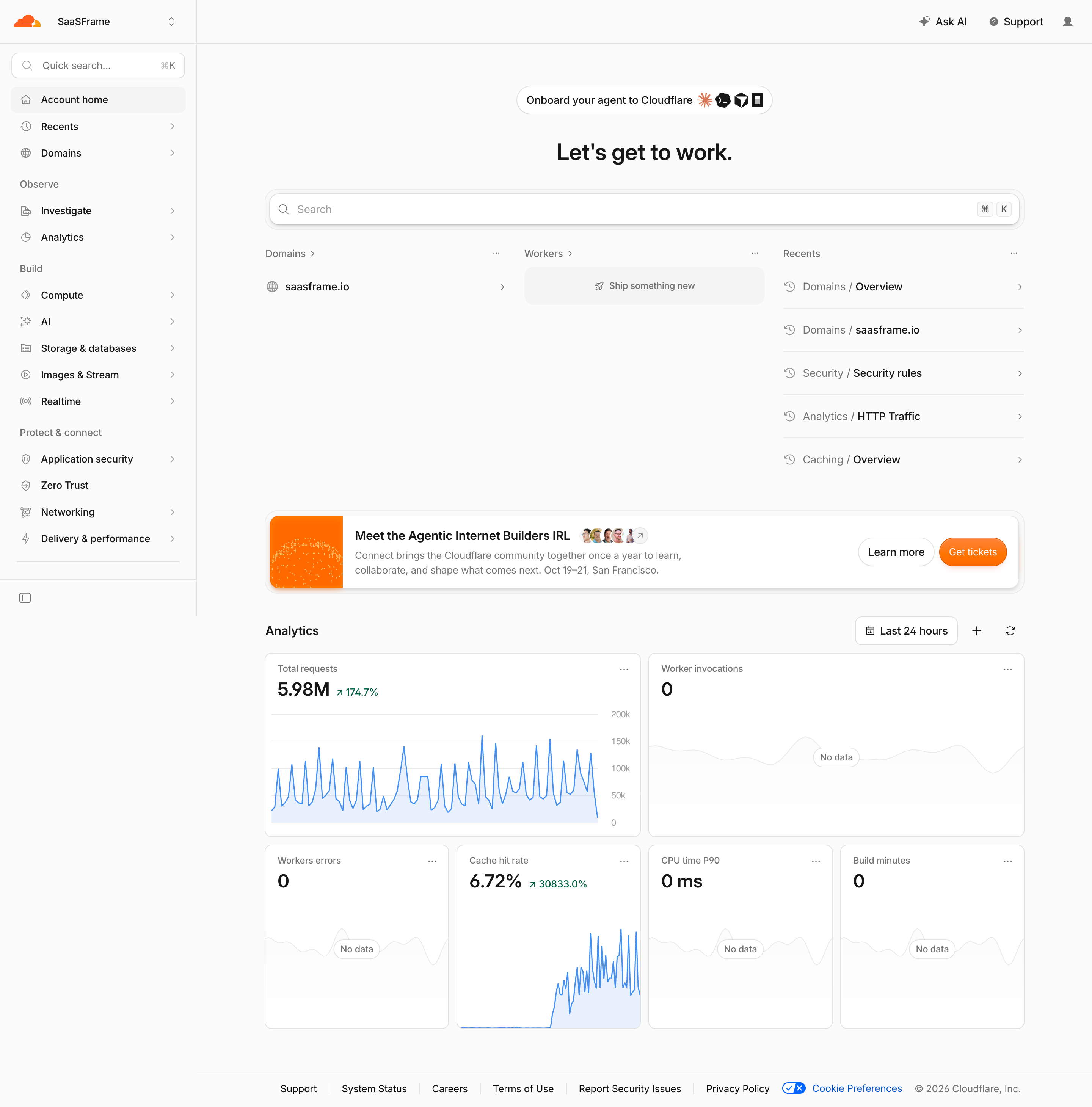
The group introduces a human dimension within a compact announcement. The screenshot does not identify every person or verify their current relationship to the event. It also does not prove that the portraits are interactive or that a complete participant list opens after activation.
When adapting the pattern, preserve the contextual label and use verified identities appropriate to the relationship. A visual cluster can suggest participation, but it should not invent members or imply a precise count that the data does not support.
When the group is larger than the available space, decide which identities appear. Assignment order, relevance, or another consistent rule can work. Avoid an unexplained selection that makes the first few people look more important than intended.
Use an overflow indicator when additional identities matter. Its count should distinguish the total group size from the number not currently shown. A plus-four indicator beside three portraits usually suggests four more people, so the data and wording need to agree.
If the group is illustrative rather than a complete roster, do not add a precise overflow count merely to imitate a familiar pattern. The visual treatment should match the informational role. A curated community image and a live collaborator summary need different claims.
Overlap saves space and communicates grouping, but it hides part of each image. Keep enough of each portrait visible for recognition when that is the task. Extremely dense overlap can turn distinct people into an indistinguishable decorative shape.
Use spacing and borders that preserve separation against the background. The group should remain legible in light and dark contexts. Do not rely on an image's original background to distinguish one person from the next.
Review the group at its actual displayed size. A portrait crop that looks good in a profile header may be unclear as a small avatar. Preserve meaningful face placement and avoid arbitrary cropping that makes recognition difficult.
If the group represents operational identities, people may need names, roles, or responsibilities. A hover tooltip can supplement discovery, but it should not be the only route. Keyboard and touch users need an understandable way to inspect the same information.
An expanded list can provide clearer detail than a series of tiny individual popovers. Choose the interaction according to the task: inspecting one assigned person and reviewing a whole participant set are different intentions.
Make the destination predictable. Activating an avatar might open a profile, an assignment menu, or a group list. The appearance and label should help users anticipate which one. Do not make a decorative promotional group look like an operable directory without offering the expected route.
A person's portrait does not establish whether they are online, currently editing, or responsible for the record. If those states matter, communicate them distinctly. A small dot should not carry several meanings depending on context without explanation.
For collaborative presence, decide how recently active users remain visible and what the group represents. Viewing a document and editing it are different states. The interface should not imply active collaboration merely because an account accessed the record earlier.
For assignment, make responsibility explicit. A group of watchers may have no obligation to act, while an owner may be accountable for the next step. Use labels and detail routes to preserve that distinction.
Provide an appropriate fallback, such as initials or a neutral identity symbol, while keeping names available in detail. A missing photo should not make a member disappear from the group or appear less valid than others.
Support realistic names and writing systems. Initials need a sensible derivation policy, but they are still only a compact cue. They should not become the only way to distinguish people with similar names.
When identities are unavailable or removed, decide how the historical relationship is shown. An old activity record may need an attribution that differs from a current collaborator list. Keep the context understandable without exposing information beyond the viewer's access.
Membership can change through invitation, removal, assignment, or access changes. The summary should reflect the actual state and distinguish pending invitations from active members when that difference matters.
If the group updates live, avoid distracting movement or unexpected reordering while someone is inspecting it. A new participant can be communicated without making a focused avatar move away. Preserve the association between an identity and its action during updates.
If changing the group is supported, separate viewing from editing. A user who opens the member list should not accidentally remove someone by clicking a familiar avatar. Use explicit actions with clear scope and feedback.
Provide a meaningful account of the group and its purpose. A sequence of image descriptions without a relationship label may identify faces while leaving the summary's meaning unclear. If a full list is available, make that route discoverable.
Avoid repetitive or ambiguous control names. An overflow control should explain that it opens additional people, and individual interactive avatars should identify the relevant person and action. Visible focus should remain clear despite overlap.
If the avatars are purely illustrative and the surrounding text already carries the meaning, avoid forcing users through redundant decorative content. Choose the treatment according to the group's informational role, not simply its visual form.
Reduce the visible subset when necessary without changing the meaning of the overflow count. Keep the group associated with its label and avoid shrinking portraits until they are no longer useful for recognition.
An expanded member surface may need a different layout on mobile. Keep names, roles, and actions readable, and preserve a practical close or return route. Touch targets should not overlap merely because the visual portraits do.
Review long contextual labels and text zoom. A compact avatar group can fit while its explanation wraps into an unrelated area. The relationship between the text and identities should remain clear in the final layout.
Ask users what the group represents, how many people it includes, and what they expect after activating it. If they infer ownership from a watcher group or endorsement from event participation, improve the label and context.
Check overflow counts, identity order, missing photos, live updates, keyboard use, touch inspection, and unavailable members. Verify that the expanded details agree with the compact summary and that actions apply to the intended person.
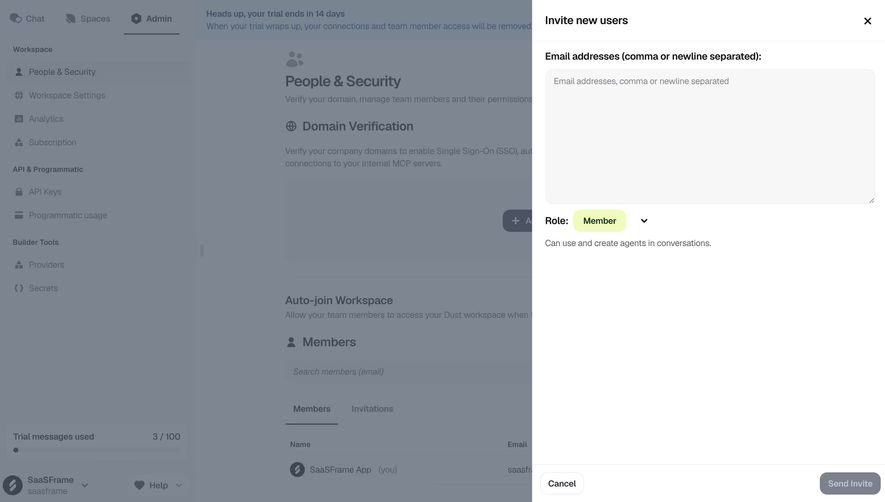
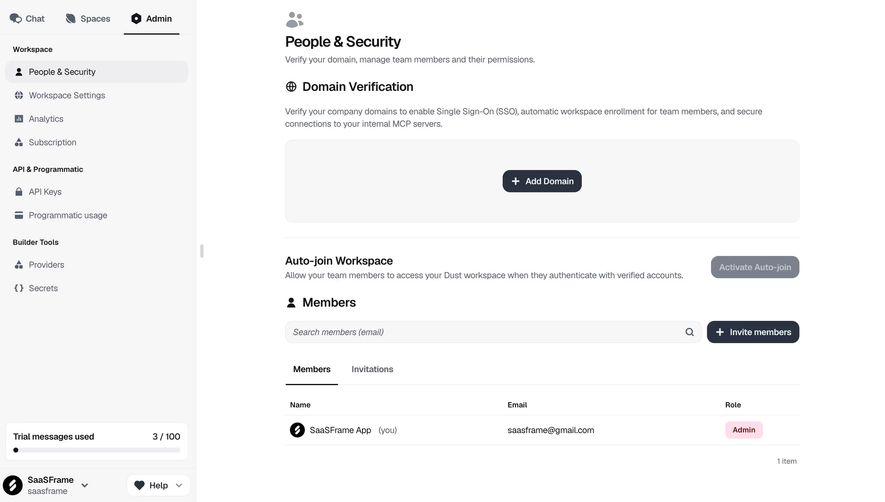
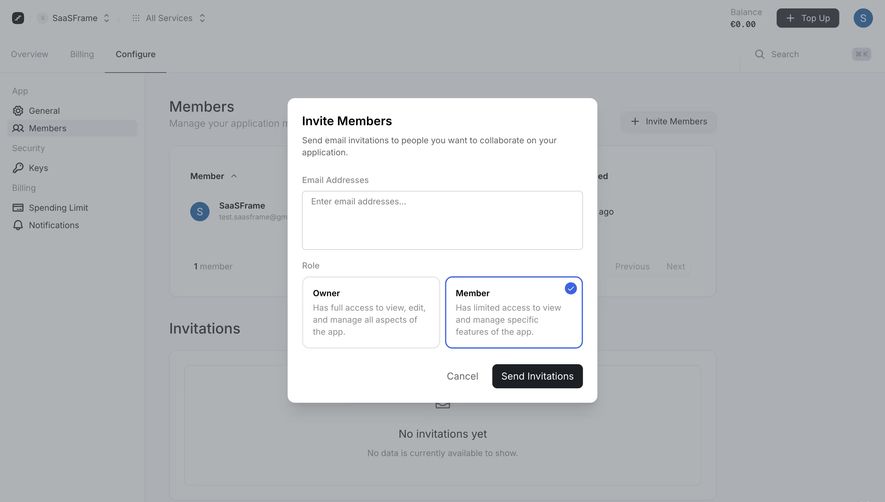
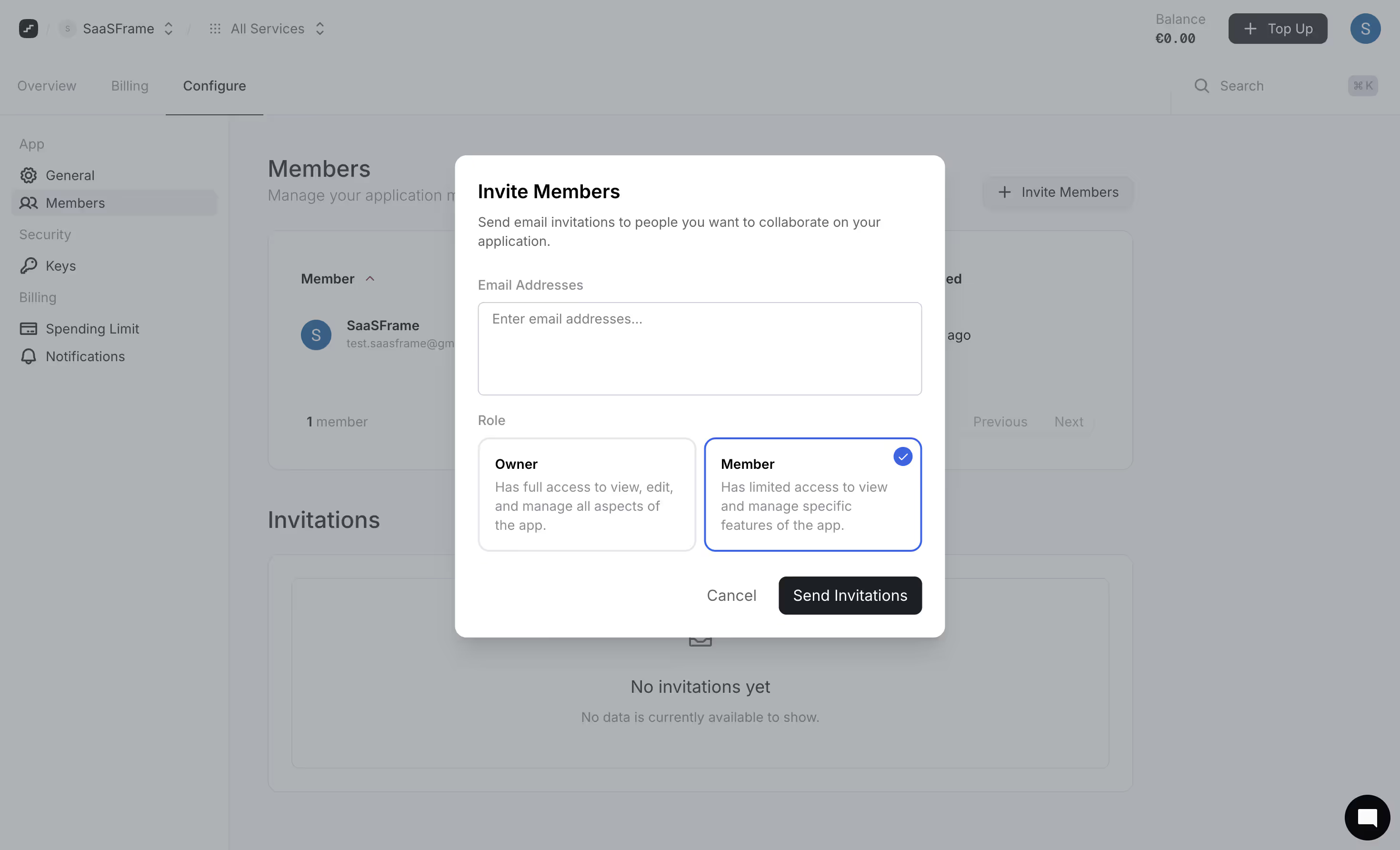
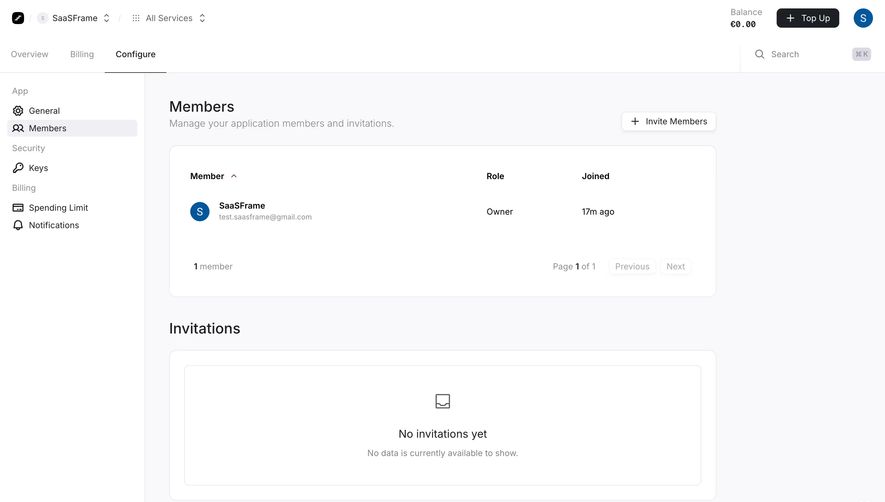
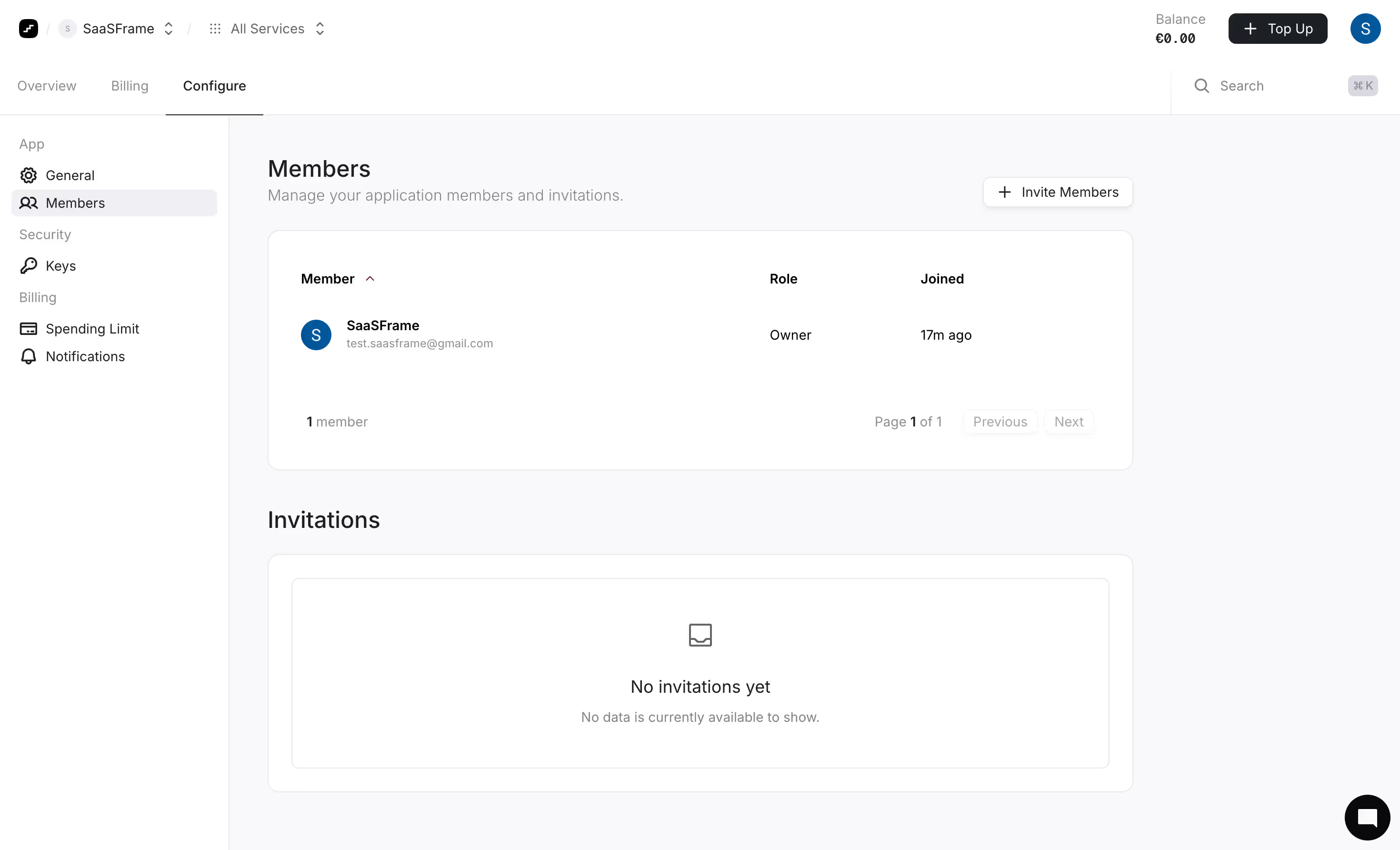
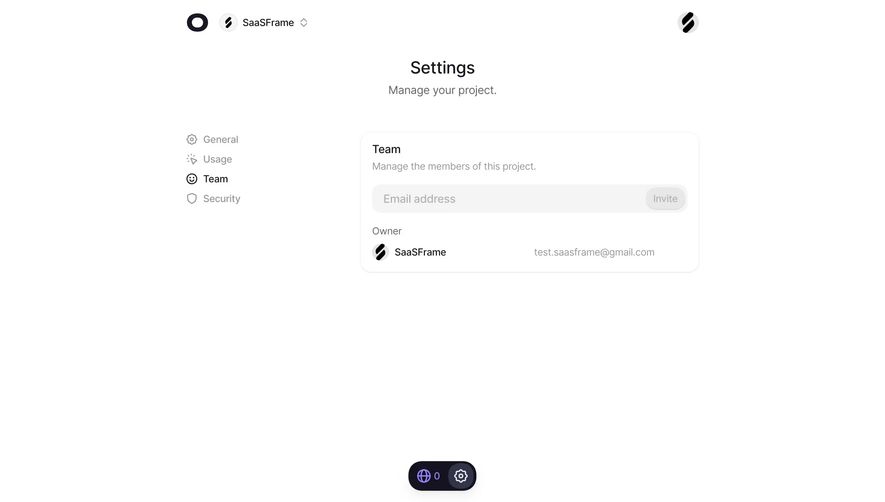
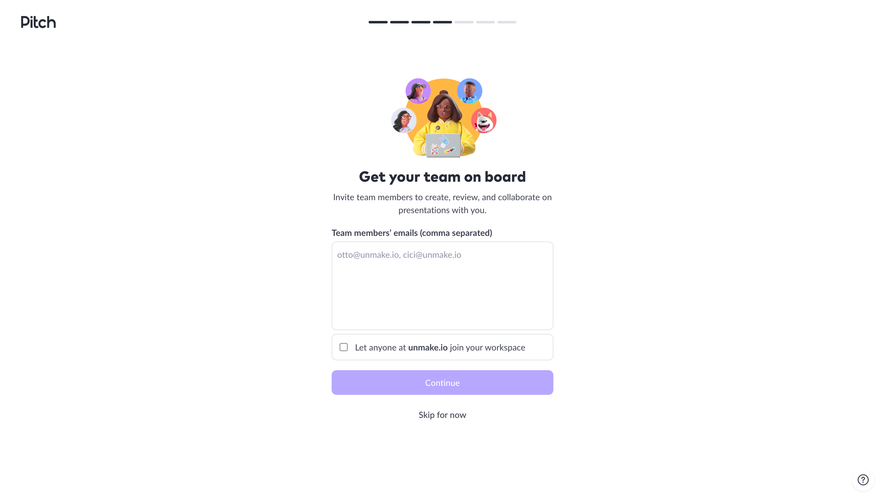
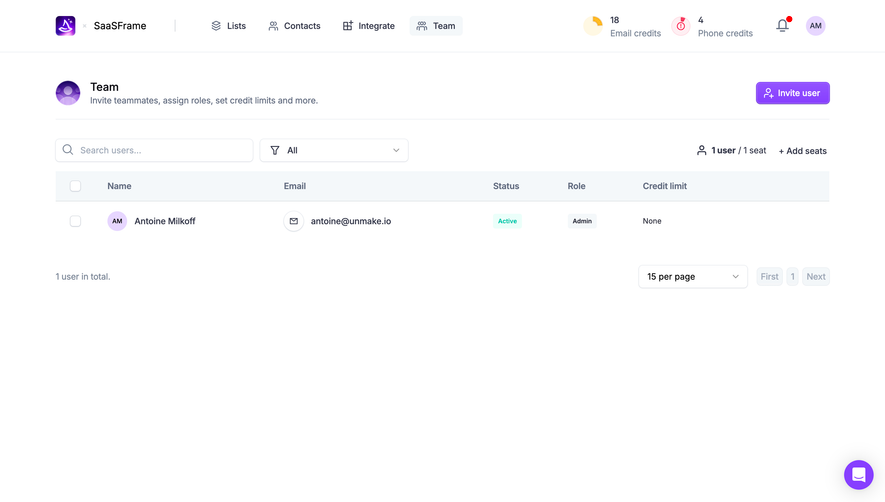
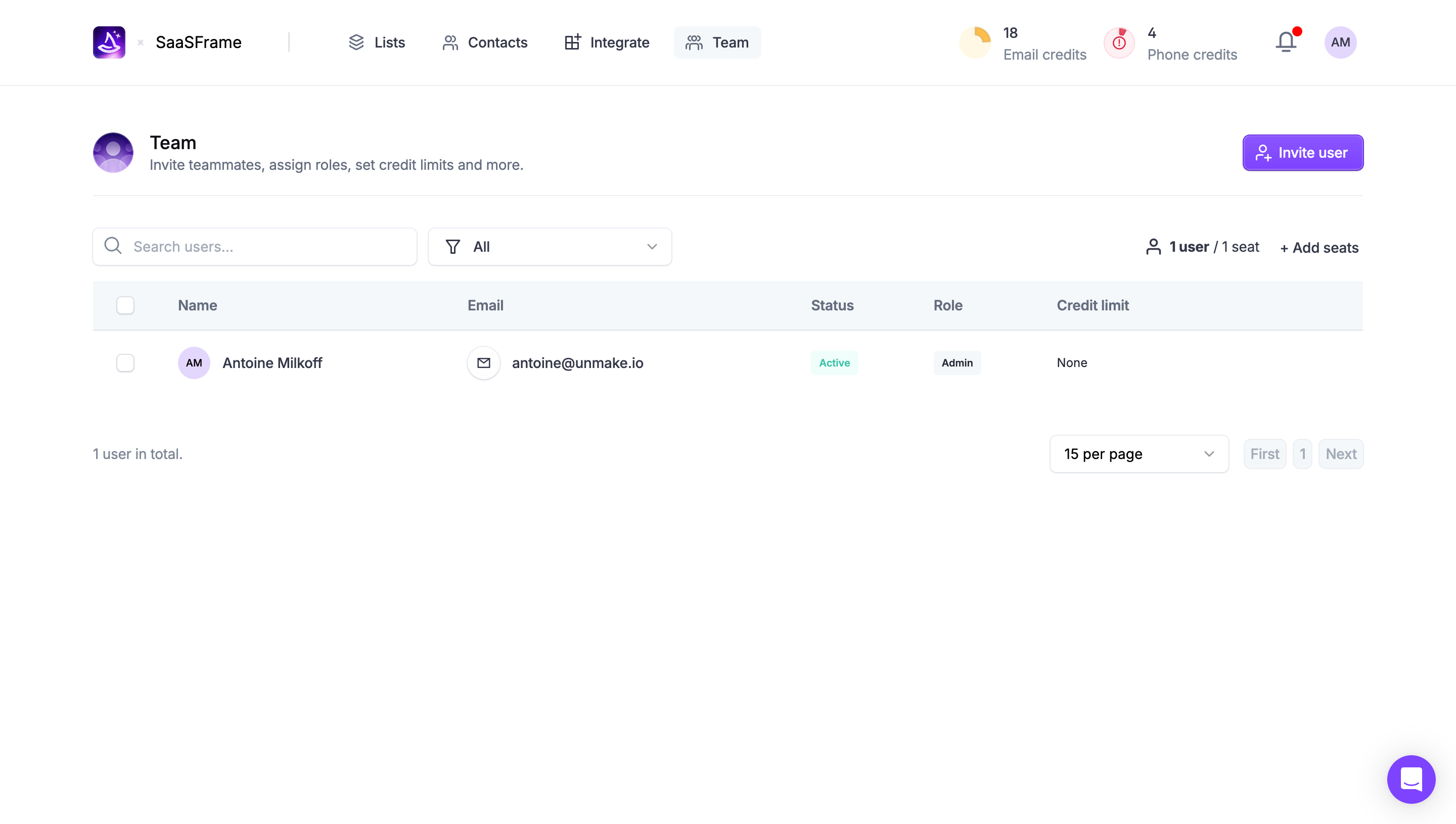
Explore the SaaSFrame avatar-group collection to study compact identity summaries. Use the references to plan grouping and context, then define the membership model and detail interaction for your actual product.
Review groups that contain only one person as well as large groups. The relationship label should still make sense, and the lone avatar should not imply that a list failed to load. Keep the same identity and detail conventions while allowing the compact presentation to adapt naturally to the actual membership.
Should every avatar open a profile? Only when that route serves the task. A group may be illustrative or may open a shared member list; make the available interaction clear.
What should an overflow count mean? State or imply consistently whether it counts additional people or the total group. Keep the number aligned with the visible subset and underlying data.
Can portraits replace names? They can support quick recognition, but operational identity needs an accessible route to names and relevant context. Do not make image recognition the only way to understand who is involved.