Found in 0 flow
No items found.

Upgrade to SaaSFrame Pro now to see similar examples.

Monthly

$14 /month

Billed $14 monthly
Browse all screens & flows
Filter and search screens & flows
Bookmark items
Access Figma files
Access mobile versions
Join now

Quarterly

$12 /month

Billed $36 quarterly
Browse all screens & flows
Filter and search screens & flows
Bookmark items
Access Figma files
Access mobile versions
Join now

Yearly

$10 /month

Billed $120 yearly
Browse all screens & flows
Filter and search screens & flows
Bookmark items
Access Figma files
Access mobile versions
Join now

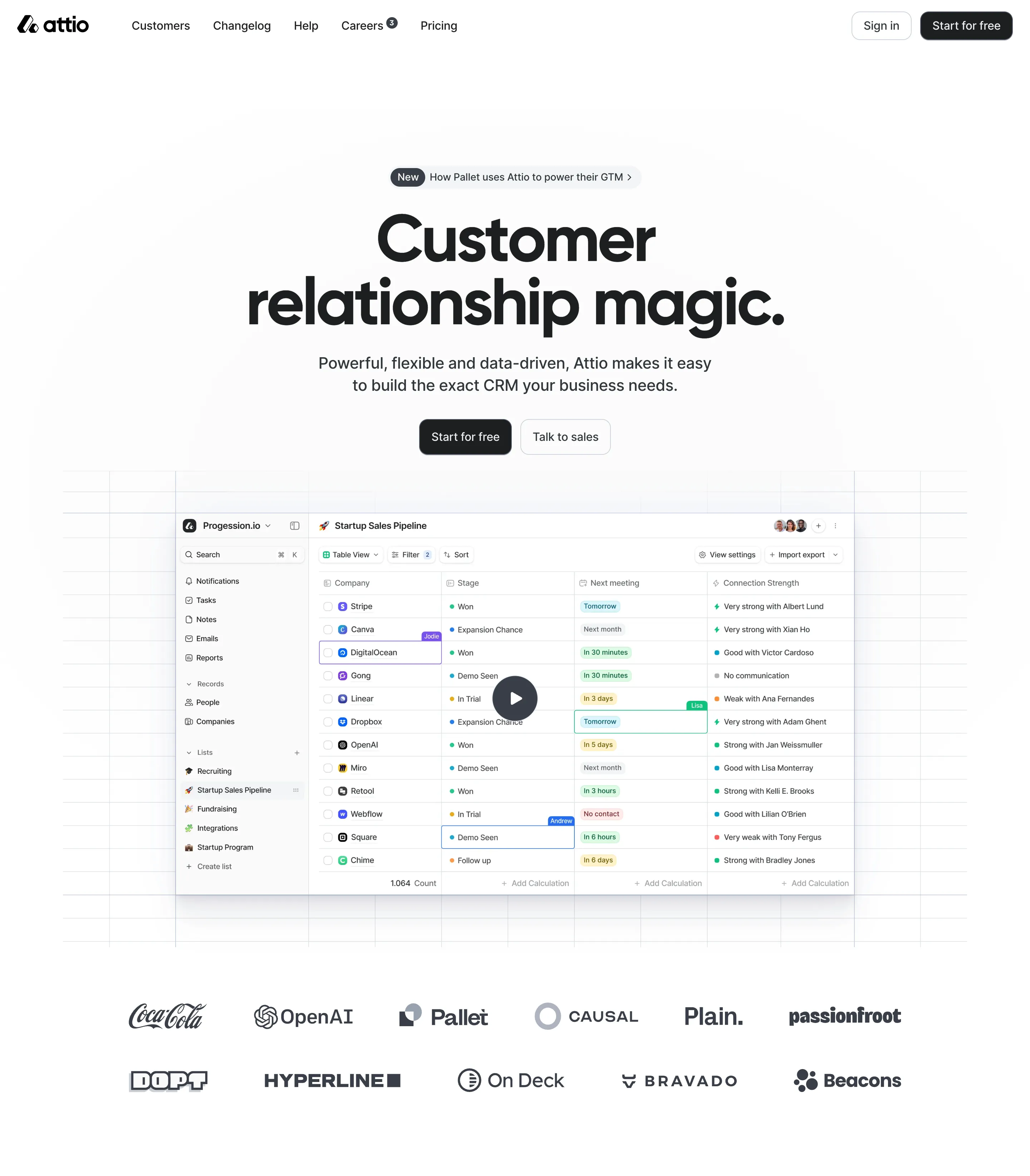
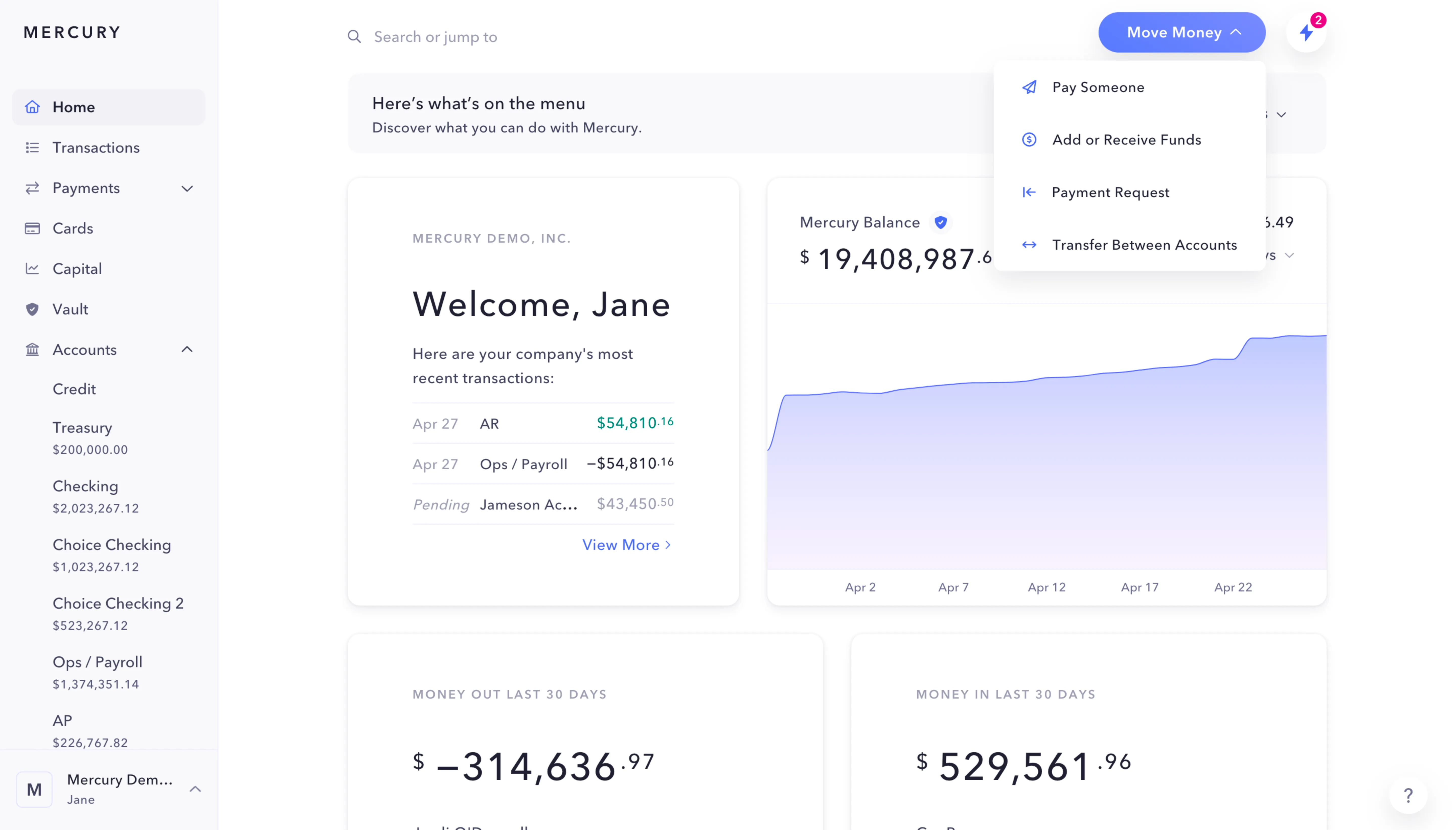
Biggest SaaS library.

Browse website pages, product interfaces and emails from a growing library of hundreds of SaaS.

Desktop & mobile versions.

Switch from desktop to mobile versions to see how the best designers make websites responsive.
Access the Figma files.

You like a design? Download the Figma file of any website page you see on SaaSFrame.

Advanced filtering.

Use filters to find the design or copywriting inspiration that you need in seconds.
Thank you! Your submission has been received!
Oops! Something went wrong while submitting the form.

Let it flow.

Discover the user journey of the best SaaS with interfaces organized in flows.
Save design inspirations.

Bookmark screens and flows so you can find them any time you need it.
โŒ˜
B
BOOKMARK DESIGN
Start your design
research
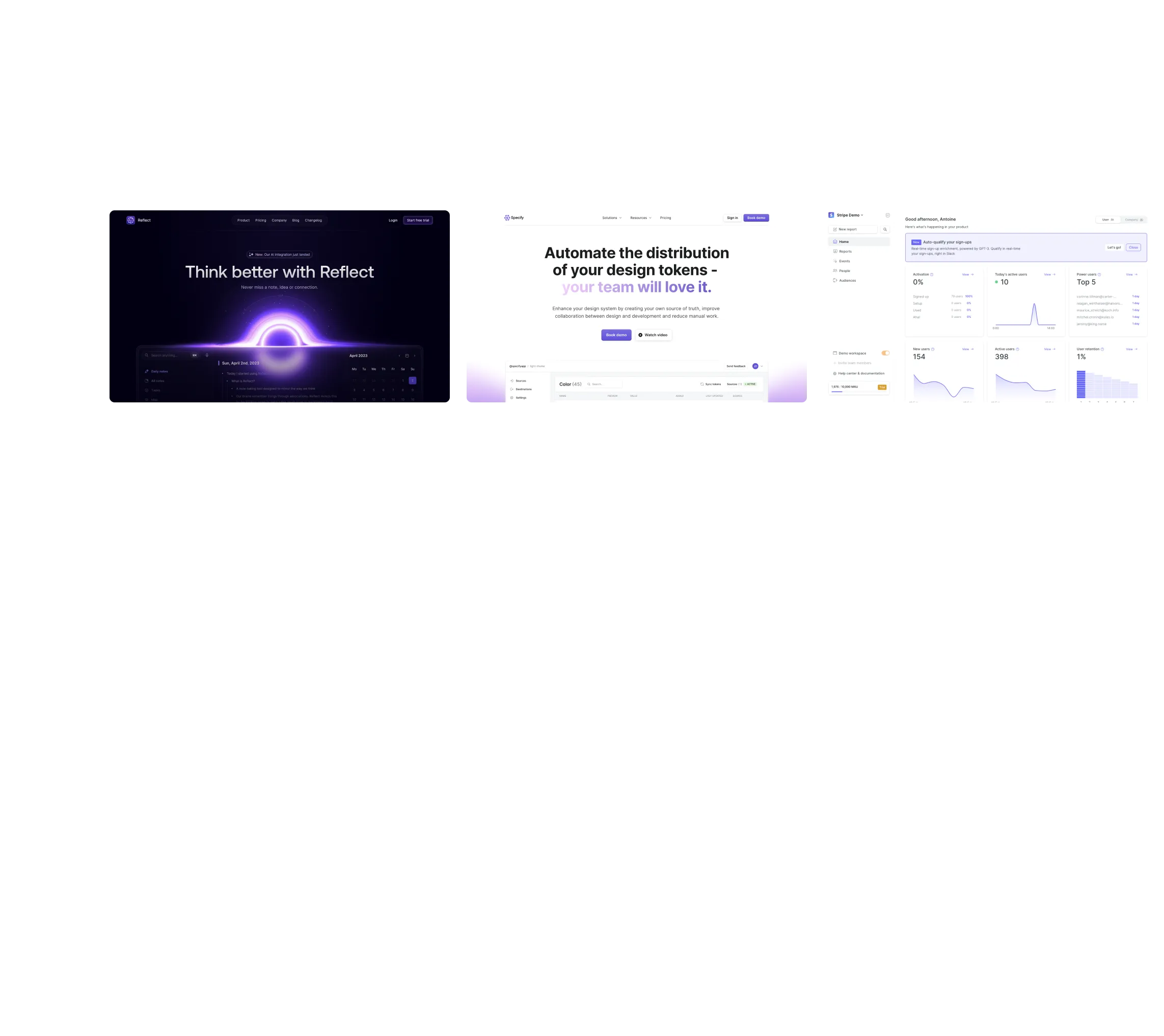
Three website screenshots showing a design tool and distribution dashboard for design tokens, promoting ease and automation.

How do you process payment?

SaaSFrame subscriptions are sold on Lemon Squeezy, a secured online selling platform for creators.

What about future updates and versions?

SaaSFrame gets updated all the time! Every new update and version will immediately be made available to all SaaSFrame users.

Can you send me an invoice?

You can generate an invoice on your Lemon Squeezy portal once you purchased SaaSFrame. You will find the link in the order confirmation email.

How can I cancel my membership subscription?

You can cancel your membership subscription at any moment on your profile page.โ€

Can I get a refund?

If you're not satisfied, you can ask for a refund within 7 days. Just send me an email at antoine[at]unmake[dot]io

I have another question.

You can send me an email at antoine[at]unmake[dot]io, I'll be happy to help with any questions.

No items found.

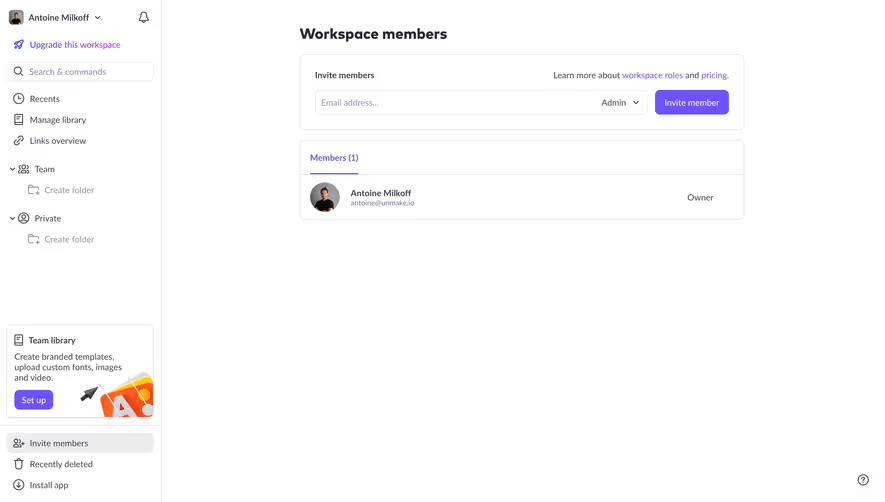
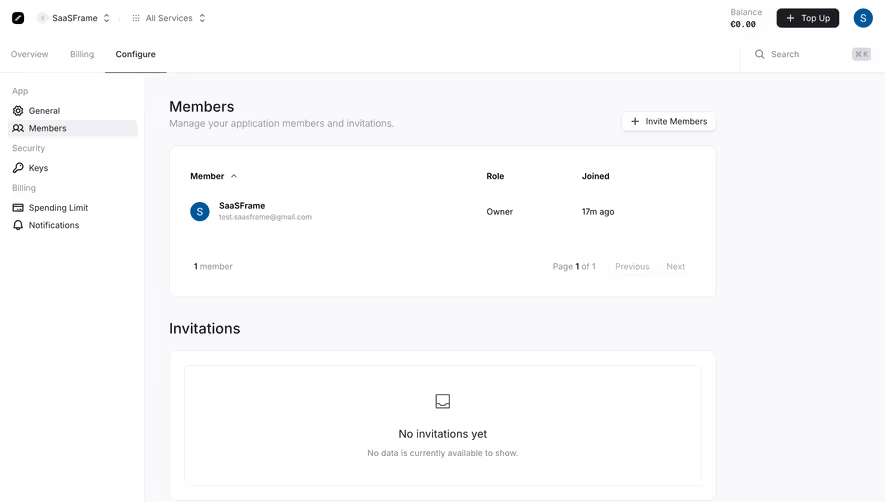
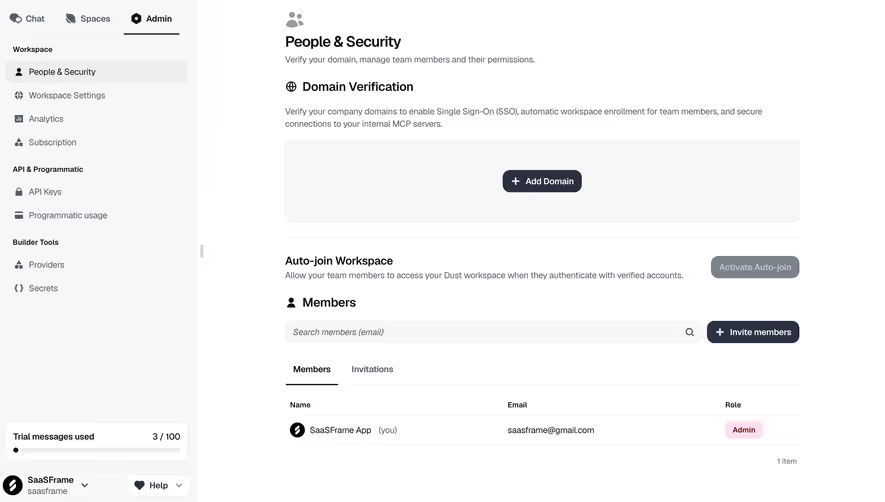
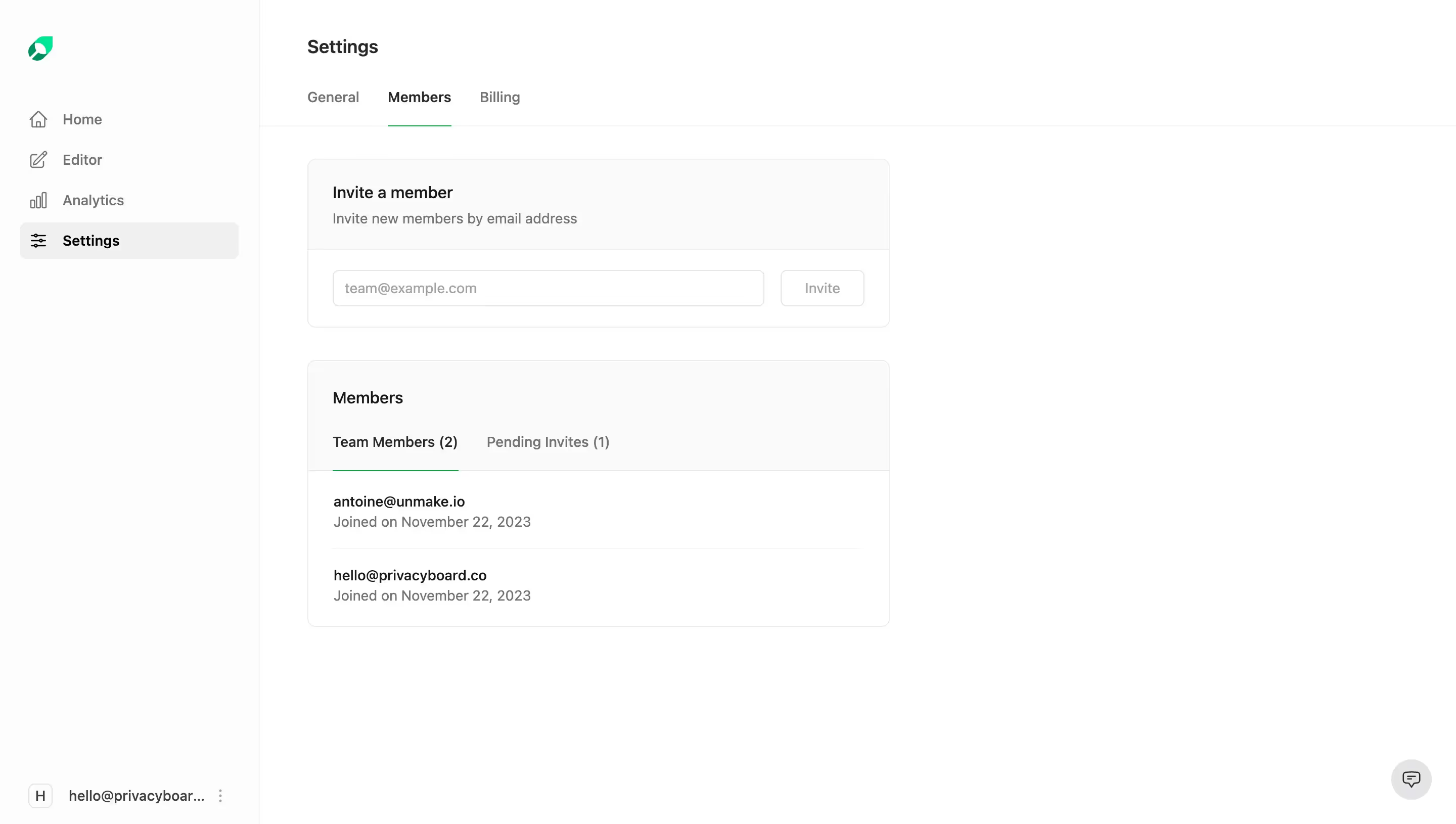
Mintlify Team Members Structure

Overall Style and Aesthetic

Mintlifyโ€™s Members Settings page embodies modern minimalism with a professional yet inviting aura. Whitespace is used liberally, allowing interface elements to breathe and reducing cognitive noise. The aesthetic radiates clarity and subtle sophistication, ideal for collaborative SaaS platforms catering to discerning product teams.

Layout and Structure

The page features a logical card-based layout, segmenting content into functional, digestible sections. Key areasโ€”team members, invitations, and permission levelsโ€”are intuitively separated. A sticky sidebar ensures effortless navigation across settings, promoting efficient workflow without overwhelming the user with options.

Visual Elements

Simple, expressive icons delineate user roles and actions, providing instant visual context. The avatars add a personal, human touch, breaking up text-heavy lists. Micro-interactions, such as hover states and animated tooltips, heighten engagement while keeping transitions fast and unobtrusive.

Color Palette and Typography

Mutual hues of off-white and deep indigo establish hierarchy and draw focus to core actions. Accents of blue and green highlight primary CTAs, like โ€œInvite Member,โ€ ensuring actionable elements stand out. Sans-serif fonts convey modernity and legibility, with bold weights reserved for names and section headers, and lighter weights for secondary details.

User Experience Patterns

User-centered navigationโ€”anchored in the sidebarโ€”reduces friction and creates logical progression. Inline editing forms and contextual dropdown menus provide on-the-spot control, reducing steps to take action. Feedback iconsโ€”checkmarks, warningsโ€”offer instant reassurance or context when managing users.

Unique and Notable Choices

What sets this page apart is its blend of approachable micro-details (like rounded buttons and real-time feedback) with an enterprise-grade sense of order. The overall tone is both trustworthy and quietly energetic, signaling a dependable tool designed with user happiness in mind.