Encourage collaborative growth with effective 'Invite Your Team' email templates. Learn how to highlight the benefits of teamwork, shared workspaces, and centralized data to prompt users to bring their entire organization onto your platform.
Browse 10 real SaaS Invite Your Team Emails with modern UI patterns and conversion strategies.
We sell SaaSFrame licenses on Gumroad, a secured online selling platform for creators.
What about future updates and versions?
SaaSFrame gets updated all the time! Every new update and version will immediately be made available to all SaaSFrame users.
I didn't receive my licence key, what should I do?
The licence key required to create your SaaSFrame account is send by Gumroad once you made your purchase. If this email is blocked by your email client, send me an email at antoine[at]unmake[dot]io so I can resend the licence key.
Can you send me an invoice?
You can generate an invoice on Gumroad once you purchased SaaSFrame. You will find the link in the order confirmation email.
Can I get a refund?
If you're not satisfied, you can ask for a refund within 7 days. Just send me an email at antoine[at]unmake[dot]io
Invite Your Team Emails Design Guide
A SaaS invite-your-team email asks an existing user to bring collaborators into a workspace. It differs from an invitation sent to the prospective member: the recipient is deciding whether and how to initiate collaboration.
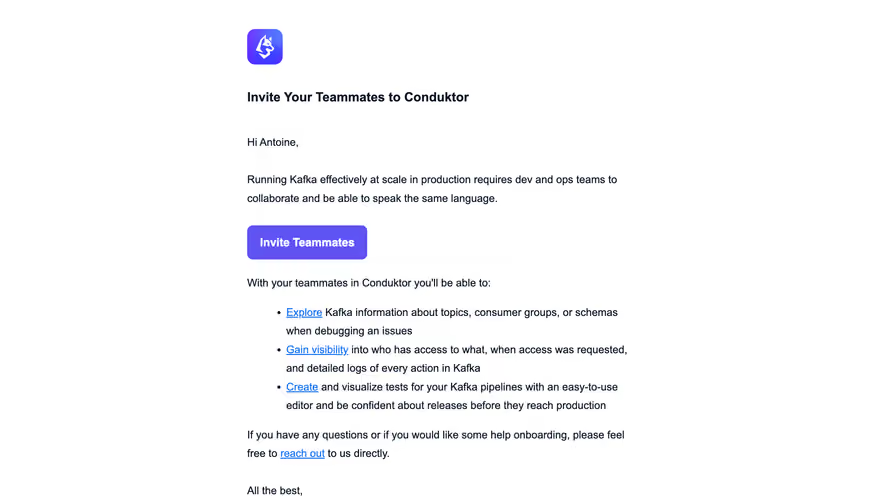
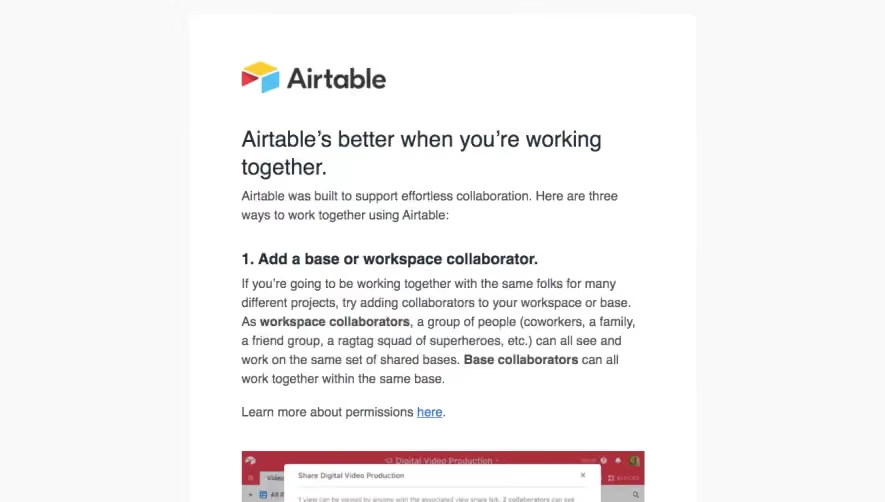
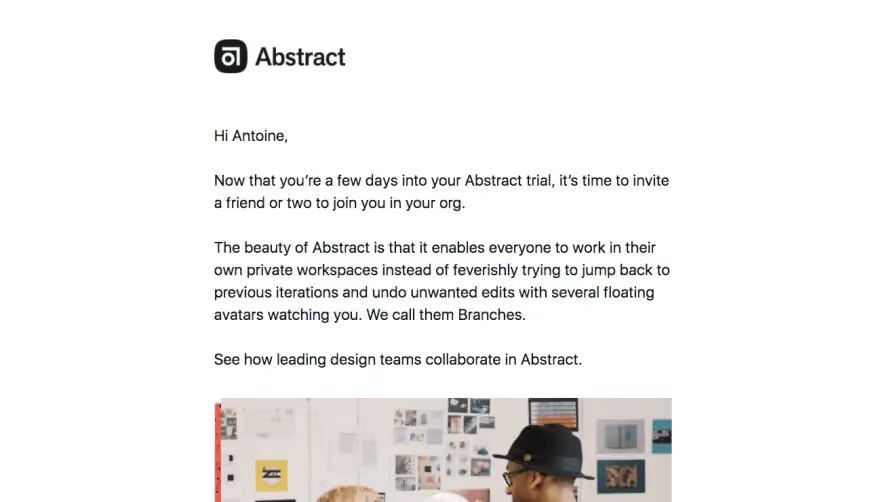
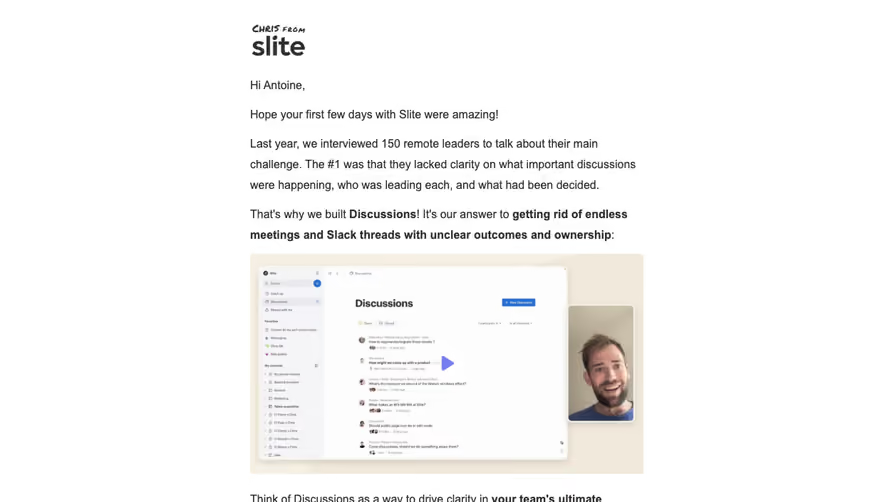
The Abstract reference introduces team invitation during a trial, explains a collaboration concept, and supports it with customer-learning material before the invite action.
This connects the request to work rather than asking for more accounts as an isolated growth tactic. A useful prompt explains which shared task benefits from involving another person.
Do not send it indiscriminately when the user's task is individual or the workspace already has the relevant participants.
Make the invitation task concrete
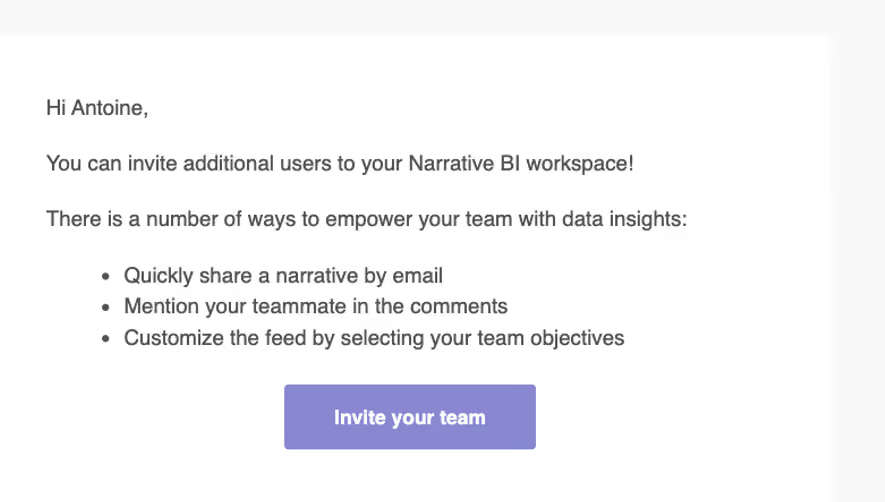
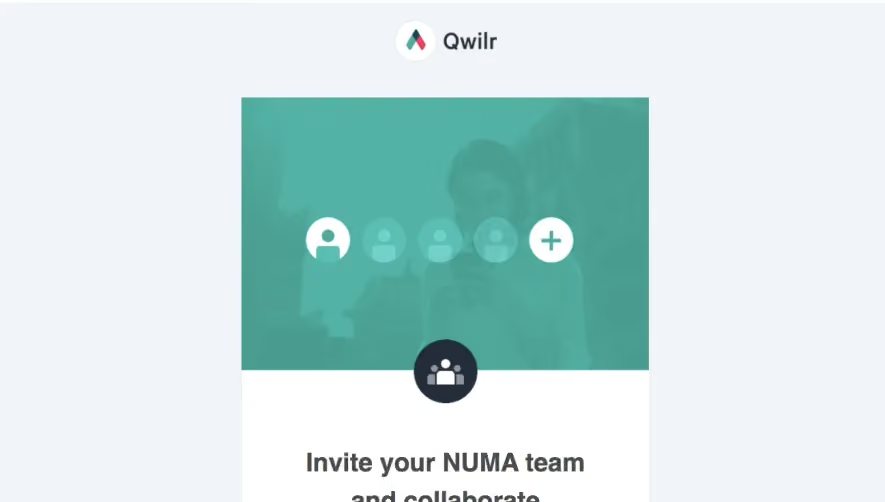
Explain whether the recipient will enter email addresses, share a link, or select a role. The CTA should lead to the corresponding member-management task.
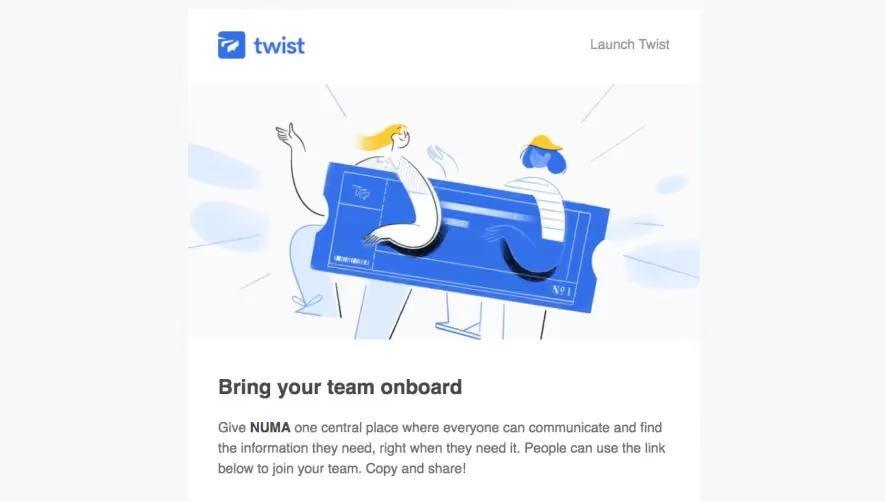
The Twist reference in this category shows a shareable-link approach with additional onboarding guidance. Link-based and direct-email invitations need accurate scope explanation; they are not always interchangeable.
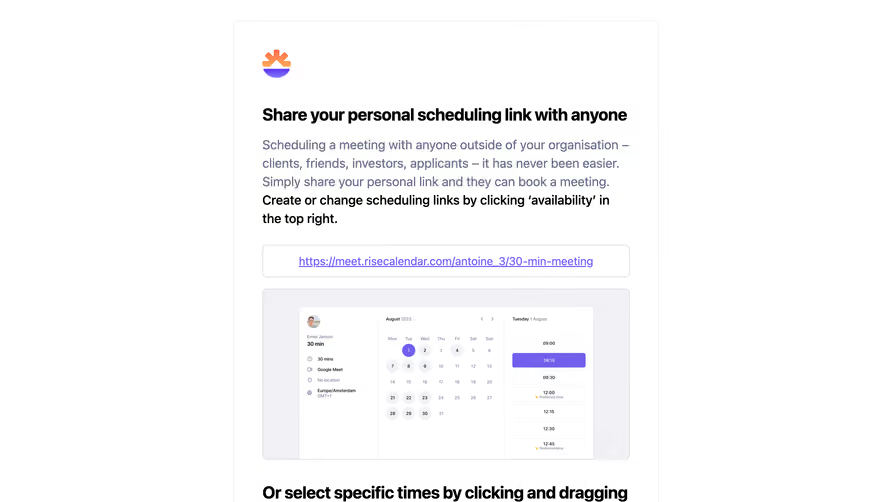
Avoid embedding sensitive or broad-access invitation values in reusable examples. The lesson is the delivery structure rather than a particular live link.
Surface consequential requirements
If invitations require an administrator role, available seat, or specific plan, make the requirement understandable before the user begins.
Do not imply that adding a colleague is free or unrestricted unless that accurately describes the product's current model.
Role selection and any billing implications belong in the actual invitation flow, with enough context in the email to prevent a misleading promise.
Preserve the workspace and next step
Take the recipient to the intended team where supported. Users belonging to several organizations should not have to guess which space the prompt concerns.
Sending an invitation and gaining an active member are separate outcomes. The follow-up should distinguish pending acceptance from completed collaboration.
If the user has already invited the team, change or stop the prompt according to the established state.
Keep supporting material focused
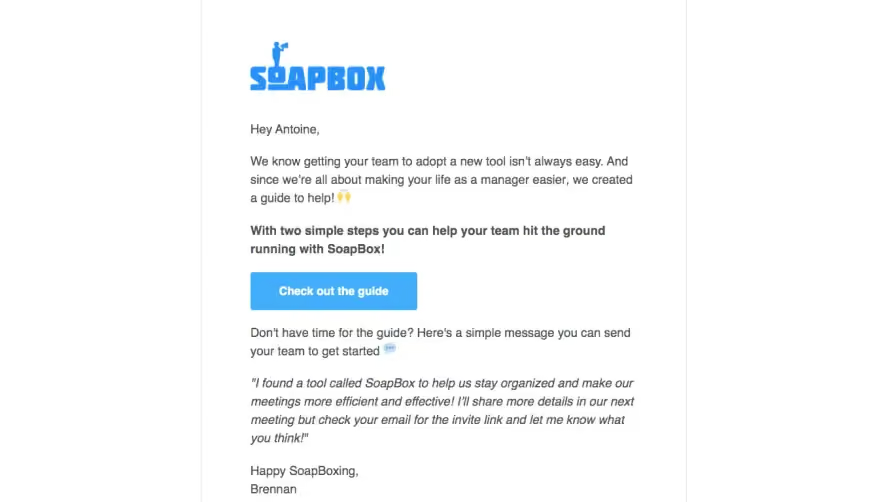
A short collaboration example or guide can reduce uncertainty. Avoid a large resource list that hides the invitation action.
Essential purpose and instructions should remain text, even when a video thumbnail adds context. The email should work without playing media.
Offer help for users unsure whom to invite or how the access model works, with a route appropriate to the task.
Review the inviter journey
Check relevance, permissions, workspace routing, invitation creation, and completion targeting. A successful click is not evidence that a colleague joined.