Consent & Opt-In
75
Drive consent and engagement with SaaS Opt-in patterns. Learn how to design newsletter checkboxes and feature-beta toggles that respect user privacy while encouraging participation.
.webp)
Consent and opt-in interfaces let people make an affirmative choice about a particular use of their information or an optional service. In SaaS products, they appear in newsletter subscriptions, marketing preferences, onboarding, research participation, and other situations where the person needs to understand what they are agreeing to.
The design challenge is specificity. A checkbox is easy to add, but it is useful only when the choice, its consequences, and the way to change it are understandable. The interface must reflect the actual purpose and applicable requirements rather than suggesting that any affirmative click establishes valid consent for everything.
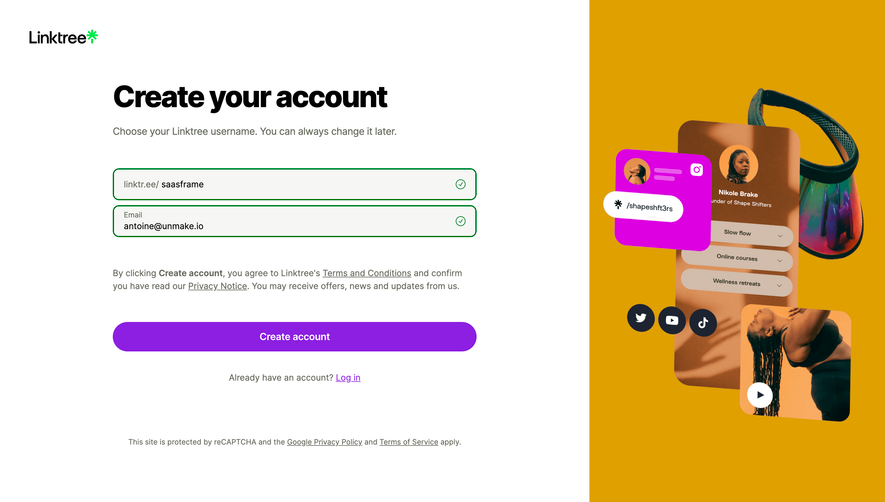
A person requesting a demo is asking for a response about the product. A person subscribing to a newsletter is asking for that newsletter. Additional marketing messages may be a separate purpose. Distinguish those choices instead of bundling all communication into one general agreement.
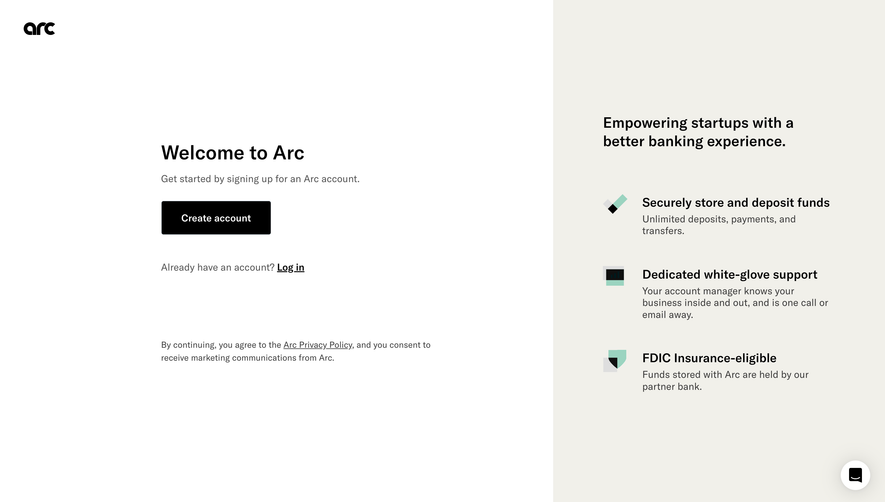
The form should make the primary action clear and identify optional permissions as optional. Avoid making the visitor infer that declining unrelated marketing will prevent a demo, account creation, or support request. Where a particular choice is necessary for the service, explain the reason rather than presenting it as a discretionary opt-in.
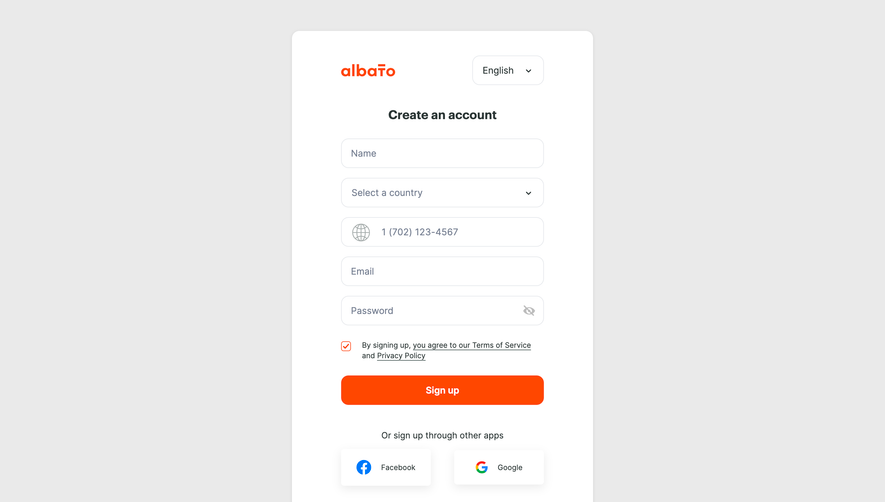
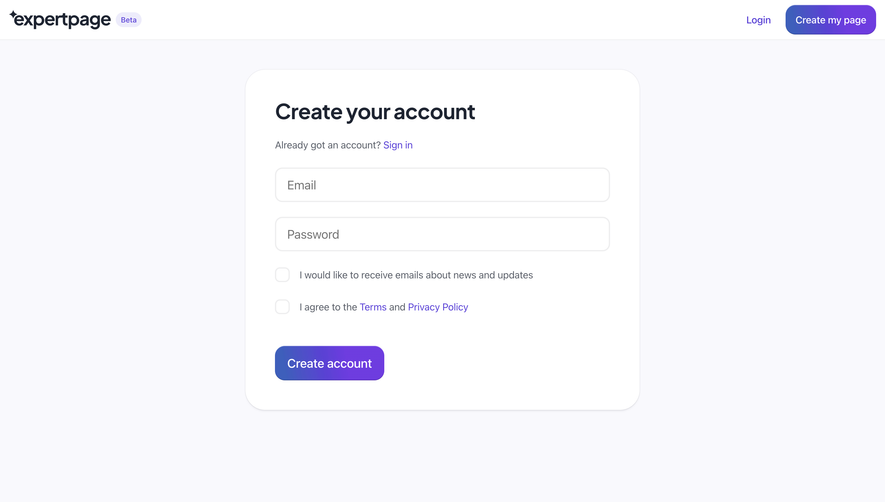
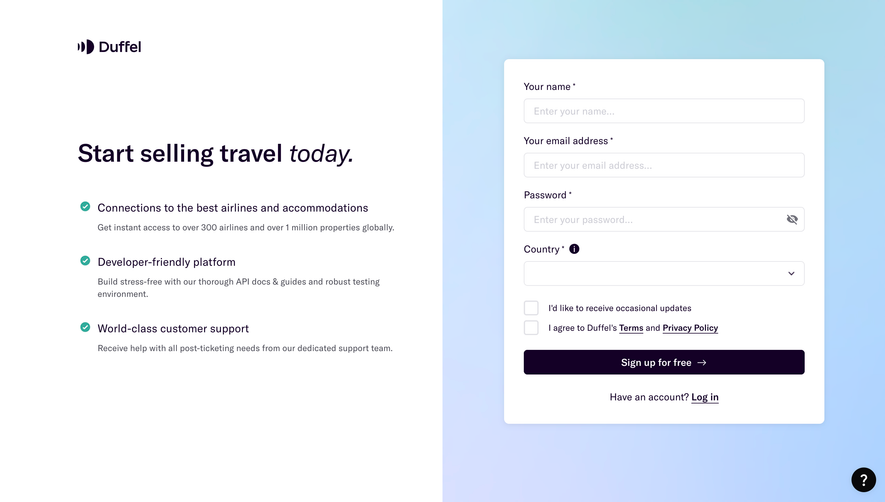
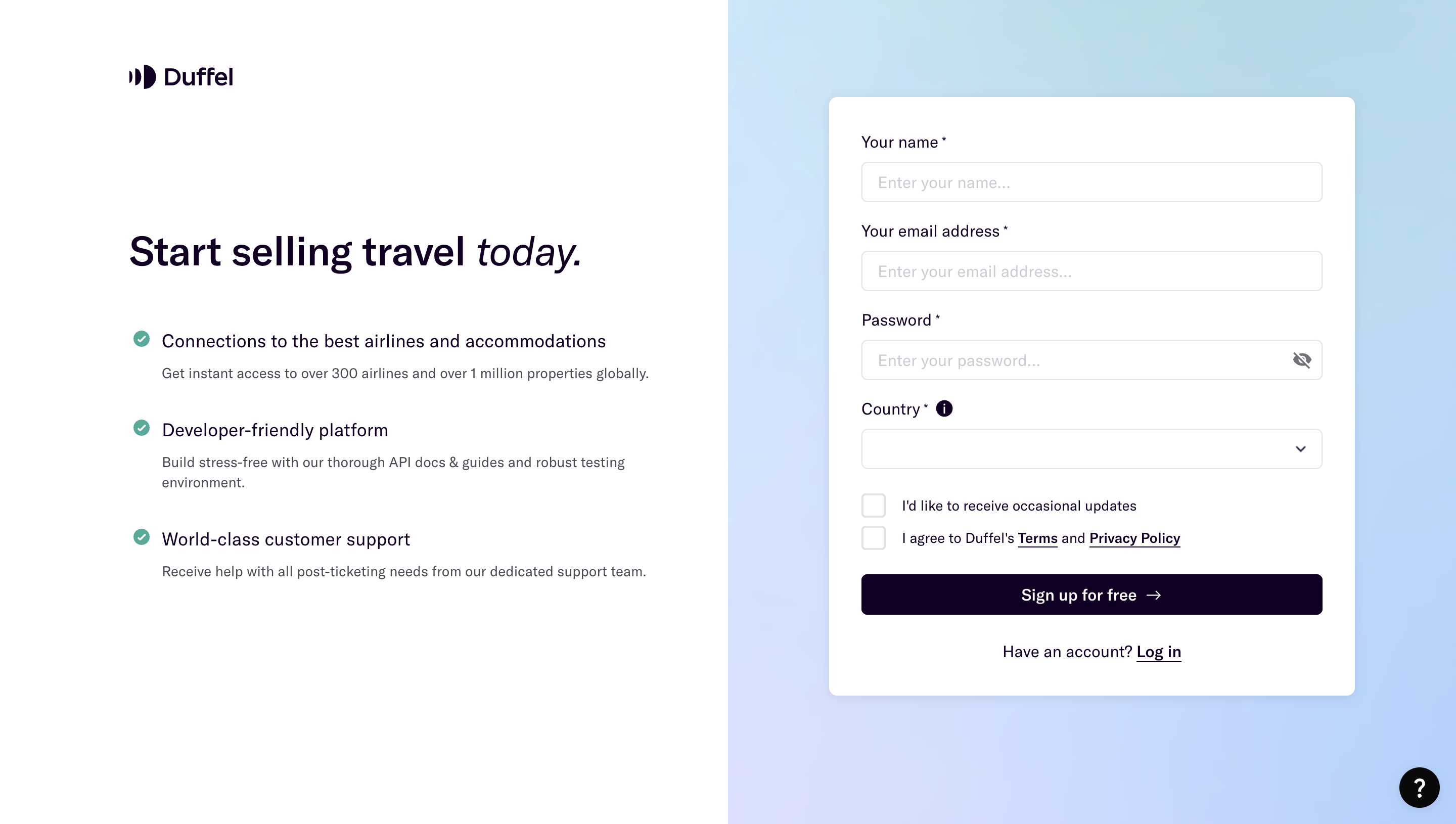
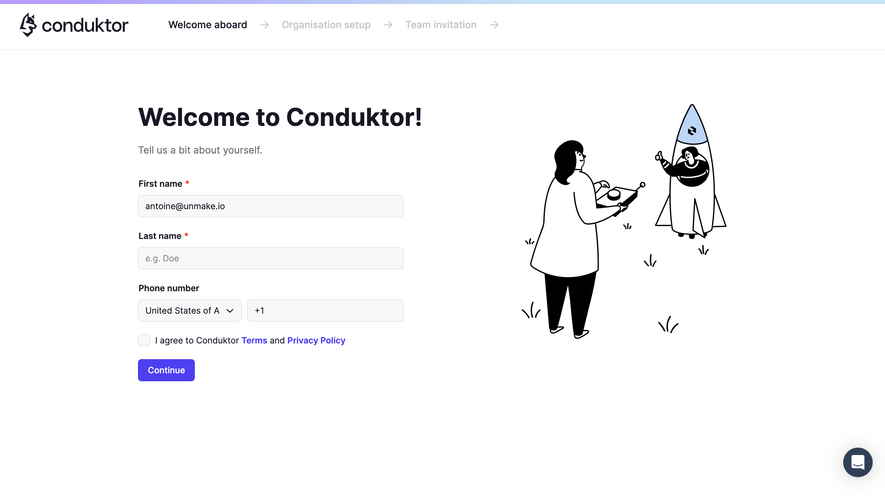
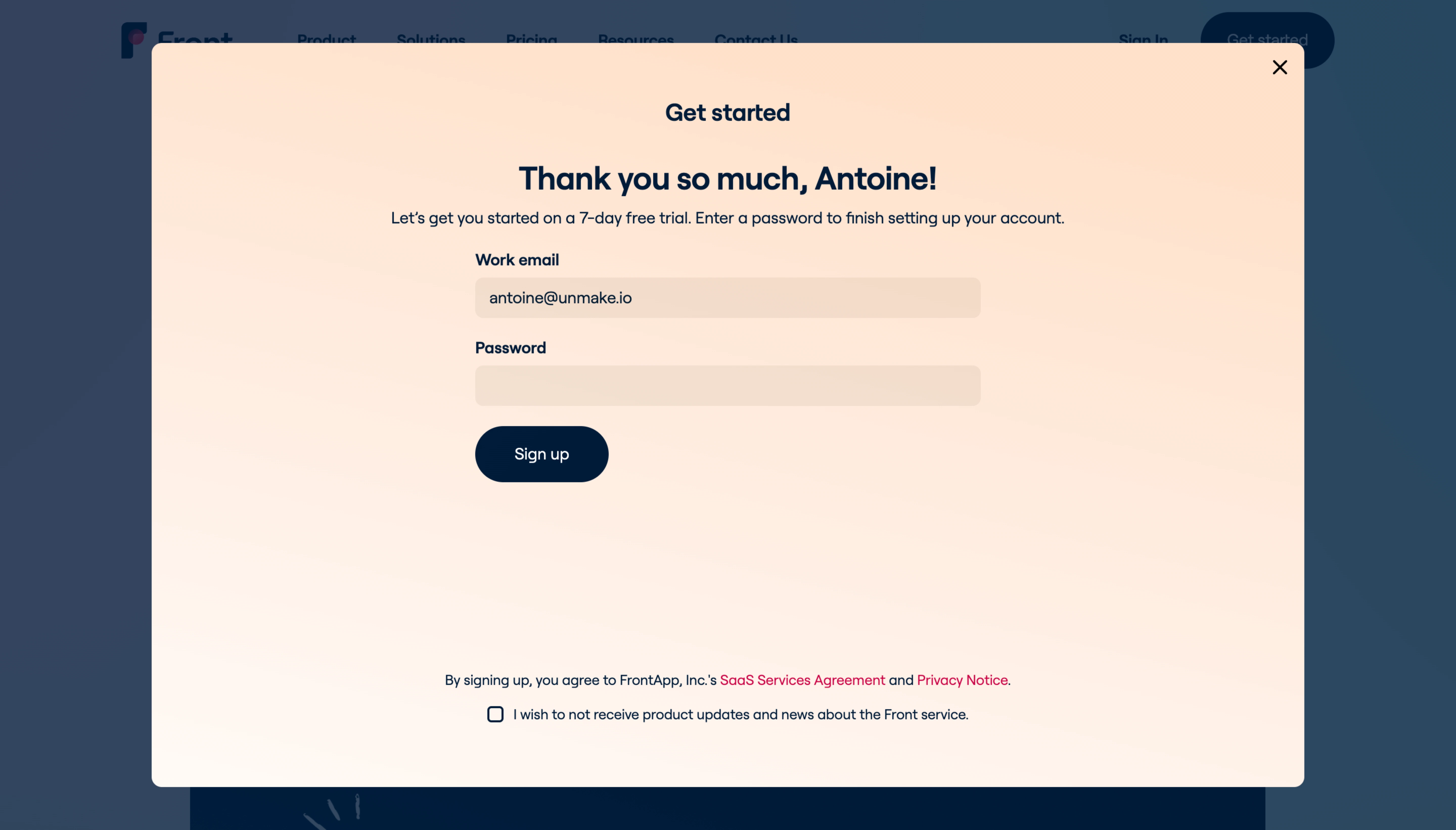
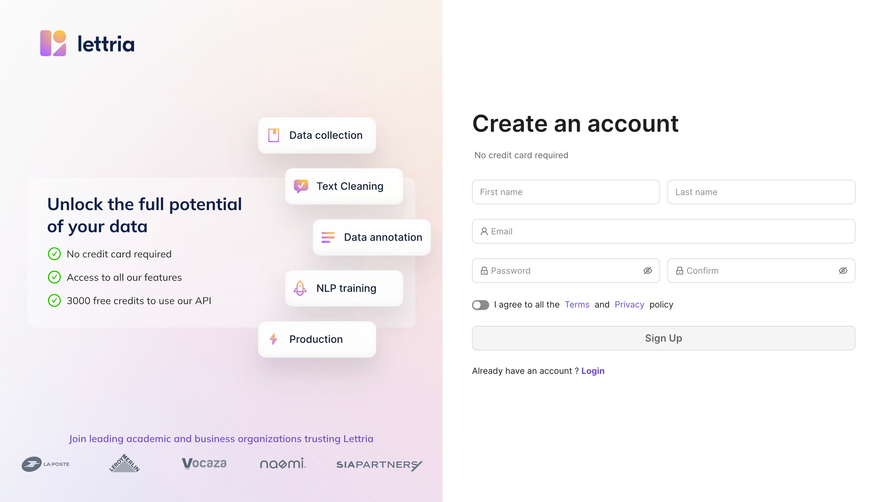
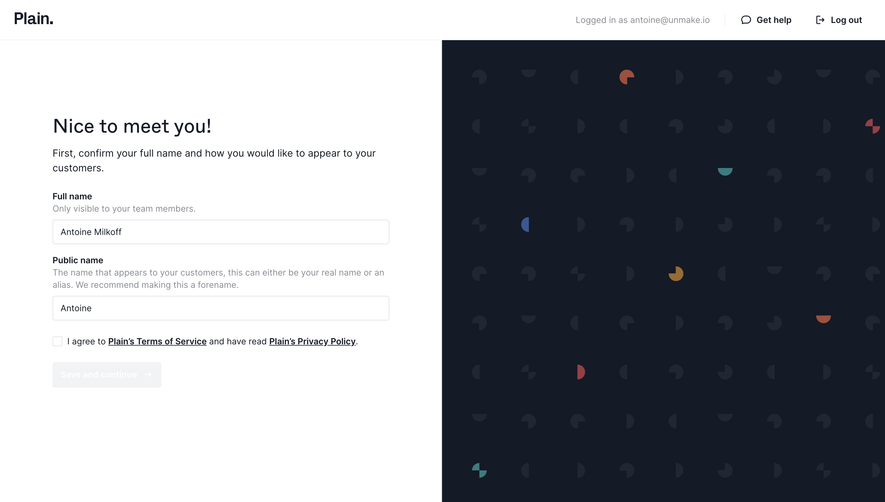
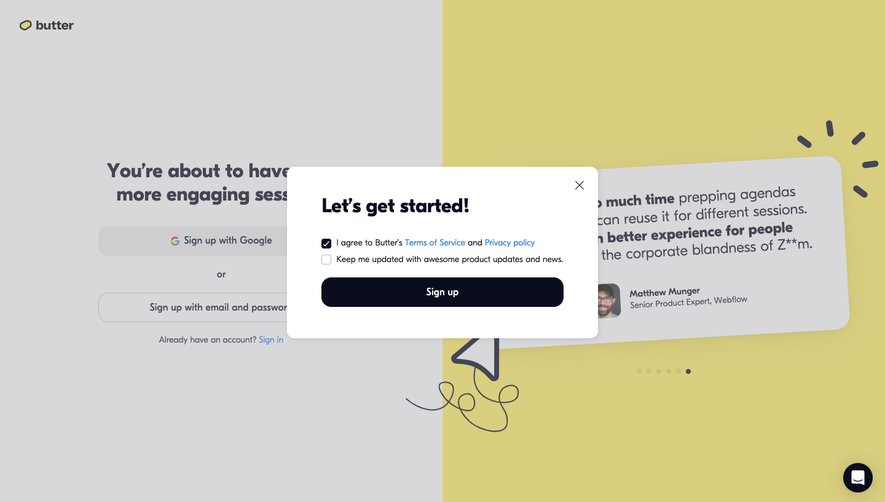
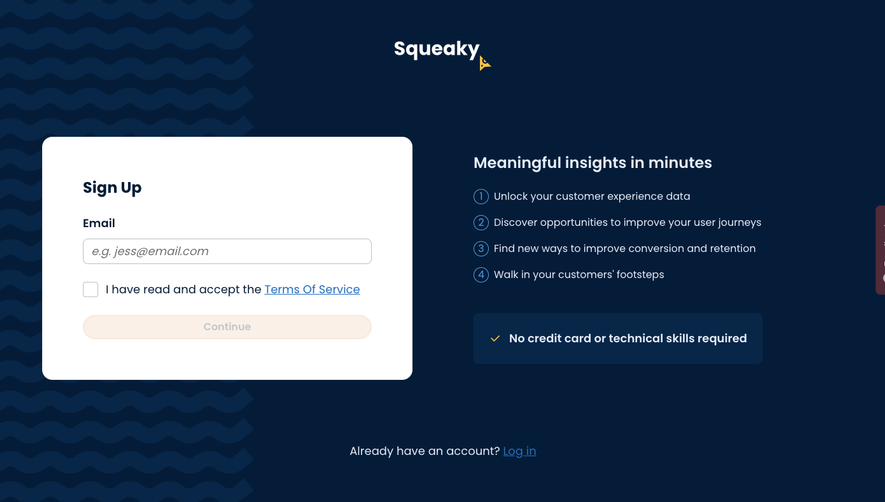
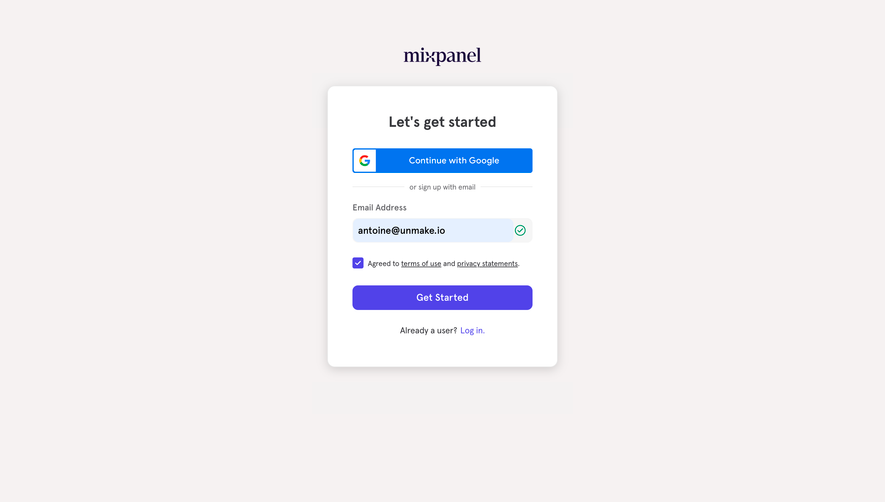
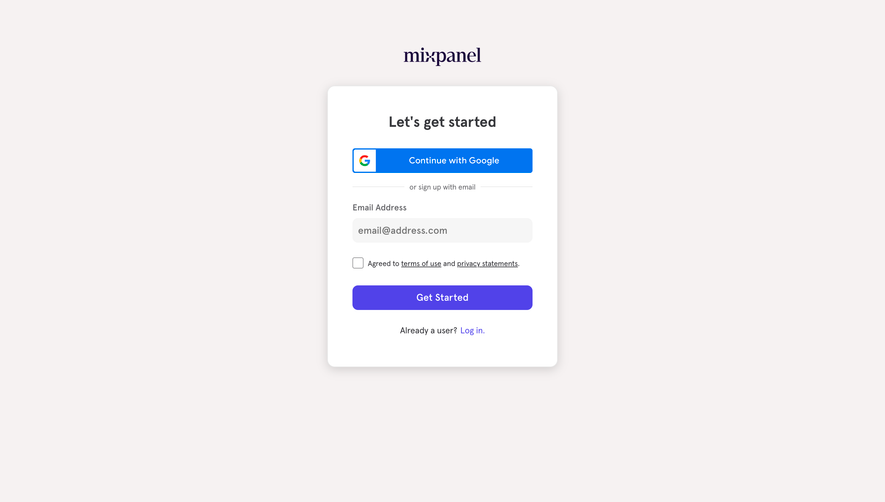
Do not use one checkbox to combine a privacy notice, terms acceptance, and optional marketing. Those elements have different roles and may have different requirements. Design each according to its purpose and get appropriate review for the actual legal context.

The Sketch Newsletter Page reference presents an email field and a Subscribe action for the newsletter. It also shows a separate checkbox for other marketing emails. The visible structure distinguishes the main subscription from an additional communication choice.
The surrounding newsletter content and archive help explain what the primary subscription contains. That context is valuable: visitors can evaluate the publication before deciding whether to receive it. The optional checkbox does not have to carry the burden of explaining the entire newsletter.
The screenshot documents the visible form, not the subscriber records, backend behavior, or legal validity of the flow. When adapting the pattern, verify that the stored preferences and actual email delivery match the choices displayed. A well-separated checkbox is meaningful only if the system respects it.
State what the user is choosing, who will act on it, and the relevant communication or data use. “Send me product updates by email” is more actionable than “I consent to communication.” If several brands or purposes are involved, avoid hiding those distinctions behind a broad phrase.
Keep the immediate choice readable without requiring a visit to a long policy. A linked notice can provide the fuller context, but the control should explain the essential decision. Do not use the policy link as a substitute for identifying the purpose beside the checkbox.
Avoid claims you cannot maintain. A promised frequency, a restriction on sharing, or a statement about withdrawal needs to match the actual operation. Plain language is helpful only when it is accurate. If practices change, review the interface and the relevant records together.
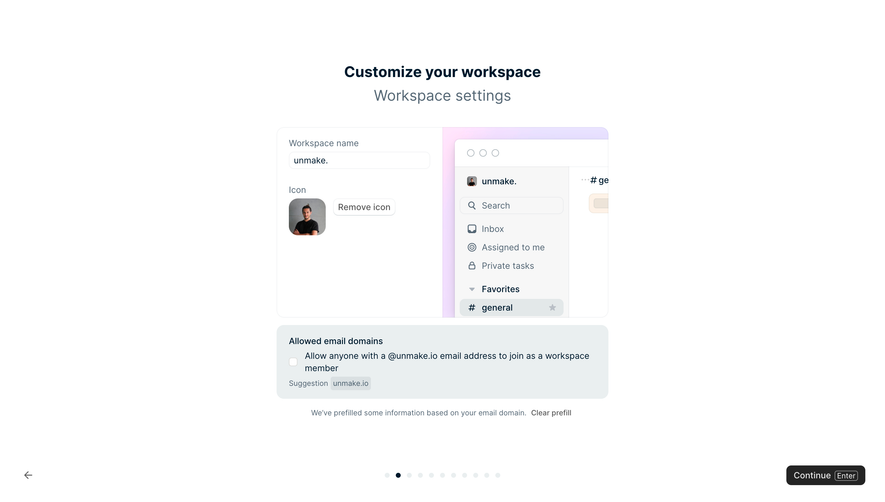
Use a control whose meaning is familiar and visible. A checkbox works well for an optional addition to a form. A dedicated subscription button may be appropriate when subscribing is the primary action. A switch is usually better suited to changing an ongoing preference than to adding hidden permission during submission.
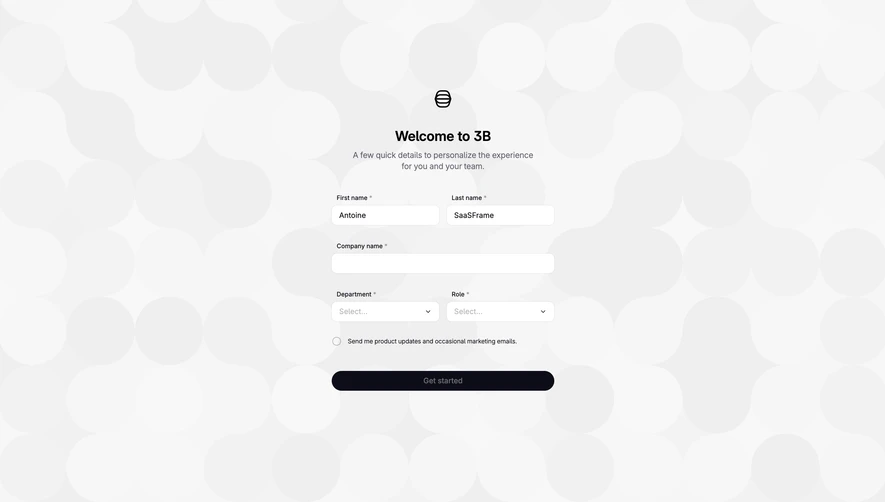
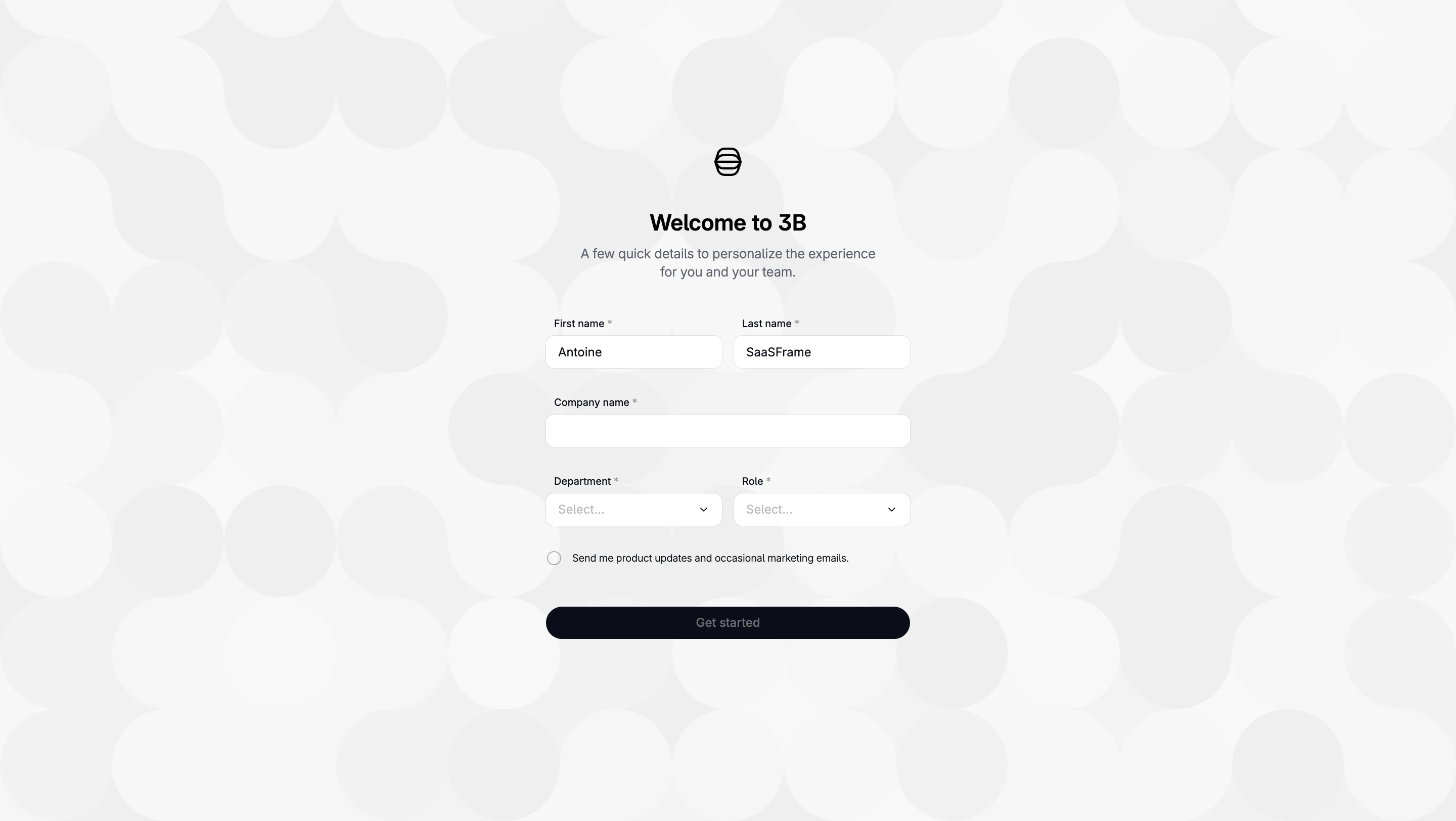
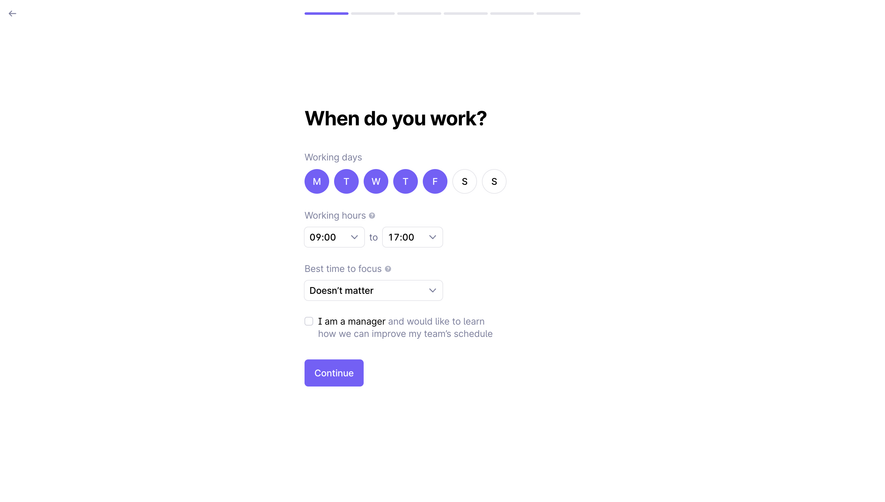
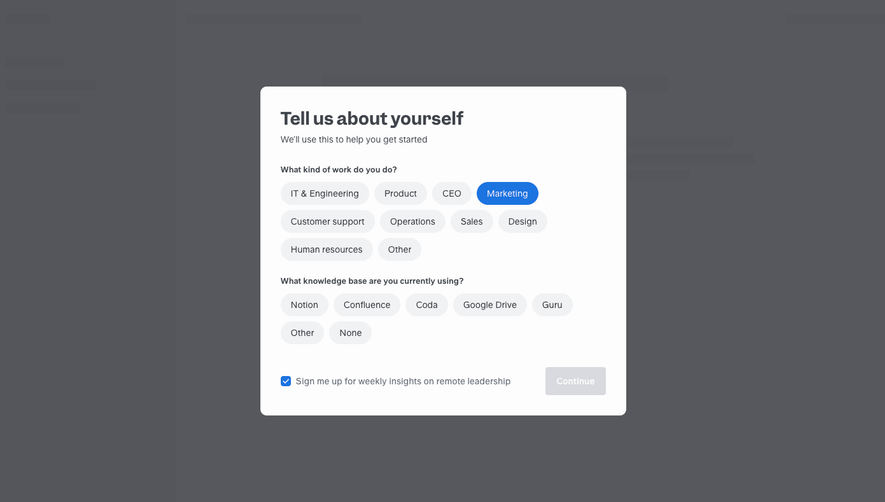
For optional consent, start from a state that does not assume the person's agreement. Make the label clickable, show a visible checked state, and ensure the control remains understandable with keyboard and assistive technology. Do not use visual styling that makes declining hard to perceive.
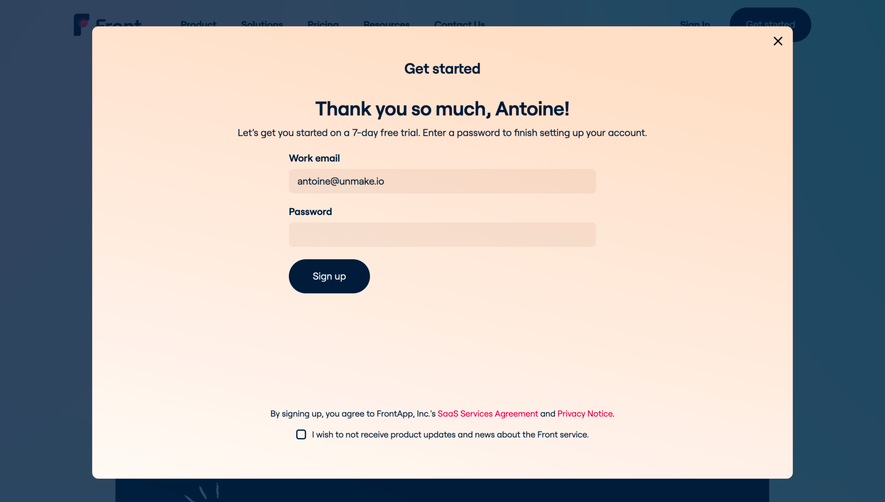
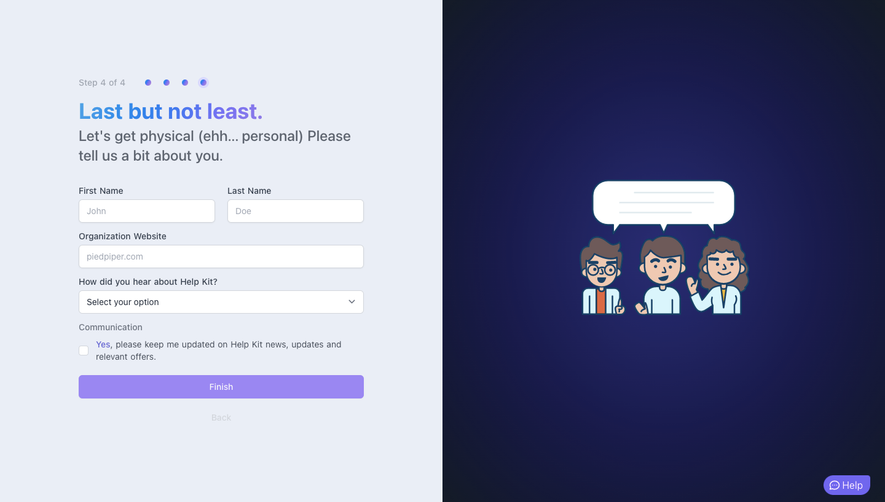
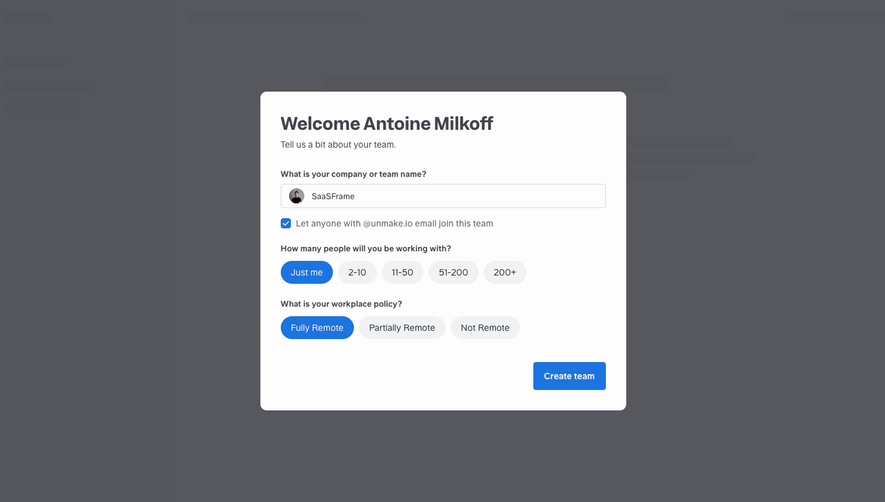
If submission includes several independent choices, show them independently. The user should not have to agree to every optional purpose to accept one. Avoid inserting additional choices after the main button in a place where they are likely to be missed.
An opt-in may relate to an email address, an authenticated user, a device, or an organization. Identify the subject of the choice and avoid treating these as interchangeable. A person changing their own email preference is not necessarily authorized to choose marketing settings for every teammate.
When a user changes an email address, define how preferences carry over. The interface should not suggest that the old and new addresses are equivalent without the appropriate identity process. When a form accepts an arbitrary address, consider what verification is necessary for the intended subscription workflow.
A confirmation email can help establish that a person controls an address where the product uses such a process. Explain any pending state clearly. “Check your inbox to confirm your subscription” is different from “You are subscribed,” and the backend should preserve that distinction.
The UI and the data model need a shared definition of each purpose. Store the user's choice in a way that can be connected to the relevant identity, purpose, and context. Plan how the system records changes and what information is needed for the applicable requirements.
Versioning permission text can be useful when wording and purposes evolve. Avoid treating a general boolean such as “marketing=true” as sufficient for every channel, brand, and use. The appropriate record depends on the operation, but it should preserve the distinctions the interface presents.
Check the complete delivery path. A form may store an unchecked box correctly while a CRM integration subscribes every lead to a campaign. Test downstream behavior, imports, and preference synchronization, not just the form payload.
Explain how users can change their choice, and provide the relevant route in the product or messages. A preference center can distinguish topics and channels, while an unsubscribe action can stop the applicable messages. Ensure the wording identifies which preference is being changed.
Do not make withdrawal a difficult sequence of promotional screens. A clear confirmation can establish that the action succeeded. If processing takes time, communicate that accurately rather than showing a completed state before the change is effective.
Keep operational messages distinct from optional marketing in the preference model. A user who opts out of promotions may still need account security or service communications, depending on the service and applicable rules. Explain that distinction without using it to disguise marketing as essential communication.
If the email field is invalid or submission fails, preserve the permission state the user selected. Do not automatically check an optional box after an error, a page refresh, or a return from another step. Recovery should not alter the decision.
Associate field errors with the relevant controls and use clear wording. A person should know whether to correct an address, retry a request, or confirm through an email. Avoid presenting an already subscribed address as a generic system failure.
Prevent repeated submissions from creating inconsistent preferences. A double click or delayed response should not unexpectedly reverse a choice or create multiple subscription records. Show a stable pending state and an accurate result.
Consent requirements depend on jurisdiction, purpose, and the relevant processing or communication rules. A SaaS design guide cannot establish a universal compliance formula. Have the actual flow reviewed in its operational context, including what happens after submission.
For cookie and tracker choices in France, the CNIL overview of applicable rules provides a scoped reference. It should not be treated as a global rule for every newsletter or account form. Use the source appropriate to the activity you are designing.
The practical UI principle is to represent the real decision faithfully. Clear wording, independent purposes, deliberate action, and accessible change controls make that decision easier to understand. They do not eliminate the need to validate the underlying practices.
Ask users what they expect to receive after submitting the form with the optional control checked and unchecked. If their answers differ from the intended behavior, revise the wording or structure. Visual prominence alone does not establish informed understanding.
Test keyboard focus, control labels, visible states, error recovery, mobile wrapping, and increased text size. Long permission labels need to remain associated with their controls and readable without horizontal scrolling. The primary submit action should not obscure the optional choice.
Verify actual outcomes through the email platform or preference service. Check new subscription, existing subscription, withdrawal, address change, form retry, and external system synchronization. Evaluate successful preference handling alongside conversion metrics rather than optimizing opt-in rates in isolation.
No. Reading or acknowledging a notice and choosing optional marketing are different actions. Represent their purposes separately and validate the actual requirements for the flow.
Use separate controls where the purposes require independent choices. Avoid both excessive fragmentation and a broad bundle that hides meaningful differences. Organize the model around what users are actually choosing.
Cookie preferences handle ongoing tracker choices, while third-party connections involve authorizing access to external accounts. Both need clear scope, identity, and a route to change the relationship later.