Part of Create An Account
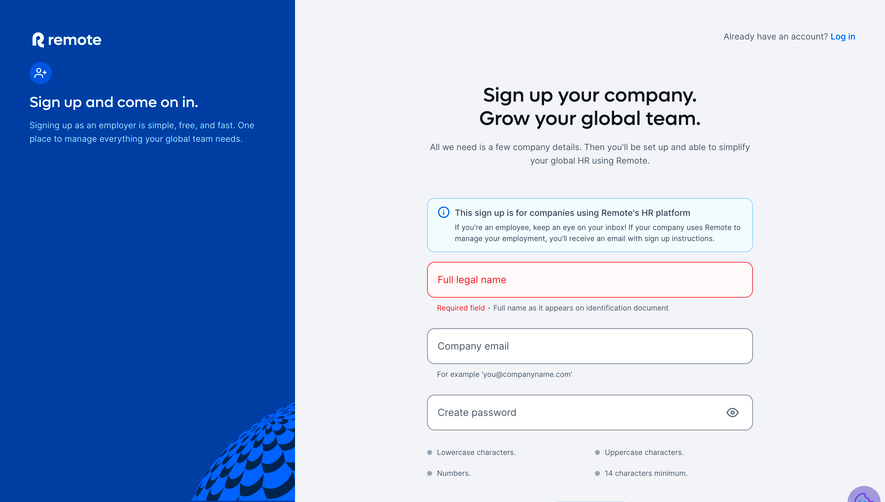
Remote Basic Information Account Setup
 RemoteHR platform for global teams
Captured 2023Remote may have changed this screen since.
About this screen
Vertical step tracker
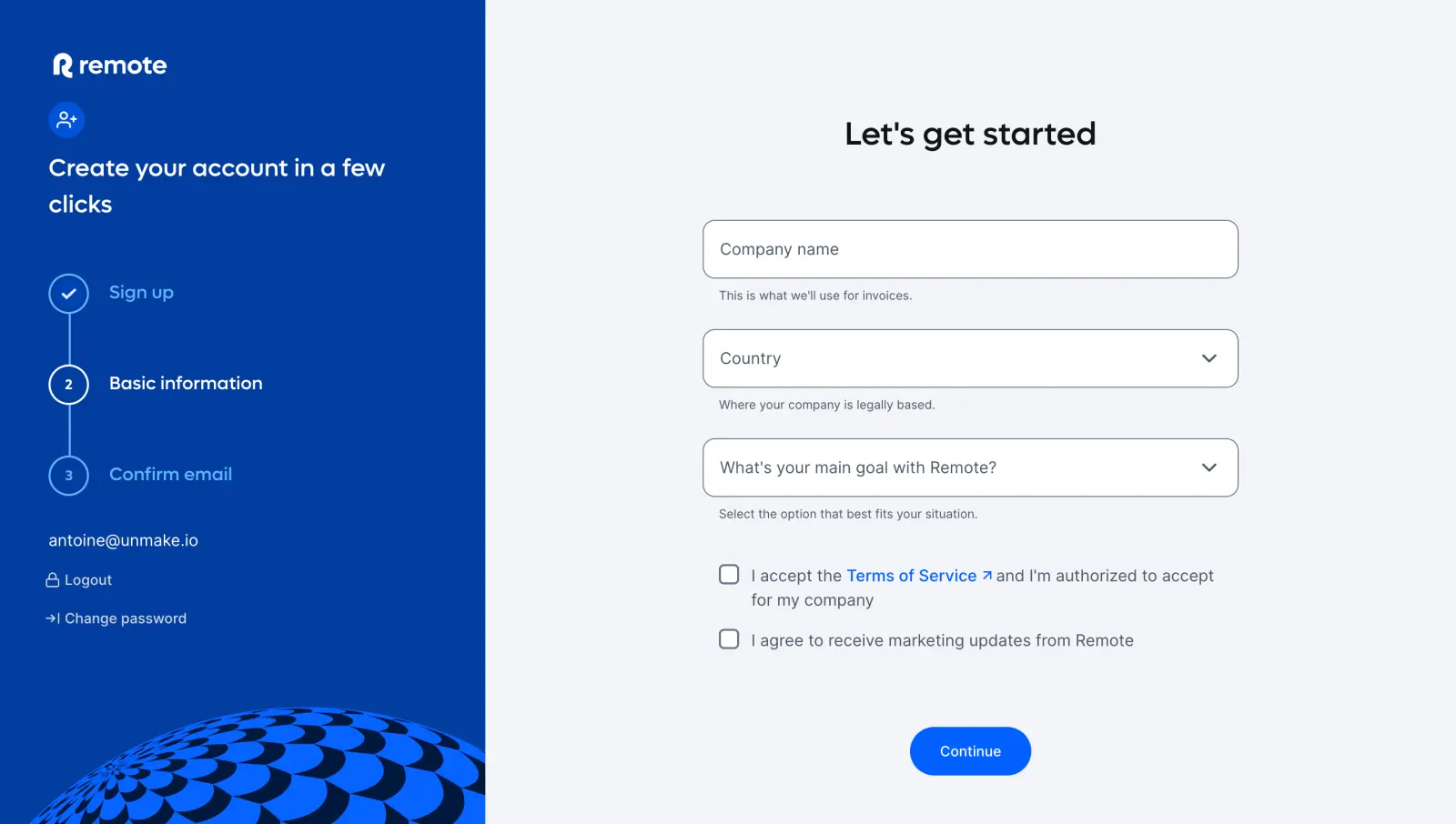
The blue left panel lists "Sign up" (checked), "Basic information" (current) and "Confirm email", with logout and change password links under your email.
Company basics
Under "Let's get started", you enter the company name, pick a country and choose your main goal with Remote from two dropdowns.
Consent and continue
Two checkboxes cover the Terms of Service and marketing updates, above a blue "Continue" button.