SaaSFrame
Part of Create An Account
SavvyCal Account Setup: Profile Defaults
 SavvyCalScheduling Software Your Recipients Will Love
Captured 2023SavvyCal may have changed this screen since.
About this screen
Prefilled welcome
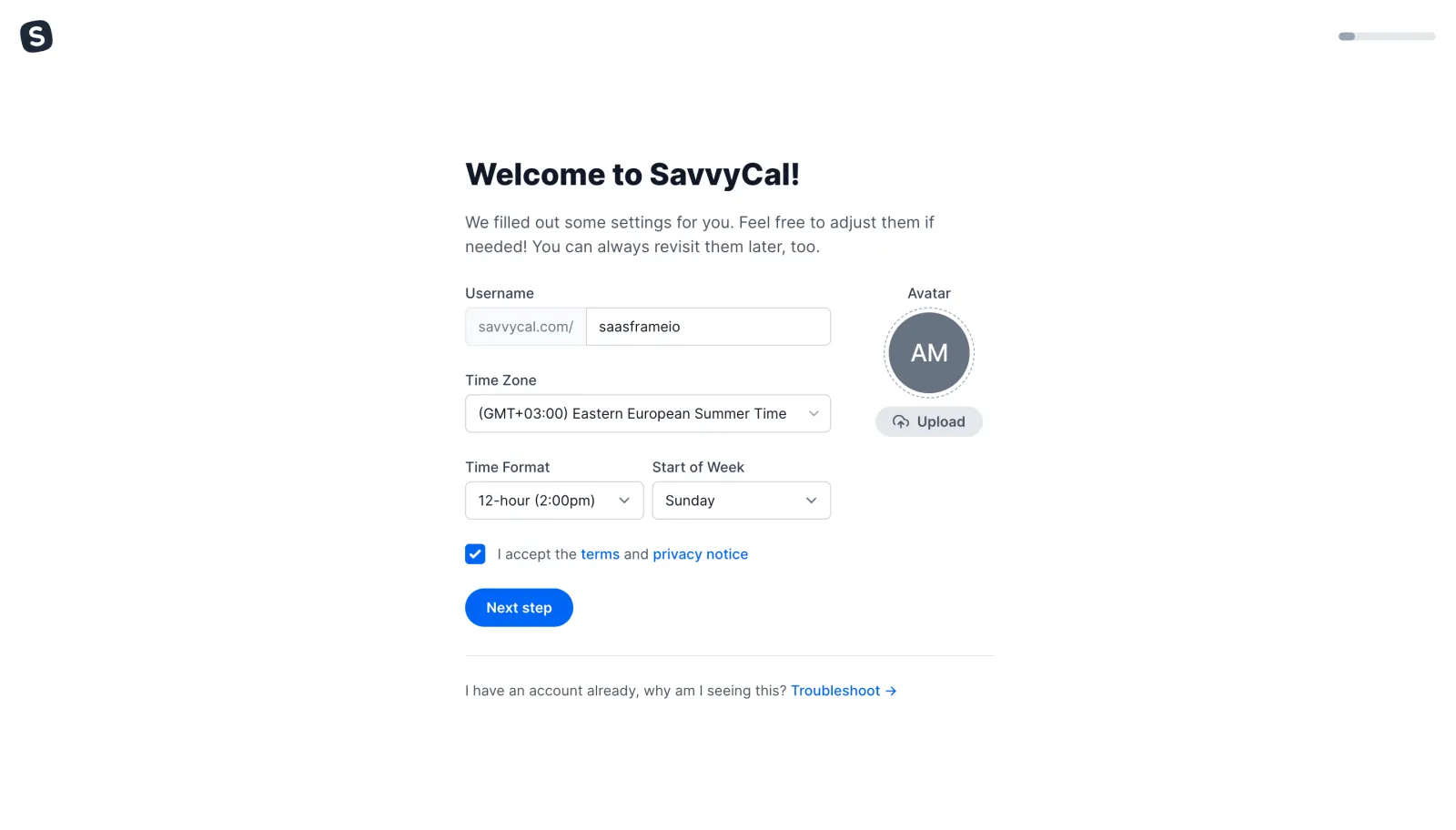
"Welcome to SavvyCal!" says some settings were filled out for you, with a thin progress bar at the top right.
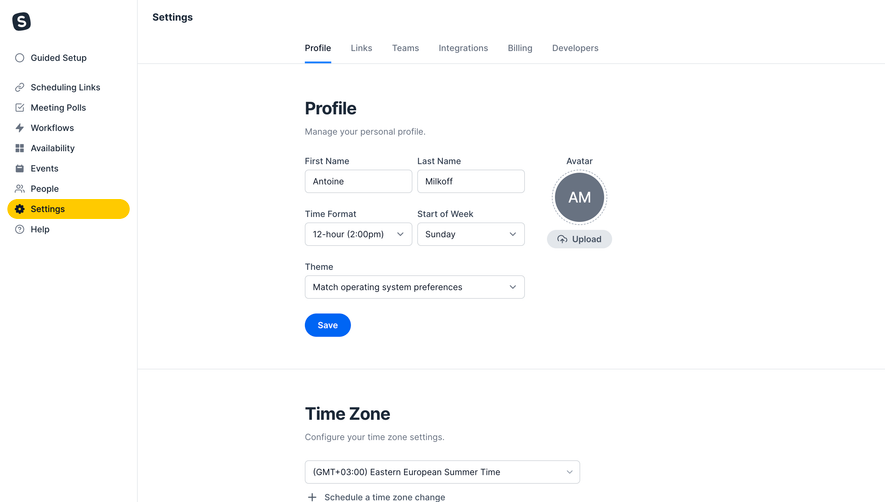
Settings
Username with a "savvycal.com/" prefix, time zone, time format and start of week dropdowns sit beside a grey initials avatar with an "Upload" button.
Next
A checked terms box, a blue "Next step" button and a "Troubleshoot" link for existing accounts.