Billing & Subscription
69
Interfaces for managing plans, payment methods, renewals, and subscription status.
.webp)
A billing and subscription workspace brings together the commercial state of a SaaS account: its plan, included capacity, usage, payment arrangements, billing history, and available changes. The interface should help an account owner answer practical questions without confusing concepts that happen to involve money. What do we have now? What is being used? What will change if we choose another plan? Which records explain past charges?
These questions often belong to different areas of the same workspace. A subscription describes ongoing access. A balance may describe prepaid credit. Usage describes consumption or occupancy. An invoice documents a billing event. Treating all four as one number can make an otherwise simple page difficult to interpret, especially when several products or workspaces share an account.
Begin by mapping the product's actual commercial model. The design for a seat-based subscription will differ from a credit-based service, and a negotiated enterprise agreement may require a sales route. Interface labels should reflect that model precisely. This guide discusses how to communicate it; the captured screens are historical design examples, not statements of current prices or terms.
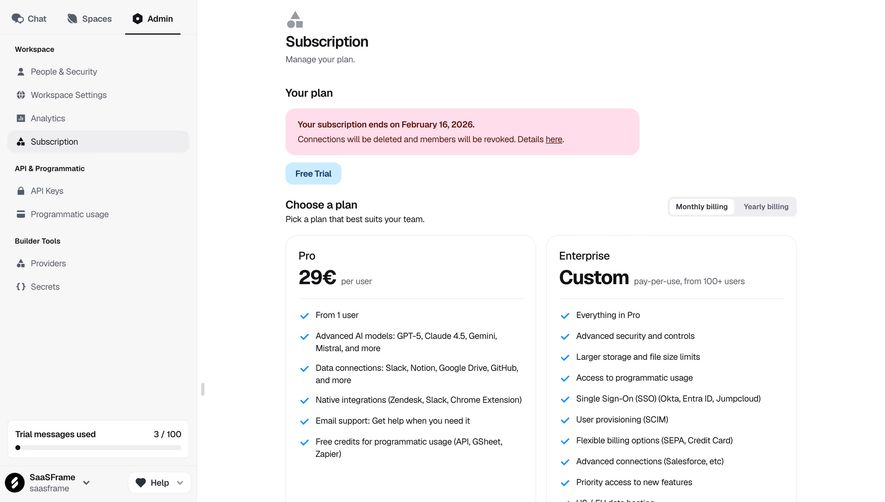
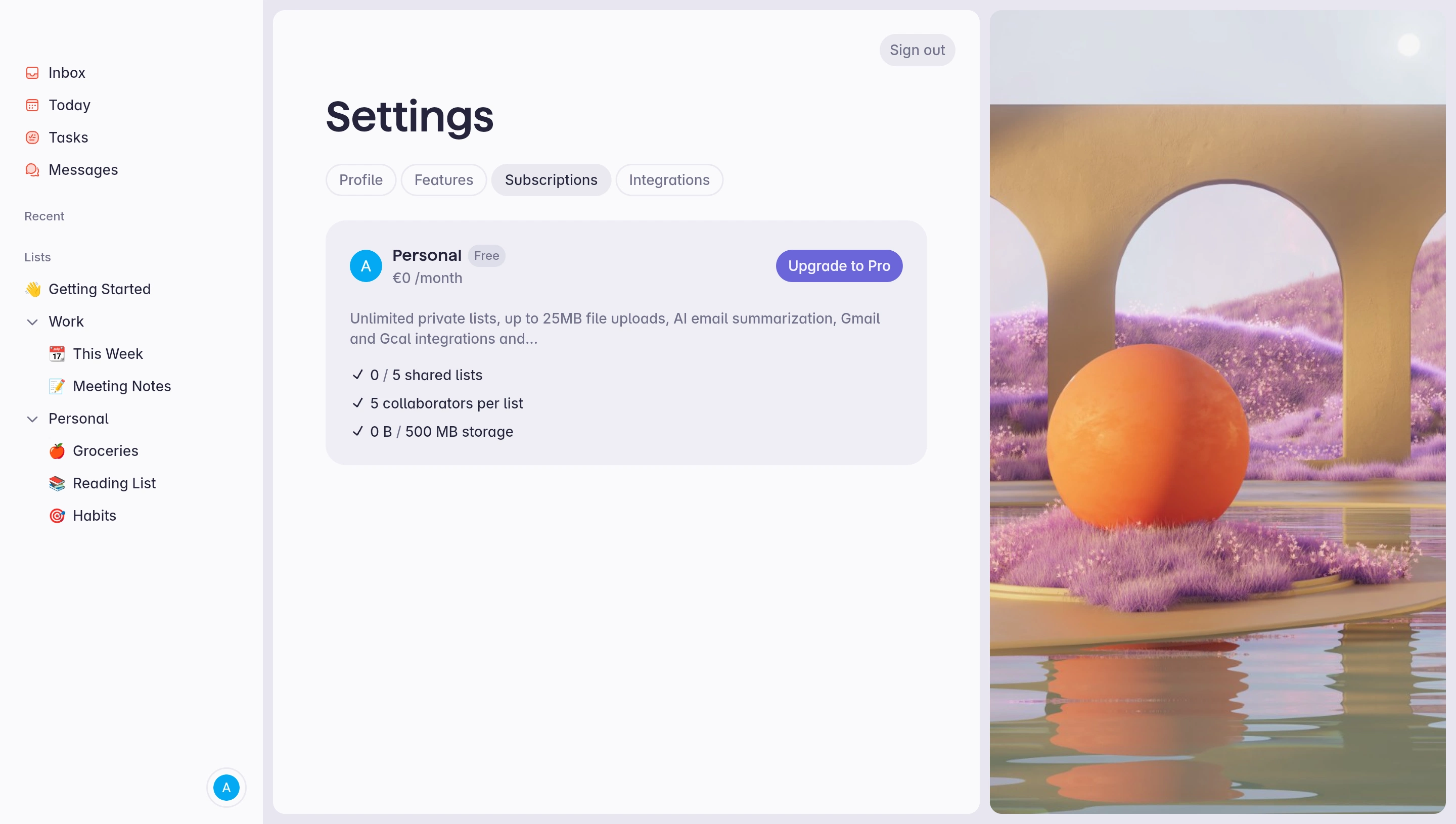
Dust's captured subscription screen presents a Pro plan beside an Enterprise option. The Pro card has a direct subscription action, while Enterprise uses a contact-sales route. A trial-related banner appears above the choices. The screen therefore combines the account's current situation with available next steps rather than assuming every visitor is already paying.

The important relationship is between state and action. A person evaluating a trial needs to understand how to continue; an existing subscriber may instead need to manage renewal, capacity, or payment details. A pricing comparison alone cannot serve all these situations unless the page clearly identifies which one applies to the current account.
Place account and workspace identity near important billing decisions. In products with multiple organizations, a user may have permission to manage only some subscriptions. The interface should make the affected scope clear before opening a change flow. A plan name without the account it belongs to can be insufficient context for an administrator switching between workspaces.
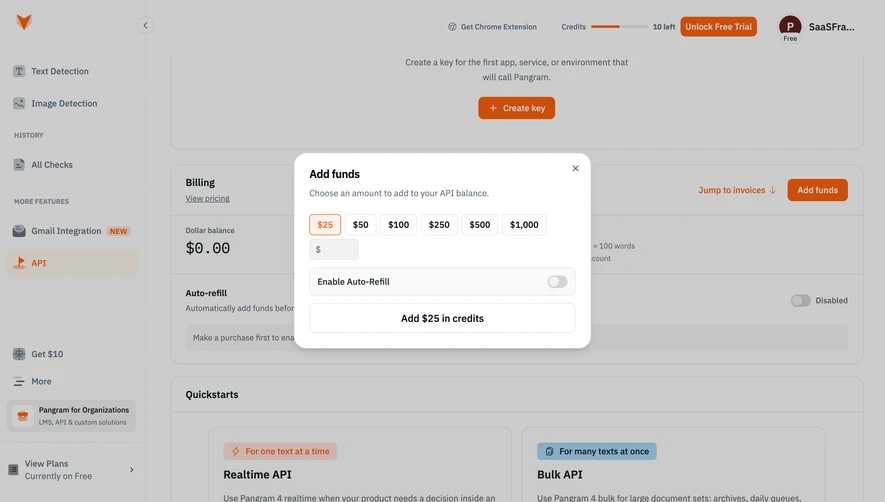
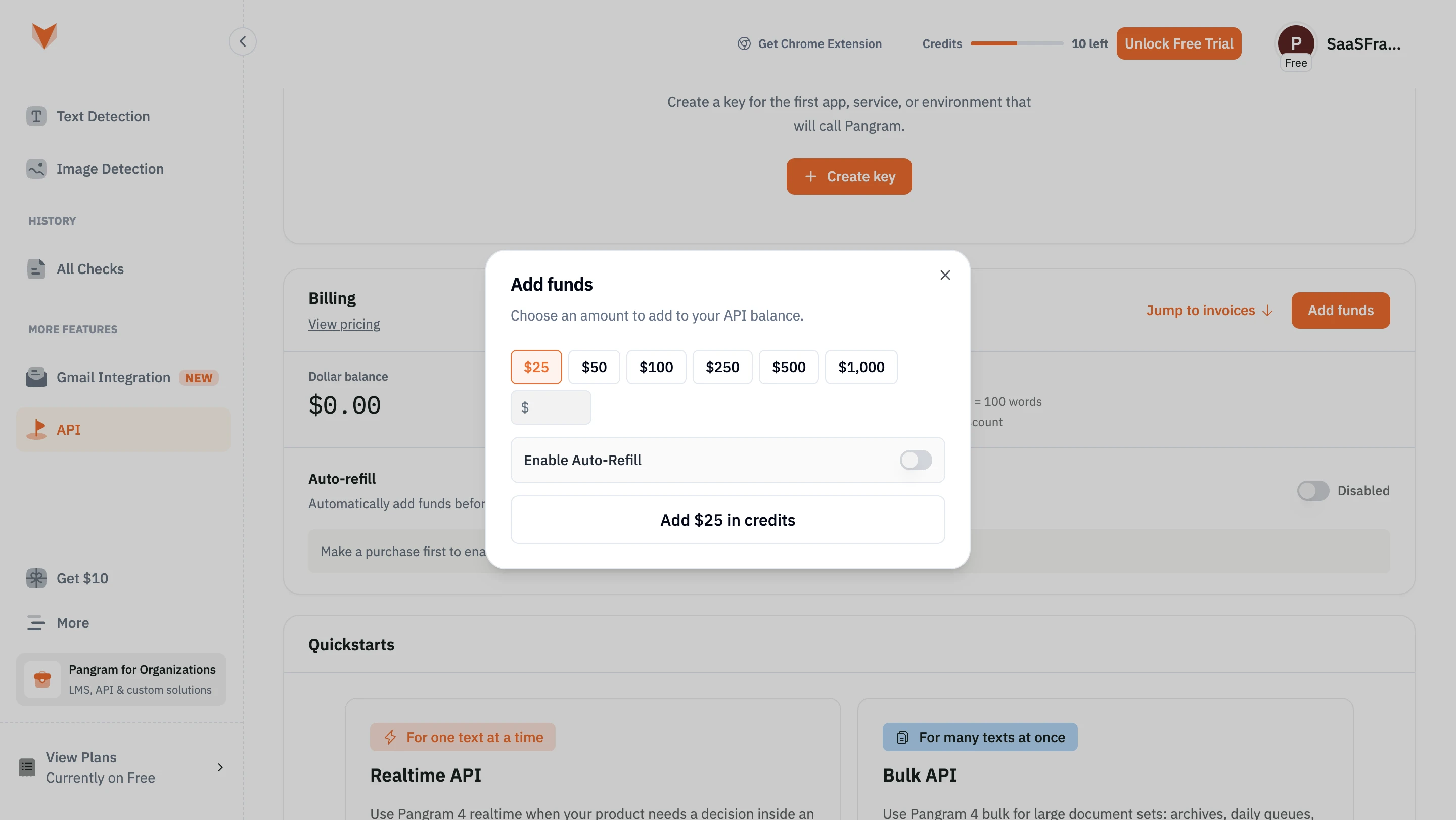
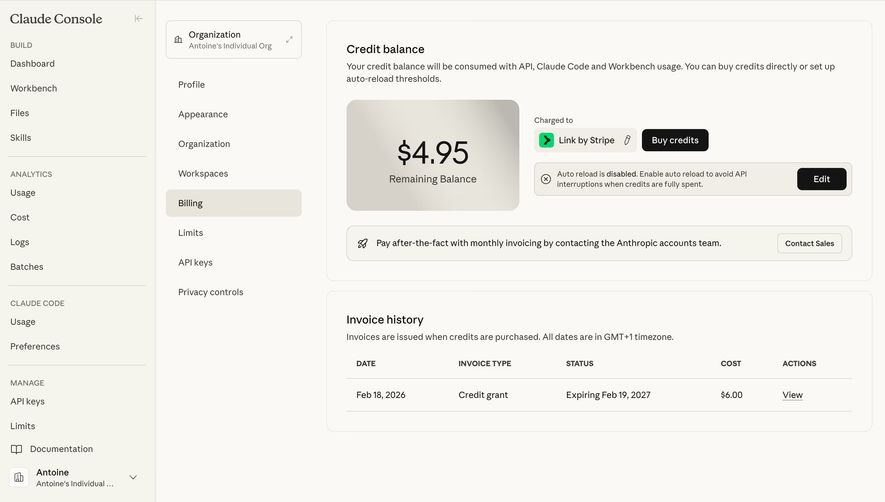
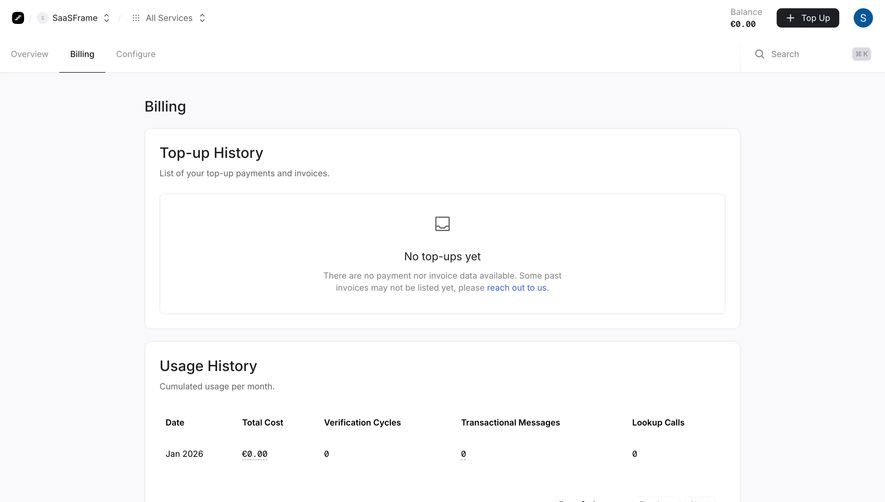
Prelude's captured billing page separates Top Up History from Usage History. The top-up area is empty and includes a note about records that may not be listed, while the usage area has a dated row. This distinction makes it possible to understand that no visible top-up records does not necessarily mean no activity or no consumption.

Use this separation wherever different commercial concepts coexist. A prepaid balance is not the same as the amount consumed this month. A seat allocation is not a payment record. A pending invoice is not proof that a subscription change has completed. Clear section titles, units, and dates help users connect these concepts without collapsing them.
If records are incomplete, explain the limitation near the affected history and provide a route for resolving it. Avoid an empty state that confidently suggests nothing has ever happened when the interface only lacks accessible records. The explanation should describe the scope of the displayed information, rather than require users to infer it from a support link alone.
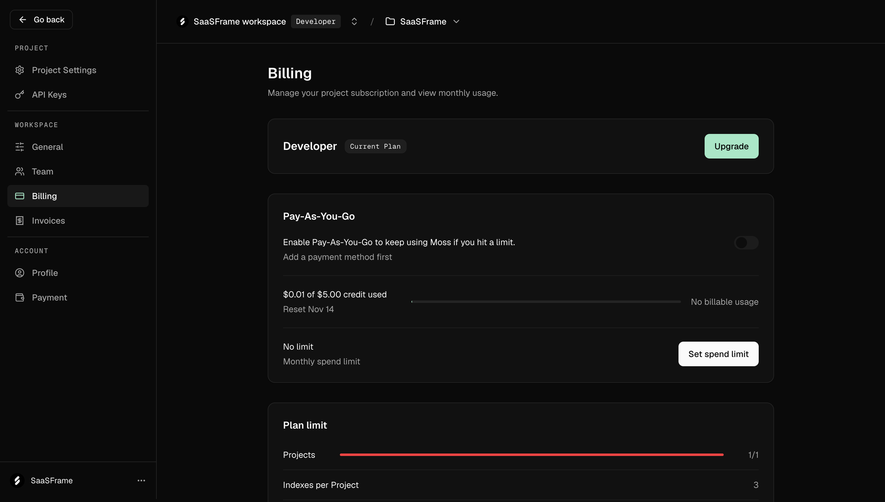
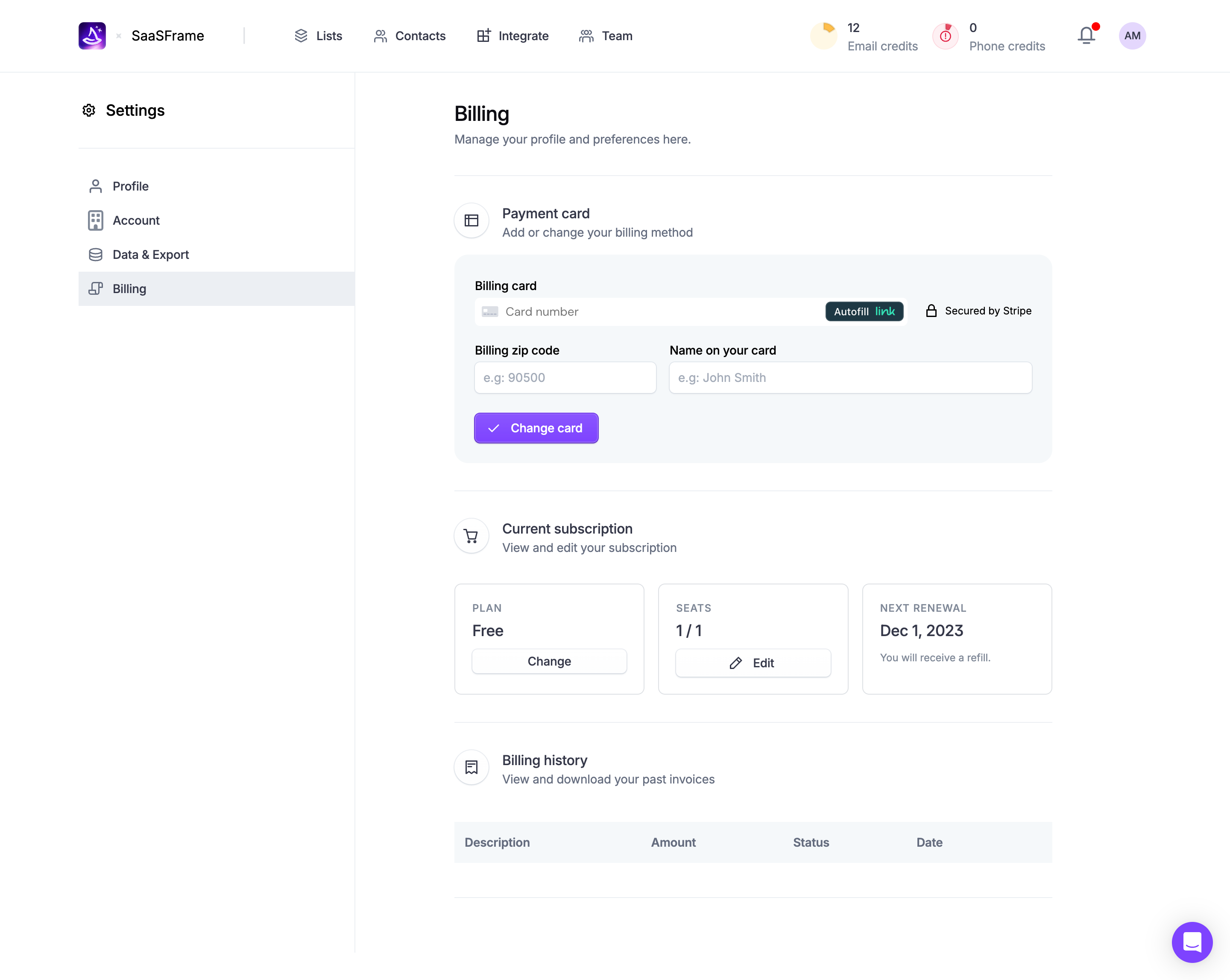
A plan summary should explain the parts of the commercial arrangement that affect ordinary decisions. Relevant details may include billing cadence, included seats, usage allowances, renewal timing, and additional paid capacity. Include the details that apply to the product rather than adding a generic checklist of billing concepts.
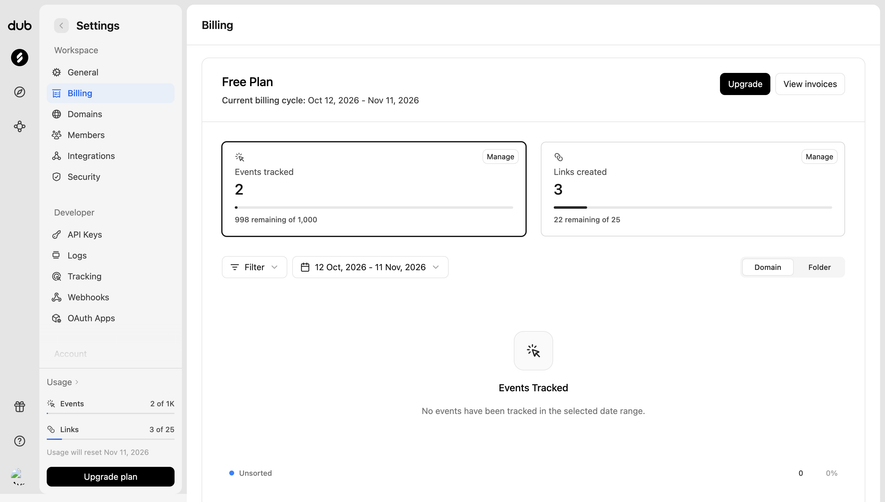
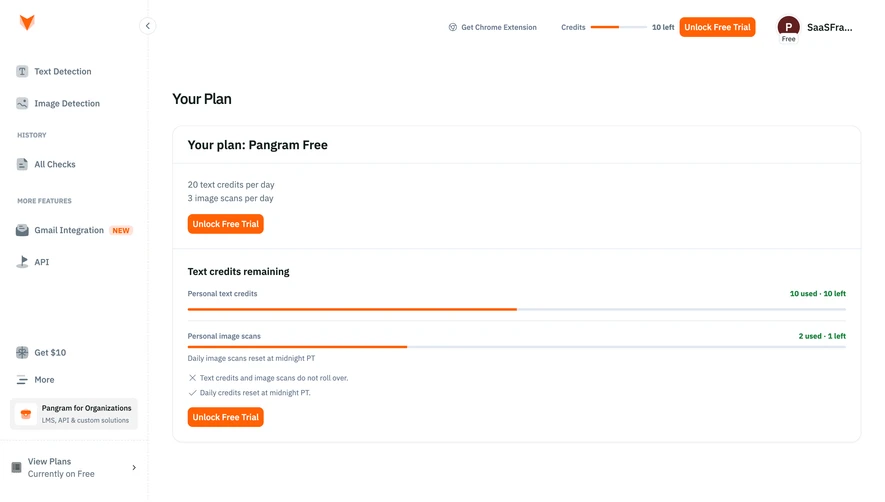
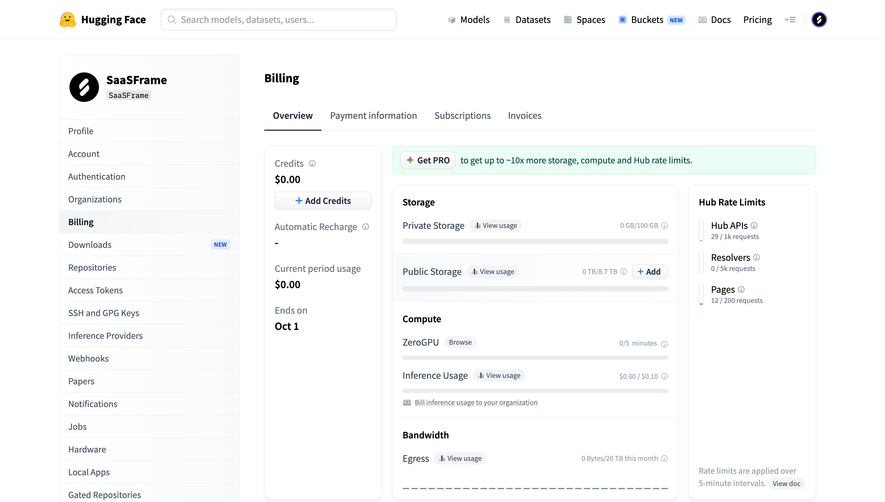
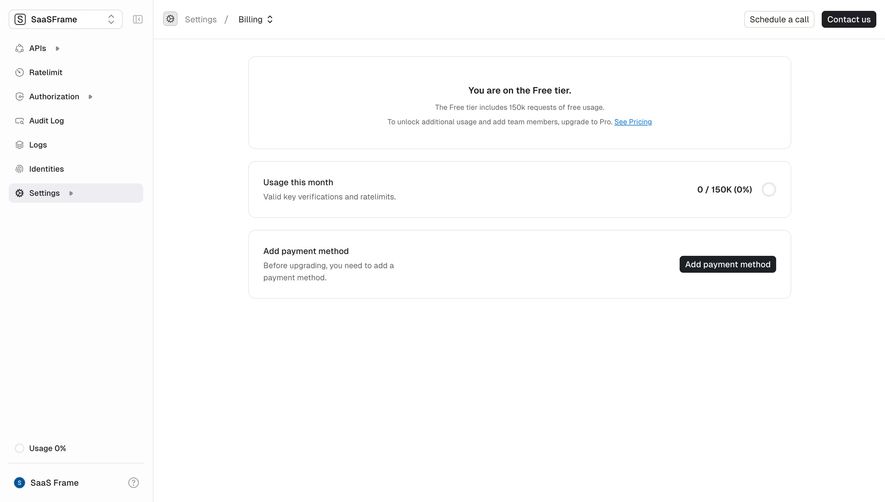
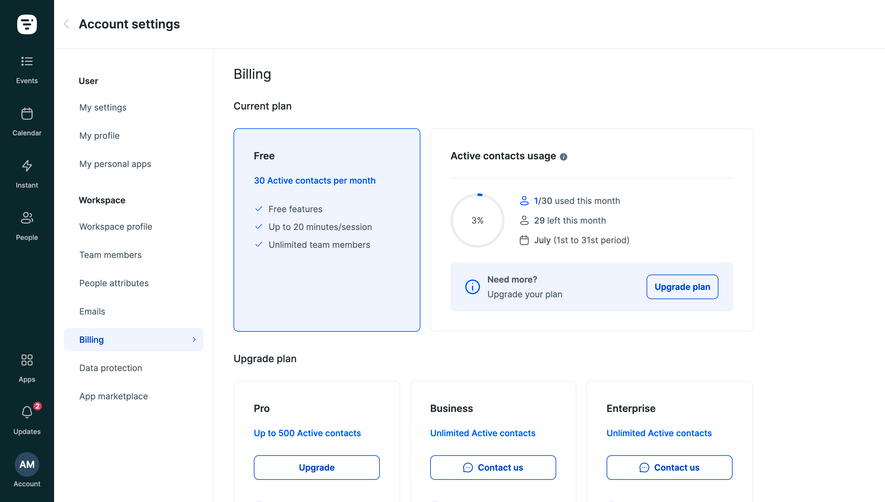
Connect included capacity to usage where that relationship affects a decision. A user approaching an allowance needs to know whether the system blocks further work, uses paid overage, or requires another plan. Do not rely on color alone to communicate that difference. If the actual behavior depends on an account setting, make the setting and its current value visible at the relevant moment.
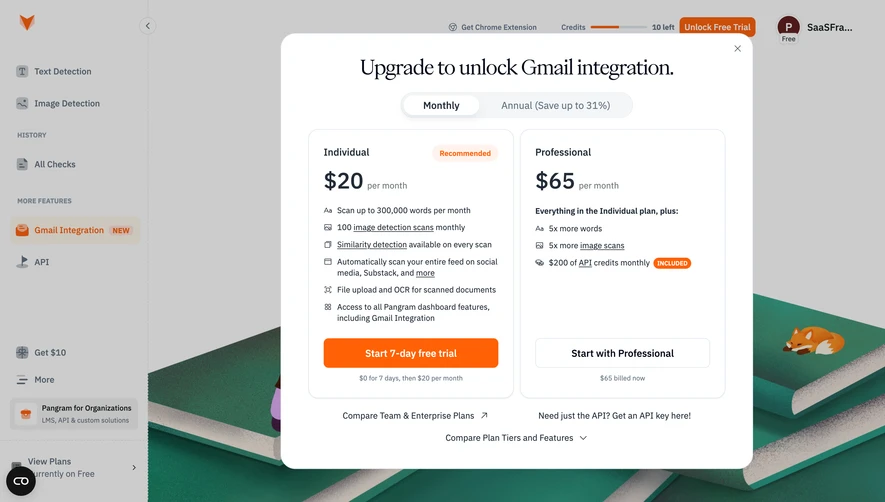
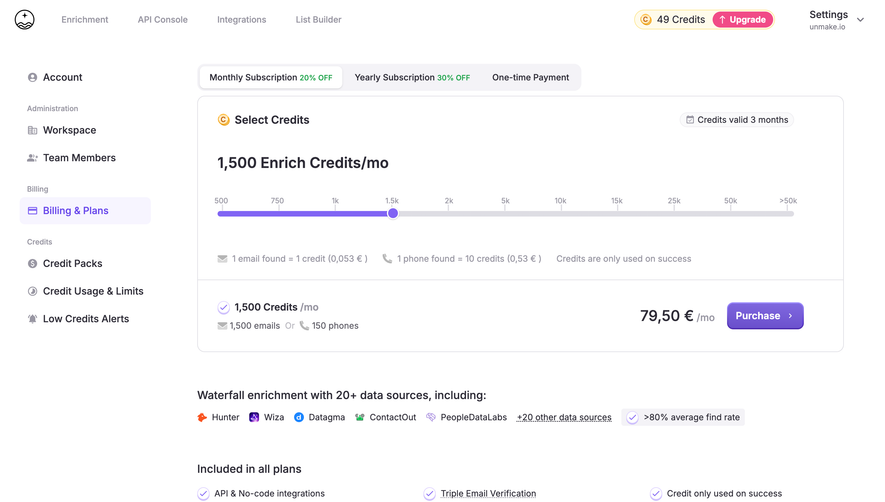
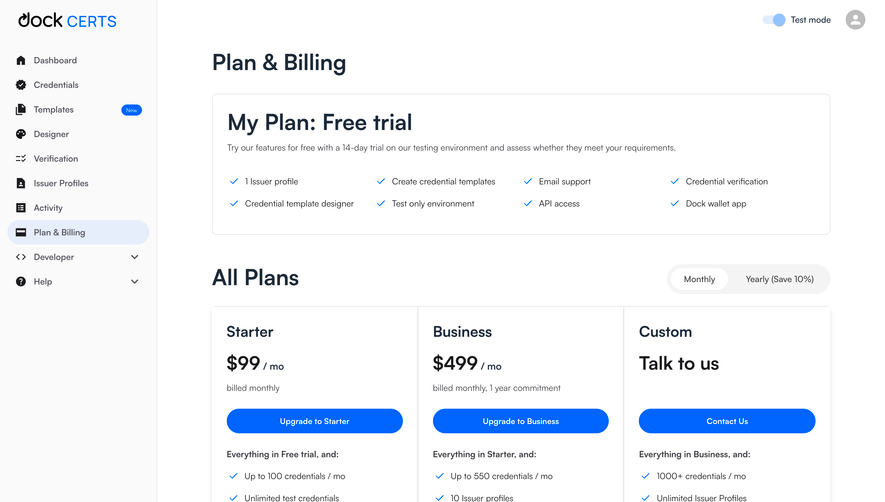
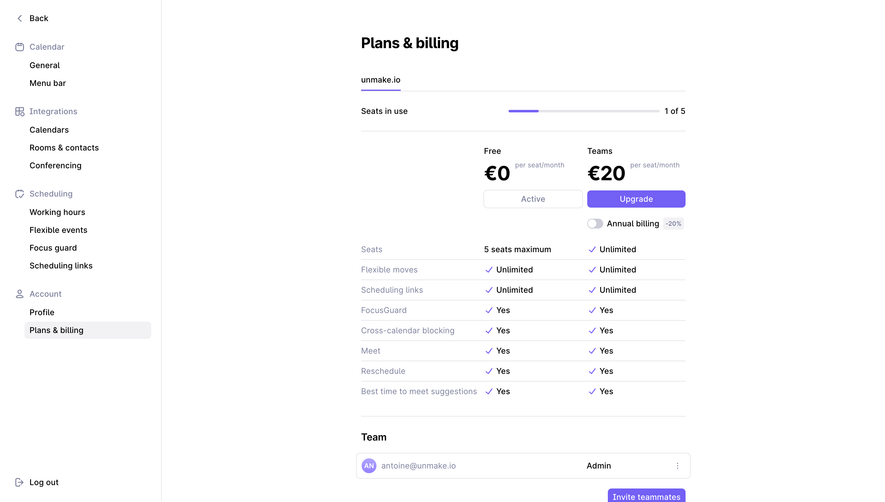
Plan comparison belongs alongside the current plan when it helps users evaluate a change. Mark the current option clearly and avoid presenting an action that appears to buy the same plan again. Explain important differences in terms of access, limits, or service level. A long feature list is less helpful when it obscures the one difference that motivates the user's decision.
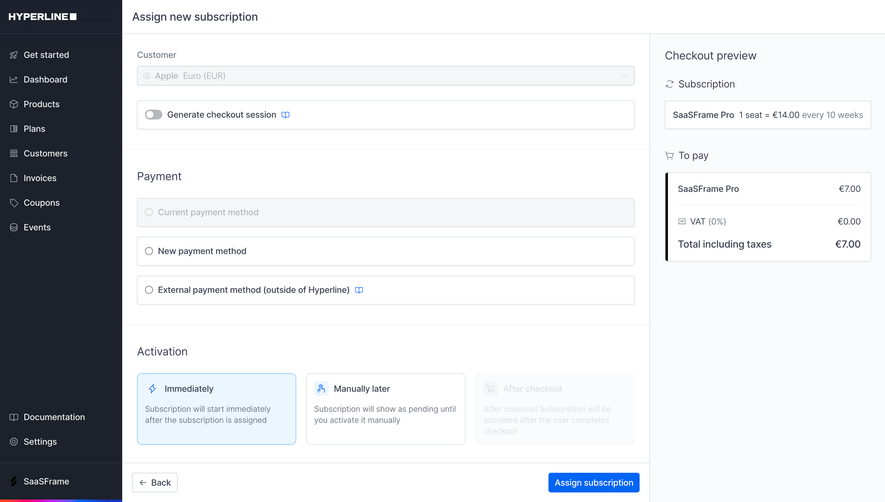
Changing a plan can affect price, timing, access, capacity, and collaborators. A confirmation step should explain the actual consequences for the account. The interface may need to show when the new arrangement starts, what happens to the current billing period, and which capabilities or limits change. These details should come from the product's commercial logic rather than from assumptions about how subscriptions usually work.
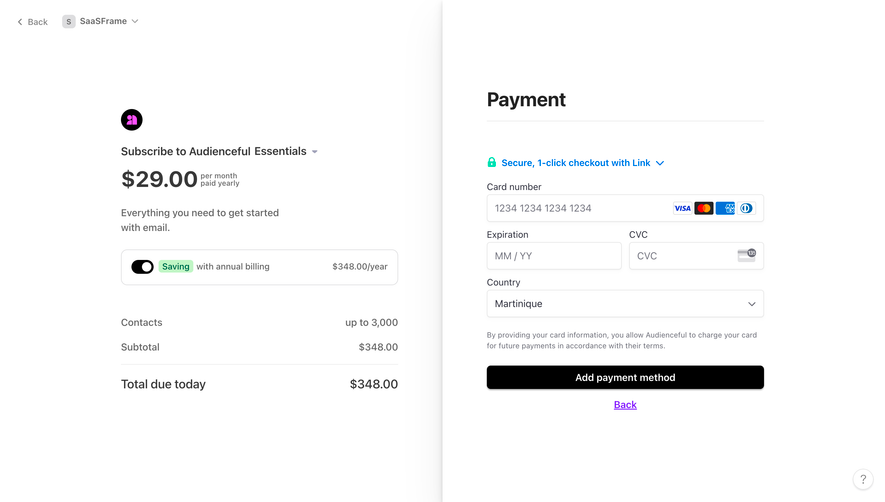
Distinguish an estimate from a confirmed amount. If the amount depends on a future usage level or a variable seat count, explain the basis of the displayed number. If an adjustment is calculated before confirmation, show enough context for the user to understand it. Avoid a single unexplained total that forces them to compare several pages mentally.
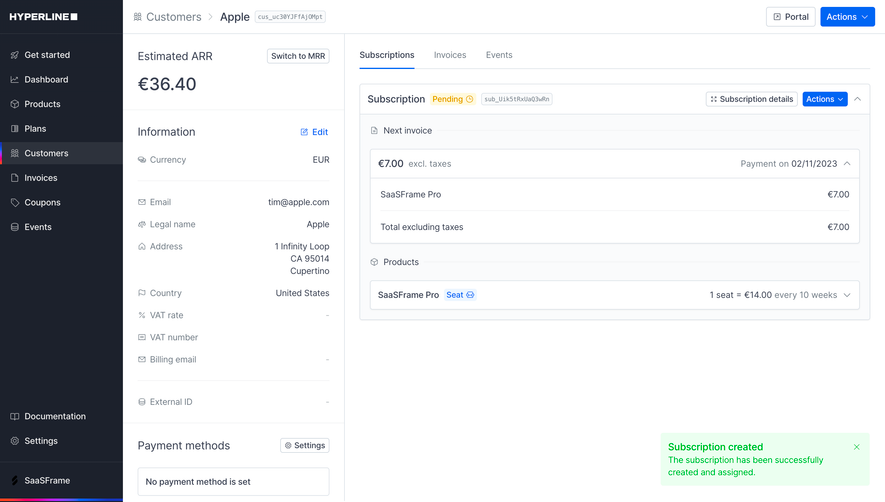
Use an action label that matches the transition. “Review upgrade” and “Confirm upgrade” belong to different stages. The confirmation should identify the affected workspace and the selected plan. After completion, update the visible state and provide a concise summary. If processing is delayed, show that the request is pending rather than leaving the previous state with no explanation.
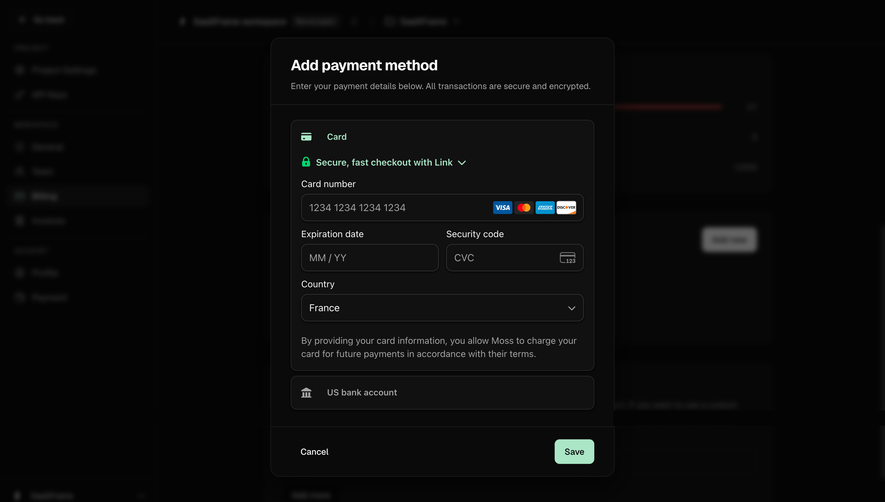
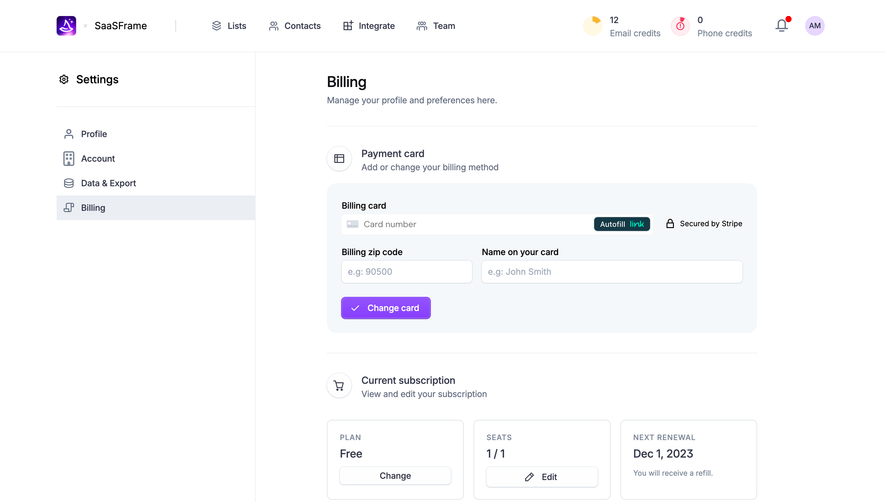
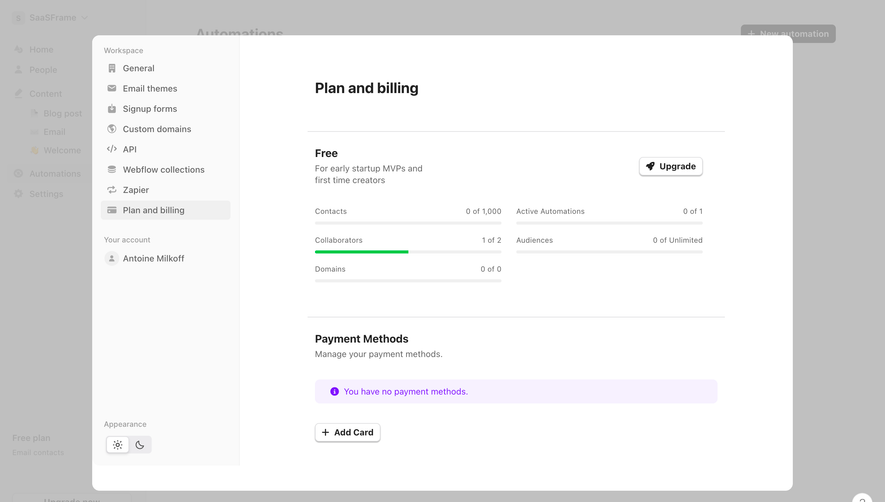
A payment section should make the current arrangement understandable without exposing unnecessary sensitive information. Identify the payment method enough for an authorized user to recognize it, provide a clear update route, and distinguish the absence of a method from a failed collection attempt. These states need different explanations and next steps.
A payment failure message should name the practical consequence and available action. For example, an account may need to update a method before a specified service transition. Communicate the actual product behavior and timing rather than using a generic red banner that says something went wrong. Give users a way to understand whether another attempt is underway or their intervention is required.
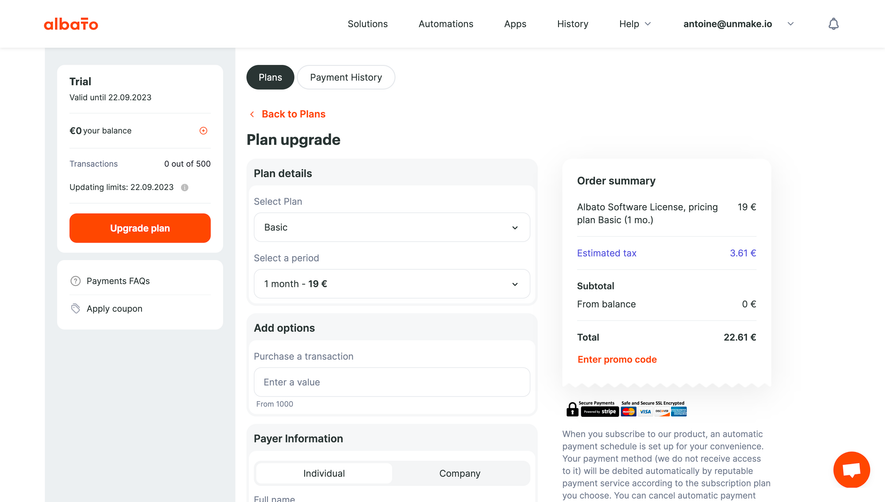
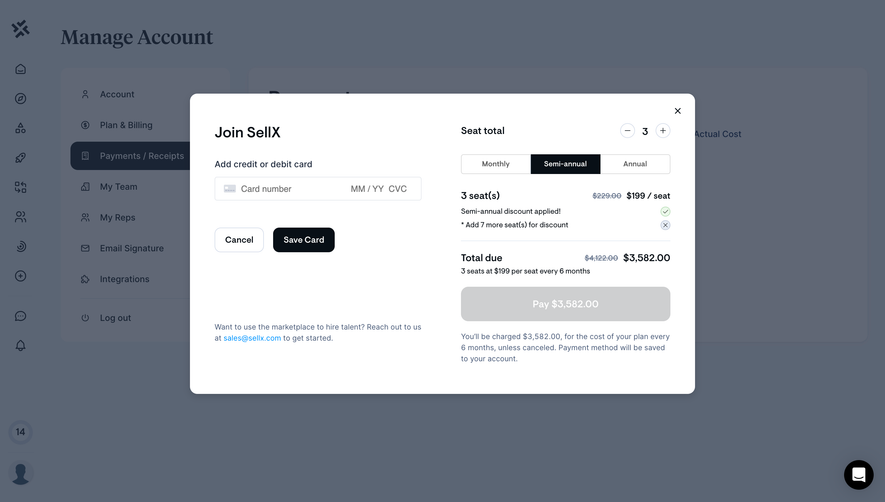
Review duplicate-submission behavior in payment and plan-change flows. A slow response should not encourage repeated clicks that create uncertainty about what has been requested. Preserve entered information where appropriate, provide progress feedback, and explain how to recover from a failed request. The two screenshots do not establish these behaviors; they require implementation testing.
The person using a product may not be the person authorized to pay for it. Billing administrators, workspace owners, and ordinary members can need different views and actions. Decide which information each role should see and which changes it can make, then make unavailable actions understandable without implying that every user can complete them.
A member approaching a limit may need a route to the administrator rather than an active purchase button. An administrator may need records across multiple workspaces. A finance contact may need invoices without access to application content. These are distinct responsibilities. Avoid making billing access depend on an unrelated product role simply because the interface already has that role available.
Explain scope before important changes. If adding capacity affects the whole organization, say so where the user chooses it. If a subscription is attached to one workspace, identify that workspace consistently. Account switching should not silently carry a partially completed billing action into another organization. Test permission changes while a billing flow is open.
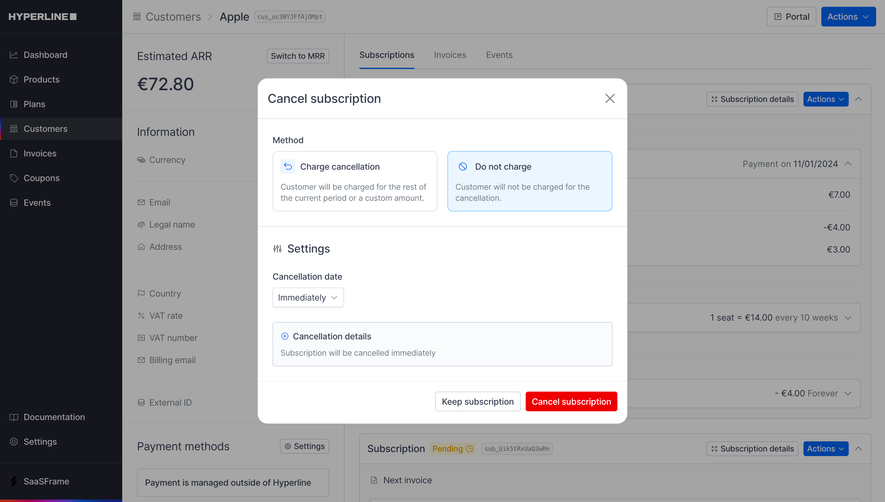
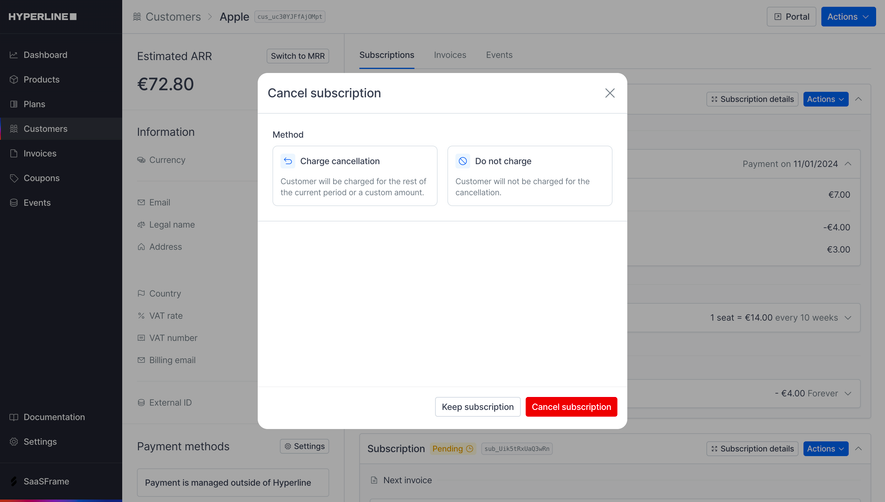
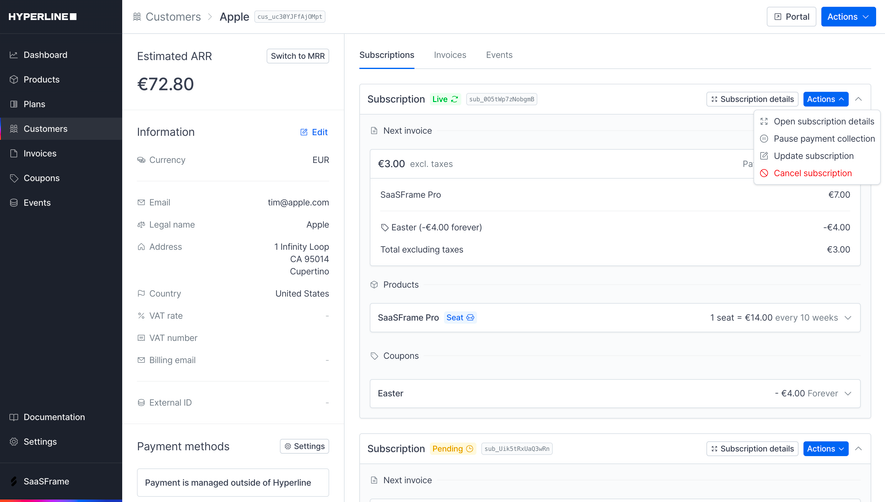
A downgrade or cancellation flow should explain what the user is changing, when it takes effect, and what happens to existing work. The appropriate details depend on the product. Included capacity may decrease, some capabilities may become unavailable, or service may continue until a scheduled date. Present the actual consequences clearly before the final action.
Keep retention offers separate from the user's ability to complete the requested change. A relevant alternative can help someone solve a cost or capacity problem, but an unclear sequence can leave them unsure whether cancellation occurred. Use a final state that names the result, the effective date where applicable, and any remaining action.
Do not use a success message that overstates completion when another system is still processing the request. A pending state needs a clear explanation and a route to check progress. If cancellation can be reversed before it takes effect, identify that option separately from the original confirmation so the user can distinguish current access from future renewal.
Billing quality depends on the transitions between states, not only the default page. Review trial, active subscription, scheduled change, payment failure, cancellation, expired access, and missing history where those states apply. Also consider concurrent changes by another administrator and the effect of switching between accounts during a request.
Evaluate whether users can answer practical questions: identify the current plan, explain included capacity, find a past record, predict the effect of an upgrade, and determine whether a cancellation is complete. Track unsuccessful changes and support requests alongside conversion. An increase in purchases is not enough to establish that administrators understand the arrangement.
Use this checklist for a billing workspace:
They can share information, but they serve different needs. Pricing helps prospective customers compare offers. Billing helps an account understand and manage its current arrangement. A billing page should retain account state, history, permissions, and change consequences even when it includes a familiar plan comparison.
Yes, when usage affects access, capacity, or cost decisions. Explain the measurement and time period rather than adding an isolated progress bar. Keep occupancy, consumption, prepaid balance, and billed amounts distinct so the user can understand how the displayed quantities relate to the plan.
The affected account, selected change, amount or estimation basis, effective timing, and relevant access consequences. Include the details that materially affect the decision. After confirmation, show whether the change is complete or pending and provide a stable way to revisit the resulting state.
Browse the SaaSFrame billing and subscription examples to compare plan selection, account state, and commercial-history layouts.