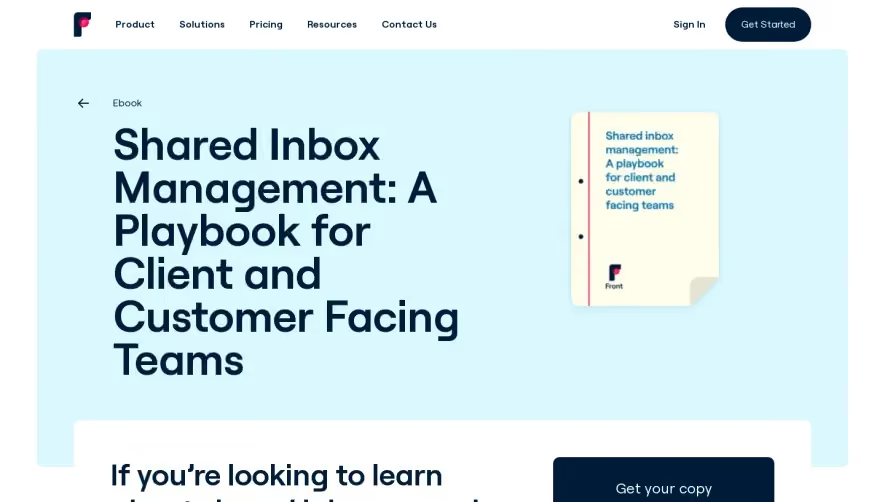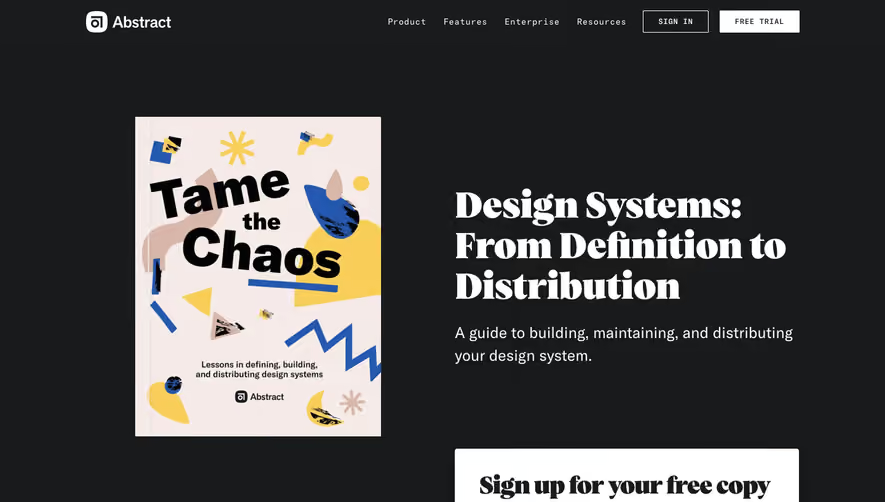

1. Header: The header contains a logo and a navigation bar that includes links to the homepage, ebook landing page, blog, podcast, and a search bar. Additionally, there is a button to download the ebook and an option to sign up for the newsletter. 2. Hero section: The hero section includes a background image and text that promotes the ebook. Additionally, there is a button to download the ebook and a section for user reviews. 3. Ebook summary: This section includes a brief summary of the ebook and its contents. It also highlights the benefits of reading the book. 4. Table of contents: This section provides an overview of the chapters in the ebook. Each chapter is listed with a brief description. 5. Chapter previews: This section includes snippets from some of the chapters to give readers an idea of the content covered in the ebook. 6. Testimonials: Several customer testimonials are showcased in this section. Each testimonial features a photo, name, and company name. 7. Author bio: The author's bio is provided in this section, along with a photo and a brief summary of their achievements. 8. Call-to-action: A call-to-action to download the ebook is prominently displayed at the bottom of the page. 9. Footer: The footer contains links to various sections of the website, as well as social media icons for the company's profiles. It also includes a copyright notice and a disclaimer.


Webflow eBook Page

Webflow
Build responsive websites
Designed by
No items found.
Category
Patterns
No items found.
Tech Stack
Added on
May 26, 2020