.avif)

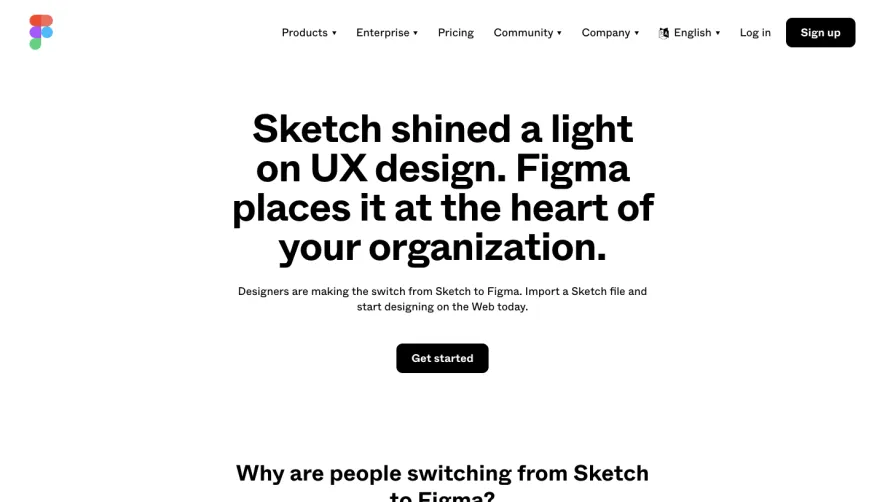
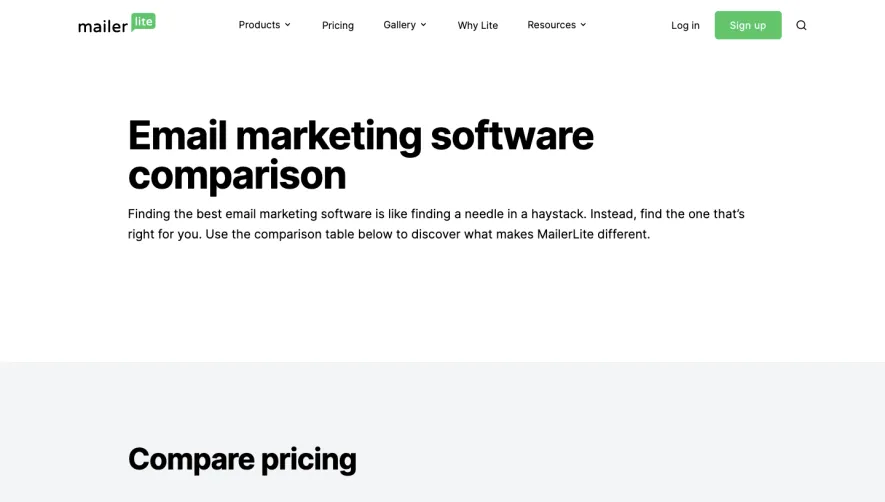
1. Header: This section includes the Slite logo and company name, along with a navigation bar that includes links to other pages on the Slite website. 2. Hero Section: This section features a heading, a subheading, and a large call-to-action button that directs users to sign up for Slite. It also includes a side-by-side comparison table that compares the features of Slite with Google Docs. 3. Slite Features Section: This section highlights several key features of Slite, including its real-time collaboration, organization tools, and mobile app. 4. Google Docs Demerits Section: This section points out several key drawbacks of Google Docs, including its limited organization tools and lack of a shared team knowledge base. 5. Customer Testimonials Section: This section features customer testimonials that speak to the benefits of using Slite over Google Docs, including improved productivity and communication. 6. Comparison Table: This section provides a more detailed comparison between Slite and Google Docs, outlining the features of each and highlighting the areas where Slite has an advantage. 7. Pricing Section: This section provides an overview of Slite's pricing plans and includes a call-to-action button that directs users to sign up for a free trial. 8. Footer: This section includes links to FAQs, Slite's blog, and its social media profiles. It also includes additional links to sign up for Slite and access the company's help and support pages.
.webp)


Slite compared to Google Doc

Slite
Note tool
Designed by
No items found.
Category
Patterns
No items found.
Tech Stack
Added on
April 25, 2020