.webp)
Thank you! Your submission has been received!
Oops! Something went wrong while submitting the form.
Get SaaSFrame Pro
Monthly
$18
Quarterly
$48
Yearly
$180
Upgrade to access this feature
Browse all screens & flows
Filter and search screens & flows
Access Figma files
Access mobile versions
Bookmark screens & flows
Join now
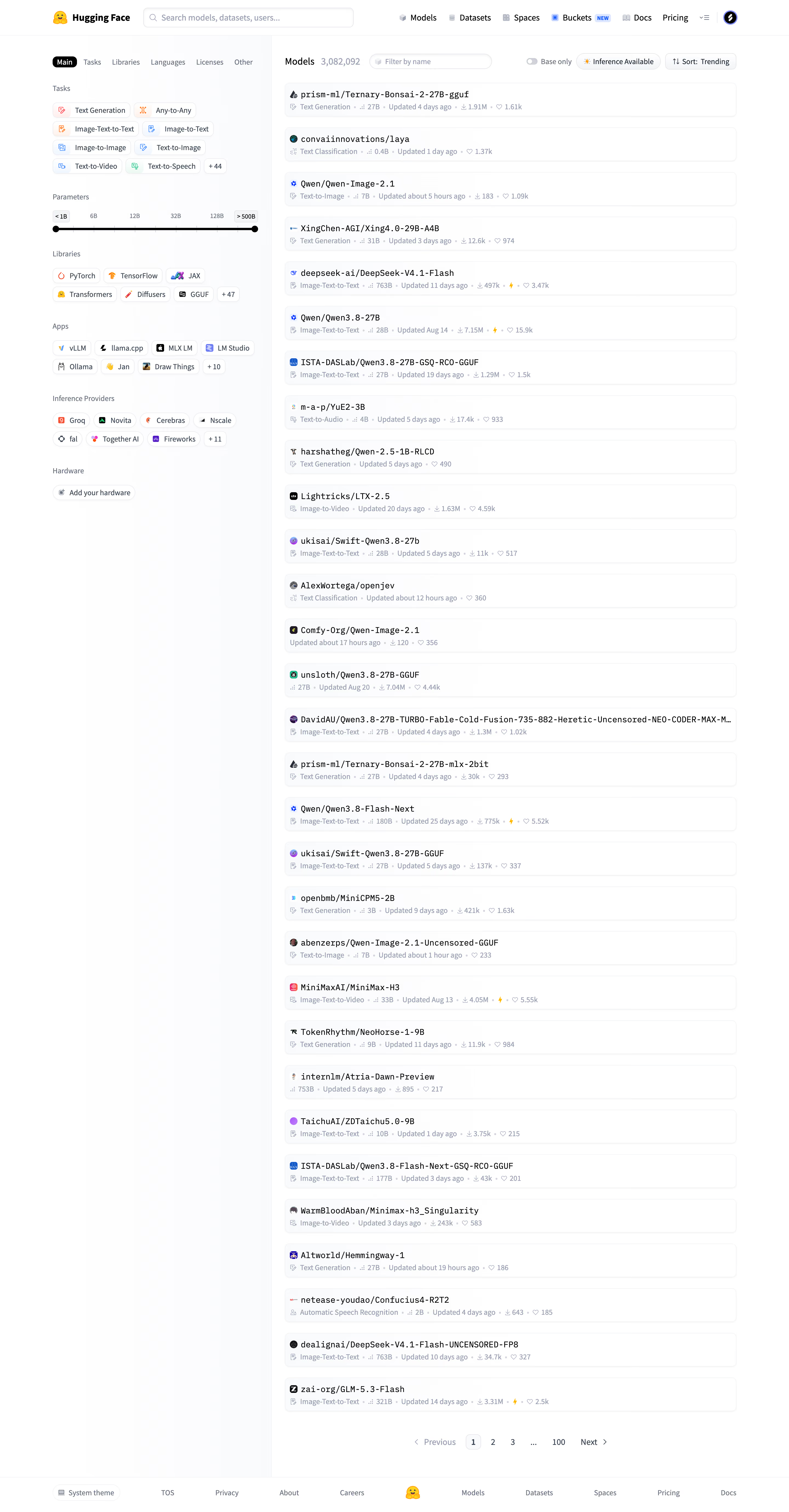

Hugging Face Browse datasets

Hugging Face
The AI community building the future
Designed by
No items found.

Bookmark
Bookmark

Design with AI
Thank you! Your submission has been received!
Oops! Something went wrong while submitting the form.
# Design from Reference: Hugging Face Browse datasets
Create an original, high-fidelity visual design inspired by the reference. Prioritize composition, typography, colors, spacing, and component styling over technical implementation.
## Reference
- **Product:** Hugging Face
- **Category:** Table
- **Screenshot:** https://cdn.prod.website-files.com/5e9dc792e1210c5325f7ebbc/6acad09451f927271bf81e38_6acad029857335a2ffbc94bd_cms-caa4d2094703484531c5e321.webp
Analyze the screenshot first. If inaccessible, request it rather than guessing.
## Content
{{content.instructions}}
{{content.data}}
Preserve essential messaging and factual accuracy. Adapt structure and copy length for visual balance; never invent product claims.
## Visual Design
### Overall aesthetic
- **Character:** A light technical catalogue uses a white canvas, pale filter sidebar and long stack of understated result cards.
- **Visual language:** Compact filter chips, small icons, monospaced repository names and muted metadata support dense browsing without large imagery.
### Page composition
- **Capture scale:** The source measures 2880 × 5520 image pixels. CSS estimates below assume a 2× capture; device-pixel ratio is unverified.
- **Header:** A full-width row combines the Hugging Face identity, large global search field and product/documentation/account navigation.
- **Two-column body:** A roughly 400 px CSS sidebar sits left of a wider results area, separated by a fine vertical line.
- **Filters:** Sidebar tabs precede task chips, a parameter-range slider, library/app/provider chips and a hardware action.
- **Results:** A title/count and compact filter/sort toolbar precede thirty single-column model cards. Pagination follows the list.
- **Footer:** A thin top rule introduces a compact full-width row with theme, legal/company links, centered brand icon and product links.
- **Content identity:** The visible page is a Models catalogue, despite the record's datasets label.
### Information hierarchy
- **Global versus local search:** The broad header search is separate from the smaller Filter by name field beside the result heading.
- **Filter categories:** Small muted group labels organize chips by task, library, app and provider. The parameter slider is the strongest horizontal sidebar control.
- **Result scan:** Repository names are dark and monospaced; task, size, update time, downloads and likes form a quieter second line.
- **Browse controls:** Base-only toggle, inference availability and trending sort sit above the list, while page numbers provide navigation below.
### Typography
- **Families:** General UI text uses sans serif; repository names use a monospaced style. Exact identities are unverified.
- **Header/title:** Brand text is bold around 18 px CSS; the results heading is similarly sized with a lighter adjacent count.
- **Repository names:** Approximately 16 px, regular monospaced text, with long names truncated on one line.
- **Metadata and filters:** Approximately 13–14 px with 18–20 px leading, using muted blue-gray.
- **Category labels:** Small regular-weight labels sit above chip clusters with generous separation between groups.
### Colors & surfaces
- **Measured foundation:** ICC-aware sRGB sampling yields #FFFFFF and pale #FAFBFC, with additional near-white tones supporting subtle sidebar shading.
- **Measured primary text:** Black #000000 and dark slate #364152 appear in prominent labels and repository names.
- **Measured metadata:** Blue-gray #99A1AF and darker #6A7282 distinguish secondary information.
- **Accents:** Small task/provider icons introduce orange, blue, green and purple; the brand icon is yellow. Most controls remain neutral.
- **Boundaries:** Very pale gray outlines and faint shadows define cards and chips without strong visual boxes.
### Components
- **Global search:** A broad rounded input contains a magnifying-glass icon and muted placeholder.
- **Sidebar tabs:** Main is selected with a black rounded pill and white text; other categories appear as quiet text labels.
- **Filter chips:** Small white outlined pills combine icons and labels, wrapping into multiple rows. Compact +count chips indicate more options.
- **Range slider:** A thin black track with two circular handles sits beneath parameter labels and endpoint badges.
- **Result cards:** Roughly 825 × 62 px CSS rows have approximately 8 px corners, fine borders and restrained shadows. A small avatar/icon precedes the name; metadata uses inline icons and dot separators.
- **Toolbar controls:** Compact pill-like controls contain a switch, availability label and sort indicator.
- **Pagination:** Previous/Next controls flank numbered pages; the current first page has a pale rounded outline.
- **Theme control:** A small footer capsule combines a display icon and System theme text.
### Visual rhythm
- **List cadence:** Equal-height cards and roughly 18 px CSS vertical gaps create a long, highly regular result column.
- **Sidebar grouping:** Larger gaps separate filter categories, while chips within groups remain tightly packed.
- **Asymmetry:** The sidebar ends well before the results list, leaving a calm pale region beside the continuing catalogue.
- **Alignment:** Card titles and metadata share consistent insets; the results toolbar aligns with the list edges.
### Responsive
- **Evidence boundary:** Only the desktop catalogue is shown; responsive behaviors are recommendations.
- **Filter access:** Move sidebar filters into an accessible drawer or collapsible panel on narrow screens.
- **Result readability:** Keep names legible, allow controlled truncation with full accessible labels and wrap metadata when necessary.
- **Toolbar/footer:** Wrap local controls and simplify footer navigation without shrinking touch targets.
### Adaptation guidance
- **Catalogue pattern:** Reuse grouped facets, local search, sorting and compact metadata cards for large technical inventories.
- **Clear identity:** Base labels and descriptions on the visible Models page rather than the record title.
- **Data separation:** Treat repository names, counts and update times as captured data, not current facts.
- **Accessible filtering:** Expose selected chips, slider values and result changes programmatically; define keyboard focus and empty-result states separately.
- **Scale calibration:** Validate the assumed 2× scale before assigning CSS sizes and spacing.
Use this context to reproduce the reference's visual language: layout, typography, colors, spacing, borders, radii, and distinctive elements. The screenshot takes priority if descriptions conflict.
## Direction
{{preferences.fidelityInstructions}}
## Output
{{output.instructions}}
Deliver a polished, cohesive design with precise alignment, hierarchy, and spacing. Produce the requested visual artifact, not just a description. If unsupported, explain the limitation.

.avif)
Category
Tech Stack

Added on
September 21, 2026
Similar screens
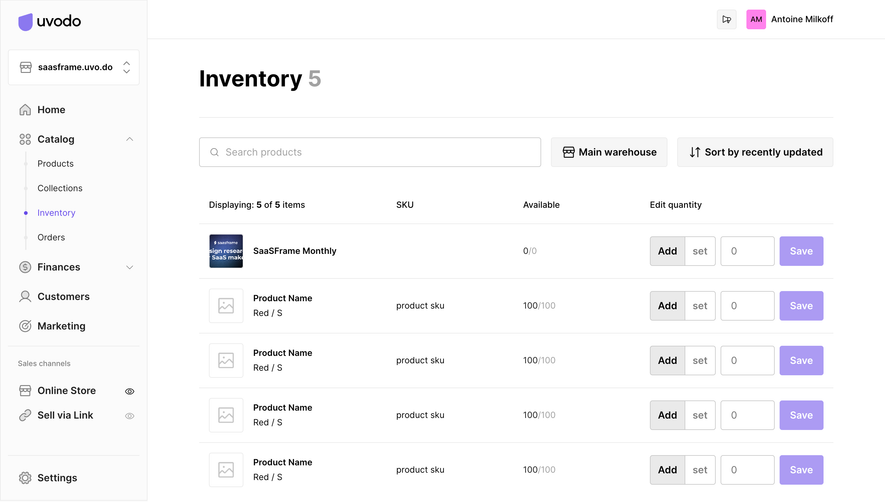


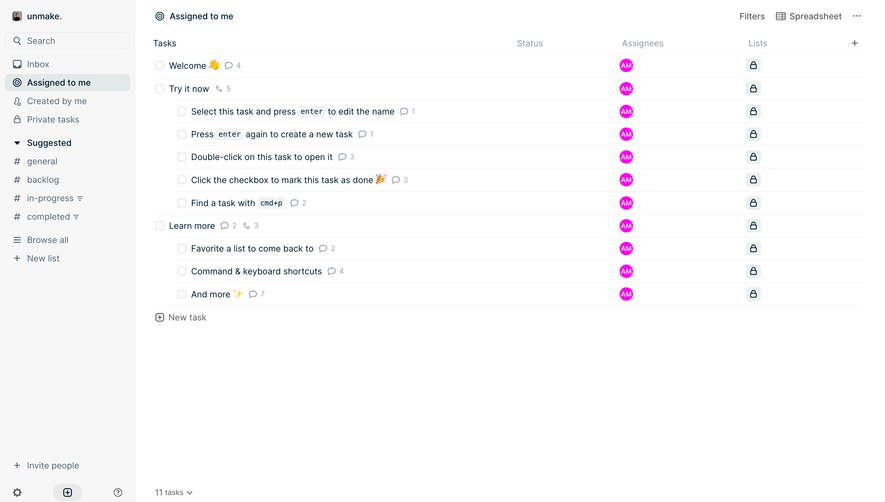

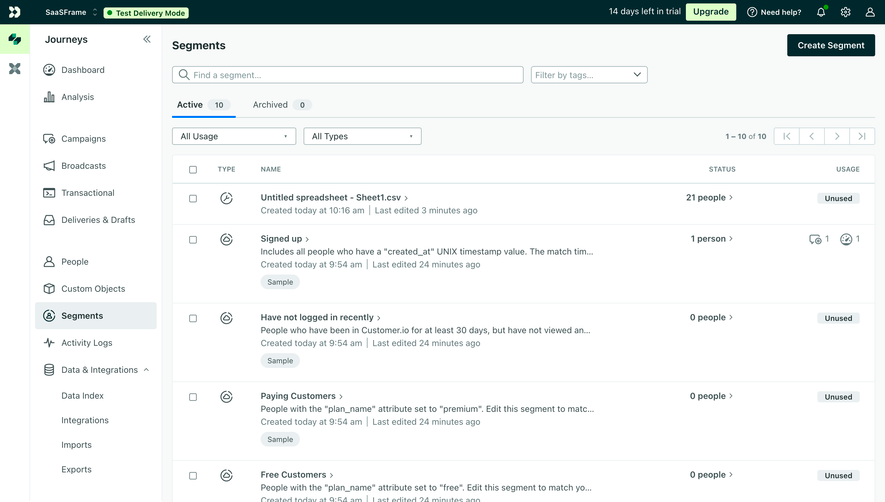

Upgrade to SaaSFrame Pro now to see similar examples.
Monthly
$18 /month
Billed $18 monthly
Browse all screens & flows
Filter and search screens & flows
Search text in screenshots
Access Figma files
Access mobile versions
Join now
Quarterly
$16 /month
Billed $48 quarterly
Browse all screens & flows
Filter and search screens & flows
Search text in screenshots
Access Figma files
Access mobile versions
Join now
Yearly
$15 /month
Billed $180 yearly
Browse all screens & flows
Filter and search screens & flows
Search text in screenshots
Access Figma files
Access mobile versions
Join now