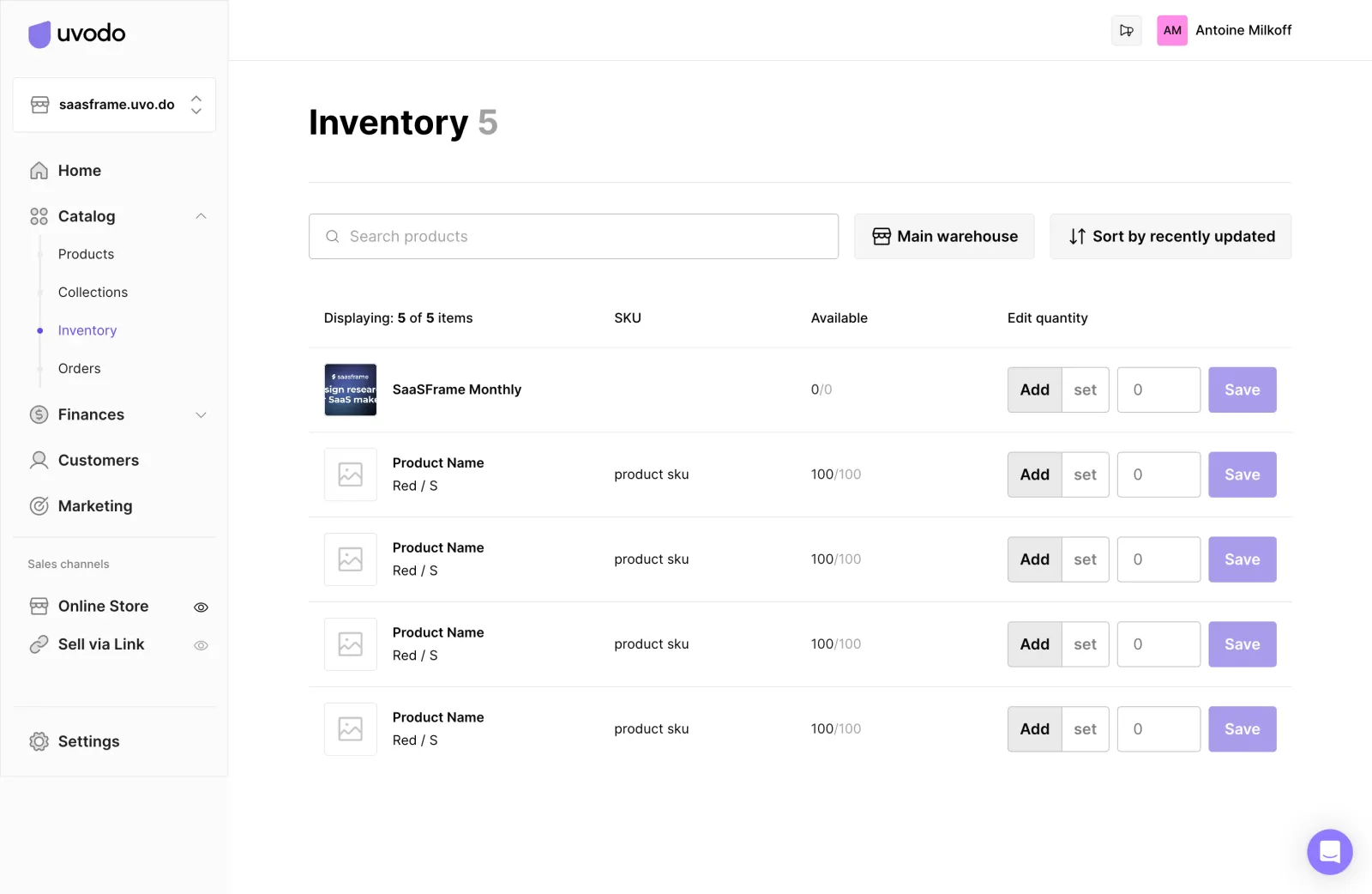
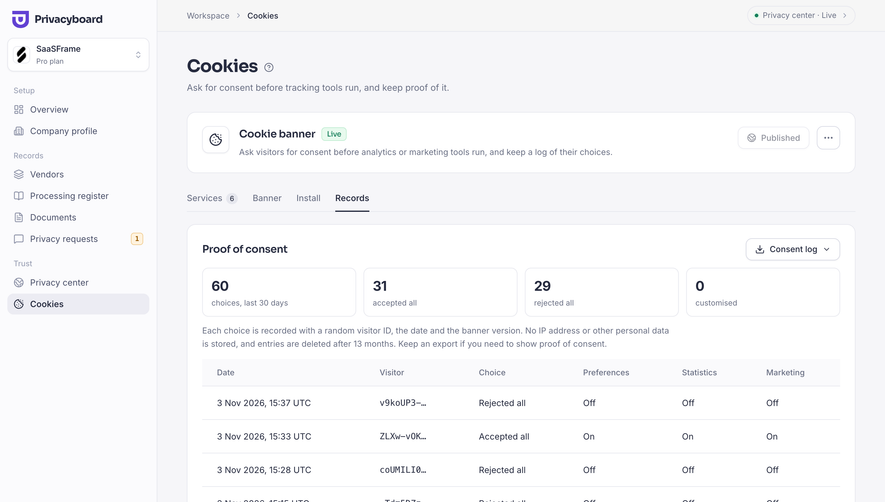
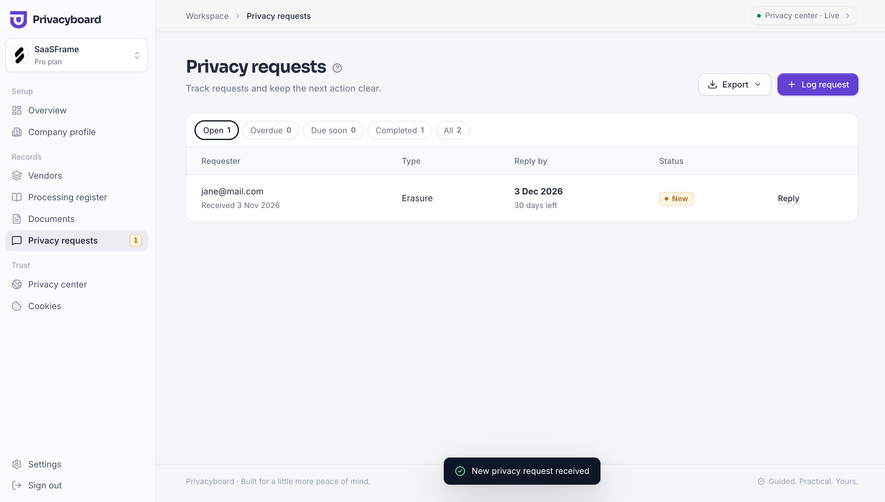
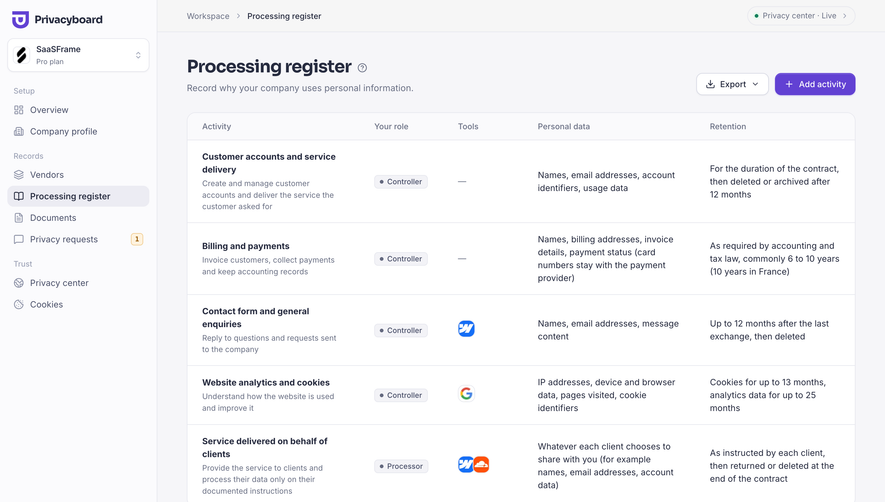
SaaSFrame’s inventory admin page embraces a crisp, minimalist look with a modern and professional appeal. Every element aligns with the clarity and order required in enterprise software, offering a UI that feels clean and breathable. The design abstains from visual clutter, spotlighting white space and muted background tones to highlight critical information.
Layout and Structure
The page is thoughtfully structured around usability. A prominent top navigation bar provides easy access to other sections of the admin dashboard, while a sticky sidebar anchors the main navigation. The content area is dominated by a sortable, filterable inventory table—a core feature that supports power users with customizable columns and agile data management tools. Action buttons, search input, and filters float above the table, prioritizing swift workflows.
Visual Elements
Visuals are utilitarian yet tasteful: neat iconography guides user action, and gently animated states on hover offer subtle cues. Imagery is purpose-driven—avatars and simple logos enhance item rows without distraction. The overall absence of decorative visuals focuses attention on functionality while retaining a polished finish.
Color Palette and Typography
The UI leans into a sophisticated palette: whites and soft grays form the base, accented by shades of blue and sage green for interactive states and highlights. Sans-serif typefaces establish clarity and hierarchy, with bolder weights for headings and light, easily scannable body text.
User Experience Patterns & Notable Choices
Effortless navigation, persistent actions, and clearly delineated call-to-action buttons streamline the management experience. Noteworthy is the responsive data grid—optimized for both mouse and keyboard users—and the persistent filter bar, which encourages exploration without friction. The tone is quietly confident, exuding reliability and user-centric efficiency: inspiration for SaaS teams aiming to balance elegance with productivity.
 SaaSFrame