.webp)
Thank you! Your submission has been received!
Oops! Something went wrong while submitting the form.
Get SaaSFrame Pro
Monthly
$18
Quarterly
$48
Yearly
$180
Upgrade to access this feature
Browse all screens & flows
Filter and search screens & flows
Access Figma files
Access mobile versions
Bookmark screens & flows
Join now
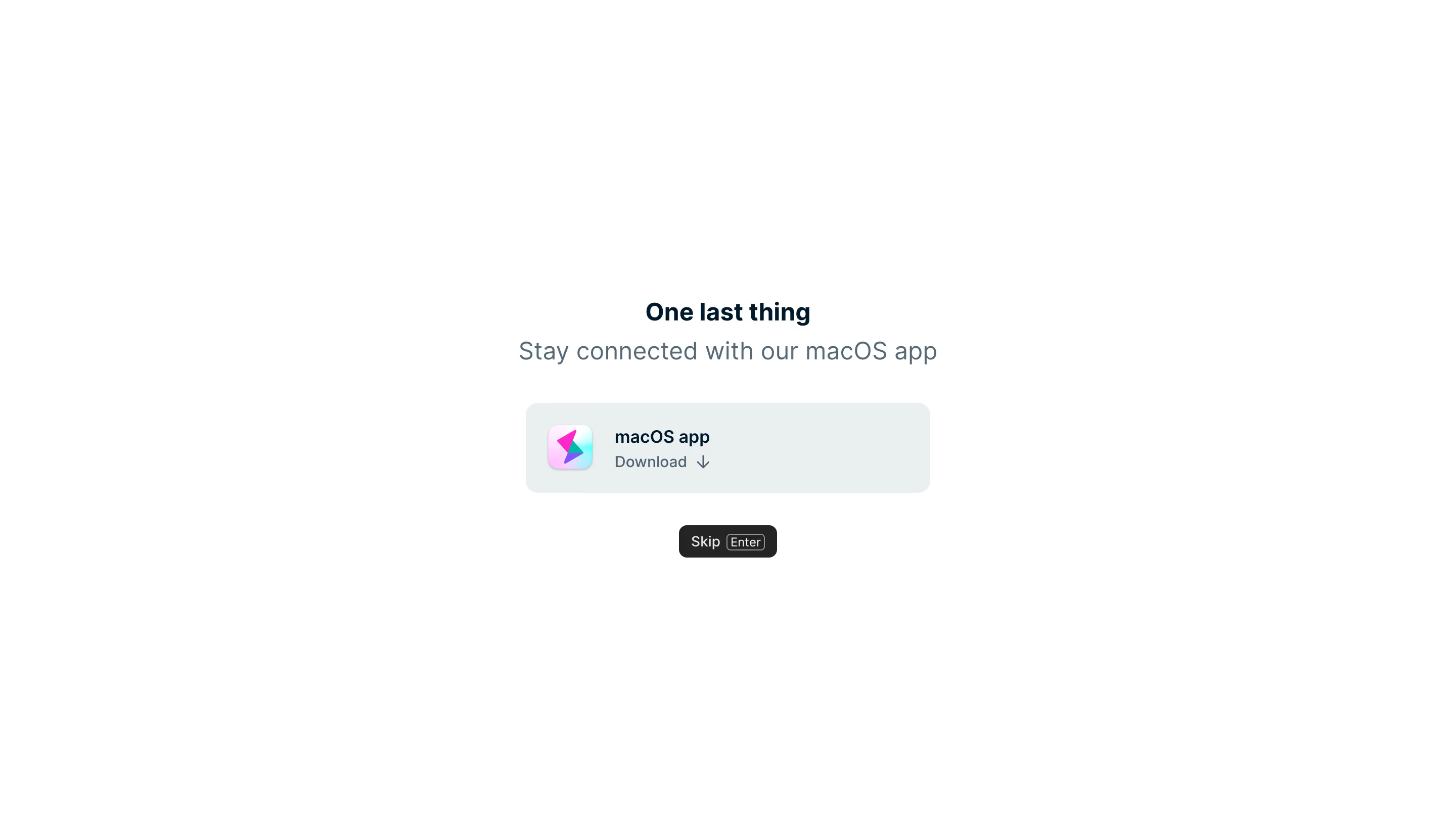
Height User Onboarding

Height
Work together better. Get Height.
Designed by
No items found.

Bookmark
Bookmark

Design with AI
Thank you! Your submission has been received!
Oops! Something went wrong while submitting the form.
# Design from Reference: Height User Onboarding
Create an original, high-fidelity visual design inspired by the reference. Prioritize composition, typography, colors, spacing, and component styling over technical implementation.
## Reference
- **Product:** Height
- **Category:** User Onboarding
- **Screenshot:** https://cdn.prod.website-files.com/5e9dc792e1210c5325f7ebbc/6acbba84d01e364847659769_6acb71c1018523cfee2d64a0_cms-43a042789eff83938cd60efa.webp
Analyze the screenshot first. If inaccessible, request it rather than guessing.
## Content
{{content.instructions}}
{{content.data}}
Preserve essential messaging and factual accuracy. Adapt structure and copy length for visual balance; never invent product claims.
## Visual Design
### Overall aesthetic
- **Style:** Extremely minimal onboarding step promoting a desktop application download.
- **Character:** White canvas, dark navy heading, muted blue-gray supporting text and one soft gray-blue download tile.
- **Surface treatment:** Flat, spacious composition with a single rounded tile and a compact black skip control. A colorful app icon supplies the only strong decorative accent.
### Page composition
- **Capture scale:** 2880 × 1642 image px. CSS estimates assume an unverified 2× capture, approximately 1440 × 821 CSS px.
- **Content placement:** A narrow stack is centered horizontally and positioned around the vertical middle, spanning roughly y=295–552 CSS px.
- **Heading block:** One last thing appears above a single-line desktop-app invitation, both centered.
- **Download tile:** Approximately 400 × 90 CSS px, placed about 36 px below the supporting line.
- **Tile interior:** Rounded-square application icon sits left, with two text lines to its right: app name and a quieter Download label with downward arrow.
- **Skip route:** Small black Skip control sits centered roughly 32 px beneath the tile, including a visible Enter keyboard hint.
- **Surroundings:** No header, sidebar, progress indicator, footer or other content is visible.
### Information hierarchy
- **Step context:** The short heading indicates a final onboarding prompt without showing a numeric step count.
- **Primary offer:** The larger supporting sentence introduces the macOS app as an optional connection route.
- **Download hierarchy:** App name is darker and heavier than the Download line; the icon gives recognizable identity.
- **Alternate action:** Skip is spatially separate beneath the tile and has a compact dark treatment.
- **Evidence limit:** No download progress, installation confirmation, platform detection or destination screen is shown. The Enter hint is visible, but actual keyboard behavior is unverified.
### Typography
- **Family:** Neutral application sans serif; exact identity is unverified.
- **Heading:** Approximately 24 px, semibold or bold, with 30 px leading.
- **Supporting sentence:** Approximately 24 px, regular, with 30 px leading and muted blue-gray color.
- **Tile title:** Approximately 18 px, semibold, with 24 px leading.
- **Download line:** Approximately 16 px, regular, with 22 px leading.
- **Skip and key hint:** Approximately 14 px and 12 px respectively. All values are visual CSS estimates under the assumed 2× capture.
### Colors & surfaces
- **Canvas:** Sampled sRGB #FFFFFF dominates the screenshot.
- **Download tile:** Sampled #EAEFF0 supplies the pale gray-blue surface.
- **Primary text:** Sampled #00192B provides a dark navy reference.
- **Secondary text:** Sampled #566976 and related #4E6370 provide muted blue-gray references.
- **Skip control:** Sampled #242424 supplies the near-black button surface, with light label text.
- **Icon accent:** Sampled #FF29CA appears among the bright pink app-icon details; cyan and violet also contribute to the multicolor icon.
- **Contrast:** The tile remains subtly distinct from white, while the dark heading and skip action carry stronger contrast.
### Components
- **Download tile:** Approximately 400 × 90 px with 12–14 px corner radii, no prominent border or heavy shadow.
- **App icon:** Approximately 44–48 px square, softly rounded, with pastel cyan/pink background and angular colored symbol.
- **Text alignment:** Two left-aligned lines start about 22 px after the icon; the tile contents are vertically centered.
- **Download arrow:** Small downward arrow immediately follows the Download label.
- **Skip button:** Approximately 98 × 32 px, black, around 7 px radii, with compact horizontal padding.
- **Keycap hint:** Small outlined Enter rectangle embedded beside Skip, with thin light border and modest radius.
### Visual rhythm
- **Central axis:** Heading, supporting sentence, tile and skip route share a single centerline.
- **Spacing:** Tight heading/subtitle pairing contrasts with larger gaps before the download tile and skip control.
- **Whitespace:** Large empty margins isolate the decision and keep the screen calm.
- **Accent restraint:** Only the app icon introduces saturated color; surrounding controls remain neutral.
### Responsive
- **Evidence limit:** Only a desktop capture is shown; the following are recommendations.
- **Width recommendation:** Clamp the tile to available width with 20–24 px side margins.
- **Text recommendation:** Allow the supporting sentence to wrap on small screens while preserving the centered stack.
- **Platform recommendation:** Adapt the download offer to the actual supported device/platform rather than assuming macOS everywhere.
- **Touch recommendation:** Increase the effective skip target toward 44 px and retain a clear optional path.
- **Keyboard recommendation:** Show keyboard hints only when supported by the actual interaction model.
### Adaptation guidance
- **Preserve the optional step:** Offer one clear companion-app route with an equally understandable way to continue.
- **Use real product assets:** Replace icon, platform label and download destination with the target application's supported assets.
- **Keep copy concise:** Retain a short heading, one explanatory line and a recognizable download control.
- **Avoid invented progress:** Do not add installation success or download status without real state.
- **Accessibility recommendation:** Give the download tile a descriptive accessible name, visible focus and reliable keyboard operation; these behaviors cannot be verified from the image.
Use this context to reproduce the reference's visual language: layout, typography, colors, spacing, borders, radii, and distinctive elements. The screenshot takes priority if descriptions conflict.
## Direction
{{preferences.fidelityInstructions}}
## Output
{{output.instructions}}
Deliver a polished, cohesive design with precise alignment, hierarchy, and spacing. Produce the requested visual artifact, not just a description. If unsupported, explain the limitation.

.avif)
Category
Patterns
Tech Stack
No items found.
Added on
April 20, 2023

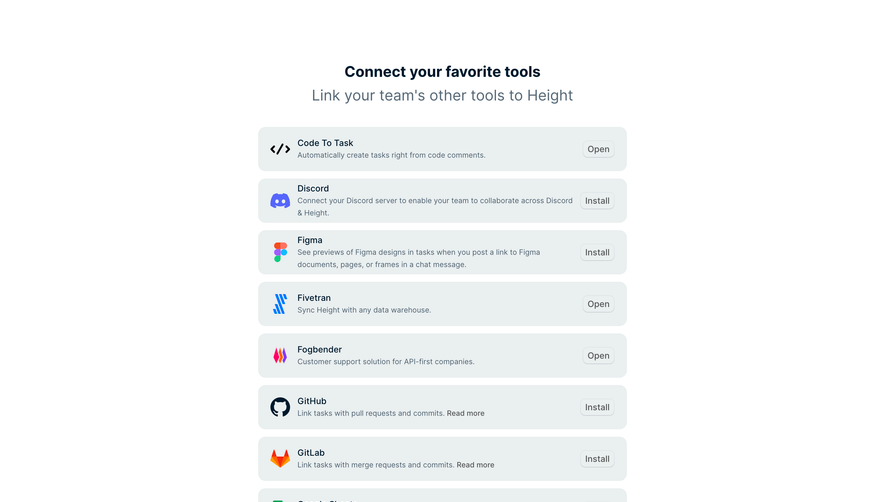

Similar screens
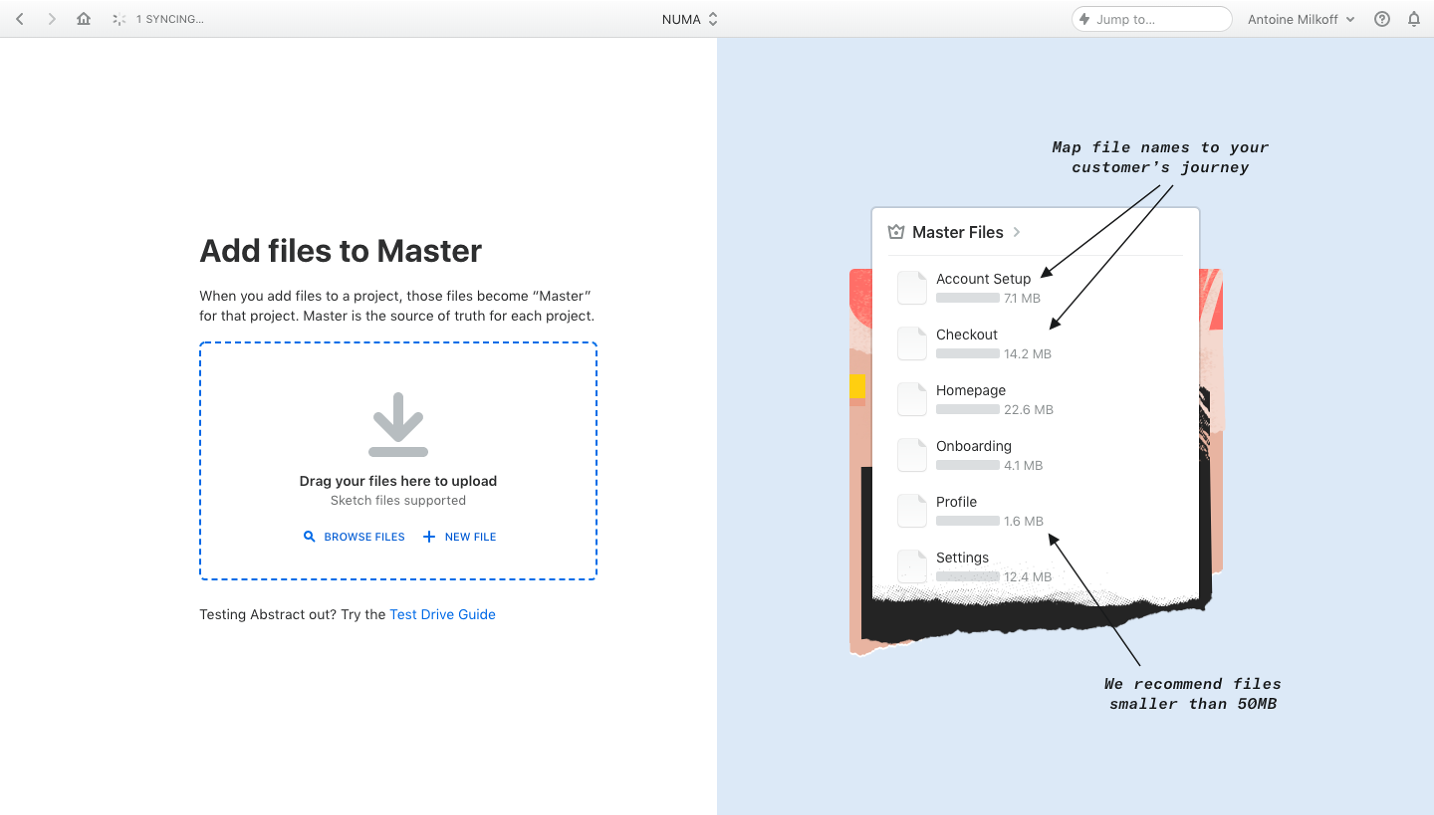


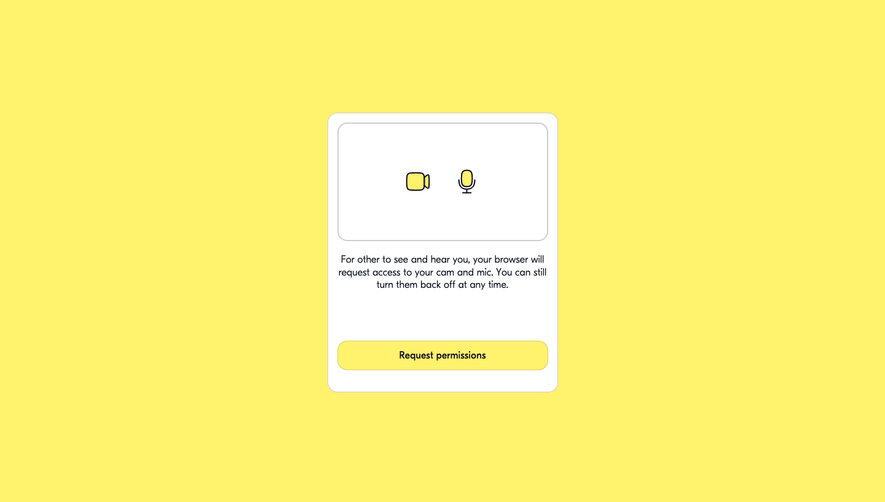



Upgrade to SaaSFrame Pro now to see similar examples.
Monthly
$18 /month
Billed $18 monthly
Browse all screens & flows
Filter and search screens & flows
Search text in screenshots
Access Figma files
Access mobile versions
Join now
Quarterly
$16 /month
Billed $48 quarterly
Browse all screens & flows
Filter and search screens & flows
Search text in screenshots
Access Figma files
Access mobile versions
Join now
Yearly
$15 /month
Billed $180 yearly
Browse all screens & flows
Filter and search screens & flows
Search text in screenshots
Access Figma files
Access mobile versions
Join now