.avif)


1. Header section: The top section of the page contains a navigation menu, a logo, a button to sign up for a free trial, and a phone number for customer support. 2. Hero section: This section has a background image of a computer screen showing the Front app. Written over the image is a headline that welcomes visitors to the site and briefly introduces the product. There is also a call-to-action (CTA) button inviting visitors to learn more. 3. Features section: The next section below consists of three equal-sized columns side-by-side. Each column highlights a different feature of the Front app with a brief description and icon. There is also a CTA button below each column. 4. Customer logos section: This section showcases the logos of well-known companies that use Front, e.g., Shopify, Dropbox, etc. 5. Testimonials section: The next section features three testimonials from Front customers. Each testimonial includes a quote, the name and role of the person who wrote the quote, as well as the logo of their company. 6. Value proposition section: This section is designed to highlight the value that Front brings to its customers. It features a headline that is divided into two parts with the tagline "Get more done with Front." It is followed by a bulleted list of several key benefits of the Front app. 7. Pricing section: The next section provides details about Front's pricing plans, including the cost per user, the features included within each plan, and links to sign-up. 8. Resources section: This section provides visitors with useful resources, such as articles about how Front works, case studies, e-books, etc. 9. CTA section: This section features a large, colorful CTA button inviting visitors to sign up for a free trial. 10. Footer section: The bottom section of the page contains links to social media accounts, a privacy policy, terms and conditions, and the option to switch the language of the site.
.webp)


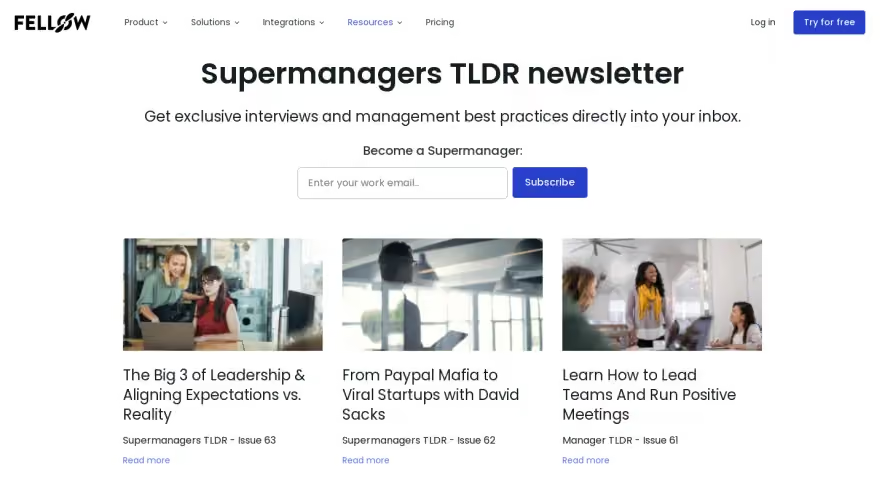
Front Newsletter Page

Front
Email client
Designed by
No items found.
Category
Patterns
No items found.
Added on
April 23, 2020