Overall Style and Aesthetic
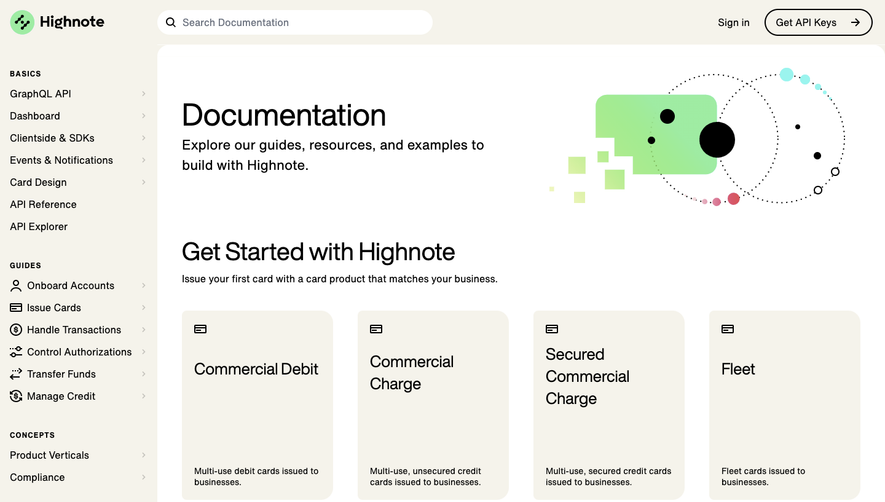
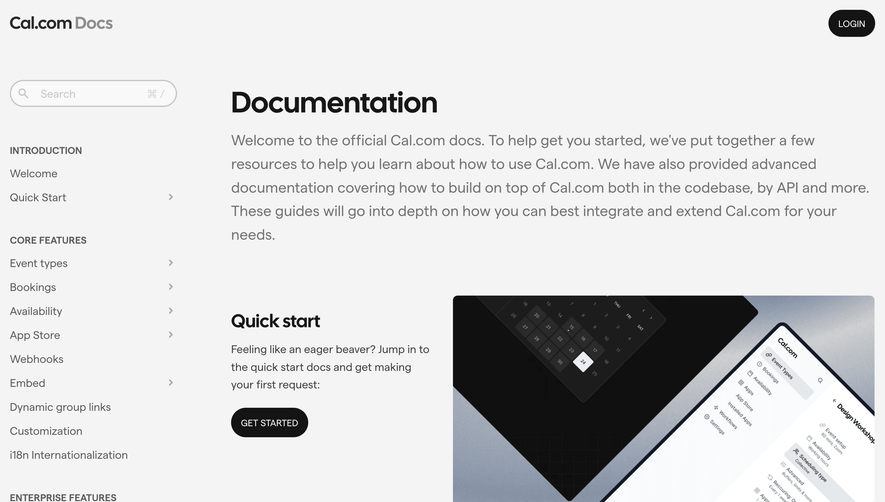
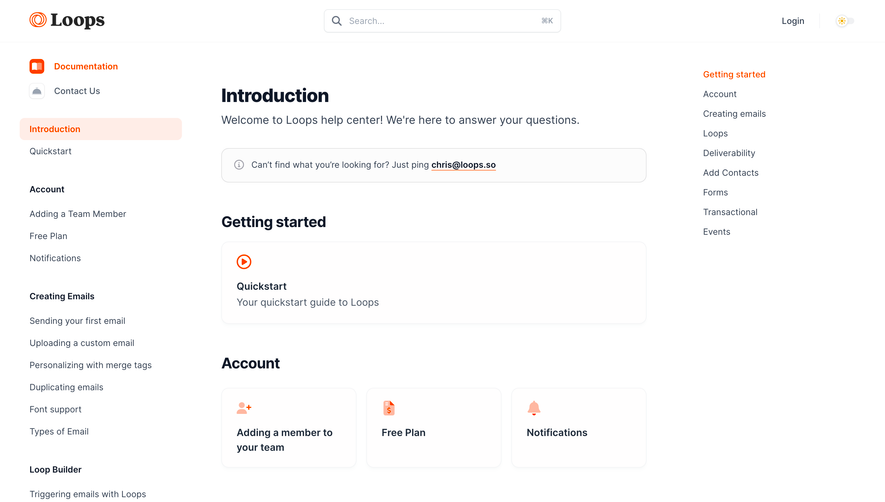
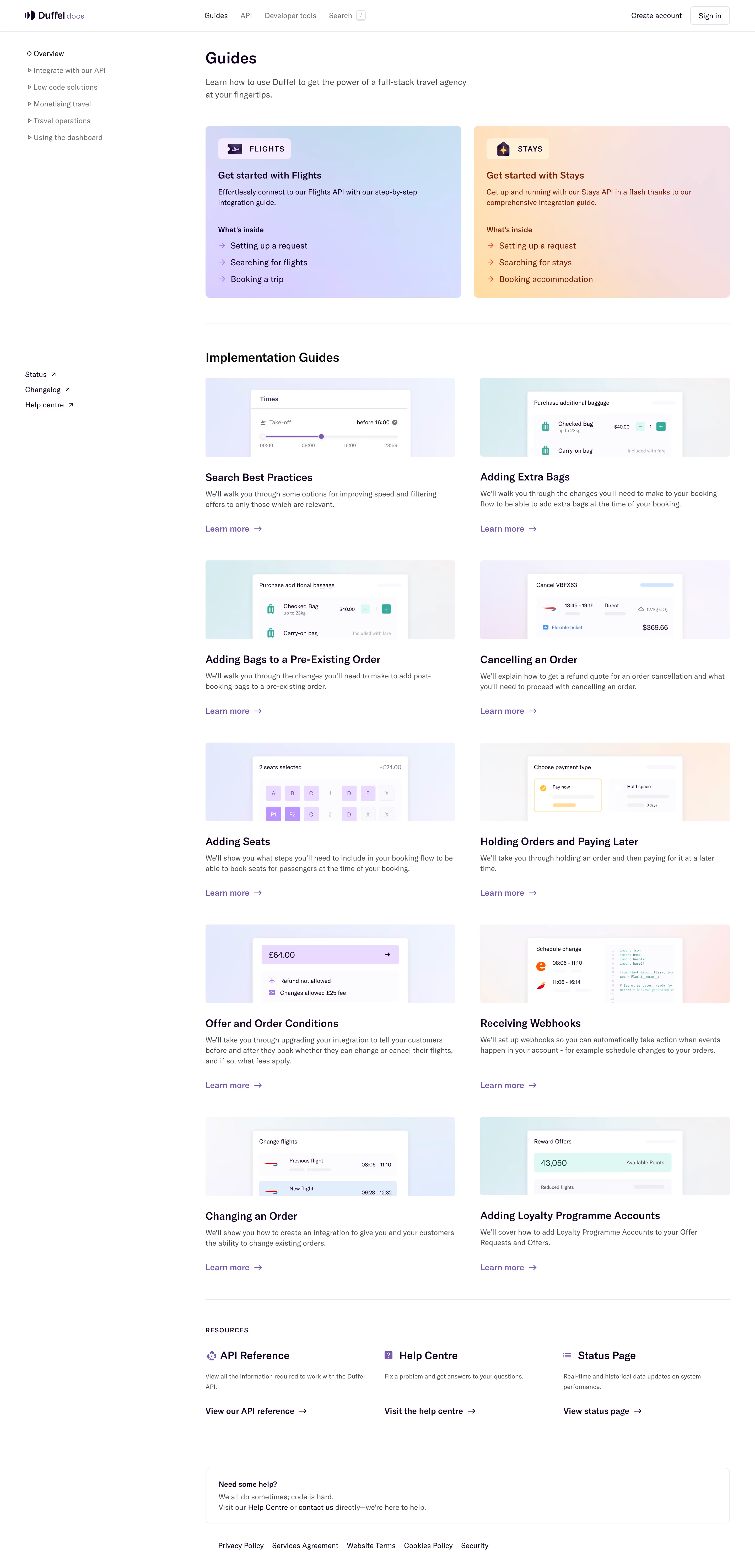
Duffel’s documentation page exudes a sleek, minimalist modernity tailored for professionals. A spacious, uncluttered layout lets technical content breathe, while subtle gradients and understated hues create a sense of focus and confidence. The visual restraint supports a user-centric ethos: the design is quietly premium and unobtrusive, enabling the docs themselves to shine. Layout and Structure
The page uses a classic SaaS docs scaffold—a persistent sidebar for navigation, cleanly separated primary content area, and a top-level sticky menu for quick context switching. An inline search bar occupies a prominent position, streamlining information discovery. Content is meticulously tiered: concise section headers, expandable menus, and code snippets anchor the user as they scroll. Visual Elements
Crisp, monochrome icons augment the navigation and call attention to key actions without visual clutter. Subtle accent colors—soft blues and purples—highlight links, code blocks, and interactive states, subtly guiding users’ eyes. Small visual cues (like gentle hover states and focus outlines) polish interactions, enhancing clarity. Color Palette and Typography
A high-contrast palette of deep navy, cool grays, and accent purples ensures readability and modernity. Typography is clean and utilitarian: the sans-serif font is readable at all sizes, with clear variation in weight and size to establish hierarchy between headings, body text, and code elements. User Experience Patterns
Best-practice UX patterns are everywhere: sticky navigation, instant search, smooth anchor scrolling, and clear CTAs (like “Get started” or “Contact support”). The experience feels intuitive and swift, with every element placed for speedy reference—ideal for busy developers. Unique or Notable Design Choices
Duffel’s docs site stands out for its streamlined minimalism and developer-first usability. The refined color pacing avoids visual fatigue even in dense technical content. Subtle micro-interactions—like menu transitions and highlighted code—signal that this is a trustworthy, thoughtfully engineered platform..webp)




.avif)