.avif)

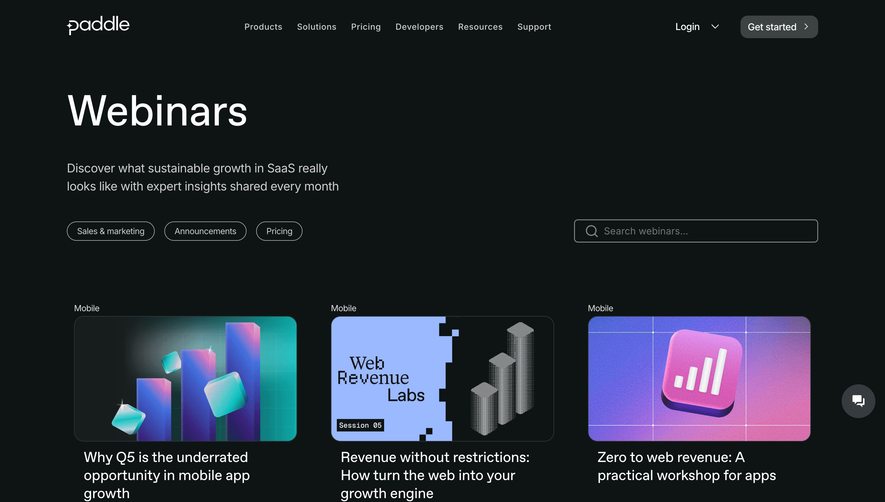
1. Header section: At the top of the page, there is a header section which contains the Clubhouse logo, navigation menu and links to log in and sign up for an account. 2. Hero section: The hero section contains a large banner image with text overlay announcing upcoming webinars. 3. Webinar listings: Below the hero section is a list of webinars with details on the name of the webinar, date, time, and a brief description of the topics that will be covered. 4. Webinar details: When a user clicks on a specific webinar, they are taken to a page with more details on the webinar, including a more detailed description, the speakers, and how to register. 5. Related webinars: On the webinar details page, there is a section for related webinars that may be of interest to the user. 6. Footer: The footer section contains links to Clubhouse's social media profiles, a contact form, and additional links to resources such as the company blog and help center. 7. Disclaimer: The page also includes a disclaimer highlighting the fact that the webinars are recorded and may be used for marketing purposes. Overall, the page has a clean and organized layout with clear navigation and easily accessible information for users to view and register for upcoming webinars.
.webp)
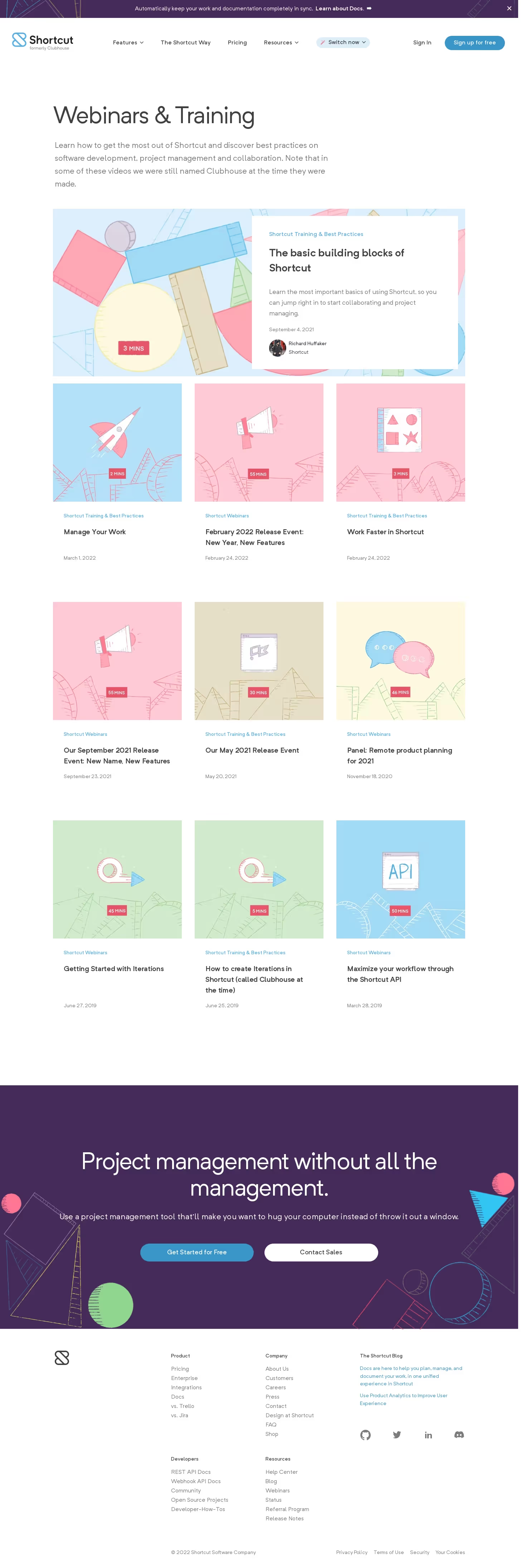
Shortcut lubhouse Webinars Page

Shortcut
Project Management for Software Teams
Designed by
No items found.
Category
Patterns
No items found.
Tech Stack
Added on
June 26, 2020