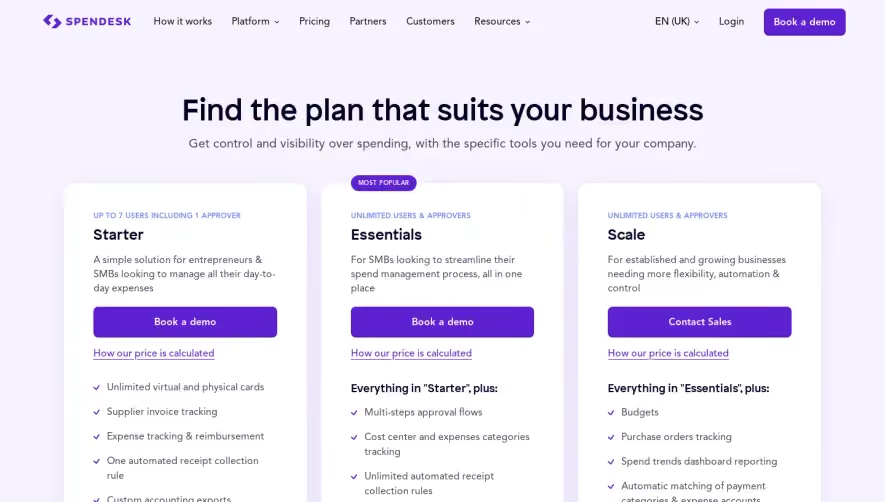
1. Header: It includes the Avocode logo in the top left corner and links to Sign In and Try for free buttons on the top right corner. Below the header, there is a section showing the pricing of Avocode consisting of three different plans. 2. The pricing section: The pricing section illustrates the prices for each of the plans. The three plans are Avocode Team, Avocode Business, and Avocode Enterprise. Each plan comes with different features and prices. 3. Avocode Team: This section covers the features of Avocode Team, which is the first plan. It emphasizes on its core features such as unlimited projects, design version history, team collaboration, and more. The Avocode Team price varies depending on the number of team members. 4. Avocode Business: The Avocode Business plan's features highlight the plan suitable for larger teams and businesses. It emphasizes custom branding, priority support, and more. The Avocode Business price is based on the number of team members. 5. Avocode Enterprise: The Avocode Enterprise plan's features contain advanced security features, SLA, and volume discounts. This plan is suitable for complex organizations with complex needs. 6. Frequently Asked Questions (FAQs): This section includes a list of frequently asked questions by potential users. The questions range from payment options, plan details, billing methods, and more. 7. Footer: The footer includes links to other pages such as features, integrations, pricing, resources, and more. It also has links to social media accounts and the Avocode blog. Overall, the structure of this page is easy to understand and navigate, with clear headings and simplified information about the pricing plans. The FAQs section is useful for answering potential users' concerns. The links available in the footer section give the potential user a chance to explore other pages and options.


Avocode Pricing Page

Avocode
Centralize design collaboration
Designed by
No items found.
Category
Patterns
No items found.
Tech Stack
Added on
May 1, 2020