Designedย by
No items found.
Subject
Category
Patterns
Tech Stack
No items found.
Added on
May 1, 2020
Found in 0 flow
No items found.

Upgrade to SaaSFrame Pro now to see similar examples.

Monthly

$14 /month

Billed $14 monthly
Browse all screens & flows
Filter and search screens & flows
Bookmark items
Access Figma files
Access mobile versions
Join now

Quarterly

$12 /month

Billed $36 quarterly
Browse all screens & flows
Filter and search screens & flows
Bookmark items
Access Figma files
Access mobile versions
Join now

Yearly

$10 /month

Billed $120 yearly
Browse all screens & flows
Filter and search screens & flows
Bookmark items
Access Figma files
Access mobile versions
Join now

Ask For A Quote

For teams with specific billing and compliance needs
Get A Quote
Pay by invoice
Multi-annual billing
Compliance process
No automatic renewal

Biggest SaaS library.

Browse website pages, product interfaces and emails from a growing library of hundreds of SaaS.

Abstract red geometric shape with diagonal lines forming a diamond on a black background.Black and white 3D cube with a bold letter N on the front face, representing the Notion app logo.White lowercase 'fs' letters on a pink and orange gradient background.White uppercase letter S on a blue and purple gradient background.A purple icon consisting of two vertically overlapping circles on a light lavender background.White circle with three diagonal white stripes in lower left corner on a gradient blue background.

Desktop & mobile versions.

Switch from desktop to mobile versions to see how the best designers make websites responsive.
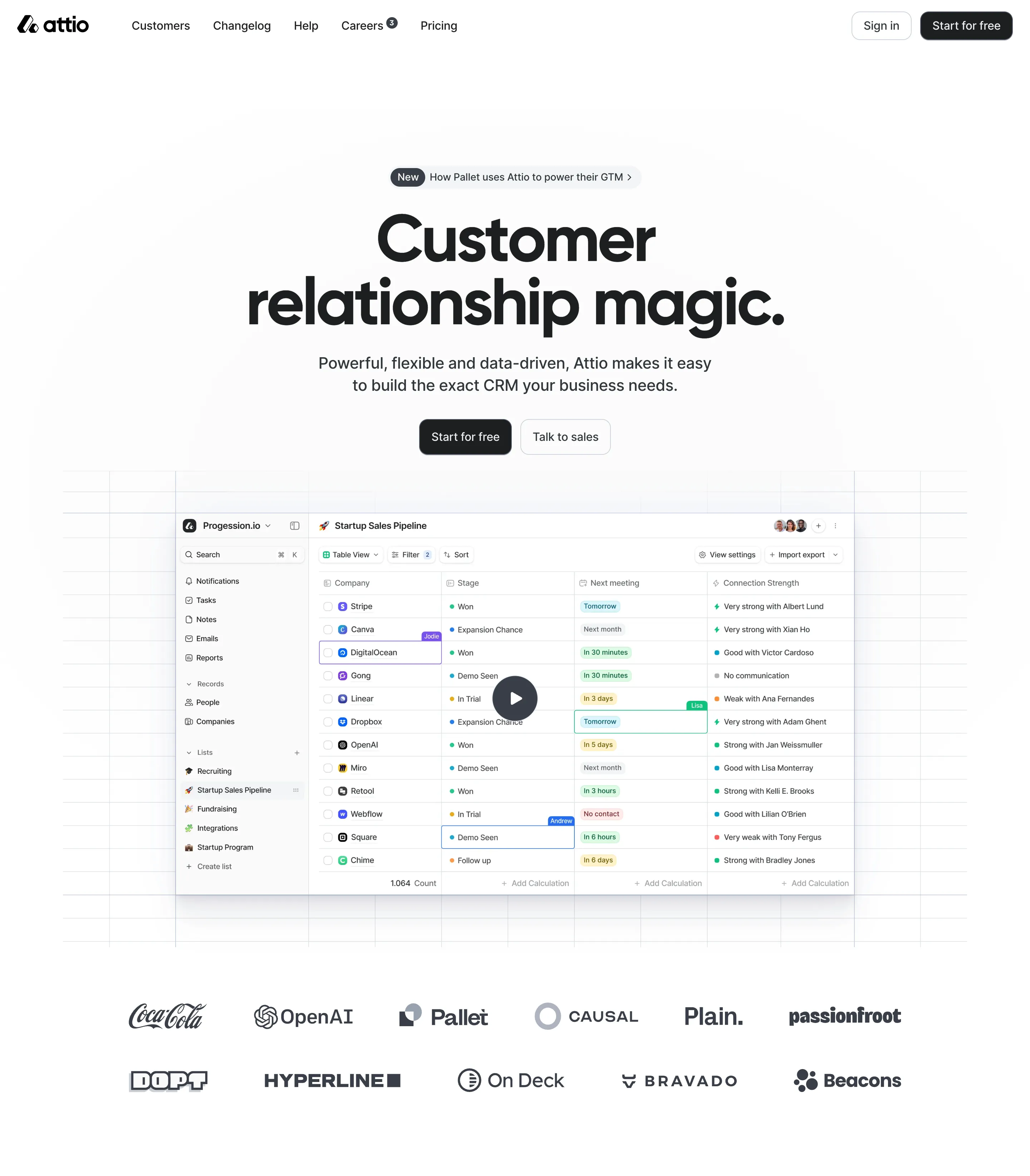
Attio website homepage with navigation links, headline 'Customer relationship magic,' a CRM dashboard screenshot, call-to-action buttons, and logos of companies like CocaCola, OpenAI, and Pallet.Attio homepage showing the tagline 'Customer relationship magic' with a description about flexible, data-driven CRM, buttons for 'Start for free' and 'Talk to sales', and a screenshot of a sales pipeline interface with a play button.

Access the Figma files.

You like a design? Download the Figma file of any website page you see on SaaSFrame.

Advanced filtering.

Use filters to find the design or copywriting inspiration that you need in seconds.
Thank you! Your submission has been received!
Oops! Something went wrong while submitting the form.

Let it flow.

Discover the user journey of the best SaaS with interfaces organized in flows.
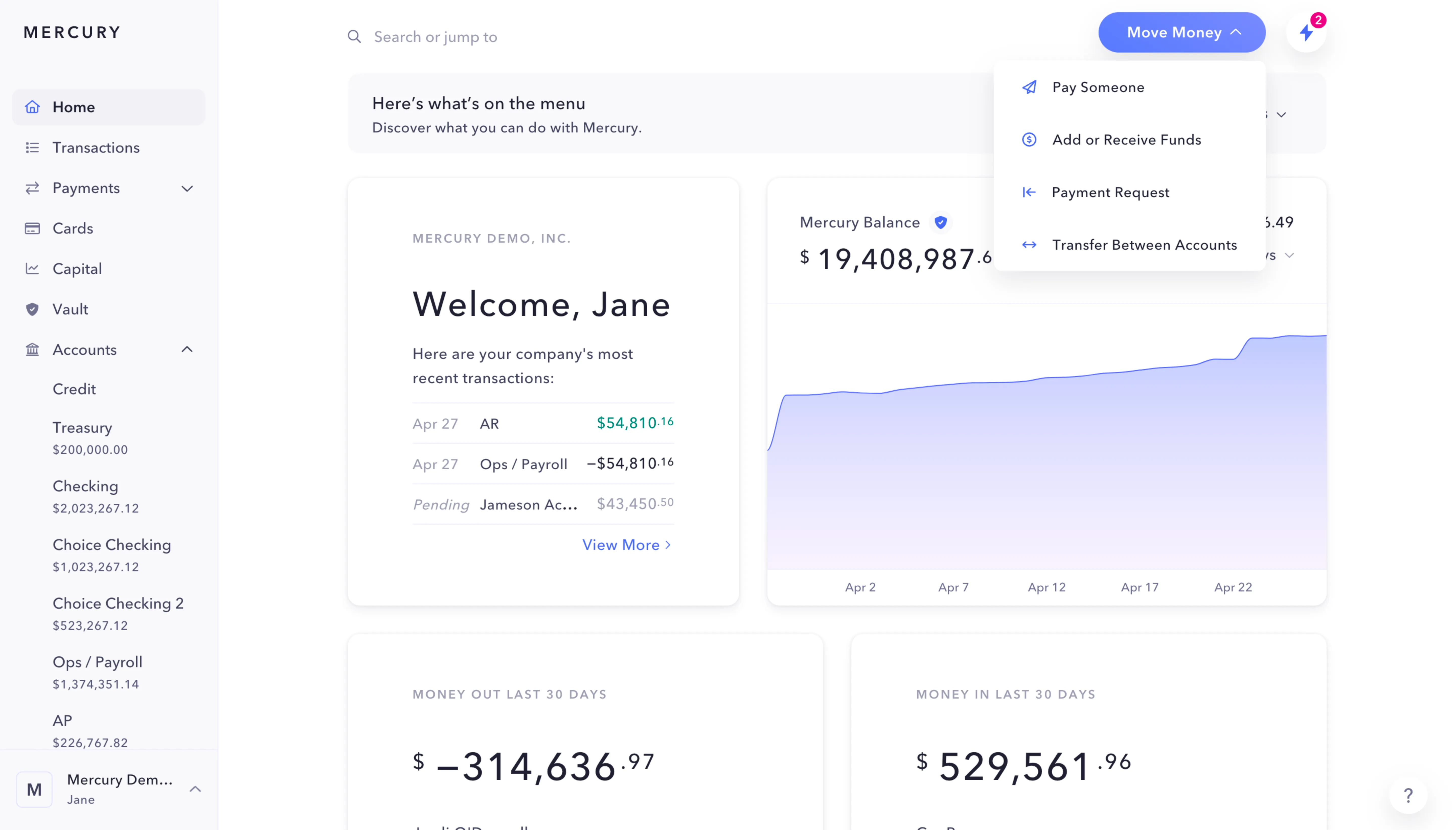
Mercury banking dashboard showing account balances, recent transactions, and a menu for moving money with options to pay, add funds, request payment, or transfer between accounts.
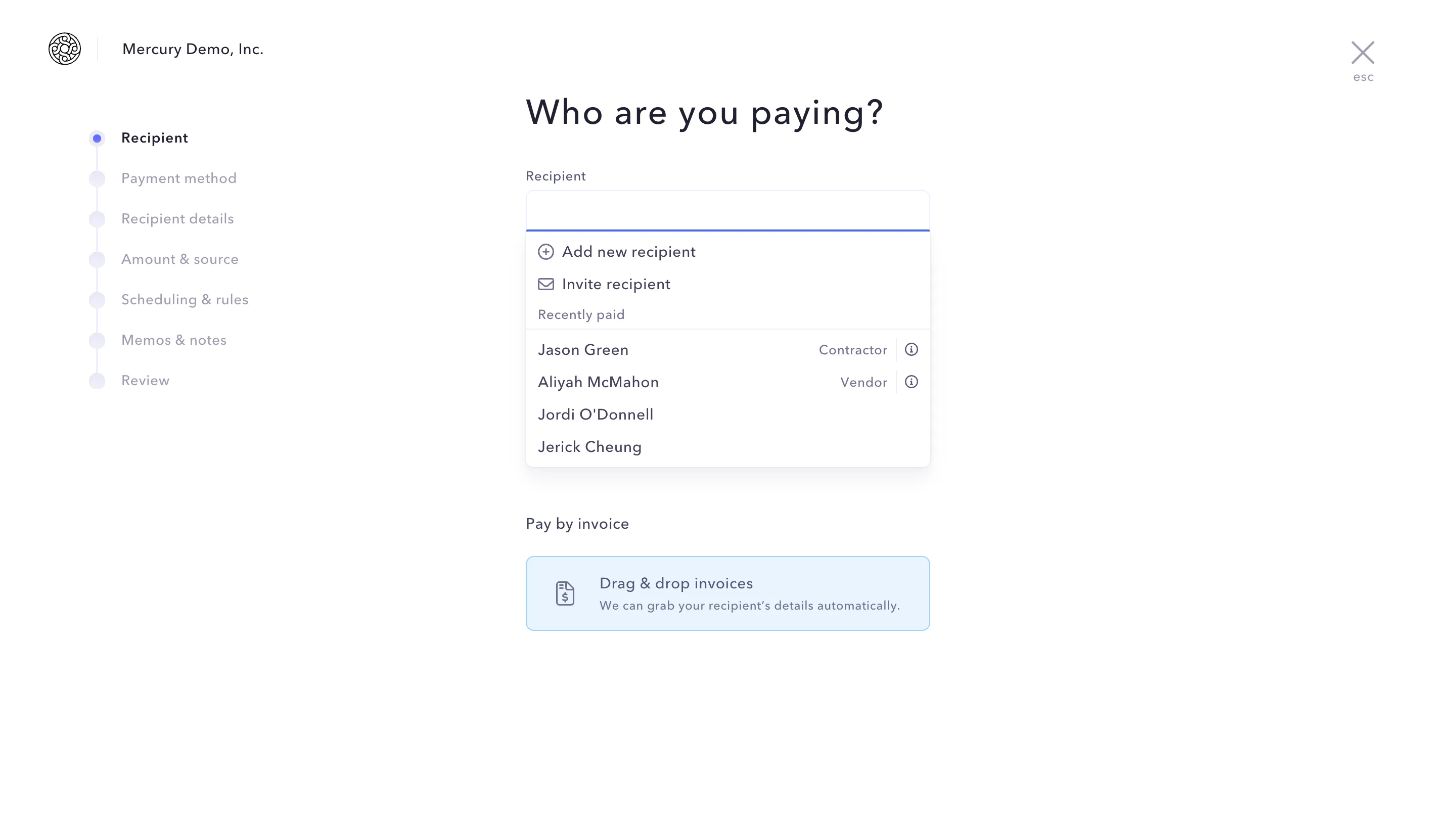
Payment interface showing recipient selection with options to add or invite a recipient and a list of recently paid recipients including Jason Green (Contractor) and Aliyah McMahon (Vendor).
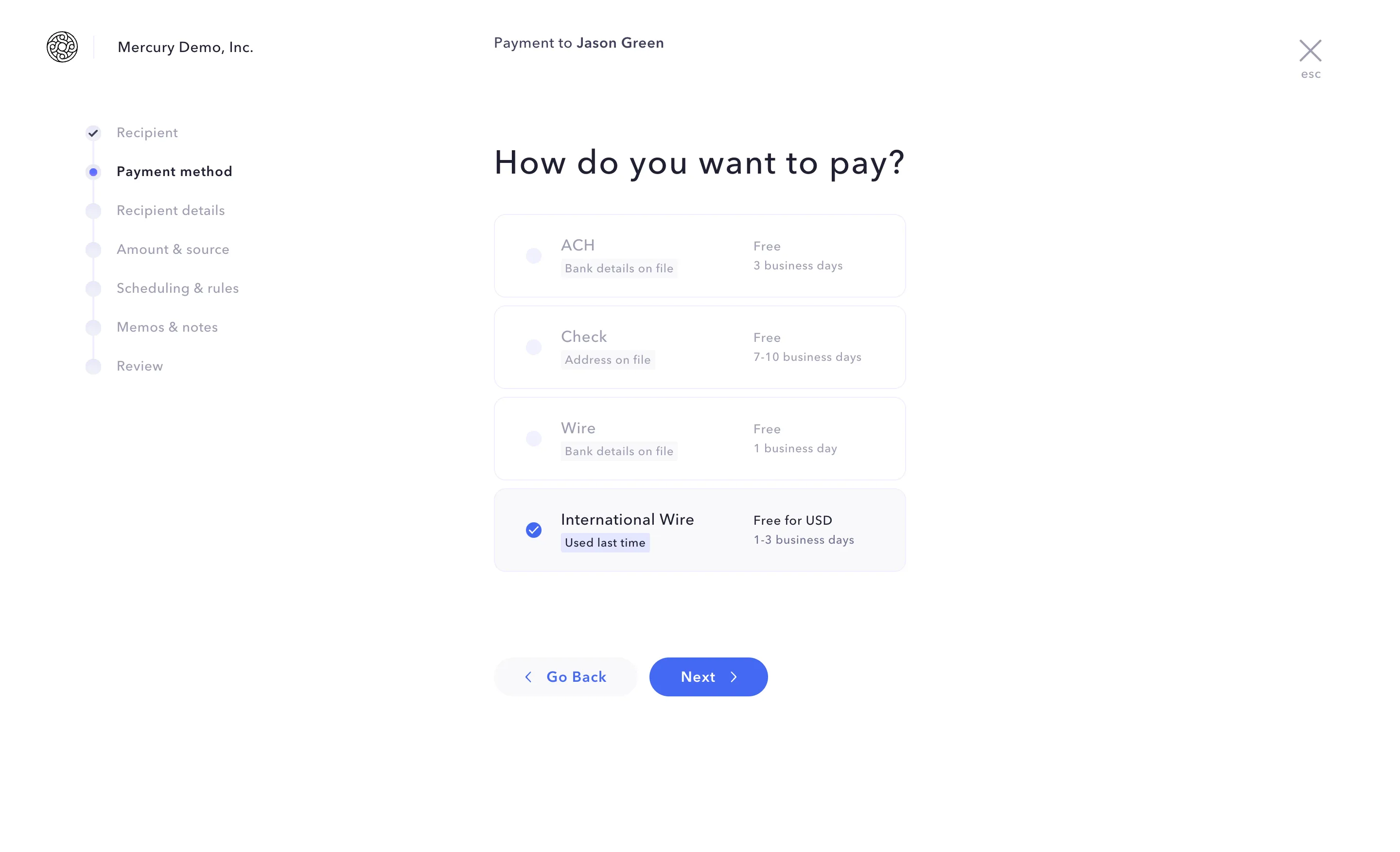
Payment method selection screen for 'Payment to Jason Green' showing options ACH, Check, Wire, and selected International Wire with details and navigation buttons.
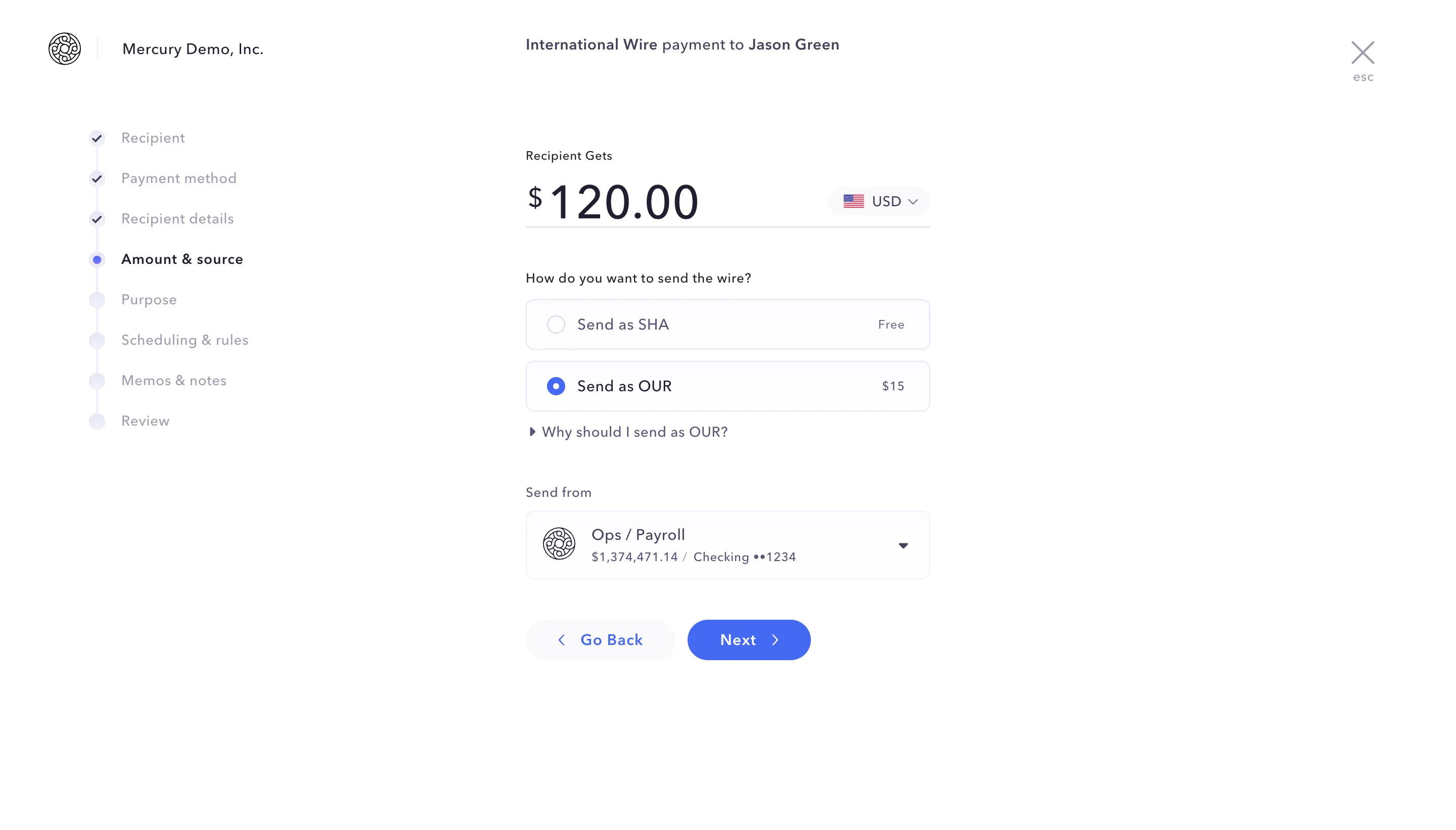
International wire payment interface showing $120 USD to Jason Green with options to send wire as SHA for free or OUR for $15, sending from Ops/Payroll account with balance $1,374,471.14, with navigation buttons Go Back and Next.
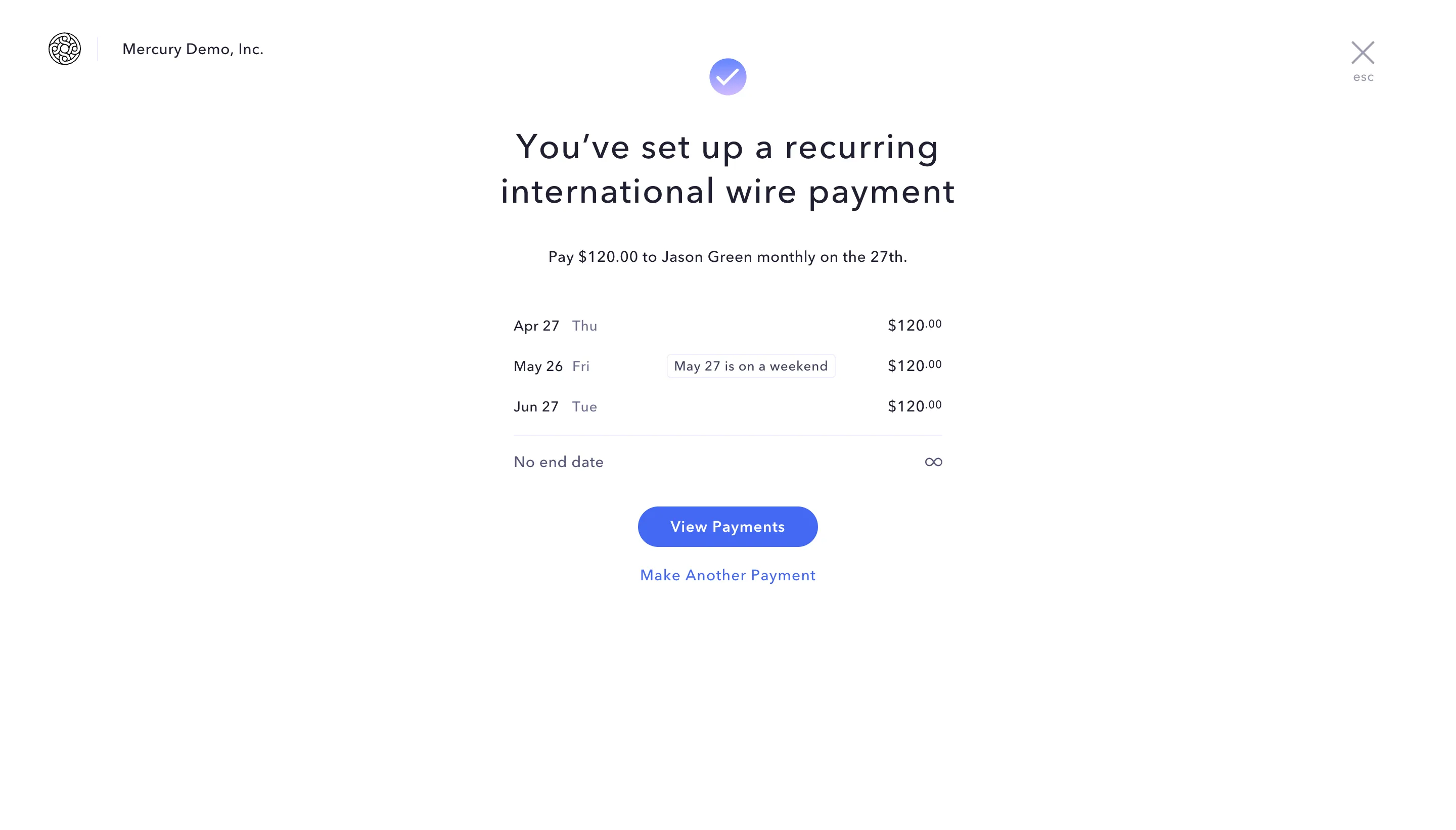
Confirmation screen showing a recurring international wire payment setup to pay $120 monthly to Jason Green on the 27th, with dates for April 27, May 26 noting May 27 is a weekend, and June 27, no end date, and buttons to view payments or make another payment.
Mercury banking dashboard showing account balances, recent transactions, and a menu for moving money with options to pay, add funds, request payment, or transfer between accounts.

Save design inspirations.

Bookmark screens and flows so you can find them any time you need it.
โŒ˜
B
BOOKMARK DESIGN
Start your design
research
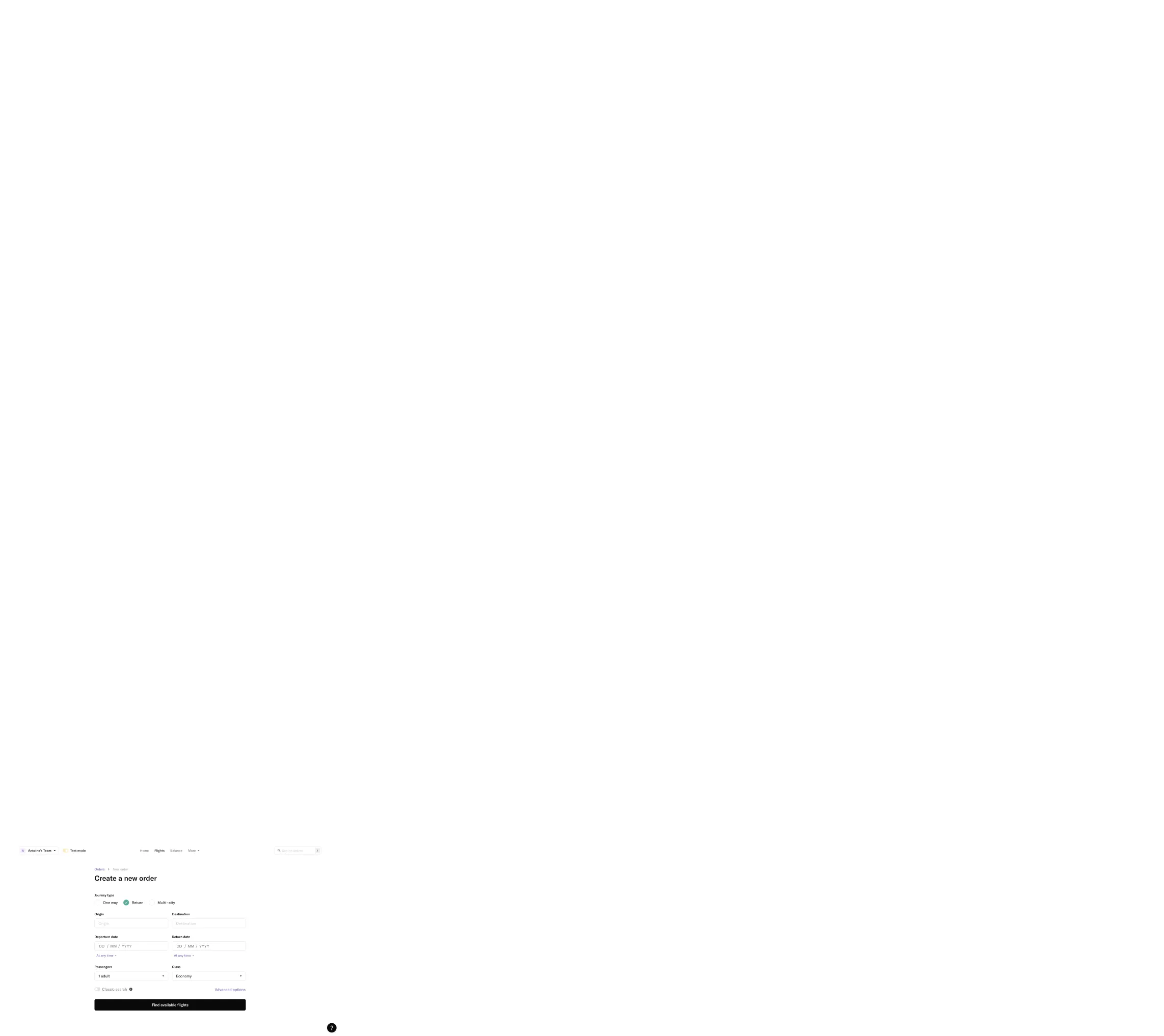
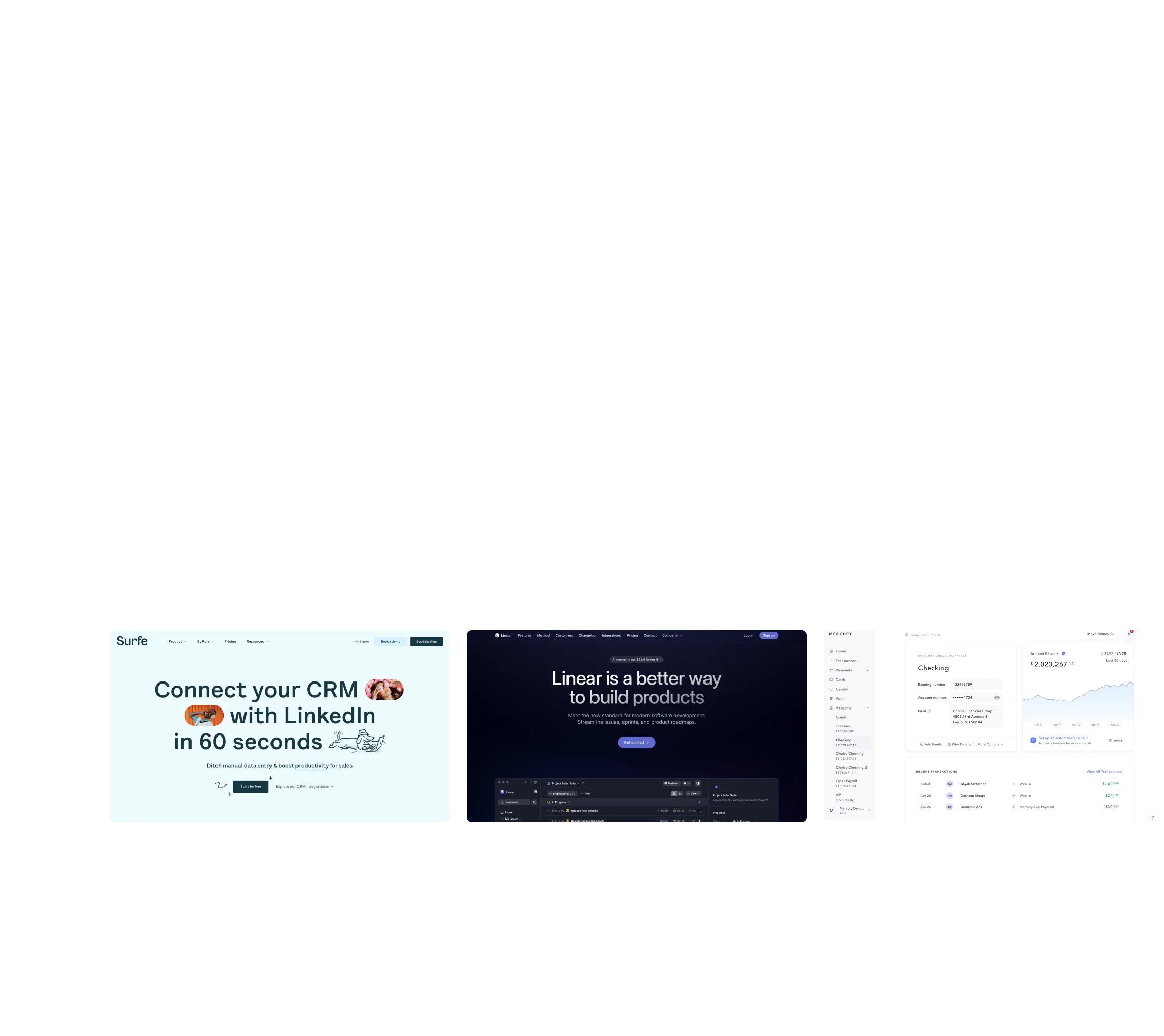
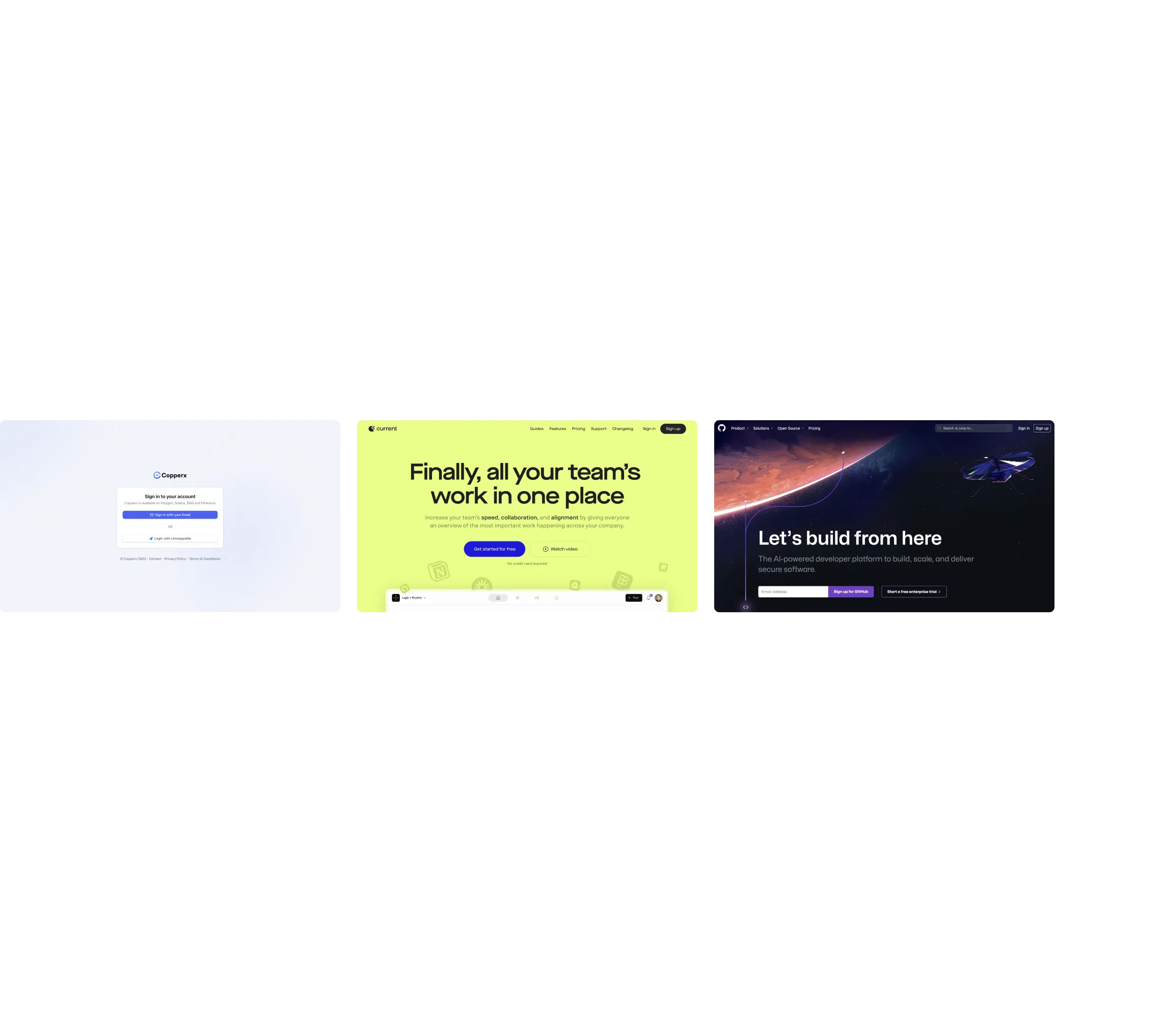
Web form titled 'Create a new order' for selecting journey type, origin, destination, departure and return dates, passengers, and class with a 'Find available flights' button.Three software interface screenshots: Surfe CRM LinkedIn integration, Linear product management tool, and Mercury banking dashboard.Three side-by-side website screenshots showing a login page for Copperx, a team collaboration platform with bright yellow background, and an AI-powered developer platform with space-themed graphics.Three website screenshots showing a design tool and distribution dashboard for design tokens, promoting ease and automation.Three side-by-side website screenshots showing a login page for Copperx, a team collaboration platform with bright yellow background, and an AI-powered developer platform with space-themed graphics.

How do you process payment?

SaaSFrame subscriptions are sold on Lemon Squeezy, a secured online selling platform for creators.

What about future updates and versions?

SaaSFrame gets updated all the time! Every new update and version will immediately be made available to all SaaSFrame users.

Can you send me an invoice?

You can generate an invoice on your Lemon Squeezy portal once you purchased SaaSFrame. You will find the link in the order confirmation email.

How can I cancel my membership subscription?

You can cancel your membership subscription at any moment on your profile page.โ€

Can I get a refund?

If you're not satisfied, you can ask for a refund within 7 days. Just send me an email at antoine[at]unmake[dot]io

I have another question.

You can send me an email at antoine[at]unmake[dot]io, I'll be happy to help with any questions.

No items found.

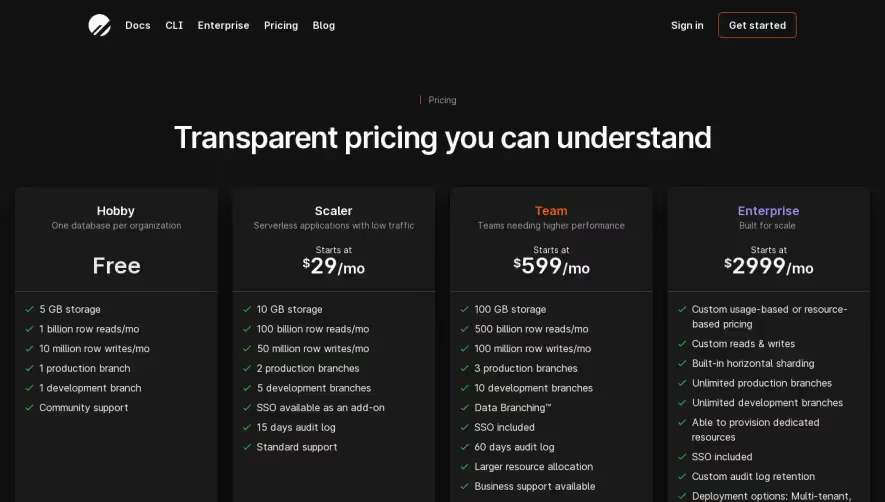
Avocode Pricing Page Structure

1. Header:

It includes the Avocode logo in the top left corner and links to Sign In and Try for free buttons on the top right corner. Below the header, there is a section showing the pricing of Avocode consisting of three different plans.

2. The pricing section:

The pricing section illustrates the prices for each of the plans. The three plans are Avocode Team, Avocode Business, and Avocode Enterprise. Each plan comes with different features and prices.

3. Avocode Team:

This section covers the features of Avocode Team, which is the first plan. It emphasizes on its core features such as unlimited projects, design version history, team collaboration, and more. The Avocode Team price varies depending on the number of team members.

4. Avocode Business:

The Avocode Business plan's features highlight the plan suitable for larger teams and businesses. It emphasizes custom branding, priority support, and more. The Avocode Business price is based on the number of team members.

5. Avocode Enterprise:

The Avocode Enterprise plan's features contain advanced security features, SLA, and volume discounts. This plan is suitable for complex organizations with complex needs.

6. Frequently Asked Questions (FAQs):

This section includes a list of frequently asked questions by potential users. The questions range from payment options, plan details, billing methods, and more.

7. Footer:

The footer includes links to other pages such as features, integrations, pricing, resources, and more. It also has links to social media accounts and the Avocode blog. Overall, the structure of this page is easy to understand and navigate, with clear headings and simplified information about the pricing plans. The FAQs section is useful for answering potential users' concerns. The links available in the footer section give the potential user a chance to explore other pages and options.