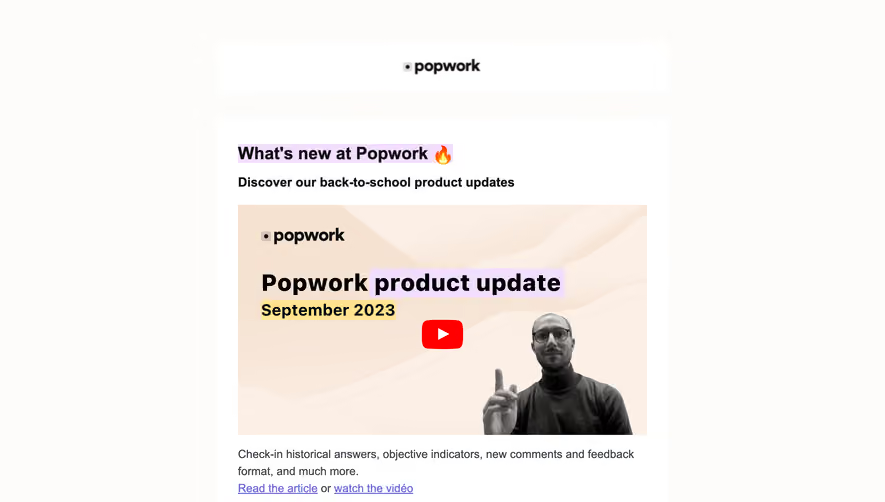
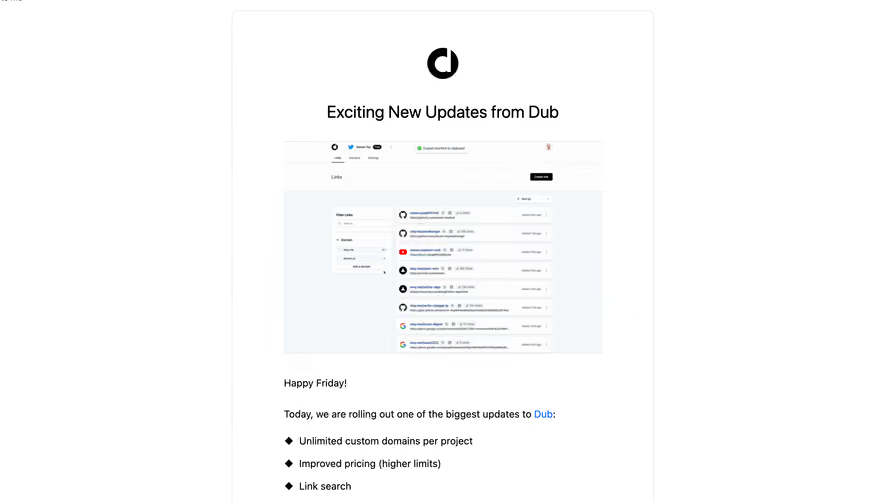
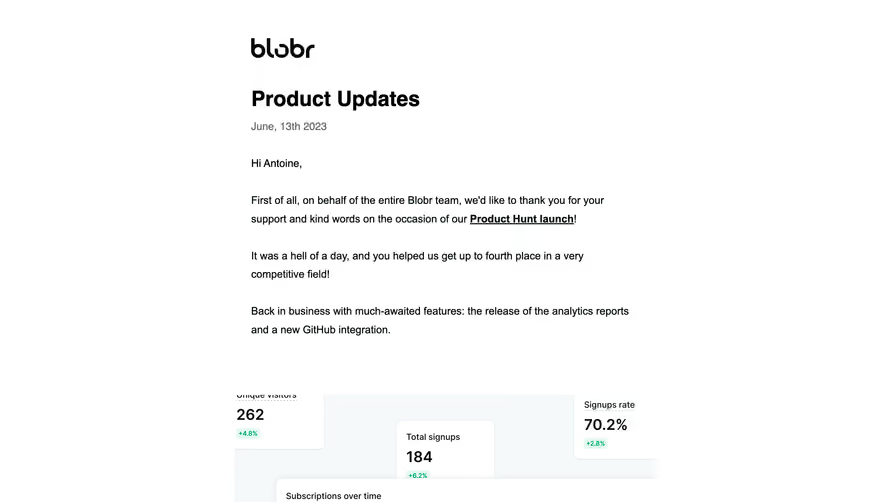
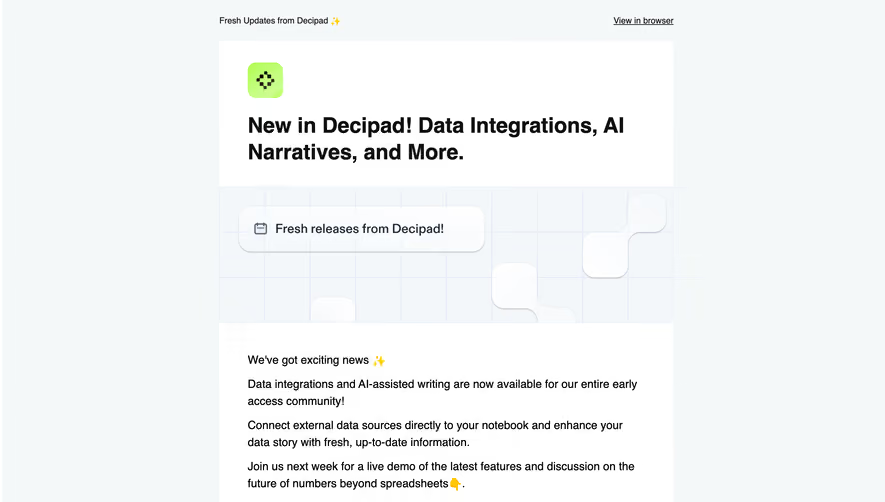
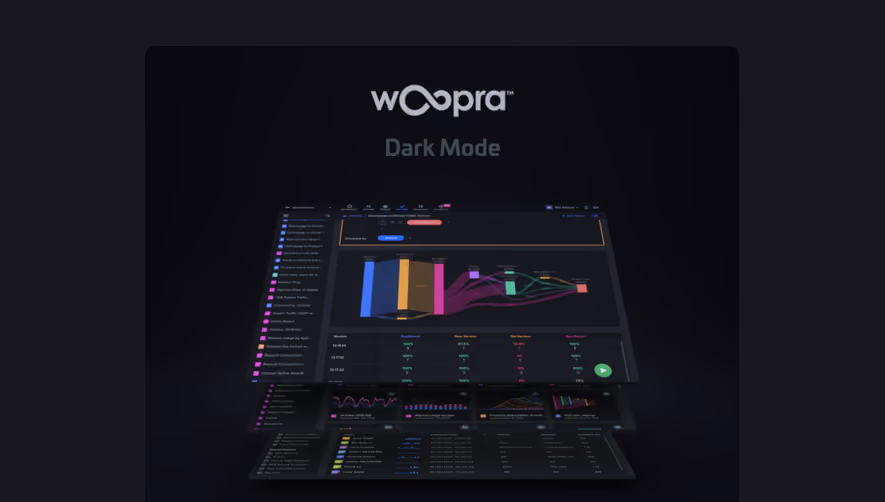
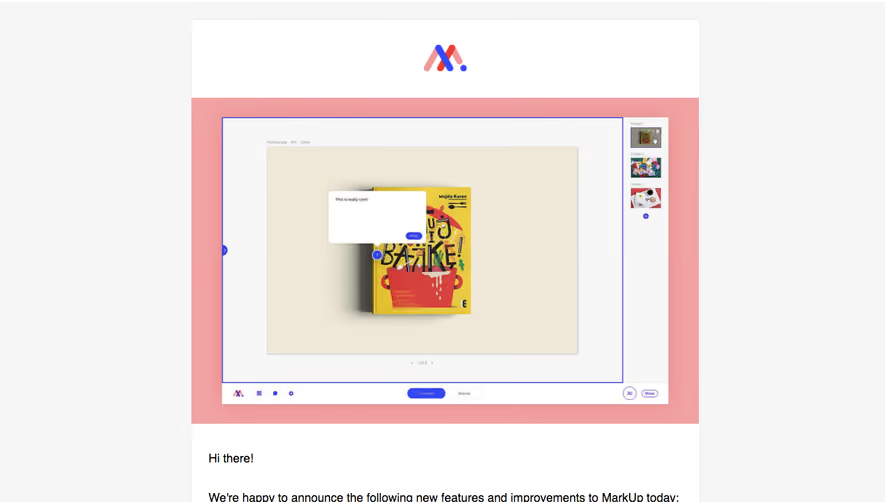
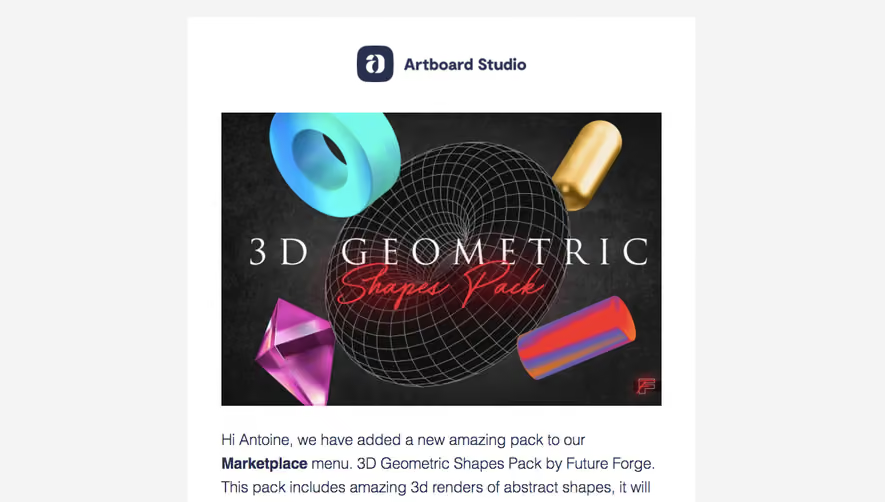
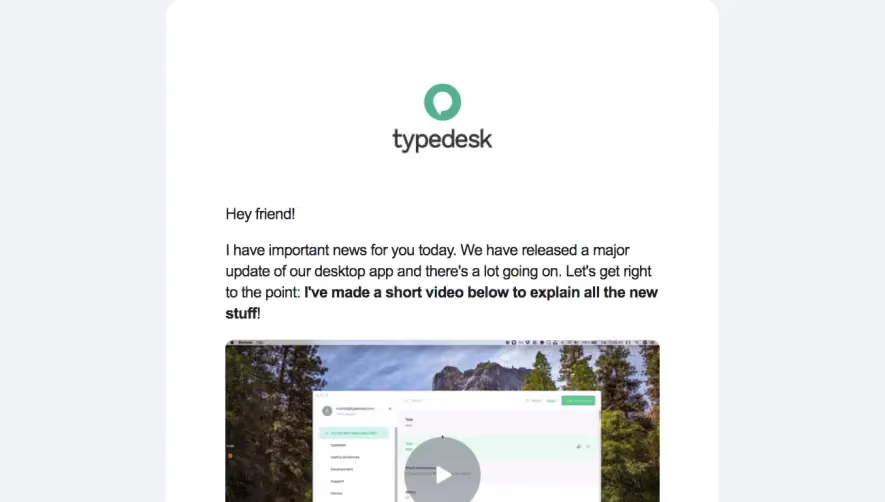
Maintain product momentum with clear SaaS Product Update and Release Note emails. These examples demonstrate how to explain new functionality, show the benefits of the update, and provide direct links to documentation or the app.
Browse 46 real SaaS Product Update Emails with modern UI patterns and conversion strategies.
We sell SaaSFrame licenses on Gumroad, a secured online selling platform for creators.
What about future updates and versions?
SaaSFrame gets updated all the time! Every new update and version will immediately be made available to all SaaSFrame users.
I didn't receive my licence key, what should I do?
The licence key required to create your SaaSFrame account is send by Gumroad once you made your purchase. If this email is blocked by your email client, send me an email at antoine[at]unmake[dot]io so I can resend the licence key.
Can you send me an invoice?
You can generate an invoice on Gumroad once you purchased SaaSFrame. You will find the link in the order confirmation email.
Can I get a refund?
If you're not satisfied, you can ask for a refund within 7 days. Just send me an email at antoine[at]unmake[dot]io
Product Update Emails Design Guide
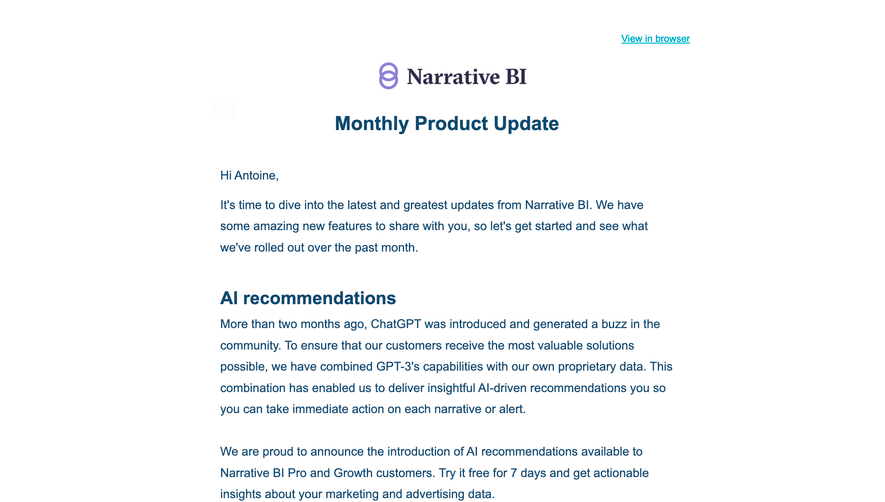
A SaaS product-update email explains changed capabilities and helps recipients identify which change matters to their work. Its design should make availability, practical effect, and the next route clear rather than treating newness as sufficient value.
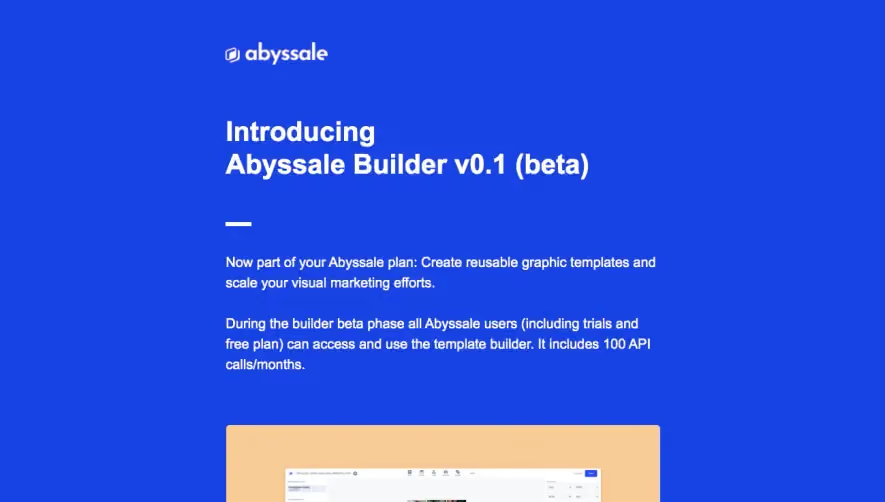
The Abyssale reference introduces a builder beta, explains reusable templates, shows a product view, and lists task-related benefits before a discovery action.
The task explanation makes the announcement assessable. A beta label and access conditions should remain accurate rather than being lost beneath promotional copy.
Historical plan allowances in the capture do not establish current product eligibility.
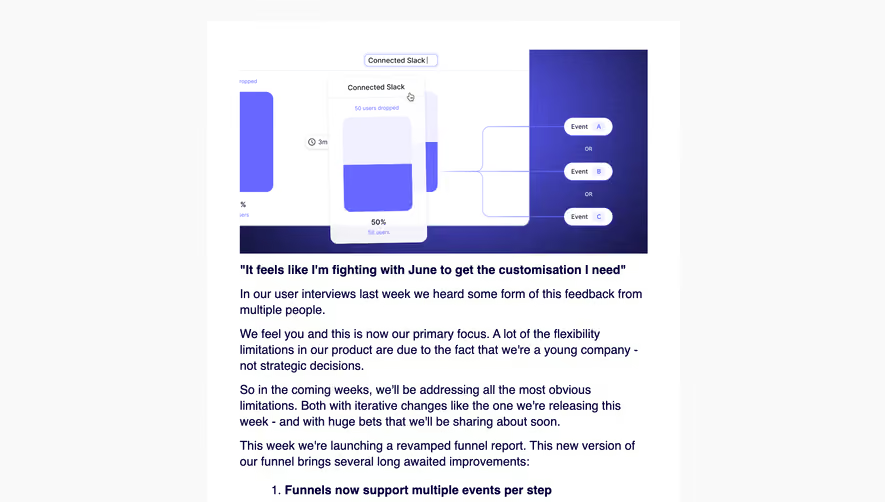
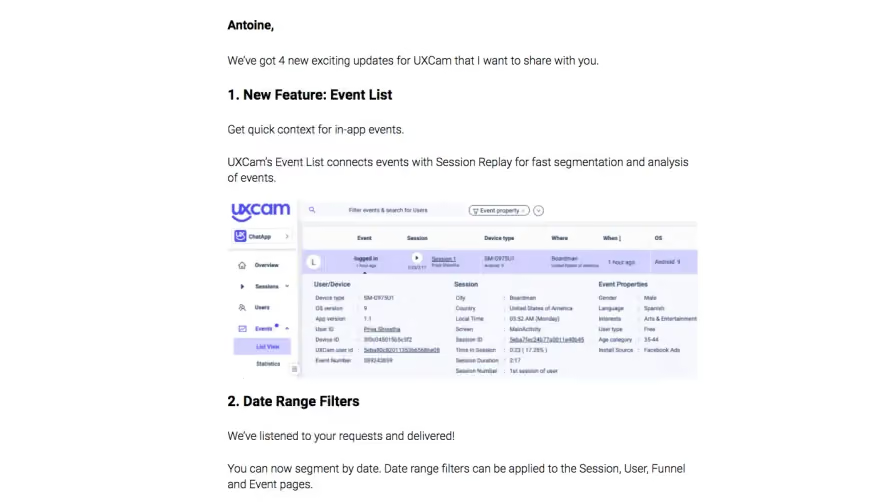
The UXCam reference uses a numbered update structure for an event list, date-range filtering, session statistics, and a trial-related item. A dashboard route follows.
Specific headings let recipients choose the relevant change. Avoid giving a minor improvement and a consequential account change identical treatment without explanation.
A grouped message should still establish which items are released, limited, or require another step.
Use screenshots near the mechanism
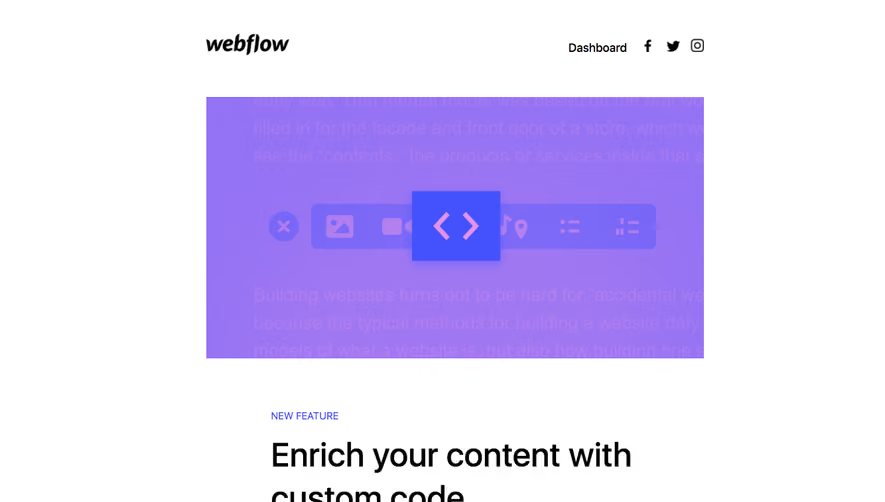
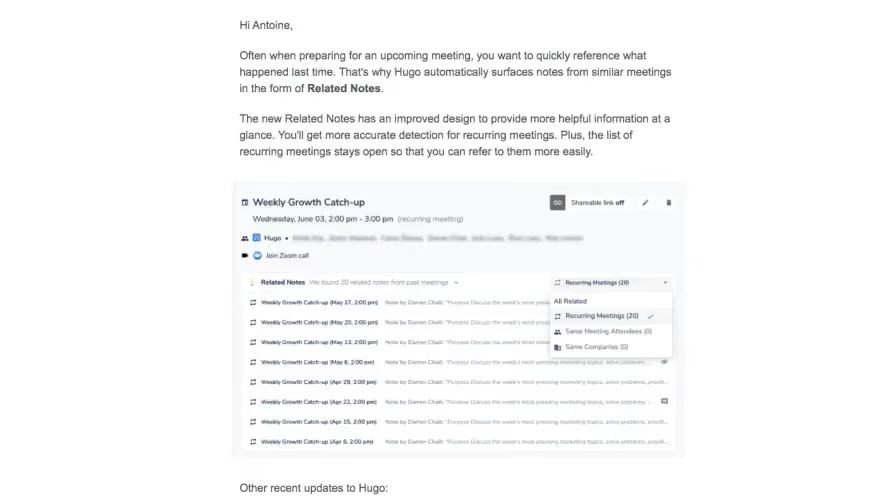
A product view can illustrate a new control, output, or location. Explain what the reader should notice and keep essential meaning in text.
Do not imply that a prepared example proves improved business performance. Measured claims need their own appropriate evidence.
When the interface changes, update screenshots or provide context so instructions remain useful.
Make eligibility and action explicit
Users may need a plan, role, integration, or staged rollout before trying a capability. Explain consequential requirements before an immediate-use CTA.
Try, read details, request access, and contact the team are different commitments. Label the actual route.
Preserve feature context through authentication where supported. A generic dashboard destination can make a specific update hard to find.
Keep the message aligned with the release
Check that email, in-product availability, documentation, and changelog describe compatible states. Announcing a feature does not itself enable it for every recipient.
Stop obsolete follow-ups when access or account state changes. Keep optional promotional material secondary to the product explanation.
Review mobile reading, blocked images, destination links, and support routes.
Compare focused and grouped updates
Explore SaaSFrame's product-update email references to study launch narratives and concise multi-change messages. Choose the format around the depth needed to understand the changed work.
Product-update email questions
Should every release get a separate email?
Not necessarily. Group related changes when users can scan them clearly without losing consequential detail.
Does an announcement mean access is enabled?
No. Explain rollout and eligibility according to the actual product state.
What should the screenshot show?
Illustrate the relevant visible mechanism with nearby explanation, rather than serving as decoration.