.webp)
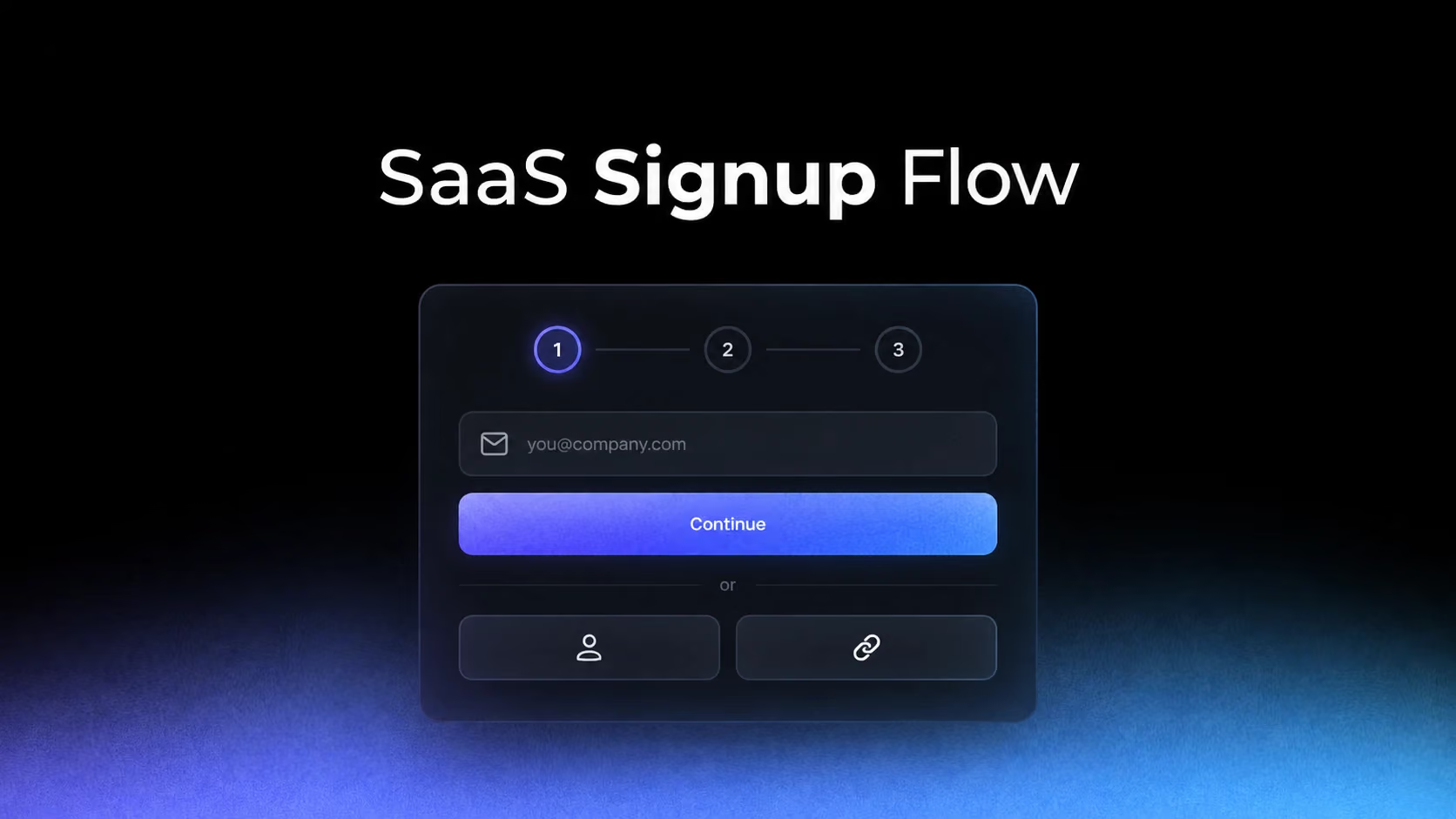
The usual advice for signup design—remove fields, add social login, shorten the form—is incomplete. A signup flow is not only a friction problem. It is a moment of uncertainty: users are deciding whether the product is credible, whether the effort will be worth it and what commitment they are making.
The signup form inherits a promise from the landing page
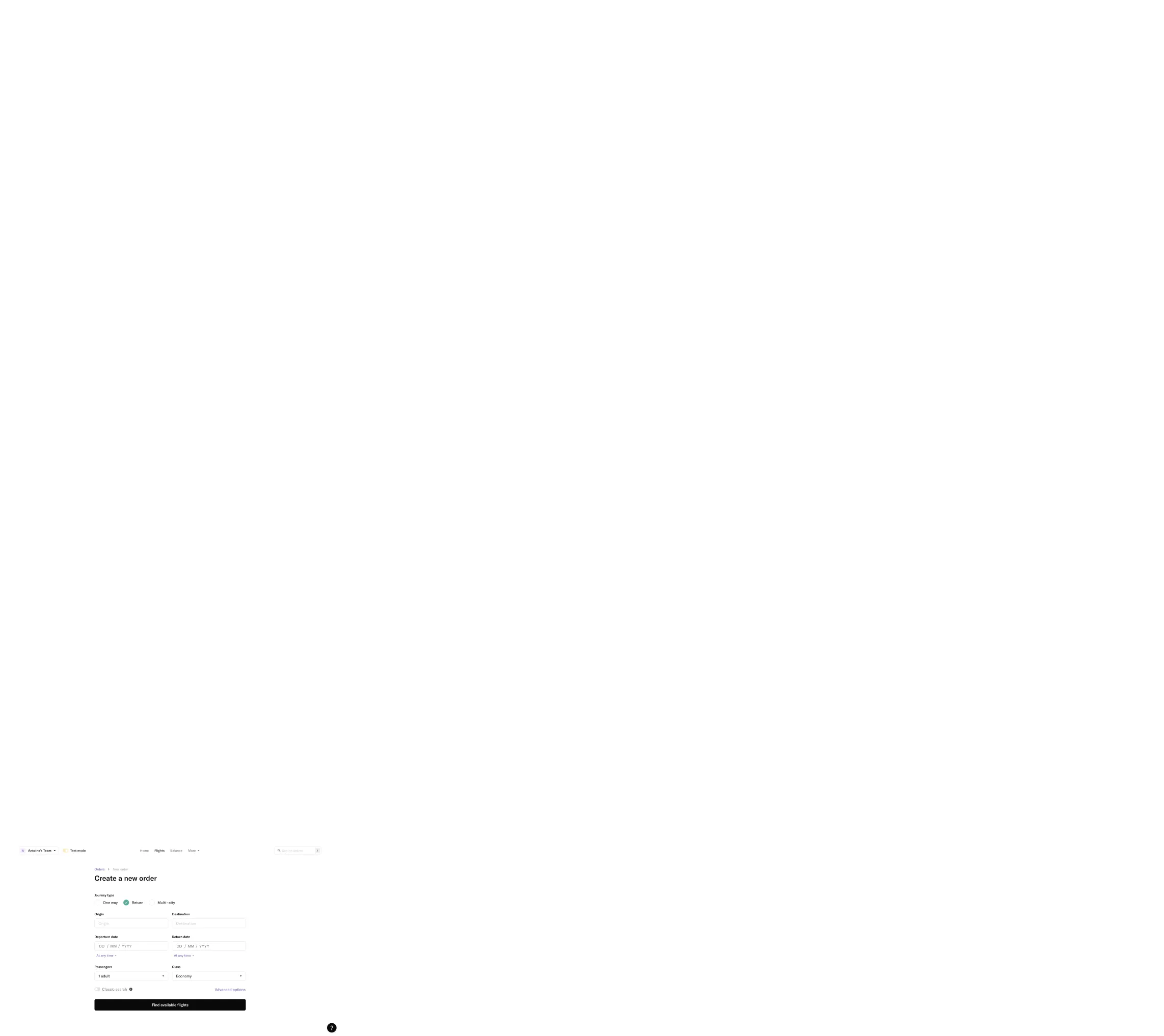
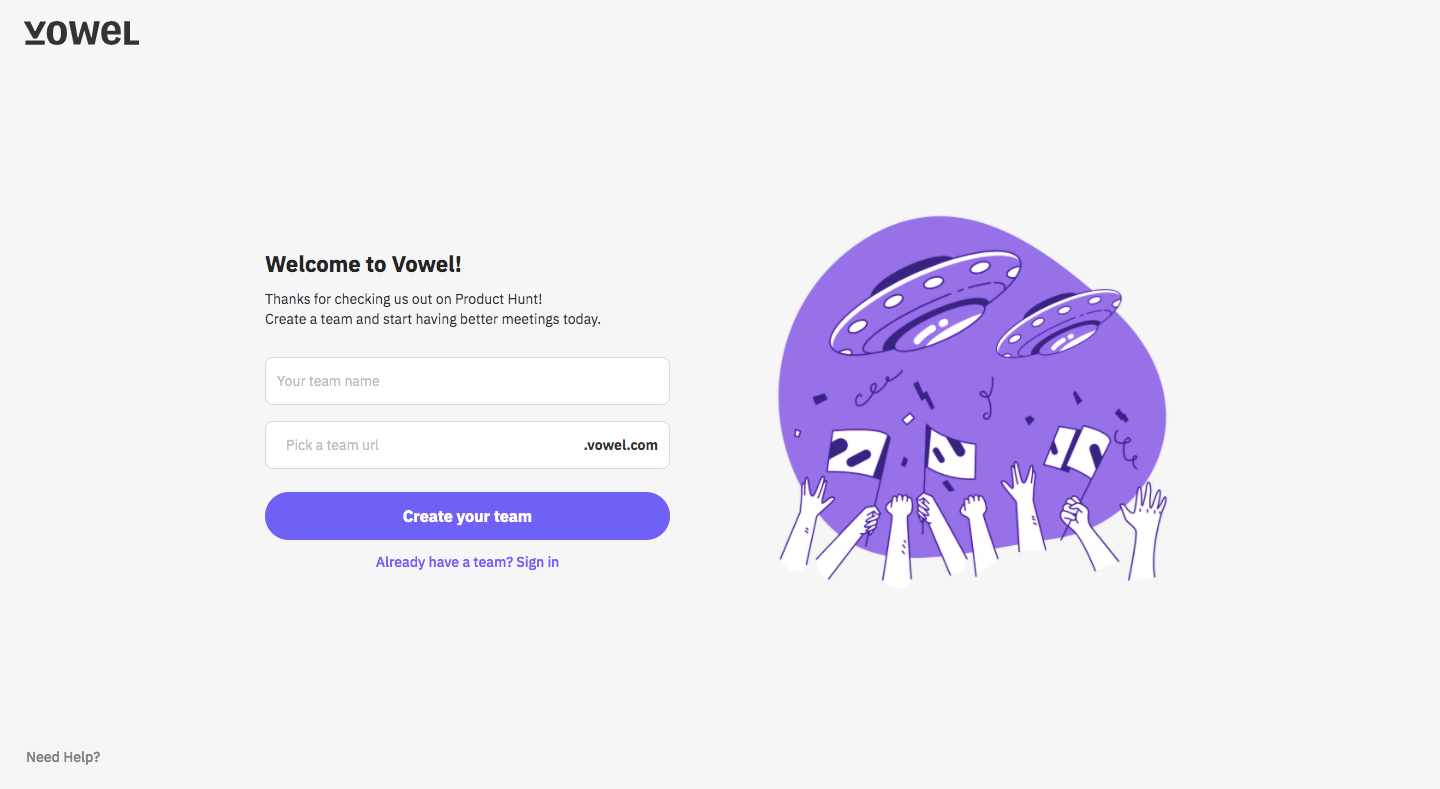
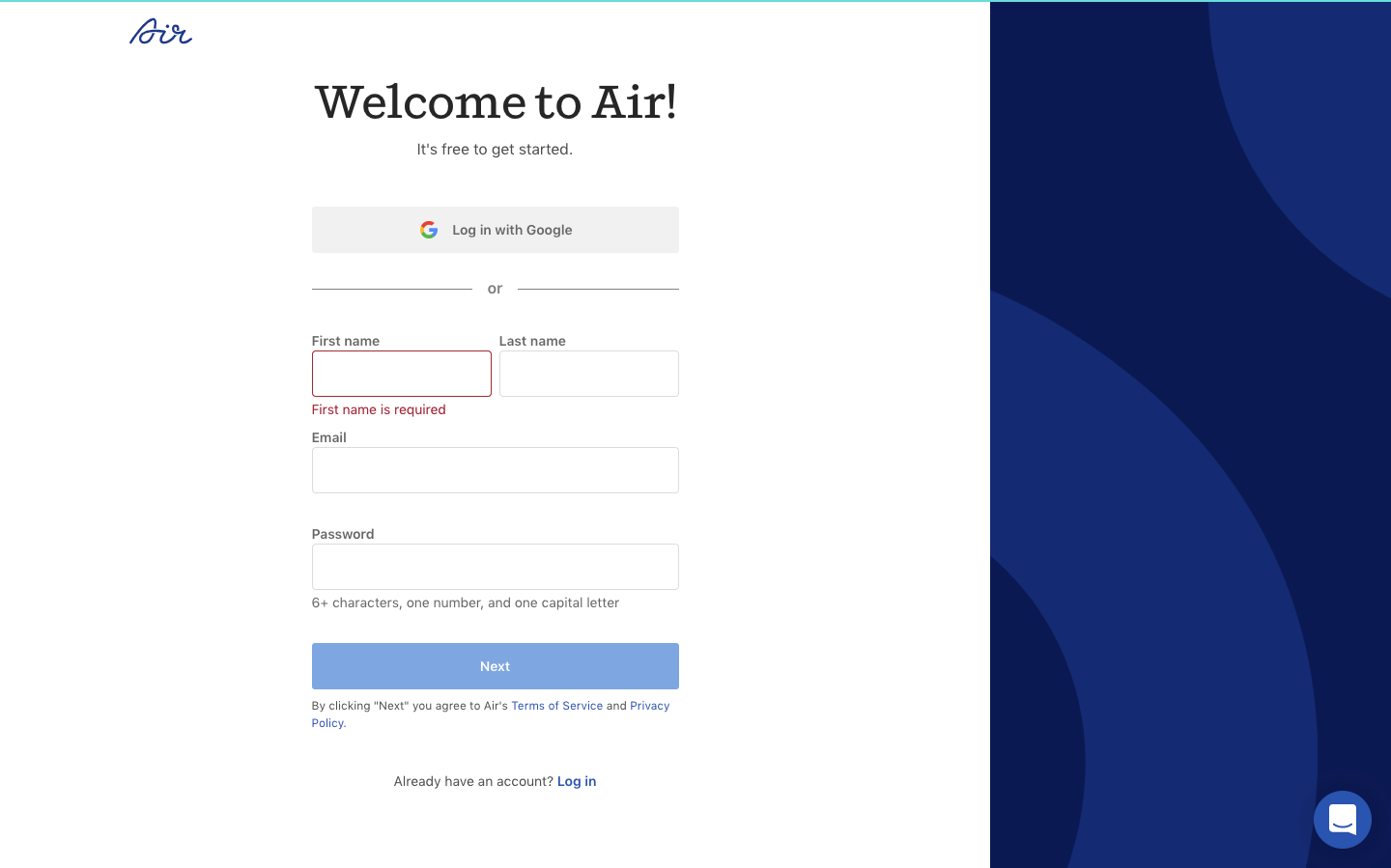
Vowel and Air keep the first screen visually quiet, but the useful lesson is not “use more whitespace.” Both flows protect the momentum created before the user arrived. The product name, action and form remain easy to connect, so registration feels like the next step in one journey rather than a new administrative process.
Study Vowel: Vowel Signup Page on SaaSFrame
Study Air: Air Signup Page on SaaSFrame
When signup introduces a new vocabulary, a different visual tone or several unrelated choices, users must reassess the decision they just made. The form should therefore repeat the value, language or object that motivated the click—briefly, without turning the page into another landing page.
Fewer fields do not guarantee less friction
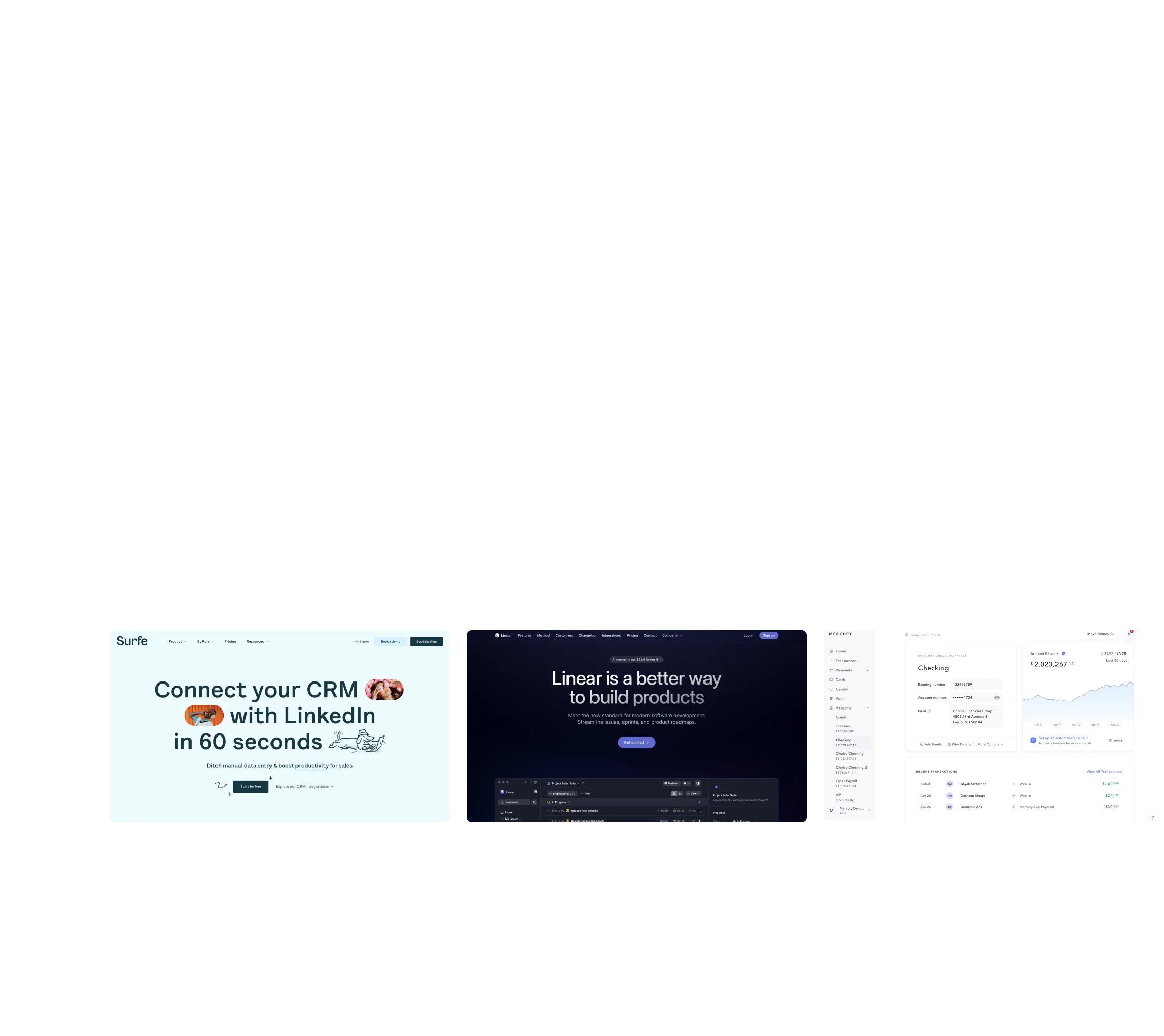
Billflow and Pitch illustrate two different ways to contain the commitment. What matters is not the absolute number of inputs but whether users understand why they are being asked and what will happen after submission.
Study Billflow: Billflow Signup Page on SaaSFrame
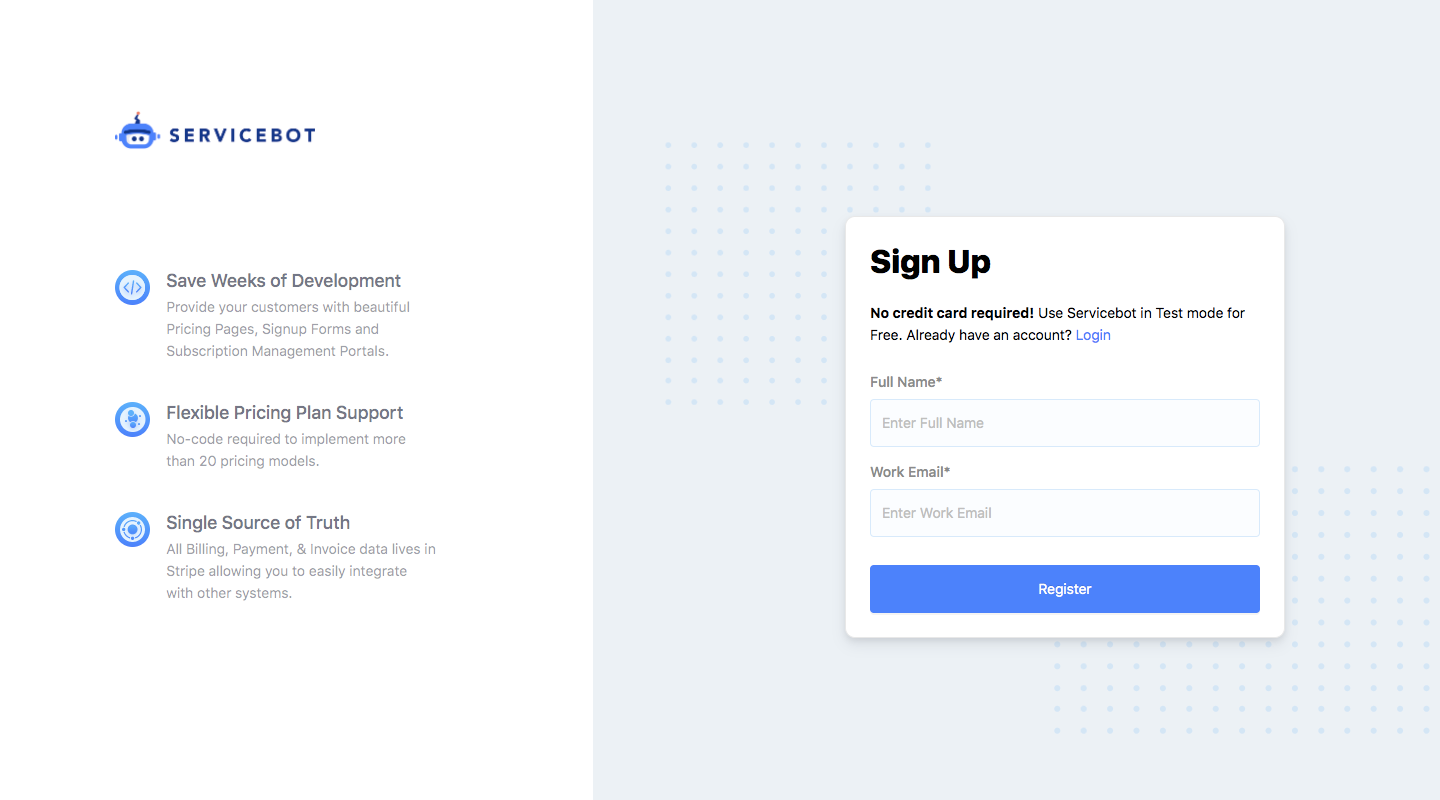
Study Pitch: Pitch Signup Page on SaaSFrame

A single ambiguous field can create more hesitation than three obvious ones. Before removing inputs, classify each as required for identity, required for routing, or useful only for personalization. The third group usually belongs after account creation.
Authentication choices need a clear default
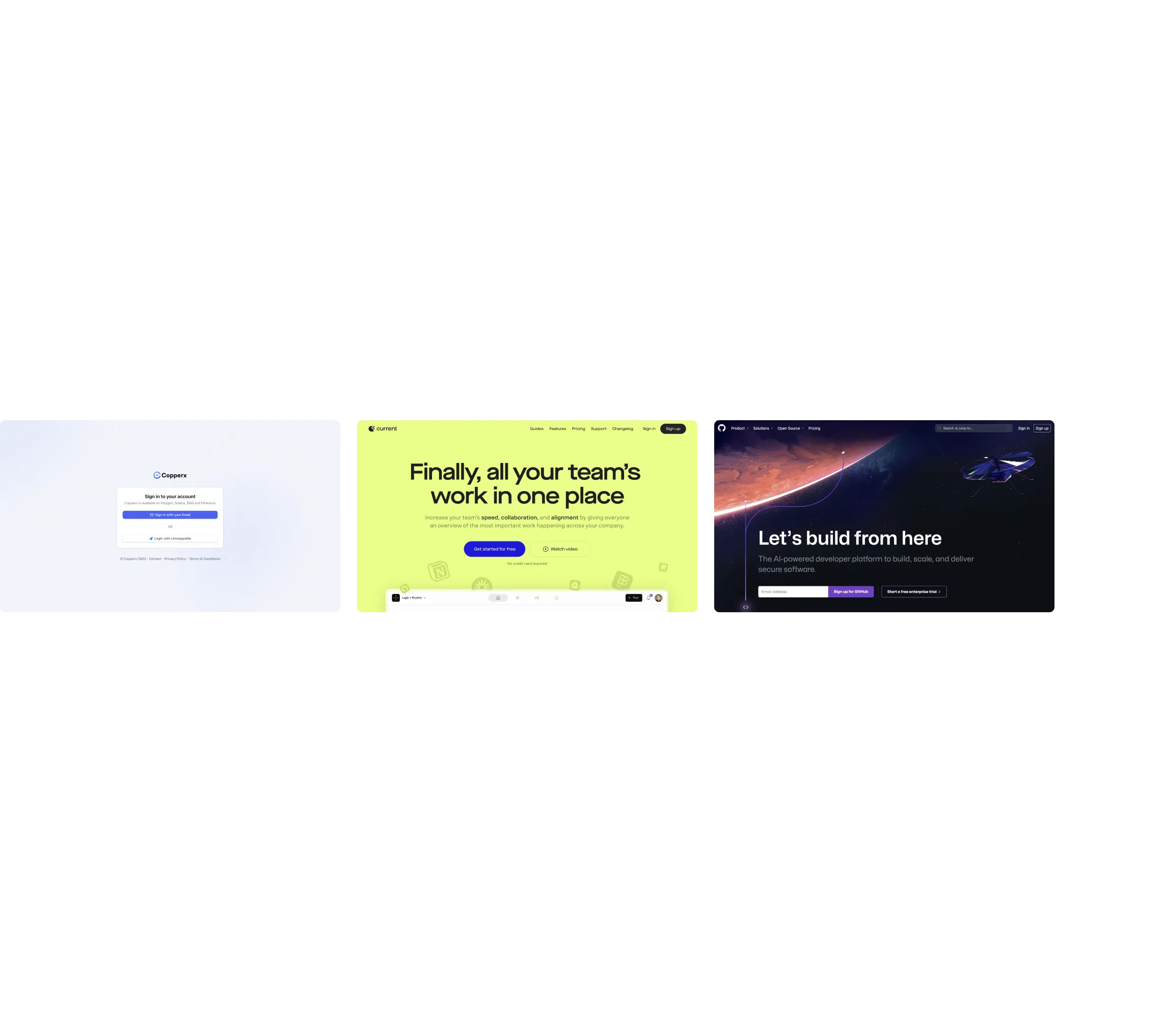
Typedesk presents registration as a guided entry into the product. This is important when several authentication methods are available: every extra option creates a comparison task. Social login is valuable when it is familiar to the audience, but displaying every provider can make the screen feel less decisive.
Study Typedesk: Typedesk Signup Page on SaaSFrame
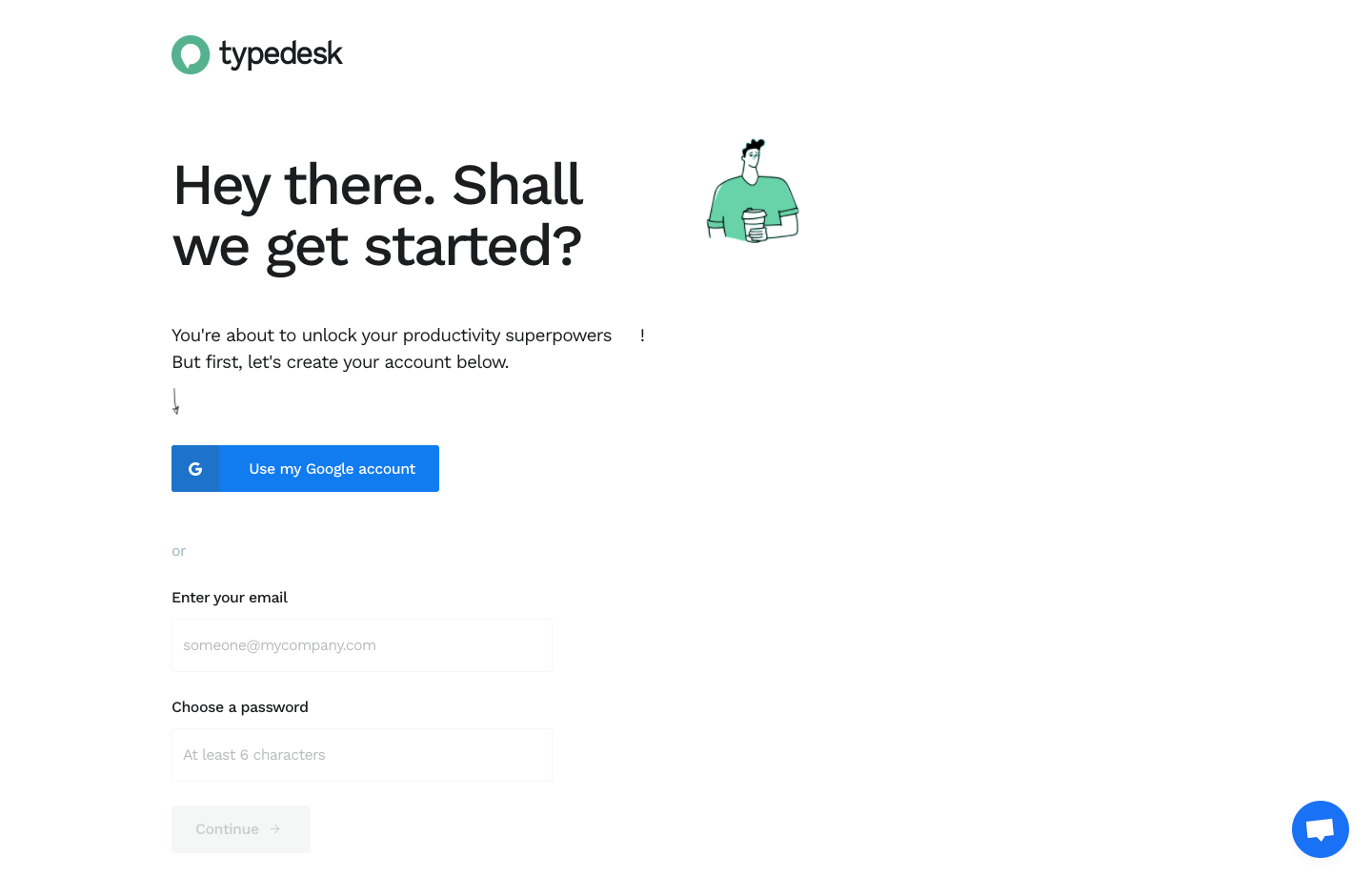
Choose a preferred route, keep alternatives visually secondary and explain constraints such as work-email requirements before users encounter an error.
Brand expression should reduce uncertainty, not compete with the form
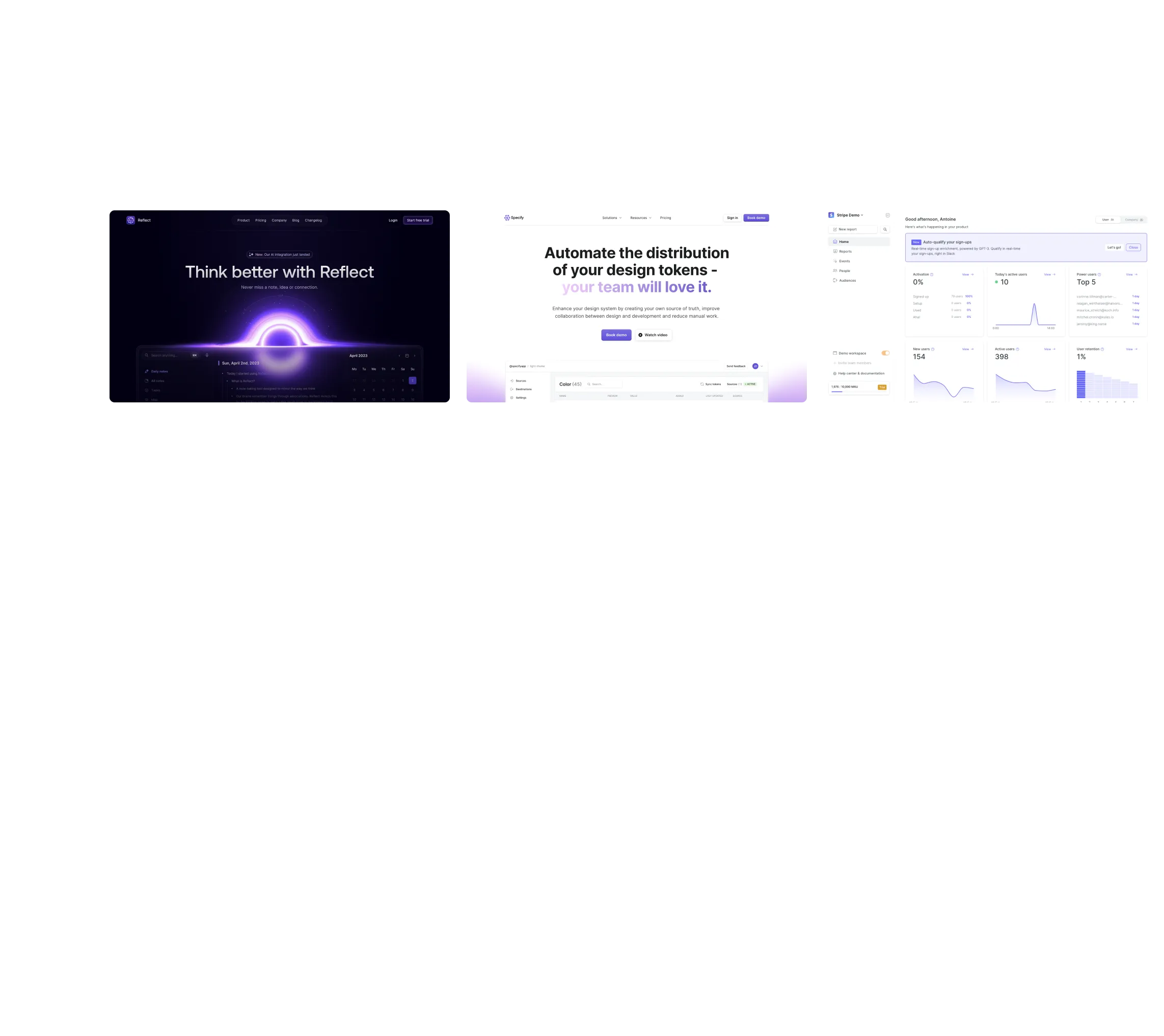
Supernotes gives the signup screen personality while preserving a dominant action. Brand elements work here because they establish tone without becoming another content hierarchy users must decode.
Study Supernotes: Supernotes Signup Page on SaaSFrame
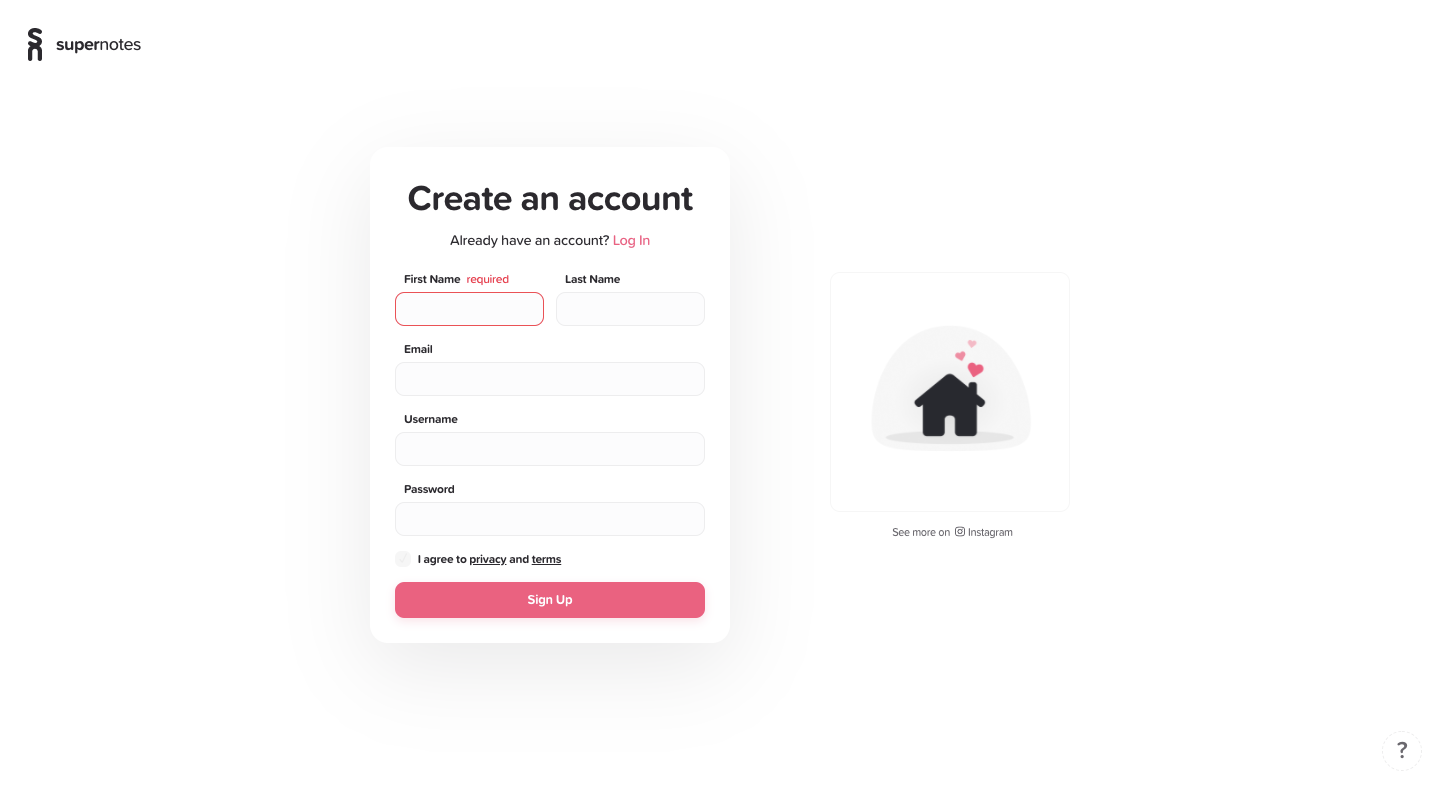
A useful test is simple: if the illustration, testimonial or product preview disappears, is the required action still obvious? If not, the brand layer is carrying too much interface responsibility.
What to carry into your own design
The best signup flow is not necessarily the shortest. It is the flow in which every request feels expected, the next step is predictable and the user never has to reconsider what they are signing up for. Measure completion by step, but also inspect validation errors, backtracking and the time users spend before the first input—those signals reveal uncertainty that conversion rate alone cannot explain.
Explore more real interfaces in the related SaaSFrame collection.