Design with AI
Generate a new design based on this screen using your own content.
# Design from Reference: Woopra Onboarding Emails
Create an original, high-fidelity visual design inspired by the reference. Prioritize composition, typography, colors, spacing, and component styling over technical implementation.
## Reference
- **Product:** Woopra
- **Category:** Onboarding Email
- **Screenshot:** https://cdn.prod.website-files.com/5e9dc792e1210c5325f7ebbc/6acbbffbd6be908889c5d932_6acbbf3c7ce271b128704ec7_cms-6856e582d9438e3f6a6ab757.webp
Analyze the screenshot first. If inaccessible, request it rather than guessing.
## Content
{{content.instructions}}
{{content.data}}
Preserve essential messaging and factual accuracy. Adapt structure and copy length for visual balance; never invent product claims.
## Visual Design
### Overall aesthetic
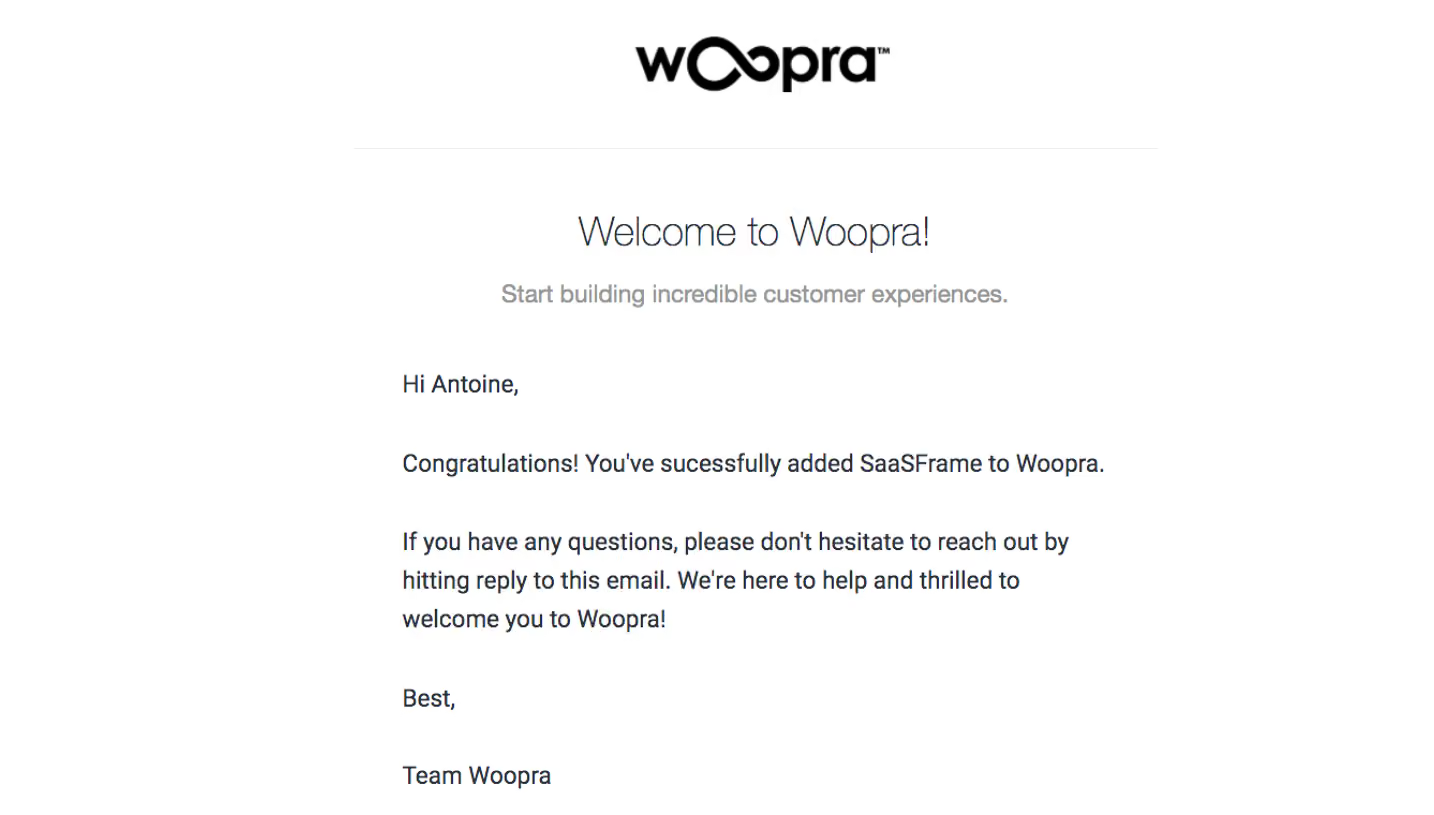
- **Character:** White educational onboarding email with large black wordmark, charcoal prose, blue actions and a central analytics screenshot.
- **Visual tone:** Thin gray rules divide introductory guidance, resource promotion and sales assistance.
- **Capture:** The image measures 1303 × 1700 px and was inspected in two portions. Dimensions below are image estimates; client/CSS scale is unverified.
### Page composition
- **Header:** Centered wordmark sits above a thin horizontal rule.
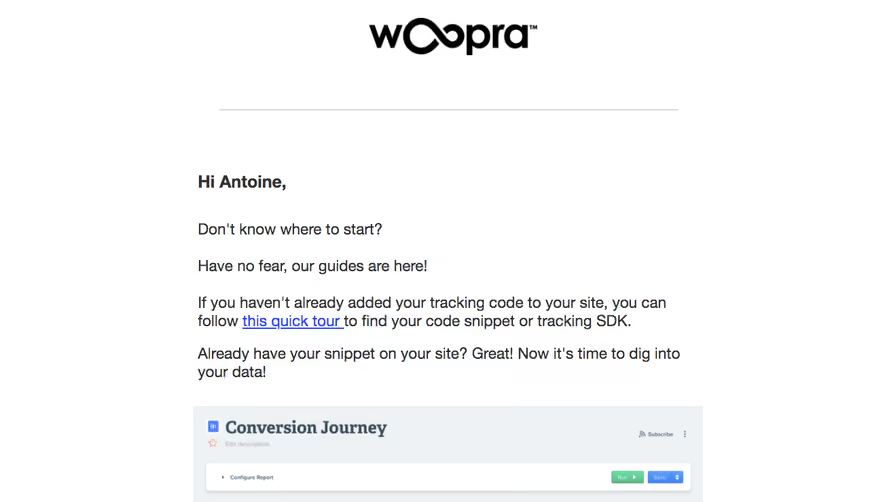
- **Introduction:** A narrow centered column contains bold salutation and several short left-aligned paragraphs, including an inline tour link.
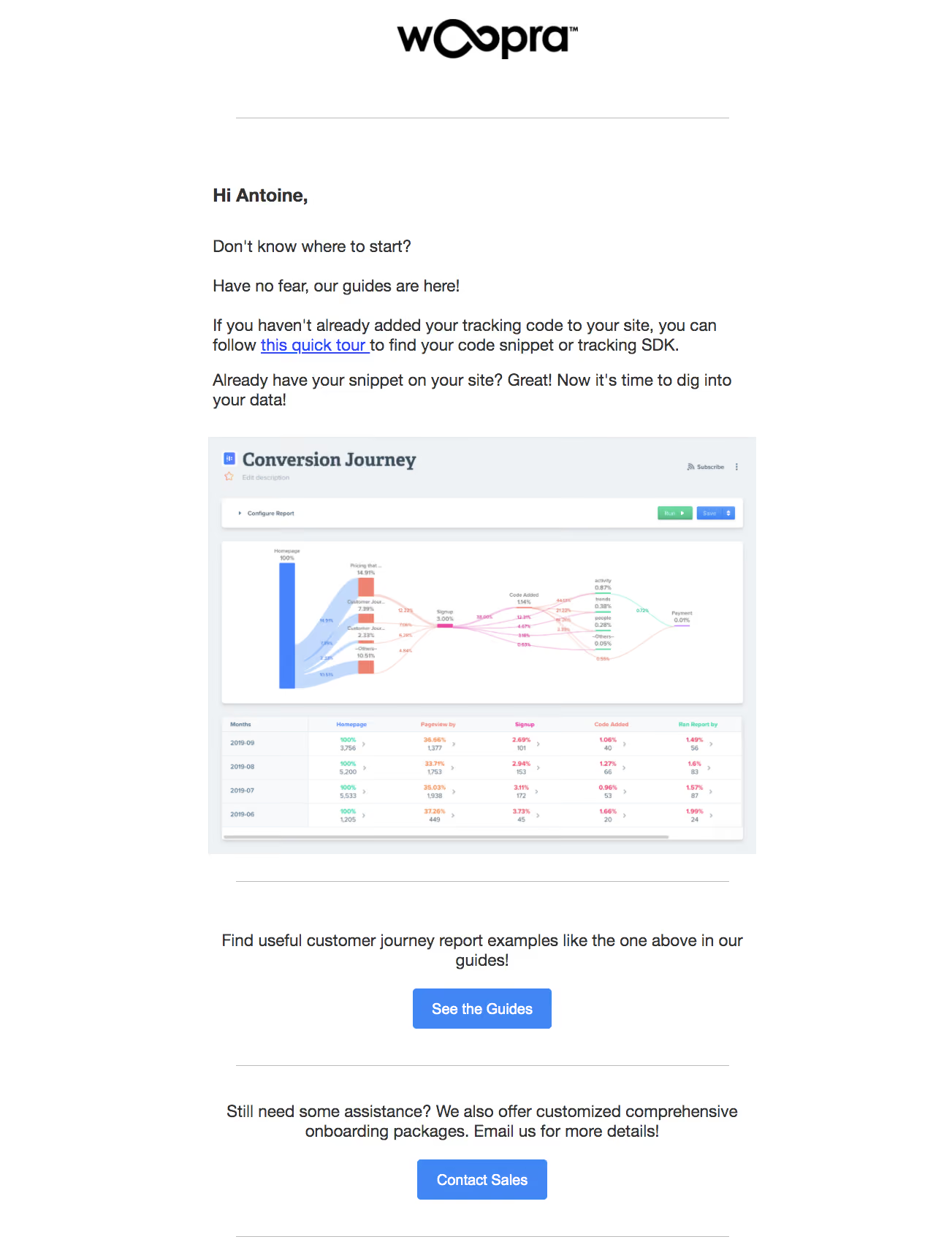
- **Figure:** A large conversion-journey screenshot shows a flow diagram above a metrics table.
- **Resources:** Centered explanatory text and blue guides button follow a divider.
- **Assistance:** A further rule introduces onboarding-package copy and a blue sales button.
### Information hierarchy
- **Guidance:** The introduction distinguishes installing tracking from exploring existing data.
- **Example:** The screenshot gives a concrete journey-report preview.
- **Primary learning action:** See the Guides is the first filled action.
- **Secondary help:** Contact Sales follows as a separate assistance path.
- **State:** No tracking setup, report run or contact action is performed.
### Typography
- **Family:** Conventional sans-serif; exact identity is unverified.
- **Body:** Approximately 22–24 image px with 29–30 px leading.
- **Salutation:** Slightly larger/bold.
- **Buttons:** Around 20–22 px white medium-to-bold captions.
- **Figure:** Internal report typography is much smaller and belongs to the embedded image.
### Colors & surfaces
- **Measured base:** ICC-aware sRGB sampling yields #FFFFFF.
- **Measured text:** #323232 and #000000 provide dark foreground.
- **Measured accent:** Blue #4286F6 appears in actions/report imagery.
- **Measured figure surfaces:** #EFF2F5 and #F8F9FB define pale report backgrounds; #C3DAFD is a light chart blue.
- **Depth:** Email itself is flat; embedded report cards have their own shadows.
### Components
- **Wordmark:** Large black brand graphic centered above content.
- **Inline link:** Blue underlined quick-tour destination sits within prose.
- **Report figure:** A multicolor journey-flow chart and tabular metrics fill a wide pale panel.
- **Buttons:** Small rounded blue rectangles with white captions.
- **Dividers:** Thin gray lines span the reading measure between content groups.
### Visual rhythm
- **Column:** Broad white margins frame a consistent central measure.
- **Spacing:** Large gaps separate logo, introduction, figure and action groups.
- **Alignment:** Prose is left aligned; resource/help calls to action are centered.
- **Repetition:** Dividers and blue buttons create a clear lower-page cadence.
### Responsive
- **Evidence limit:** Only one email rendering is shown; recommendations follow.
- **Column:** Use fluid width and readable mobile padding.
- **Figure:** Scale proportionally and supply a meaningful alternative/larger view.
- **Actions:** Preserve touch targets and natural copy wrapping.
### Adaptation guidance
- **Reusable pattern:** Guide setup, show a relevant report example and offer learning plus assisted-onboarding paths.
- **Hierarchy:** Keep resource and sales actions in distinct sections.
- **Accessibility:** Use descriptive links and avoid making tiny screenshot text the sole instruction.
- **State truth:** Do not treat an illustrative report as current account data.
Use this context to reproduce the reference's visual language: layout, typography, colors, spacing, borders, radii, and distinctive elements. The screenshot takes priority if descriptions conflict.
## Direction
{{preferences.fidelityInstructions}}
## Output
{{output.instructions}}
Deliver a polished, cohesive design with precise alignment, hierarchy, and spacing. Produce the requested visual artifact, not just a description. If unsupported, explain the limitation.
.webp)



.avif)