Design with AI
Generate a new design based on this screen using your own content.
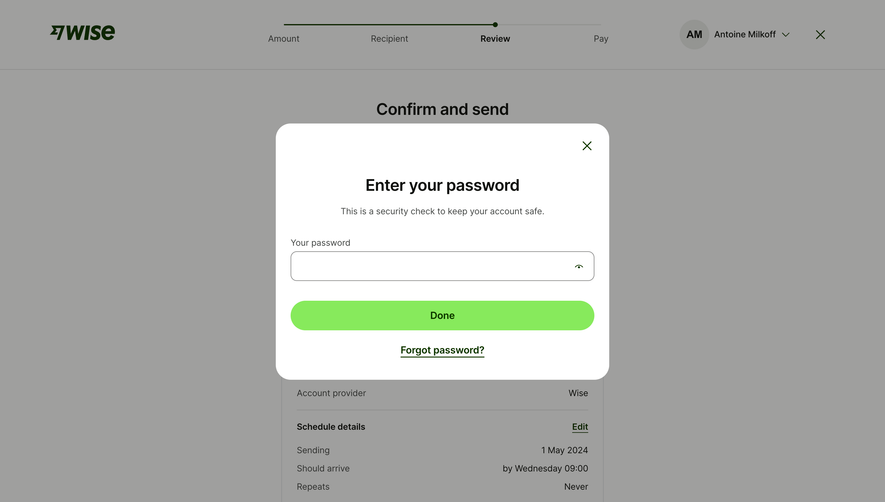
# Design from Reference: Wise Enter Password
Create an original, high-fidelity visual design inspired by the reference. Prioritize composition, typography, colors, spacing, and component styling over technical implementation.
## Reference
- **Product:** Wise
- **Category:** Empty
- **Screenshot:** https://cdn.prod.website-files.com/5e9dc792e1210c5325f7ebbc/6aca27e7aca7079066e8e7ce_6aca2703003599d1884c594c_cms-45132fcd3d9d410552e2d589.webp
Analyze the screenshot first. If inaccessible, request it rather than guessing.
## Content
{{content.instructions}}
{{content.data}}
Preserve essential messaging and factual accuracy. Adapt structure and copy length for visual balance; never invent product claims.
## Visual Design
### Overall aesthetic
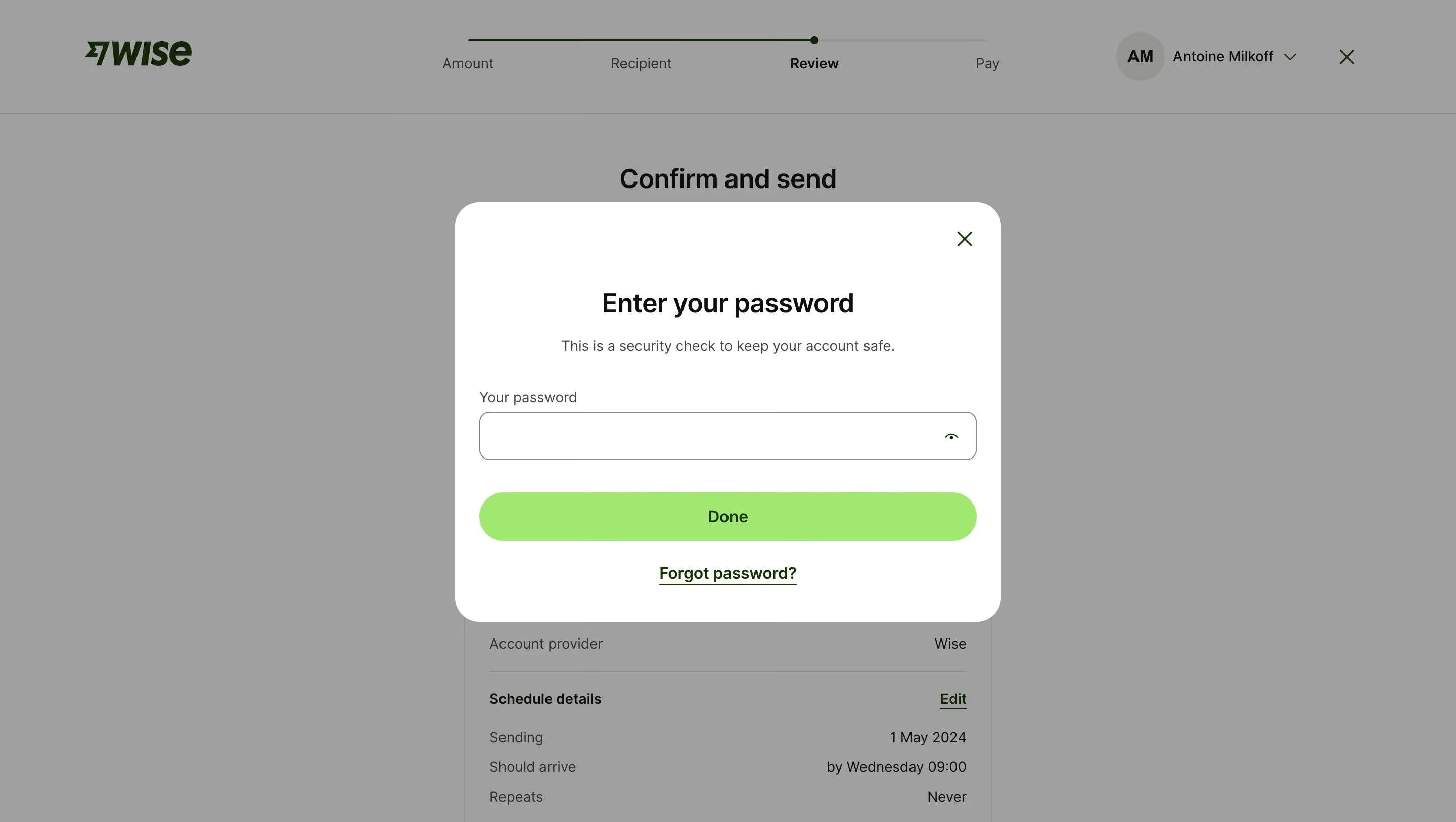
- **Style:** A clean password-confirmation modal with a white rounded surface, lime action, and dimmed transfer-review backdrop.
- **Character:** Focused and reassuring, using a short security explanation and a single credential field.
### Page composition
- **Capture and scale:** The screenshot is 2880 × 1626 pixels, consistent with an estimated 2× capture. Following dimensions are estimated CSS pixels under that assumption.
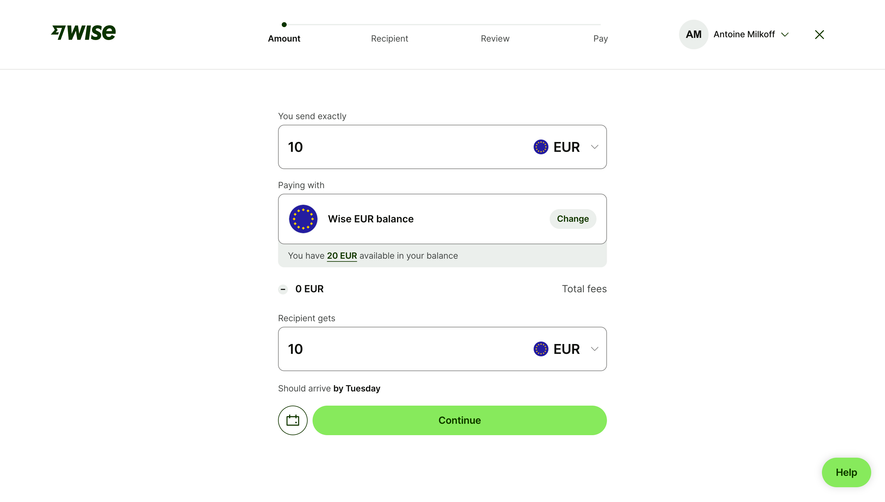
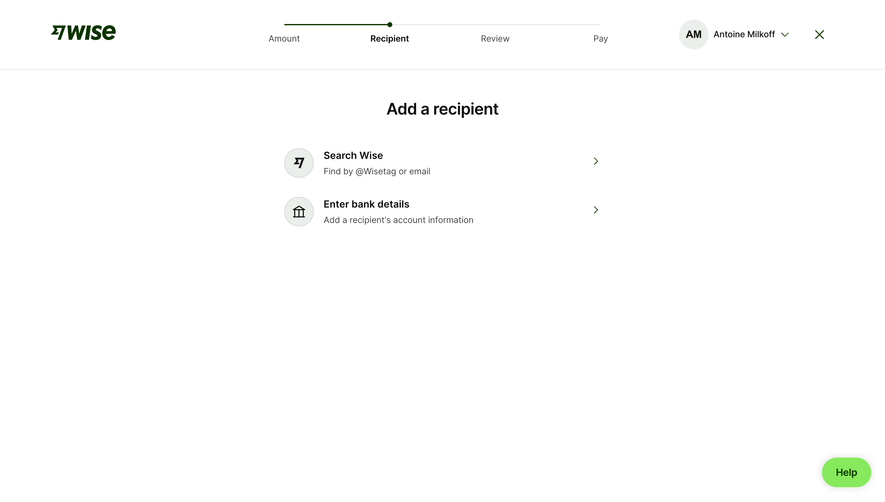
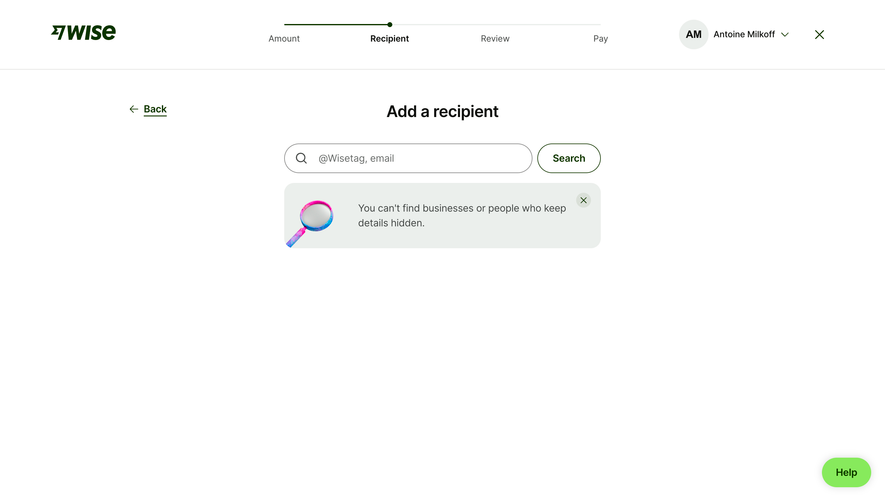
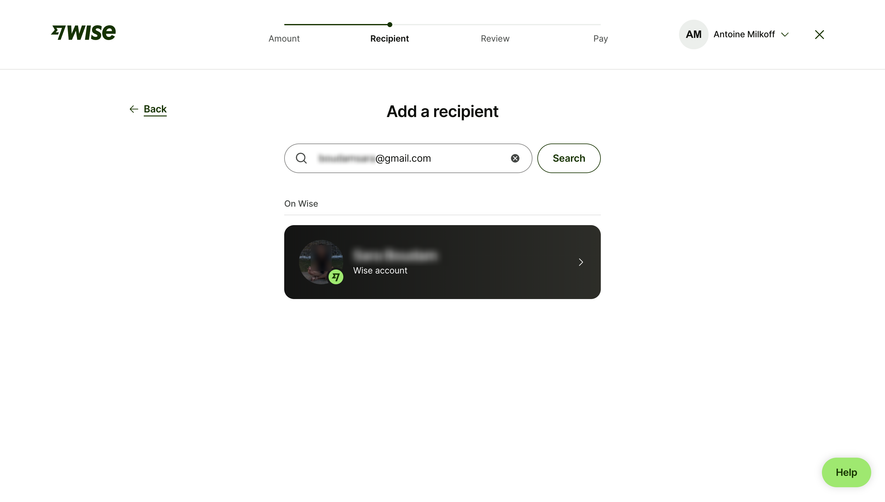
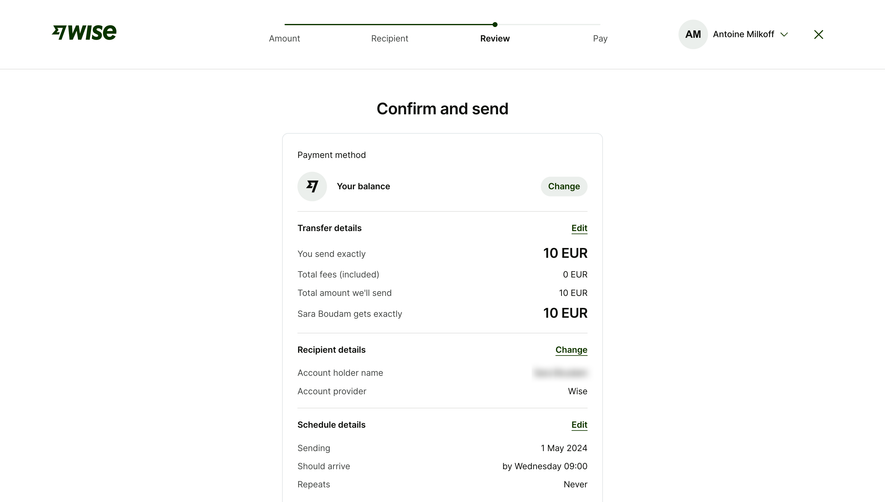
- **Backdrop:** A transfer flow shows brand, Amount/Recipient/Review/Pay progress, account controls, and review details beneath gray dimming.
- **Modal:** A centered roughly 540 × 415 px white dialog contains close X, centered title/explanation, labeled password field, full-width Done button, and centered recovery link.
### Information hierarchy
- **Primary task:** The password heading and security sentence establish the reason for confirmation.
- **Action:** A bright lime Done pill is the strongest element.
- **Alternatives:** Forgot password is a dark-green underlined link below; close sits independently at the top right.
### Typography
- **Family:** A neutral sans serif is visible; exact identity is unverified.
- **Heading:** Approximately 26 px CSS semibold with compact line-height.
- **Body and controls:** Explanation and label are about 14 px. Button and recovery link are approximately 16 px semibold.
### Colors & surfaces
- **Foundation:** Sampled sRGB #FFFFFF defines the dialog. #9F9F9E and related grays are dimmed-background composites.
- **Accent:** Sampled lime #87EA5C fills Done, with dark green #0D2502 for accents and near-black #0E0F0C for title/ink.
- **Boundaries:** A thin medium-gray field border contrasts with the white dialog.
### Components
- **Dialog shell:** Approximately 24 px outer radii, generous 24 px side padding, and no prominent decorative shadow.
- **Password field:** A roughly 490 × 48 px bordered field has 10 px radii and a small visibility icon right.
- **Actions:** The lime button matches field width and height with fully rounded ends. The recovery link is centered beneath with a visible underline.
- **Close:** A small green X aligns to the upper-right inset. No error state or password characters are visible.
### Visual rhythm
- **Spacing:** Allow roughly 20 px between title and explanation, 35–40 px before the field label, and 30 px before Done.
- **Alignment:** Field and action share a common width; heading, explanation, and recovery link share the dialog center axis.
### Responsive
- **Observed state:** Only desktop is visible.
- **Recommended reflow:** Use viewport-constrained dialog width with 16–20 px outer margins and keep field/action full width.
- **Access:** Preserve visible password labeling, recovery, close, and comfortable touch targets.
### Adaptation guidance
- **Preserve:** Retain the concise security prompt, white rounded dialog, explicit credential field, and lime confirmation action.
- **Adapt:** Use the actual sensitive-action context and supported recovery path.
- **Avoid:** Do not copy account/transaction data or infer authentication outcomes from the still image.
Use this context to reproduce the reference's visual language: layout, typography, colors, spacing, borders, radii, and distinctive elements. The screenshot takes priority if descriptions conflict.
## Direction
{{preferences.fidelityInstructions}}
## Output
{{output.instructions}}
Deliver a polished, cohesive design with precise alignment, hierarchy, and spacing. Produce the requested visual artifact, not just a description. If unsupported, explain the limitation.
.webp)



.avif)