.webp)
Thank you! Your submission has been received!
Oops! Something went wrong while submitting the form.
Get SaaSFrame Pro
Monthly
$18
Quarterly
$48
Yearly
$180
Upgrade to access this feature
Browse all screens & flows
Filter and search screens & flows
Access Figma files
Access mobile versions
Bookmark screens & flows
Join now
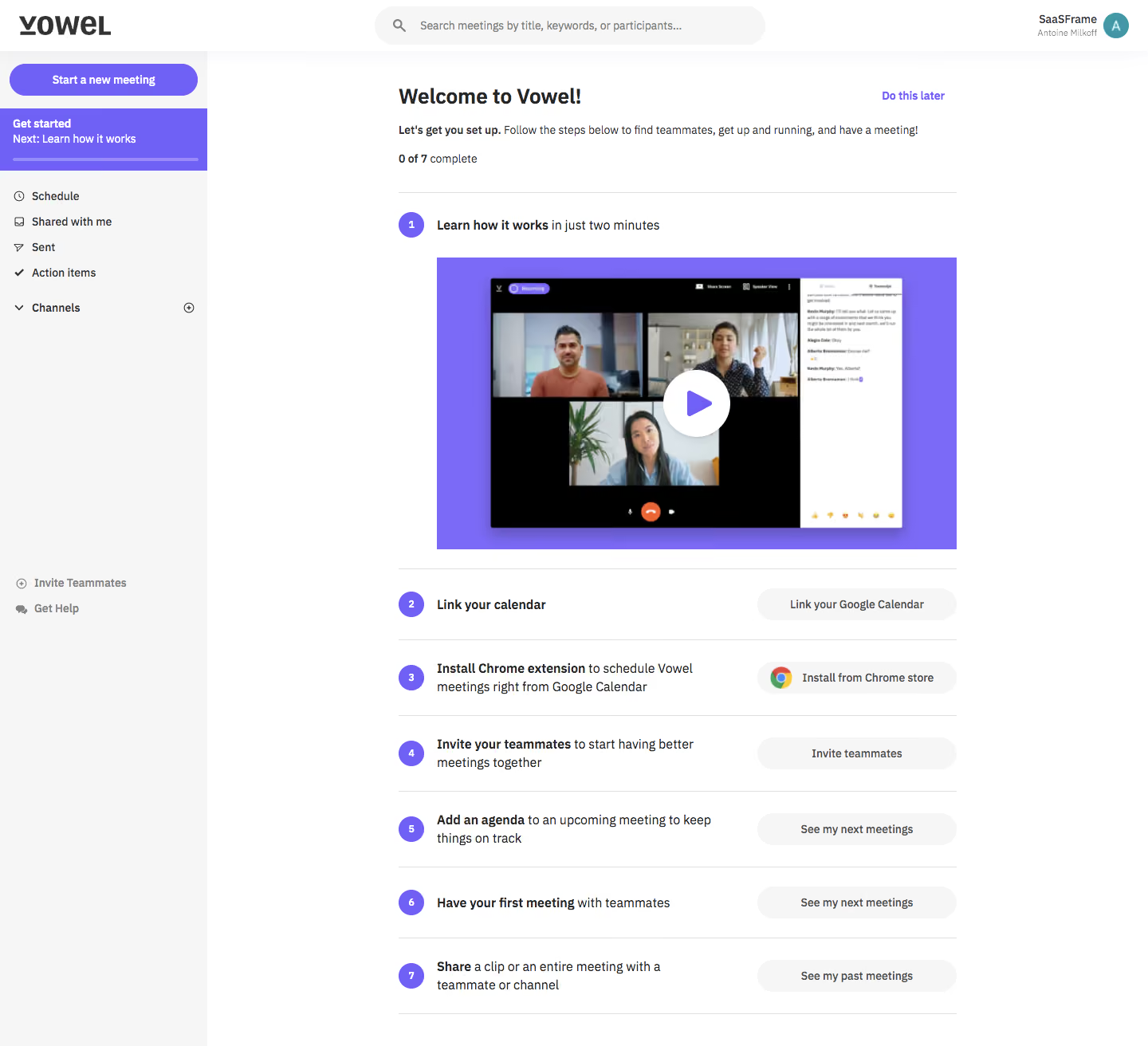
Vowel Sign Up Flow

Vowel
Video conferencing tool that makes meetings better.
Designed by
No items found.

Bookmark
Bookmark

Design with AI
Thank you! Your submission has been received!
Oops! Something went wrong while submitting the form.
# Design from Reference: Vowel Sign Up Flow
Create an original, high-fidelity visual design inspired by the reference. Prioritize composition, typography, colors, spacing, and component styling over technical implementation.
## Reference
- **Product:** Vowel
- **Category:** Account Setup
- **Screenshot:** https://cdn.prod.website-files.com/5e9dc792e1210c5325f7ebbc/6acbc88fd69dbc5db10091e1_6acbc6187ce271b128718485_cms-2df4c5d3be6cbfaa2f0d7e43.webp
Analyze the screenshot first. If inaccessible, request it rather than guessing.
## Content
{{content.instructions}}
{{content.data}}
Preserve essential messaging and factual accuracy. Adapt structure and copy length for visual balance; never invent product claims.
## Visual Design
### Overall aesthetic
- **Style:** A straightforward in-app onboarding checklist with a light shell, violet progress markers, and a large introductory video.
- **Character:** Task-oriented and approachable, with clear numbered actions and little decoration beyond product media.
### Page composition
- **Capture and scale:** The screenshot measures 1440 × 1312 pixels. Approximate dimensions below refer to screenshot pixels; CSS scale is unverified.
- **Shell:** A white top bar contains the Vowel logo left, large rounded search center, and workspace/user identity right. A pale left sidebar, roughly 260 px wide, contains meeting creation, active onboarding status, navigation, and lower help/invite links.
- **Content:** A roughly 700 px-wide onboarding column sits in the right workspace with substantial margins. A welcome heading, short explanation, 0 of 7 completion label, and later option precede seven numbered rows.
- **Checklist:** The first row expands into a large violet-backed video thumbnail. Six subsequent rows pair a short task description with a pale pill action at right, divided by fine horizontal lines.
### Information hierarchy
- **Progress:** The welcome and completion count establish first-use status. Violet numbered circles identify the seven sequential tasks.
- **First action:** The introductory video is the largest content object and clearly the first suggested task.
- **Subsequent tasks:** Calendar connection, extension installation, teammate invitation, agenda preparation, first meeting, and sharing are presented as compact actionable rows.
### Typography
- **Family:** A neutral sans serif is visible; exact identity is unverified.
- **Heading:** Welcome heading is approximately 26 px bold. The opening instruction is around 14 px with a bold lead phrase.
- **Checklist:** Task text is approximately 16 px with 23 px line-height, using bold lead phrases and regular continuation text.
- **Controls:** Pill labels, sidebar links, progress metadata, and search placeholder are roughly 13–14 px.
### Colors & surfaces
- **Foundation:** Sampled sRGB #FFFFFF forms the workspace and header; #F6F6F6 supports the sidebar, search, and secondary actions.
- **Violet:** Sampled #7B6AF7 and #6F60F6 appear in the video/onboarding accent system.
- **Ink and borders:** Sampled #000000 and #262626 support the darker text/product-video regions; #E0E0E0 supplies fine divider tones.
- **Hierarchy:** Violet is concentrated in progress, selected onboarding navigation, the meeting-creation action, and video framing.
### Components
- **Sidebar:** A violet rounded meeting button sits above a solid violet active onboarding block with a thin progress line. Remaining links use small line icons and quiet dark text.
- **Video:** A roughly 650 × 365 px violet panel contains a product-meeting screenshot and a large white circular play control with violet triangle.
- **Task rows:** Approximately 90–95 px-tall rows place a small violet numbered disk left, wrapped copy in the middle, and a roughly 250 px-wide pale pill right.
- **Specific controls:** The extension action includes a Chrome icon. Other actions are text-only. Do this later appears as a small violet text link near the welcome header.
- **Search and identity:** A broad rounded search field sits in the top bar; workspace name, user name, and circular initial avatar form a compact right-aligned identity cluster.
### Visual rhythm
- **Spacing:** Use roughly 30 px between welcome metadata and first row, 24–28 px around video media, and regular row padding for remaining tasks.
- **Alignment:** All row rules share the same content width. Number disks, task text starts, and right-side actions form consistent vertical columns.
- **Pacing:** The large expanded first step gives way to compact later tasks, making the whole sequence scannable.
### Responsive
- **Observed state:** Only desktop is visible.
- **Recommended reflow:** Collapse sidebar navigation, make the onboarding column fluid, and place row actions below task text on phones.
- **Media and progress:** Preserve the video's aspect ratio and keep step numbers and completion status visible without shrinking labels excessively.
### Adaptation guidance
- **Preserve:** Retain the welcome/progress introduction, expanded first video task, numbered checklist, and aligned secondary actions.
- **Adapt:** Map the checklist to genuine activation milestones and update completion states from actual user progress.
- **Avoid:** Do not copy account identity or fabricate completed tasks. The screenshot shows the initial 0-of-7 state only.
Use this context to reproduce the reference's visual language: layout, typography, colors, spacing, borders, radii, and distinctive elements. The screenshot takes priority if descriptions conflict.
## Direction
{{preferences.fidelityInstructions}}
## Output
{{output.instructions}}
Deliver a polished, cohesive design with precise alignment, hierarchy, and spacing. Produce the requested visual artifact, not just a description. If unsupported, explain the limitation.

.avif)
Category
Patterns
No items found.
Tech Stack
No items found.
Added on
February 4, 2023
Found in 1 flow


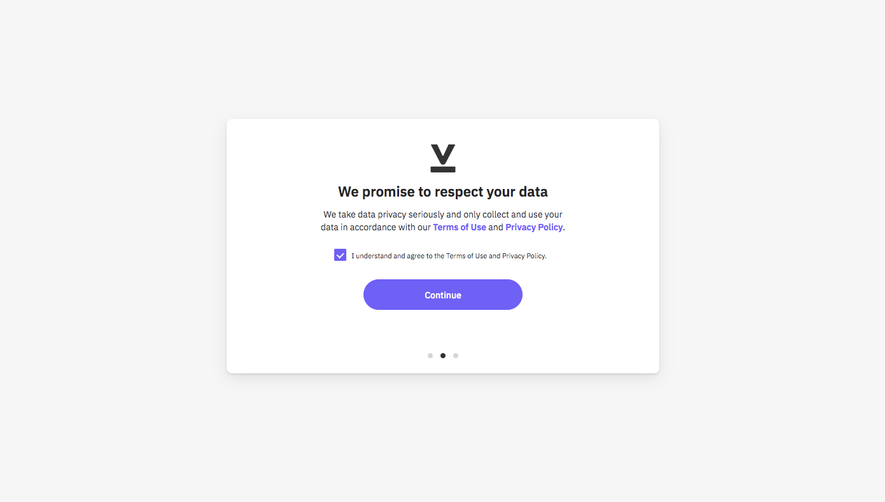

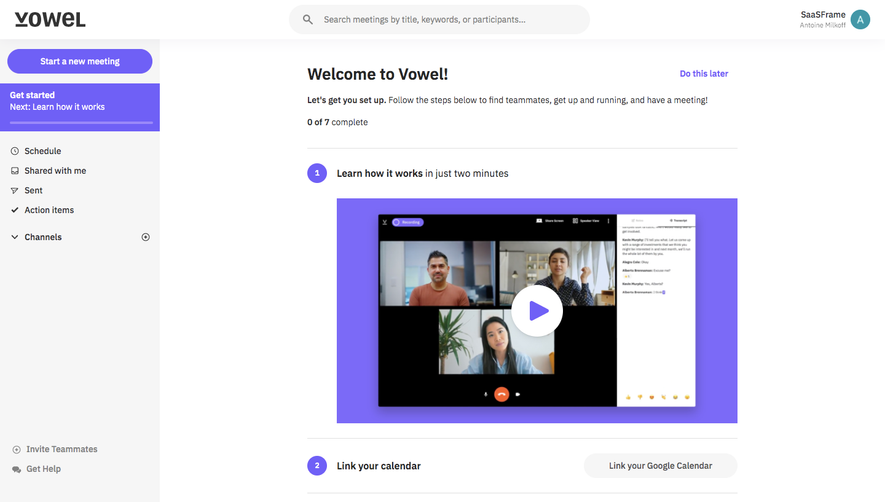
Similar screens
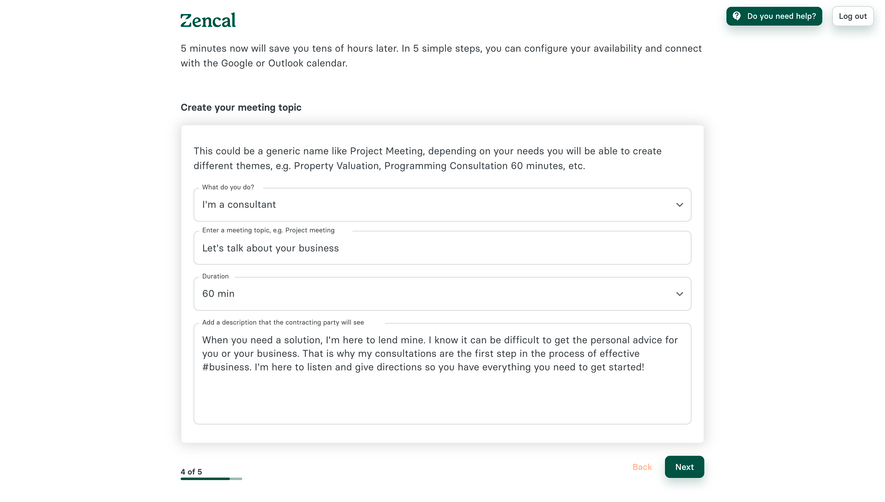


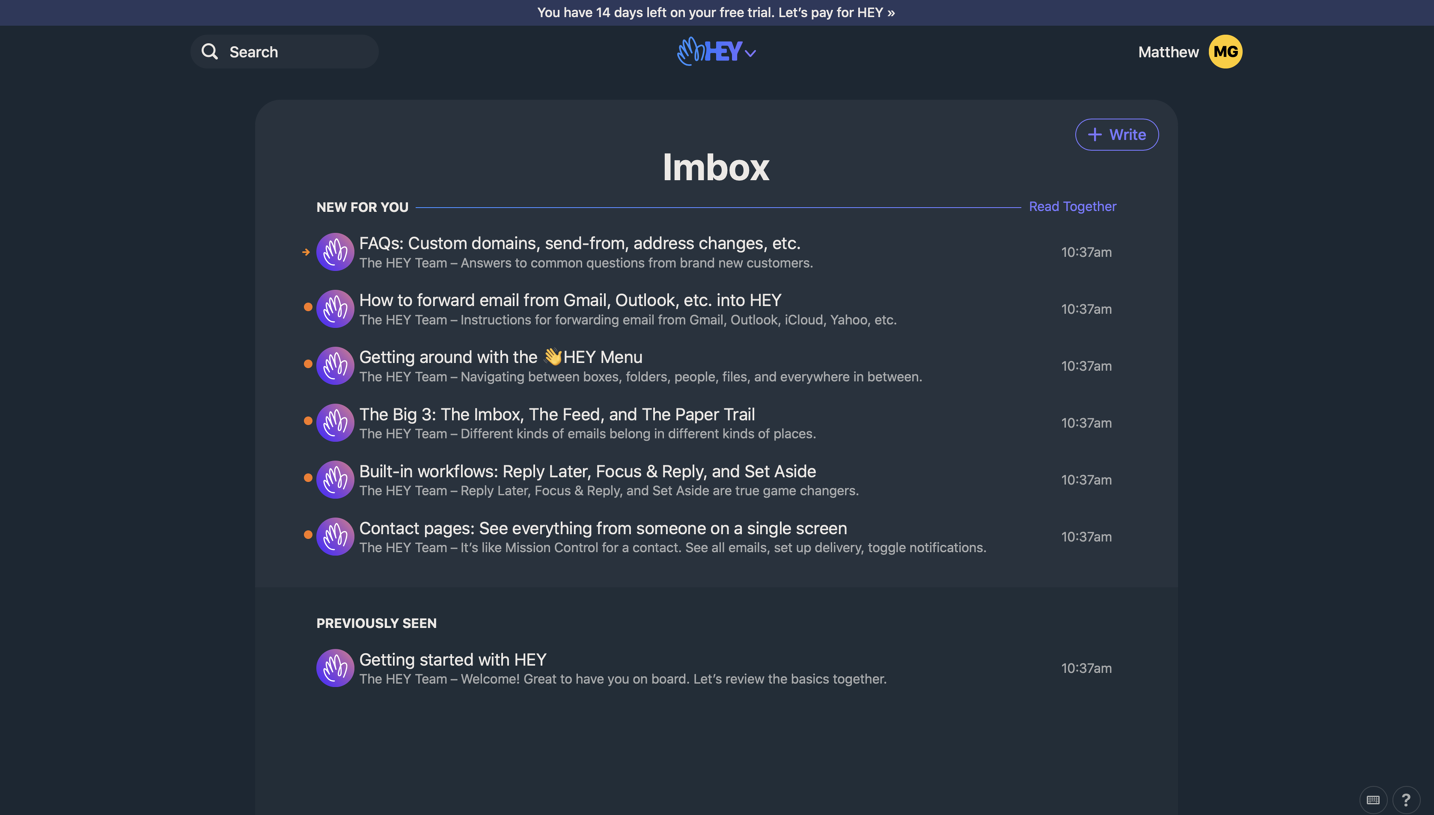



Upgrade to SaaSFrame Pro now to see similar examples.
Monthly
$18 /month
Billed $18 monthly
Browse all screens & flows
Filter and search screens & flows
Search text in screenshots
Access Figma files
Access mobile versions
Join now
Quarterly
$16 /month
Billed $48 quarterly
Browse all screens & flows
Filter and search screens & flows
Search text in screenshots
Access Figma files
Access mobile versions
Join now
Yearly
$15 /month
Billed $180 yearly
Browse all screens & flows
Filter and search screens & flows
Search text in screenshots
Access Figma files
Access mobile versions
Join now