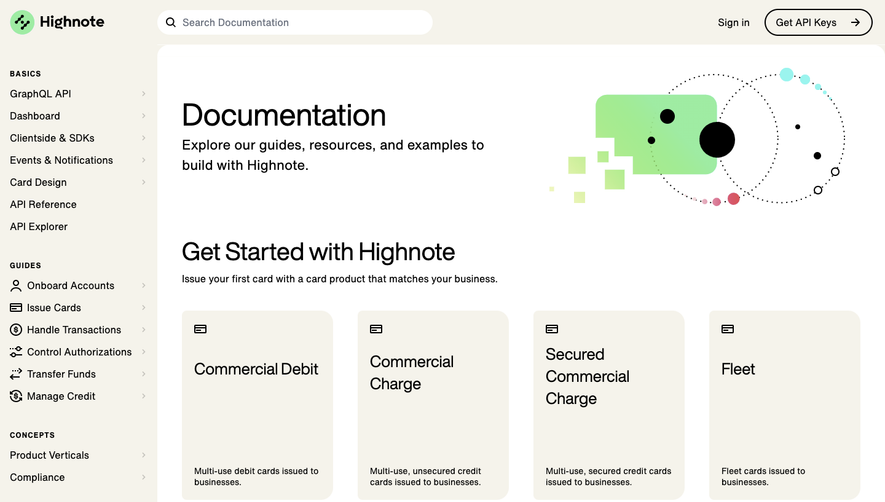
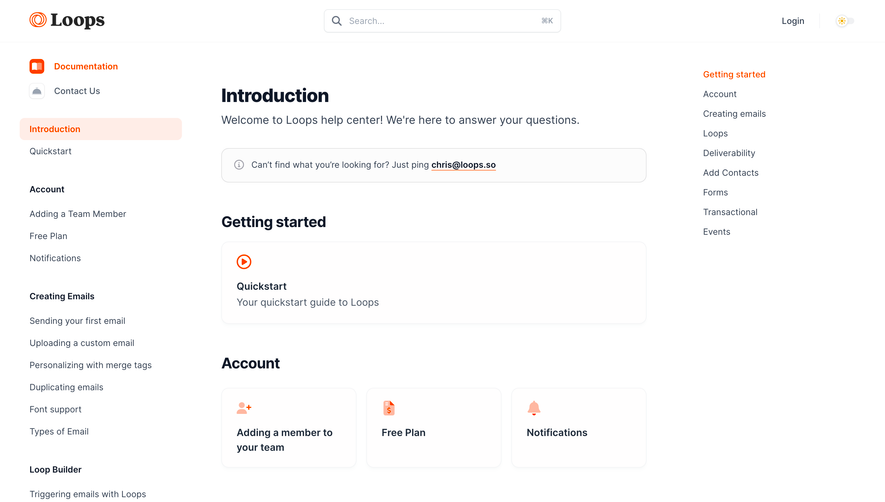
Generate a new design based on this screen using your own content.
Thank you! Your submission has been received!
Oops! Something went wrong while submitting the form.
# Design from Reference: Unkey Documentation
Create an original, high-fidelity visual design inspired by the reference. Prioritize composition, typography, colors, spacing, and component styling over technical implementation.
## Reference
- **Product:** Unkey
- **Category:** Documentation
- **Screenshot:** https://cdn.prod.website-files.com/5e9dc792e1210c5325f7ebbc/6acad3acc2028efdec71b05f_6acad15d5de9841cab63cb3f_cms-acb550a548c05f87091148b9.webp
Analyze the screenshot first. If inaccessible, request it rather than guessing.
## Content
{{content.instructions}}
{{content.data}}
Preserve essential messaging and factual accuracy. Adapt structure and copy length for visual balance; never invent product claims.
## Visual Design
Use this context to reproduce the reference's visual language: layout, typography, colors, spacing, borders, radii, and distinctive elements. The screenshot takes priority if descriptions conflict.
## Direction
{{preferences.fidelityInstructions}}
## Output
{{output.instructions}}
Deliver a polished, cohesive design with precise alignment, hierarchy, and spacing. Produce the requested visual artifact, not just a description. If unsupported, explain the limitation.
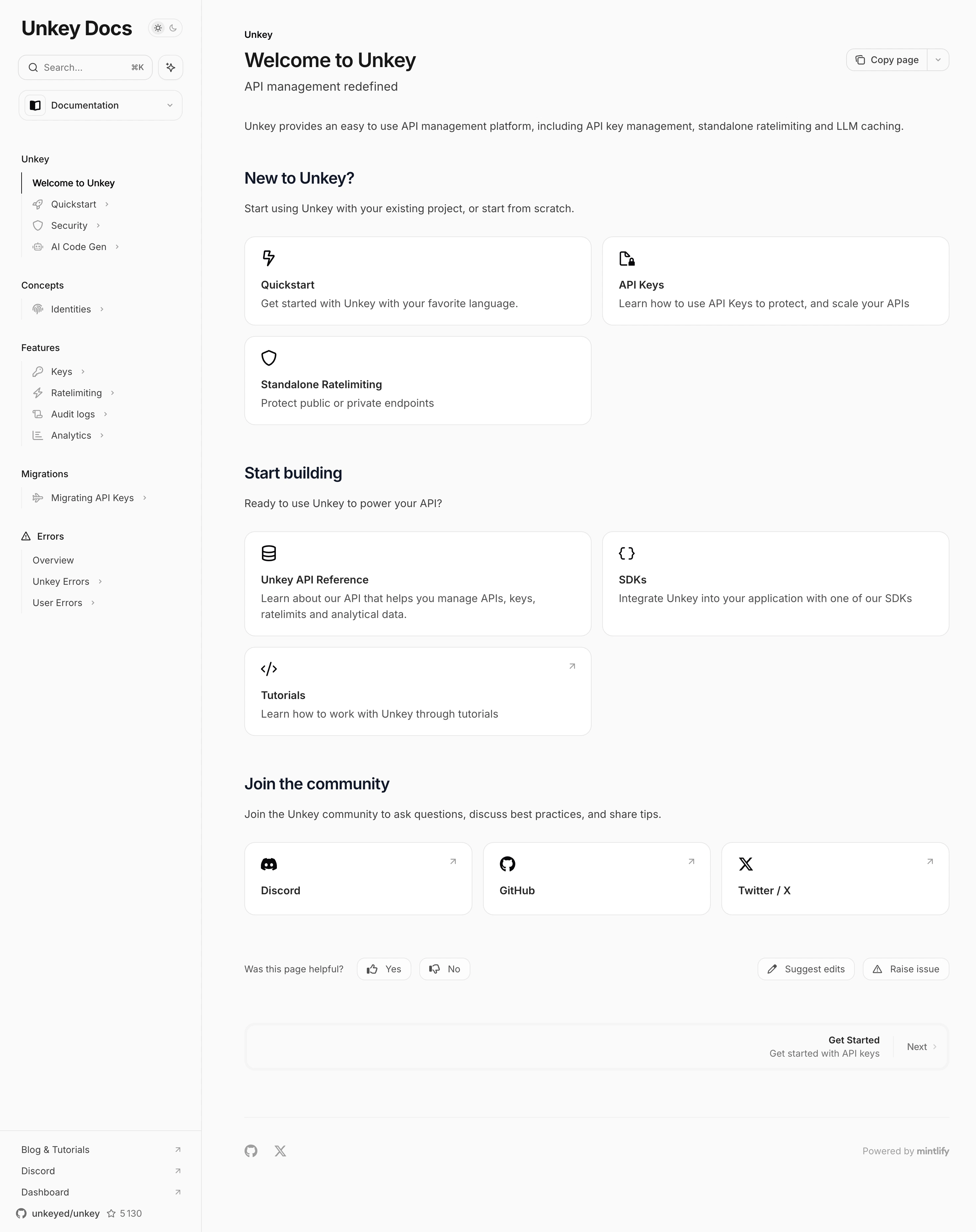
Unkey's docs page nails the "less is more" approach. The first thing you notice is how much whitespace there is. It's almost aggressively minimal, and it works. The left sidebar keeps navigation tight with collapsible sections for Concepts, Features, Migrations, and Errors. No clutter, no visual noise.
Card-Based Wayfinding
The content area uses simple bordered cards with small icons to break up sections like Quickstart, API Keys, and Standalone Ratelimiting. They're not flashy. Just functional containers that make scanning effortless. The "Start building" section follows the same pattern with cards for API Reference, SDKs, and Tutorials. Consistent and predictable in the best way.
Typography Does the Heavy Lifting
Bold section headers in what looks like a clean sans-serif font create clear hierarchy. Body text stays light gray, keeping things readable without competing. The community section at the bottom with Discord, GitHub, and Twitter/X cards feels human. That "Was this page helpful?" bar with thumbs up/down is a smart touch. Powered by Mintlify, and it shows.
.webp)



.avif)